


.png)



If you manage a website — especially one with interactive content like a virtual tour — you've probably come across the term "ADA widget" without a clear explanation of what it actually does. It sounds technical, but the concept is simple: an ADA widget is a tool designed to help make your website or virtual tour more accessible to people with disabilities.
This article breaks down what an ADA widget is, how it functions specifically within a virtual tour, and why accessibility is becoming an increasingly important consideration for businesses and tour creators.
"ADA" refers to the Americans with Disabilities Act, a U.S. civil rights law that prohibits discrimination based on disability. While the ADA was enacted before the modern web existed, digital accessibility has become an increasingly important consideration for businesses and organizations. You can read the government's guidance on web accessibility at ADA.gov.
A "widget," in this context, is a small interactive tool — usually represented by a floating icon — that gives visitors access to features that can make digital content easier to use. Depending on the implementation, accessibility features may include:
For a standard webpage, implementing these features can be relatively straightforward. For a virtual tour accessibility setup, however, it's a different challenge entirely because tours are spatial, interactive, and often built around custom navigation systems rather than a simple scrollable page.
Think about how a typical visitor uses a virtual tour: they click and drag to look around, select hotspots to move between rooms, and use visual cues — such as arrows, floor plan thumbnails, and highlighted areas — to orient themselves. Much of that experience relies on sight and the ability to interact with a mouse or touchscreen.
For someone using a screen reader, a 360° panorama may not provide meaningful information unless its interactive elements have been properly labeled and structured. Similarly, someone who can't use a mouse may have difficulty rotating the view or selecting hotspots if keyboard navigation isn't supported.
Without appropriate accessibility features, parts of a virtual tour may therefore be difficult or impossible for some visitors to use, even if the rest of the website is reasonably accessible.
This is the gap that tour-specific solutions, such as CloudPano's ADA compliance widget, are designed to address by adding accessibility features to the virtual tour experience.
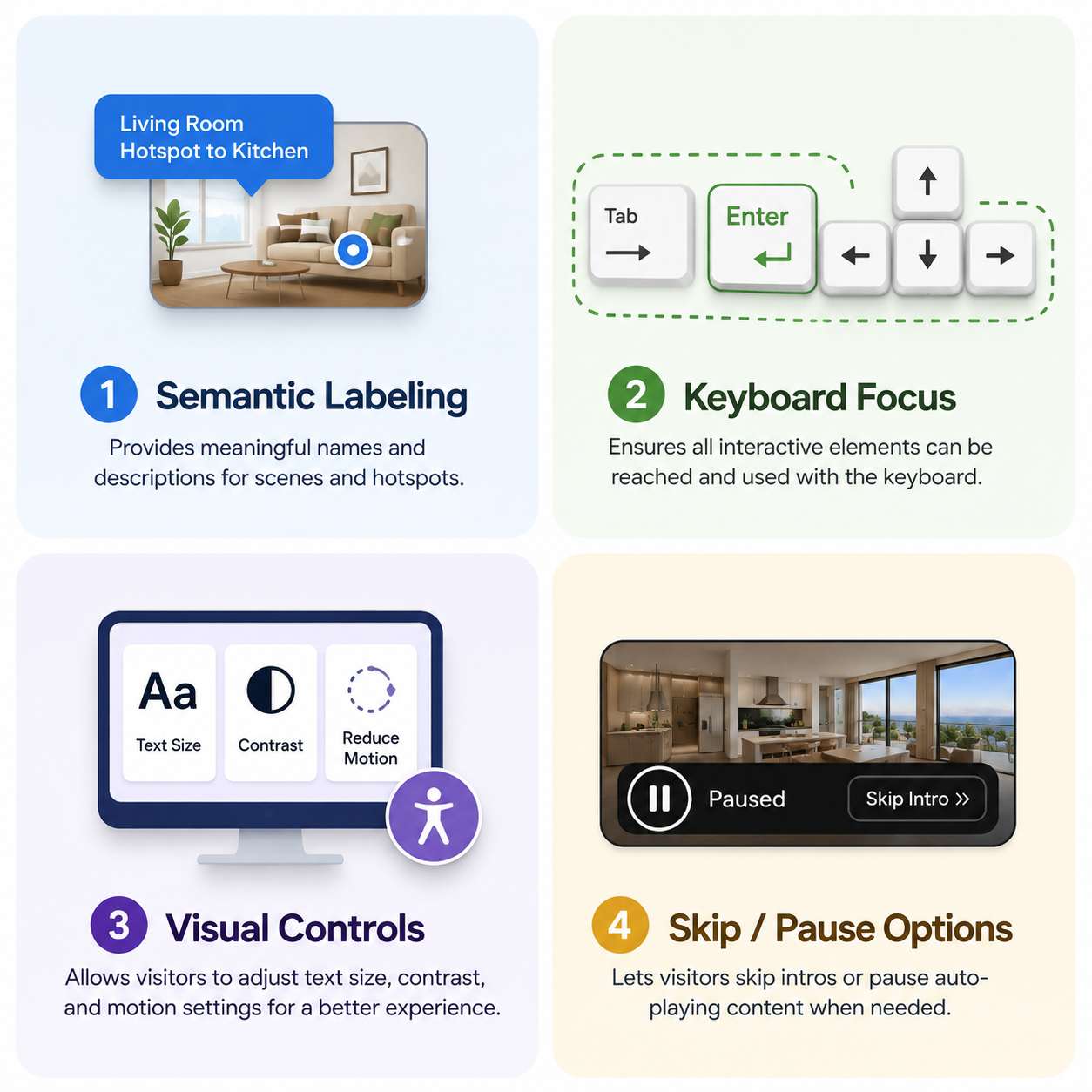
At a technical level, accessibility features for virtual tours may address several key areas:
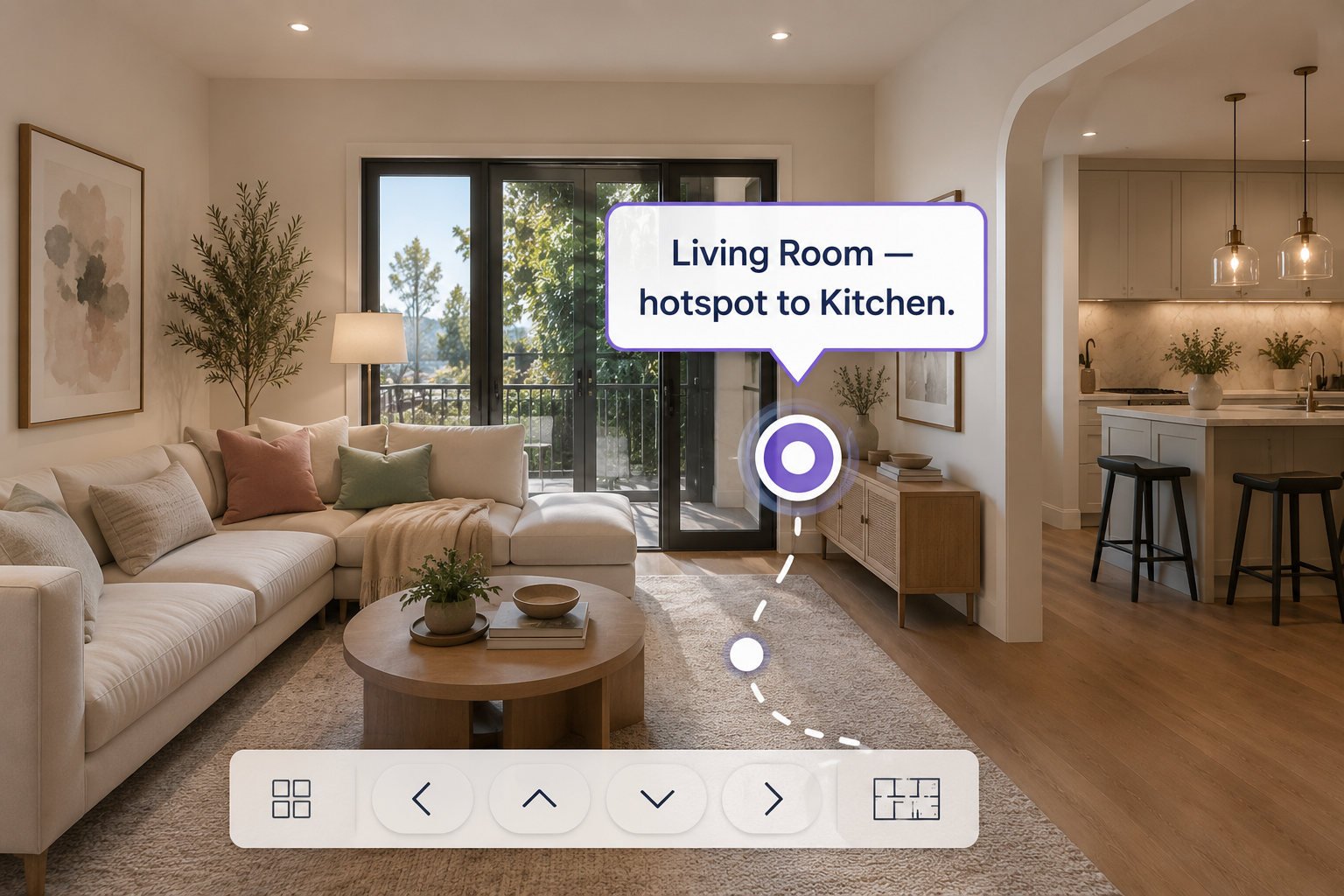
These capabilities depend on how the virtual tour platform and its accessibility features are implemented. Simply publishing a tour online doesn't automatically make every part of the experience accessible, which is why the accessibility capabilities of the virtual tour platform itself are important.
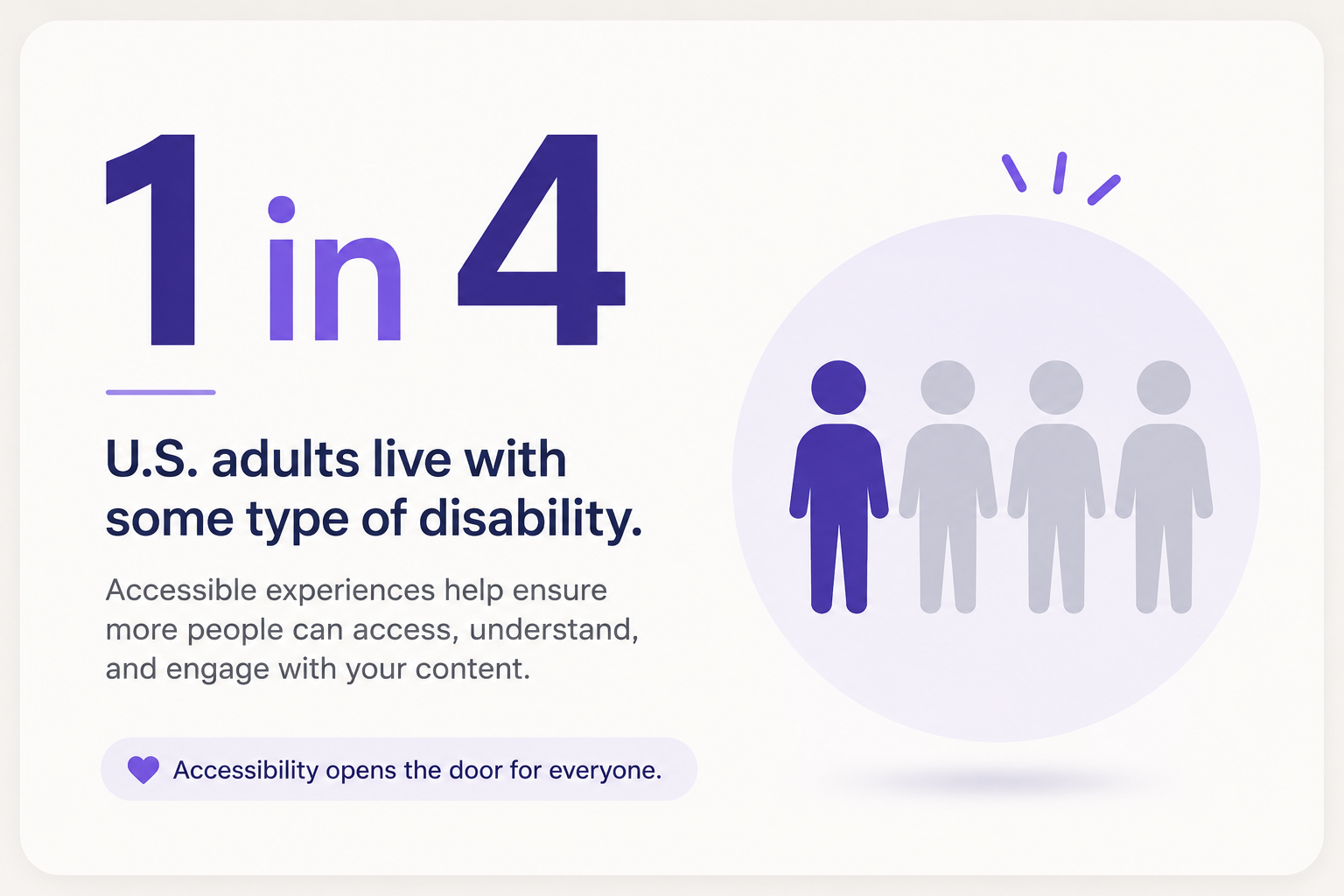
It's tempting to think about ADA widgets purely through a legal lens, but accessibility has broader implications.
The CDC reports that a significant portion of U.S. adults live with some type of disability. When a digital experience is difficult or impossible for someone to use, businesses may unintentionally exclude part of their potential audience.
Accessibility can also affect the overall user experience and perception of a brand. Visitors who encounter barriers when trying to explore a property, hotel, museum, or other location through a virtual tour may simply leave rather than report the problem.
WebAIM, a widely recognized resource for web accessibility, provides research and guidance highlighting the prevalence of accessibility issues across the web. This makes accessibility more than a niche technical consideration — it's an important part of creating digital experiences that can serve a broader audience.
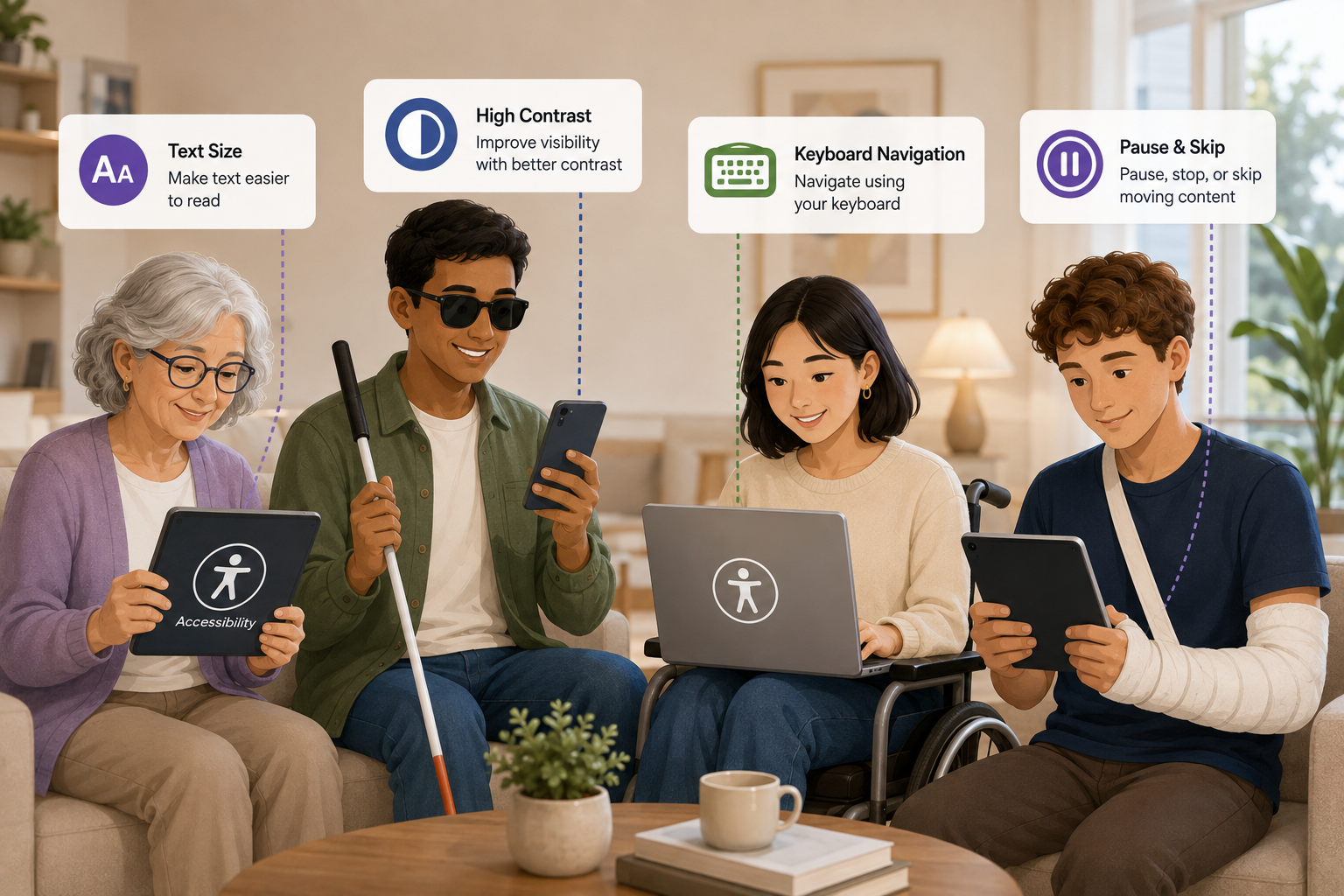
It's worth noting that accessibility features often benefit more than the specific groups they were originally designed to support.
High-contrast modes, for example, can make content easier to view in bright environments. Keyboard navigation may help someone with a temporary injury just as much as someone with a permanent motor disability. Text resizing can benefit older visitors, people with low vision, and anyone viewing content on a smaller screen.
This reflects a broader principle behind the W3C's Web Content Accessibility Guidelines (WCAG): designing digital experiences with accessibility in mind can improve usability for a wide range of people.
If you're publishing virtual tours and haven't added accessibility support yet, start by reviewing the accessibility features available within your virtual tour platform.
Platforms with accessibility functionality built into their virtual tour experience can make it easier to add and manage these features without having to develop an entirely new accessibility system yourself.
If you're using CloudPano, you can learn more about the available functionality on the CloudPano ADA compliance page.
You can also explore the full CloudPano feature set to see how accessibility fits alongside the platform's other virtual tour tools and features.


Compact, ready to go anywhere
Interchangeable lens that’s upgradeable
Dual 1-inch sensors for improved clarity and low light performance
Dynamic range and 6K 360° capture
360° photo resolution at 21MP

8K 360° video recording for ultra-detailed visuals.
4K single-lens mode for traditional wide-angle shots.
Invisible selfie stick effect for drone-like perspectives.
2.5-inch touchscreen with Gorilla Glass protection.
Waterproof up to 33ft for underwater shooting.

360° photo resolution in 23MP
Slim design at 24 mm thick
Built-in image stabilization for smooth video capture.
Internal 19GB storage for photo and video storage.
Wireless connectivity for remote control and sharing.

60MP 360° still images for high-resolution photography.
5.7K 360° video recording at 30fps.
2.25-inch touchscreen for intuitive control.
USB Type-C port for fast charging and data transfer.
MicroSD card slot for expandable storage.
.png)

.png)

Try it free. No credit card required. Instant set-up.







.svg)


.svg)