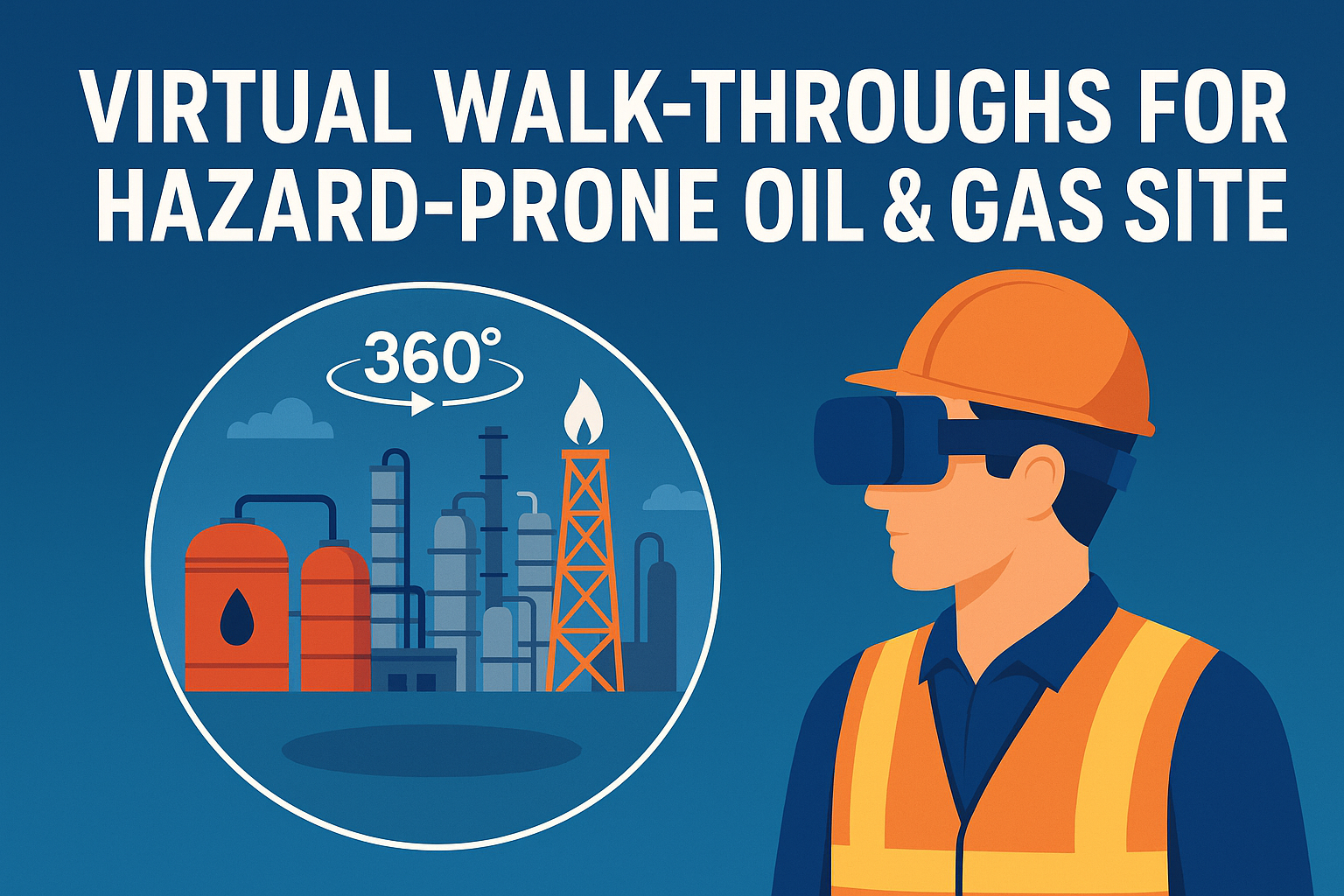
Virtual Walk-Through Technology for Hazard-Prone Oil & Gas Sites

Cloudpano
July 24, 2025
5 min read
Share this post

🛢️ Virtual Walk-Through Technology for Hazard-Prone Oil & Gas Sites 🛠️

In the high-risk environment of the oil and gas industry, safety is not optional—it's essential. With hazardous zones, strict compliance requirements, and complex site layouts, staying ahead of danger demands modern tools. That’s where 360° virtual walk-through technology steps in. 🎯

Whether you're overseeing a refinery, offshore rig, or shale field, this immersive technology enables teams to navigate, assess, and train remotely—reducing exposure to risk while boosting operational efficiency.

🚨 Why Oil & Gas Sites Are High-Risk Zones

From combustible gases to corrosive chemicals, oil and gas environments are full of hazards:

  • 🧯 Fire and explosion risks
  • 💥 Pressurized systems and leak potentials
  • 🛢️ Confined spaces and fall dangers
  • 🏗️ Complex machinery and shifting terrain

Despite robust protocols, human error and lack of visibility remain major contributors to safety incidents. That’s why proactive planning and real-time monitoring are critical.

👷 Enter Virtual Walk-Throughs: A Safety Game-Changer

360° virtual walk-throughs are digitally scanned environments that allow users to "walk" through hazardous sites remotely via a computer, tablet, or VR headset.

No boots on the ground required
Inspect and train from any location
Visualize high-risk areas in detail

Imagine giving your safety team, new hires, or remote engineers a full tour of a hazardous gas zone—without stepping foot near it. That’s the power of this tech.

🛡️ Top Safety Benefits of Virtual Walk-Throughs

1. Risk-Free Hazard Recognition Training

Virtual tours allow staff to experience site layouts, hazard zones, and escape routes in advance.

Learn more: VR Hazard Recognition Training for Oil and Gas: A Smarter Way to Stay Safe

2. Faster Emergency Planning & Simulations

Teams can visualize evacuation routes and simulate scenarios like blowouts or chemical leaks.

Related read: Oil and Gas Emergency Preparedness Enhanced: 360 Virtual Tours + Documentation Software

3. Remote Team Coordination

Engineers, safety officers, and managers can collaborate across borders using shared virtual environments.

👉 See how in Train for Oil and Gas Emergencies with 360 Virtual Tours and Smart Documentation Tools

4. Boost Compliance with Visual Documentation

Virtual walk-throughs can be archived for inspections and compliance audits. Regulators and insurers love clear visuals. 📸

Want documentation that supports audits? Check out Why 360° Documentation Software Is Key to Refinery Staff Orientation

🧰 Common Use Cases in Hazardous Zones

  • 👨‍🏭 Pre-job safety briefings
  • 🔍 Remote site inspections
  • 🚒 Emergency response simulations
  • 🧪 Chemical plant monitoring
  • ⚠️ High-risk training for new hires

🌍 Site Access from Anywhere

With satellite or Wi-Fi connection, your team can inspect offshore rigs or deep shale basins from HQ.
Bonus: No travel costs, no PPE headaches, and no scheduling delays. 🙌

Learn more about Remote Monitoring Made Easy with Oil and Gas Virtual Walk-Throughs

🧑‍💻 How It Works

  1. 360° Camera Scans: Technicians capture high-res walkthroughs using drones or ground-based 360 cameras.
  2. Cloud Upload: The environment is uploaded to a secure platform like CloudPano.
  3. Access & Share: Stakeholders access the site in-browser or via VR headsets.
  4. Markups & Notes: Users can annotate risks, leave feedback, and highlight concerns.

📈 Real Impact: Metrics That Matter

  • 🕒 80% faster onboarding for new field techs
  • 💰 50% lower site visit travel costs
  • 🧠 3x higher training retention using immersive tools
  • 🚨 25% fewer on-site incident reports

(Source: CloudPano field user studies across oil & gas clients)

🧩 Combine With Smart Documentation

Pairing virtual walk-throughs with smart documentation tools creates a powerful inspection system.

📖 Want to learn more? Read Digitize Oil and Gas Emergency Protocols with 360 Virtual Tour Software

🧪 A Peek Into the Future

As AI gets embedded into virtual platforms, expect:

  • 🤖 AI-driven hazard detection
  • 🛰️ Drone-integrated remote inspections
  • 📊 Real-time heatmaps of hazard zones
  • 🛠️ Automated compliance reporting

See the vision in The Future of Oil and Gas Inspections: Remote Technology Explained

✅ Final Thoughts

Virtual walk-through technology is no longer a futuristic idea—it’s the safeguard oil and gas operations need now. From reducing travel and training costs to saving lives through better preparedness, the benefits are clear. 🌐💪

Start exploring your high-risk zones—from your screen.

Share this post
Cloudpano

Choose The Right 360° Camera

Insta360 ONE RS 1-Inch 360 Edition

  • Compact, ready to go anywhere

  • Interchangeable lens that’s upgradeable

  • Dual 1-inch sensors for improved clarity and low light performance

  • Dynamic range and 6K 360° capture

  • 360° photo resolution at 21MP

Learn More

Insta360 X4

  • 8K 360° video recording for ultra-detailed visuals.

  • 4K single-lens mode for traditional wide-angle shots.

  • Invisible selfie stick effect for drone-like perspectives.

  • 2.5-inch touchscreen with Gorilla Glass protection.

  • Waterproof up to 33ft for underwater shooting.

Learn More

Ricoh Theta Z1

  • 360° photo resolution in 23MP

  • Slim design at 24 mm thick

  • Built-in image stabilization for smooth video capture.

  • Internal 19GB storage for photo and video storage.

  • Wireless connectivity for remote control and sharing.

Learn More

Ricoh Theta X

  • 60MP 360° still images for high-resolution photography.

  • 5.7K 360° video recording at 30fps.

  • 2.25-inch touchscreen for intuitive control.

  • USB Type-C port for fast charging and data transfer.

  • MicroSD card slot for expandable storage.

Learn More
Property Marketing
Allows potential buyers to explore properties in detail from anywhere, enhancing the real estate marketing process.
Automotive Spins
Create an interactive virtual showroom and engage affluent digital buyers with live 360º video calls, all through the CloudPano mobile app for a complete automotive sales solution.
Interactive Floor Plans
Create 2D and 3D floor plans with measurements in 4 minutes or less, all from your phone. Download the Floor Plan Scanner app and get your first scan free.

360 Virtual Tours With CloudPano.com. Get Started Today.

Try it free. No credit card required. Instant set-up.

Try it free
Latest posts

See our other posts

Interviews, tips, guides, industry best practices, and news.

Property Manager Video Hub: Scaling Rental Visibility with AI Photo-to-Video Workflows

This article explains how property managers can use PhotoAIVideo to build a property manager video hub: a repeatable system for turning rental photos, amenity images, floor plans, exterior shots, and neighborhood visuals into reusable rental marketing videos. The main idea is that property managers do not just need more listing exposure. They need clearer visual answers that help renters decide whether to schedule a tour. PhotoAIVideo is positioned as a practical tool for creating: Unit availability videos Amenity highlight videos Neighborhood videos Tour reminder clips Leasing follow-up videos Owner marketing proof videos Social media rental teasers Application or availability reminder videos Key takeaways: Property managers already have the media they need; the challenge is organizing it and turning it into reusable video assets. A video hub helps teams create consistent videos across units, floor plans, amenities, communities, and owner updates. Rental videos can reduce friction by answering renter questions about layout, condition, amenities, parking, pet features, and community feel. One rental photo set can become multiple video outputs for listings, social media, email, text follow-up, tour reminders, and owner reporting. Photographers can sell AI rental video packages to property managers as an upsell. Brokerages with property management divisions can use the same workflow to standardize leasing content. The article ends with a step-by-step process, video hub framework, mistakes to avoid, visual recommendations, FAQs, and a CTA encouraging readers to use PhotoAIVideo to turn rental photos into a scalable video system for rental visibility.
Read post

YouTube Shorts Listing Teasers: The 3-Scene Structure for Higher Property Clicks

This article explains how real estate agents, photographers, brokerages, and property managers can use YouTube Shorts listing teasers to drive more property clicks and showing requests. The main idea is that a YouTube Short should not try to show the entire house. Instead, it should use a simple 3-scene structure: Scene 1: Hook — stop the scroll with the strongest property feature. Scene 2: Proof — show the visuals that support the hook. Scene 3: Click Path — tell the viewer what to do next. The article positions PhotoAIVideo as a practical tool for turning listing photos into short vertical videos for YouTube Shorts, Reels, open house promotion, and listing campaigns. Key takeaways: YouTube Shorts should create curiosity, not replace the full listing video. The strongest property feature should appear first, not necessarily the front exterior. Agents should build each Short around one click reason, such as backyard, kitchen, layout, neighborhood, open house, or price point. One listing can become multiple Shorts instead of one generic video. Photographers can offer YouTube Shorts teaser packs as a video upsell. Brokerages can standardize the 3-scene structure across agents. Property managers can use the same structure to promote rentals and tours. The article ends with practical scripts, visual recommendations, FAQs, a visual placement guide, and a CTA encouraging readers to use PhotoAIVideo to create YouTube Shorts listing teasers from property photos.
Read post

Video Retargeting for Listings: Turning Photo-Based AI Videos into Appointment Follow-Up

This article explains how Realtors, photographers, brokerages, and property managers can use photo-based AI videos as follow-up assets after someone shows interest in a listing. The main idea is that most real estate marketing focuses on getting the first click, but many buyers and sellers need multiple touchpoints before booking a showing or appointment. Video retargeting helps agents re-engage people who already clicked a listing, watched a Reel, opened an email, attended an open house, asked about a property, or went quiet after showing interest. PhotoAIVideo is positioned as a practical tool for turning listing photos into short follow-up videos, including: Feature reminder videos Layout explainer videos Neighborhood fit videos Open house recap videos Price update videos Seller proof videos Showing request videos Rental tour recovery videos Key takeaways: A first-touch listing video introduces the property, while a retargeting video answers the next likely question. Follow-up videos should be short, usually 10–30 seconds, and focused on one action. Agents should send different videos based on behavior, such as email clicks, open house attendance, listing views, or showing interest. A good video follow-up feels helpful, not pushy. Photographers can package retargeting video clips as an upsell. Brokerages can standardize video retargeting workflows across agents. Property managers can use the same strategy to recover rental leads and book tours. The article ends with a simple retargeting sequence, visual recommendations, FAQs, and a CTA encouraging readers to use PhotoAIVideo to turn listing photos into appointment-driving follow-up videos.
Read post



