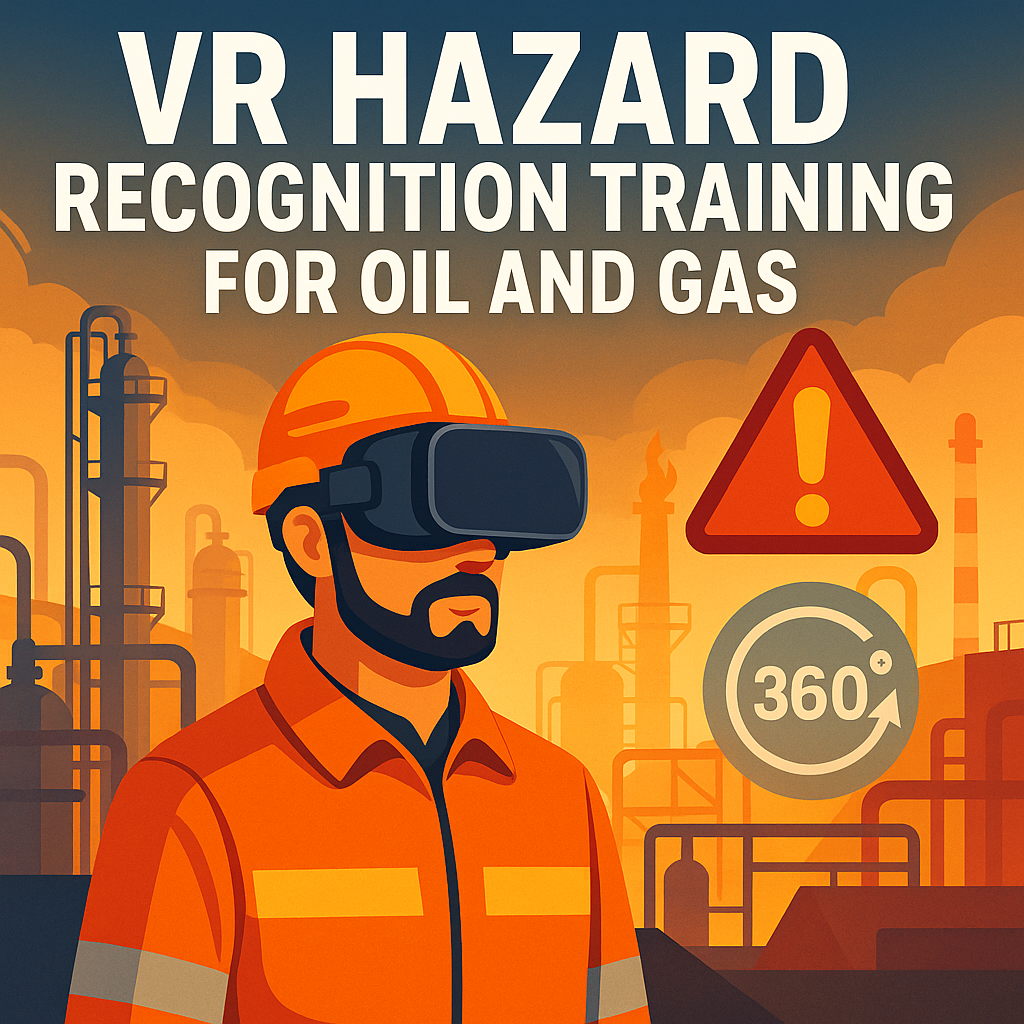
VR Hazard Recognition Training for Oil and Gas: A Smarter Way to Stay Safe

Cloudpano
July 24, 2025
5 min read
Share this post

⚠️ VR Hazard Recognition Training for Oil and Gas: A Smarter Way to Stay Safe 🛢️

In the high-risk environments of the oil and gas industry, one missed hazard can lead to disaster. Traditional safety training often relies on manuals, presentations, and in-person walkthroughs — but what if there were a smarter, more immersive way to prepare your workforce?

🔍 The answer: Virtual Reality (VR) hazard recognition training.

This innovative approach helps teams identify risks, rehearse emergency responses, and improve situational awareness — all in a 360° immersive space, without stepping foot in the danger zone. Let’s explore how VR hazard recognition is reshaping oil and gas safety training in 2025 and beyond.

🧠 Why Hazard Recognition Matters in Oil and Gas

Whether it’s a gas leak, equipment malfunction, or fire hazard, oil and gas sites are full of potential dangers. Effective hazard recognition training helps:

  • 🛑 Prevent accidents before they happen
  • 🚨 Ensure rapid, correct responses in emergencies
  • 📈 Boost compliance with OSHA and international safety standards
  • 👷‍♂️ Empower frontline workers with real-world readiness

But memorizing PowerPoints or static diagrams doesn’t cut it anymore. Workers need to see, feel, and interact with risk environments — and that’s where VR steps in.

🥽 What Is VR Hazard Recognition Training?

It’s a method of training where employees wear a VR headset or use a browser-based 360° platform to explore virtual replicas of oil and gas sites. These tours contain embedded hazards, safety signage, interactive tasks, and documentation — making safety training a dynamic, immersive experience.

With tools like CloudPano’s 360° virtual tour software, companies can create:

  • Interactive walk-throughs of refineries, rigs, and plants 🏗️
  • Scenario-based hazard ID drills 🔍
  • Emergency simulation challenges 🔥
  • Quizzes embedded into the experience ✅

🔗 Related: Boost Safety in Oil and Gas with VR-Based Hazard Recognition Virtual Tours

🚧 Common Hazards Simulated in VR

  1. Gas Leak Detection 💨
  2. Slip, Trip, and Fall Hazards ⚠️
  3. Chemical Spill Protocols 🧪
  4. PPE Compliance Zones 🧤
  5. Confined Space Entry Warnings 🔐
  6. Electrical Panel and Arc Flash Risk
  7. Blocked Emergency Exits 🚪
  8. Heavy Machinery Danger Zones 🛠️

These scenarios are built into virtual spaces so trainees can walk through, assess risks, and take action — as they would in the real world.

🔗 Related: Step Into Safety: 360 Virtual Tours for Oil and Gas Emergency Simulations

📊 Benefits of VR Hazard Recognition for Oil and Gas

✅ 1. Higher Retention & Engagement

VR learners retain up to 75% more compared to traditional classroom methods. Why? Because they’re actively involved. 🧠

✅ 2. Faster Onboarding

New workers can be trained before they ever visit the site, speeding up orientation and reducing liability.

🔗 Related: Train for Oil and Gas Emergencies with 360 Virtual Tours and Smart Documentation Tools

✅ 3. Standardized Safety Protocols

Everyone experiences the same training, the same hazards, and the same emergency protocols — reducing inconsistencies in safety messaging.

✅ 4. Real-Time Assessment

Quizzes and embedded tasks can track each user’s performance — offering instant feedback and records for compliance.

🧰 How to Get Started with VR Hazard Recognition Training

1. Capture Your Facility in 360°

Use a 360° camera (like Insta360 or Ricoh Theta) to scan your refinery, drilling site, or rig.

2. Build Your Interactive Tour

Upload footage to CloudPano or a similar VR platform. Add:

  • Hotspots for hazard IDs
  • Click-to-reveal safety tips
  • Embedded safety documents or videos
  • Interactive multiple-choice quizzes

🔗 Related: How 360 Documentation Software Powers Oil and Gas Emergency Response Training

3. Deploy to Workers

Distribute tours via:

  • VR headsets (for deep immersion)
  • Web browsers (for scalable desktop/mobile access)
  • LMS integration (track progress and compliance)

🧪 Real-World Example

A large offshore drilling company implemented VR hazard detection simulations for new hires. Results after 3 months:

  • ⏱️ 40% faster onboarding
  • 🧯 60% improvement in hazard identification scores
  • 📉 25% reduction in safety violations during the first 90 days

🔗 Related: Disaster Drill Simulations for Oil and Gas Made Easy with 360 Virtual Tours

🔐 Compliance & Documentation Made Easy

VR training can be documented automatically — tracking:

  • Completed hazard simulations
  • Quiz results and safety assessments
  • Timestamped records for audits
  • OSHA compliance history

🔗 Related: Digitize Oil and Gas Emergency Protocols with 360 Virtual Tour Software

🌍 Future-Proofing Safety with Smart Tech

VR hazard training doesn’t replace traditional safety culture — it enhances it. Combine it with:

  • AI-based incident prediction
  • IoT sensors for real-time hazard alerts
  • Cloud-based documentation tools

🔗 Related: Oil and Gas Emergency Preparedness Enhanced: 360 Virtual Tours + Documentation Software

📣 Final Thoughts

Hazard recognition is a frontline defense in oil and gas safety. With Virtual Reality, you equip your team to see risks clearly, think quickly, and act safely — all before they ever face a real emergency.

If you’re serious about building a zero-incident culture, now’s the time to bring VR into your training program.

Share this post
Cloudpano

Choose The Right 360° Camera

Insta360 ONE RS 1-Inch 360 Edition

  • Compact, ready to go anywhere

  • Interchangeable lens that’s upgradeable

  • Dual 1-inch sensors for improved clarity and low light performance

  • Dynamic range and 6K 360° capture

  • 360° photo resolution at 21MP

Learn More

Insta360 X4

  • 8K 360° video recording for ultra-detailed visuals.

  • 4K single-lens mode for traditional wide-angle shots.

  • Invisible selfie stick effect for drone-like perspectives.

  • 2.5-inch touchscreen with Gorilla Glass protection.

  • Waterproof up to 33ft for underwater shooting.

Learn More

Ricoh Theta Z1

  • 360° photo resolution in 23MP

  • Slim design at 24 mm thick

  • Built-in image stabilization for smooth video capture.

  • Internal 19GB storage for photo and video storage.

  • Wireless connectivity for remote control and sharing.

Learn More

Ricoh Theta X

  • 60MP 360° still images for high-resolution photography.

  • 5.7K 360° video recording at 30fps.

  • 2.25-inch touchscreen for intuitive control.

  • USB Type-C port for fast charging and data transfer.

  • MicroSD card slot for expandable storage.

Learn More
Property Marketing
Allows potential buyers to explore properties in detail from anywhere, enhancing the real estate marketing process.
Automotive Spins
Create an interactive virtual showroom and engage affluent digital buyers with live 360º video calls, all through the CloudPano mobile app for a complete automotive sales solution.
Interactive Floor Plans
Create 2D and 3D floor plans with measurements in 4 minutes or less, all from your phone. Download the Floor Plan Scanner app and get your first scan free.

360 Virtual Tours With CloudPano.com. Get Started Today.

Try it free. No credit card required. Instant set-up.

Try it free
Latest posts

See our other posts

Interviews, tips, guides, industry best practices, and news.

How Photographers Can Sell AI Listing Videos to Their Agent Clients

AI technology is transforming real estate media — and photographers who adapt early have a major competitive advantage. This in-depth guide explains how to sell AI listing videos to agent clients by positioning them as a premium marketing upgrade rather than a technical novelty. The article walks through practical sales strategies, pricing models, subscription opportunities, and common objections, while showing how AI-powered talking head videos can increase average order value and create recurring revenue. Readers will learn how to package AI listing videos into photo bundles, monthly content plans, and brokerage-wide solutions that elevate their services from simple media delivery to full marketing automation. If you’re a photographer looking to future-proof your business and increase profitability, this guide provides a clear roadmap to selling AI listing videos effectively.
Read post

How to Build a Recurring Revenue Stream Using AI Avatar Videos

AI avatar videos are transforming how real estate media professionals build stable, scalable businesses. In this comprehensive guide, we break down how to turn one-off video projects into a predictable recurring revenue real estate media model using AI-powered talking head technology. Instead of selling per-listing shoots, you’ll learn how to package automated listing videos, market updates, and branded content into monthly subscription offers that increase client retention and lifetime value. The article explores practical use cases, pricing strategies, workflow automation, competitive advantages, and common objections — all designed to help photographers, videographers, and marketing agencies shift from transactional income to recurring revenue. If you’re ready to move from freelancer to scalable media platform, this guide outlines a clear roadmap for building consistent monthly income in real estate marketing.
Read post

How to Create an AI Avatar Listing Video From One Headshot (Step-by-Step)

Learn how to create an AI avatar listing video from a single professional headshot using simple, step-by-step software tools. This guide walks real estate agents, brokers, and photographers through the exact process of turning one static image into a talking AI avatar that delivers listing presentations automatically. Discover how AI avatar listing videos save time, boost engagement, improve consistency across marketing channels, and help agents scale their video content without recording new footage. Perfect for anyone looking to modernize their real estate marketing with AI-powered automation.
Read post



