


.png)


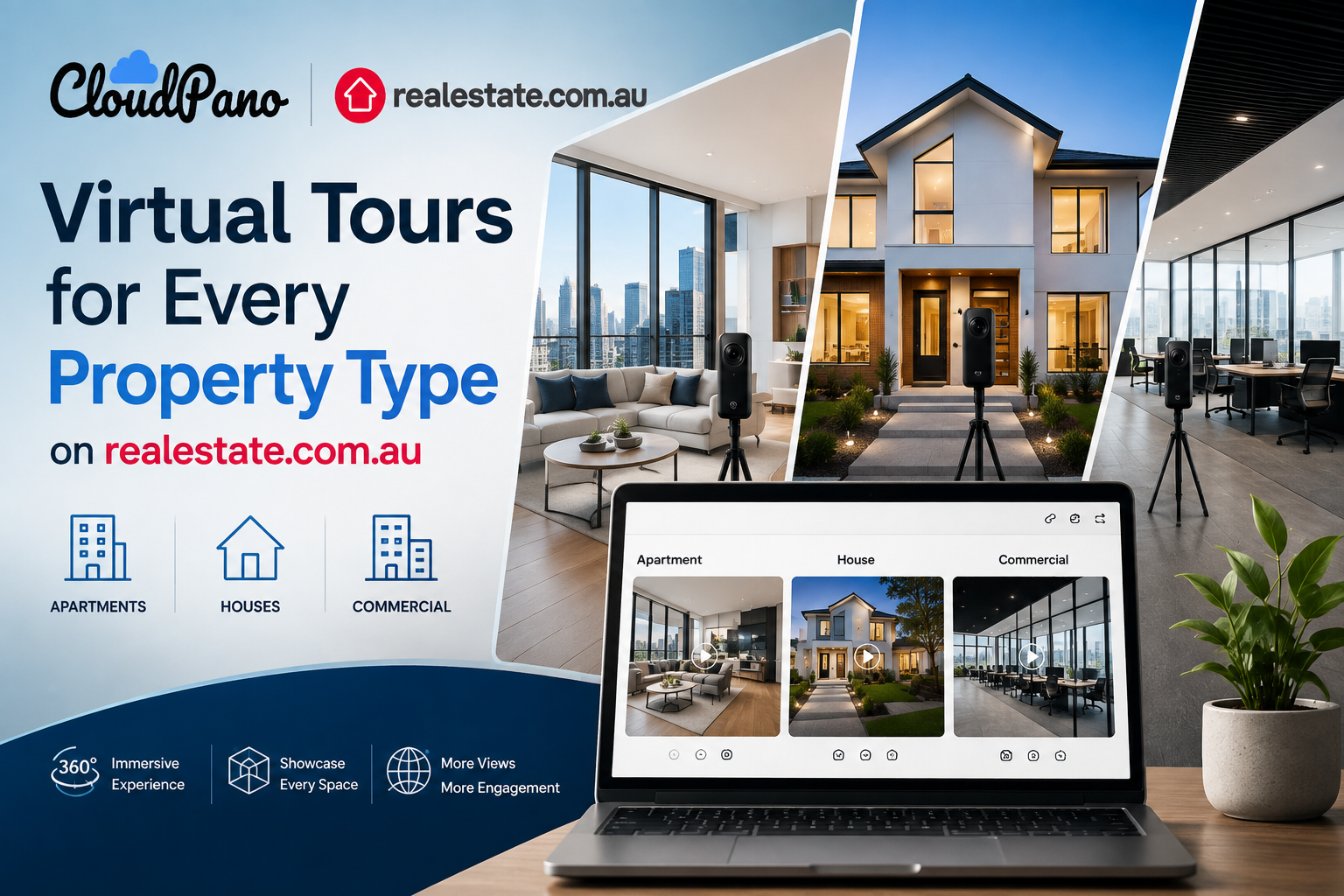
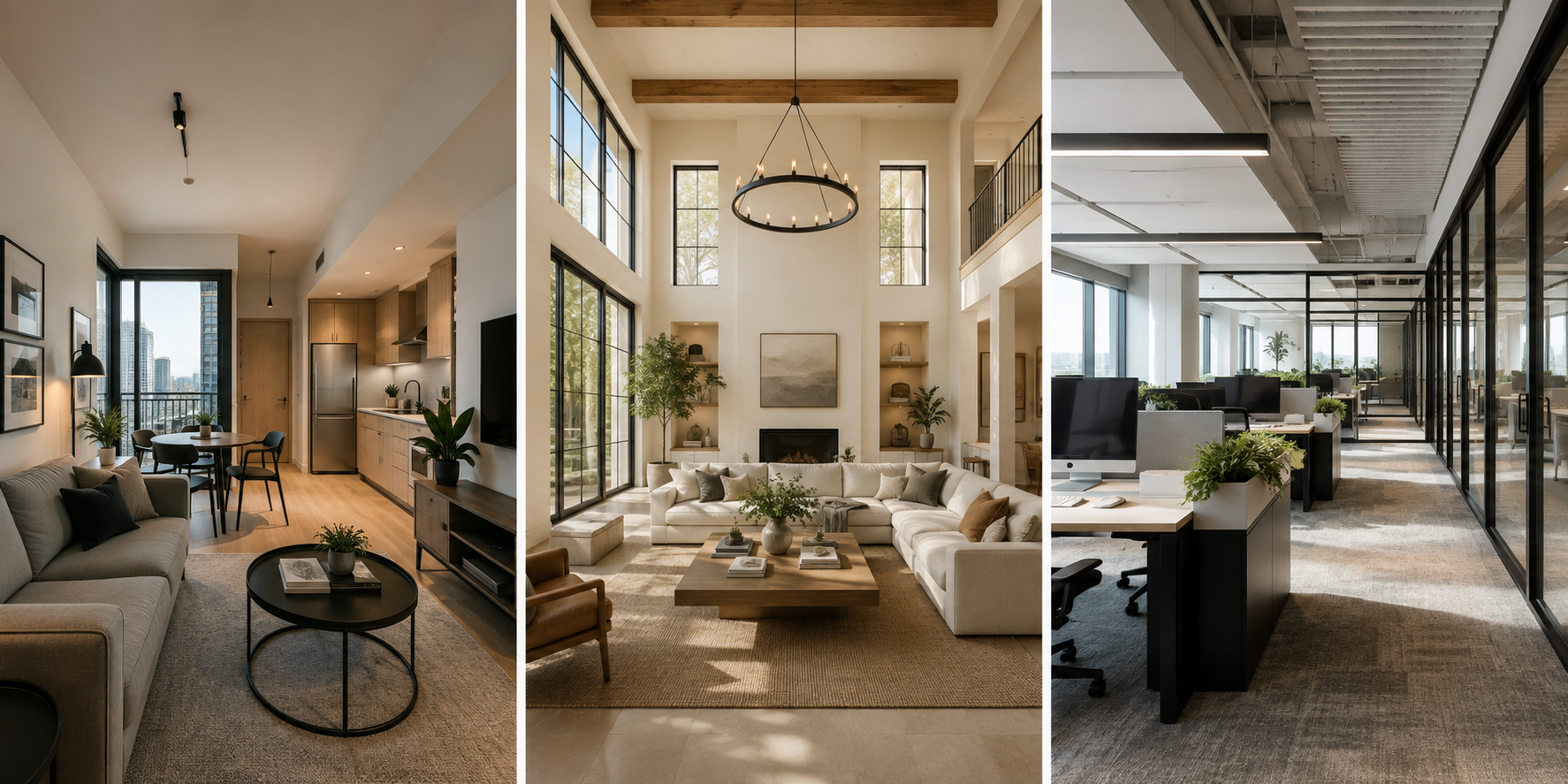
A one-bedroom apartment, a five-bedroom family home, and a commercial office suite all need a virtual tour — but shooting them the exact same way rarely produces the best result for any of them. Understanding virtual tours for different property types means adjusting your approach to each one's scale, layout, and audience, rather than treating every shoot identically.
This guide walks through what changes — and what stays the same — when you're producing tours for apartments, houses, and commercial spaces on realestate.com.au. If you haven't nailed down the core shooting and stitching workflow yet, the complete guide to creating a professional virtual tour is the place to start; this article builds on that foundation for each property category specifically.
An apartment virtual tour real estate shoot has a specific challenge: smaller footprints mean the camera is often closer to walls, furniture, and fixtures than in a larger home, which can exaggerate a sense of cramped space if you're not careful with positioning. Centering the camera as close to the true middle of each room as possible, rather than pushed toward one wall, tends to give the most accurate and flattering sense of scale.
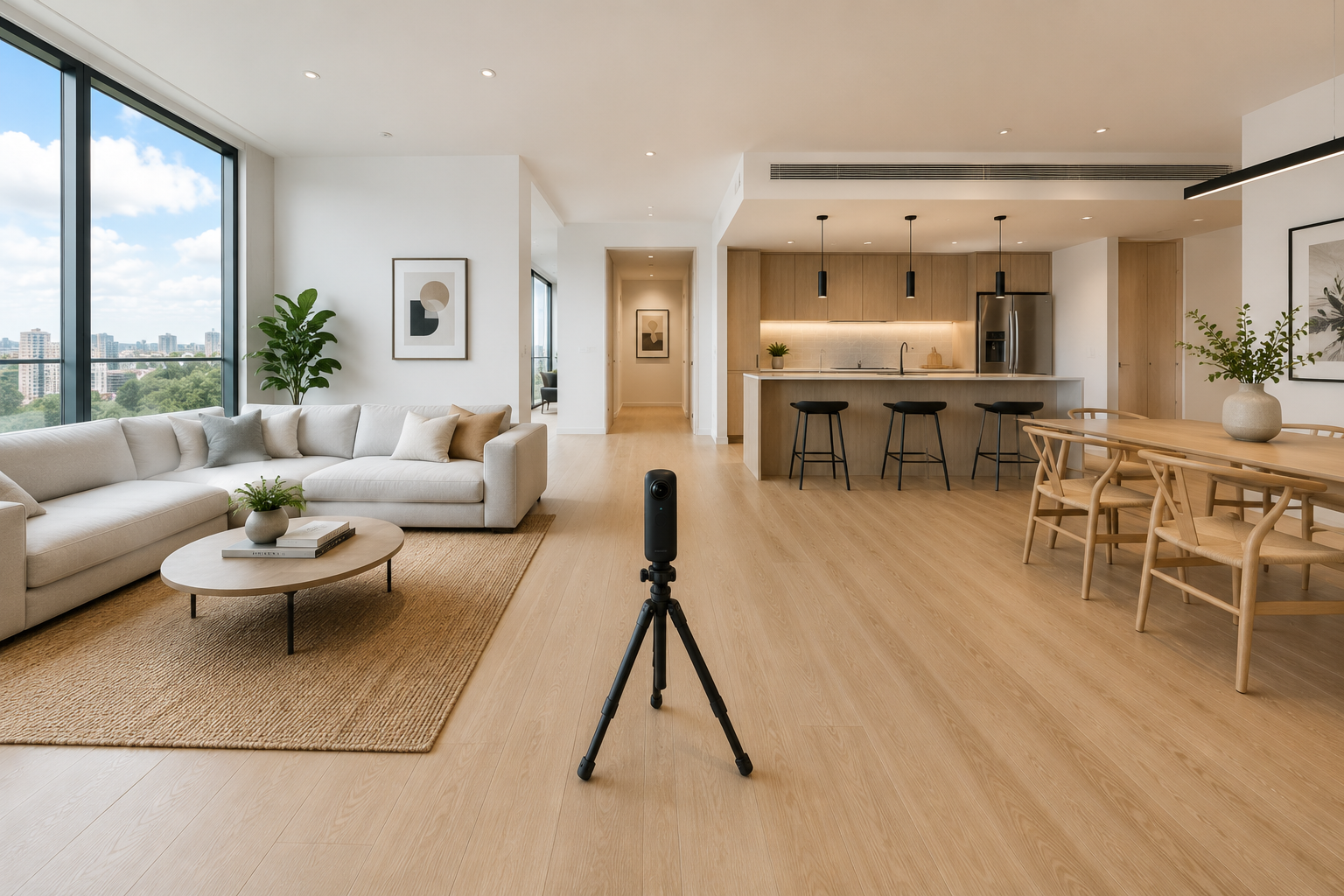
Open-plan apartments — where the kitchen, living, and dining areas share one continuous space — often work best with fewer capture points rather than more, since over-segmenting an open area into multiple stops can make the space feel choppier and smaller than it actually is on a tour. Balconies and courtyards are also worth a dedicated capture point even when small, since outdoor space is a genuine selling point in apartment listings and buyers specifically look for it. Storage — built-in robes, linen cupboards, any study nook — deserves its own quick capture too, since apartment buyers scrutinize storage more closely than house buyers typically do.
Building amenities are worth considering as a separate, optional addition rather than part of the core in-unit tour. A shared pool, gym, rooftop terrace, or lobby can genuinely influence a buyer's decision on an apartment in a way that has no equivalent in a standalone house, and including even one or two of these as bonus capture points — clearly labeled as building amenities rather than blended into the unit's own navigation — helps buyers understand what's part of the specific listing versus what's shared with the building. Lighting also deserves a second thought in apartments specifically, since many face a single direction and can lean noticeably darker or more evenly lit than a house with windows on multiple sides — plan your shoot time around when that particular aspect gets the best natural light rather than defaulting to the same time of day for every job.
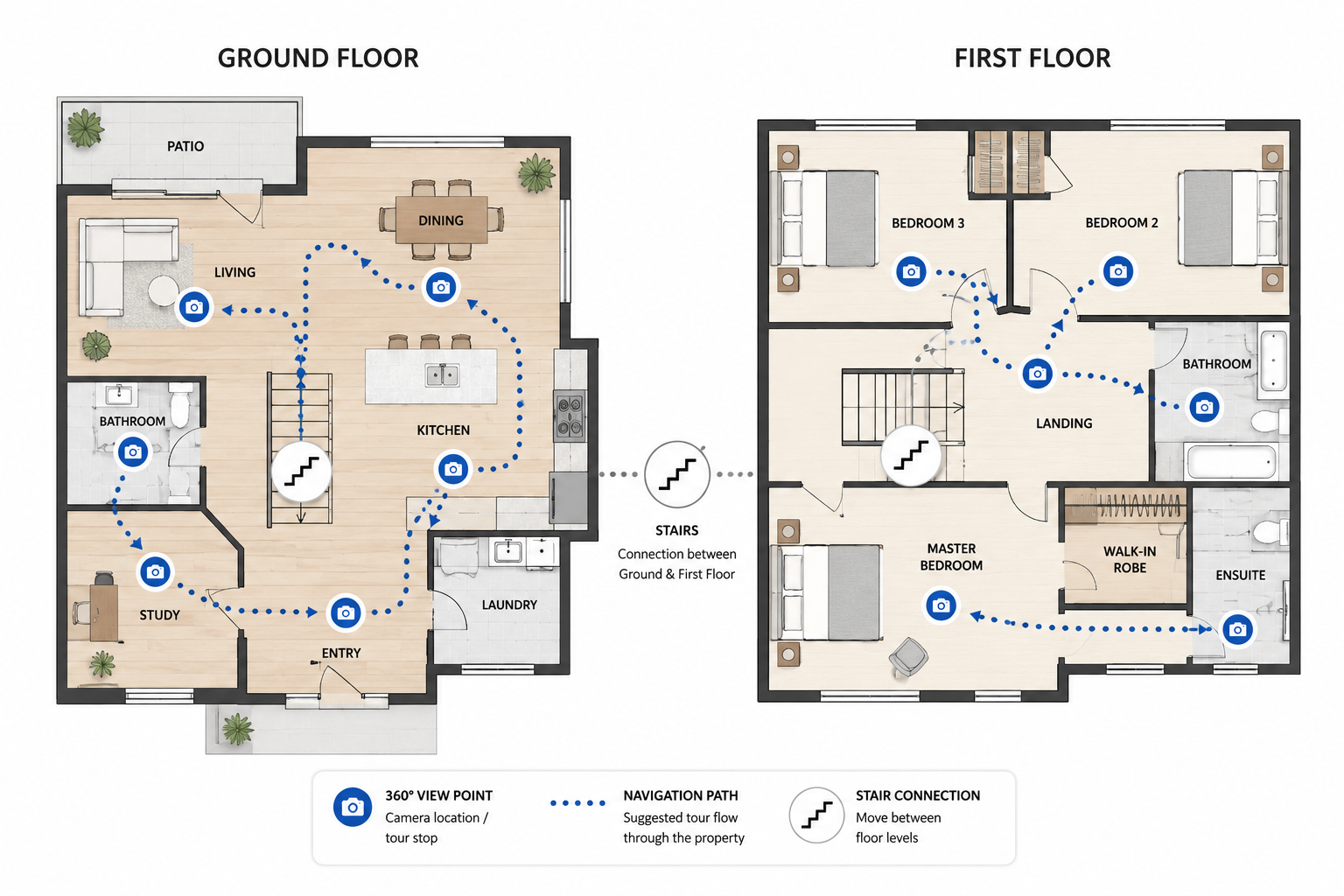
A house virtual tour listing introduces the opposite challenge: more rooms, more square footage, and often multiple levels or a more sprawling layout to navigate logically. The shot-order planning that matters for any tour becomes even more important here — a poorly planned navigation flow through a large house can leave buyers genuinely lost, clicking backward and forward trying to understand how rooms connect.
Staircases and level transitions deserve particular attention, since they're the point where navigation confusion is most likely to happen. Capture a clear connector shot at the top and bottom of any staircase, and consider whether a floor-plan or dollhouse overlay — if your software supports one — is worth including, since it helps buyers orient themselves across levels far more easily than navigation arrows alone. Outdoor areas in houses tend to be more extensive too: a backyard, a pool, a shed, a larger garden — each of these benefits from being treated as its own capture point rather than a single glance from the back door, since outdoor lifestyle features are frequently a house's strongest selling point.
Larger houses also tend to take meaningfully longer to shoot properly, simply because there's more square footage and more rooms to prepare and capture consistently. It's worth budgeting realistic time for a five- or six-bedroom property rather than assuming it will take the same length of time as a modest three-bedroom home, both for your own scheduling and for setting accurate expectations with the agent or homeowner about how long you'll need on-site. Multi-generational or dual-living homes — increasingly common in the Australian market, with a self-contained secondary living space or granny flat — deserve a clear decision up front about whether that space gets its own separate tour entry point or is folded into the main navigation, since either approach can work but the choice should be intentional rather than accidental.
A commercial property virtual tour is aimed at a meaningfully different audience than a residential one — prospective tenants or business buyers evaluating functional space, foot traffic, layout flexibility, and practical features rather than lifestyle and personal taste. That shift changes what's worth emphasizing in the shoot itself.
Floor plans and precise spatial dimensions tend to matter more in commercial tours than in residential ones, since a prospective tenant is often mentally testing whether their specific business or fit-out would work in the space. Consistent, even lighting matters even more here too, since commercial spaces are frequently larger, more uniform, and less forgiving of the mood-lighting techniques that work well in a styled residential home. If a commercial property includes multiple tenancies or subdivided sections, plan your shot order around those boundaries clearly, so the finished tour makes it obvious which areas belong to which space.
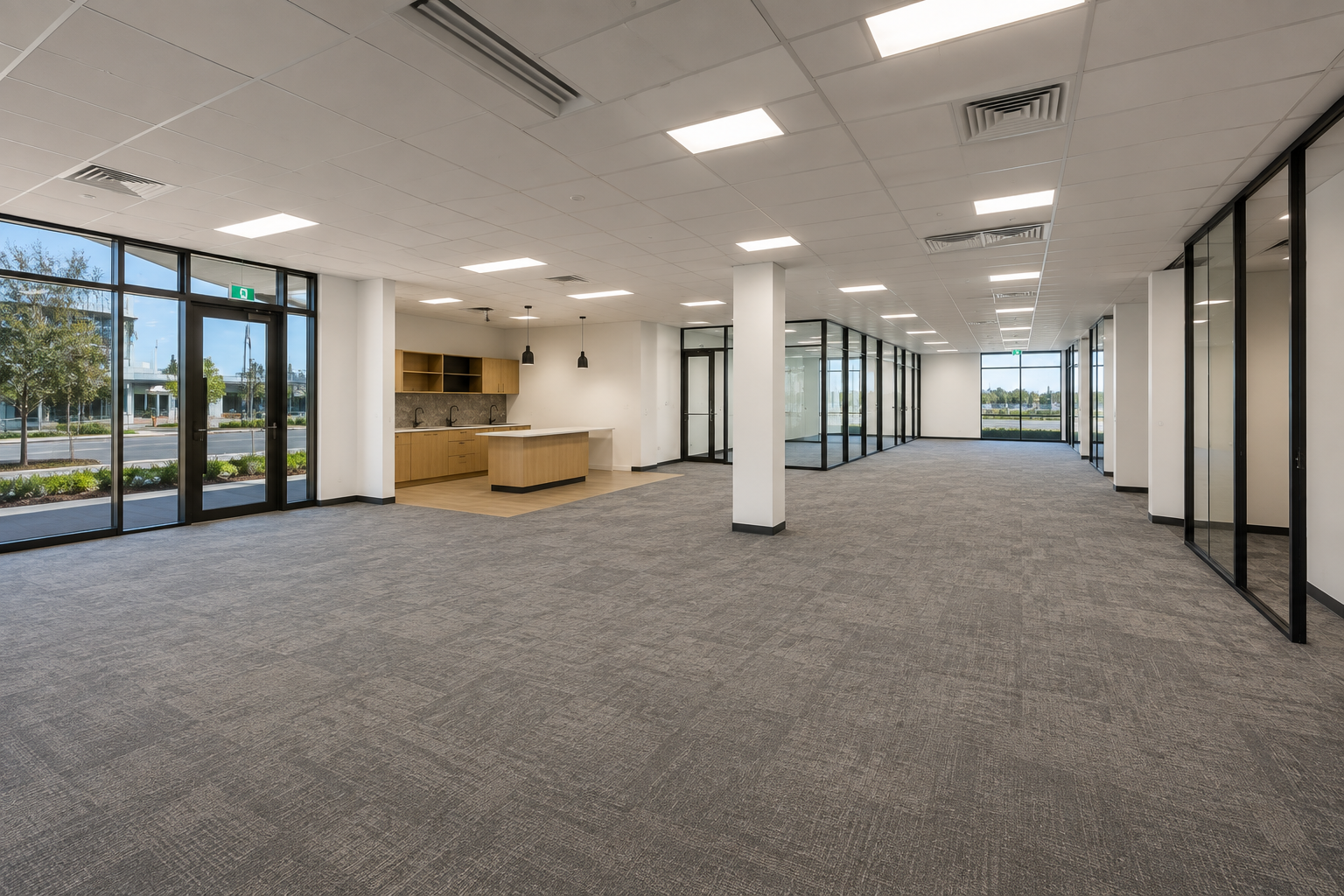
Access and scheduling also work differently for commercial shoots. Residential properties are usually vacant or easily arranged around an owner's schedule, while a commercial space might be an active business during the day, meaning shoots often need to happen before opening, after closing, or on a weekend to avoid customers or staff appearing in shot and to allow enough time to properly stage the space empty. It's worth confirming access arrangements explicitly with the property owner or manager well before the shoot date, since commercial bookings tend to involve more coordination than simply arranging a time with a homeowner. Signage, branding, and fixtures belonging to a current or previous tenant are also worth discussing in advance — a prospective new tenant generally wants to picture the space as a blank canvas, so heavy existing branding may need to be minimized in the shot composition where practical.
Despite these differences, the fundamentals covered in the core shooting and stitching process don't change: consistent camera height within a single shoot, careful attention to exposure in high-contrast rooms, a planned shot order that mirrors how someone would naturally move through the space, and a careful review of the stitched result before considering the job finished. What changes across apartments, houses, and commercial spaces is emphasis and pacing, not the underlying technique — adjusting your shooting approach room by room based on scale and audience is really an extension of the same core skills, applied thoughtfully rather than mechanically.
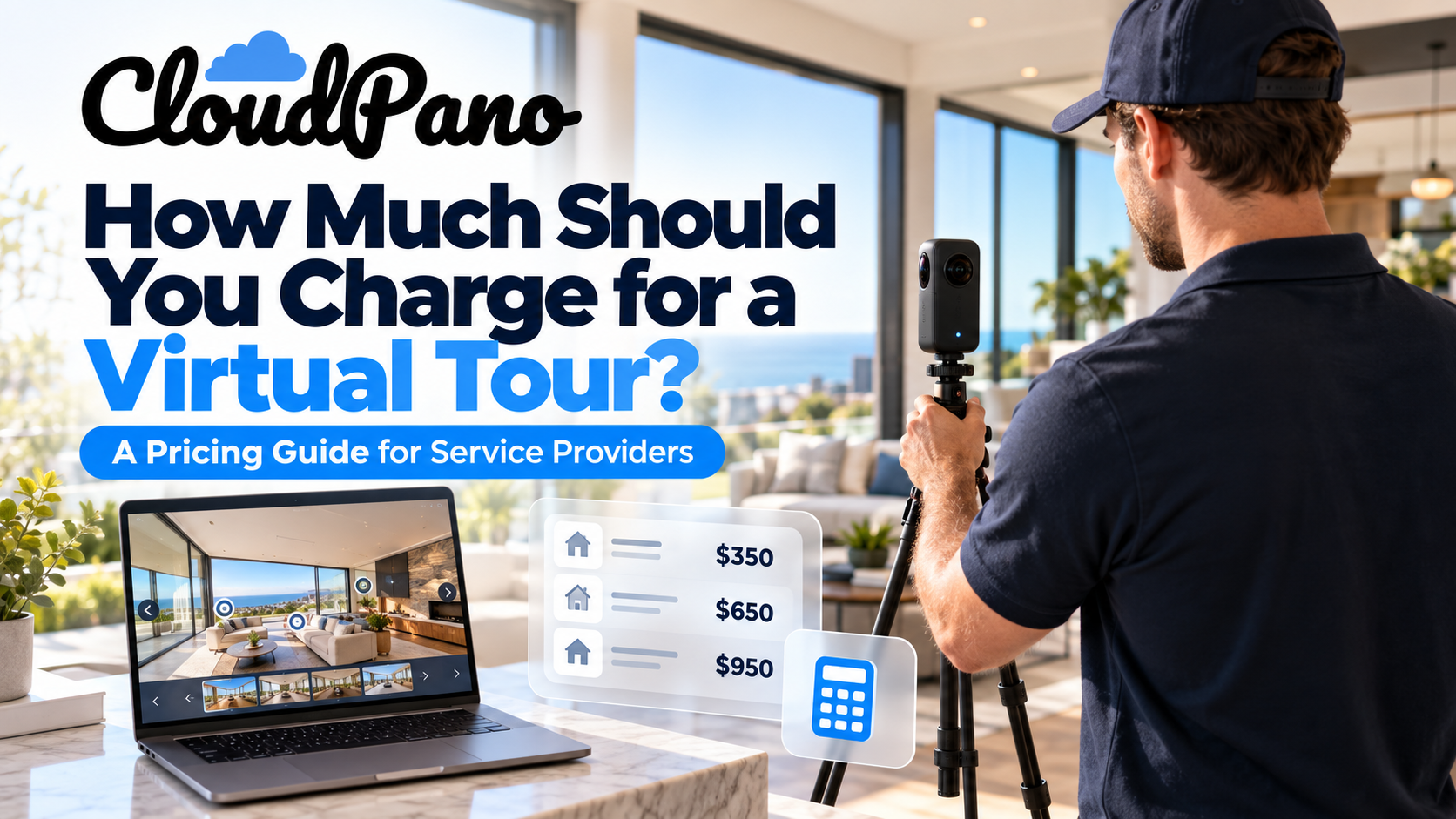
Property type also has real implications beyond the shoot itself. A larger house naturally takes longer to shoot and produces a longer, more complex tour than a one-bedroom apartment, and a commercial property may demand additional considerations like access scheduling around business hours or coordination with multiple tenants. If you're offering virtual tours as a paid service, it's worth thinking through how to price your packages by property type rather than applying one flat rate across everything you shoot, since the time and complexity involved can vary substantially between a small apartment and a large multi-level home or commercial site.
A simple, transparent way to structure this is a tiered pricing model based on rough size bands — a studio or one-bedroom apartment in one tier, a standard three- or four-bedroom house in the next, and larger houses or commercial spaces priced individually based on scope. This keeps your pricing predictable for clients while still reflecting the genuinely different amount of time and effort each property type demands, and it's far easier to explain to a new agent client than a purely case-by-case quote for every job.
Virtual tours for different property types aren't fundamentally different products — they're the same core skill set, applied with attention to what actually matters for that property's scale and audience. Get the apartment-specific details right and small spaces feel inviting rather than cramped; get the house-specific details right and a large, multi-level property feels navigable rather than confusing; get the commercial-specific details right and a prospective tenant can genuinely evaluate whether the space works for their business.
Whichever property type you're shooting next, CloudPano's workflow adapts to all three — from a compact apartment through to a larger house or a commercial property virtual tour — so the software isn't the part you need to rethink for each job.


Compact, ready to go anywhere
Interchangeable lens that’s upgradeable
Dual 1-inch sensors for improved clarity and low light performance
Dynamic range and 6K 360° capture
360° photo resolution at 21MP

8K 360° video recording for ultra-detailed visuals.
4K single-lens mode for traditional wide-angle shots.
Invisible selfie stick effect for drone-like perspectives.
2.5-inch touchscreen with Gorilla Glass protection.
Waterproof up to 33ft for underwater shooting.

360° photo resolution in 23MP
Slim design at 24 mm thick
Built-in image stabilization for smooth video capture.
Internal 19GB storage for photo and video storage.
Wireless connectivity for remote control and sharing.

60MP 360° still images for high-resolution photography.
5.7K 360° video recording at 30fps.
2.25-inch touchscreen for intuitive control.
USB Type-C port for fast charging and data transfer.
MicroSD card slot for expandable storage.
.png)

.png)

Try it free. No credit card required. Instant set-up.





.svg)


.svg)