


.png)


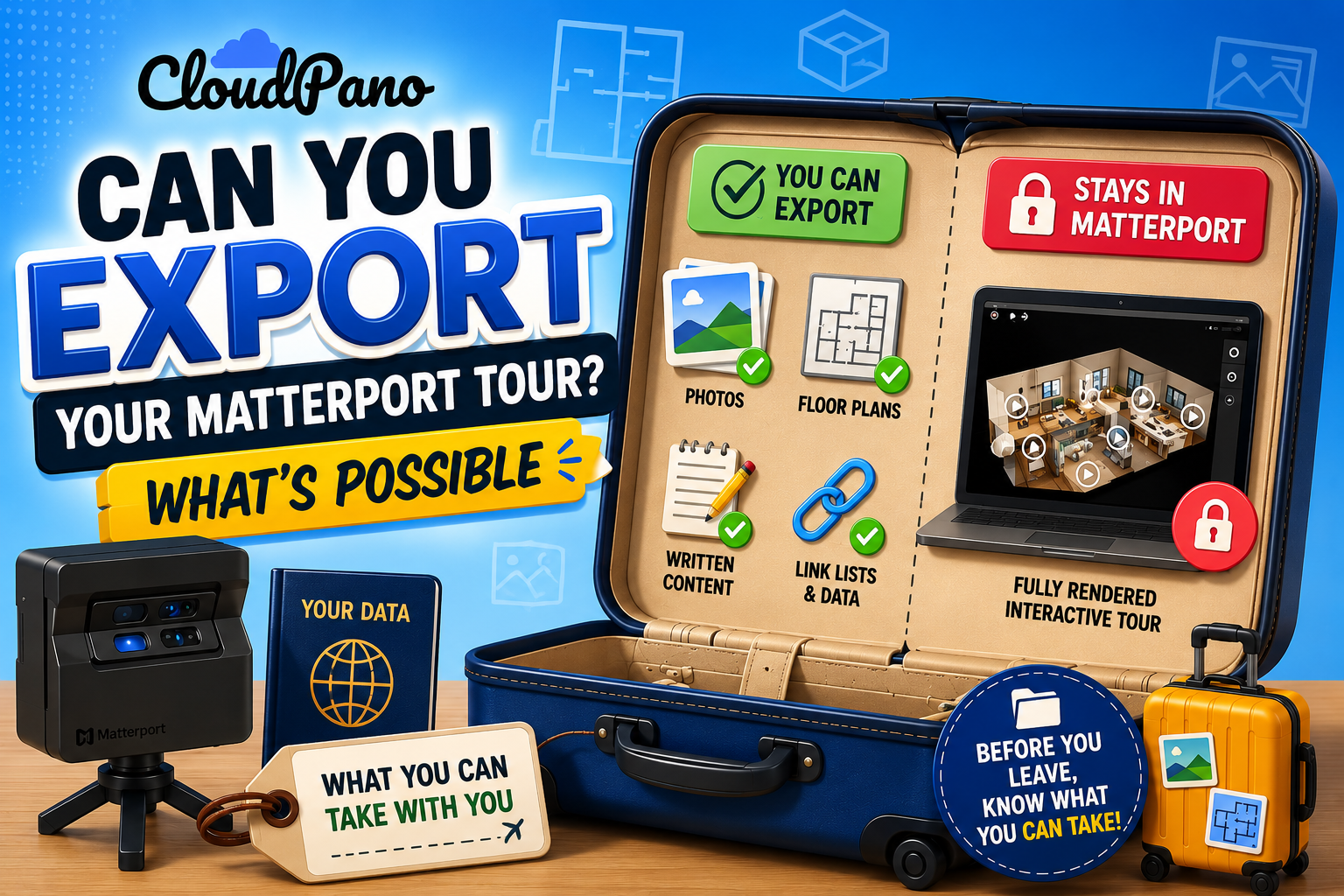
Before you switch anything, it's worth answering a very specific question: if you decided to leave today, what would actually come with you? Trying to export Matterport tour content isn't a single yes-or-no proposition — it depends heavily on what kind of data you're asking about, and treating it as one simple question is exactly how people end up surprised partway through a migration. This article breaks down what's actually portable, what isn't, and how to check for yourself rather than relying on assumptions.

"Can I export my tour" sounds like a single question, but it's really several different questions bundled together: can you export the raw capture data, can you export the fully processed 3D tour itself, can you export supporting media like photos and floor plans, and can you export metadata like tags, descriptions, or embedded links. Each of these behaves differently, which is why matterport data portability is a more useful frame than a blanket "can I export" question — portability varies by data type, not by a single universal answer.
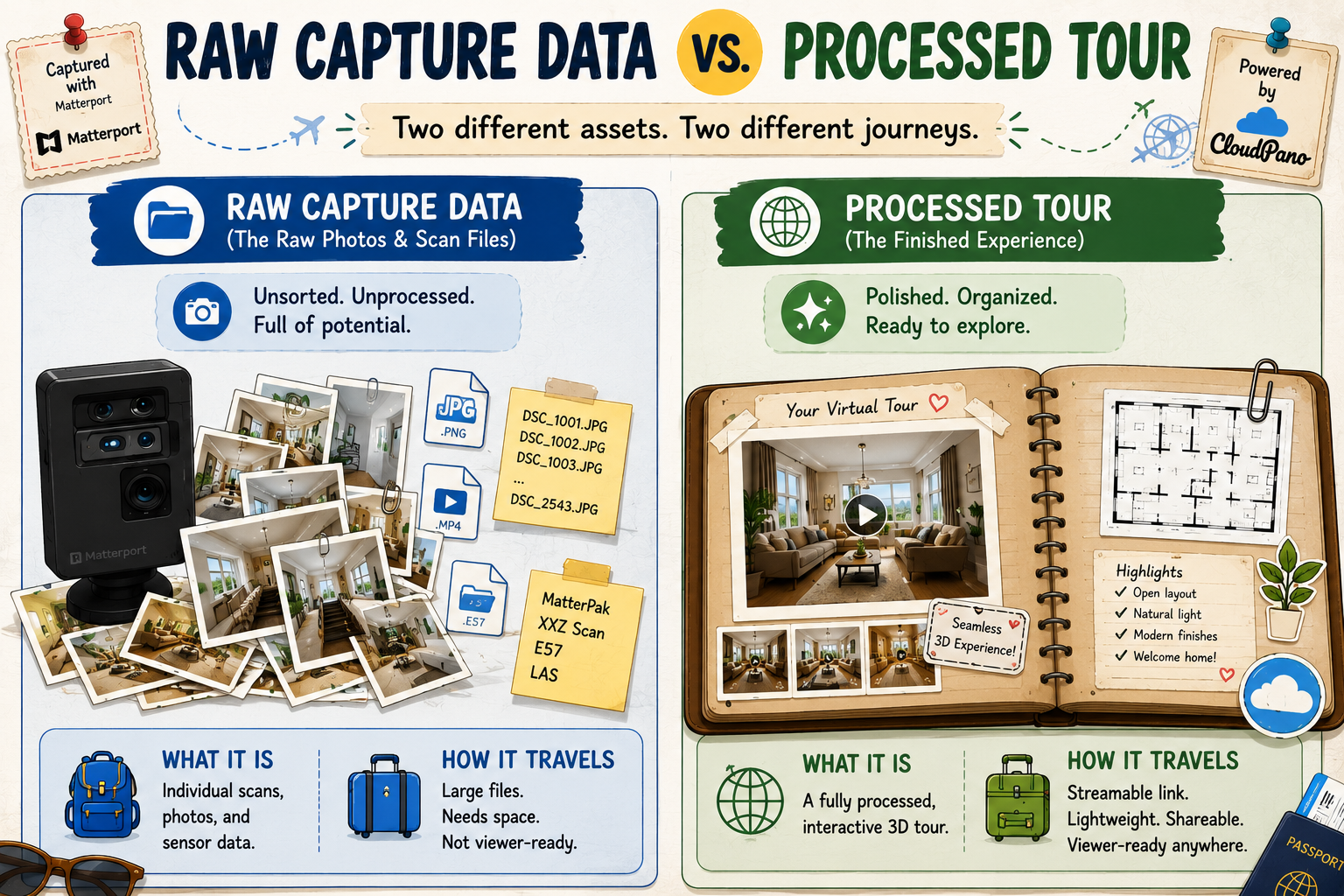
This is the most important distinction to understand. Raw capture data — the original scan files your camera produced — is a different asset than the finished, processed 3D tour that visitors actually walk through on a browser or app. Platforms often treat these very differently in terms of what's exportable, since the processed tour is typically generated using proprietary rendering specific to that platform, while raw capture data is closer to the original source material.
Practically, this means even if a matterport tour download option exists for one of these, it may not exist for the other. Before assuming either is fully portable, check Matterport's own documentation directly for the current specifics on your account type, since export capabilities can differ by plan and have changed over time.
It's worth understanding why matterport data portability details are so often buried in support documentation rather than featured prominently on a marketing page. From a vendor's perspective, making export limitations highly visible doesn't serve an obvious business purpose — it's not dishonest to leave it out of the headline pitch, but it does mean the burden falls on the customer to go looking for the specifics rather than having them surfaced proactively.
This is worth keeping in mind for any platform, not just Matterport specifically — if you eventually consider switching away from CloudPano or any other platform down the line, the same due diligence applies. Checking a matterport tour download policy today, and doing the equivalent check on your next platform before committing long-term, is a habit worth building regardless of which vendor you're using at any given moment.

Being direct about this upfront saves frustration later: the fully rendered, interactive 3D walkthrough experience as it exists inside Matterport's own viewer generally isn't something you can just download and drop into a different platform's viewer. That rendered experience is built specifically for Matterport's own playback technology. If you're leaving Matterport and want a similar interactive experience on a new platform, that typically means recreating the tour using your source material on the new platform, not transferring the finished product wholesale.
This is normal across the category, not a Matterport-specific shortcoming — most platforms build their interactive viewers around proprietary rendering, which limits direct file-level portability of the finished product industry-wide. Anyone leaving Matterport for this reason specifically should go in expecting a rebuild of the interactive experience itself, even while the underlying source material often carries over cleanly.
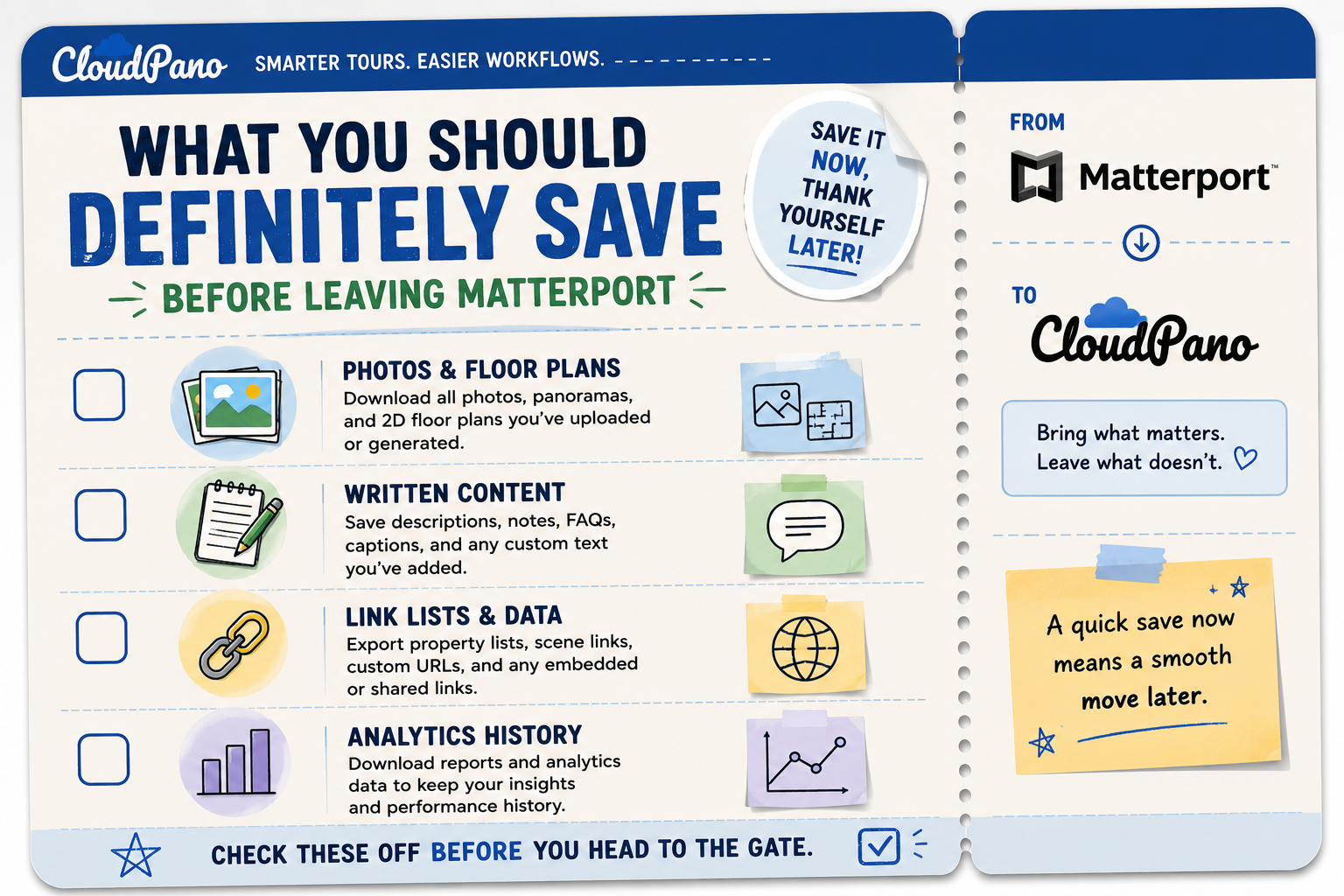
Regardless of which platform you're moving to, there are specific things worth proactively saving before you cancel or downgrade an account:
Original photos and floor plans, if these exist as separate exportable assets rather than only embedded within the rendered tour.
Any written content — descriptions, tags, captions — associated with each tour, since this is often just text and easy to save even if the visual tour itself doesn't transfer directly.
A list of every active, client-facing tour link, so you know exactly what needs to be rebuilt and where it's currently embedded, rather than discovering a broken link on a client's website after the fact.
Analytics history, if you rely on that data for reporting, since this is sometimes lost entirely once an account is downgraded or closed.

Rather than relying on general claims (including this article's), the most reliable approach is to check your specific account directly:
On G2's virtual tour software category page, reviewers who've gone through this specific process frequently mention being surprised that raw capture data wasn't as portable as they assumed going in — reinforcing why checking directly, rather than assuming, matters so much here.
Community discussions on r/Matterport are a genuinely useful resource on this exact topic, since export and portability questions come up regularly and users often share specific, current experiences that are more up to date than a general article can promise to be.
"If my tours can't fully transfer, is switching even worth it?"
This depends entirely on how many of your tours are still actively in use. As covered in our migration guide, a full inventory usually reveals that only a modest subset of tours are truly active and client-facing — archived or inactive tours generally don't need to move at all, which shrinks the actual rebuilding effort considerably.
"Doesn't this mean I'm starting over from scratch?"
Not entirely — your source photos, floor plans, and written content are often reusable even if the finished interactive tour itself needs to be rebuilt on the new platform. "Starting over" and "rebuilding using material you already have" are meaningfully different amounts of work, and it's usually closer to the latter than people initially fear.
It's worth running through the account-checking steps above well before you've committed to a cutover date, not the week you're planning to leave. Export policies, support response times, and the specifics of what's available on your plan are all things you want to confirm with enough buffer to adjust your plan if the answer isn't what you expected. Discovering a limitation the day before a planned migration is a far worse position than discovering it a month earlier, when you still have time to re-shoot anything that turns out not to be portable.
Export Matterport tour questions don't have one universal answer — portability depends on whether you're asking about raw capture data, the finished rendered tour, supporting media, or metadata, and each behaves differently. The practical takeaway: check your specific account directly rather than assuming, save what's genuinely exportable before you leave, and expect that the finished interactive tour itself will likely need rebuilding on your new platform using your original source material.
If you're planning a switch and want the fuller picture beyond just export mechanics, our complete migration guide walks through the entire process step by step, from inventory through testing. Understanding export mechanics first, before diving into the broader migration process, tends to make that fuller guide easier to follow — you'll already know which of your tours genuinely need rebuilding versus which ones can simply be left behind.


Compact, ready to go anywhere
Interchangeable lens that’s upgradeable
Dual 1-inch sensors for improved clarity and low light performance
Dynamic range and 6K 360° capture
360° photo resolution at 21MP

8K 360° video recording for ultra-detailed visuals.
4K single-lens mode for traditional wide-angle shots.
Invisible selfie stick effect for drone-like perspectives.
2.5-inch touchscreen with Gorilla Glass protection.
Waterproof up to 33ft for underwater shooting.

360° photo resolution in 23MP
Slim design at 24 mm thick
Built-in image stabilization for smooth video capture.
Internal 19GB storage for photo and video storage.
Wireless connectivity for remote control and sharing.

60MP 360° still images for high-resolution photography.
5.7K 360° video recording at 30fps.
2.25-inch touchscreen for intuitive control.
USB Type-C port for fast charging and data transfer.
MicroSD card slot for expandable storage.
.png)

.png)

Try it free. No credit card required. Instant set-up.






.svg)


.svg)