


.png)




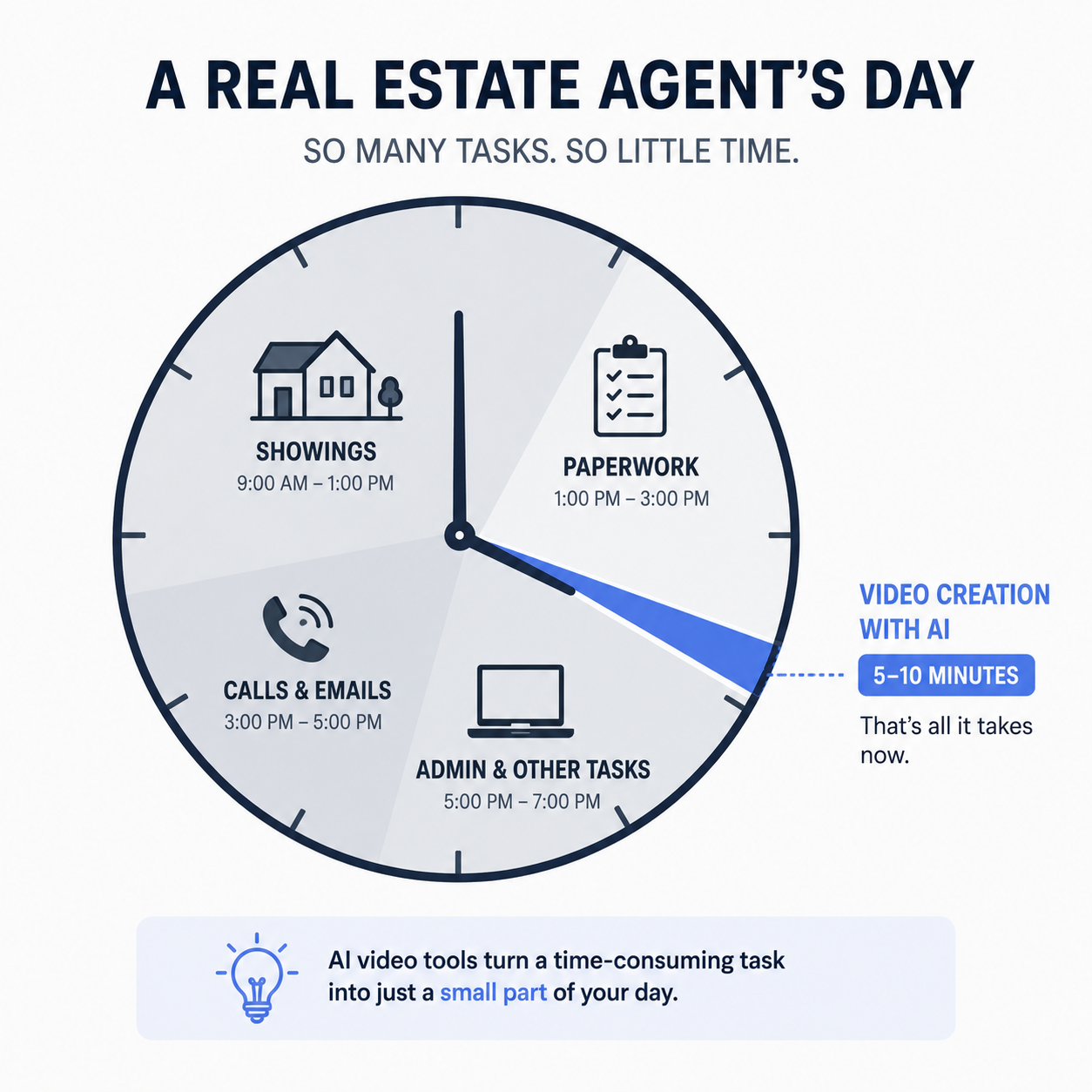
Ask most real estate agents whether video helps sell listings, and you'll get an immediate yes. Ask how often they actually produce it, and the answer gets quieter. The gap isn't belief — it's time. Between showings, paperwork, calls, and everything else that fills an agent's day, sitting down to edit a video from scratch is usually the first thing to get cut.
An AI video app is supposed to close that gap, not just for hobbyist creators but specifically for agents who need something between "I know I should be doing this" and "I have three hours to learn video editing." Here's what that actually requires, and how Photo AI Video fits into a working agent's day on Android.
It's not that agents don't understand the value of video — it's that traditional video production doesn't fit around a schedule built on showings, inspections, and client calls. Hiring a videographer means scheduling around someone else's availability and often dealing with a multi-day turnaround. Editing it yourself means learning software you'll only use occasionally, which makes every video feel like starting from zero again.
Meanwhile, the professional bar keeps rising. NAR's technology survey found that roughly half of REALTORS® already incorporate drone photography or video into their marketing (NAR) — which means an agent who skips video isn't just missing an opportunity; they're falling behind a practice that's already common among their competition.
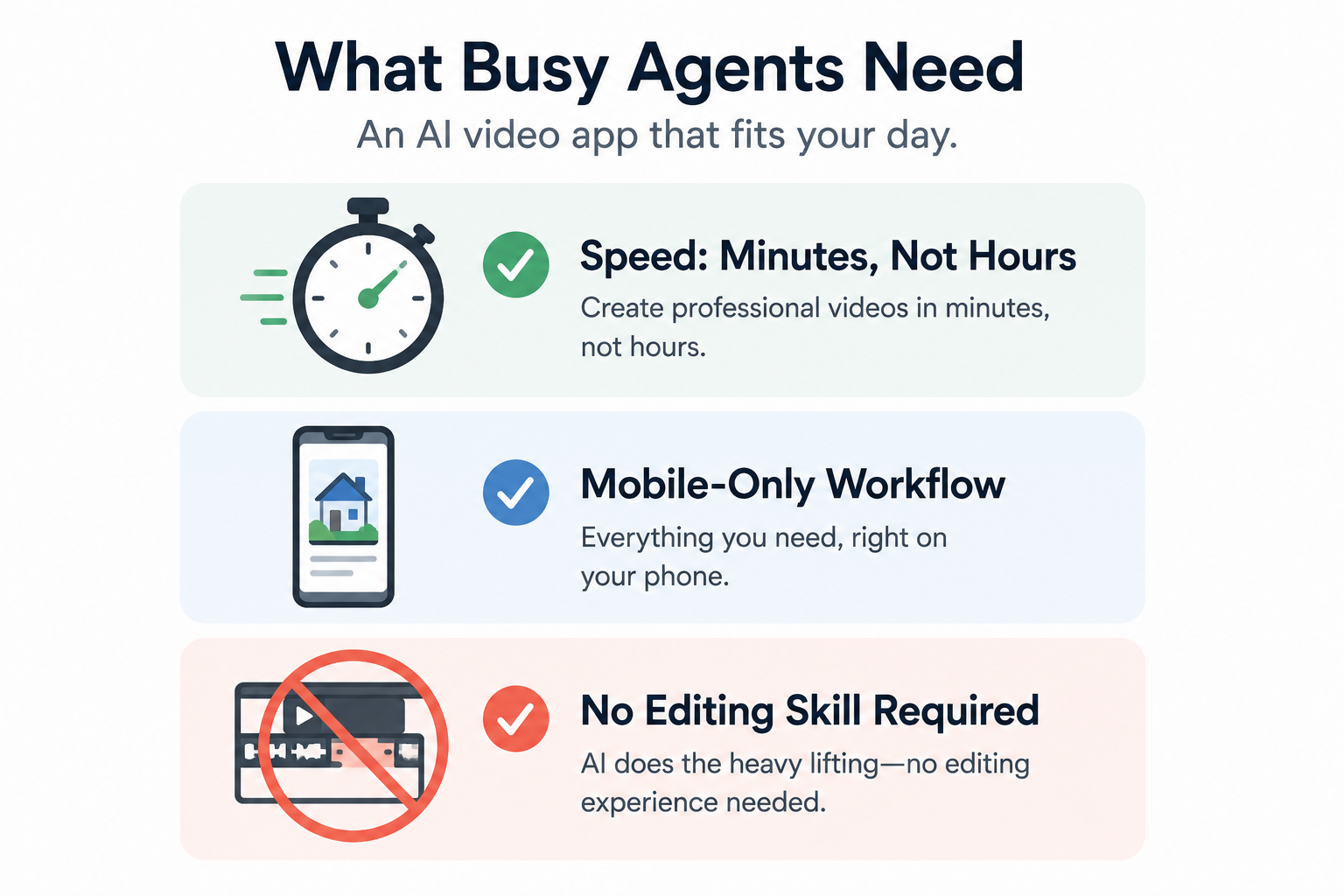
The requirements are narrower than they might sound: speed (minutes, not hours), a workflow that lives entirely on the phone already in your pocket, and zero dependency on prior editing skills. An app that checks those three boxes fits into the actual shape of an agent's day — a few spare minutes after a showing rather than a dedicated evening set aside for "content creation."
It also has to produce something worth posting. Wyzowl's research found that a large majority of people say video has convinced them to buy a product or service, and most marketers who use video report that it has directly helped increase both traffic and sales (Wyzowl). A fast video that looks amateurish undercuts the listing; the app has to be fast while still producing a result that looks intentional.
Photo AI Video is built around the assumption that you're doing this between other things, not instead of them. You upload the listing photos you already took (or that came from your photographer), describe the style you want, and the app generates the video — no timeline to build, no clips to trim by hand. Each property gets its own project, so switching between three active listings doesn't mean hunting through one massive, unsorted photo library.
Because it runs entirely on your phone, there's no "I'll finish this when I'm back at my laptop" delay. You can start a video after a showing and have it ready to post before you're back at the office.
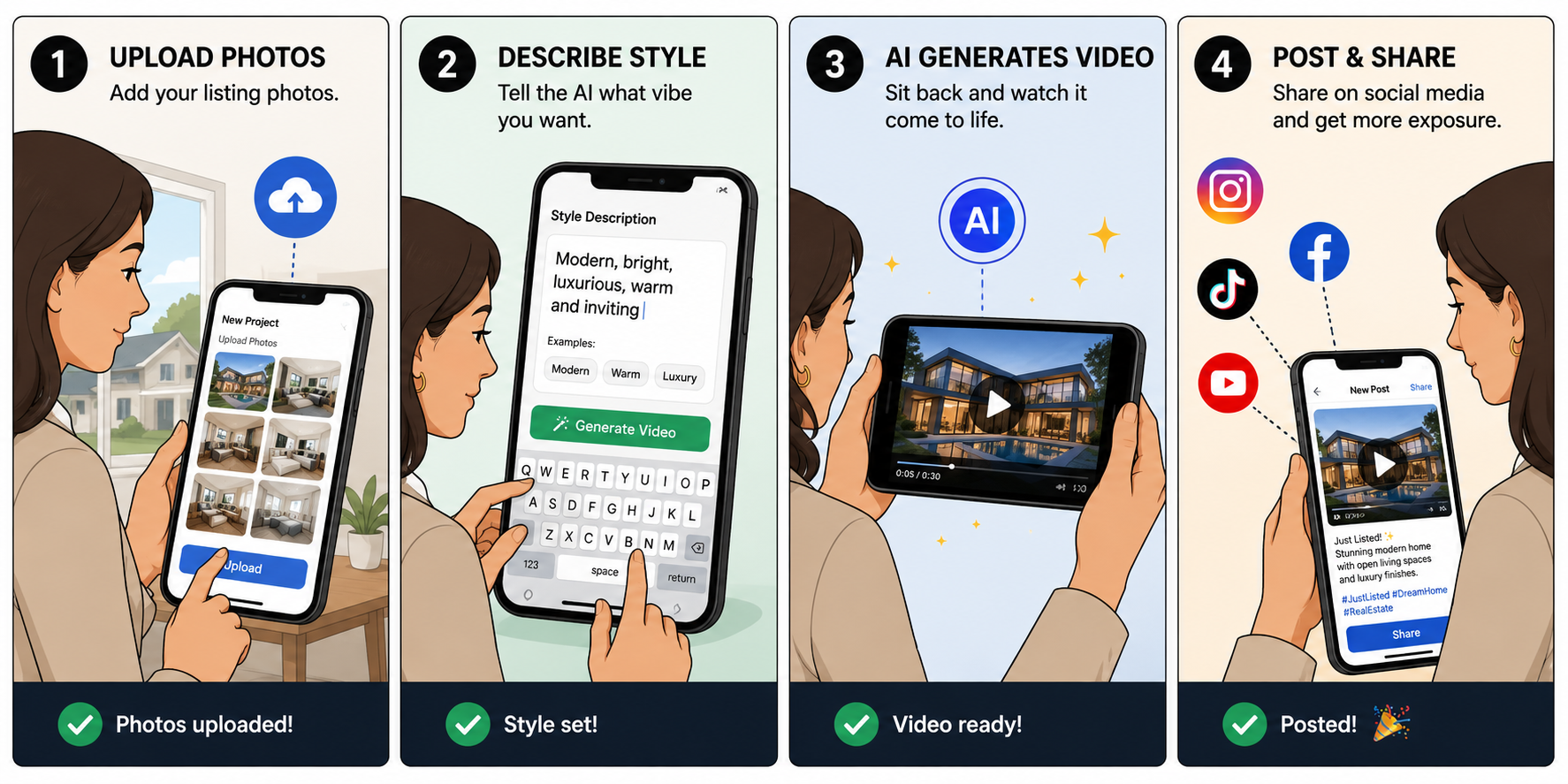
Right after a showing or photo session, open the app and start a project for that address. Upload your best shots — exterior, living spaces, kitchen, and any standout features — and write a short style description that matches the property's personality. Generate the video, review it, and, if the pacing or tone isn't quite right, adjust the description and regenerate it. Once you're happy with it, export it vertically and post it directly to your social channels or send it to your client for the listing page.
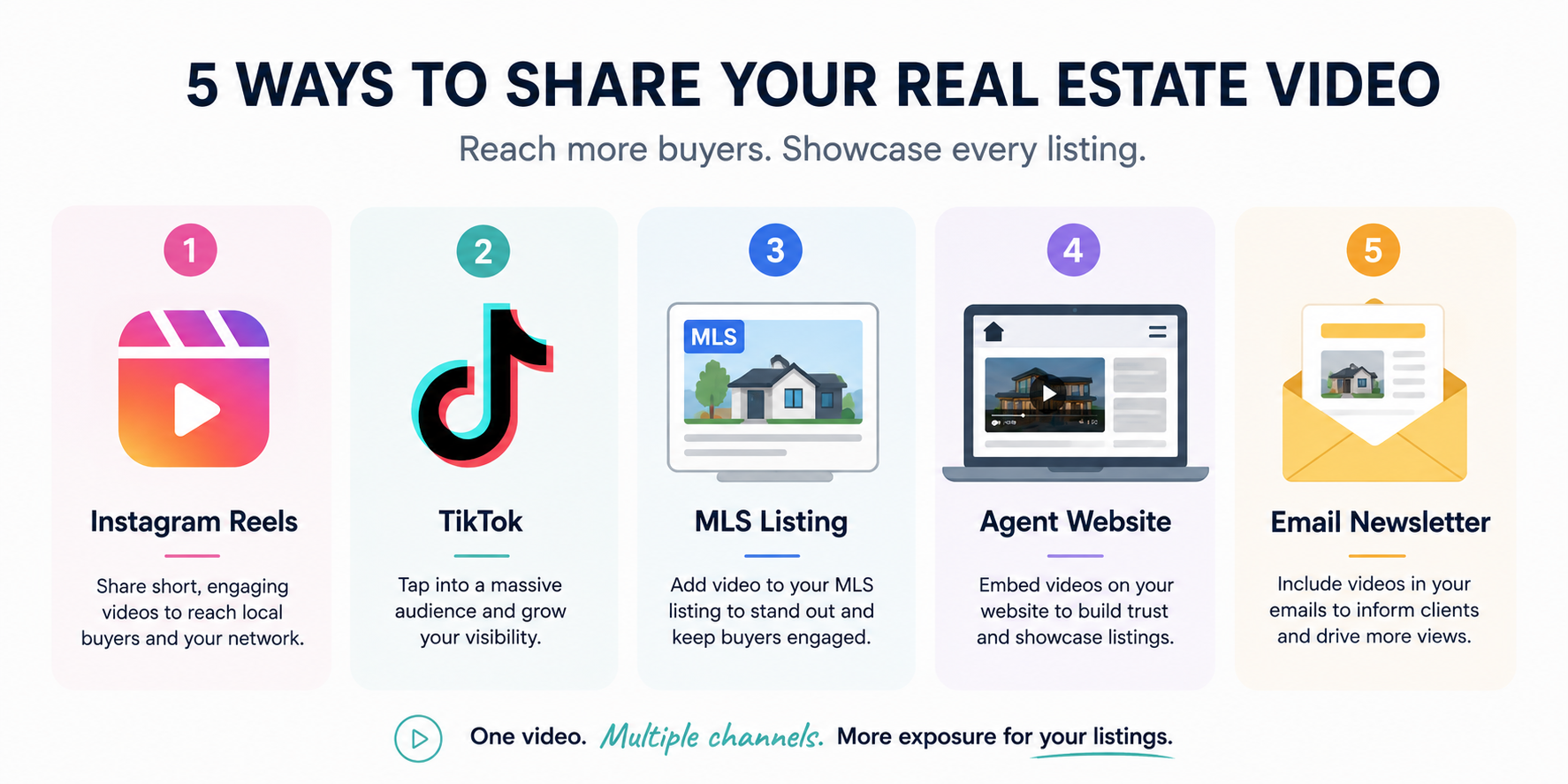
A finished video is only doing its job once it's actually in front of buyers. Post it as a Reel or TikTok for organic reach, embed it in the MLS listing where the platform allows video, add it to the listing on your own site, and include it in the "just listed" email you're probably already sending.
Short-form platforms in particular reward this kind of content — Sprout Social's data shows that short-form video drives strong engagement across major platforms, and businesses using video widely report a positive return on it (Sprout Social).
The real payoff isn't one good video — it's making video a default step in your listing process, the same way you'd never skip taking photos. Once the workflow takes minutes instead of an afternoon, there's far less reason to skip it. Agents who build this into every new listing, rather than treating it as a special project for their best properties, can develop a consistent, recognizable video presence instead of having one video sitting on their profile from eight months ago.
It's worth being honest about the actual cost of picking the wrong tool here, because it isn't zero even if the app itself is free. Every listing where you meant to make a video and didn't — because the app was slow, confusing, or produced something you were embarrassed to post — is a listing that competed with fewer marketing assets than it could have.
Multiply that across a year of listings, and the gap between "an agent who reliably posts video" and "an agent who occasionally does when they have extra time" becomes a real, visible difference in how active and modern each agent's online presence looks to a prospective seller comparing their options.
There's also a compounding effect worth naming: video, unlike a one-time open house, can keep generating impressions for as long as it stays posted. A slow or unreliable app doesn't just cost you the time you spent fighting with it — it can also cost you the future views that video might have accumulated had it actually been created and posted on schedule.
That's the real argument for picking a tool that's fast enough to use consistently rather than one that's merely capable in theory.
A few objections come up often enough to address directly. "My listings sell fine without video" may be true in a hot market and less true the moment conditions shift — video can provide an additional marketing asset in a slower market as much as it can help in a fast one.
"I don't have a good enough camera" undersells what a modern phone camera can do, and in any case, the AI generation step is doing much of the work on the video side regardless of what captured the original photos.
"It'll look fake or robotic" is a fair concern about AI content in the abstract, but it's worth judging any specific tool on its actual output rather than on AI skepticism in general. The goal here is a smooth, professional video generated from your real listing photos, not a synthetic or invented scene.
The most persistent objection is usually just inertia — "I'll start doing video once things slow down a bit" — which tends to arrive at exactly the moment there's the least appetite to learn something new. That's precisely why a low-effort, minutes-not-hours tool matters: the easier it is to start, the less that objection holds up in practice.
It's worth noticing, too, that none of these objections are really about video itself — they're about the perceived cost of producing it. Once that cost drops from hours to minutes, much of the resistance built around "I don't have time for this" starts to disappear, even for agents who were genuinely skeptical going in.
The agents who end up sticking with a video habit long-term aren't necessarily the ones who were most enthusiastic on day one — they're the ones for whom the process turns out to be genuinely easy enough to repeat.
How long does a video take to make?
The generation itself takes minutes once your photos are uploaded and your style is described — most of the time investment is in selecting and uploading the photos you already have, not in the generation step itself.
Can I brand or customize videos?
Check the app's current feature set on the Google Play listing for the latest customization options, since new features may be added to the app over time.
Does it work for rentals too?
Yes — the same photo-to-video workflow applies whether the property is for sale or for rent, since the app is working from photos and a style description either way.
If you're specifically a licensed Realtor looking to build listing videos into your workflow, our guide to the best AI real estate app for Realtors goes deeper on that angle, and our full roundup of the best mobile apps for turning real estate photos into AI video covers the wider category.
Download Photo AI Video free on Google Play and turn your next listing into a video before you're back at your desk.


Compact, ready to go anywhere
Interchangeable lens that’s upgradeable
Dual 1-inch sensors for improved clarity and low light performance
Dynamic range and 6K 360° capture
360° photo resolution at 21MP

8K 360° video recording for ultra-detailed visuals.
4K single-lens mode for traditional wide-angle shots.
Invisible selfie stick effect for drone-like perspectives.
2.5-inch touchscreen with Gorilla Glass protection.
Waterproof up to 33ft for underwater shooting.

360° photo resolution in 23MP
Slim design at 24 mm thick
Built-in image stabilization for smooth video capture.
Internal 19GB storage for photo and video storage.
Wireless connectivity for remote control and sharing.

60MP 360° still images for high-resolution photography.
5.7K 360° video recording at 30fps.
2.25-inch touchscreen for intuitive control.
USB Type-C port for fast charging and data transfer.
MicroSD card slot for expandable storage.
.png)

.png)

Try it free. No credit card required. Instant set-up.






.svg)


.svg)