


.png)


If you've ever scrolled past a listing because the photos felt flat, you already know why video sells homes faster than stills. A real estate video maker takes the photos you already have and turns them into a moving, engaging property tour in minutes — no camera crew, no editing degree, no waiting around. For busy agents, this one shift can mean the difference between a listing that sits and one that gets booked for showings within days.
Most agents are shooting listing photos on their phone anyway, which is why so many are now searching Google Play for the right Android app to handle the rest — especially agents on a Pixel phone who want something that works smoothly with their existing camera and photo library.
In this guide, we'll walk through what these tools actually do, why they've become essential for modern listings, and how to pick the right one for your workflow — Android included.
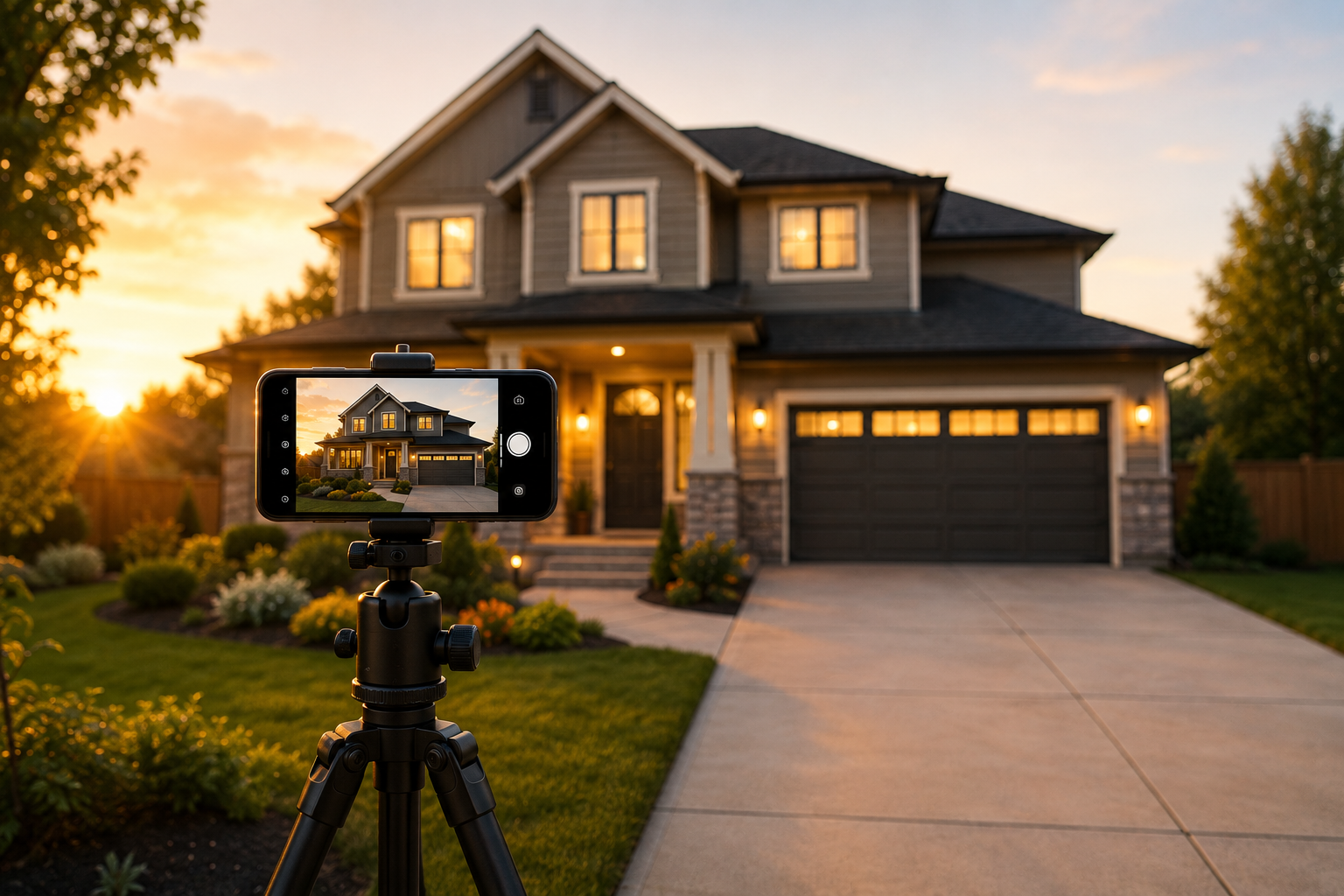
A real estate video maker is software (often app-based) that converts property photos — and sometimes short clips — into a finished video, complete with transitions, music, branding, and text overlays. Instead of hiring a videographer for every listing, agents upload their existing photos and let the software handle the rest.
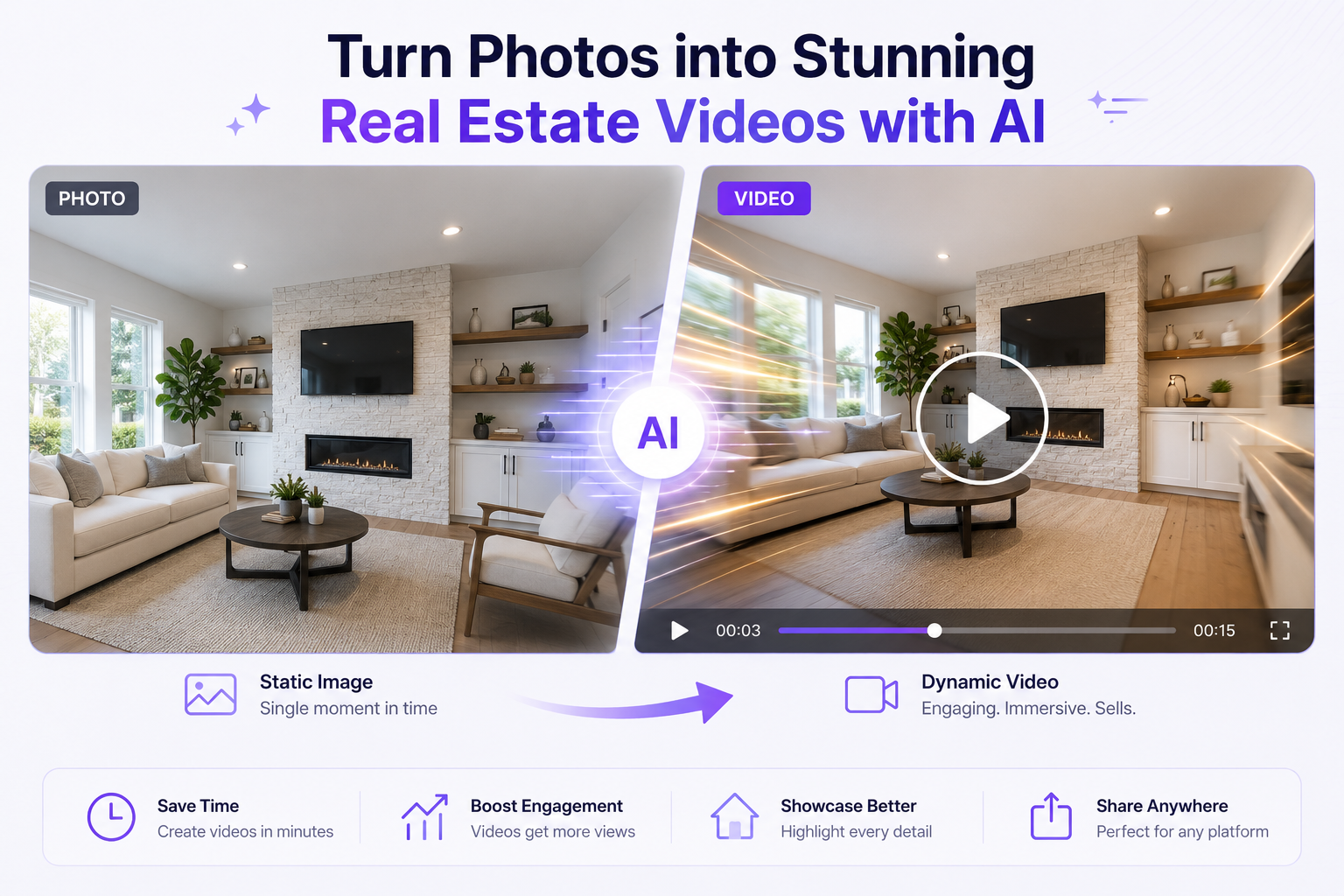
Most modern versions are powered by AI, which is why you'll often see them marketed as an AI real estate video tool. The AI handles the tedious parts: choosing pacing, syncing music to transitions, framing each shot, and even suggesting the best order to showcase rooms.
Buyers scroll fast. A static photo gallery asks them to imagine the flow of a home; video shows it to them directly. Listings with video consistently see higher engagement, more saves, and more inquiries than photo-only listings — especially on social platforms where video is prioritized in the feed.
A few years ago, making a listing video meant hiring a videographer, waiting days for the final cut, and paying a few hundred dollars per property. That math didn't work for agents juggling a dozen active listings.
AI-powered real estate video tools flipped that equation. Now, an agent can shoot photos on their phone during a walkthrough, upload them to an app, and have a finished, branded video ready before they've left the driveway. The AI handles:
This shift is also why the term real estate video creator now usually refers to an app, not a hired professional. The role has moved from "someone I book" to "software I open."
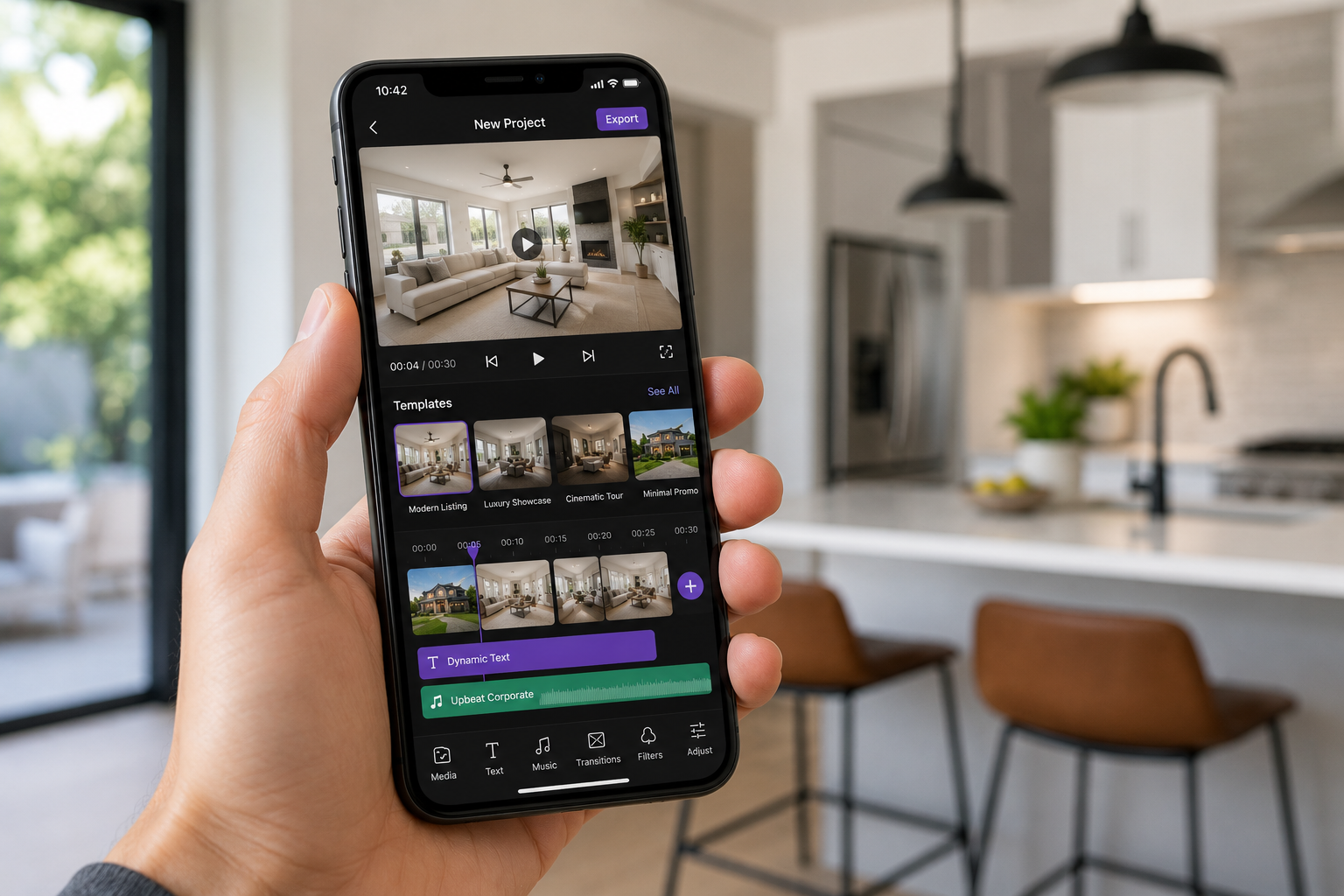
Not all tools are built the same. When comparing options, focus on:
1. Photo-to-video conversion quality. Does it produce smooth motion from stills, or does it look like a slideshow with a music track slapped on?
2. Templates built for real estate. Generic video templates rarely match the pacing and structure buyers expect from a property tour — look for templates designed specifically for listings.
3. Branding and customization. Your logo, colors, and contact info should be easy to add and reusable across every listing.
4. Speed. If a tool takes longer than a quick coffee break to render, it's not saving you the time it promises.
5. Export flexibility. You'll want vertical for Reels/TikTok, square for Instagram feed, and horizontal for YouTube and property websites — all from one upload.
If you're comparing options, it's worth exploring AI-powered real estate video tools that are built specifically around this workflow rather than general-purpose video editors retrofitted for real estate — many of the strongest options are available directly from Google Play, with versions optimized for Pixel phone cameras.
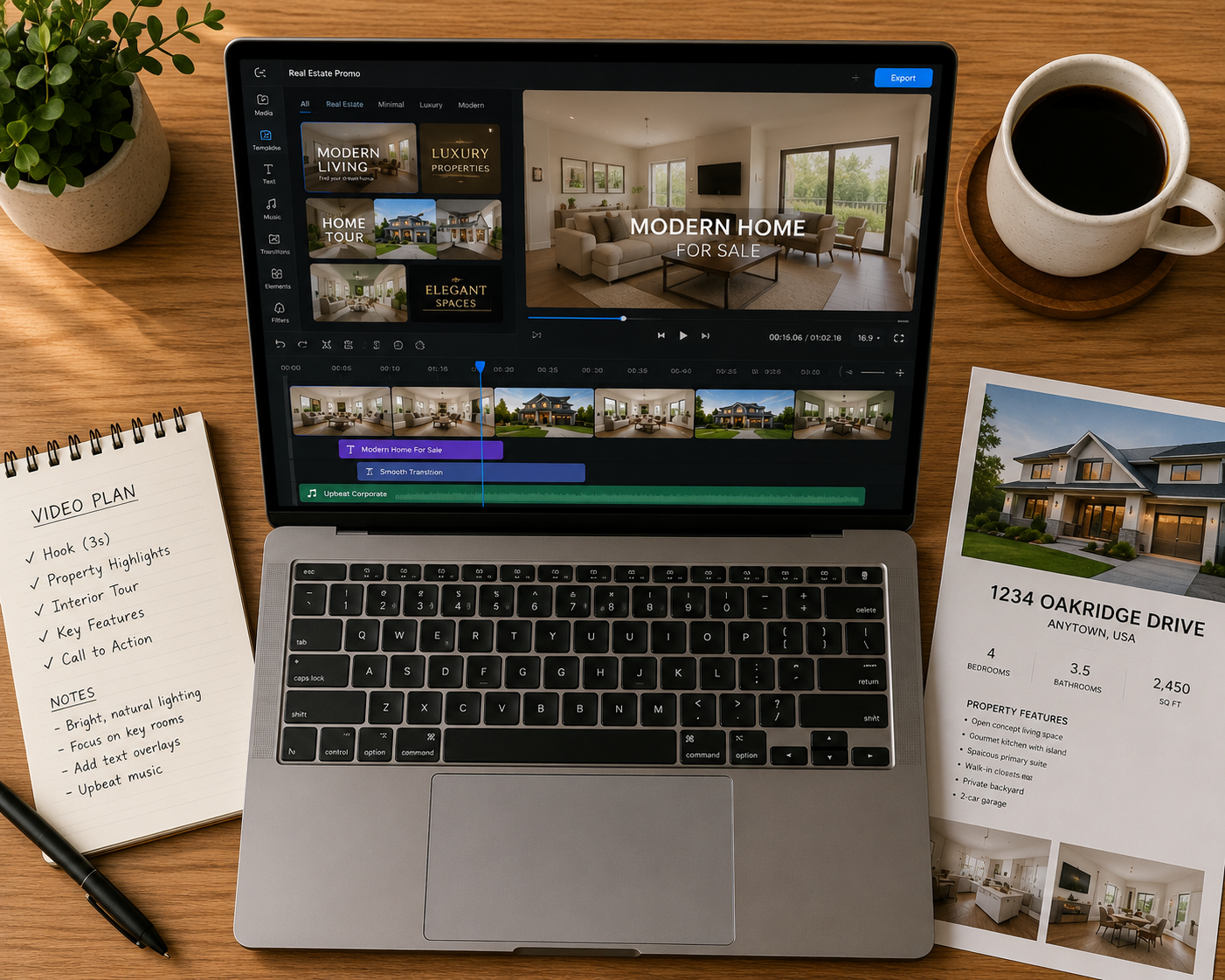
Even with AI doing the heavy lifting, a little hands-on real estate video editing goes a long way. Here's what typically needs a human touch:
AI tools are good, but they don't know which room is the actual selling point. Trim extra seconds off less important spaces (like a hallway) and give more time to standout features (a renovated kitchen, a backyard pool).
Simple captions like "3 Bed / 2 Bath" or "Newly Renovated Kitchen" help viewers absorb key details without needing to pause and read a listing description.
A downtown condo and a countryside farmhouse shouldn't use the same soundtrack. Most apps offer a music library — pick tracks that match the tone of the property and the buyer you're targeting.
Every video should end with your name, number, and brokerage. This is what turns a one-off view into a lead who remembers you.
For agents managing several listings a month, it helps to simplify your real estate video editing workflow by using a single app for the entire process — upload, edit, brand, export — instead of juggling multiple tools.
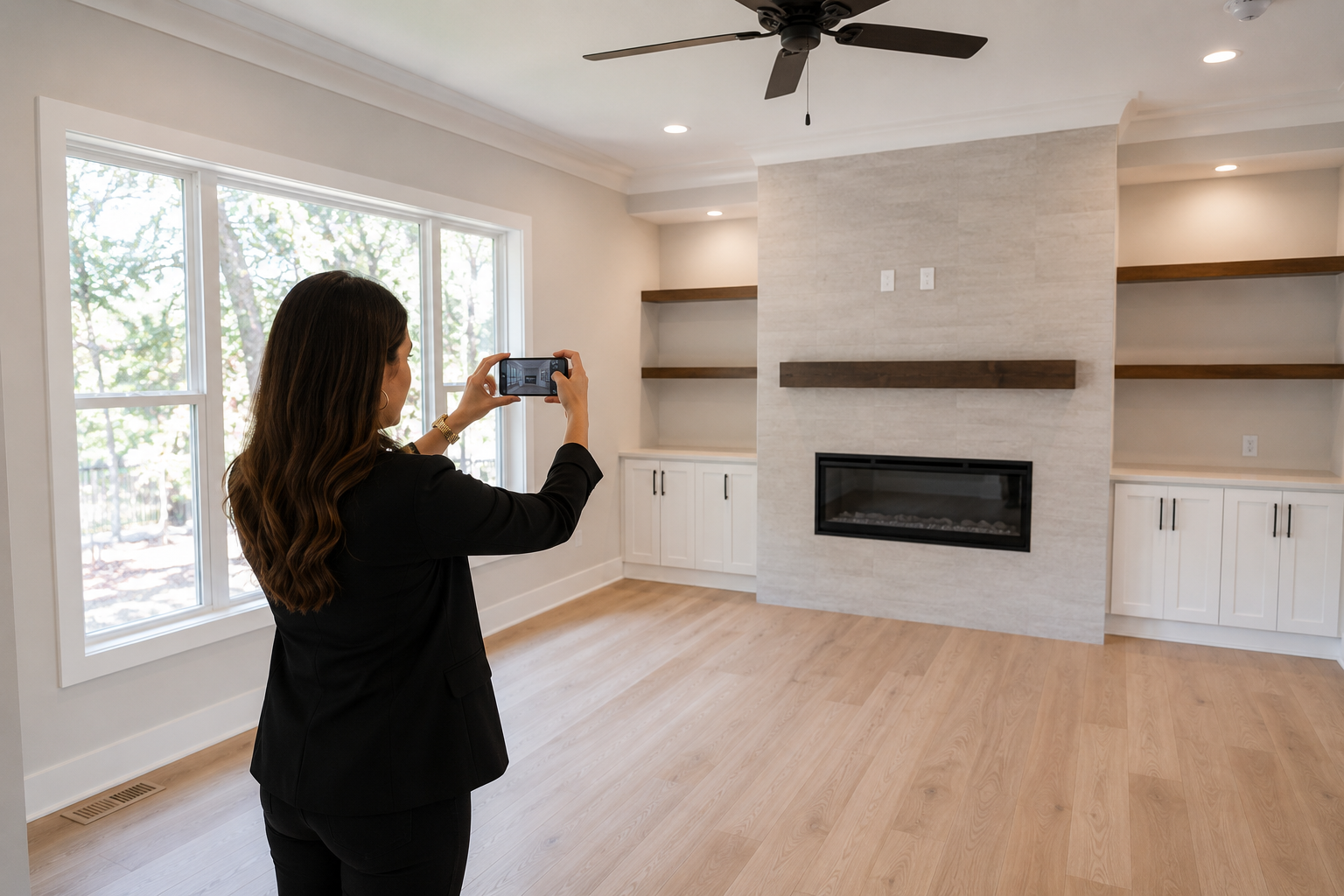
For agents on the go, a mobile-first real estate video maker often makes more sense than desktop software. You can shoot photos during a walkthrough and have a finished video before you're back at the office.
If you're on an Android app, especially a Pixel phone, you're already working with strong camera hardware and easy photo-library access — which makes the photo-to-video handoff even smoother. A quick search on Google Play turns up several real estate-specific video apps, but not all of them are built with the same attention to pacing, templates, and export quality.
When comparing best real estate video creator apps, prioritize ones that:
Desktop tools can offer more manual control, but for most agents, the speed of a mobile app outweighs the extra polish of desktop editing — especially when listings need to go live the same day photos are taken.
A few habits separate videos that convert from videos that just exist:
FAQ
Q1: What is a real estate video maker? A real estate video maker is an app that converts property photos into a finished video with transitions, music, text overlays, and agent branding — usually powered by AI, so agents don't need to hire a videographer for every listing.
Q2: How do real estate video maker apps work on Android? Most import the photos already in your phone's gallery, apply AI-selected transitions and pacing, then export a branded video sized for social media or MLS. Pixel and other Android phones with strong cameras tend to produce smoother results, since the app has more image detail to work with.
Q3: What should I look for in a real estate video creator app? Prioritize apps with real estate-specific templates, fast rendering, flexible export formats (vertical, square, horizontal), and no forced subscription just to remove a watermark. Batch processing multiple listings also saves time for busy agents.
Q4: Do I still need to edit the video myself? Yes, lightly. AI handles pacing and transitions, but agents should trim less important rooms, add text overlays like bed/bath counts, and match music to the property's style for the best results.
Q5: How long should a real estate listing video be? Keep social videos under 60 seconds for platforms like Instagram and TikTok. Save longer, more detailed walkthroughs for the property's dedicated listing page, where buyers expect more depth.
Q6: Can I use the same video across multiple platforms? Yes. Most real estate video apps let you export one video in multiple aspect ratios, so the same footage works on Instagram, TikTok, YouTube Shorts, and an MLS listing without reshooting.
A real estate video maker isn't a luxury anymore — it's quickly become table stakes for agents who want their listings to stand out in a crowded, scroll-heavy market. The good news is you don't need a production budget or technical skill to get there; you just need the right app and a workflow you can repeat for every new listing.
If you're ready to turn your listing photos into video tours that actually get watched, it's worth testing a dedicated app built for exactly this purpose — start with a single listing, see how buyers respond, and build the habit from there.


Compact, ready to go anywhere
Interchangeable lens that’s upgradeable
Dual 1-inch sensors for improved clarity and low light performance
Dynamic range and 6K 360° capture
360° photo resolution at 21MP

8K 360° video recording for ultra-detailed visuals.
4K single-lens mode for traditional wide-angle shots.
Invisible selfie stick effect for drone-like perspectives.
2.5-inch touchscreen with Gorilla Glass protection.
Waterproof up to 33ft for underwater shooting.

360° photo resolution in 23MP
Slim design at 24 mm thick
Built-in image stabilization for smooth video capture.
Internal 19GB storage for photo and video storage.
Wireless connectivity for remote control and sharing.

60MP 360° still images for high-resolution photography.
5.7K 360° video recording at 30fps.
2.25-inch touchscreen for intuitive control.
USB Type-C port for fast charging and data transfer.
MicroSD card slot for expandable storage.
.png)

.png)

Try it free. No credit card required. Instant set-up.






.svg)


.svg)