


.png)


If you sell homes for a living, you already know a great real estate video can make a listing feel real before a buyer ever sets foot in the driveway. The good news: you don't need a production crew, a gimbal rig, or a drone license to start creating one. The phone already in your pocket is enough. Below are five real estate videos you can shoot entirely on an Android phone, along with the settings, shot lists, and apps that make them look far more polished than "just a phone video."
Modern Android phones, especially a Pixel phone, ship with camera hardware that rivals dedicated cameras from just a few years ago — stabilized 4K footage, wide-angle lenses for tight rooms, and computational features that handle tricky lighting like a bright window behind a dark hallway. Pair that hardware with the right editing app from the Google Play store, and you have everything you need to produce real estate videos for marketing without renting equipment or hiring a videographer for every listing.

This matters because video simply outperforms static photos for engagement. Listings with video get more saves, more shares, and more time-on-page than photo-only listings, which is exactly why so many agents now treat video as a core part of their listing checklist rather than a nice-to-have extra.
This is the workhorse of real estate videos: a single, continuous (or lightly edited) tour that moves room to room the way a buyer would actually walk the home. Start at the front door, move through common areas first, and save the primary bedroom and any standout feature — a renovated kitchen, a backyard pool — for a strong finish.

Keep the phone at chest height, walk slowly, and pause for two seconds in doorways so the footage doesn't feel rushed. This single video can live on the MLS listing, your website, and YouTube, making it one of the most versatile real estate videos for marketing you'll produce all month.
Buyers aren't just buying a house, they're buying a commute, a school district, and a lifestyle. A neighborhood highlight reel — quick clips of the local coffee shop, a nearby park, the walk to a highly rated school — helps out-of-town or relocating buyers picture daily life before they book a showing.
Shoot these clips in short 5-10 second bursts throughout your week rather than all in one outing, then stitch them together later. This is a great video to hand off to a client as a bonus deliverable if you offer broader real estate video services alongside your listing photography.
If a listing has been flipped, staged, or renovated, a before-and-after video is one of the highest-performing content formats you can post. Use archived listing photos or old phone snapshots for the "before" half, then film fresh Android footage for the "after" reveal, cutting between them for dramatic effect.
This format tends to perform especially well as one of your real estate videos for social media, since the visual contrast naturally holds attention through a full scroll-stopping loop on Instagram or TikTok.
Not every platform wants a five-minute walkthrough. Reels, TikToks, and Stories reward short, punchy edits — quick cuts of the exterior, the kitchen island, the view from the primary suite, capped off with a price or "DM for a private tour" text overlay.

Film in vertical orientation directly on your Android phone, use burst clips of 2-4 seconds each, and add trending audio where appropriate. Done well, this teaser format is often the single most effective way to turn casual scrollers into scheduled showings, and it's a natural fit if you want real estate videos for social media that actually get watched all the way through rather than skipped after two seconds.
You don't need an actual drone to get a "flythrough" feel anymore. A number of AI-powered apps can take the still photos you already shot for the listing and turn them into smooth, cinematic video sequences — complete with subtle pans, zooms, and transitions that mimic professional videography.
This is where the right software matters as much as the phone itself. Turning existing listing photos into motion is one of the fastest ways to add a real estate video to a listing that only has stills, without scheduling a second shoot.
A few habits separate shaky, awkward phone footage from something clients are proud to post.
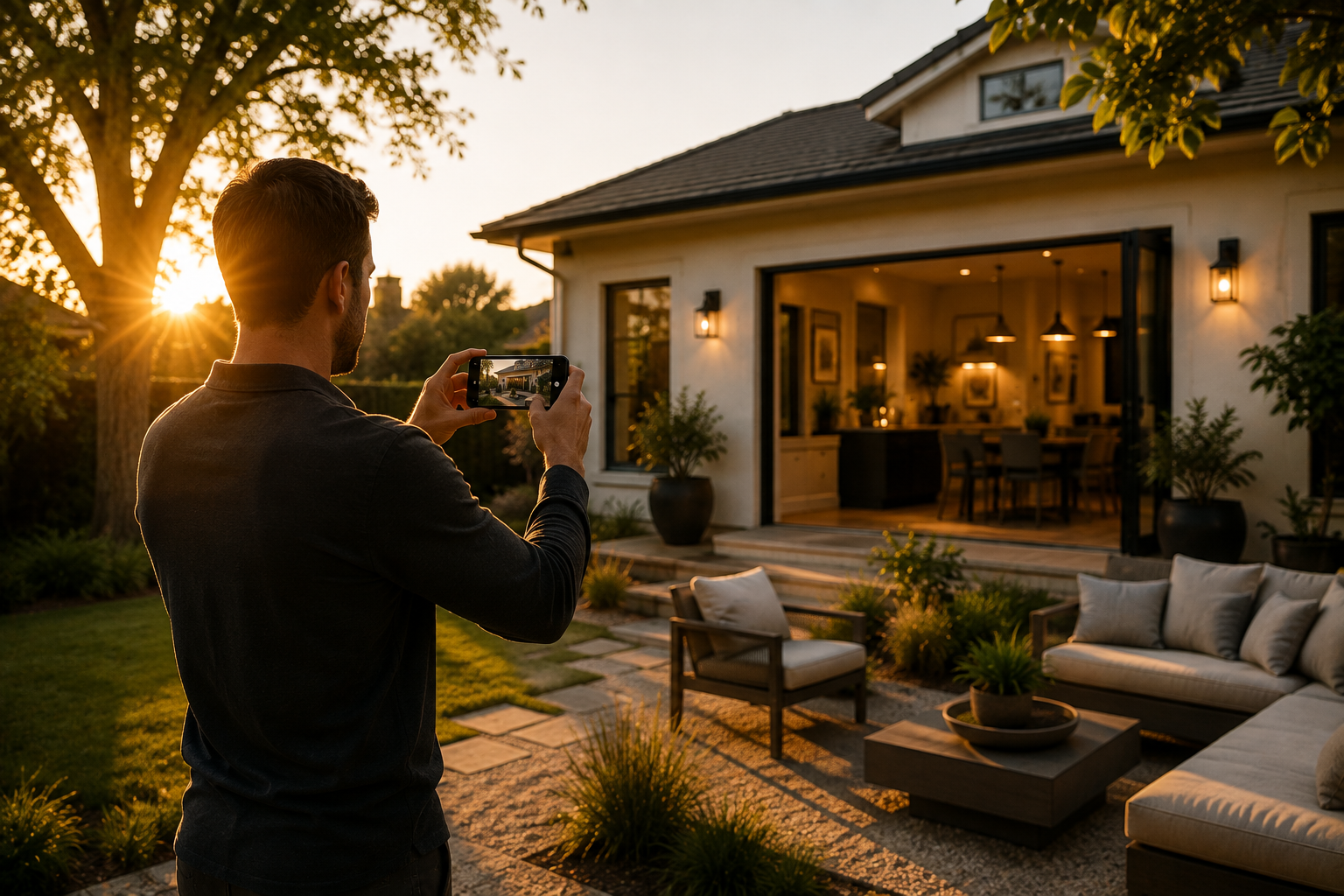
Clean your lens before every shoot — pocket lint and fingerprints are the single most common cause of hazy footage. Shoot during the "golden hours" of mid-morning or late afternoon when natural light is soft and directional rather than harsh overhead sun. Turn on your phone's grid lines to keep vertical edges like doorframes and windows straight, since crooked verticals are an easy giveaway of amateur footage. Finally, always shoot a few seconds of extra footage before and after each clip so you have breathing room to trim clean cuts later.
Once the raw footage or photos are captured, the editing app you choose determines how polished the final real estate video looks. Look for an Android app on Google Play built specifically for property content rather than a generic video editor — it should understand real estate pacing, add branded overlays like price and contact info automatically, and export in the vertical and horizontal formats different platforms require.

If you're comparing options, it's worth checking out the best Android app for real estate videos, which uses AI to turn ordinary listing photos into a polished cinematic video directly from a Pixel phone or any Android device — no editing timeline required. It's a fast way to cover a listing that only has stills, or to give a walkthrough video the same cinematic finish as your other content. For agents who'd rather hand the whole process off, pairing an app like this with professional real estate video services covers both the DIY clips and the polished final deliverables clients expect.
For agents who want to go deeper on video strategy, listing presentation, and mobile photography technique, these are worth bookmarking:
You don't need a production budget to produce real estate videos that make listings feel alive. A walkthrough, a neighborhood reel, a before-and-after, a short social teaser, and an AI-enhanced flythrough cover nearly every format a buyer or client expects to see — and all five are within reach of the Android phone you're already carrying.
Start with one format this week, get comfortable with it, then add the others to your routine as your library of real estate videos for marketing grows. And if you want the editing side to feel as easy as the filming side, it's worth trying an app built specifically for this job rather than fighting with a generic editor.


Compact, ready to go anywhere
Interchangeable lens that’s upgradeable
Dual 1-inch sensors for improved clarity and low light performance
Dynamic range and 6K 360° capture
360° photo resolution at 21MP

8K 360° video recording for ultra-detailed visuals.
4K single-lens mode for traditional wide-angle shots.
Invisible selfie stick effect for drone-like perspectives.
2.5-inch touchscreen with Gorilla Glass protection.
Waterproof up to 33ft for underwater shooting.

360° photo resolution in 23MP
Slim design at 24 mm thick
Built-in image stabilization for smooth video capture.
Internal 19GB storage for photo and video storage.
Wireless connectivity for remote control and sharing.

60MP 360° still images for high-resolution photography.
5.7K 360° video recording at 30fps.
2.25-inch touchscreen for intuitive control.
USB Type-C port for fast charging and data transfer.
MicroSD card slot for expandable storage.
.png)

.png)

Try it free. No credit card required. Instant set-up.







.svg)


.svg)