


.png)


When businesses first hear about ADA widgets, the conversation often starts and ends with legal compliance. That's a legitimate reason to care, but it's far from the only one.
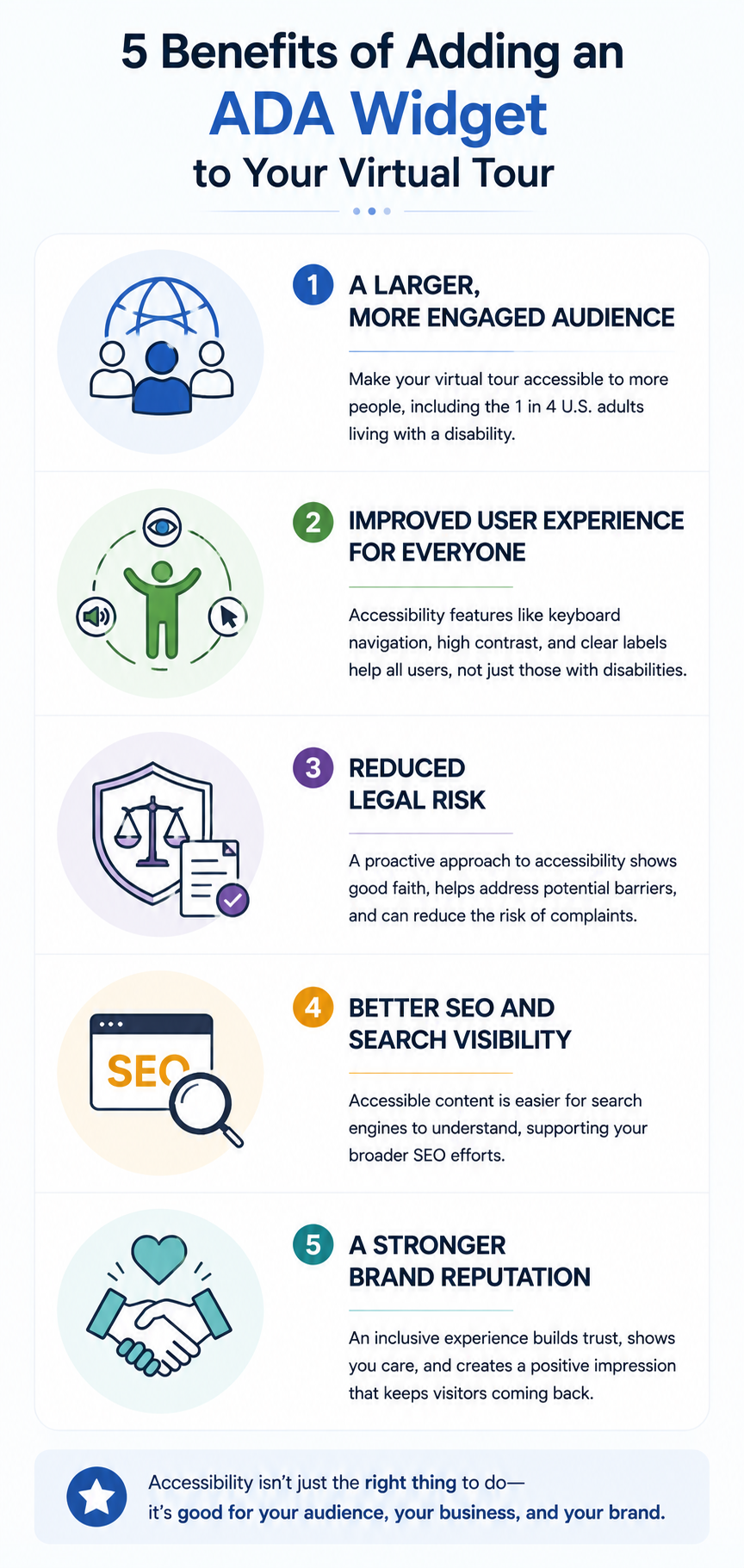
Adding an accessibility widget to a 360° virtual tour can provide meaningful benefits that go beyond addressing compliance concerns. From reaching a broader audience to creating a better overall user experience, here are five key benefits to consider.
The most direct benefit of an ADA widget is also one of the simplest: it can help make your virtual tour accessible to more people.
The CDC estimates that roughly 1 in 4 U.S. adults live with some form of disability — representing a significant portion of any potential audience. If your virtual tour can't be navigated with a keyboard or doesn't work effectively with assistive technologies such as screen readers, some visitors may have difficulty accessing the experience.
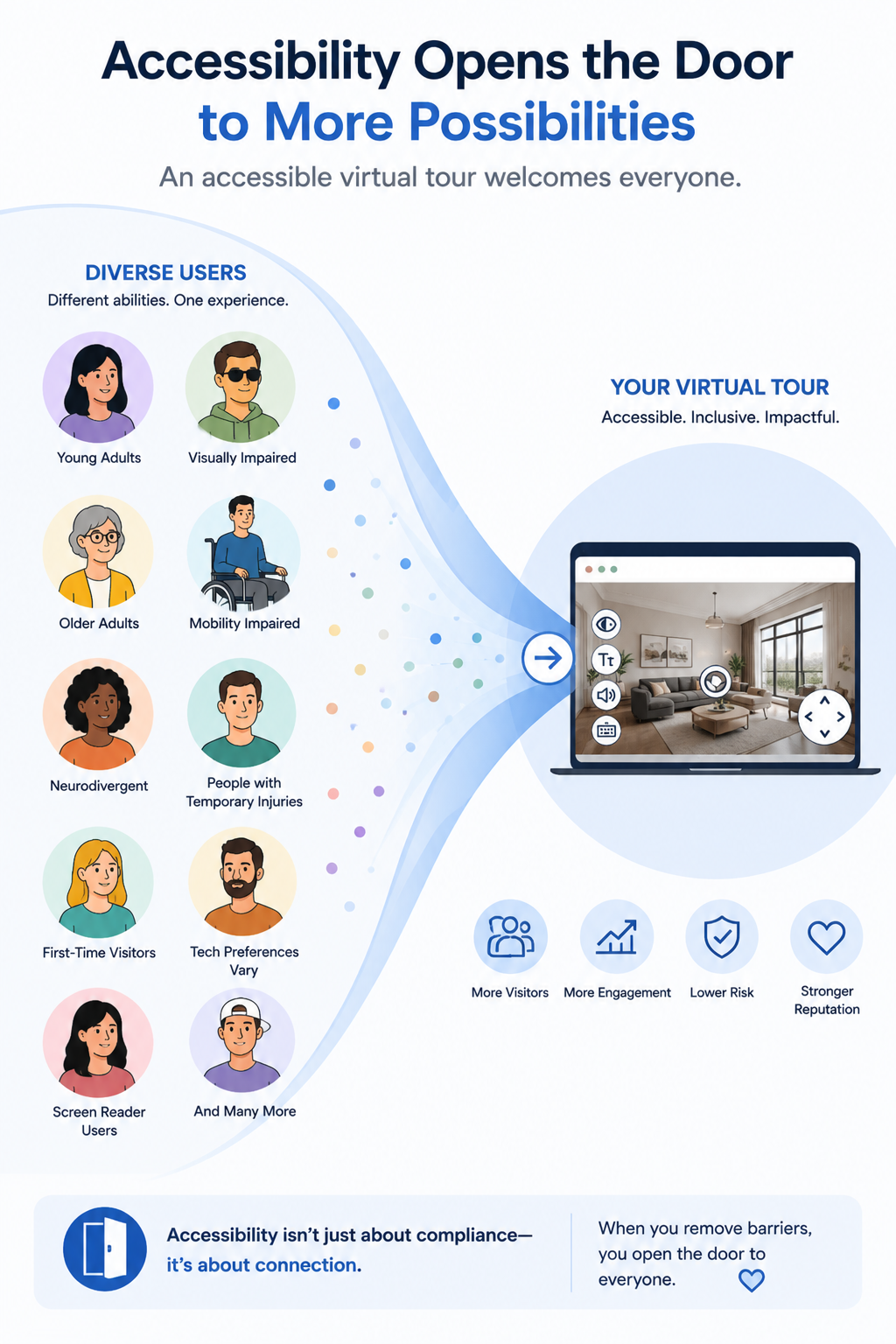
This isn't a niche concern. Real estate buyers, hotel guests, museum visitors, and retail shoppers span a wide range of demographics and abilities, including older adults, people with temporary injuries, and people with permanent disabilities.
Improving accessibility helps expand the number of people who can comfortably interact with your virtual tour and, ultimately, engage with your business.
Accessibility improvements often benefit far more people than the specific groups they were originally designed to support.
Keyboard navigation, for example, can help someone with a temporary injury as well as someone with a permanent motor disability. High-contrast display options can make content easier to see in bright environments or on certain screens. Clear, descriptive labels can help every visitor better understand what they're viewing and where different navigation elements will take them.
This idea aligns with the principles behind the W3C's Web Content Accessibility Guidelines (WCAG), which provide guidance for making digital content more accessible to people with disabilities.
A thoughtfully implemented ADA widget, combined with accessible content and navigation practices, can contribute to a virtual tour experience that feels more intuitive and easier to use.
Legal considerations are another important reason businesses pay attention to digital accessibility.
Web accessibility has become an increasingly important compliance issue, and interactive experiences such as virtual tours should be considered as part of a business's broader digital accessibility strategy. Guidance available through ADA.gov provides additional information about how the ADA applies to web accessibility.
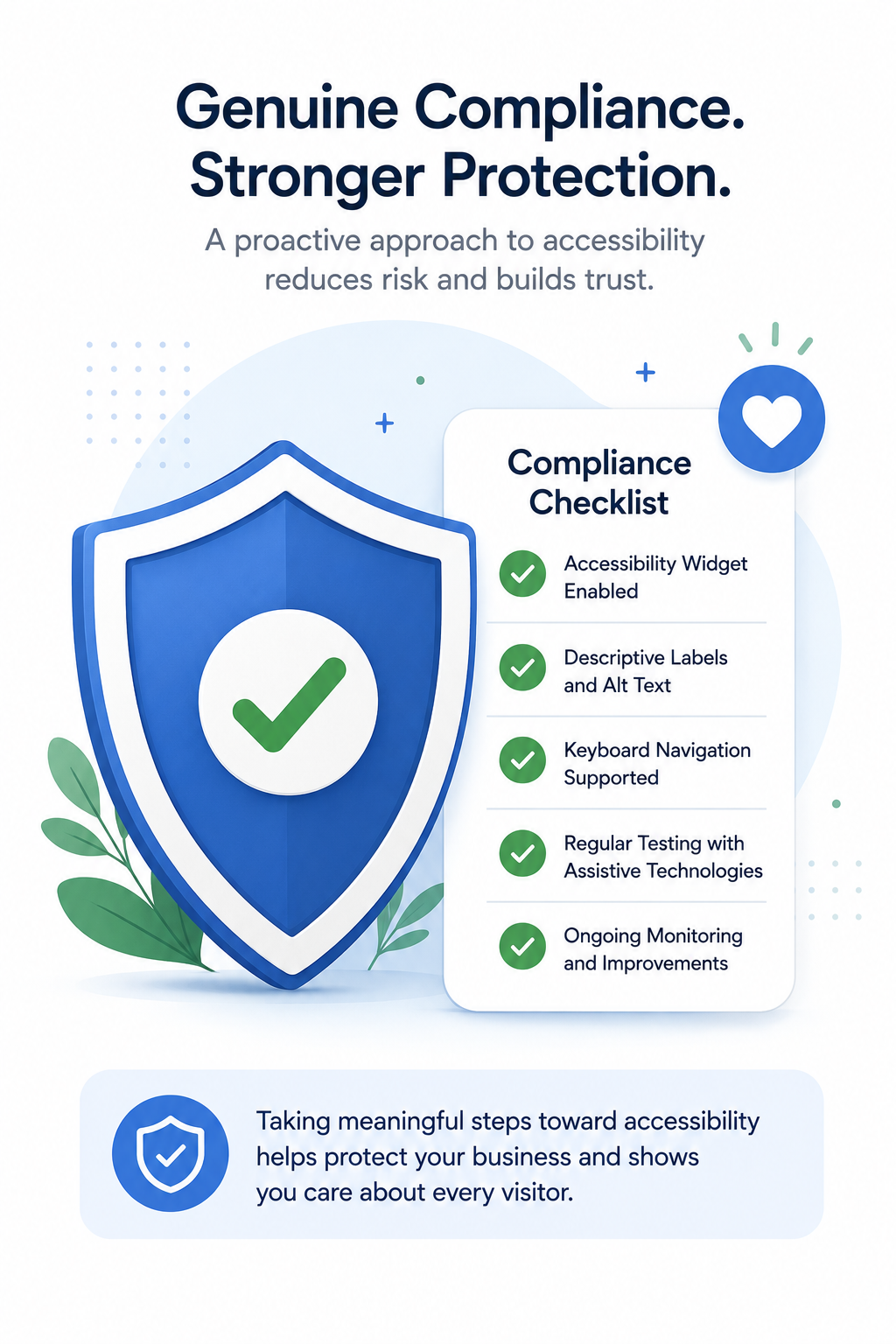
It's important to remember that installing an ADA widget alone doesn't guarantee compliance or eliminate the possibility of a complaint or legal claim.
However, taking accessibility seriously — through appropriate accessibility tools, meaningful labeling, testing, and ongoing improvements — can help businesses address potential accessibility barriers while demonstrating a proactive approach to making their digital experiences more inclusive.
Accessibility and SEO can overlap in several important areas.
Practices such as descriptive alternative text, clear headings, meaningful labels, and logical content structure can make a website easier for assistive technologies to interpret. Many of these practices can also help search engines better understand the structure and context of your content.
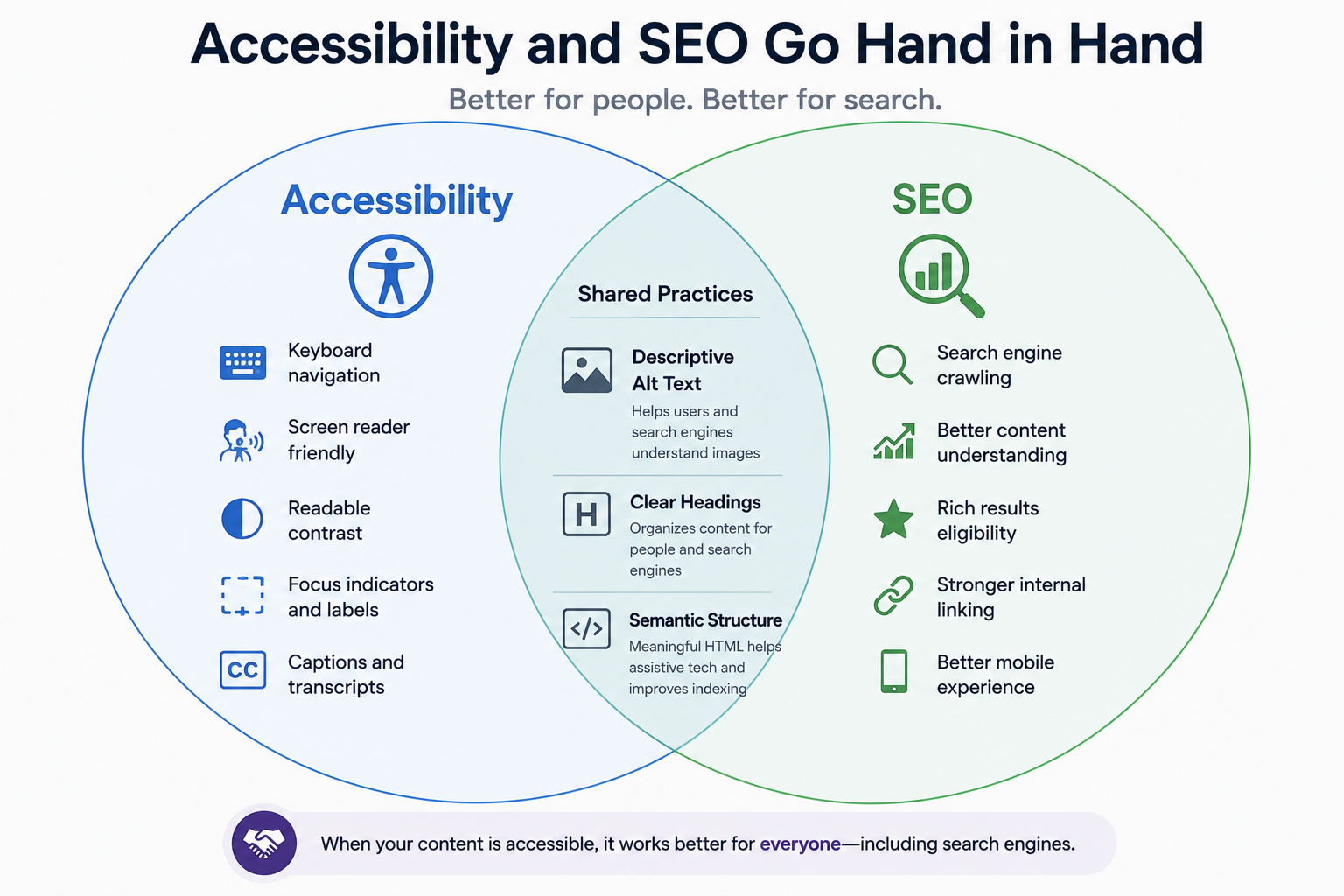
Resources from WebAIM provide guidance on accessible content practices, including semantic structure, alternative text, and other elements that can also support a well-organized website.
An ADA widget itself isn't an SEO tool and won't automatically improve your search rankings. However, many of the best practices associated with creating accessible digital content also align with good technical and on-page SEO practices.
Accessibility can also contribute to how visitors perceive your business.
When someone encounters barriers while trying to navigate a virtual tour, they may simply leave rather than report the problem. Creating a more accessible experience, on the other hand, demonstrates that your business has considered the needs of a broader range of visitors.
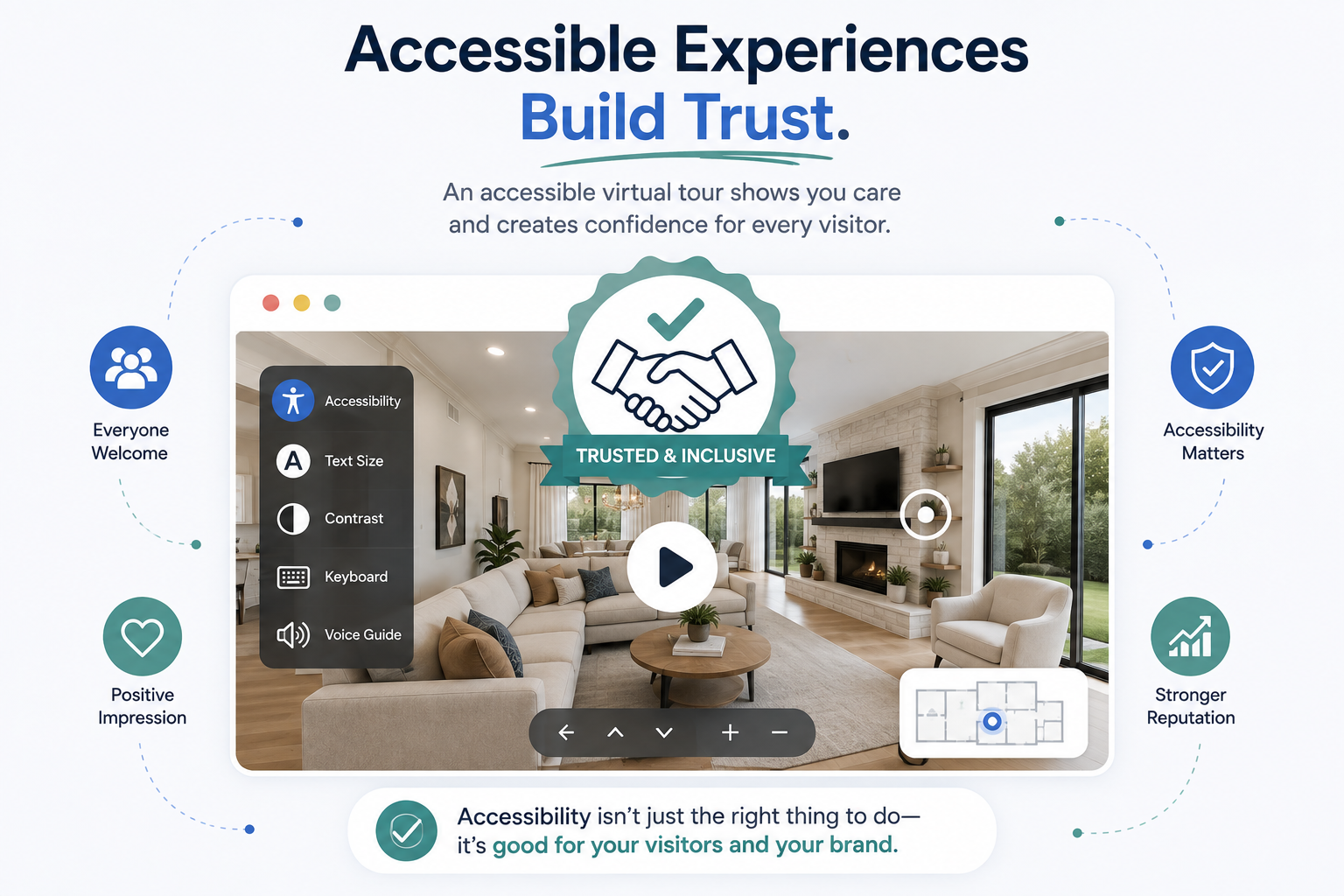
For industries where trust and user experience are especially important — including real estate, hospitality, healthcare, and higher education — an accessible virtual tour can demonstrate attention to detail and a commitment to providing a welcoming digital experience.
It isn't simply about checking a compliance box. It's about making it easier for more people to explore what your business, property, or organization has to offer.
Improving virtual tour accessibility doesn't necessarily mean building an accessibility system from scratch.
Platforms that provide accessibility functionality, such as CloudPano's ADA compliance widget, can make it easier to add accessibility features to your virtual tours without requiring custom development.
The widget can be combined with other accessibility practices, such as descriptive scene and hotspot labels, keyboard-friendly navigation, and periodic testing with assistive technologies.
For businesses evaluating whether an ADA widget is worth adding, the potential benefits extend beyond compliance considerations. Improving accessibility can help you reach a broader audience, create a better user experience, address potential accessibility barriers, and demonstrate a stronger commitment to inclusive digital experiences.
Learn more about CloudPano's accessibility features on the CloudPano ADA compliance page, or explore the full CloudPano feature set.


Compact, ready to go anywhere
Interchangeable lens that’s upgradeable
Dual 1-inch sensors for improved clarity and low light performance
Dynamic range and 6K 360° capture
360° photo resolution at 21MP

8K 360° video recording for ultra-detailed visuals.
4K single-lens mode for traditional wide-angle shots.
Invisible selfie stick effect for drone-like perspectives.
2.5-inch touchscreen with Gorilla Glass protection.
Waterproof up to 33ft for underwater shooting.

360° photo resolution in 23MP
Slim design at 24 mm thick
Built-in image stabilization for smooth video capture.
Internal 19GB storage for photo and video storage.
Wireless connectivity for remote control and sharing.

60MP 360° still images for high-resolution photography.
5.7K 360° video recording at 30fps.
2.25-inch touchscreen for intuitive control.
USB Type-C port for fast charging and data transfer.
MicroSD card slot for expandable storage.
.png)

.png)

Try it free. No credit card required. Instant set-up.







.svg)


.svg)