


.png)


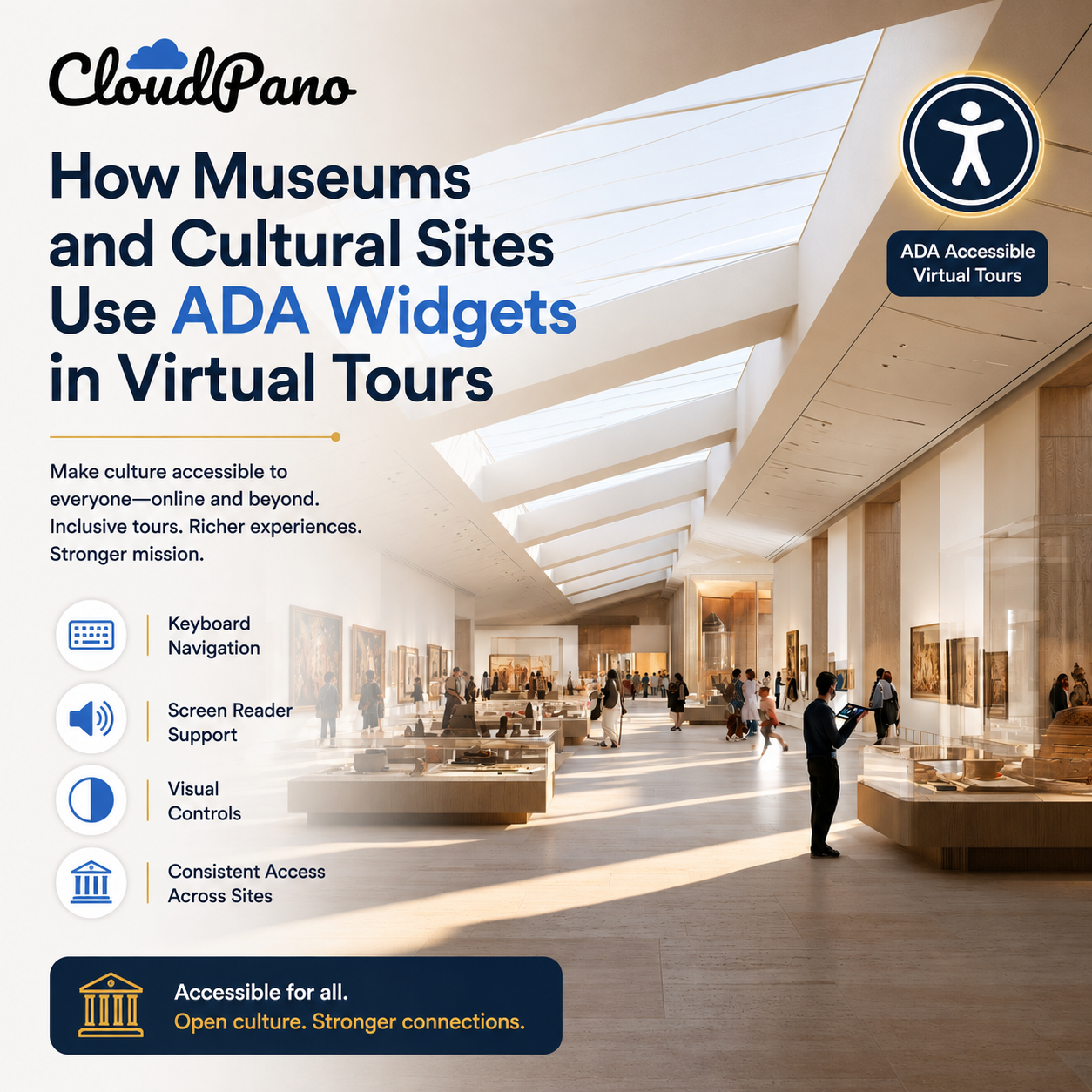
Museums, galleries, and cultural institutions occupy a unique position when it comes to accessibility. Unlike a retail business, where accessibility is primarily a compliance and customer experience issue, cultural institutions often have accessibility written directly into their mission — public education, shared cultural heritage, and access to knowledge for everyone. Museum virtual tour accessibility is a natural extension of that mission into the digital space, yet it's an area many institutions haven't fully addressed.
Many museums, particularly those receiving public funding or grants, already operate under accessibility expectations tied to their public mission, in addition to the general ADA requirements that may apply. A virtual tour that isn't accessible can run counter to that mission in a fairly direct way — it's the digital equivalent of creating an experience that some visitors simply cannot access.
Beyond formal requirements, there's also a matter of aligning accessibility with institutional values. Museums frequently describe their purpose in terms of broad public access to art, history, and culture. An inaccessible virtual tour can quietly contradict that stated purpose, even if unintentionally.
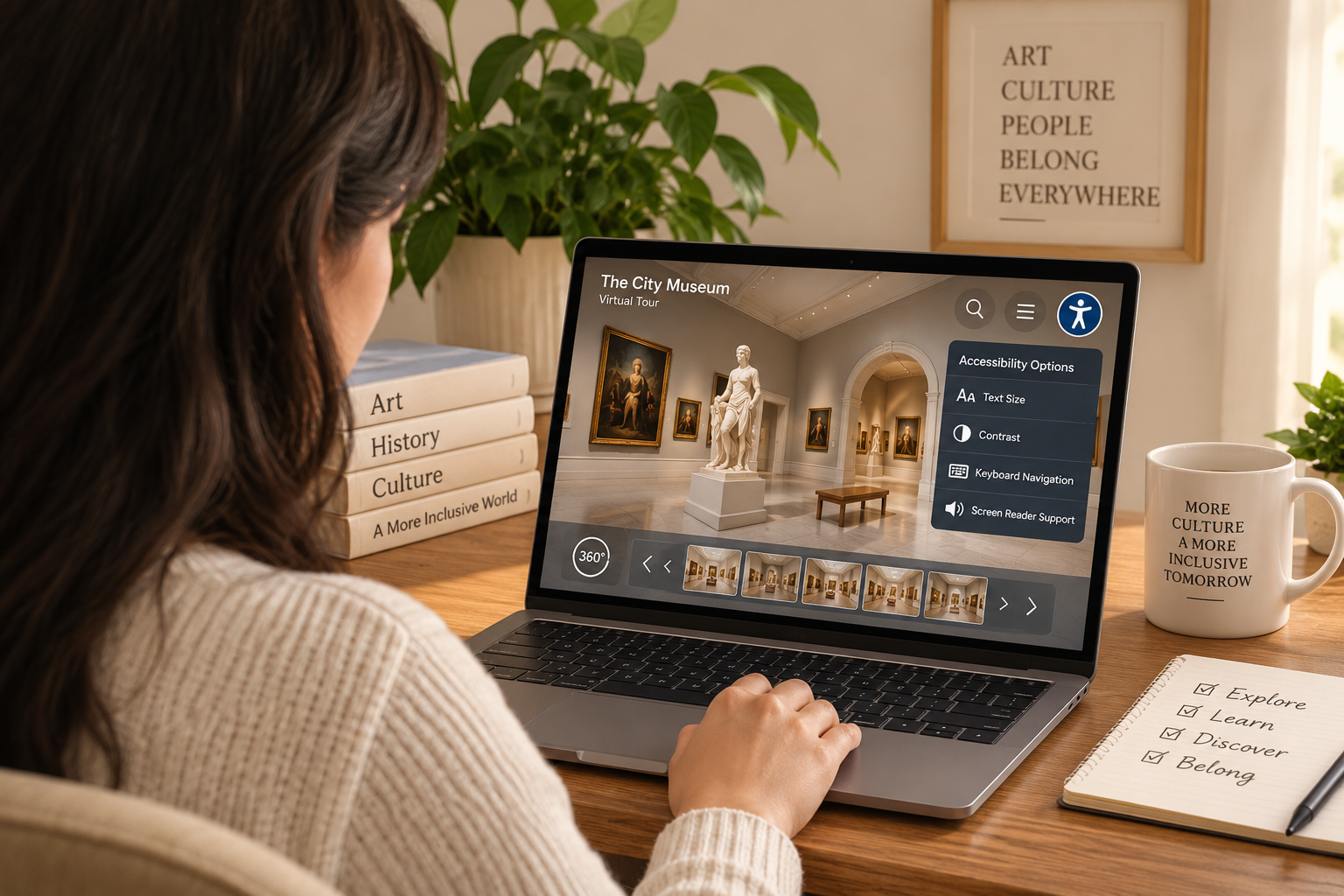
Virtual tours have already done enormous good for museum accessibility in one important dimension: geography. Visitors who can't travel to a physical location — due to distance, cost, mobility limitations, or other barriers — can now experience collections remotely. This is a genuine accessibility win, but it's only complete if the tour itself is accessible once someone arrives at it online.
A visitor who can't travel to a museum due to a mobility impairment but also can't navigate the virtual tour because it lacks keyboard support hasn't actually gained the access the tour was intended to provide.
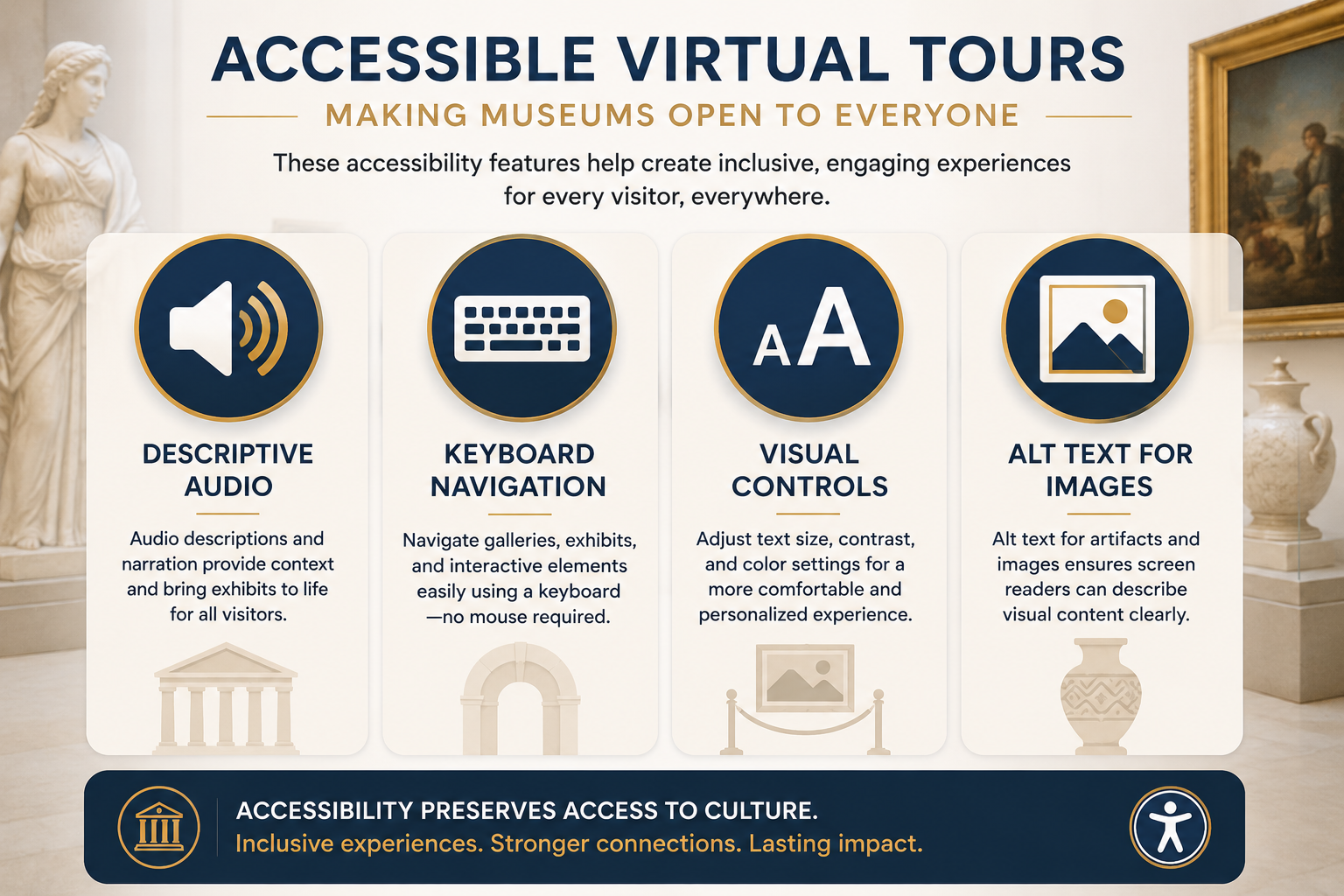
Descriptive audio and screen reader support. Museum tours benefit enormously from rich, descriptive labeling — not just "Gallery 3," but context about what's actually in that gallery, similar to how a well-written wall placard or audio guide would describe an exhibit.
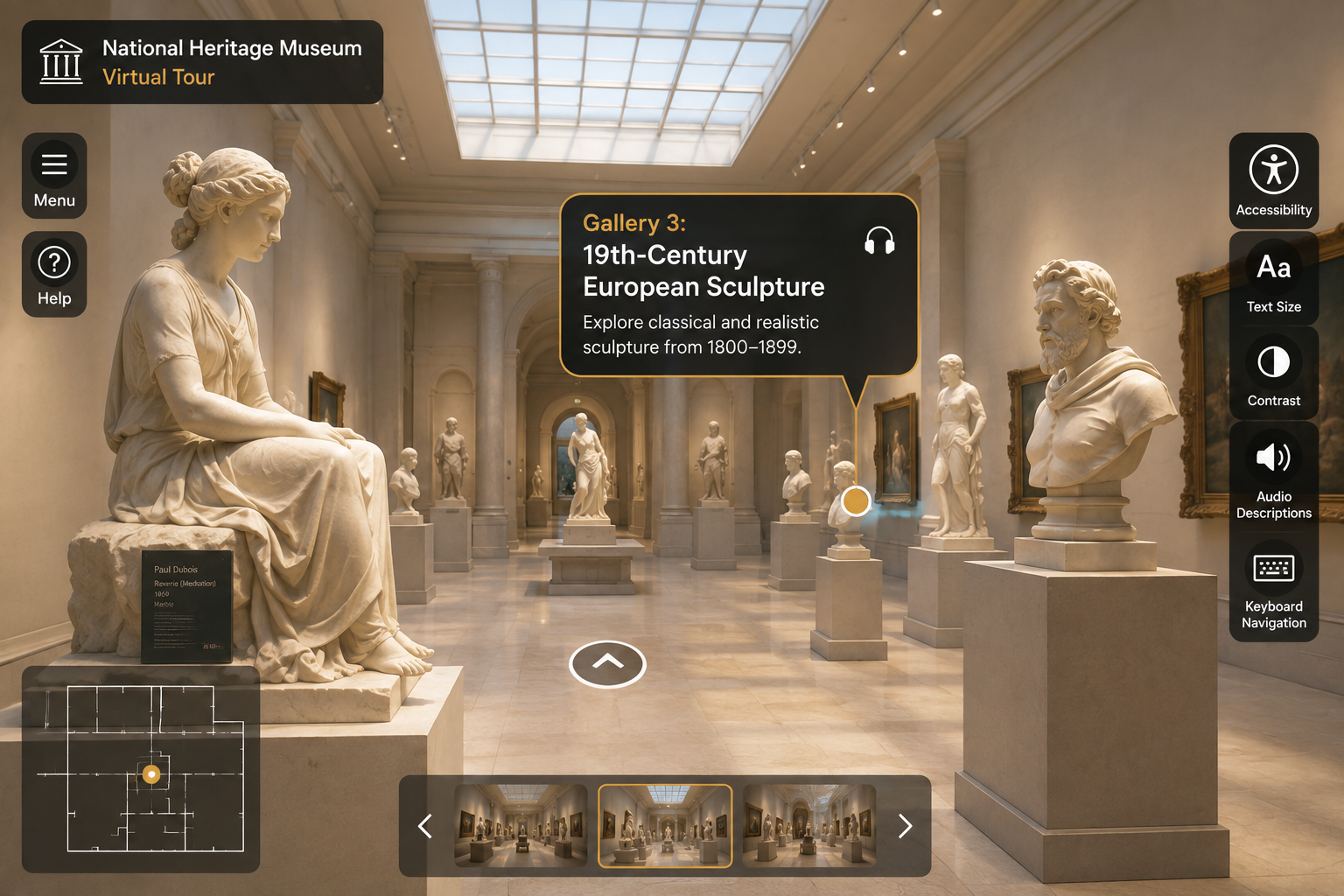
Keyboard navigation through galleries and exhibits. Visitors should be able to move between rooms, navigate interactive elements, and access exhibit information using a keyboard.
Visual accessibility controls. Text resizing and contrast adjustments can be particularly valuable for museum content, which often includes detailed information about exhibits, artists, artifacts, or historical context.
Alt text for embedded artifact images. Any close-up images of artifacts, paintings, or exhibits embedded within the tour should include meaningful alt text, following WCAG's guidance on non-text content.
A tour platform with a purpose-built ADA widget can provide an important technical foundation for accessibility, allowing curatorial and education teams to focus on creating rich, descriptive content for each exhibit and gallery.
Museums and cultural institutions often serve school groups, researchers, and lifelong learners in addition to general visitors — audiences with a wide range of accessibility needs. Making a virtual tour accessible isn't just about accommodating visitors with permanent disabilities; it can also support more inclusive educational experiences for students with different learning and access needs, an area many museums already prioritize in their in-person education programs.
For museums that rely on public or grant funding, accessibility requirements may be more explicit than they are for some commercial organizations. Federal accessibility standards, such as those described by Section508.gov, may be relevant to certain federally funded organizations, programs, or technologies.
Demonstrating a genuine commitment to digital accessibility, including accessible virtual tour experiences, can also support an institution's broader accessibility goals, grant applications, and public reporting.
For museums and cultural sites building or expanding their virtual tour offerings, starting with a platform that includes accessibility support from the outset can help avoid the more difficult and resource-intensive process of retrofitting accessibility later.
CloudPano's ADA compliance page outlines the accessibility features available, while CloudPano's broader feature set covers additional tools for creating rich and engaging virtual experiences.
This article is for general informational purposes and isn't legal advice.


Compact, ready to go anywhere
Interchangeable lens that’s upgradeable
Dual 1-inch sensors for improved clarity and low light performance
Dynamic range and 6K 360° capture
360° photo resolution at 21MP

8K 360° video recording for ultra-detailed visuals.
4K single-lens mode for traditional wide-angle shots.
Invisible selfie stick effect for drone-like perspectives.
2.5-inch touchscreen with Gorilla Glass protection.
Waterproof up to 33ft for underwater shooting.

360° photo resolution in 23MP
Slim design at 24 mm thick
Built-in image stabilization for smooth video capture.
Internal 19GB storage for photo and video storage.
Wireless connectivity for remote control and sharing.

60MP 360° still images for high-resolution photography.
5.7K 360° video recording at 30fps.
2.25-inch touchscreen for intuitive control.
USB Type-C port for fast charging and data transfer.
MicroSD card slot for expandable storage.
.png)

.png)

Try it free. No credit card required. Instant set-up.







.svg)


.svg)