


.png)


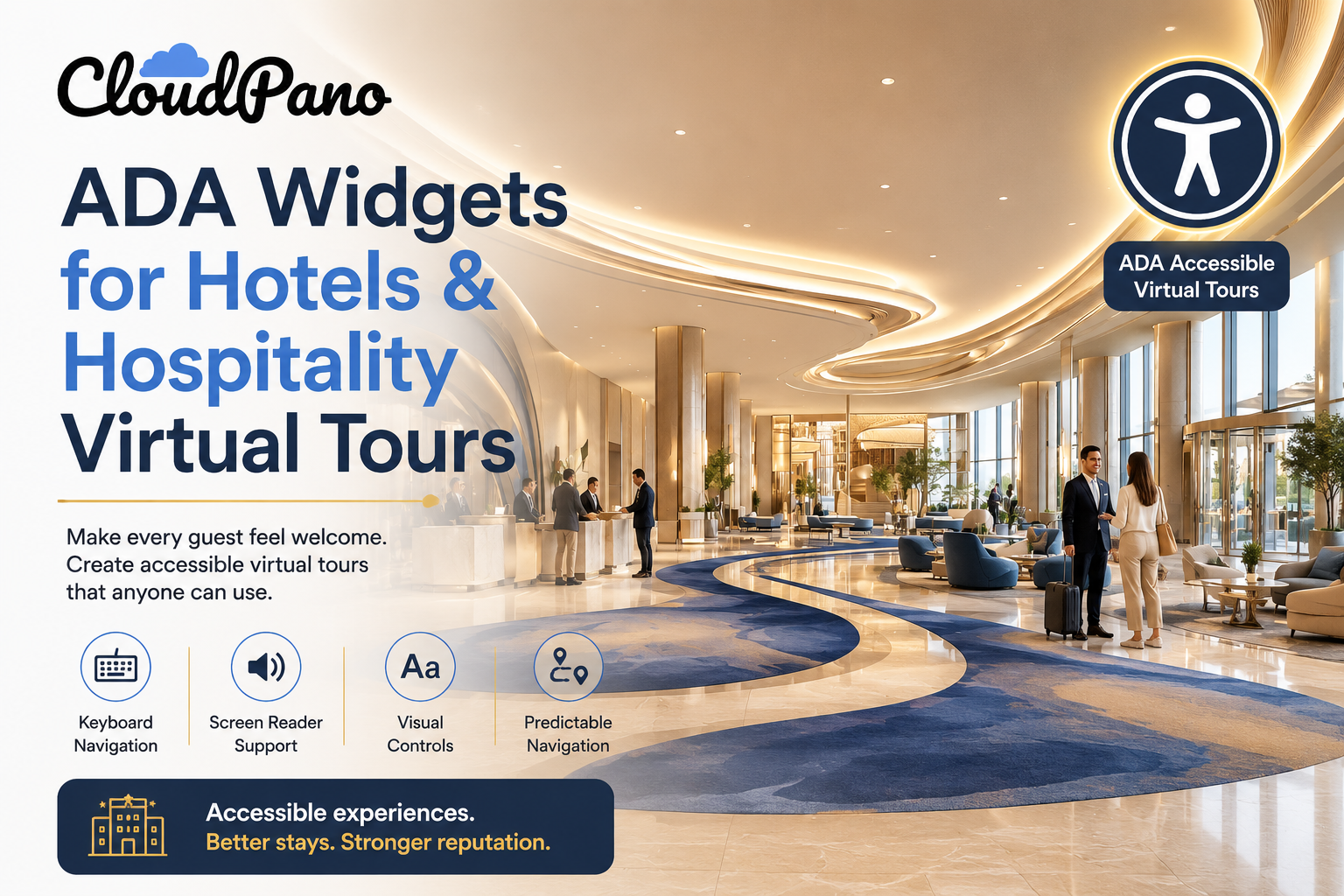
Hotels have invested heavily in physical accessibility for decades—accessible rooms, ramps, elevators, and adapted bathrooms. But hotel virtual tour accessibility is a newer and often overlooked piece of the puzzle. As more guests research and book stays online, virtual tours have become an important part of the decision-making process. If a tour isn’t accessible, it can unintentionally exclude the very guests who may rely most on detailed information about whether a property meets their needs.
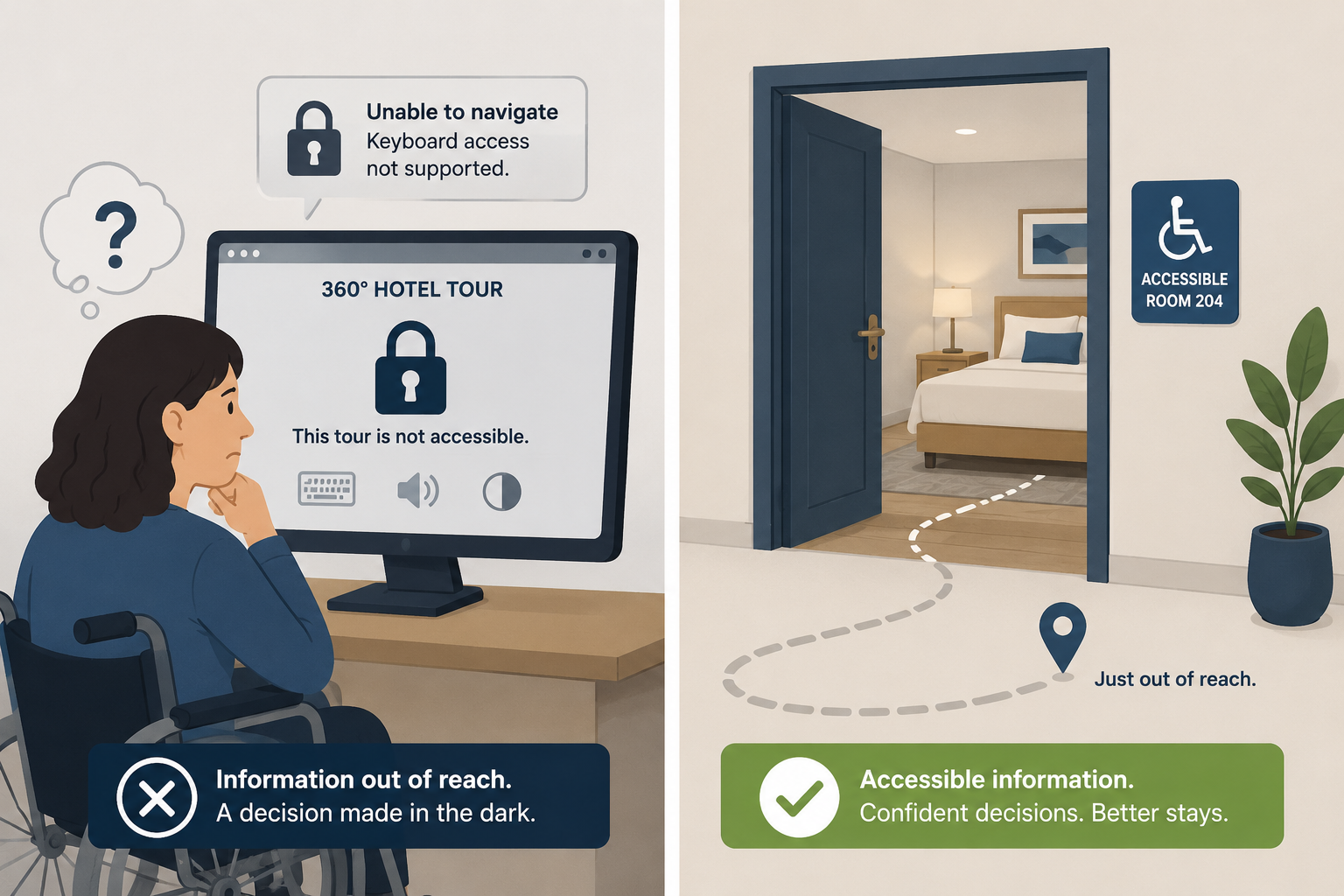
Unlike browsing a general retail website, booking a hotel stay is a decision with real logistical considerations—especially for guests with disabilities. A guest evaluating accessible room features, bathroom layouts, or routes between a room and shared amenities may rely heavily on detailed visual or spatial information to make an informed decision.
Ironically, these are also the guests who may encounter the greatest barriers when trying to use a virtual tour that wasn’t designed with accessibility in mind.
This creates a frustrating paradox: the guests who most need to carefully evaluate a hotel’s accessibility features before booking may also be the ones who have the most difficulty using an inaccessible virtual tour.
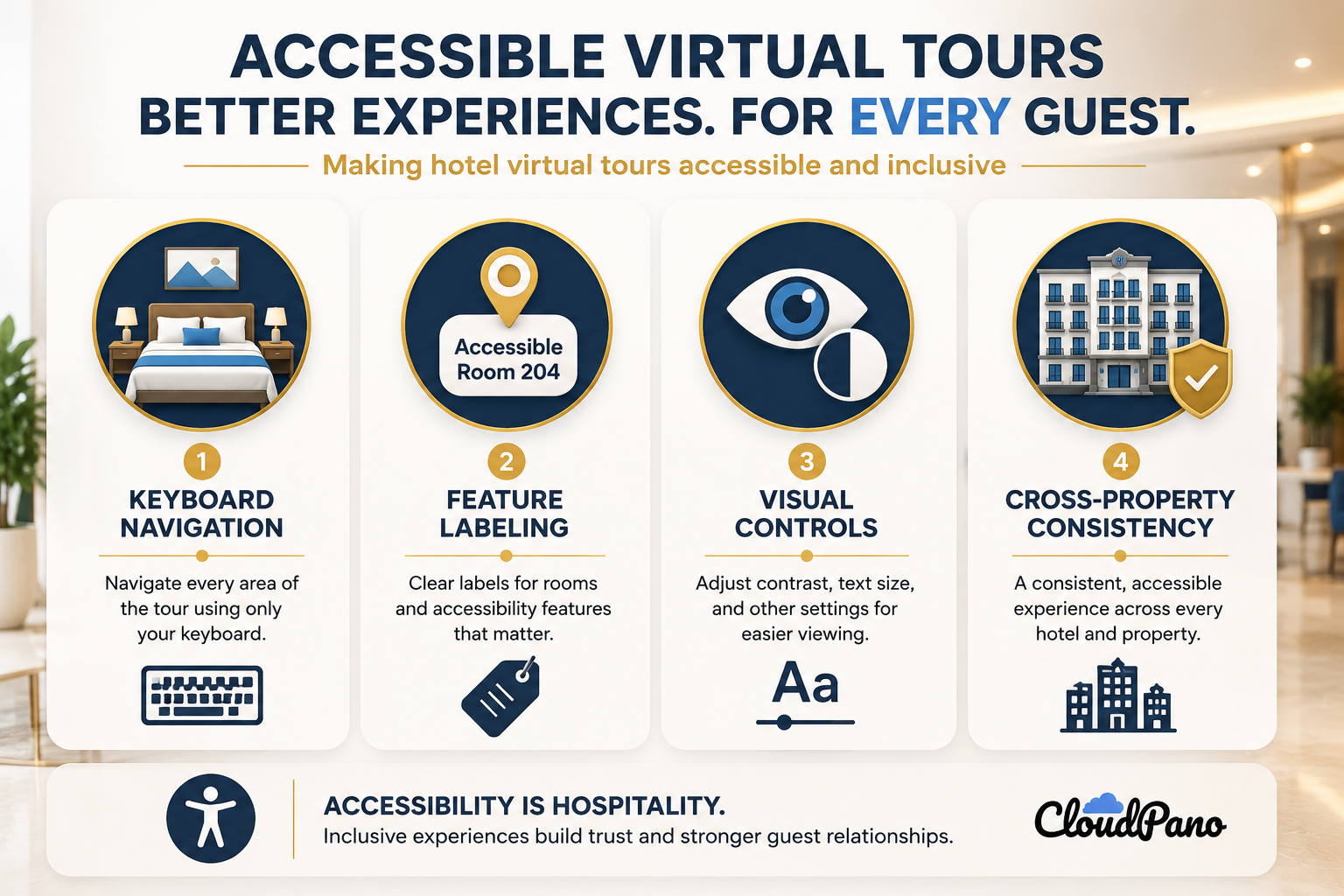
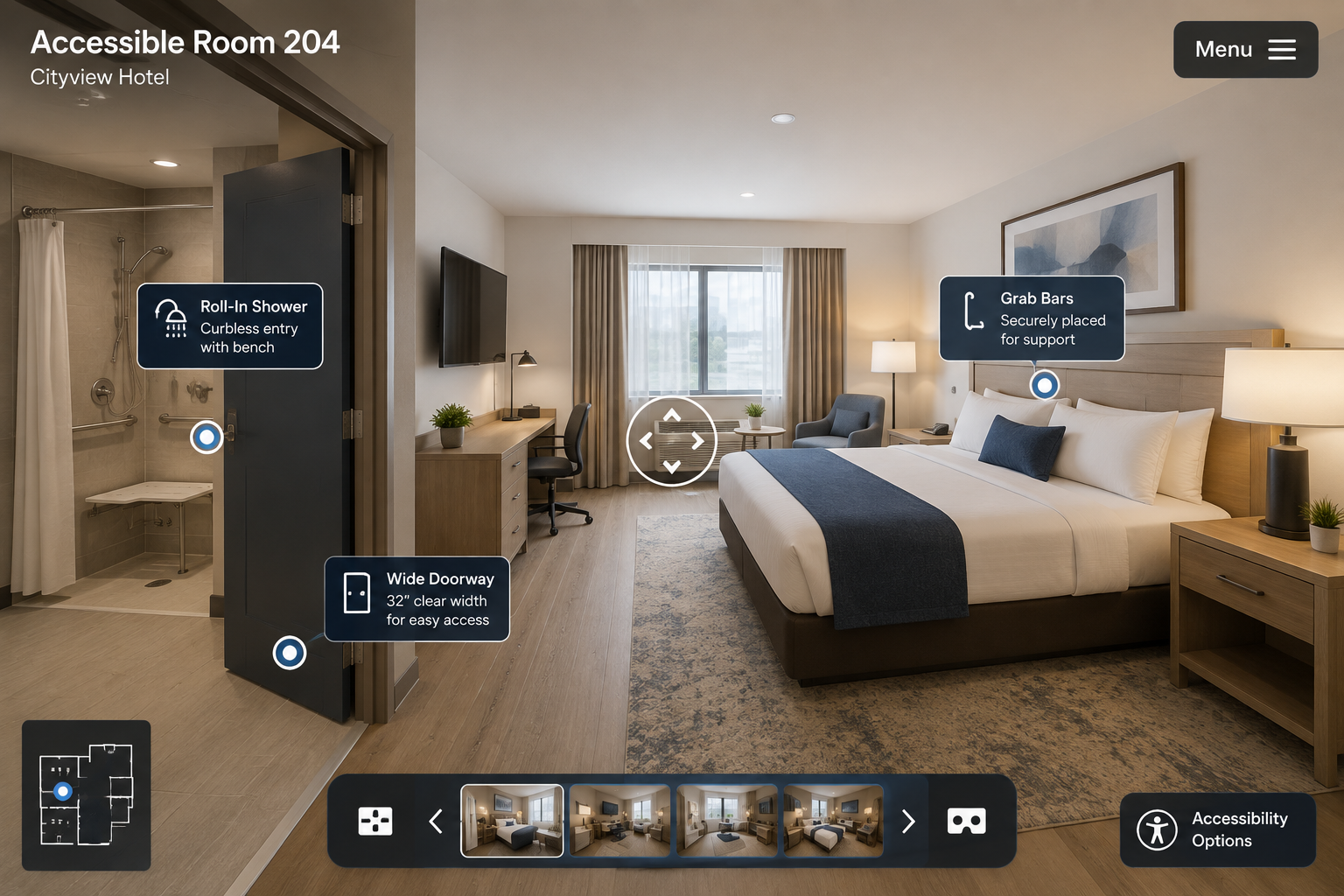
Keyboard and screen reader navigation. Guests using assistive technologies should be able to move through lobby, room, and amenity scenes without relying solely on a mouse. Clear, descriptive labels—such as “Accessible Room 204” or “Hotspot to Roll-In Shower”—can also provide more useful context than generic scene numbers.
Clear labeling of accessibility-relevant features. Beyond general navigation, hotel tours can benefit from specifically identifying accessibility-related details within scene descriptions, such as door widths, bathroom layouts, and grab bar placement. These details can provide valuable information for guests evaluating whether a room or property meets their individual needs.
Visual accessibility controls. Features such as contrast adjustments and text resizing can help guests with low vision review amenity details, room descriptions, and navigation text within the tour interface.
Consistent experiences across properties. For hotel groups and chains, providing a consistent and accessible tour experience across locations can help build trust and reduce uncertainty when guests are considering an unfamiliar property.
A tour platform with a built-in ADA widget can provide accessibility features such as keyboard support, screen reader compatibility, and visual controls, allowing hospitality teams to focus on the descriptive, hotel-specific information that adds value for guests evaluating accessibility features.
Accessible travel represents an important segment of the hospitality market. Guests with disabilities, along with friends, family members, and caregivers who may travel with them, represent potential repeat business for hotels that provide a positive and accessible experience—both physically and digitally.
A CDC estimate suggests roughly 1 in 4 U.S. adults has some type of disability, representing a substantial share of the traveling public.
Guests who have struggled with inaccessible booking or research tools elsewhere may particularly value properties that make the process easier. An accessible virtual tour can be one visible signal that a hotel considers accessibility throughout the guest journey, beginning before the guest physically arrives.
Digital accessibility is an important consideration for businesses that provide services to the public, including hotels. Although ADA.gov guidance does not specifically establish requirements for virtual tours as a distinct technology, hotels should consider the accessibility of the digital tools guests use to research their properties and services.
Because legal requirements can depend on the circumstances and applicable laws, hotels should seek appropriate legal or accessibility guidance when determining their specific compliance obligations.
Beyond legal considerations, there’s also a reputational dimension that is particularly important in hospitality: guest reviews. If a guest cannot adequately evaluate accessibility features before booking and discovers that a property doesn’t meet their needs upon arrival, the experience can lead to frustration and negative feedback.
Providing clear, accessible information before booking can help guests make more informed decisions and set appropriate expectations.
For hotel groups managing virtual tours across multiple properties, a sustainable approach is to standardize accessibility practices across the organization rather than addressing them property by property.
Choosing a tour platform with accessibility features built in can make that process easier to manage. CloudPano’s ADA compliance page outlines the platform’s accessibility features, while the CloudPano feature set explains how virtual tours can fit into a broader multi-property workflow.
This article is for general informational purposes only and does not constitute legal advice.


Compact, ready to go anywhere
Interchangeable lens that’s upgradeable
Dual 1-inch sensors for improved clarity and low light performance
Dynamic range and 6K 360° capture
360° photo resolution at 21MP

8K 360° video recording for ultra-detailed visuals.
4K single-lens mode for traditional wide-angle shots.
Invisible selfie stick effect for drone-like perspectives.
2.5-inch touchscreen with Gorilla Glass protection.
Waterproof up to 33ft for underwater shooting.

360° photo resolution in 23MP
Slim design at 24 mm thick
Built-in image stabilization for smooth video capture.
Internal 19GB storage for photo and video storage.
Wireless connectivity for remote control and sharing.

60MP 360° still images for high-resolution photography.
5.7K 360° video recording at 30fps.
2.25-inch touchscreen for intuitive control.
USB Type-C port for fast charging and data transfer.
MicroSD card slot for expandable storage.
.png)

.png)

Try it free. No credit card required. Instant set-up.







.svg)


.svg)