


.png)


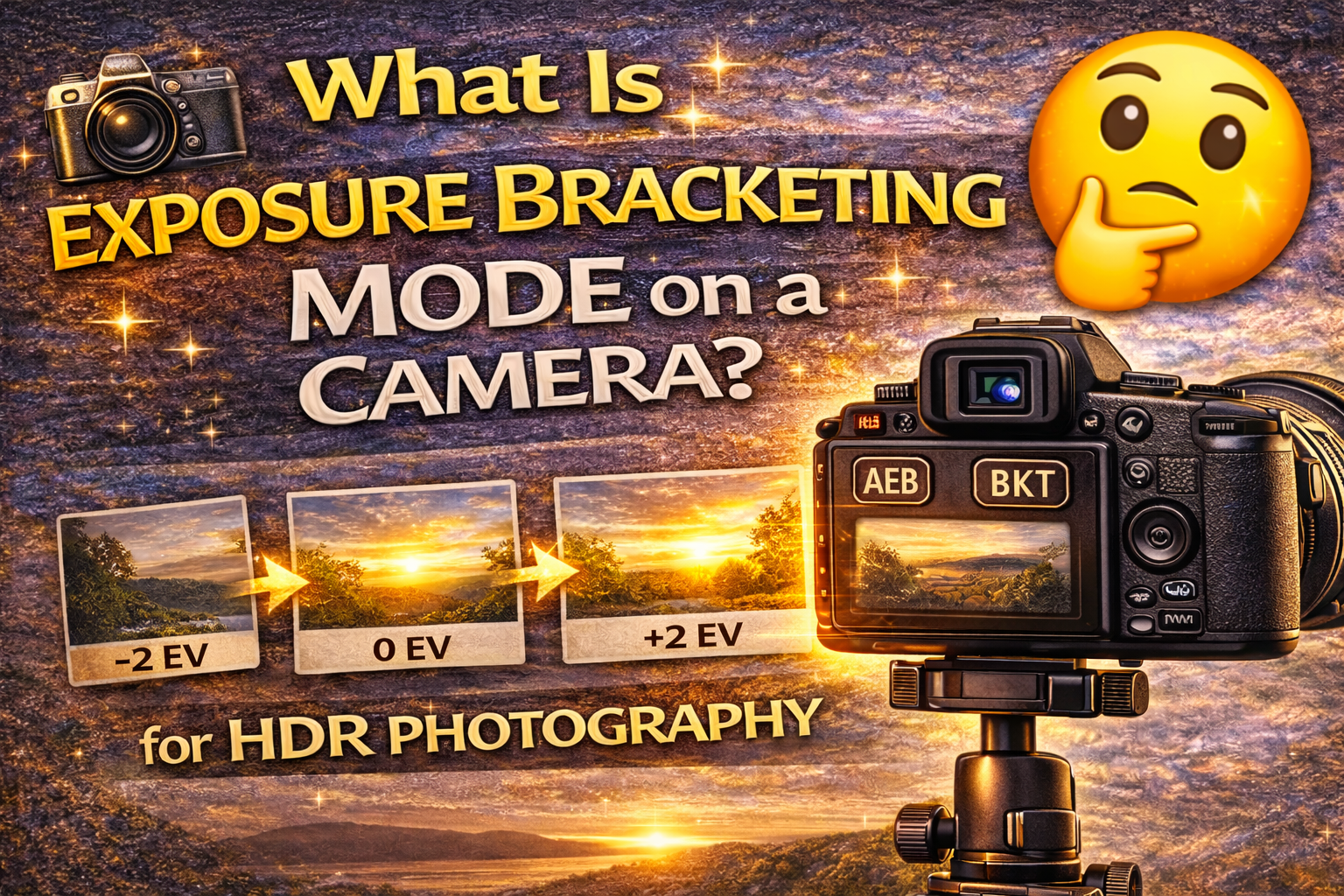
A Beginner-Friendly Guide to Using Exposure Bracketing Mode
If you’ve ever explored your camera menu and seen a setting called exposure bracketing mode, you might have wondered what it does — and whether you should use it.
The short answer? Yes, you absolutely should. 🙌
Exposure bracketing mode is one of the most powerful tools built into modern cameras. It helps photographers capture better detail, improve dynamic range, and create professional HDR images with less guesswork.
In this guide, you’ll learn what exposure bracketing mode is, how it works, when to use it, and how it can dramatically improve your photography — especially for real estate, interiors, and landscapes.
Let’s break it down. 🚀
Exposure bracketing mode is a camera feature that automatically takes multiple photos of the same scene at different brightness levels.
Instead of guessing the perfect exposure, your camera captures a sequence like this:
📷 One darker photo (for highlights)
📷 One normal photo (for midtones)
📷 One brighter photo (for shadows)
These images can then be blended together into one balanced photo or used individually.
It’s like giving yourself exposure insurance.
Your eyes can see a huge range of light — from bright windows to dark corners — all at once.
Cameras can’t.
A single exposure often leads to:
❌ Blown-out windows
❌ Dark, muddy shadows
❌ Loss of detail in bright or dark areas
Exposure bracketing mode solves this by capturing multiple exposures that cover the full range of light in the scene.
When you enable exposure bracketing mode, your camera automatically adjusts exposure between shots.
Most commonly, it changes shutter speed while keeping ISO and aperture the same.
Example 3-shot bracket:
• Shot 1: Normal exposure
• Shot 2: Underexposed (darker)
• Shot 3: Overexposed (brighter)
This happens instantly when you press the shutter, making the process fast and consistent.
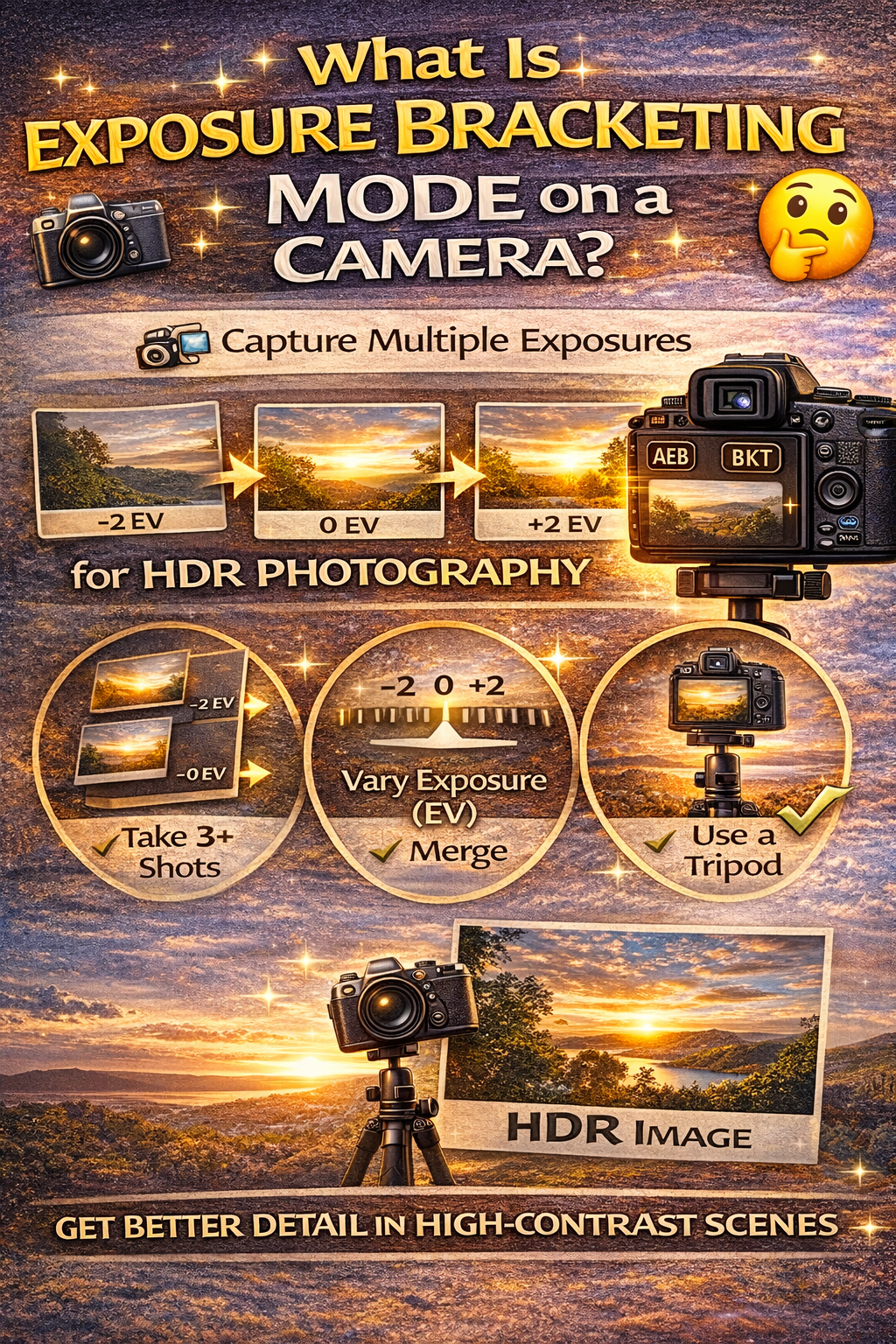
In most cases:
✔ Aperture stays fixed (to maintain depth of field)
✔ ISO stays fixed (to keep noise levels consistent)
✔ Shutter speed changes (to vary brightness)
This keeps your photos aligned and easy to merge later.
That’s why exposure bracketing mode is ideal for HDR photography.
Exposure bracketing mode is especially useful in high-contrast scenes, such as:
🏡 Real estate interiors with bright windows
🌅 Sunrises and sunsets
🏔 Landscapes with bright skies and dark ground
🏙 Cityscapes at night
🏛 Architectural photography
Anytime a scene has both very bright and very dark areas, bracketing helps.
Most cameras allow you to choose how many shots are in a bracket sequence.
Common options:
📸 3 shots (standard)
📸 5 shots (better for interiors)
📸 7+ shots (extreme lighting)
For most photography, 3–5 exposures are perfect.
When setting up exposure bracketing mode, you’ll see “EV” values.
EV stands for Exposure Value. It controls how much brighter or darker each shot is.
Common settings:
±1 EV = Small exposure difference
±2 EV = Larger exposure difference
For HDR photography, ±2 EV spacing is often ideal.
Manual exposure gives you one brightness level. If it’s wrong, you have to reshoot.
Exposure bracketing mode gives you multiple exposures instantly — so you always have options.
It’s faster, safer, and more flexible.
While you can use exposure bracketing mode handheld, a tripod improves results by keeping frames aligned.
Tripods help:
✔ Reduce blur
✔ Keep images aligned
✔ Make HDR merging easier
For interiors and landscapes, a tripod is highly recommended.
HDR photography combines bracketed exposures into one balanced image.
Without exposure bracketing mode, you’d have to adjust exposure manually between every shot — slow and inconsistent.
Bracketing mode automates the process and ensures consistent spacing between exposures.
Some cameras have an Auto HDR mode that merges images in-camera.
The downside:
❌ Less control
❌ Lower-quality merges
❌ Limited editing flexibility
Using exposure bracketing mode and merging later in software gives much better results.
Every camera brand is different, but the setting is often called:
AEB (Auto Exposure Bracketing)
BKT (Bracketing)
Exposure Bracket
You choose:
✔ Number of shots
✔ EV spacing
Then press the shutter once to capture the full sequence.
Creates noise in shadows.
Causes focus inconsistencies.
Leads to alignment problems.
Not always necessary.
Avoiding these mistakes makes bracketing more effective.
If you’re new to HDR or real estate photography, start with:
📷 3 shots
📏 ±2 EV
🦵 Use a tripod
This simple setup works in most situations.
Bracketed photos give you more flexibility later.
You can:
✔ Merge into HDR
✔ Blend manually
✔ Choose the best single exposure
Bracketing increases creative control.
So, what is exposure bracketing mode on a camera?
It’s a powerful tool that captures multiple exposures automatically so you can handle tricky lighting with confidence.
It helps you:
✔ Capture more detail
✔ Avoid blown highlights
✔ Brighten shadows cleanly
✔ Create professional HDR images
Once you start using exposure bracketing mode, it quickly becomes one of the most valuable features on your camera.
Because when light gets tricky, bracketing makes things easy.


Compact, ready to go anywhere
Interchangeable lens that’s upgradeable
Dual 1-inch sensors for improved clarity and low light performance
Dynamic range and 6K 360° capture
360° photo resolution at 21MP

8K 360° video recording for ultra-detailed visuals.
4K single-lens mode for traditional wide-angle shots.
Invisible selfie stick effect for drone-like perspectives.
2.5-inch touchscreen with Gorilla Glass protection.
Waterproof up to 33ft for underwater shooting.

360° photo resolution in 23MP
Slim design at 24 mm thick
Built-in image stabilization for smooth video capture.
Internal 19GB storage for photo and video storage.
Wireless connectivity for remote control and sharing.

60MP 360° still images for high-resolution photography.
5.7K 360° video recording at 30fps.
2.25-inch touchscreen for intuitive control.
USB Type-C port for fast charging and data transfer.
MicroSD card slot for expandable storage.
.png)

.png)

Try it free. No credit card required. Instant set-up.







.svg)


.svg)