


.png)


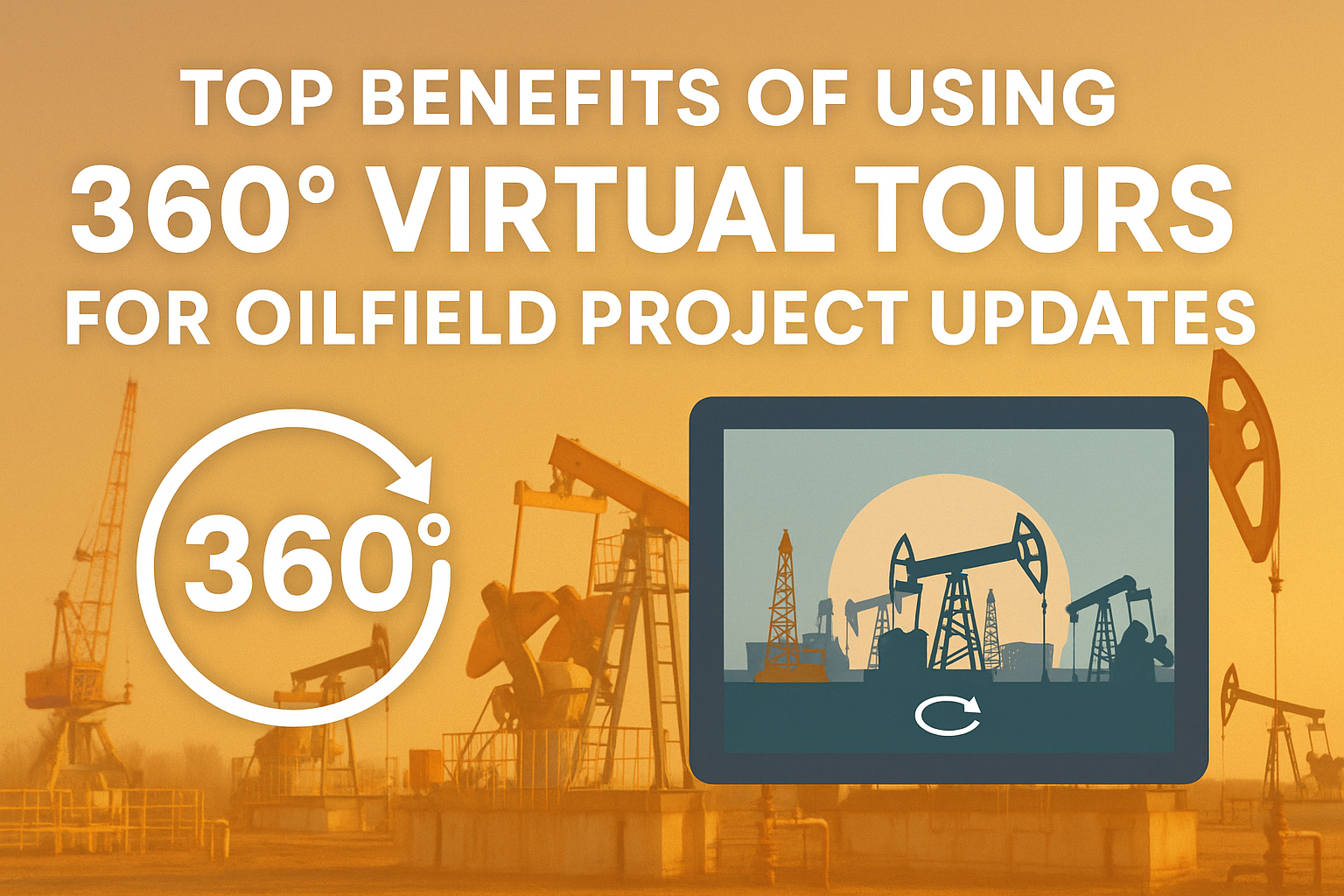
Staying on top of oilfield project updates is no small feat. With sprawling sites, remote locations, and complex workflows, communication and visibility are everything. Enter 360° virtual tours—a game-changer that’s making oilfield progress updates faster, more accurate, and more collaborative than ever before. 🔄🌍
In this post, we’ll explore the top benefits of using 360 virtual tours in oilfield operations, and we’ll link to related oil and gas blog resources that expand your understanding of this powerful technology. Let’s dive in! 🚀
One of the biggest pain points in oilfield development is the need for constant travel to remote sites. With 360 virtual tours, stakeholders can view a real-time site walkthrough from any device, anywhere in the world. 🌎👀
✅ Track Oilfield Development in Real-Time with 360 Virtual Tours
✅ How 360 Virtual Tours Are Revolutionizing Oilfield Progress Tracking
Virtual tours provide a shared visual reference point that improves collaboration across departments—whether it’s engineering, safety, or project management. 🧑💻👷♀️👨🔧
When everyone’s seeing the same thing, miscommunication is reduced, and decisions are faster and better informed.
📌 Check out:
👉 Oil and Gas Industry Adopts Virtual Walk-Throughs for Remote Collaboration
Rather than coordinating physical visits or manually writing reports, virtual tours allow teams to capture 360° visuals and annotate them for updates, inspections, or approvals. ⏱️📋
This streamlines the documentation process and saves valuable time while maintaining accuracy.
🔗 Related reads:
By simulating site conditions, 360° tours help safety officers and new hires familiarize themselves with high-risk zones without stepping foot on site. This visual context makes safety training more immersive and effective. 🚨📷
🛠️ Explore this further:
👉 Boost Safety in Oil and Gas with VR-Based Hazard Recognition Virtual Tours
👉 Immersive Hazard Recognition in Oil and Gas: The Power of Virtual Tours
From investors to government regulators, stakeholders want clarity. A virtual tour provides full transparency by visually showing progress, safety compliance, and key developments on-site. 💼✅
This builds trust and speeds up sign-offs or funding decisions.
🔗 Related article:
With regular capture of virtual walkthroughs, teams can track progress over time. This archive helps with comparisons, reporting delays, identifying bottlenecks, or even legal disputes. 🗂️🕵️♂️
👀 Dive into this strategy here:
👉 Oilfield Progress Monitoring Made Easy with 360° Virtual Tour Technology
Training new team members or orienting third-party vendors becomes easier when they can virtually walk the site before arriving. This reduces learning curves and enhances safety compliance. 🧑🏫🛡️
📚 See also:
👉 Train for Oil and Gas Emergencies with 360 Virtual Tours and Smart Documentation Tools
The oil and gas industry is moving fast toward digitization and remote-first workflows. 360 virtual tours aren't just a trendy tool—they’re a necessity for teams aiming to increase visibility, reduce risk, and save time across their project lifecycles. 🧭📊
Pairing your 360 tours with smart documentation software allows teams to link annotations, progress checklists, compliance data, and reports—all within the tour itself. 📝🔗
Learn more here:
👉 Oil and Gas Emergency Preparedness Enhanced: 360 Virtual Tours + Documentation Software
From saving hours in travel and inspection time to enhancing communication across your team, the benefits of using 360 virtual tours for oilfield updates are undeniable. Whether you’re overseeing drilling, safety compliance, or infrastructure upgrades, this technology helps your projects move faster, safer, and smarter.


Compact, ready to go anywhere
Interchangeable lens that’s upgradeable
Dual 1-inch sensors for improved clarity and low light performance
Dynamic range and 6K 360° capture
360° photo resolution at 21MP

8K 360° video recording for ultra-detailed visuals.
4K single-lens mode for traditional wide-angle shots.
Invisible selfie stick effect for drone-like perspectives.
2.5-inch touchscreen with Gorilla Glass protection.
Waterproof up to 33ft for underwater shooting.

360° photo resolution in 23MP
Slim design at 24 mm thick
Built-in image stabilization for smooth video capture.
Internal 19GB storage for photo and video storage.
Wireless connectivity for remote control and sharing.

60MP 360° still images for high-resolution photography.
5.7K 360° video recording at 30fps.
2.25-inch touchscreen for intuitive control.
USB Type-C port for fast charging and data transfer.
MicroSD card slot for expandable storage.
.png)

.png)

Try it free. No credit card required. Instant set-up.






.svg)


.svg)