


.png)


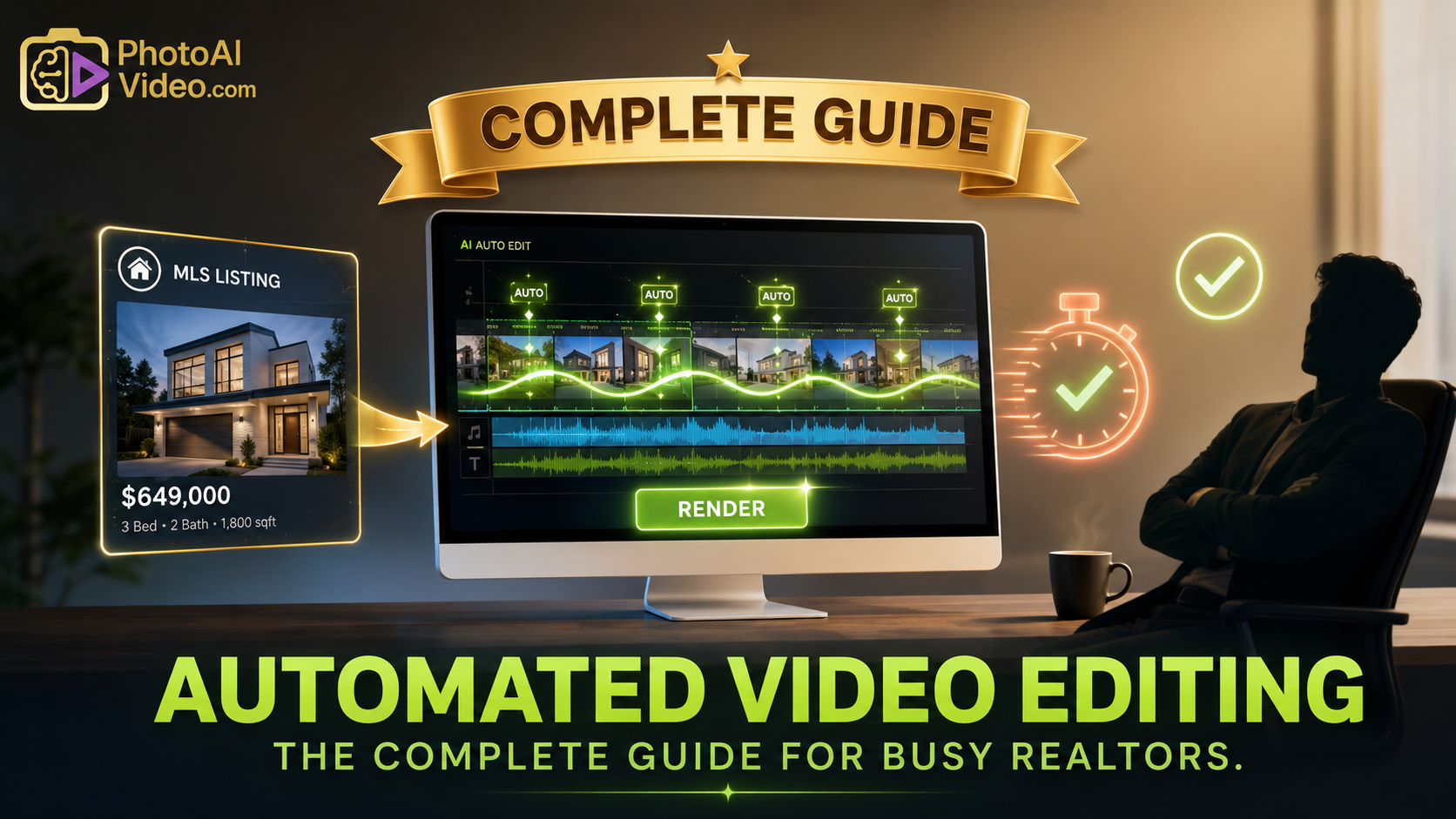

The listing is already full of usable content.
Photos. Price. Bedrooms. Bathrooms. Square footage. Neighborhood notes. Open house details. Property description. Maybe a virtual tour. Maybe a floor plan.
And still, the agent is staring at a blank social media calendar.
That is the strange part.
Most real estate professionals do not have a content shortage. They have an editing bottleneck. The raw materials are already inside the listing package, but turning those materials into Reels, TikToks, Shorts, Facebook ads, and property videos still feels like another job.
That is where automated video editing starts to matter.
For busy agents, the question is not, “Can I make a video?”
The question is, “Can I turn every MLS listing into a repeatable set of video assets without spending hours editing?”
PhotoAIVideo helps real estate professionals turn property photos into AI-generated videos. When used with a smart listing workflow, it can help agents create short-form property clips, listing Reels, social media videos, ad creatives, and seller update videos from the media they already have.
MLS rules vary by board, brokerage, and region. Always confirm your local requirements before publishing listing media. For broader policy context, review NAR’s Clear Cooperation Policy and NAR’s Handbook on Multiple Listing Policy.
Automated video editing for real estate means using software to reduce the manual work involved in creating property videos.
Instead of opening a timeline, importing photos, arranging clips, adding motion, choosing transitions, resizing for vertical formats, and exporting one version at a time, agents can use AI-assisted tools to speed up the process.
For a busy agent, automated editing can help turn a single listing package into:
That is why AI social media videos for Realtors are becoming more practical. The agent does not need to create a completely new content idea every day. The MLS listing already contains the foundation.
The key is using the listing assets correctly.
An MLS listing can provide useful inputs:
But the final videos still need human review. Automated editing should help agents move faster. It should not publish sloppy, inaccurate, or non-compliant content.
Social platforms reward frequency and clarity.
A single listing announcement is rarely enough. The agent needs different angles for different viewers.
One buyer cares about the backyard.
Another cares about the kitchen.
A relocation lead wants the neighborhood.
A seller prospect wants to see how the agent markets listings.
A renter wants fast unit details.
A local homeowner may not be buying today, but they still notice polished listing content in their feed.
This is why a listing can become much more than one post.
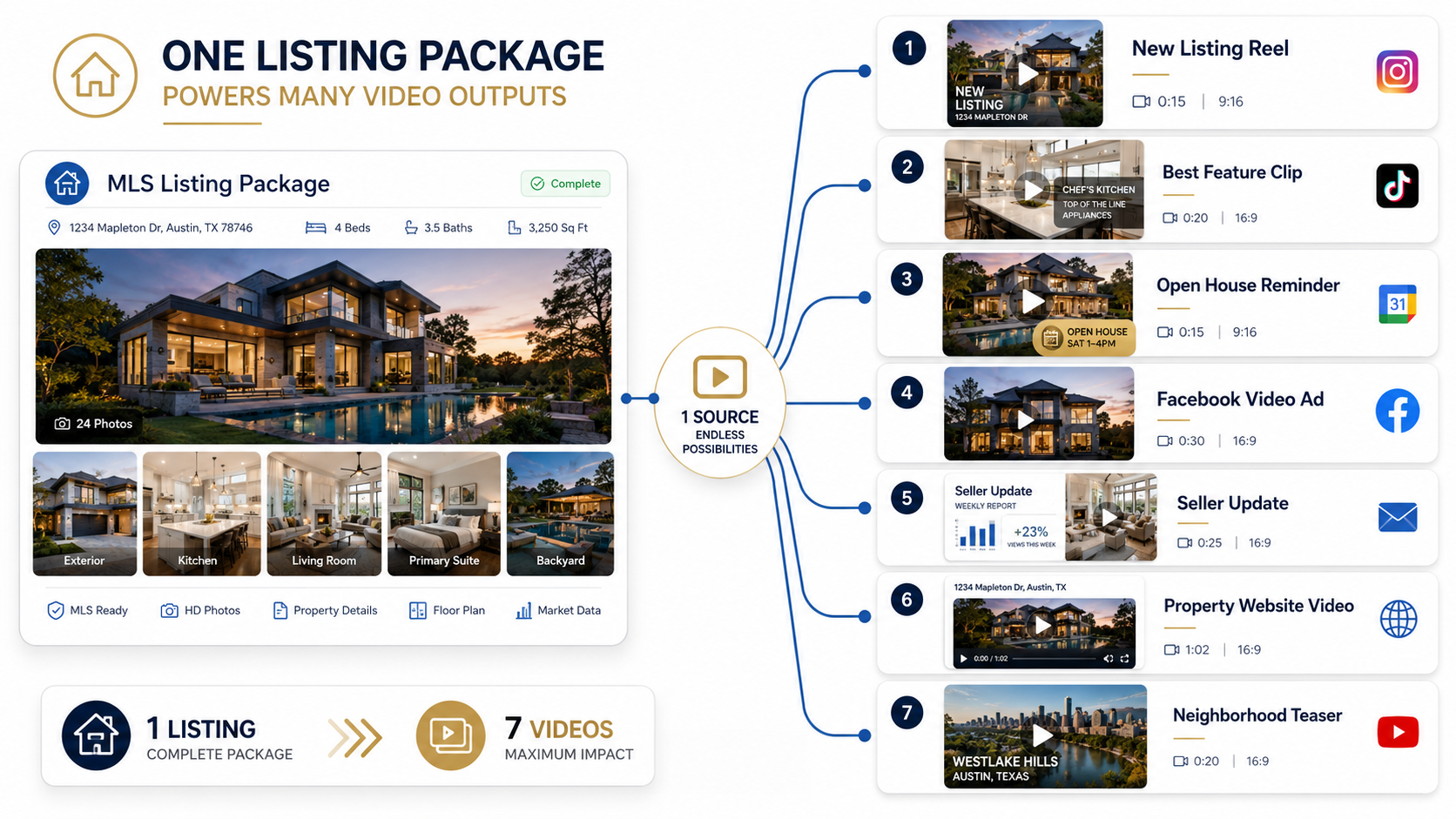
From one MLS listing, an agent can create:
That is the real value of automation.
Not one video.
A content batch.
An agent using a real estate reels generator AI can turn listing media into a weekly content plan instead of a one-time announcement.
Zillow’s real estate video marketing resource discusses how video can be used in agent marketing, and Google’s video SEO documentation explains that video content should be easy for Google to find and understand when published on websites. Those ideas matter for agents who use short-form videos on property pages, blogs, and landing pages. See Zillow’s real estate video marketing resource and Google’s video SEO best practices.
Busy agents usually do not fail because they hate video.
They fail because video production has too many tiny steps.
The agent has listing photos. Then they need to decide:
That is too much to decide from scratch every time.
Manual editing turns one listing into a project.
Automated editing turns one listing into a process.
That distinction matters.
A process can be repeated by an agent, assistant, photographer, listing coordinator, or brokerage marketing team. A project depends on whoever has editing skills and time that day.
The common mistake is waiting until the listing is live and then asking, “What should we post?”
By then, the agent is already behind.
A better system starts before launch:
That is how short-form content becomes manageable.
PhotoAIVideo helps agents create videos from property photos.
That makes it a useful tool for automated editing because listing photos are usually the most reliable media source an agent already has.
Instead of filming a new clip for every post, the agent can start with approved photos and use PhotoAIVideo to generate video content for multiple channels.
For example, one listing photo set could become:
This makes PhotoAIVideo useful as an AI real estate reels app for agents who need consistent short-form content but do not want to live inside editing software.
The best use case is not random automation.
The best use case is structured automation.
PhotoAIVideo helps with the production layer. The agent still controls the story, timing, captions, compliance review, and publishing channel.
That is the right balance.
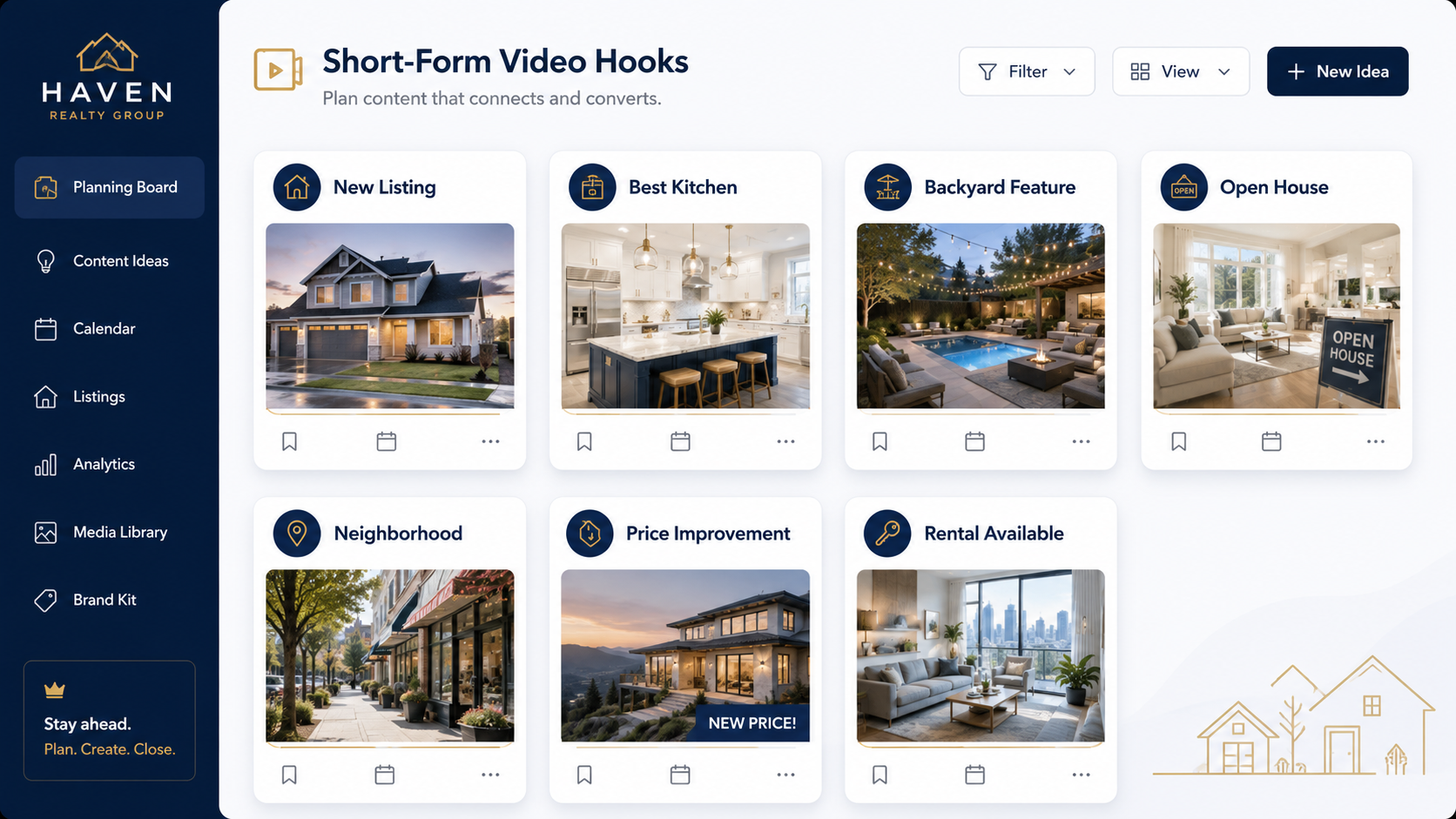
Do not begin by uploading every photo.
Begin with the angle.
Good angles include:
The angle determines which photos matter.
If the video is about the backyard, do not start with the laundry room.
If the video is about the kitchen, do not bury the kitchen in frame six.
For short-form video, select 5–10 strong photos.
For a property website video, select 10–18 photos.
For a seller update, select images that show the listing professionally and reinforce the marketing effort.
This makes automated editing more effective because the input is focused.
Upload the selected photos into PhotoAIVideo and create the video.
This is where the editing workload drops.
Instead of manually adding motion to every image, building transitions, and exporting from a blank timeline, the agent can generate a video from the listing media.
This is especially useful for agents creating AI listing reels for Realtors because the video is based on actual listing assets rather than generic templates.
The caption should match the video’s job.
A new listing Reel might say:
“Just listed in Frisco. 4 beds, open kitchen, and a backyard built for weekends.”
A feature clip might say:
“This kitchen is the reason buyers will stop scrolling.”
An open house video might say:
“Open house Saturday. Save this if you are touring homes this weekend.”
A Facebook ad might need a clearer call to action.
Short-form video works best when the caption is specific.
One listing should not create one video.
Build a batch.
Example batch:
This is where short-form real estate video AI becomes valuable. The agent gets multiple content assets from the same listing package.
Automation should not remove review.
Check:
If the video may be used in or around an MLS workflow, confirm the requirements before publishing.
If the video is embedded on a website, blog, or property page, do not leave it floating without context.
Add a heading, description, property highlights, transcript, or summary.
Google’s video SEO best practices recommend making video pages easy for Google to understand and access. Google’s image SEO guidance also recommends helpful surrounding text and descriptive information for visual assets. See Google’s video SEO best practices and Google’s image SEO best practices.
Manual editing still has a place.
Luxury listings, community films, agent brand videos, and high-end property campaigns may deserve custom video production.
But most busy agents need a faster way to turn listings into usable social content.
That is where automated editing is strongest.

A solo agent can use PhotoAIVideo to turn each listing into a short-form content batch.
Instead of posting only once, the agent can create several clips around the same listing.
That helps with:
Photographers can use automated editing to add short-form video packages to photo shoots.
This gives photographers a way to offer:
This makes PhotoAIVideo useful as an AI property reels software option for photographers who want to provide more value without editing every video manually.
Brokerages can use automated video editing to help agents post more consistently.
A brokerage can create standard content packages:
That gives agents a structure instead of another tool they do not use.
Property managers can use automated video editing for rental listings.
A unit photo set can become:
This is especially useful when units turn quickly and the team needs content fast.
Listing coordinators can use PhotoAIVideo to turn video creation into part of the listing launch checklist.
Once photos are approved, they can create a video batch, review versions, label files, and schedule content.
That reduces the burden on agents and keeps media production organized.
Automation makes bad strategy faster.
Choose the hook first.
Then create the video.
A full gallery does not always make a good short video.
Pick the strongest images for each clip.
Short-form video should be specific.
One clip can highlight the kitchen. Another can promote the open house. Another can show the backyard.
Do not force one video to do everything.
Instagram Reels, TikTok, YouTube Shorts, and Facebook ads may need different formats or pacing.
A horizontal property page video may not work well as a vertical Reel.
Automated does not mean approved.
Review every output for accuracy, brand fit, captions, and publishing use.
When short-form videos become paid ads, agents need to consider platform rules and fair housing-related ad policies.
Meta provides guidance on Special Ad Categories for housing ads, and NAR offers resources for social media policy development. See Meta’s Special Ad Category guidance and NAR’s social media policy resource.
If videos are used on property pages, landing pages, or blog posts, add real text.
Do not rely only on the video.
Use a descriptive heading, summary, transcript, and property highlights so users and search engines understand the page.


Compact, ready to go anywhere
Interchangeable lens that’s upgradeable
Dual 1-inch sensors for improved clarity and low light performance
Dynamic range and 6K 360° capture
360° photo resolution at 21MP

8K 360° video recording for ultra-detailed visuals.
4K single-lens mode for traditional wide-angle shots.
Invisible selfie stick effect for drone-like perspectives.
2.5-inch touchscreen with Gorilla Glass protection.
Waterproof up to 33ft for underwater shooting.

360° photo resolution in 23MP
Slim design at 24 mm thick
Built-in image stabilization for smooth video capture.
Internal 19GB storage for photo and video storage.
Wireless connectivity for remote control and sharing.

60MP 360° still images for high-resolution photography.
5.7K 360° video recording at 30fps.
2.25-inch touchscreen for intuitive control.
USB Type-C port for fast charging and data transfer.
MicroSD card slot for expandable storage.
.png)

.png)

Try it free. No credit card required. Instant set-up.







.svg)


.svg)