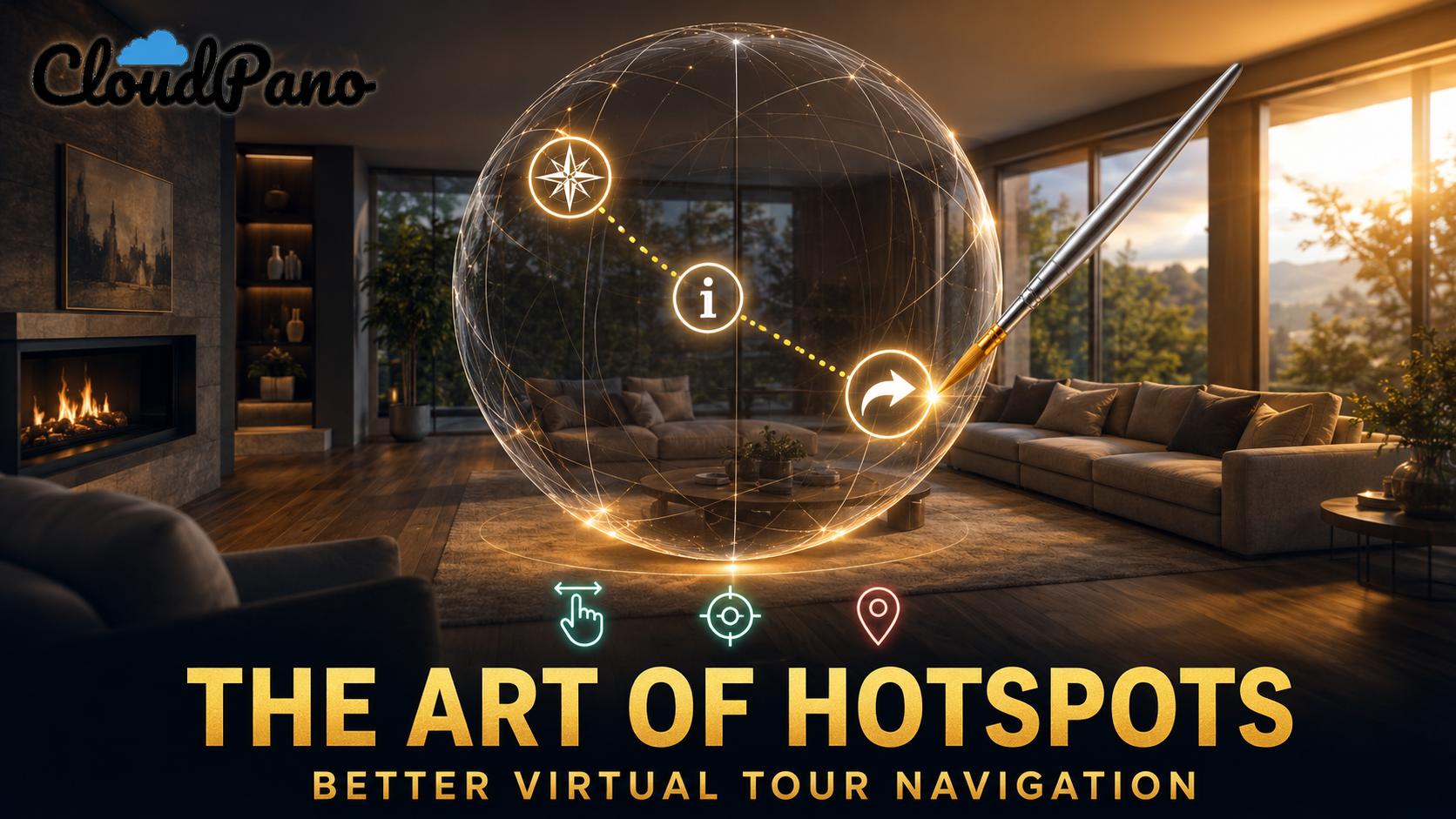
The Art of Adding Hotspots to Virtual Tours for Better Navigation

Cloudpano
May 15, 2026
5 min read
Share this post

The Art of Adding Hotspots to Virtual Tours for Better Navigation

For years, the standard approach to interactive spatial design followed a rigid formula: spin a panoramic image, point to a doorway, and drop a floating arrow. While this fundamental method got viewers from the living room to the kitchen, it failed to address a critical user experience (UX) and marketing reality. The moment a viewer clicks that arrow and transitions to a new room, their spatial context resets, and every critical call-to-action (CTA) dropped in the previous room vanishes.

When you are solely focused on the basic mechanics of adding hotspots to virtual tours, you inadvertently build disjointed user journeys. Your premium buyer looks at a luxury listing, gets distracted by a stunning view, clicks deeper into the space, and the "Schedule a Private Showing" button is gone. The conversion funnel breaks because the interface lacks structural memory.

To solve this, advanced creators are moving away from the paradigm of treating virtual tours as independent, stitched-together bubbles. Instead, the modern virtual tour is a unified Canvas—an interactive layer where high-value engagement triggers remain fixed and available, operating as a scene-agnostic navigation system.

Spatial Hotspots vs. Persistent Canvas UI

How navigation architecture fundamentally changes the user journey.

Contextual Navigation

Traditional Hotspots

Buttons are anchored to fixed physical pixel coordinates inside a single panoramic image. Changing scenes completely wipes the user interface clean.

✕ Breaks the conversion funnel across scenes
Persistent UI Layer

The "Anything Button"

Buttons float natively over the viewport canvas. Elements remain constantly visible and active across every scene in the entire experience.

✓ Maintains consistent conversion visibility

1. The Canvas Concept: UI That Hangs Out With Your Viewer

To maximize engagement, virtual tour designers must unlearn the habit of locking every interactive element to a physical surface. Instead, envision your virtual environment as an interactive production layer where crucial interface assets "hang out" dynamically in the viewer’s field of vision. This design philosophy is known as Scene-Agnostic Navigation.

When utilizing CloudPano's persistent canvas engine, you create an interface overlay that is independent of individual panos. Whether a client is viewing the master bedroom, spinning around the outdoor patio, or interacting with an AI image animation tool asset within a digital showcase, your primary CTAs stay pinned in place. This serves as a Persistent Concierge—a guide that remains accessible to capture high-value intentions immediately when a user decides they are ready to convert.

2. The Anything Logic: Expanding Trigger Functionality

A modern interactive hotspot should do more than just transport a user to an adjacent set of coordinates. True design power emerges when a single button acts as a highly adaptive trigger capable of handling multifaceted, internal, and external workflows without tearing the user out of the media experience.

The implementation framework utilizes specific, multi-layered interactive protocols:

  • Variable Modal Scaling: Deploy Small, Medium, or Large modal windows directly inside the tour interface to present technical floor plans, agent bios, or property specifications without triggering external page refreshes.
  • Rich Structural Embeds: Keep users locked inside your media ecosystem by integrating external platforms seamlessly. Render interactive Calendly frames for instant scheduling, host high-fidelity YouTube walkthrough loops, or launch direct mortgage financing widgets directly over the scene canvas.
  • Direct Contact Vectors: For mobile-optimized tours, convert active view time into direct client communication with immediate click-to-call, text-to-chat, or mail triggers.
  • Native Structural Logic: Program administrative controls directly into the canvas interface, such as instant "Back-to-Home Pano" links that permit users to reset complex commercial tours with a single click.

Inline Conversion Architecture

How a persistent canvas trigger keeps user focus within the media wrapper.

1
Persistent Trigger
User clicks a glassmorphic button on the viewport canvas.
2
Integrated Modal
A targeted UI window rolls out smoothly over the active 360 space.
3
Seamless Capture
Viewer completes booking or form submission entirely inside the tour.

3. Psychology of Style: The Power of Glassmorphism

An interactive overlay shouldn’t look like an amateur website banner slapped on top of high-end architectural imagery. If you want to capture luxury buyers, real estate teams, and massive commercial projects, your interactive elements must match the high-end, premium look of the asset being showcased.

By employing Glassmorphism, interfaces replicate the physical traits of brushed glass or transparent polymer surfaces. This aesthetic relies on highly calculated visual mechanics:

  • Frosted Translucency & Blur: Allows ambient lighting patterns and structural colors from the underlying photography or AI property video creator for brokerages frame to bleed through the control panel.
  • Tactile Separation via Shadows: Uses fine, high-density drop shadows to separate control components from the depth field of the 360 media file.
  • Controlled Micro-Animations: Integrates soft, glowing pulses or border transitions that gently grab the eye’s attention without snapping the user out of an immersive environment.

This design methodology produces a streamlined style that aligns your digital tour presentation directly with enterprise brand identities.

4. Workflow Integration: Setting Up Canvas Architecture

Building out an integrated navigation overlay is a direct, visual procedure handled entirely inside the production studio dashboard. By keeping the development visual, you can wire intricate client conversion tracks together in minutes.

  1. Initialize the Canvas Engine: Navigate to the Apps area located inside CloudPano’s core interface tool suite and click the "Anything Button" element track.
  2. Establish Interface Positioning: Position the active component wrapper relative to the viewer’s overall window frame rather than pinning it to a set of coordinates within a single room image.
  3. Configure Interactive Commands: Choose your preferred target event from the drop-down selector (such as loading an external scheduling platform modal or executing an immediate telephone dial sequence).
  4. Inject the Stylized Assets: Turn on the premium UI options, adjusting the transparency, blur depth, and border glowing triggers to coordinate with the master media styling.

5. Overcoming Layout Density: Preventing Button Fatigue

While building out highly interactive navigation wrappers introduces vast engagement opportunities, inexperienced designers frequently create chaotic viewspaces. Shoving dozens of loud, disconnected hotspots across the viewport triggers severe Button Fatigue, rendering the environment unnavigable.

To circumvent this trap, developers must practice rigorous interface grouping. Instead of plastering seven separate, contrasting icons all over the screen, build a clean, singular primary concierge hub button. When a prospect clicks this main access point, use CloudPano's Large Modal structure to lay out maps, document sheets, scheduling frames, and external assets side-by-side inside one beautifully balanced dashboard. This preserves spatial immersion while keeping conversion options readily accessible.

Performance Metrics of Canvas Architecture

Observed UX data trends following conversion from static hotspots to persistent overlays.

+38%
Click-Through Rate
Persistent layout keeps action options intuitive and accessible.
2.4x
Session Duration
Integrated embeds prevent users from leaving the virtual session.
52%
Lead Ingestion Lift
Minimizing step friction routes viewers directly to booking forms.

6. The Customization Premium: Turning Pixels Into High-Ticket Assets

The shift from simple spatial points to integrated canvas interfaces does more than just fix bad software mechanics—it completely transforms how you pitch your services.

When you frame your production pitch around basic imagery deliverables, you end up competing with cheap commodity photographers in a race to the bottom. But when you build your pitch around advanced interfaces, you can move away from low rates and position your business to charge a bunch of money for high-end work.

By learning the mechanics of specialized platforms, you can confidently approach major developers, real estate management groups, and regional brokerages to solve their specific operational bottlenecks. You aren't pitching standard 360-degree panoramas anymore; you are deploying an interactive capture platform designed to drive pipeline revenue.

When you demonstrate how a persistent, beautifully styled interface keeps prospective clients connected directly to their sales staff or booking platforms, the conversation moves from production cost to pure enterprise value. That is how you turn simple media creation into high-ticket business solutions.

The Customization Premium

Stop selling "virtual tours" and start selling "Lead Generation Environments." CloudPano's Anything Button allows you to justify 5x higher fees by solving your client's specific business problems.

📈 Book Your Demo Now →

🚀 Your All-In-One Virtual Experience Stack Starts Here

Share this post
Cloudpano

Choose The Right 360° Camera

Insta360 ONE RS 1-Inch 360 Edition

  • Compact, ready to go anywhere

  • Interchangeable lens that’s upgradeable

  • Dual 1-inch sensors for improved clarity and low light performance

  • Dynamic range and 6K 360° capture

  • 360° photo resolution at 21MP

Learn More

Insta360 X4

  • 8K 360° video recording for ultra-detailed visuals.

  • 4K single-lens mode for traditional wide-angle shots.

  • Invisible selfie stick effect for drone-like perspectives.

  • 2.5-inch touchscreen with Gorilla Glass protection.

  • Waterproof up to 33ft for underwater shooting.

Learn More

Ricoh Theta Z1

  • 360° photo resolution in 23MP

  • Slim design at 24 mm thick

  • Built-in image stabilization for smooth video capture.

  • Internal 19GB storage for photo and video storage.

  • Wireless connectivity for remote control and sharing.

Learn More

Ricoh Theta X

  • 60MP 360° still images for high-resolution photography.

  • 5.7K 360° video recording at 30fps.

  • 2.25-inch touchscreen for intuitive control.

  • USB Type-C port for fast charging and data transfer.

  • MicroSD card slot for expandable storage.

Learn More
Property Marketing
Allows potential buyers to explore properties in detail from anywhere, enhancing the real estate marketing process.
Automotive Spins
Create an interactive virtual showroom and engage affluent digital buyers with live 360º video calls, all through the CloudPano mobile app for a complete automotive sales solution.
Interactive Floor Plans
Create 2D and 3D floor plans with measurements in 4 minutes or less, all from your phone. Download the Floor Plan Scanner app and get your first scan free.

360 Virtual Tours With CloudPano.com. Get Started Today.

Try it free. No credit card required. Instant set-up.

Try it free
Latest posts

See our other posts

Interviews, tips, guides, industry best practices, and news.

Top Real Estate Photography Tools for Creating Interactive Tours

This article discusses the strategic evolution of real estate photography tools from basic 360-degree walkthroughs into high-performance, conversion-oriented sales ecosystems. It addresses the common UX breakdown where traditional, scene-locked hotspots disappear during multi-scene journeys, and offers CloudPano's persistent Canvas architecture as the solution. By implementing the "Anything Button" framework, creators can use Scene-Agnostic Navigation to ensure high-value calls-to-action "hang out" globally across all environments. The guide details advanced trigger logic (including multi-tier modals and external tool embeds), analyzes the psychology of premium Glassmorphism interfaces, and provides a step-by-step production workflow. Ultimately, it delivers a value-based pricing blueprint that shows agencies how to package these customized marketing systems to win enterprise contracts and command premium fees.
Read post

Best Practices for Mobile-Friendly Virtual Tour Navigation

This supporting article delivers actionable guidelines for optimizing mobile-friendly virtual tour navigation using CloudPano's responsive Canvas architecture. It addresses the common UX pitfalls of desktop-first tour configurations—such as tiny tap regions and disappearing scene-locked components—and shows how the "Anything Button" acts as an ergonomic, persistent concierge within natural thumb reach. The post covers key structural techniques, including Glassmorphism styling for luxury brands and native device routing for frictionless lead capture. Finally, it unpacks a value-based pricing model, teaching agency owners how to package high-converting mobile spatial tools to win enterprise contracts and command premium fees.
Read post

The Art of Adding Hotspots to Virtual Tours for Better Navigation

This article details advanced techniques for adding hotspots to virtual tours by abandoning disappearing directional arrows in favor of CloudPano's persistent Canvas architecture. It analyzes the UX breakdown that occurs when conversion buttons vanish across scenes, offering the "Anything Button" as a persistent concierge that follows the viewer across all spaces. The guide highlights how modern visual touches like Glassmorphism appeal to high-end audiences and enterprise brands, and provides an actionable workflow using the CloudPano "Apps" section to deploy robust modal and media triggers. Finally, it outlines a value-based pricing framework, showing creators how to build bespoke interactive pipelines that justify charging premium service fees.
Read post