


.png)


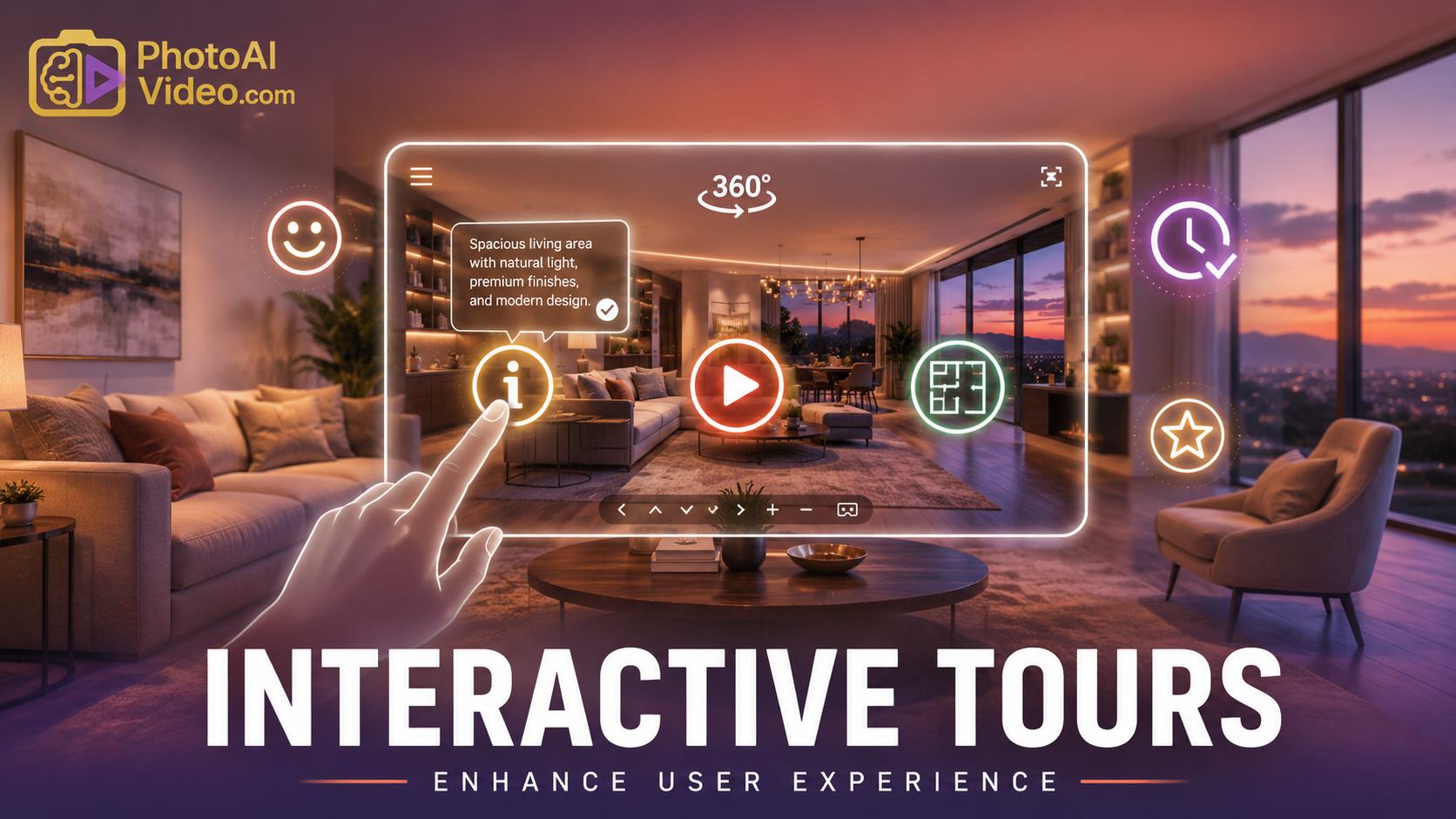
In the high-end real estate and enterprise marketing sectors, a virtual tour is no longer just a gallery of 360-degree images. It is a digital sales environment. However, most creators struggle with a fundamental UX flaw that kills conversions. To truly scale, you must transition from a "photographer" to a "solution architect." This transition begins with understanding how to build interactive virtual tours that don't just show a space, but actively sell it.
Traditional virtual tours rely on localized hotspots. You place a "Book a Tour" button in the living room, but the moment a user clicks into the kitchen, that button disappears.
This creates a disjointed user experience. If a user is inspired to take action while viewing the master suite, they shouldn't have to navigate back to the front door to find your contact link. This friction is a silent killer of ROI. For those invested in virtual tour business training, solving this "vanishing act" is the first step toward enterprise-level service.
The "Anything Button" framework by CloudPano transforms the virtual tour into a Canvas. Instead of buttons being anchored to a specific coordinate on the floor or wall, they "hover" on the UI layer.
This Scene-Agnostic Navigation allows your most critical Call-to-Action (CTA) to "hang out" with the user. It acts as a Persistent Concierge—always visible, always helpful, and never intrusive. Whether the viewer is exploring the backyard or the basement, your "Schedule Showing" or "View Specs" button remains available.
An interactive tour is only as good as its utility. The "Anything Button" isn't just a hyperlink; it is a sophisticated trigger for various internal and external logics:
Why do luxury brands like Apple and high-end automotive showrooms favor Glassmorphism? It’s because the "glass" style—characterized by background blurring, transparency, and subtle glowing animations—feels premium and futuristic.
When you apply these aesthetics to your virtual tour UI, you aren't just adding a button; you are creating an "Apple-esque" experience. It draws the eye and encourages interaction without breaking the visual immersion of the 360-degree environment.
In the CloudPano editor, adding these triggers is a simple drag-and-drop process within the Apps section.
While the "Anything Button" is powerful, creators must avoid cluttering the canvas. Too many floating elements lead to "Button Fatigue." Instead, use the Large Modal feature to house complex information like financing charts or multi-video embeds under a single, clean trigger.
This is where the business value shines. When you present these features to a client, you aren't selling a "tour." You are selling a Customized Solution.
Because you are solving a "Customer's Specific Need"—such as reducing the bounce rate on a luxury listing or automating test-drive bookings for a dealership—you can move away from commodity pricing. This technology allows you to charge a bunch of money because the ROI is baked directly into the user experience.


Compact, ready to go anywhere
Interchangeable lens that’s upgradeable
Dual 1-inch sensors for improved clarity and low light performance
Dynamic range and 6K 360° capture
360° photo resolution at 21MP

8K 360° video recording for ultra-detailed visuals.
4K single-lens mode for traditional wide-angle shots.
Invisible selfie stick effect for drone-like perspectives.
2.5-inch touchscreen with Gorilla Glass protection.
Waterproof up to 33ft for underwater shooting.

360° photo resolution in 23MP
Slim design at 24 mm thick
Built-in image stabilization for smooth video capture.
Internal 19GB storage for photo and video storage.
Wireless connectivity for remote control and sharing.

60MP 360° still images for high-resolution photography.
5.7K 360° video recording at 30fps.
2.25-inch touchscreen for intuitive control.
USB Type-C port for fast charging and data transfer.
MicroSD card slot for expandable storage.
.png)

.png)

Try it free. No credit card required. Instant set-up.





.svg)


.svg)