


.png)



Real estate has a distinct rhythm compared to most other industries using virtual tour software: high turnover, tight timelines, and a direct link between tour quality and how a listing is perceived by buyers during a narrow window that matters. Evaluating virtual tour software for real estate properly means weighing these specific priorities, not just comparing a generic feature list built for an average user across every industry.
Most industries using virtual tour software create content occasionally and maintain it for a long time. Real estate is the opposite: listings come and go regularly, each with its own tour that has a defined, often short lifespan. This turnover pattern means speed, reliability, and cost predictability at volume matter more here than in almost any other use case in this broader software category.
Effective 3D tours for realtors share a few specific characteristics that matter more than raw feature count: fast turnaround from capture to a published, shareable link; reliable performance under real traffic, since a buyer browsing a listing won't tolerate a slow-loading tour; and straightforward embedding into whatever listing platform, MLS, or personal website an agent is already using.
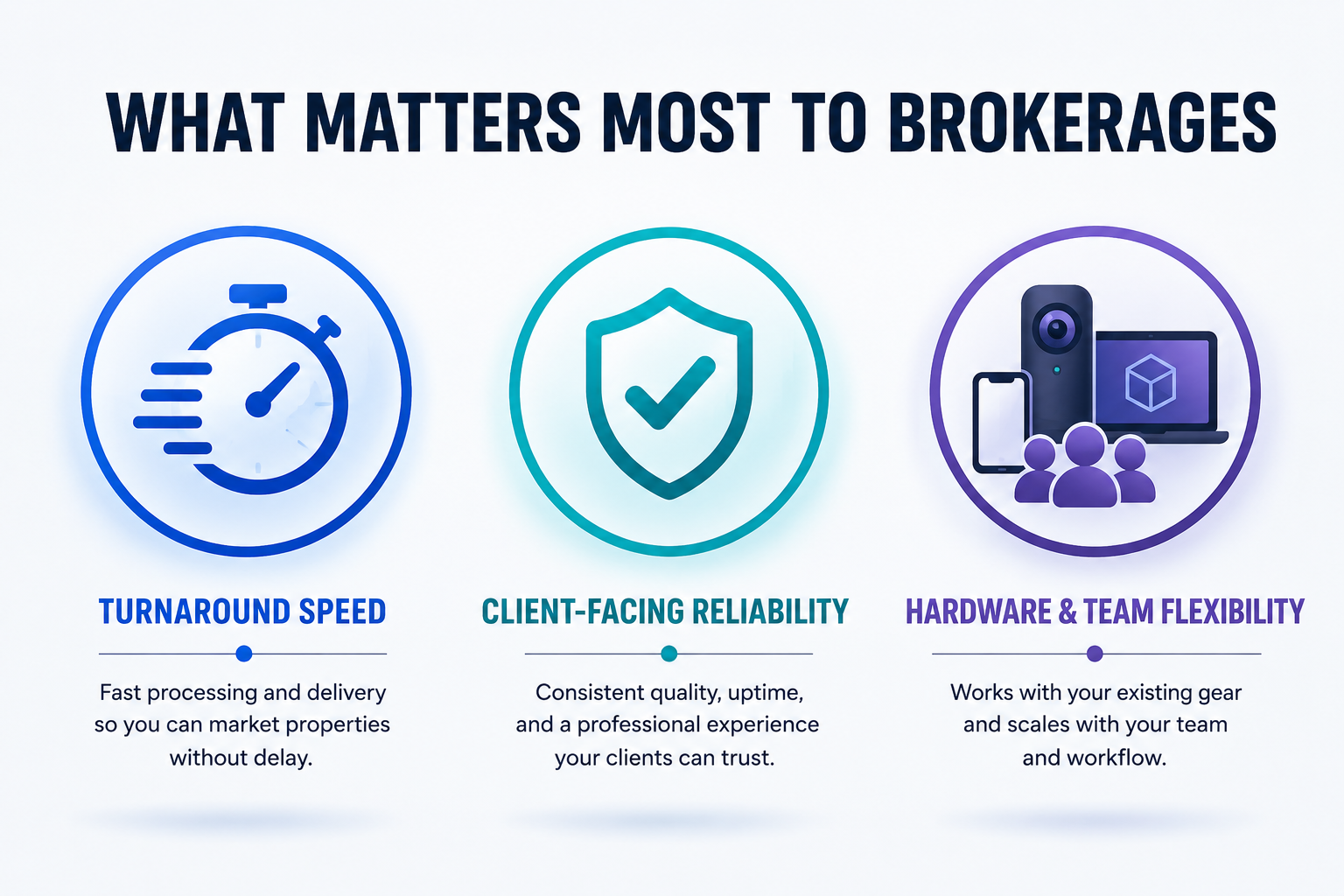
None of these show up prominently on a typical features page, which is exactly why they're worth evaluating directly rather than assuming any platform handles them equally well.
When comparing real estate 360 tours across platforms, hardware compatibility deserves early attention, since agents and teams often use a mix of camera equipment rather than standardizing on one specific brand. A platform tightly built around a single camera ecosystem works well if your team has already standardized on that hardware, but can create friction if your agents use a variety of equipment.
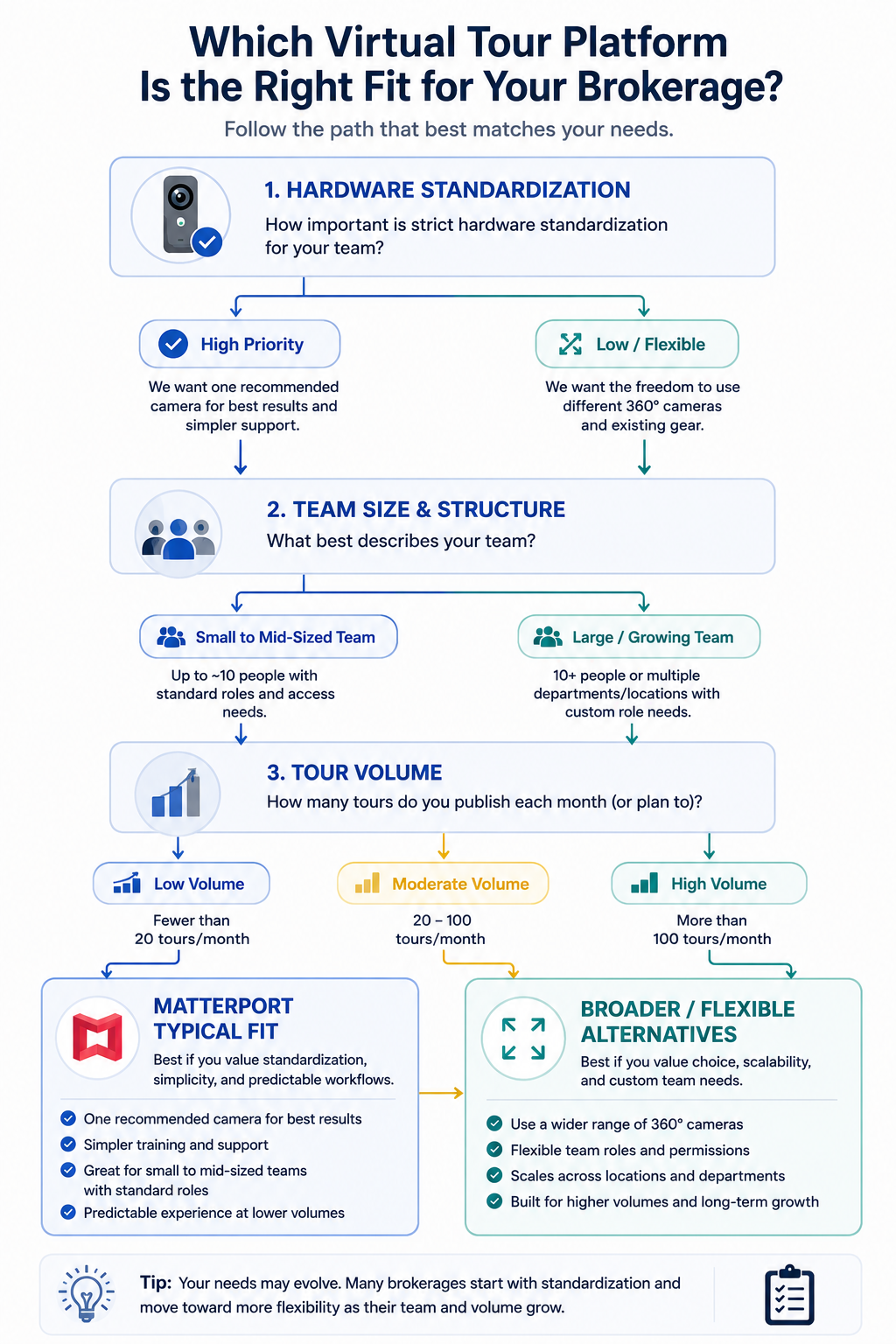
Team and account structure matters too, particularly for brokerages managing tours across multiple agents. Checking whether a platform supports client-specific or agent-specific permissions, rather than one flat account structure, is worth doing directly rather than assuming based on general team-feature marketing language.
It's worth separating two related but distinct audiences within real estate: an individual agent managing their own listings, and a brokerage coordinating tours across many agents simultaneously. An individual agent's priorities tend to center on speed and simplicity for a workflow they already know well. A brokerage cares more about consistency across listings, centralized billing, and making sure every agent's tours meet the same presentation standard regardless of who captured them.
This distinction matters when evaluating virtual tour software for real estate at a brokerage level, because a platform that feels smooth for a solo agent might introduce friction at scale if it doesn't handle multi-agent coordination cleanly. Conversely, a platform built with brokerage-wide coordination in mind might feel like more setup than an individual agent actually needs. Being honest about which category describes your situation avoids optimizing for the wrong set of priorities before you even start comparing platforms.
Matterport for real estate has strong brand recognition, particularly in residential markets, built on an early-mover position in this category and a tightly integrated hardware-to-software capture experience. This works well for agents and teams standardized on Matterport-compatible cameras with a steady, moderate listing volume.
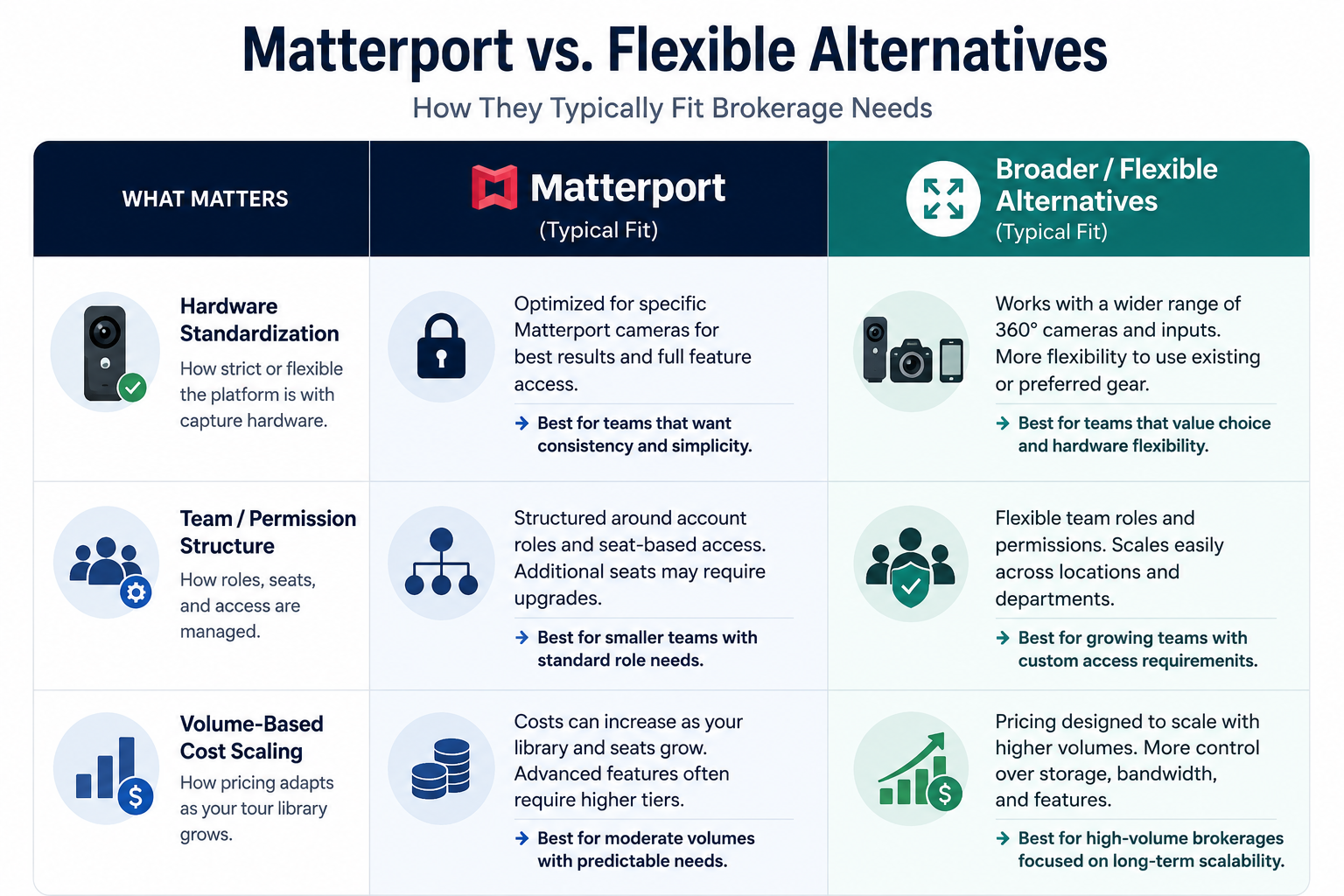
Where this fit becomes less clean: agents or teams using a mix of camera equipment, brokerages managing tours across many agents with distinct permission needs, or agencies whose listing volume has grown to the point where cost-scaling behavior (covered in more depth in our dedicated pricing comparison) becomes a meaningful factor. None of this makes Matterport a poor choice universally — it means the fit depends on your specific situation, the same as any platform in this category.
A virtual tour rarely stands alone in how a property gets marketed — it typically sits alongside photos, a listing description, and often syndication to an MLS or third-party real estate portal. How easily a platform's tour link or embed fits into that broader workflow matters more than it might initially seem, particularly for agents or brokerages with an established marketing process they don't want to disrupt.
This is worth confirming directly against your specific MLS or portal setup rather than assuming compatibility, since embed and syndication behavior can vary between platforms and isn't always covered clearly on a general features page.
On G2's virtual tour software category page, real estate-specific reviewers consistently cite turnaround speed and client-facing reliability as their top decision factors, which tracks directly with the priorities outlined above rather than a generic feature count.
Inman, a real estate industry publication, periodically covers proptech and virtual tour trends specifically within the real estate context, which is a useful supplementary source for real estate-specific considerations that a general software review might not think to cover.
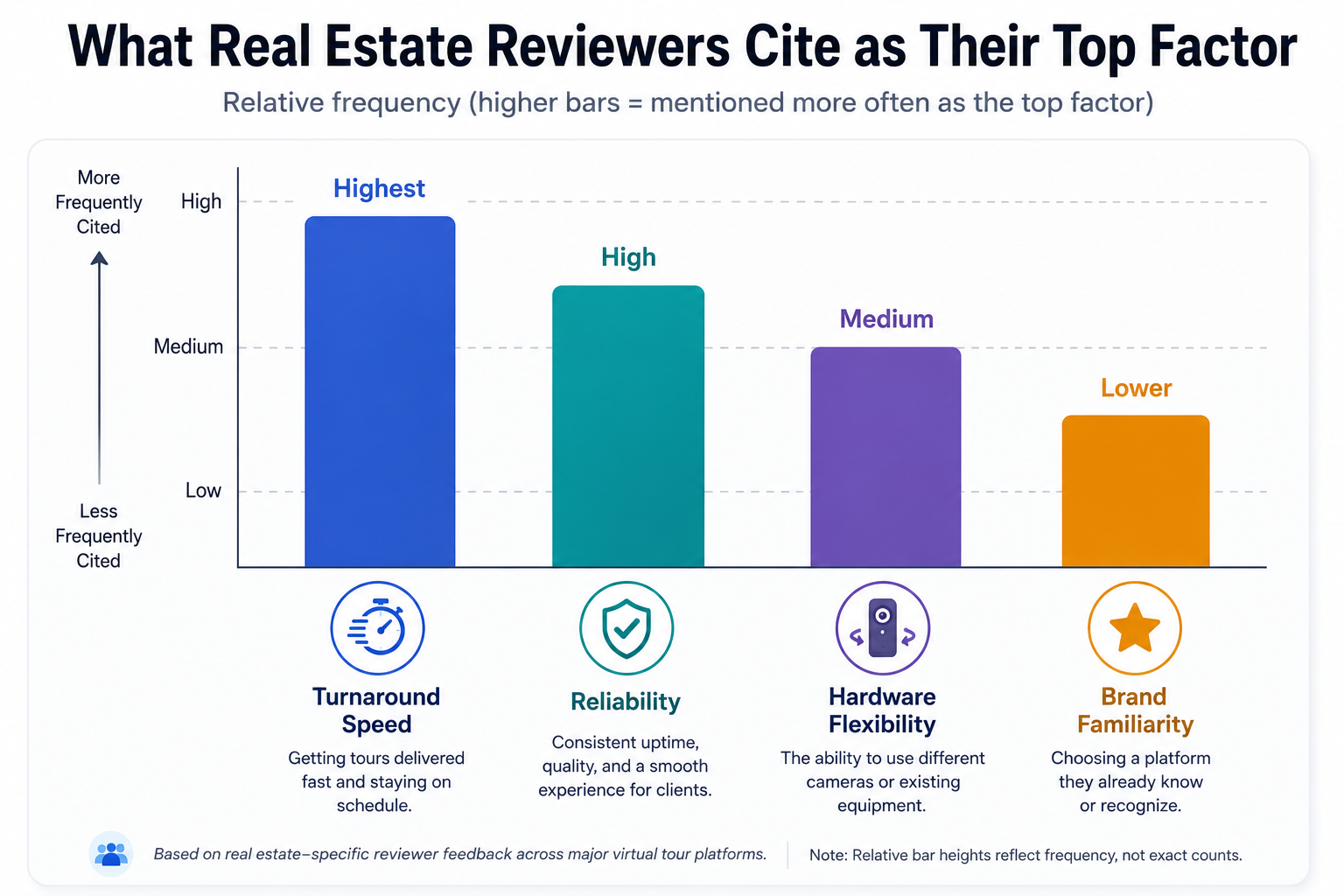
Community discussions on r/realtors also surface candid, practical comparisons from working agents, which can be a more directly relevant source than reviews aggregated across unrelated industries.
Real estate listing volume isn't always steady throughout the year — many markets see predictable seasonal peaks and slower stretches. It's worth factoring this into your evaluation of any platform's cost-scaling behavior, since a pricing structure that looks perfectly reasonable at your average monthly volume can behave differently during your busiest season specifically. If your market has a pronounced seasonal pattern, check how a platform handles a temporary spike in active listings, not just your average month, since that's when a rigid tier structure is most likely to create friction.
"Isn't Matterport just the default choice for real estate at this point?"
Brand familiarity in the industry is real, but it doesn't automatically translate into the best fit for your specific team's hardware situation, volume, or brokerage structure. It's worth separating "what buyers and other agents recognize" from "what actually serves my listings and workflow best" before defaulting to the most familiar name.
"How much does switching disrupt active listings?"
This is worth planning around deliberately — timing a switch around a natural lull between listings, rather than mid-campaign on an actively-marketed property, is a reasonable, low-risk approach if you do decide to move. Our migration guide covers this in more detail if you're considering a switch.
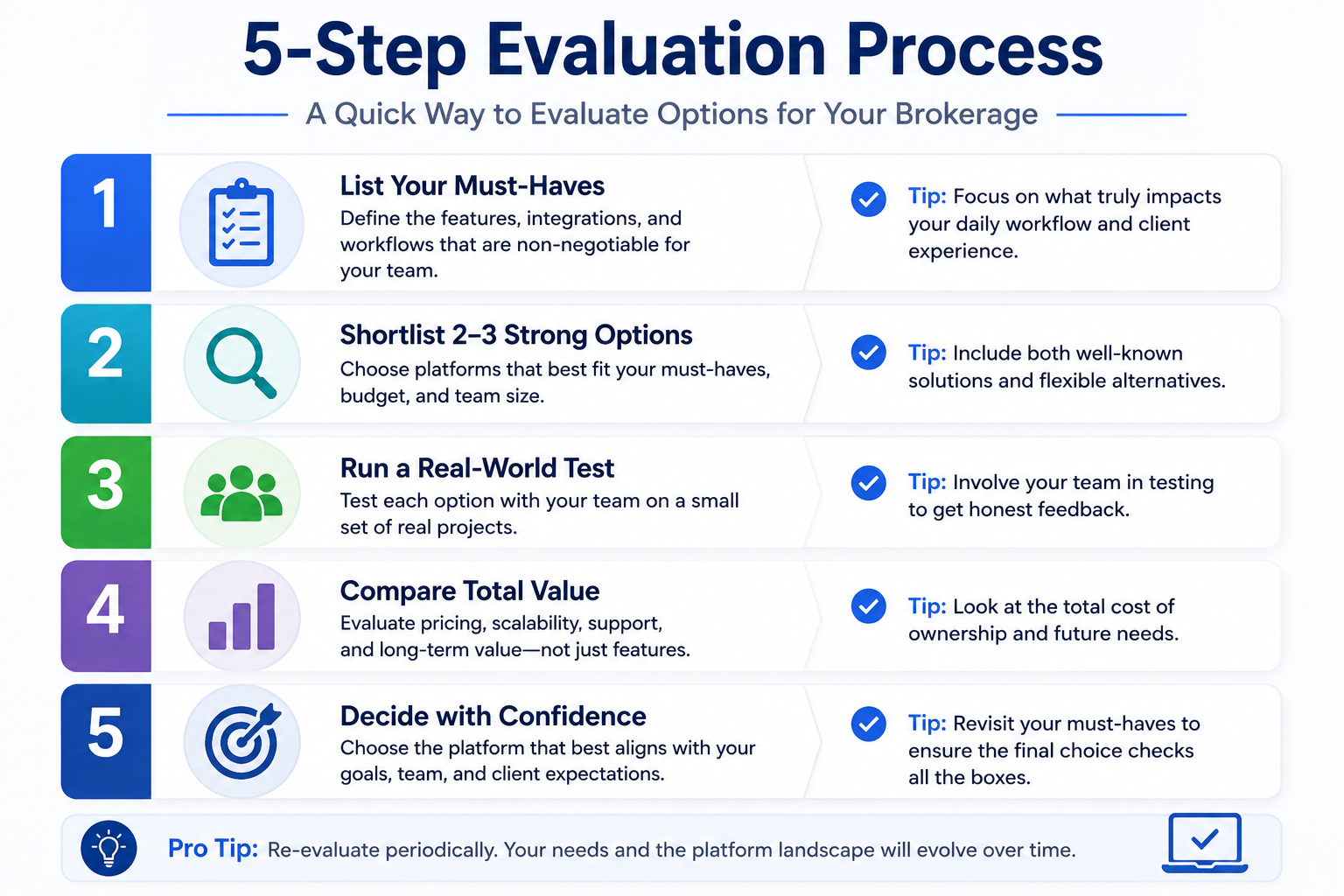
Real estate's specific rhythm — high turnover, tight timelines, and a direct link between tour quality and buyer perception — means the right virtual tour software depends on speed, reliability, and hardware and team flexibility more than a generic feature count. Matterport's hardware-integrated workflow suits agents standardized on its ecosystem with steady, moderate volume; platforms with broader compatibility and more predictable cost scaling tend to suit agents or brokerages with mixed equipment or growing volume.
If your listing volume is climbing or your equipment doesn't neatly match a single platform's ecosystem, it's worth testing CloudPano directly with a real listing before your next renewal. And if you want the direct head-to-head comparison specifically between CloudPano and Matterport for real estate, our dedicated comparison covers that ground in more depth. Whichever platform you land on, evaluating against the specific priorities outlined above — turnaround speed, reliability, hardware and team flexibility, and workflow integration — will serve you better than a generic feature comparison built for an audience that doesn't share real estate's particular rhythm.


Compact, ready to go anywhere
Interchangeable lens that’s upgradeable
Dual 1-inch sensors for improved clarity and low light performance
Dynamic range and 6K 360° capture
360° photo resolution at 21MP

8K 360° video recording for ultra-detailed visuals.
4K single-lens mode for traditional wide-angle shots.
Invisible selfie stick effect for drone-like perspectives.
2.5-inch touchscreen with Gorilla Glass protection.
Waterproof up to 33ft for underwater shooting.

360° photo resolution in 23MP
Slim design at 24 mm thick
Built-in image stabilization for smooth video capture.
Internal 19GB storage for photo and video storage.
Wireless connectivity for remote control and sharing.

60MP 360° still images for high-resolution photography.
5.7K 360° video recording at 30fps.
2.25-inch touchscreen for intuitive control.
USB Type-C port for fast charging and data transfer.
MicroSD card slot for expandable storage.
.png)

.png)

Try it free. No credit card required. Instant set-up.






.svg)


.svg)