


.png)


Making virtual tours accessible helps people with disabilities explore properties and services online, even when specific legal requirements are unclear. Features like keyboard navigation, screen reader support, captions, and descriptive alt text improve usability. Prioritizing accessibility can also help businesses reach more customers and reduce potential legal risks.
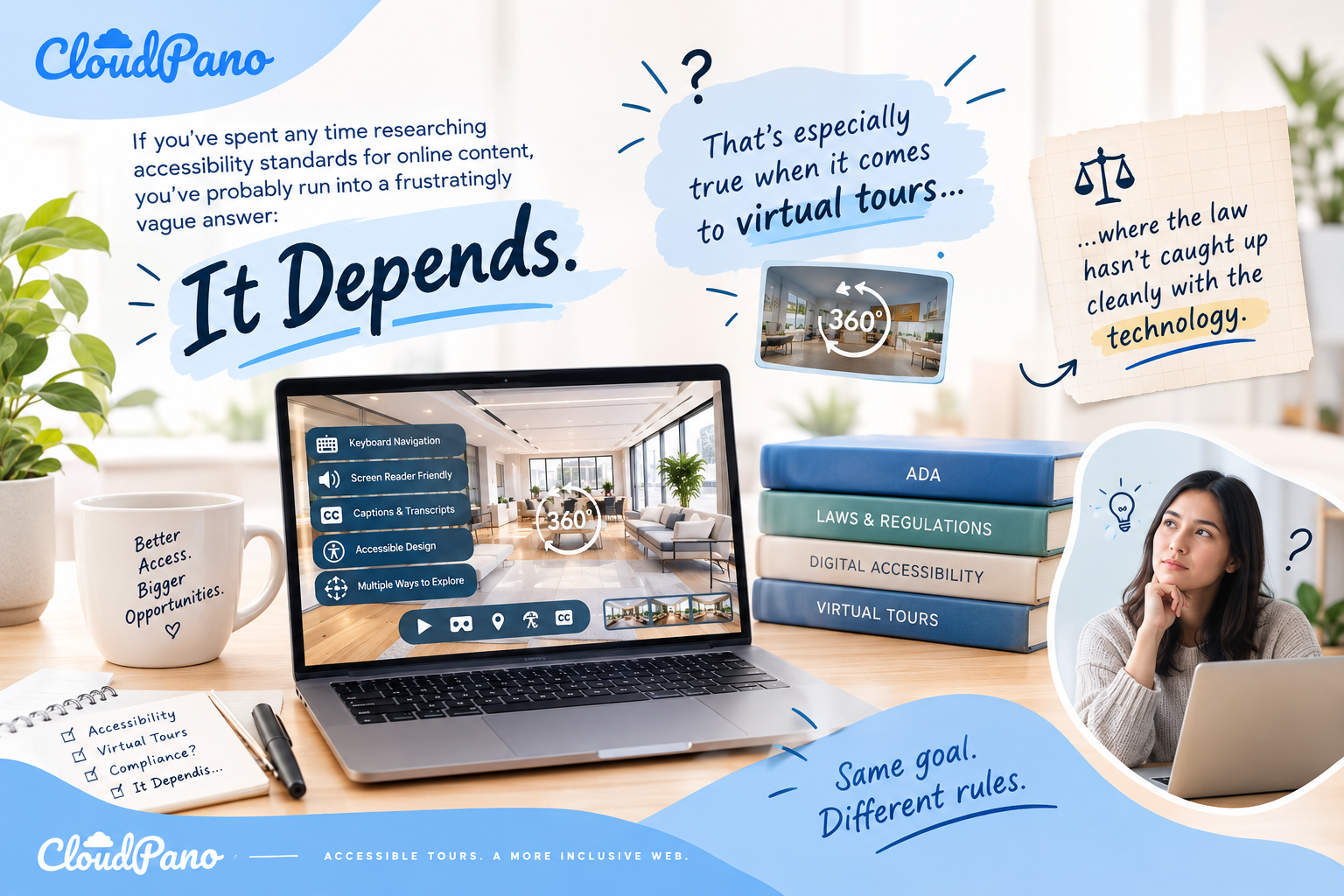
If you've spent any time researching accessibility standards for online content, you've probably run into a frustratingly vague answer: it depends. That's especially true when it comes to virtual tours, where the law hasn't caught up cleanly with the technology.
So many business owners find themselves asking the same practical question: do virtual tours need to be ADA compliant, or is this something you can reasonably skip if there's no explicit legal mandate spelling it out? The honest answer is more nuanced than a simple yes or no — but that nuance is exactly what makes this worth understanding properly, rather than guessing. 🔑
In this guide, we'll walk through what the law actually says (and doesn't say), why many experts recommend accessibility regardless of strict legal requirements, and how to think about this decision for your own virtual tours.
The Americans with Disabilities Act (ADA) was passed in 1990, well before virtual tours — or the modern internet, for that matter — existed in their current form. Because of this, the ADA doesn't contain specific language addressing virtual tours, 360-degree photography, or 3D walkthroughs directly.
This absence of explicit language is exactly why the question do virtual tours need to be ADA compliant doesn't have one universally agreed-upon answer. Instead, courts have been left to interpret how existing ADA principles apply to newer digital tools, and their conclusions have varied depending on jurisdiction, the type of business involved, and the specific circumstances of each case.
One of the most relevant parts of the ADA for this discussion is Title III, which addresses "places of public accommodation" — a category that traditionally included physical spaces like hotels, restaurants, and retail stores. Increasingly, courts have debated whether a business's website (and by extension, tools like virtual tours) should be treated as an extension of that public accommodation, especially when the business primarily serves customers through its digital presence.
This legal gray area means that, depending on your industry and how central your website is to your business operations, a court might view an inaccessible virtual tour as a barrier to equal access — even without a law that names virtual tours specifically. ⚖️
For real estate and property management specifically, there's an additional layer worth understanding. The Fair Housing Act prohibits discrimination based on disability in housing-related marketing and transactions. If a prospective renter or buyer can demonstrate they couldn't access information about a property because of an inaccessible virtual tour, that can intersect with fair housing obligations, separate from the ADA itself.

Given the legal ambiguity, it's fair to wonder why accessibility experts so consistently recommend building ADA compliant virtual tours regardless of whether a court has explicitly required it for your specific situation. There are a few practical reasons for this.
Over the past decade, digital accessibility lawsuits have increased significantly, and courts have generally trended toward interpreting existing accessibility law more broadly to include websites and digital tools. Waiting for a definitive ruling that applies precisely to your business type is a risky strategy, since the legal landscape can shift before that clarity arrives.
Legal risk aside, an inaccessible virtual tour genuinely excludes a portion of your potential audience. According to the CDC, roughly one in four adults in the U.S. lives with some form of disability. Whether or not a law explicitly requires accessibility, a non-compliant tour still creates a real barrier for real people trying to engage with your business. 🚫
Many accessibility features — clear navigation, descriptive labels, sufficient contrast — improve usability broadly, not just for users relying on assistive technology. Businesses that build with accessibility in mind often find their content performs better across the board, including in search engine visibility.
Businesses that proactively invest in accessibility are increasingly viewed as more professional, thoughtful, and trustworthy. This can matter significantly in industries built on referrals and reputation, like real estate, hospitality, and property management. 🤝
Regardless of whether it's strictly mandated for your situation, here's what accessibility experts typically point to when evaluating whether a virtual tour meets reasonable compliance standards.
Users should be able to move through the entire tour — rooms, hotspots, menus — using only a keyboard, without requiring a mouse or touchscreen. ⌨️
Proper semantic markup and ARIA labeling allow screen readers to accurately describe navigation elements and content for visually impaired users.
Images and hotspots should include meaningful descriptions rather than generic or missing labels, helping both assistive technology and search engines understand the content. 📝
Any narration or embedded video should include captions or a transcript for users who are deaf or hard of hearing.
Text overlays and navigation labels need enough contrast to remain readable for users with low vision or color blindness.

Since the legal requirement isn't universally clear-cut, it helps to weigh a few practical factors when deciding how much priority to give accessibility for your virtual tours.
Industries like real estate, hospitality, and property management have seen more accessibility-related legal activity than some other sectors, given their direct connection to housing and public accommodation. If you operate in one of these spaces, treating accessibility as a priority — rather than an afterthought — is generally the safer approach.
If virtual tours are a core part of how customers evaluate your properties or services, the stakes of excluding a portion of your audience are higher than if tours are a minor supplementary feature.
Many virtual tour platforms now include built-in accessibility features like alt text fields, keyboard navigation, and screen reader support. If your current platform already supports these features, enabling them may require minimal additional effort — making the decision to prioritize compliance an easy one.
Retrofitting accessibility into an established library of tours later is often more time-consuming than building it in from the start. Businesses that treat this as a standard part of their publishing process from day one typically avoid a larger cleanup effort down the road.
If your business operates in a high-risk industry or has already faced accessibility-related inquiries, it's worth having a direct conversation with legal counsel familiar with digital accessibility law in your jurisdiction. General guidance like this can help frame the conversation, but a professional opinion tailored to your specific circumstances carries more weight when real risk is on the table.
Rather than treating this as a one-time legal question to resolve, many businesses find it more practical to build accessibility into their ongoing virtual tour creation process. This might include:

If your virtual tour is hosted through a third-party platform embedded on your website, remember that accessibility responsibility doesn't disappear just because the tool lives outside your own codebase. Visitors experience it as part of your site, and courts have generally treated embedded third-party tools as part of the overall accessibility evaluation of a business's digital presence.
So, do virtual tours need to be ADA compliant? The strict legal answer remains genuinely unsettled in many cases, varying by jurisdiction, industry, and the specific role your virtual tour plays in your business. But the practical answer, for most businesses, leans strongly toward yes — not because a court has definitively ruled on your exact situation, but because the combination of legal trend lines, audience reach, and reputational benefit makes accessibility a smart investment regardless of strict legal necessity.
Treating accessibility as a proactive business decision, rather than a reactive legal obligation, tends to put businesses in a stronger position — both in terms of risk and in terms of who they're actually able to reach. 🚀
ADA requirements for virtual tours depend on the business, jurisdiction, and how the tour is used. Although the ADA does not specifically mention virtual tours, accessibility obligations may apply to digital services. Businesses should consult legal counsel to understand their specific requirements.
An accessible virtual tour should include keyboard navigation, screen reader compatibility, descriptive alt text, captions or transcripts, and sufficient color contrast. These features help users with visual, hearing, or mobility disabilities navigate and understand the tour's content.
Accessible virtual tours help businesses reach more potential customers, improve usability, and reduce barriers for people with disabilities. Prioritizing accessibility can also support a positive customer experience and help businesses prepare for evolving digital accessibility requirements.
Businesses can improve existing tours by adding descriptive alt text, captions, keyboard navigation, and screen reader support. They should also review color contrast, test accessibility features, and regularly update older tours to address issues that may prevent users with disabilities from accessing content.
Yes. Virtual tours embedded through third-party platforms can create accessibility barriers if they lack keyboard navigation, screen reader support, or other essential features. Businesses should evaluate their virtual tour provider's accessibility capabilities and test embedded content to ensure visitors can navigate and understand the experience.


Compact, ready to go anywhere
Interchangeable lens that’s upgradeable
Dual 1-inch sensors for improved clarity and low light performance
Dynamic range and 6K 360° capture
360° photo resolution at 21MP

8K 360° video recording for ultra-detailed visuals.
4K single-lens mode for traditional wide-angle shots.
Invisible selfie stick effect for drone-like perspectives.
2.5-inch touchscreen with Gorilla Glass protection.
Waterproof up to 33ft for underwater shooting.

360° photo resolution in 23MP
Slim design at 24 mm thick
Built-in image stabilization for smooth video capture.
Internal 19GB storage for photo and video storage.
Wireless connectivity for remote control and sharing.

60MP 360° still images for high-resolution photography.
5.7K 360° video recording at 30fps.
2.25-inch touchscreen for intuitive control.
USB Type-C port for fast charging and data transfer.
MicroSD card slot for expandable storage.
.png)

.png)

Try it free. No credit card required. Instant set-up.






.svg)


.svg)