


.png)



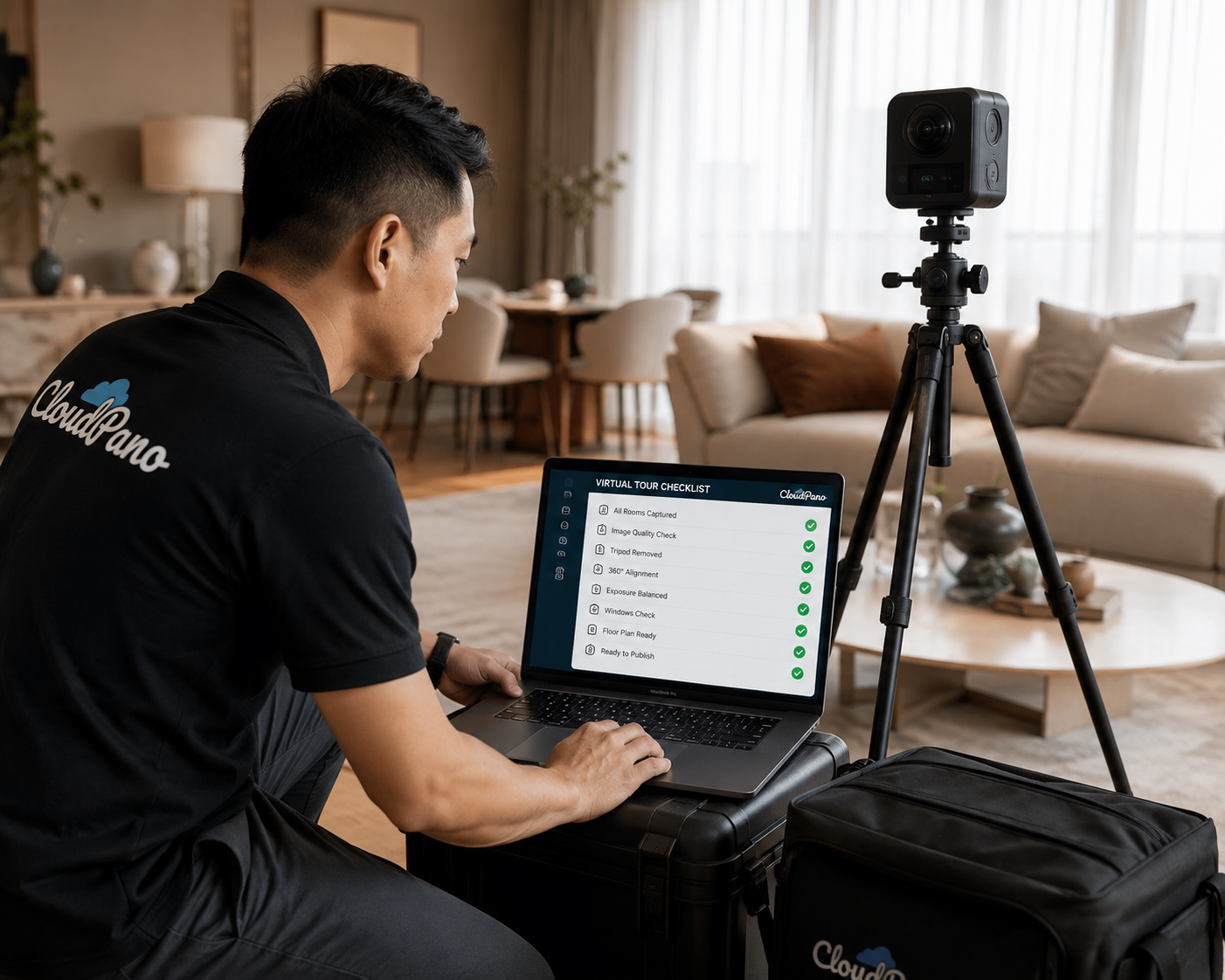
A virtual tour that looks perfect in your editing dashboard but won't load properly on a listing is worse than no tour at all — it tells buyers the agency didn't sweat the details. Before you shoot, host, or upload anything, it pays to understand the realestate.com.au virtual tour requirements that actually govern whether your tour displays the way you intended.
The tricky part is that "requirements" for a major listing portal aren't usually a single downloadable spec sheet. They're a mix of what the platform technically supports, what your listing package includes, and what simply works well on the devices buyers use to browse. This guide breaks down all three, so you know what to check before your next campaign — and where to go for the exact current fine print.
Unlike a print brochure with a fixed page size, a virtual tour needs to work across desktop browsers, mobile phones, and tablets, on fast connections and slow ones. Because of that, most of what determines whether a tour meets realestate.com.au virtual tour requirements comes down to three questions: is it hosted somewhere stable and public, is it built in a format the listing platform's media player can display, and does it load reasonably fast on an average mobile connection.
Listing portals also periodically update exactly what they support and how they display it, and inclusions can vary between listing packages or change over time. Rather than treating this article as a fixed technical manual, use it as a framework for what to check — and confirm the current fine print directly with realestate.com.au's own listing documentation or your agency's account manager before a campaign goes live.
There are really two layers to what people mean by realestate.com.au listing specs virtual tour questions. The first is the listing package itself — most standard and premium packages support video and virtual tour links, but some entry-level packages historically have not, so it's worth confirming what's included before promising a client a tour will be visible.
The second layer is the media field your tour link or embed goes into. Most listing platforms treat a virtual tour similarly to a video: it needs a public, working URL (or embed code) rather than a raw uploaded file, and it displays in a dedicated media tab or icon alongside photos and floor plans rather than inside the description text. If your hosting platform generates a private or login-gated link by default, that link won't satisfy the platform's requirements even if the tour itself is technically excellent.
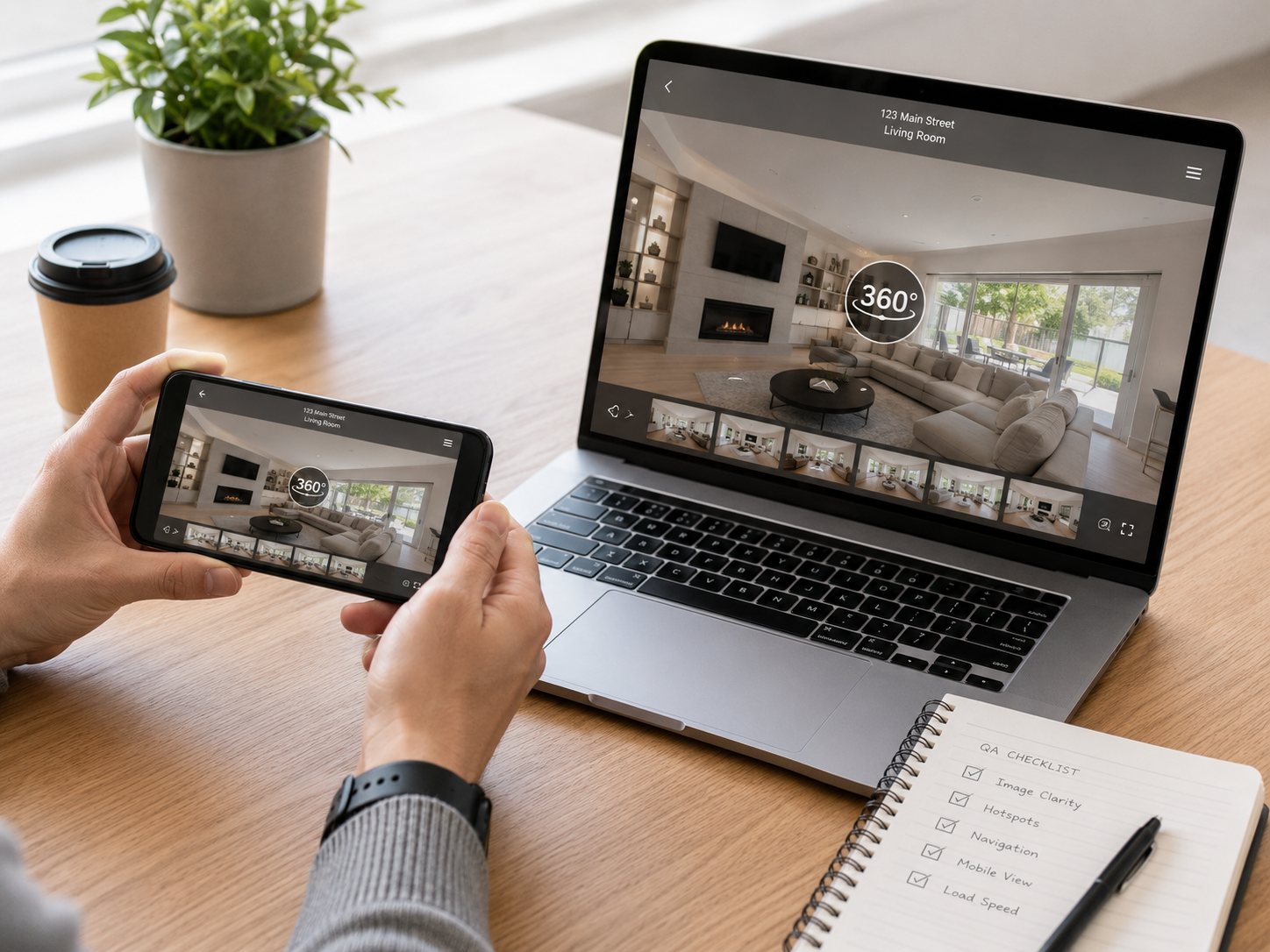
A few checks before you even start shooting will save you a rebuild later:
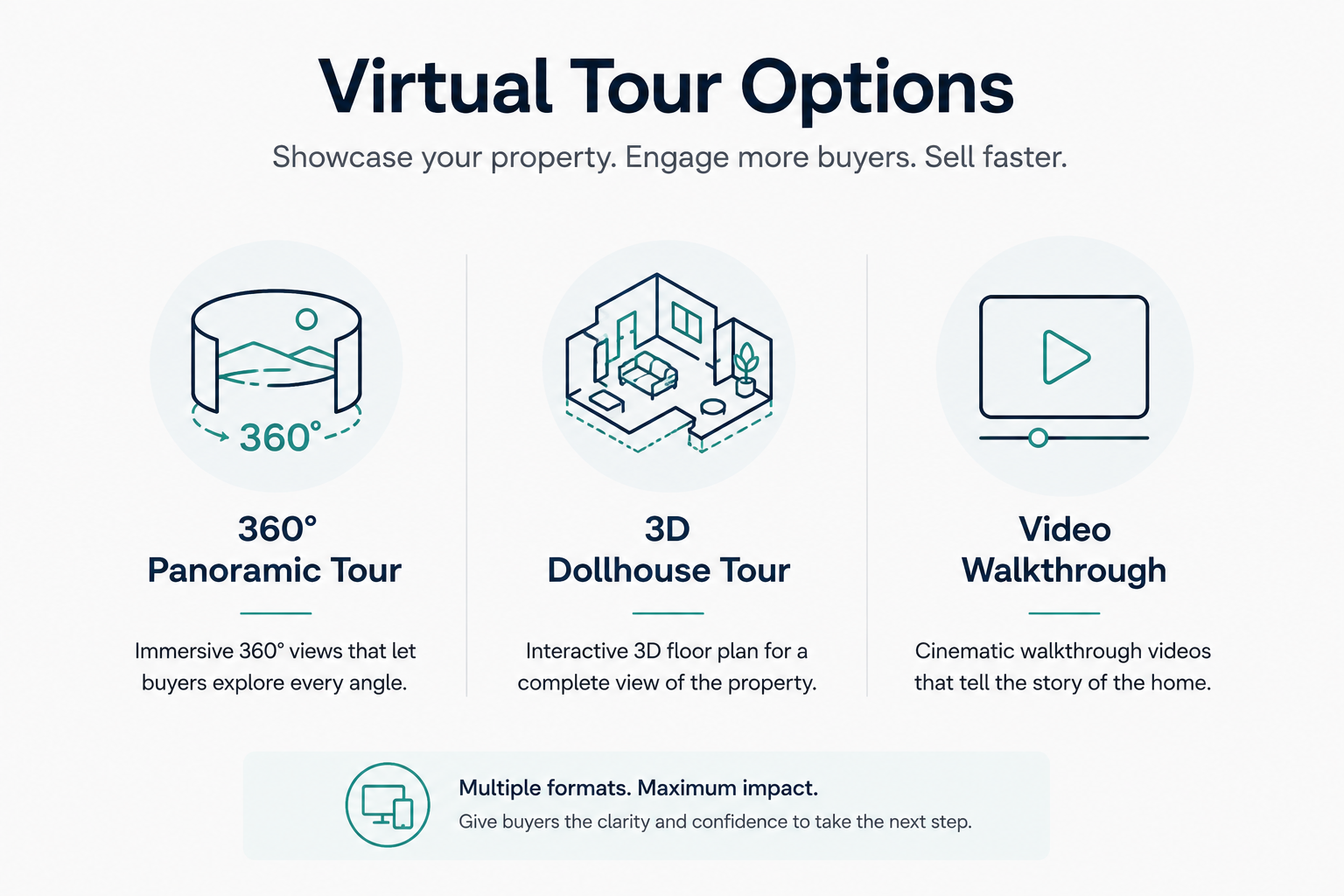
When agents ask about accepted virtual tour formats real estate portals will display, the honest answer is that most major Australian listing platforms are built to display a link or embed rather than a specific file type, which means the "format" that matters most is really the delivery method. That said, a few formats dominate the industry in practice:
Whichever format you use, it should run in a standard mobile and desktop browser without requiring the buyer to download an app or plugin. A tour that only works well on one device type will quietly lose a large share of its audience.
Some technical details genuinely matter for how a tour performs, even though the exact numeric limits are set by the platform and can change. As a working framework:
Hosting and link stability. Your tour should sit on a platform built for public sharing, with a link that doesn't expire and doesn't require a login. This is one of the most common points of failure — a tour built correctly but shared via a private or trial link that stops working after a set period.
Load time and file weight. Buyers browsing on mobile data will abandon a slow-loading tour within seconds. Compress panoramic images appropriately for web delivery and avoid unnecessarily oversized source files being served directly to the browser.
Aspect ratio and thumbnail. Whatever thumbnail or opening frame represents your tour in the media gallery should be set deliberately — usually the property's strongest room — rather than left as a default first frame.
Consistency with your other media. Tours should visually match the tone of your still photography. A tour that looks colour-graded differently from the photos creates a jarring, less premium impression.
It's also worth thinking about how the tour behaves the second time a buyer opens it. Someone who's shortlisted a property will often come back to the listing two or three times before deciding whether to book an inspection, sometimes on a different device each time. A tour that reloads quickly, remembers nothing about the previous session, and looks identical whether it's opened on a laptop at night or a phone on the train the next morning is doing its job quietly and well. This is a harder thing to spec than a file size limit, but it's arguably more important to the buyer's actual experience of the listing.
Because exact numeric limits (maximum file size, minimum resolution, and similar figures) are set by the platform and can be revised, always check the current listing help documentation or your agency's account manager for the specific figures that apply to your listing package at the time of upload, rather than relying on a number from an older article or a competitor's blog post.
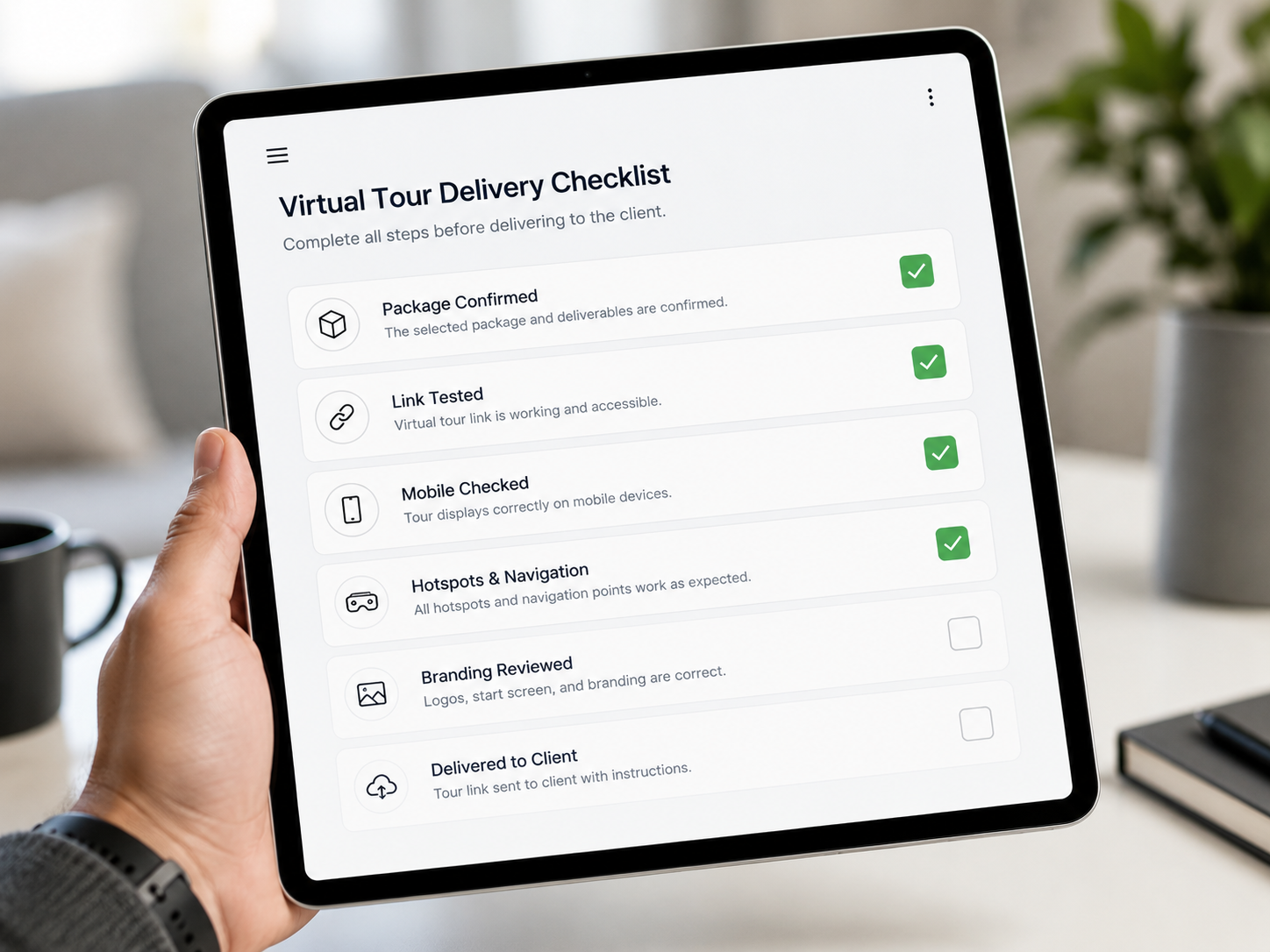
Before you publish, run through this list:
If you're ready to move from specs to publishing, our step-by-step guide to publishing a virtual tour on realestate.com.au covers exactly where the link goes once your tour meets the criteria above.
Even agencies that know the rules slip up in a few recurring ways:
What file format does realestate.com.au require for virtual tours? There isn't a single mandated file format — tours are generally delivered as a link or embed code rather than an uploaded file, which is why the hosting platform and share-link type matter more than the underlying file format.
Do accepted virtual tour formats real estate portals support include video? Yes — video walkthroughs are widely supported alongside interactive 360° tours, though inclusion can depend on the specific listing package.
Where can I find the exact current specs? The most reliable source is realestate.com.au's own listing help documentation, or your agency's account manager, since these figures are reviewed and updated periodically.
Chasing an exact spec sheet for realestate.com.au virtual tour requirements can be less useful than it sounds, because so much of what makes a tour work well comes down to fundamentals: a stable public link, a format that runs in any browser, and a tour that's genuinely fast and mobile-friendly. Get those right, confirm the current fine print with the platform directly, and you'll be ahead of most listings before you've even hit publish.
Once your tour is built to a high standard, the full walkthrough for getting a tour live on your listing takes you through the exact publishing steps. And if you're still deciding how to create the tour itself, CloudPano is built to generate mobile-ready, browser-based tours with a clean public share link — exactly the kind of foundation that keeps you on the right side of any listing platform's requirements. Explore CloudPano's virtual tour tools and get publishing your finished tour to realestate.com.au sorted without the guesswork.



Compact, ready to go anywhere
Interchangeable lens that’s upgradeable
Dual 1-inch sensors for improved clarity and low light performance
Dynamic range and 6K 360° capture
360° photo resolution at 21MP

8K 360° video recording for ultra-detailed visuals.
4K single-lens mode for traditional wide-angle shots.
Invisible selfie stick effect for drone-like perspectives.
2.5-inch touchscreen with Gorilla Glass protection.
Waterproof up to 33ft for underwater shooting.

360° photo resolution in 23MP
Slim design at 24 mm thick
Built-in image stabilization for smooth video capture.
Internal 19GB storage for photo and video storage.
Wireless connectivity for remote control and sharing.

60MP 360° still images for high-resolution photography.
5.7K 360° video recording at 30fps.
2.25-inch touchscreen for intuitive control.
USB Type-C port for fast charging and data transfer.
MicroSD card slot for expandable storage.
.png)

.png)

Try it free. No credit card required. Instant set-up.







.svg)


.svg)