


.png)


If the words "video editing" make you think of timelines, plug-ins, and a laptop you don't have time to open, the good news is that's not how most agents do it anymore. Real estate video editing has moved almost entirely onto the phone, and for agents on Android — especially a Pixel phone — the whole process can happen between the walkthrough and the drive to your next showing.
This guide walks through a simple, repeatable workflow for editing listing videos on Android, without ever needing a desktop.
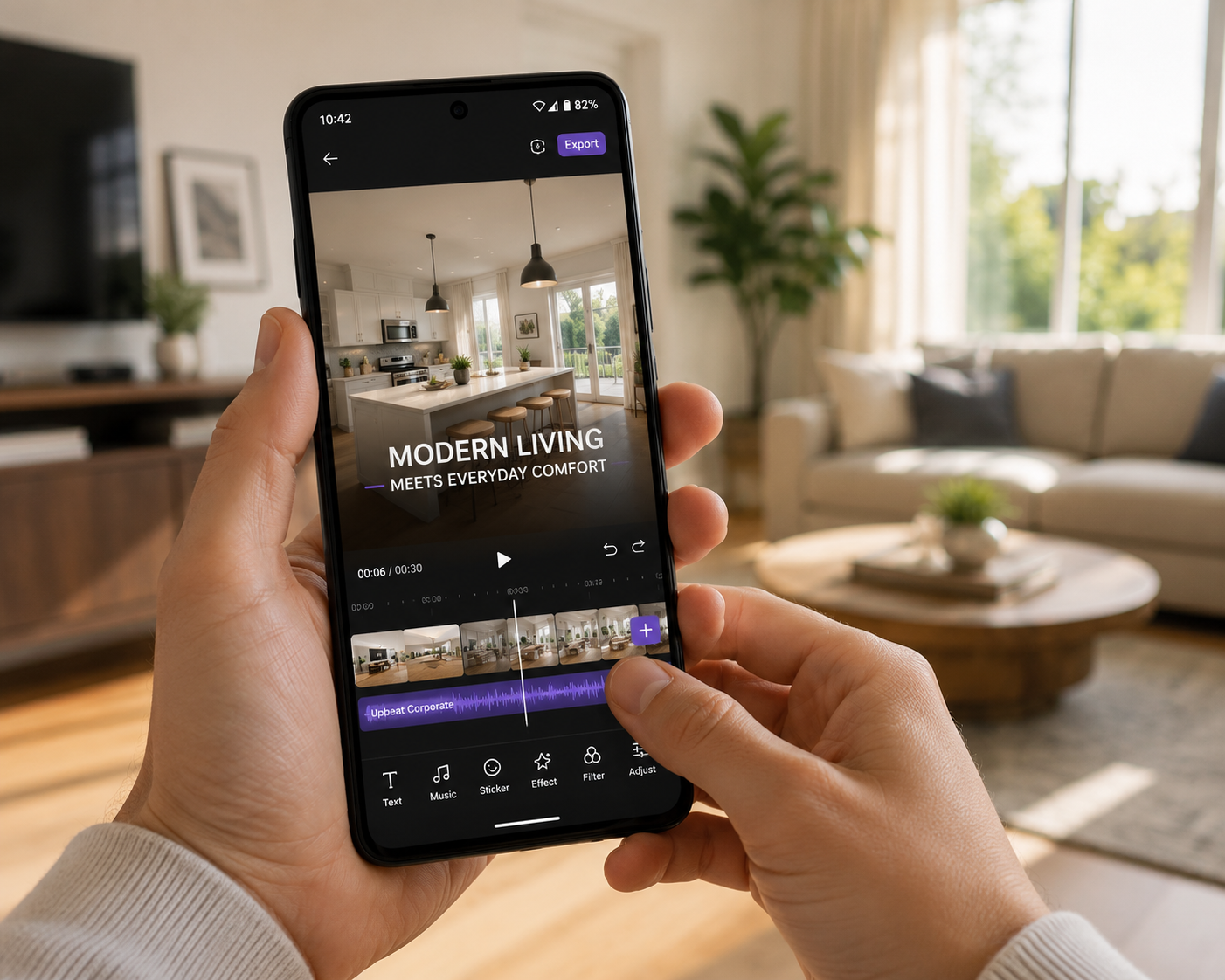
Traditional video editing assumes you have time to sit down, import footage, and work through a timeline. That works fine for a hobbyist or a dedicated video editor — it doesn't work well for an agent juggling five listings and three showings in the same afternoon.
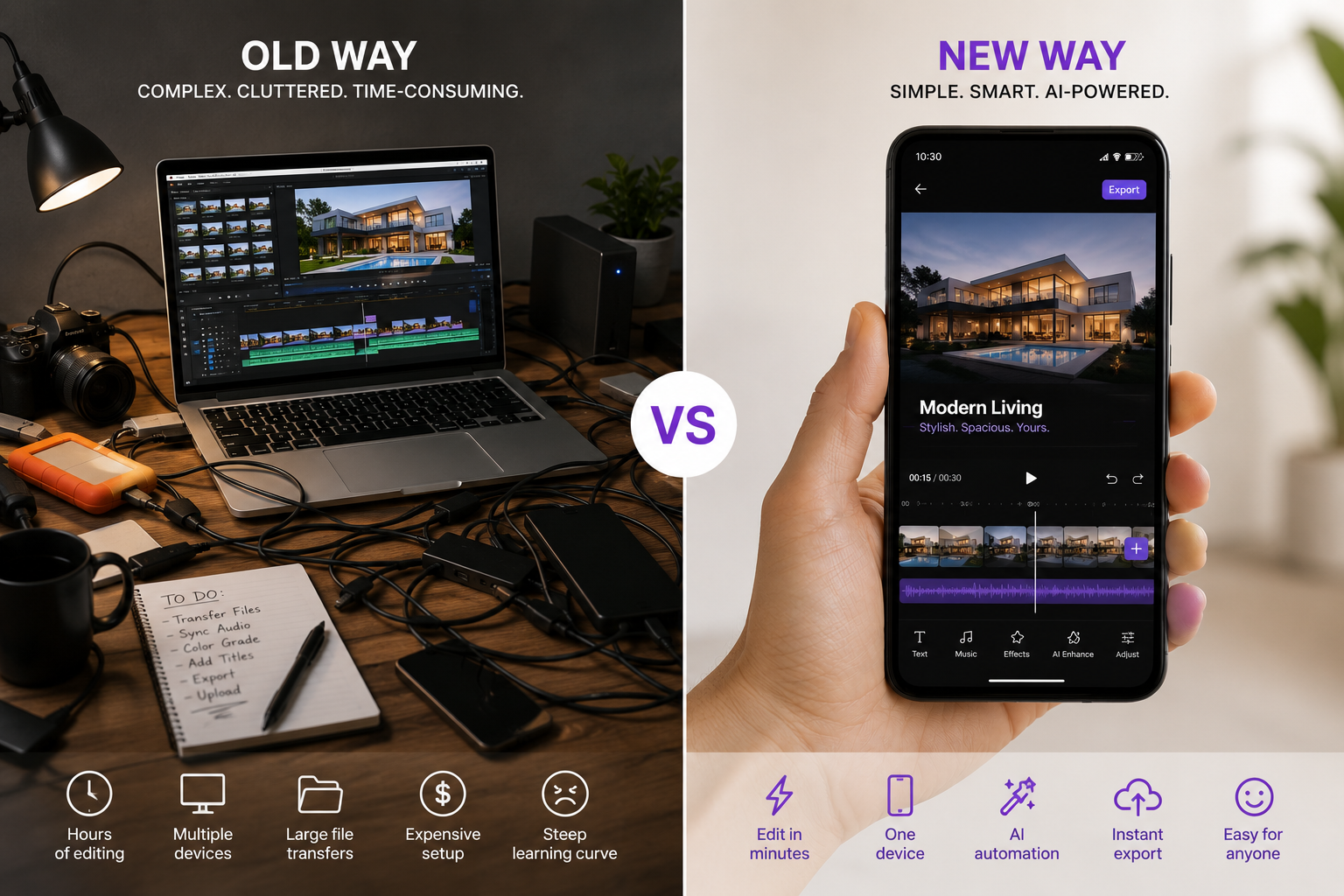
The real friction isn't the editing itself. It's the handoff: transferring photos from your phone to a computer, opening desktop software, waiting for renders, then exporting back to your phone to actually post. Cutting out that handoff is the single biggest time-saver available to most agents.
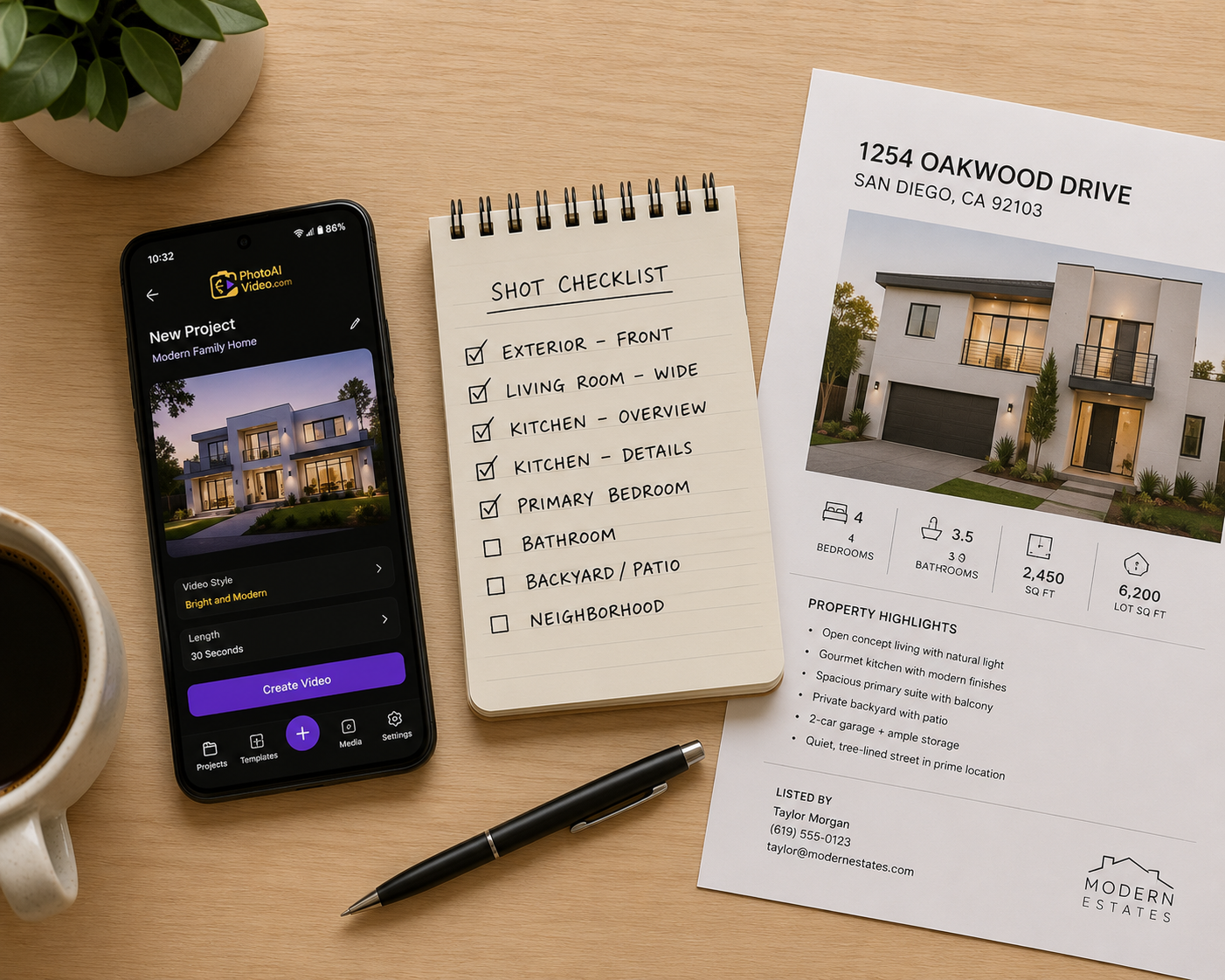
Here's what a streamlined workflow looks like when your entire process — shoot, edit, publish — stays on your phone.
You don't need cinematic footage. You need enough angles per room that a real estate video maker has good material to work with — a wide shot, a detail shot, and a walk-through angle for each space is usually enough.
Open a dedicated real estate video app and let it handle the initial assembly: pacing, transitions, and music syncing. This is where a purpose-built real estate video creator earns its keep — it makes reasonable editing decisions automatically instead of asking you to build a timeline from scratch.
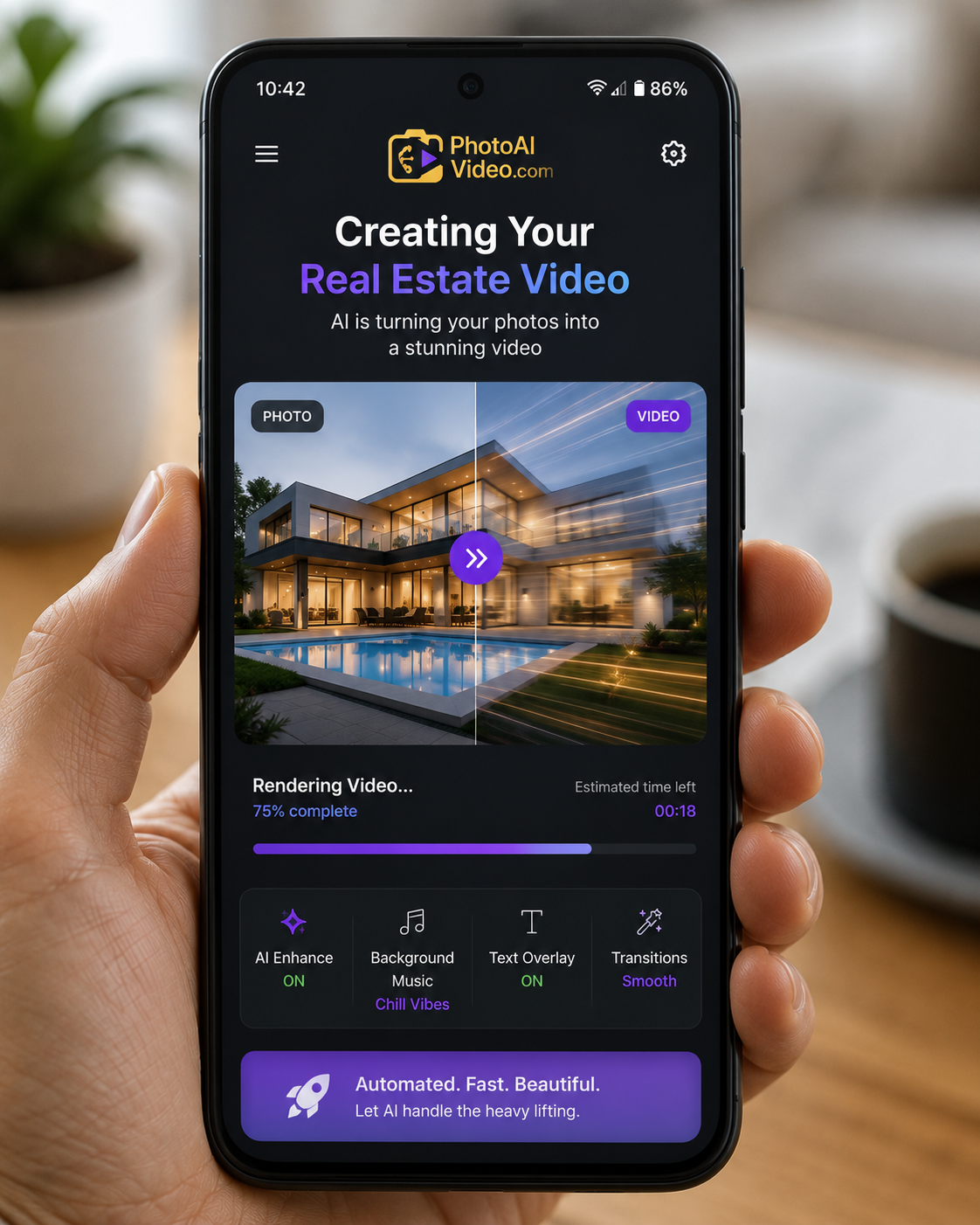
If you're looking for a starting point, a real estate video maker built for Android will get you further than a general-purpose editor repurposed for listings, since the templates and pacing are already tuned for property tours.
Even the best automated pass benefits from a quick human check. Trim a room that got too much screen time, add a caption like "Newly Renovated Kitchen," and confirm your branding — logo, name, contact info — appears at the start or end.
No transferring files, no separate export step on a different device. A good app exports directly in the aspect ratios you need — vertical for Reels and TikTok, square for Instagram, horizontal for YouTube and your listing page — all from the same file.
If you're shooting on a Pixel phone, you already have strong camera hardware working in your favor — good low-light performance, sharp detail, and a photo library that's easy to pull from directly inside most video apps. That means less time correcting exposure or color before your footage even reaches the editing step.
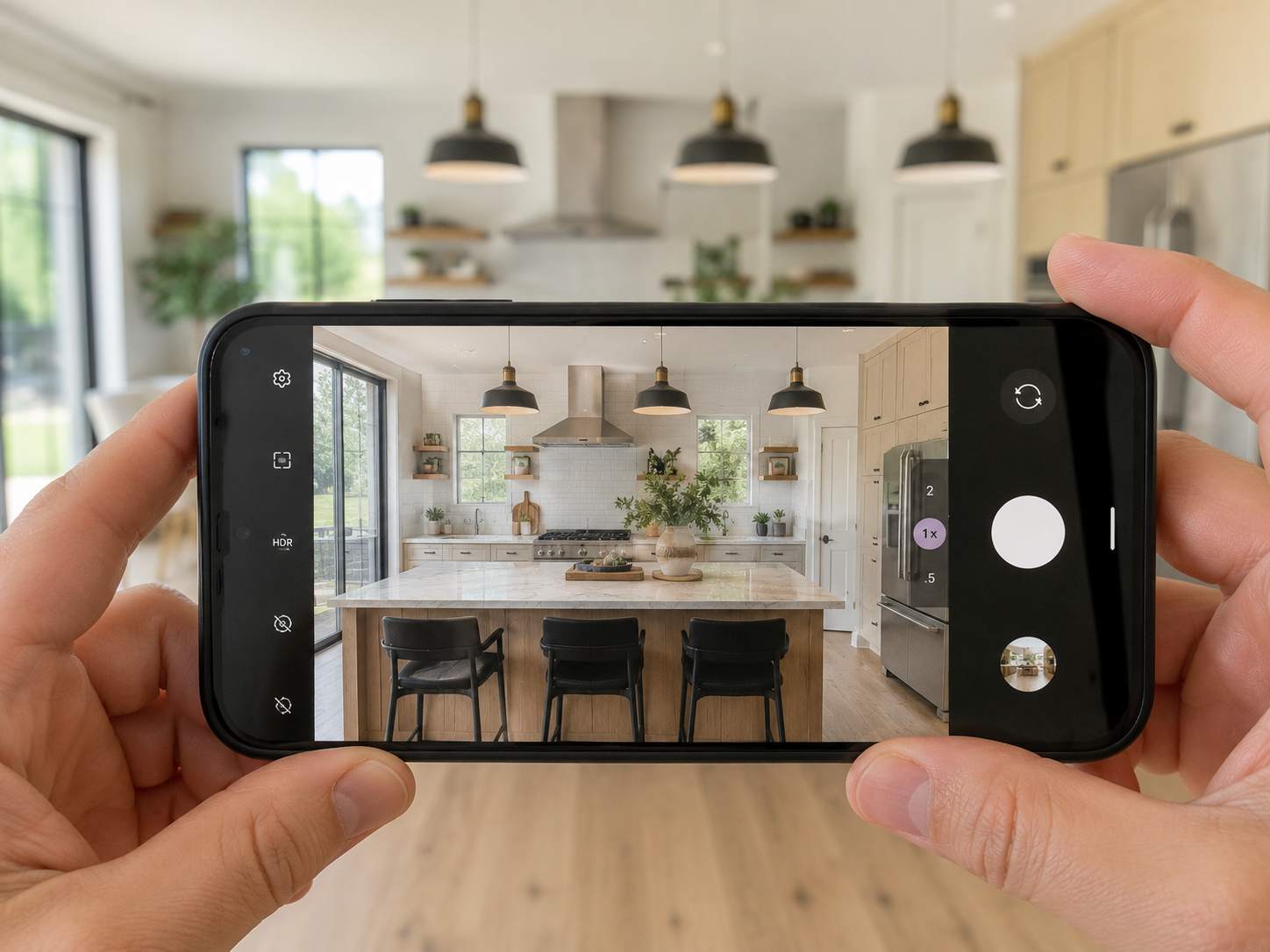
A Pixel phone-friendly editing workflow takes advantage of this by skipping any pre-processing step entirely: shoot, open the app, edit, export. Agents using a Pixel phone often find they can go from the final showing photo to a posted video in under fifteen minutes.
For agents specifically on a Pixel phone, it's worth testing a Pixel phone-friendly editing workflow rather than defaulting to whatever editing app happens to be pre-installed — the difference in template quality and export options is noticeable.
A few habits quietly add time back into a process that's supposed to be fast:
Real estate video editing doesn't need a desktop, a timeline, or a spare afternoon anymore. With the right app, an Android phone — a Pixel phone especially — can carry the entire process from walkthrough to published video in the time it takes to drive to your next appointment.
If your current process still routes through a laptop somewhere in the middle, it's worth testing a fully phone-based workflow on your next listing and timing how much faster it actually is.


Compact, ready to go anywhere
Interchangeable lens that’s upgradeable
Dual 1-inch sensors for improved clarity and low light performance
Dynamic range and 6K 360° capture
360° photo resolution at 21MP

8K 360° video recording for ultra-detailed visuals.
4K single-lens mode for traditional wide-angle shots.
Invisible selfie stick effect for drone-like perspectives.
2.5-inch touchscreen with Gorilla Glass protection.
Waterproof up to 33ft for underwater shooting.

360° photo resolution in 23MP
Slim design at 24 mm thick
Built-in image stabilization for smooth video capture.
Internal 19GB storage for photo and video storage.
Wireless connectivity for remote control and sharing.

60MP 360° still images for high-resolution photography.
5.7K 360° video recording at 30fps.
2.25-inch touchscreen for intuitive control.
USB Type-C port for fast charging and data transfer.
MicroSD card slot for expandable storage.
.png)

.png)

Try it free. No credit card required. Instant set-up.






.svg)


.svg)