


.png)


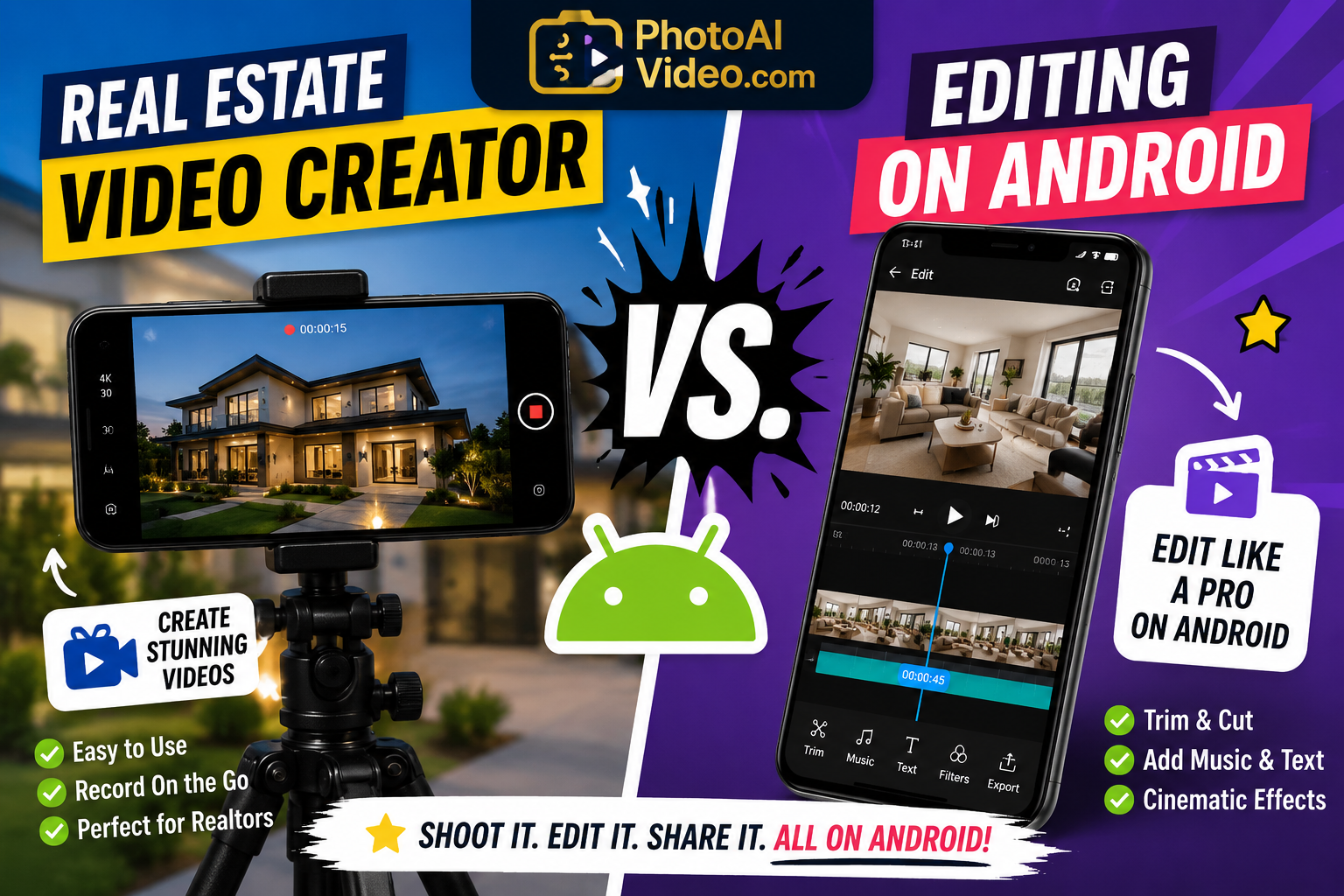
Every listing deserves a great video, but not every agent has the time, budget, or software skills to make one the old-fashioned way. That's where the debate between a modern real estate video creator and traditional editing software really comes down to one question — especially for agents working from an Android phone: what actually gets you a finished, polished video faster, without a laptop or a learning curve?
In this article, we'll compare both approaches side by side, with a specific look at how each holds up when your workflow starts and ends on an Android device.

Traditional editing usually means one of two things: hiring a professional videographer and editor, or doing it yourself in software like Adobe Premiere, Final Cut, or CapCut. Both routes give you a lot of creative control, but they come with tradeoffs that matter when you're managing multiple active listings from your phone.

A videographer will shoot high-quality footage and hand off a polished edit — but you're paying per listing, often waiting days for delivery, and coordinating schedules around showings.
Doing your own real estate video editing in a full editing suite gives you control over every frame, but it also means learning cuts, transitions, color correction, and export settings, usually on a desktop. For agents who shoot and manage listings entirely from an Android phone, that means exporting files, transferring them to a computer, and switching devices mid-workflow — friction that a lot of agents would rather skip.
A real estate video creator is purpose-built software — usually an app available on Google Play — that takes your listing photos (and clips, if you have them) and automatically assembles a finished, branded video. Instead of manually placing every transition, the software handles pacing, motion, music syncing, and formatting for you, right from your phone.
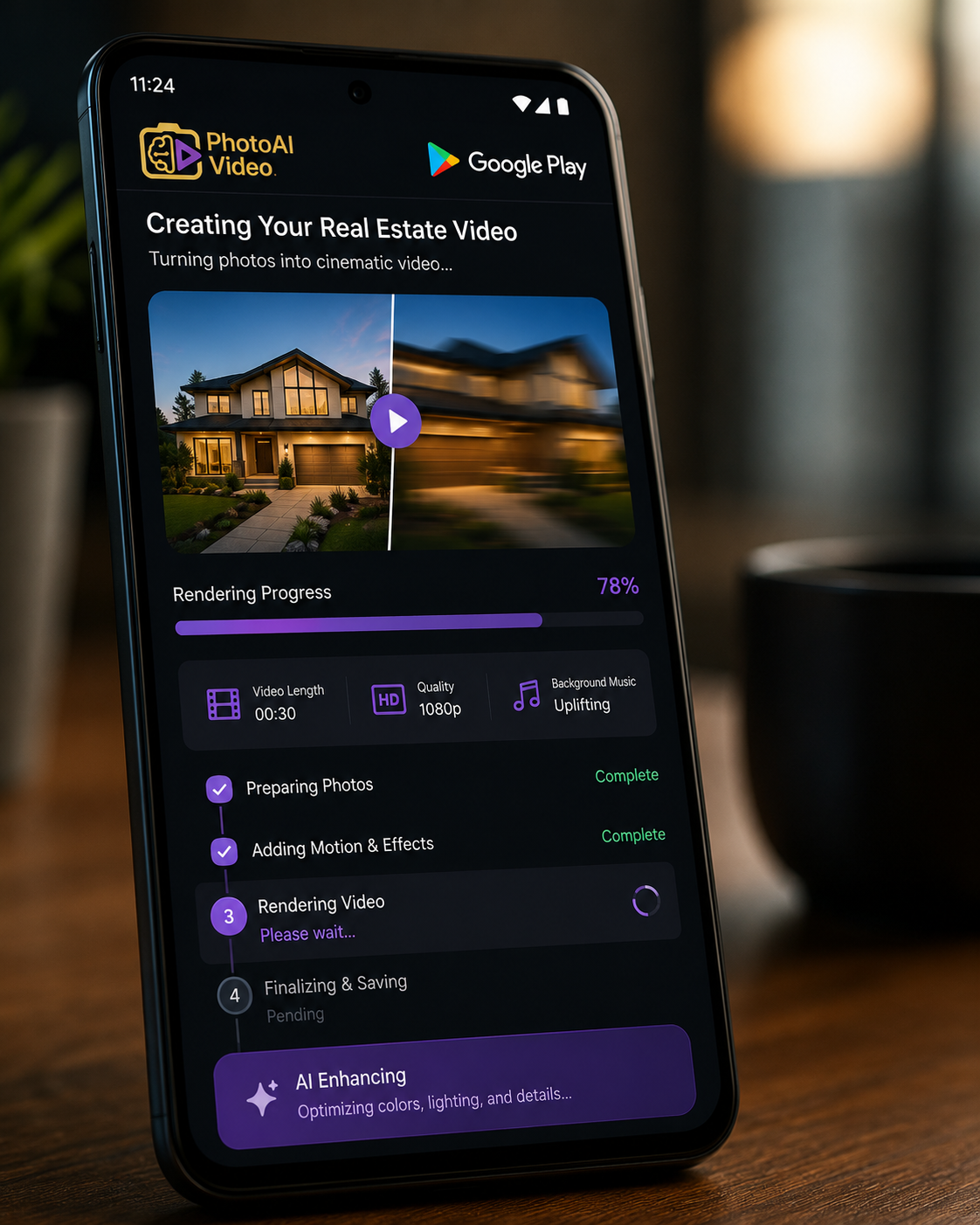
Many of these tools are AI-powered, which is why you'll often see them called an AI real estate video app. The AI analyzes each photo, decides how to frame and animate it, and builds a cohesive video in a fraction of the time a manual edit would take — no desktop required.
This shift has made a real estate video maker the default choice for agents who need volume and speed over frame-by-frame customization. It's also why so many of the strongest options now live directly on Google Play rather than as desktop software — agents want to go from photo to finished video without ever leaving their phone.
Traditional editing, whether hired out or DIY, is measured in hours or days. A modern real estate video creator on Android is measured in minutes — shoot the walkthrough, open the app, export. If you're listing several properties a month, that time difference compounds fast.
Hiring a videographer typically runs anywhere from $150–$500+ per listing. Traditional editing software is often a one-time or subscription cost, but your time is the real expense — hours of manual editing add up. A dedicated Android video app usually runs a low monthly subscription that covers unlimited listings, no separate desktop license needed.
This is where it gets interesting. Traditional editing can produce more customized, cinematic results in the hands of a skilled editor. But most buyers aren't judging your listing video against a Hollywood trailer — they want a clear, well-paced, watchable tour of the home. A polished real estate video from an Android app meets that bar comfortably, and often outperforms a rushed DIY edit made in software the agent doesn't fully know how to use.
A few years ago, searching Google Play for a real estate-specific video app would have turned up generic slideshow tools with little real estate DNA. That's changed. There are now apps built specifically for property listings — with templates that understand real estate pacing, branding options for agent contact info, and export presets sized for MLS, Instagram, and TikTok all at once.

For Android agents, this matters because it removes the biggest argument for sticking with a desktop editor: control. A well-built video creator on Google Play now offers real estate-specific templates that a general editor simply doesn't have out of the box, which narrows the quality gap while keeping the speed advantage firmly on the app's side.
Traditional editing isn't obsolete — it has a place, especially for:
If you fall into one of these categories, hiring an editor or using full editing software may still be worth the extra time and cost.
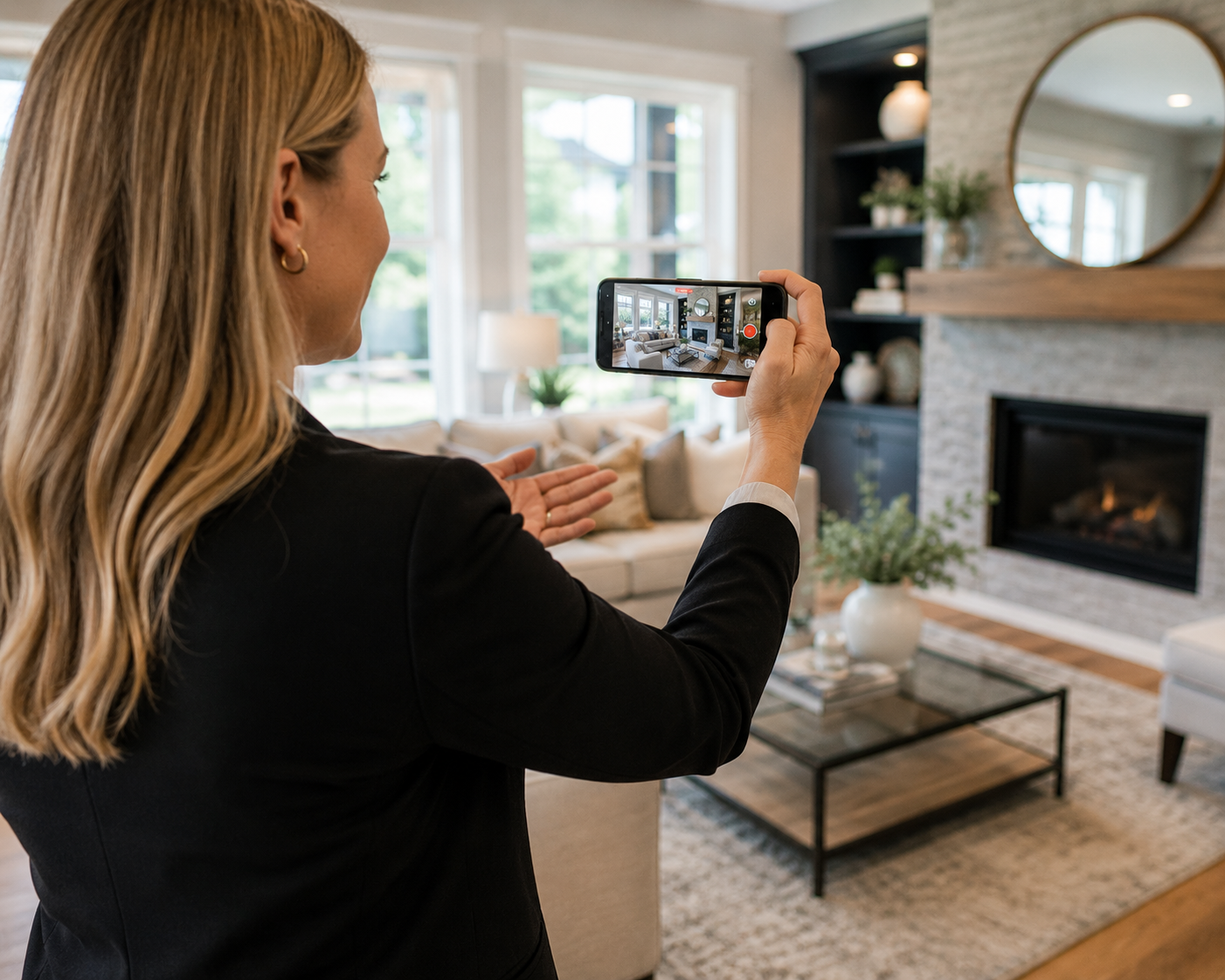
For the majority of agents — especially those managing several active listings from an Android phone — an AI real estate video app for Android is the more practical choice:
If this sounds like your day-to-day, it's worth trying a real estate video maker built for Google Play rather than adapting a general-purpose editor to fit real estate.
Whichever route you choose, a few habits make the process smoother:
Agents who want to streamline your real estate video editing on Android often find that a single app covering upload, edit, branding, and export saves more time than switching between multiple tools or devices.
There's no universal right answer between a real estate video creator and traditional editing — it depends on your listings, your budget, and how much time you have to spend behind an editing timeline. But for most agents running their business from an Android phone, the speed and simplicity of a dedicated app on Google Play usually wins out over the extra hours traditional editing demands.
If you haven't tried a photo-to-video app built specifically for real estate on Android yet, start with your next listing and compare the results yourself — it's often faster to test than to debate.


Compact, ready to go anywhere
Interchangeable lens that’s upgradeable
Dual 1-inch sensors for improved clarity and low light performance
Dynamic range and 6K 360° capture
360° photo resolution at 21MP

8K 360° video recording for ultra-detailed visuals.
4K single-lens mode for traditional wide-angle shots.
Invisible selfie stick effect for drone-like perspectives.
2.5-inch touchscreen with Gorilla Glass protection.
Waterproof up to 33ft for underwater shooting.

360° photo resolution in 23MP
Slim design at 24 mm thick
Built-in image stabilization for smooth video capture.
Internal 19GB storage for photo and video storage.
Wireless connectivity for remote control and sharing.

60MP 360° still images for high-resolution photography.
5.7K 360° video recording at 30fps.
2.25-inch touchscreen for intuitive control.
USB Type-C port for fast charging and data transfer.
MicroSD card slot for expandable storage.
.png)

.png)

Try it free. No credit card required. Instant set-up.






.svg)


.svg)