


.png)


Two people signed up for the same video platform in the same month. One was a Realtor marketing a single, $850,000 listing she wanted to feel unforgettable — she spent an hour picking the right pacing and music to match the home's personality. The other was a property manager with 34 vacant units to fill before the end of the month, who needed each video done in under three minutes because she had thirty-three more after this one. Same software. Completely different jobs. And most best real estate video apps roundups write as if these two people want the same thing.
They don't. A tool that feels perfect for a Realtor crafting one emotional, story-driven listing video can feel painfully slow to a property manager who just needs unit after unit turned around fast. Understanding which side of that line you're on changes what actually matters in a comparison — and it's the part most generic buying guides skip entirely.
A Realtor is typically marketing one property at a time, often to a single eventual buyer, in a sales process that can take weeks or months. The video's job is to create emotional pull — to make a specific home feel worth walking through in person. Volume is low. Stakes per listing are high. Personalization matters, because the buyer isn't comparing this listing to fifty others in the same building; they're comparing it to a handful of homes in a neighborhood, and the story the video tells can genuinely influence a decision.
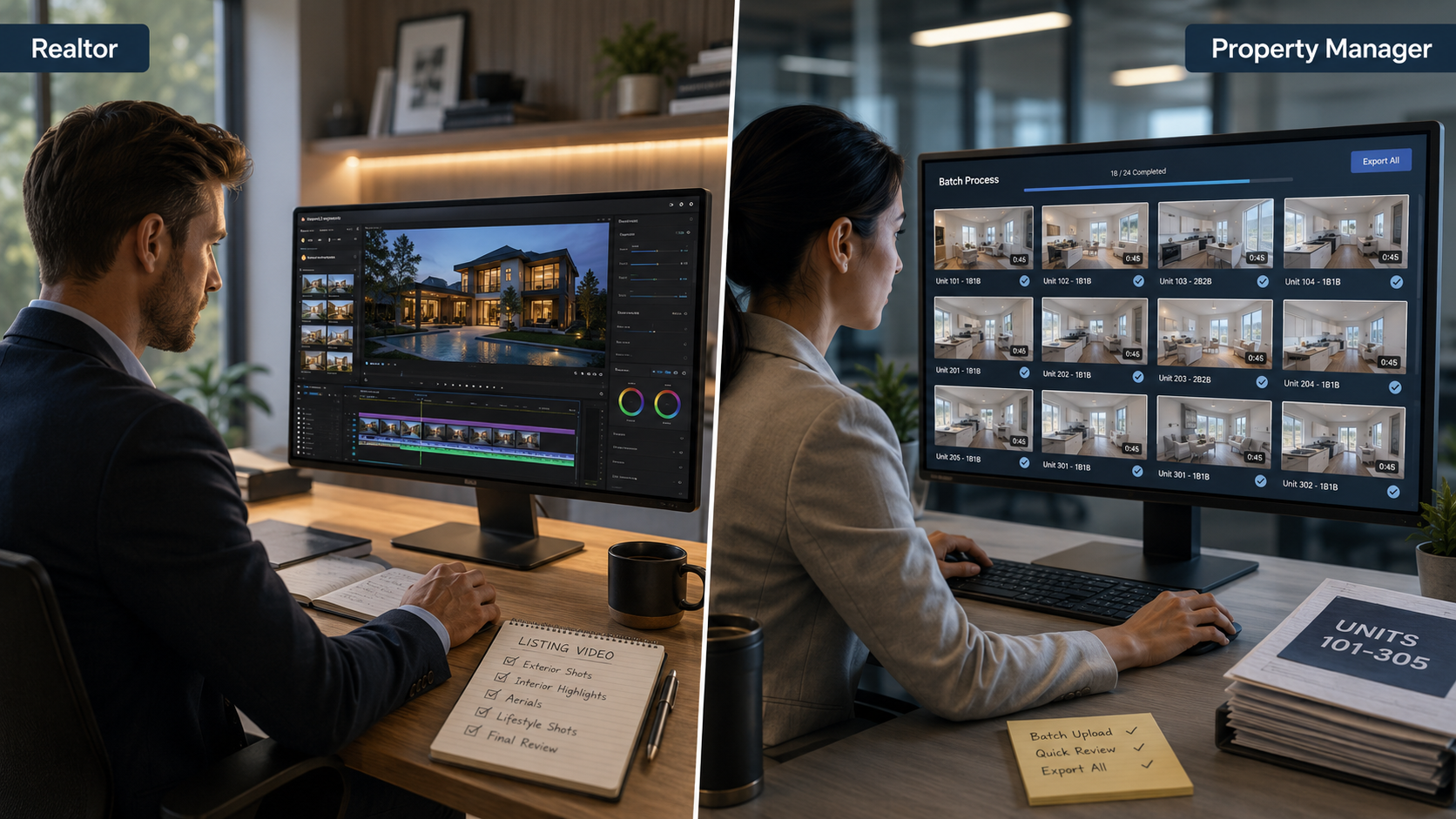
A property manager is usually marketing many units at once, often similar in layout, with the goal of filling vacancies as fast as possible rather than creating a singular emotional moment. The video's job is closer to a fast, accurate, consistent representation of the unit — clean walls, working appliances, accurate square footage — because the renter's decision cycle is shorter and more transactional. Volume is high. Stakes per individual unit are lower, but the operational cost of slow turnaround compounds across dozens of properties.
If a Realtor picks software built around high-volume, fast-turnaround workflows, they may find it feels sparse — not enough room for the kind of pacing or storytelling a flagship listing deserves. If a property manager picks software built around slow, highly customizable per-listing polish, they'll likely find themselves fighting the tool every day, spending time on creative decisions that don't matter for a studio apartment that just needs to look clean and get filled.
NAR's research on buyer behavior consistently shows video and visual marketing driving engagement for home purchases, where emotional connection to a specific property plays a real role in decision-making. Leasing decisions, tracked separately in housing market data, tend to move faster and weigh practical factors — price, location, amenities — more heavily than emotional narrative. That's not a minor stylistic difference. It's a completely different design brief for the video itself, and by extension, for the software that produces it.
Here's what happens when the mismatch isn't caught early: a property management company adopts a tool built for Realtors, drawn in by beautiful sample listings in the marketing materials. Every unit video ends up taking twenty or thirty minutes because the workflow assumes you want to make creative choices — picking music, adjusting pacing, choosing between multiple template moods — decisions a property manager doesn't have time to make thirty-four times in a week.
The reverse happens too. A Realtor picks a fast, streamlined tool built for volume, and finds her flagship $2 million listing coming out looking identical to every other property that ran through the same templates — competent, but forgettable, when the whole point of that particular video was to stand out. This is usually the moment someone searches for real estate video generator software comparison content specifically filtered by their own role, having learned the hard way that generic advice doesn't account for the split.
PhotoAIVideo is built with templates and workflows that flex across both needs rather than forcing a single approach. For high-volume use, saved brand kits and fast, consistent templates mean a property manager can move through many similar units quickly without re-making creative decisions each time. For single-listing focus, the same platform supports more deliberate pacing and template choices when a specific property calls for it — the flagship listing doesn't have to look like the studio apartment down the street.
The practical difference is that neither audience is stuck fighting a workflow built for the other. A property manager isn't wading through creative options built for storytelling; a Realtor isn't stuck with a stripped-down, volume-first template when a specific listing deserves more attention.

Step 5 gets missed more than people expect. Leasing ads and home sale listings aren't governed identically in practice, and a workflow built purely around real estate sales marketing may not have the same guardrails a rental-heavy operation actually needs.
If you're running an AI real estate video software comparison across generic "best of" lists, cross-reference it against this table first — a tool that scores well for one side of this divide can score poorly for the other, even within the same review.
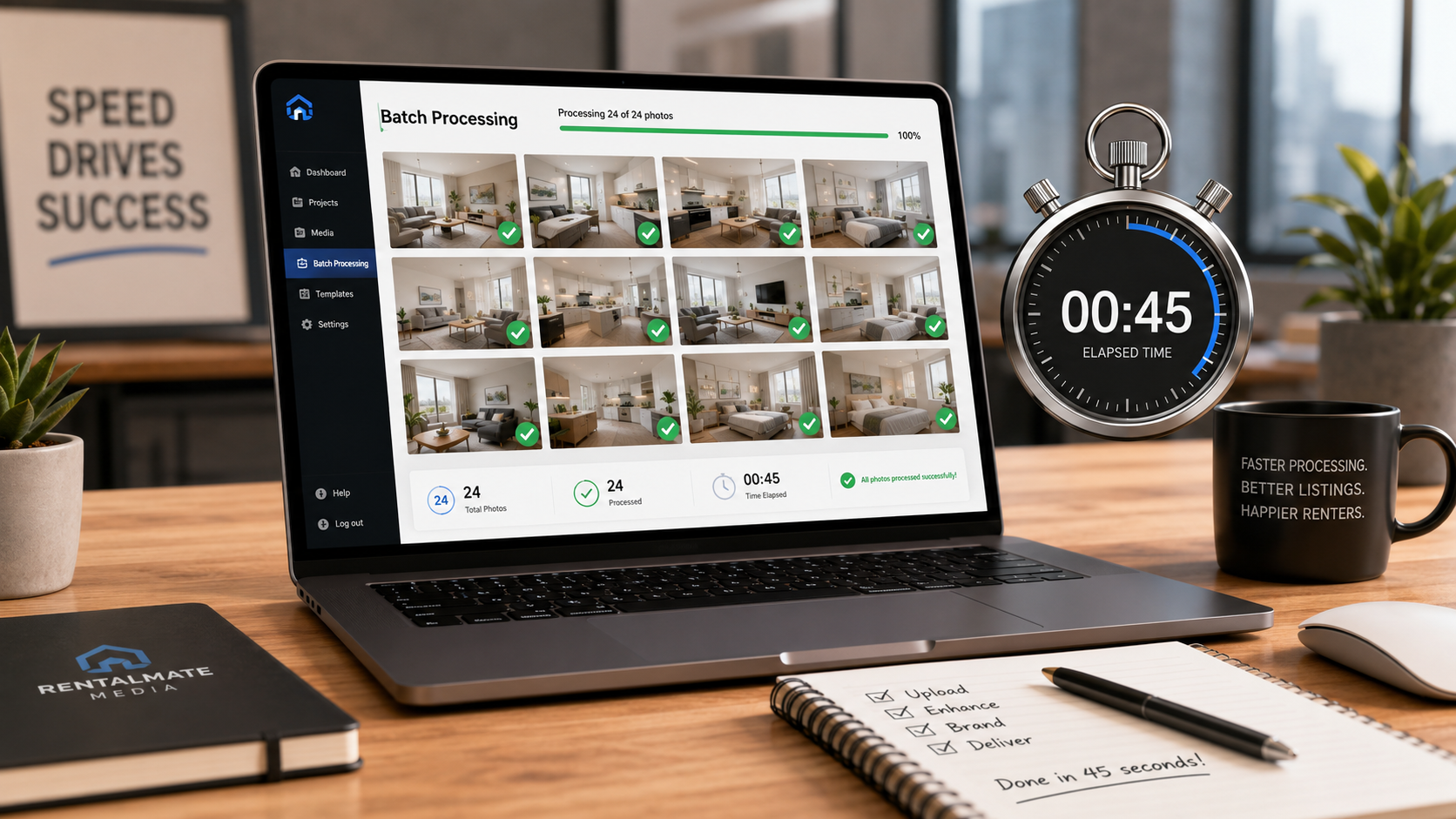
A property management company turning over 40 units a month. Speed and consistency dominate every other consideration — a tool that takes even ten extra minutes per unit costs real hours at that volume.
A Realtor marketing a single luxury listing. Here, creative flexibility and pacing control genuinely matter, since the goal is differentiation, not speed.
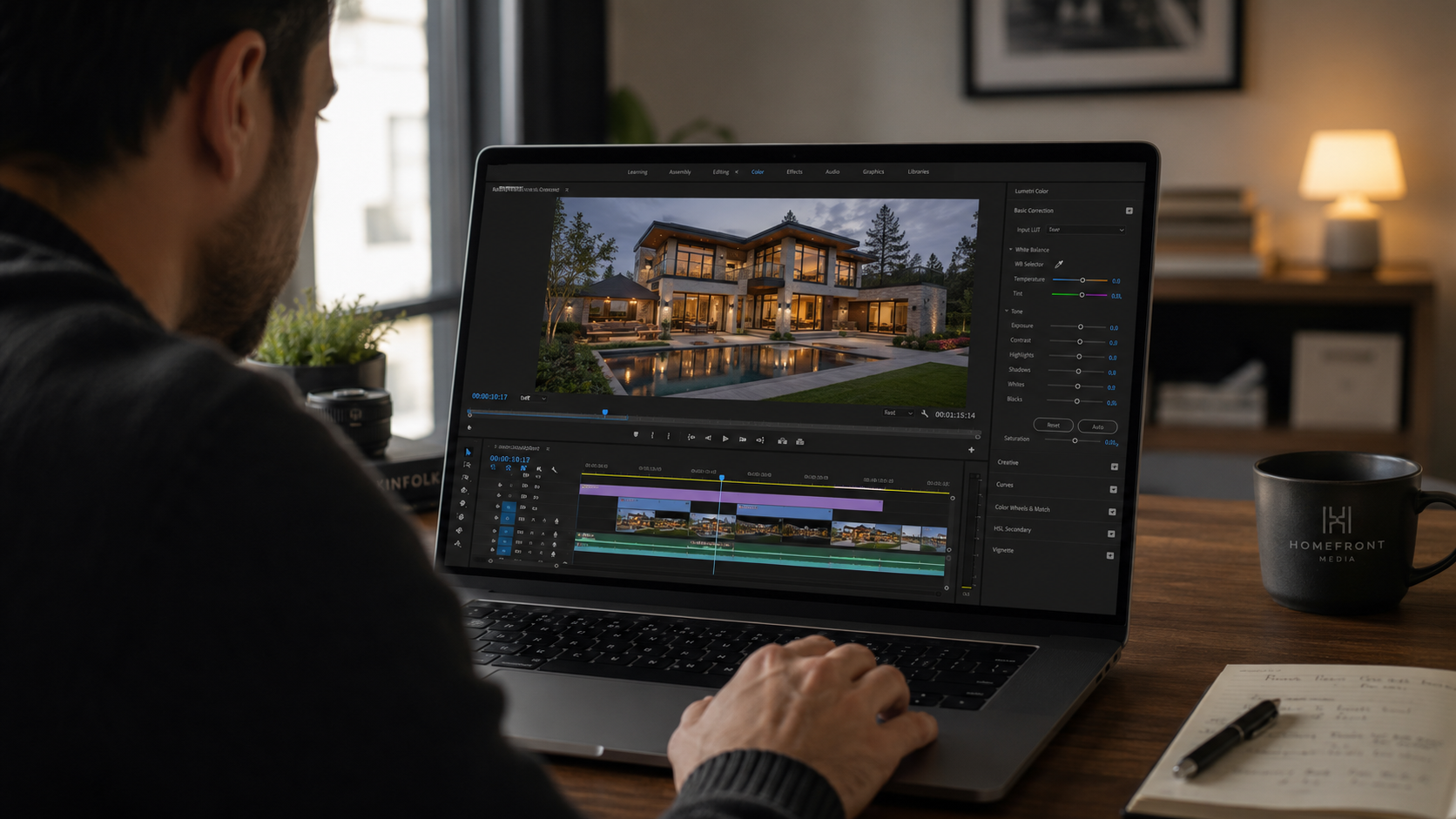
An agent who also manages a small rental portfolio on the side. This person needs both modes — fast and consistent for the rentals, more deliberate for personal listings — and should treat these as two separate workflows rather than one blended approach.
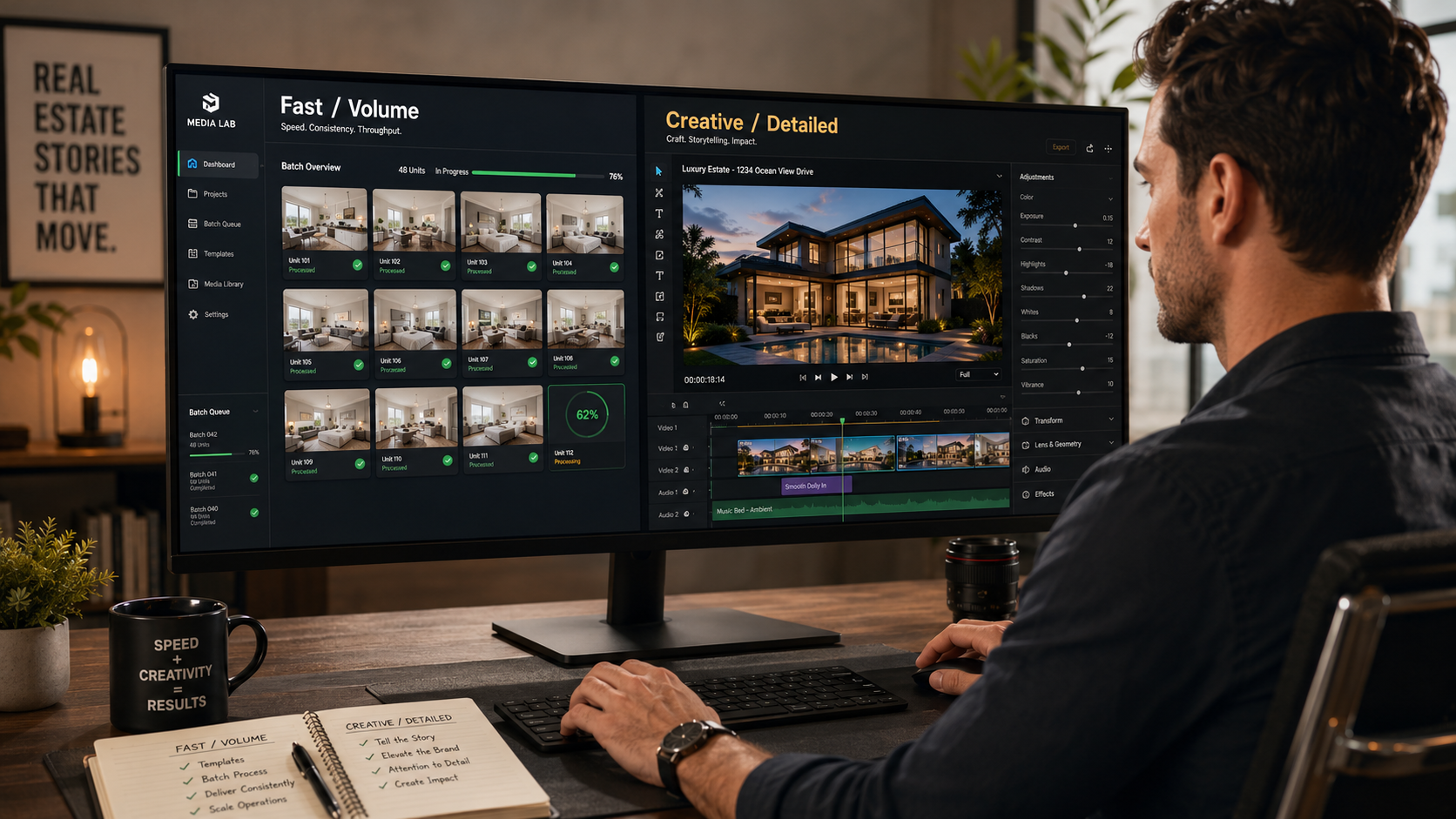
A large brokerage with both a sales team and a property management division. These two teams likely need different default settings and templates, even within the same software subscription.
A property manager occasionally marketing a higher-end rental. Even within a volume-focused role, an unusually high-value unit may warrant the extra time a standard rental wouldn't.
Choosing software based on generic "best real estate video apps" lists without checking which audience they were written for. A tool ranked highly for agents may be a poor fit operationally for high-volume leasing work, and vice versa.
Treating every video the same regardless of the property behind it. A flagship listing and a routine unit rarely deserve identical treatment, even within the same account.
Ignoring leasing-specific advertising compliance because a tool is marketed toward general real estate use. Confirm the platform's default language and templates are appropriate for your specific use case, not just real estate broadly.
Assuming a fast, high-volume tool can't also handle a standout listing well. The better platforms in this category support both modes — check for that flexibility rather than assuming you need two separate subscriptions.
Not revisiting your workflow as your role shifts. An agent who takes on more rental listings, or a property manager expanding into higher-end units, should reassess which priorities actually apply now.
Do property managers and Realtors actually need different video software?
Not entirely different software, but different priorities — property managers generally need speed and consistency across many units, while Realtors benefit more from creative flexibility for individual listings.
What matters most for a property manager choosing real estate video software?
Turnaround speed and consistency across many similar units, since leasing decisions move faster and depend less on individual video storytelling than home sales do.
What matters most for a Realtor choosing AI video tools for real estate marketing?
The ability to customize pacing, mood, and template choice for a specific property, since a home sale listing benefits more from emotional differentiation than a rental unit does.
Are there different compliance rules for rental listing videos versus home sale videos?
Yes — rental and leasing advertising is subject to fair housing rules that apply particular scrutiny to language and imagery, which is worth confirming a platform accounts for if you're managing rental properties.
Can one tool handle both high-volume leasing videos and detailed listing videos well?
Yes, if the platform offers both fast, consistent templates for volume and more flexible customization options for individual standout listings — check for that range rather than assuming a single mode fits everyone.
Should a real estate video generator software comparison be read differently depending on my role?
Yes — a comparison written primarily with agents in mind may rank tools differently than one written for high-volume property management use, so it's worth checking which audience a given comparison assumes.
How much time should a property manager expect to spend per unit video?
Ideally just a few minutes per unit at scale — if it's taking significantly longer, the tool may be built more for single-listing creative work than high-volume leasing turnover.


Compact, ready to go anywhere
Interchangeable lens that’s upgradeable
Dual 1-inch sensors for improved clarity and low light performance
Dynamic range and 6K 360° capture
360° photo resolution at 21MP

8K 360° video recording for ultra-detailed visuals.
4K single-lens mode for traditional wide-angle shots.
Invisible selfie stick effect for drone-like perspectives.
2.5-inch touchscreen with Gorilla Glass protection.
Waterproof up to 33ft for underwater shooting.

360° photo resolution in 23MP
Slim design at 24 mm thick
Built-in image stabilization for smooth video capture.
Internal 19GB storage for photo and video storage.
Wireless connectivity for remote control and sharing.

60MP 360° still images for high-resolution photography.
5.7K 360° video recording at 30fps.
2.25-inch touchscreen for intuitive control.
USB Type-C port for fast charging and data transfer.
MicroSD card slot for expandable storage.
.png)

.png)

Try it free. No credit card required. Instant set-up.







.svg)


.svg)