


.png)


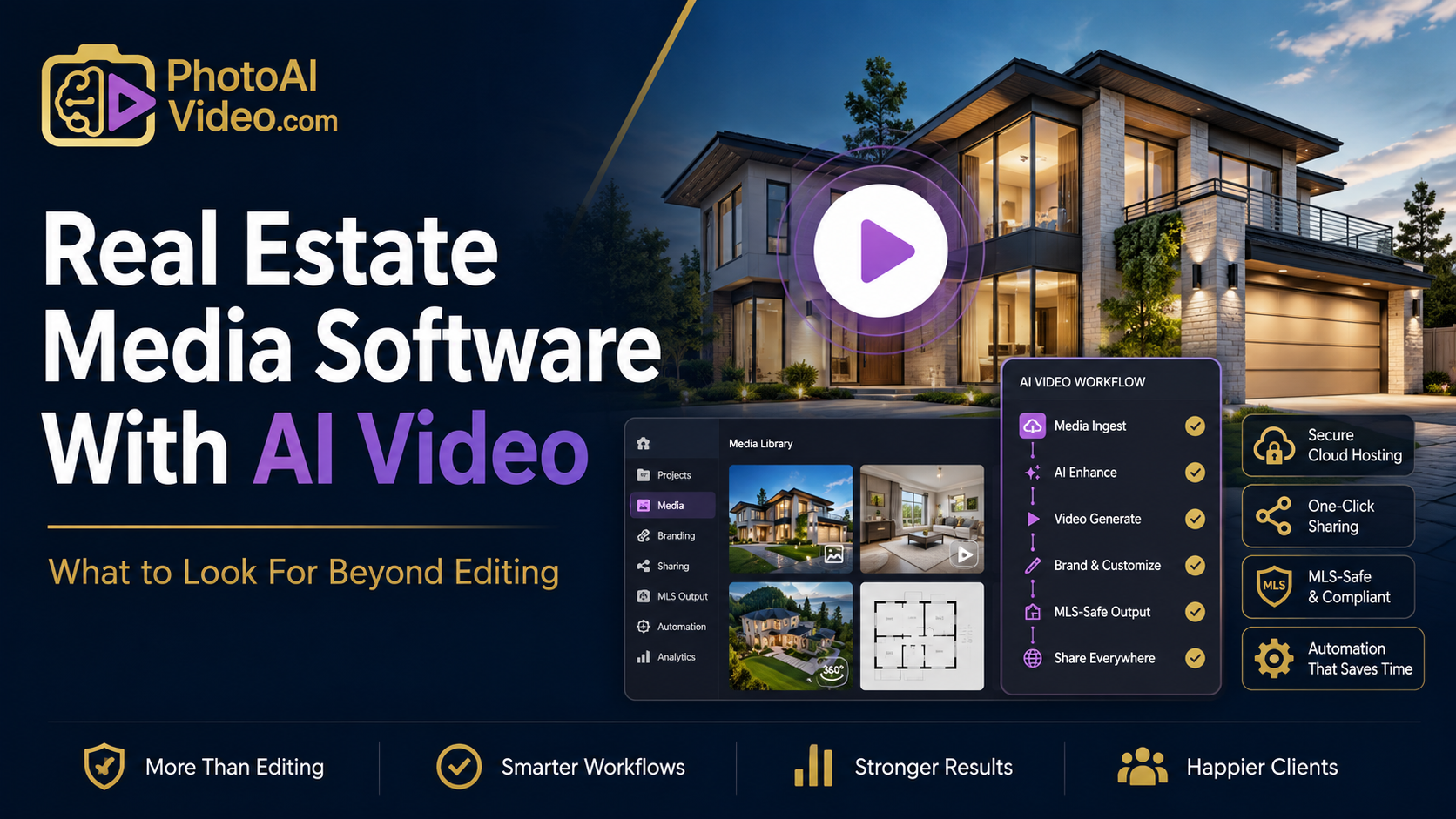
A brokerage in Denver had a genuinely good video editing tool, and it still took their marketing coordinator three separate platforms to get a single listing fully marketed: one app to edit the video, a different service to host it so it wouldn't count against her phone's storage, and a spreadsheet to track which listing's link went where because nothing kept that history for her. The video itself was never the problem. Everything happening around the video was.
That's the piece missing from most searches for real estate media software with AI video — people evaluate the editor and assume the rest takes care of itself. It doesn't. The editing step is maybe a third of the actual job. What happens to the finished video afterward — where it lives, how it's organized, whether it connects to anything else you're already using — determines whether the whole system holds together or turns into exactly the three-platform juggling act that coordinator was dealing with.
Media software, properly defined, covers the full lifecycle of a listing's visual assets — not just the video creation step, but where photos, floor plans, and finished videos are stored, how they're organized across dozens or hundreds of past listings, how they're delivered to buyers and other agents, and whether any of that connects to systems you're already running, like your CRM or your MLS feed.
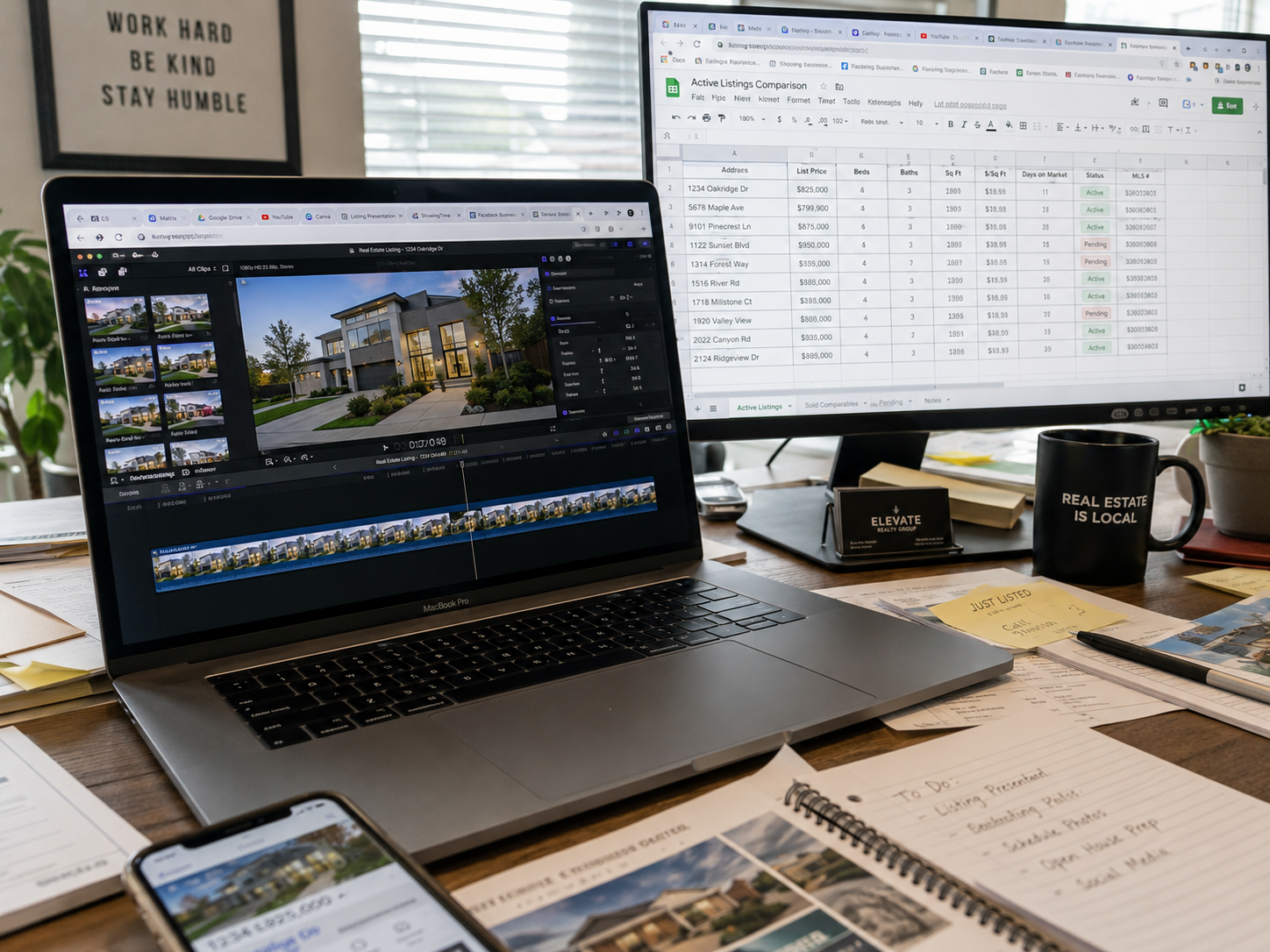
A tool that only does editing well is solving the smallest part of a bigger operational problem. The real test of "media software" as a category is whether it replaces the surrounding spreadsheets, separate hosting services, and manual link-tracking that pop up around a standalone editing tool — or whether it just adds one more piece to that pile.
The creative side of real estate video gets most of the attention, but the operational side is where time actually leaks. If finished videos live in scattered folders with inconsistent naming, finding last year's listing video for a repeat client becomes a ten-minute search instead of a two-second lookup. If hosting isn't built in, someone has to manually upload to a separate service and paste links into listings, MLS fields, or emails — a small task that adds up fast across dozens of listings a year.
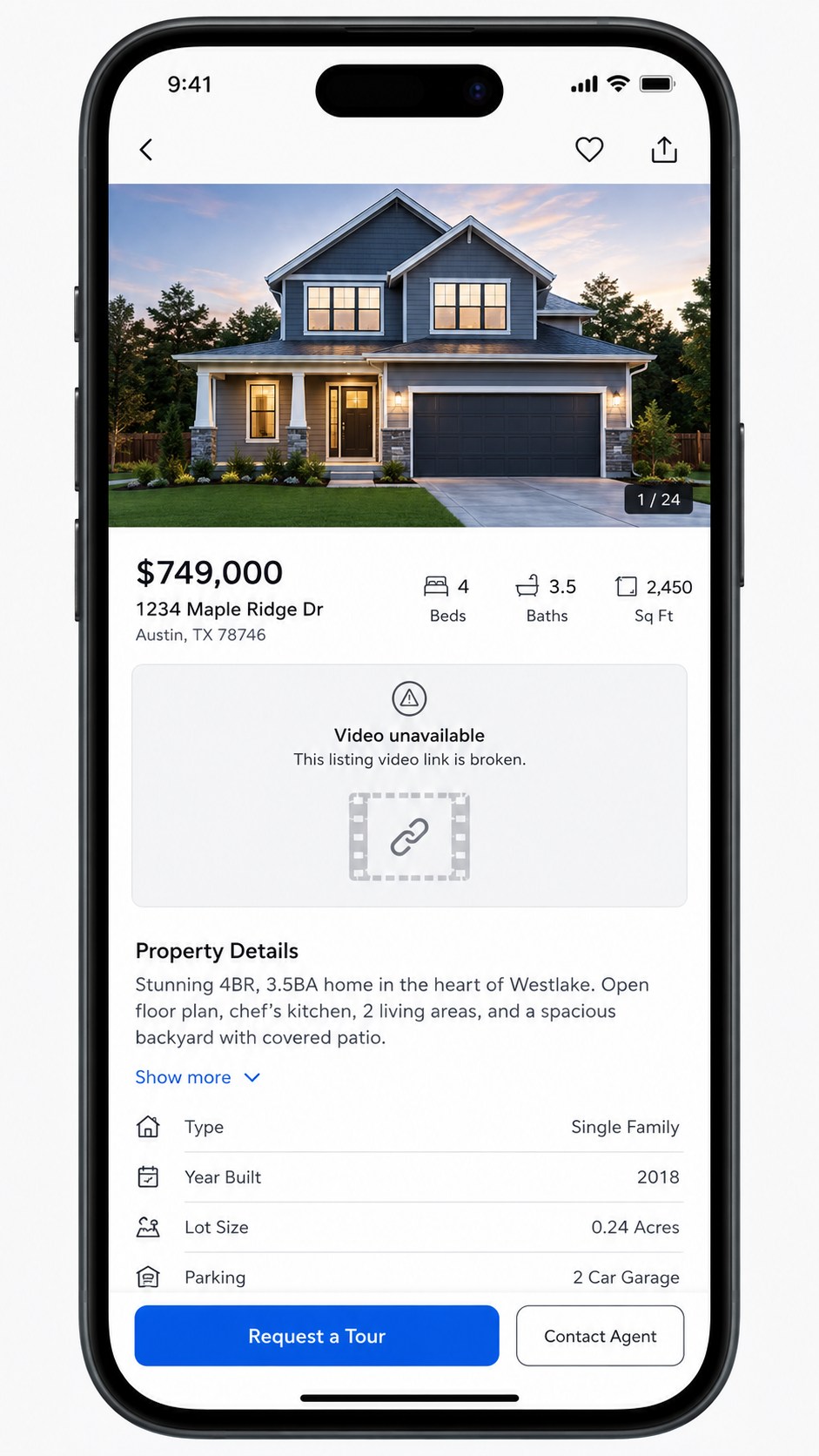
There's also a delivery reliability issue that's easy to overlook until it causes a problem. Zillow Research and similar market data consistently show buyers engaging with listing media in the days immediately after a listing goes live — which means a broken or expired video link during that exact window doesn't just look unprofessional, it actively costs engagement at the moment it matters most.
Here's the pattern that shows up when a brokerage or photographer picks a tool based purely on how good the video output looks:
The editing experience is genuinely fine. The videos look professional. But six months in, nobody can quickly find the video for a listing that just came back on market, because it's buried in a personal device's camera roll or a generic cloud folder with no consistent naming convention. Meanwhile, the video hosting is handled through whatever free service someone signed up for early on, and nobody's checked whether those links still work on older listings. The tool did its one job well — it just didn't account for everything happening before and after that one job.
This is usually the moment someone starts specifically searching for real estate video automation software that includes organization and delivery, not just editing, having realized the editor was never the actual bottleneck.
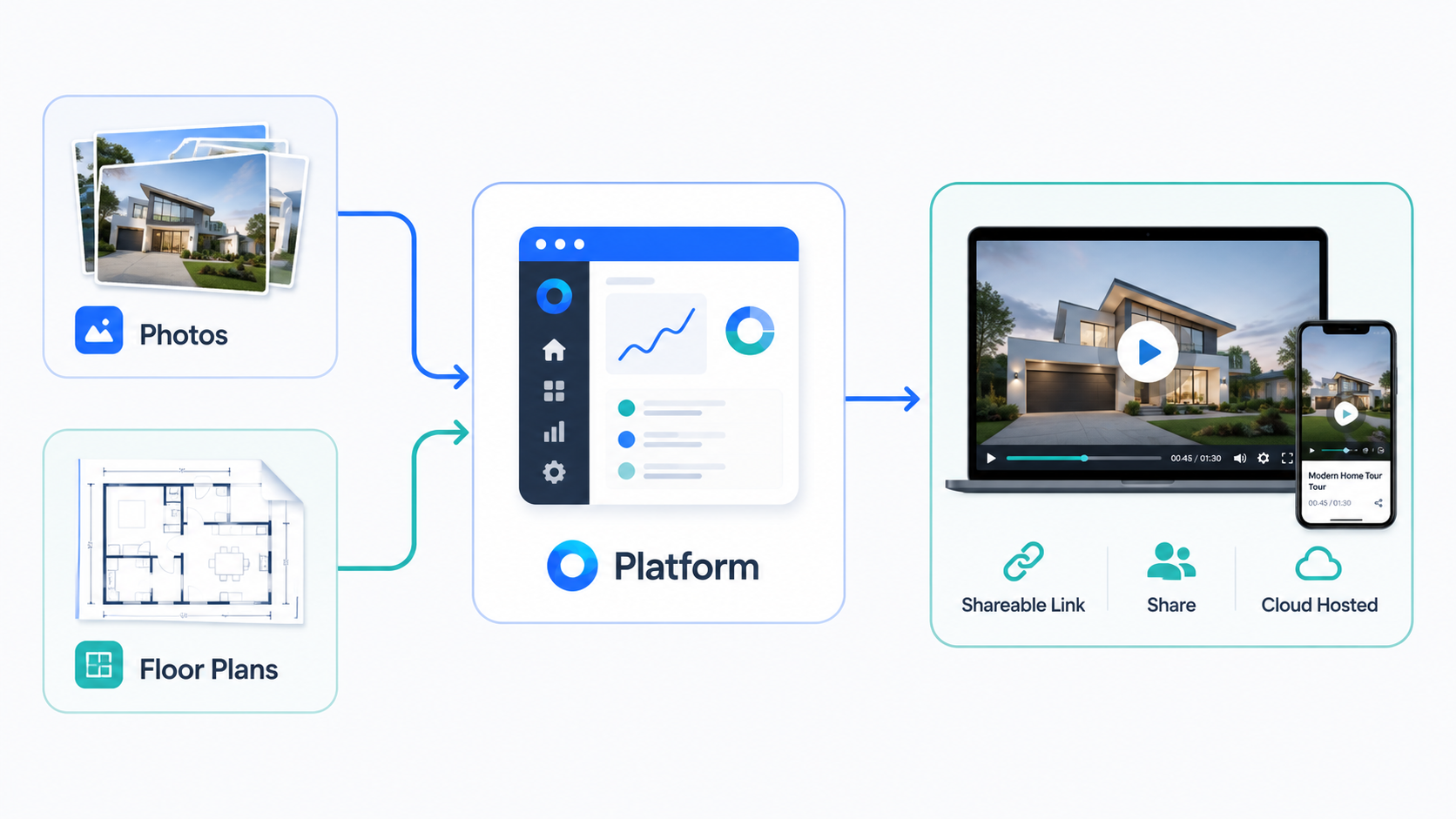
PhotoAIVideo treats the finished video as the start of the next step, not the end of the process. Listings are organized and searchable by property, agent, or date, so finding a specific listing's video months later doesn't require digging through unrelated folders or a separate spreadsheet someone has to maintain manually. Hosting and delivery are handled as part of the platform, which removes the separate step of uploading a finished export to a different service just to get a shareable link.
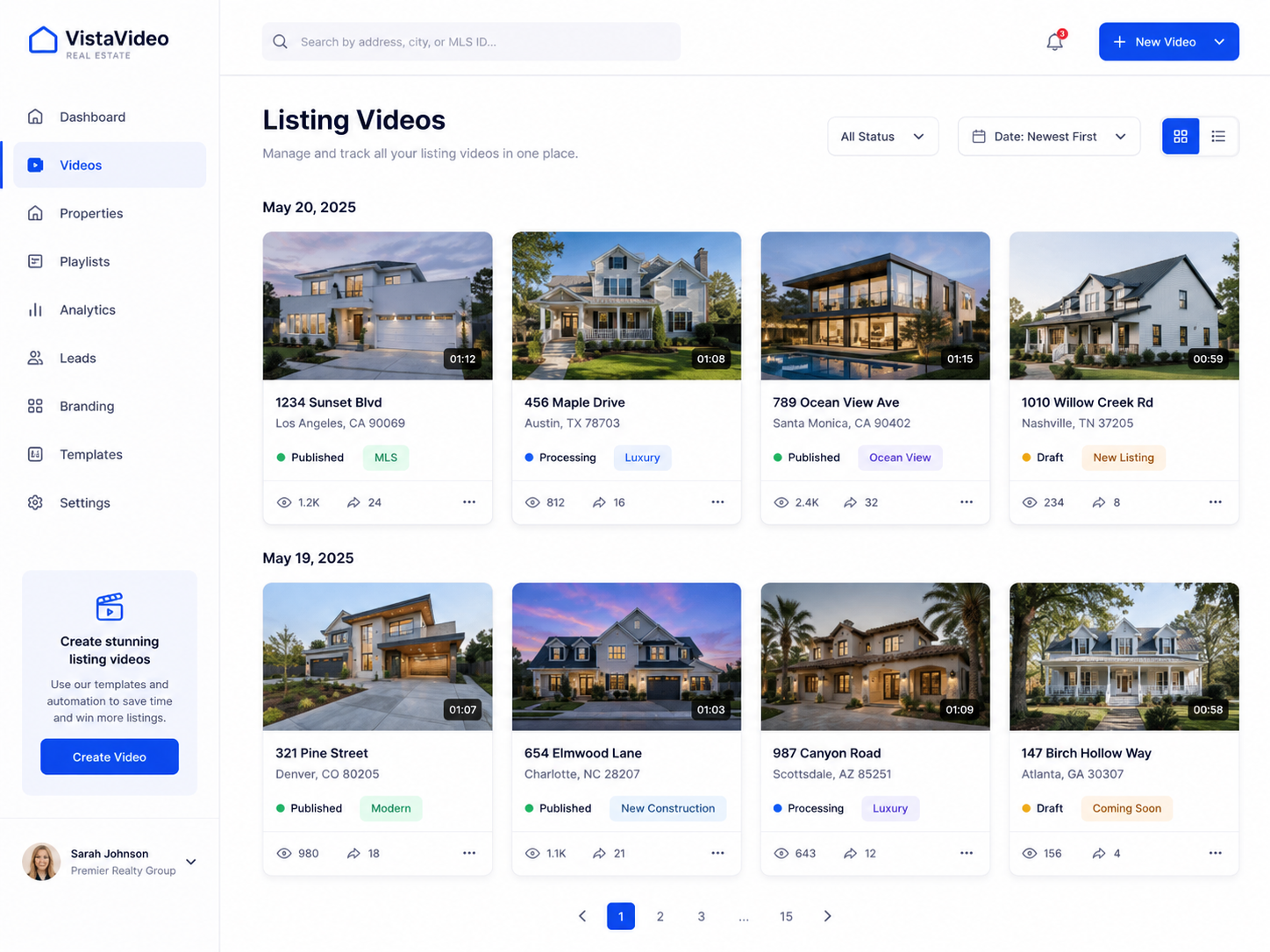
The practical difference shows up most clearly for anyone managing more than a handful of listings a year. Instead of an editor plus a hosting service plus a manual tracking system, there's one place where a listing's photos, video, and delivery link all live together — which matters a lot more once you're trying to find something from eight months ago than it does on your very first listing.
Step 2 is the one that rarely gets tested during a demo, because a demo only ever has one or two sample listings in it — there's nothing to search through yet, so the organization problem doesn't show up until it's already a problem.
If you're running an AI real estate video software comparison based purely on editing quality, this table is the part of the decision that tends to get skipped — and it's often the part that determines whether the tool actually simplifies your operation or just adds a new piece to it.
A brokerage managing hundreds of listings a year. Searchable asset organization isn't a nice-to-have here — without it, finding a specific past listing's media becomes a real time cost multiplied across a large volume of properties.
A photographer delivering finished videos to multiple agent clients. Built-in hosting means clients get a reliable link immediately, without the photographer needing to manage a separate upload-and-share step for every delivery.
A property manager tracking video across dozens of rental units. Consistent organization matters enormously at this volume — a video that's hard to find when a unit comes back on market defeats the purpose of having made it in the first place.
An agent who wants video links to show up cleanly in MLS listings. Even a small integration point here saves a repeated manual task across every single listing posted.
A team that's previously dealt with broken or expired hosting links. This is usually the group most motivated to prioritize delivery stability going forward, having already experienced the cost of it going wrong once.
Evaluating a tool only on its editing output. A beautiful video that's hard to find again in six months, or that lives behind an unreliable link, isn't actually solving your operational problem.
Assuming hosting is someone else's problem to solve separately. Factoring in a separate hosting step after the fact usually reveals a real, ongoing time cost that wasn't part of the original comparison.
Not testing search or retrieval before committing. This is invisible during a demo with one or two sample listings, and only becomes obvious once you actually have a library of past work to search through.
Ignoring link expiration policies until a client encounters a broken one. Ask directly and in advance, rather than finding out the hard way on an older listing.
Treating photos, floor plans, and video as separate problems to solve with separate tools. Every additional platform in the stack adds real coordination cost, even if each individual tool works fine on its own.
What's the difference between real estate video editing software and real estate media software?
Editing software focuses only on creating the video itself, while media software also handles hosting, organization, and delivery — the parts of the workflow that matter most after the video is finished.
Why does video hosting matter if the editing tool already works well?
Without built-in hosting, you're relying on a separate service to store and share the finished file, which adds an extra step and an extra point of failure to every single listing.
How important is searchable asset organization for a small brokerage?
It matters more over time than it seems at first — a system that's fine for ten listings often becomes frustrating at a hundred, when finding a specific past listing's media becomes genuinely difficult.
Do real estate video links expire?
It depends entirely on the platform — some hosting services set expiration dates or storage limits, which is worth confirming directly rather than discovering after a client encounters a broken link.
Should real estate video software connect to my MLS or CRM?
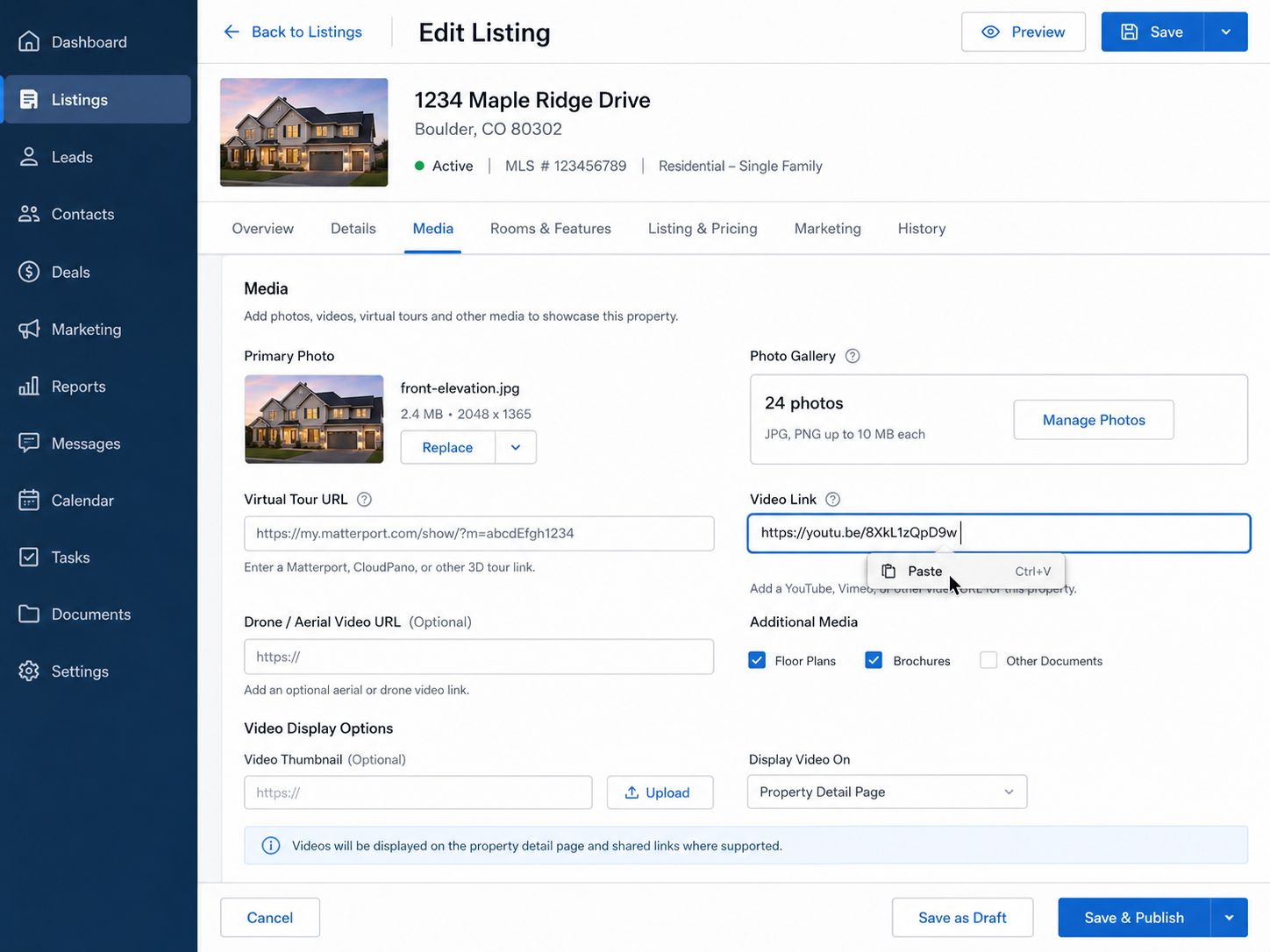
It's not strictly required, but even basic integration — like an easy way to paste a video link into an MLS field — saves real time across every listing you post.
What should I test before committing to an AI listing video software alternative?
Try finding an older sample listing's media within the platform, not just creating a new one — retrieval and organization are usually the parts that reveal problems only after real use.
Is it worth switching to an all-in-one platform if my current editing tool works fine?
If you're already managing hosting and organization separately and it's costing you real time, consolidating into one platform is often worth the switch, even if the editing quality itself is comparable.


Compact, ready to go anywhere
Interchangeable lens that’s upgradeable
Dual 1-inch sensors for improved clarity and low light performance
Dynamic range and 6K 360° capture
360° photo resolution at 21MP

8K 360° video recording for ultra-detailed visuals.
4K single-lens mode for traditional wide-angle shots.
Invisible selfie stick effect for drone-like perspectives.
2.5-inch touchscreen with Gorilla Glass protection.
Waterproof up to 33ft for underwater shooting.

360° photo resolution in 23MP
Slim design at 24 mm thick
Built-in image stabilization for smooth video capture.
Internal 19GB storage for photo and video storage.
Wireless connectivity for remote control and sharing.

60MP 360° still images for high-resolution photography.
5.7K 360° video recording at 30fps.
2.25-inch touchscreen for intuitive control.
USB Type-C port for fast charging and data transfer.
MicroSD card slot for expandable storage.
.png)

.png)

Try it free. No credit card required. Instant set-up.







.svg)


.svg)