


.png)


A property manager once told me she'd bookmarked six "best real estate video apps" roundup articles before choosing one. Every list had a different #1. Not because the writers disagreed on quality — because none of them asked who she actually was. A property manager turning fourteen units a month has almost nothing in common with a boutique agent doing two luxury listings a quarter, yet most roundup content treats them like the same buyer.
That's the actual gap in most "best of" content in this space. It ranks tools. It doesn't tell you which ranking applies to your situation.
There's no single answer to which are the best real estate video apps, because "best" depends on three variables that rarely get isolated in comparison content: your listing volume, whether you're producing video for yourself or for other agents, and how much manual editing control you actually want versus how much you'd rather hand off entirely.
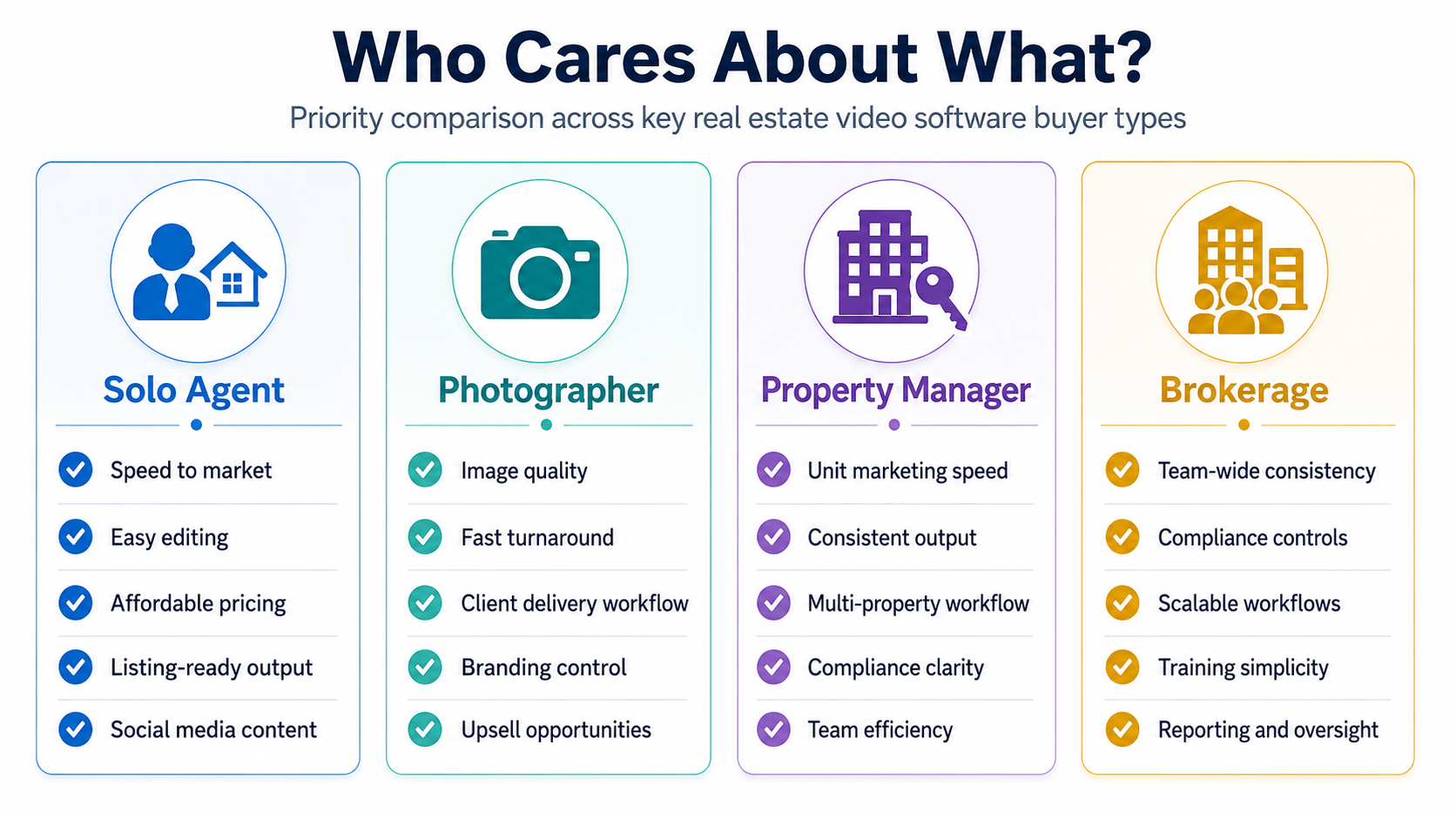
A solo agent doing five listings a month wants speed and simplicity. A photographer producing video for a dozen different agents wants consistency across wildly different shooting styles. A brokerage rolling out a tool to thirty agents wants governance — brand control, compliance defaults, predictable seat pricing. Three completely different definitions of "best," using the exact same software category.
Picking the wrong tool for your actual role doesn't just waste a subscription fee — it creates workflow debt. Realtor.com has published data pointing to how quickly buyer attention on new listings drops after the first week on market, which means a tool mismatched to your speed needs doesn't just annoy you, it actively costs listing visibility during the window that matters most.
There's a second cost that's easy to miss: team drag. When one person on a team picks a tool that fits their personal workflow but not the team's volume or compliance needs, everyone else either works around it or quietly stops using it. I've seen brokerages with three unused video tool subscriptions running simultaneously for this exact reason — not bad tools, just tools chosen by the wrong persona.
Most people evaluating real estate video editing software for agents test it the way they'd test any consumer app — does it feel good to use, is the interface clean, do the sample outputs look nice. Those are real considerations, but they answer "do I personally like this," not "does this fit how my role actually generates and moves listings."
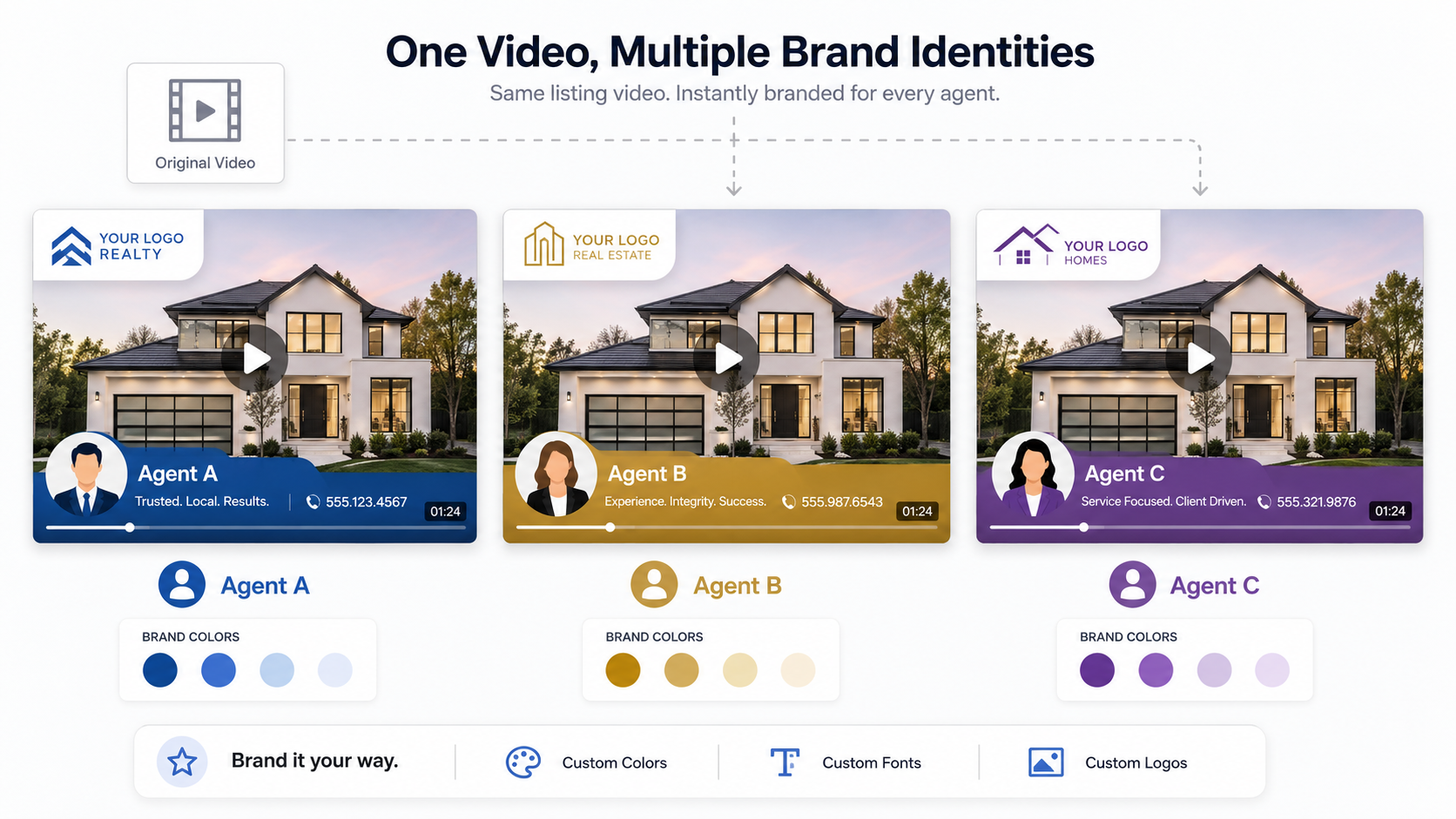
A photographer, for example, needs to think about delivery workflow just as much as editing quality — can finished videos be handed off to an agent's own branding without a manual re-export step? A property manager needs to think about turnaround speed above almost everything else, since a vacant unit sitting an extra week costs real money. Neither of those needs shows up if you're only testing "does this look good to me."
PhotoAIVideo.com is used across all three of the personas above, but not in the same way. Solo agents mostly lean on fast templated renders through the demo to get a listing live same-day. Photographers tend to use the branding hand-off controls so a finished video can carry an individual agent's identity without extra editing steps. Brokerages evaluating it at scale usually start on the pricing page to confirm seat structure before rolling it out team-wide, since that's where mismatched tools usually cause the most friction.
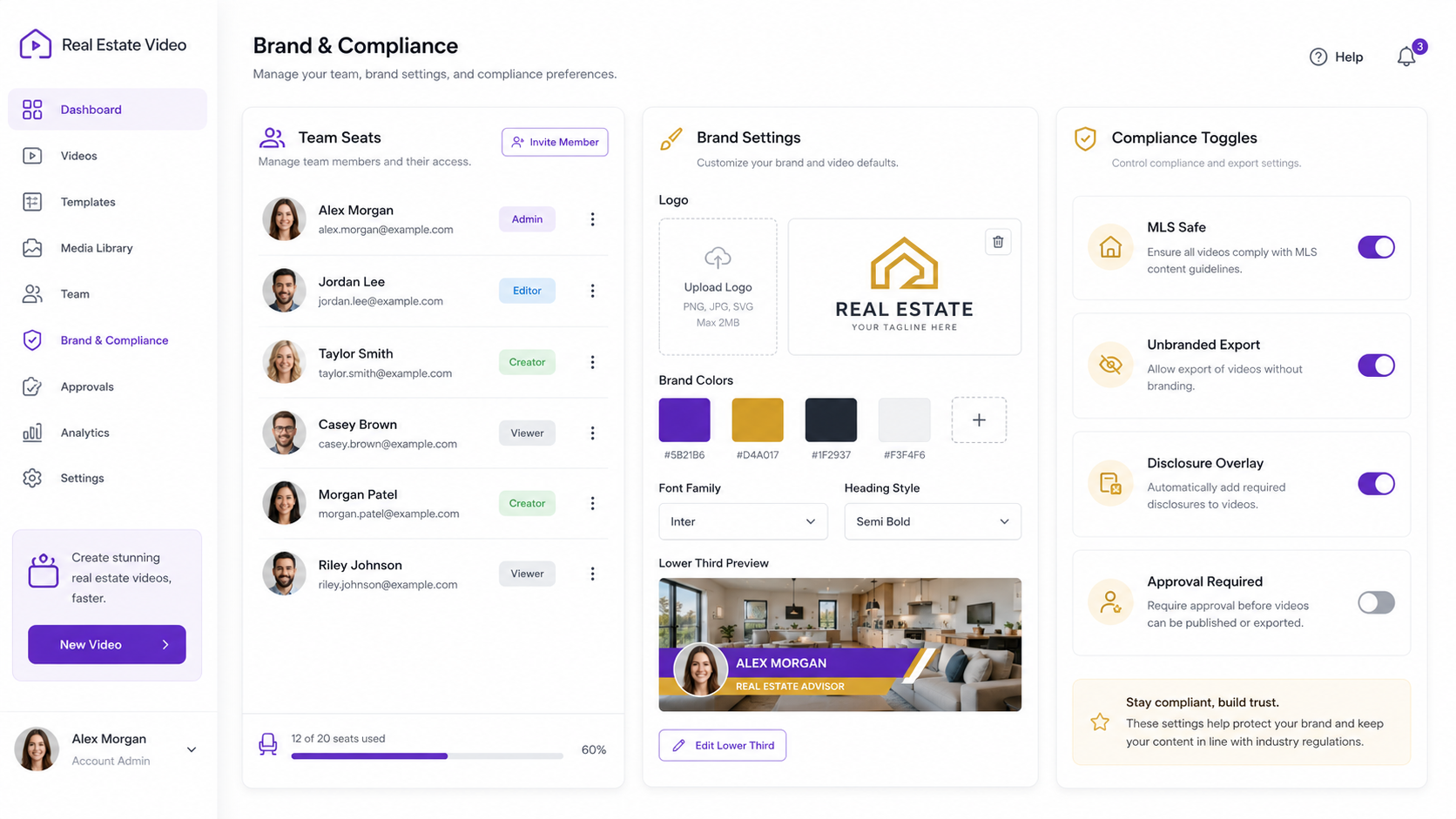
If you're specifically comparing AI video tools for real estate marketing across a team rather than for a single user, that seat-and-governance question is worth resolving before the editing-quality question — a beautiful video that only one person can produce isn't a team solution.
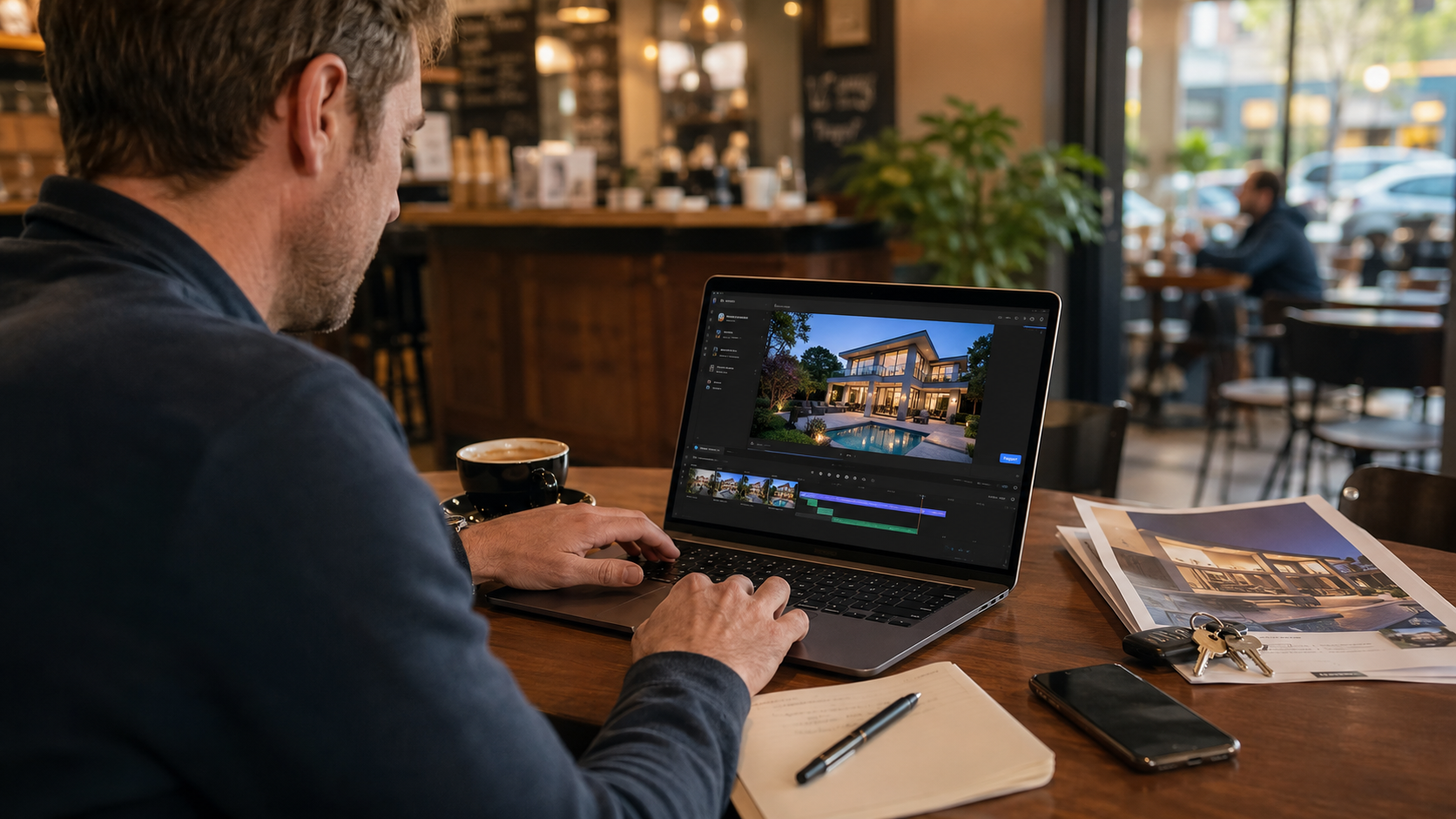
What are the best real estate video apps for someone just starting out?
Tools that prioritize speed and simple templated workflows tend to fit solo agents best, since the goal early on is getting listings live quickly, not creative depth.
Are AI real estate video software reviews reliable for choosing a tool?
They're a useful starting filter, but check who the reviewer's persona is — a review written by a solo agent may not reflect what a brokerage or photographer actually needs.
What's different about real estate video automation software for property managers versus agents?
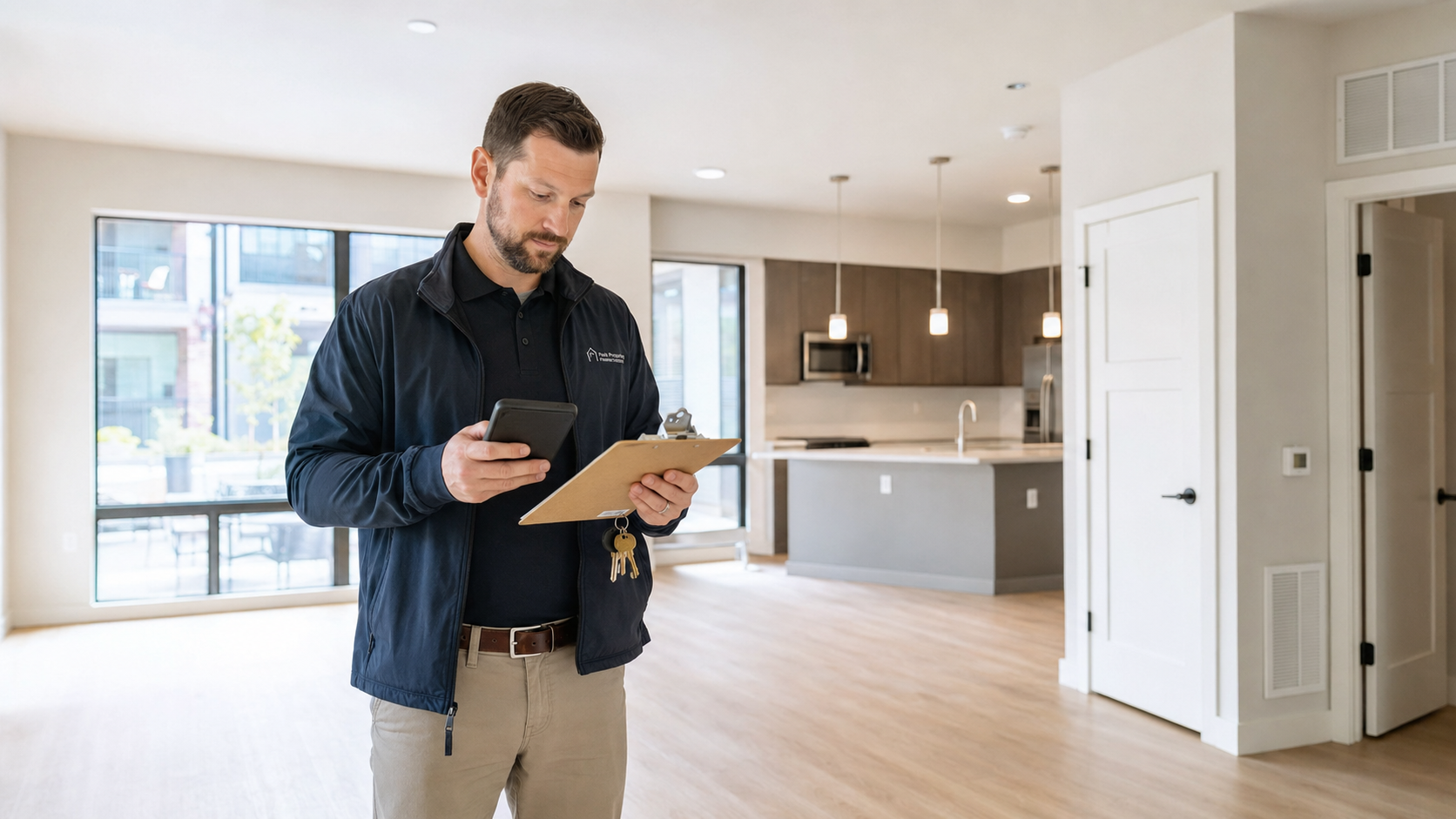
Property managers typically weight turnaround speed and MLS-safe defaults far more heavily than creative template variety, since operational speed matters more than visual polish.
Do photographers need different features than agents when choosing video software?
Yes — branding hand-off flexibility matters most for photographers producing video for multiple clients, while agents usually care more about speed and simplicity for their own listings.
How often should a brokerage revisit its video software choice?
Whenever team size changes meaningfully, or roughly once a year, since a tool chosen for a five-person team often doesn't govern well at thirty.
Is real estate media software with AI video worth it for a low-volume agent?
It depends on whether the time saved on even two or three listings a month outweighs the subscription cost — for most agents doing more than one listing monthly, it does.
What's the biggest mistake teams make when picking a video app?
Choosing based on one person's trial experience rather than testing against the team's actual volume and governance needs.


Compact, ready to go anywhere
Interchangeable lens that’s upgradeable
Dual 1-inch sensors for improved clarity and low light performance
Dynamic range and 6K 360° capture
360° photo resolution at 21MP

8K 360° video recording for ultra-detailed visuals.
4K single-lens mode for traditional wide-angle shots.
Invisible selfie stick effect for drone-like perspectives.
2.5-inch touchscreen with Gorilla Glass protection.
Waterproof up to 33ft for underwater shooting.

360° photo resolution in 23MP
Slim design at 24 mm thick
Built-in image stabilization for smooth video capture.
Internal 19GB storage for photo and video storage.
Wireless connectivity for remote control and sharing.

60MP 360° still images for high-resolution photography.
5.7K 360° video recording at 30fps.
2.25-inch touchscreen for intuitive control.
USB Type-C port for fast charging and data transfer.
MicroSD card slot for expandable storage.
.png)

.png)

Try it free. No credit card required. Instant set-up.






.svg)


.svg)