


.png)


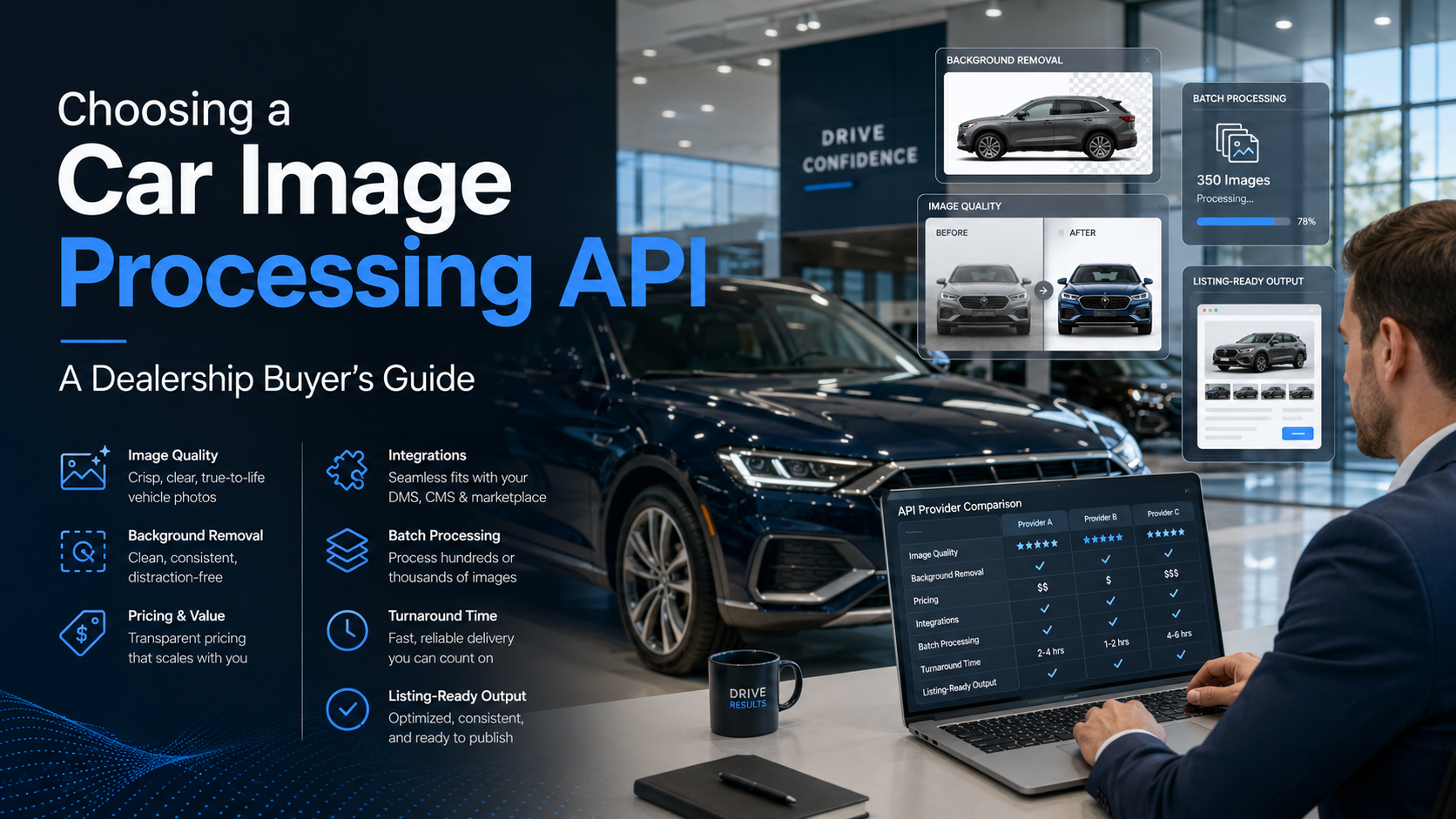
Most dealerships don't set out to buy a car image processing API. They set out to stop losing a Saturday to photo editing. Somewhere between the third batch of trade-in photos and the fifth Photoshop tab, someone on the team googles "car image processing API" and lands in a market with more options than obvious answers.
This guide isn't a ranked list of tools — it's a framework for evaluating one against your dealership's actual workflow, so you can walk into a demo asking the right questions instead of just comparing homepage claims. 🧰
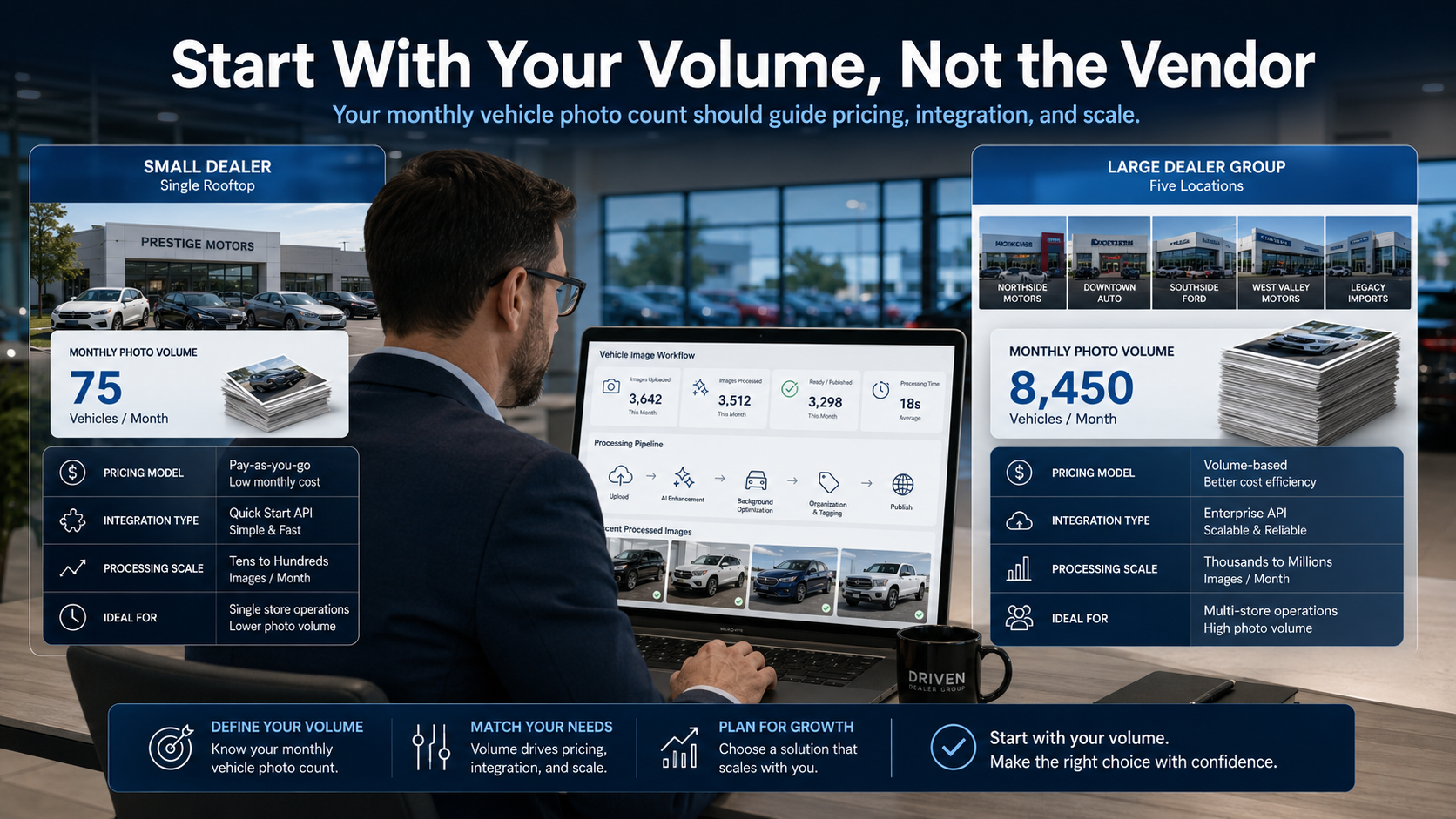
Before comparing a single car image processing API, get honest about how many vehicle photos your team actually processes in a normal month. A single-rooftop dealer moving 40 cars a month has a completely different set of needs than a five-location dealer group processing thousands of images across trade-ins, new inventory, and marketing refreshes.
Volume shapes almost every other decision on this list — pricing model, integration type, and even which accuracy trade-offs are acceptable. A tool that's overkill for a small lot might be the only realistic option for a multi-rooftop group.
This is the question that separates automotive-grade tools from repurposed product-photography software. Chrome bumpers, tinted windows, and glossy paint all reflect their surroundings — a lot fence, a photographer's shadow, the sky — and generic background removal models weren't trained to see through that. Ask any car image processing API vendor to process a few of your actual glossy or dark-colored vehicle photos before you sign anything. Demo images on a sales page are almost always the vendor's best-case examples, not your average Tuesday trade-in.
A single test image tells you almost nothing about how a tool performs under load. Ask specifically:
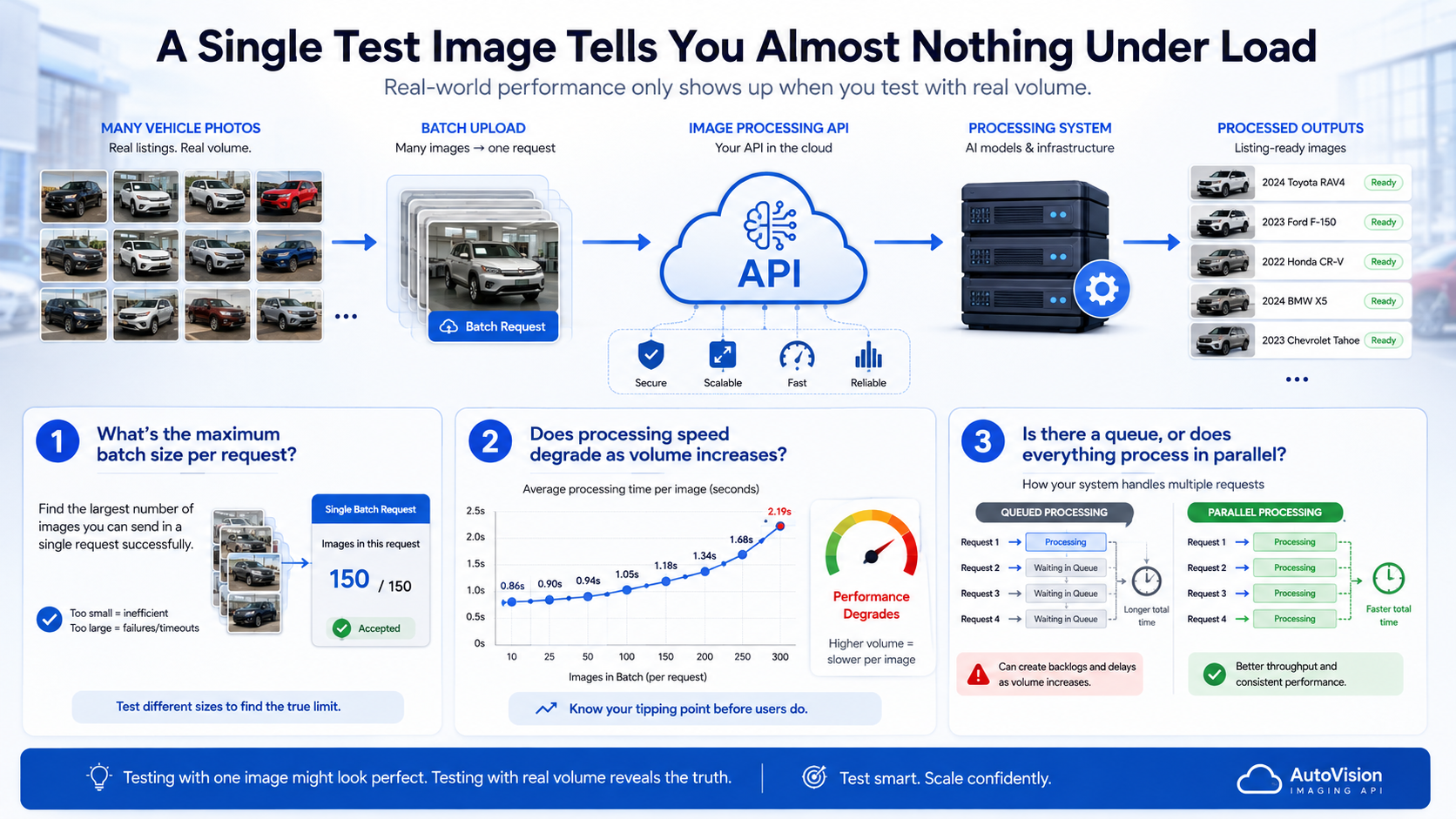
A car image processing API that returns one photo in two seconds but chokes on a 300-image batch isn't actually solving the problem most dealerships have.
Integration is where a lot of otherwise-good tools get abandoned three weeks after signup. Broadly, dealerships end up choosing one of these patterns:
None of these is universally "better" — the right one depends on whether you have technical staff, how your inventory system works today, and how much manual touch-point you're willing to keep in the process.
Pricing pages are often built around a best-case number that doesn't hold up once you calculate your real monthly total. Most vendors price using per-image, tiered, or flat subscription models — and the "cheapest-looking" rate on the homepage isn't always cheapest once your actual photo count is plugged in. Do this math before comparing vendors, not after.
A car image processing API built specifically for vehicles differs from a general background-removal tool in a few concrete ways, not just marketing language:
General-purpose tools aren't useless — for very low volume or occasional use, they can be perfectly fine. But the gap widens quickly once a dealership is processing real inventory week over week.
How is a car image processing API different from a general photo editing tool? General editing tools are built for broad use cases — product shots, portraits, social content. A car image processing API is trained specifically on vehicle images, so it handles reflective surfaces, wheels, and glass more reliably at scale.
Do I need a developer to set one up? Not necessarily. Widget-based embeds and pre-built DMS plugins are designed for non-technical teams. A custom REST API integration usually benefits from developer involvement, particularly for automated batch workflows.
Is it worth switching if I already have an in-house editor? It depends on volume and cost. For dealerships processing high volumes monthly, API pricing is often lower than an editor's hourly cost at scale — but if your volume is low and steady, an in-house editor may still make sense.
What's a reasonable turnaround time to expect? Most automotive-focused APIs return a single processed image within a few seconds, with batch jobs scaling based on volume and the provider's infrastructure.
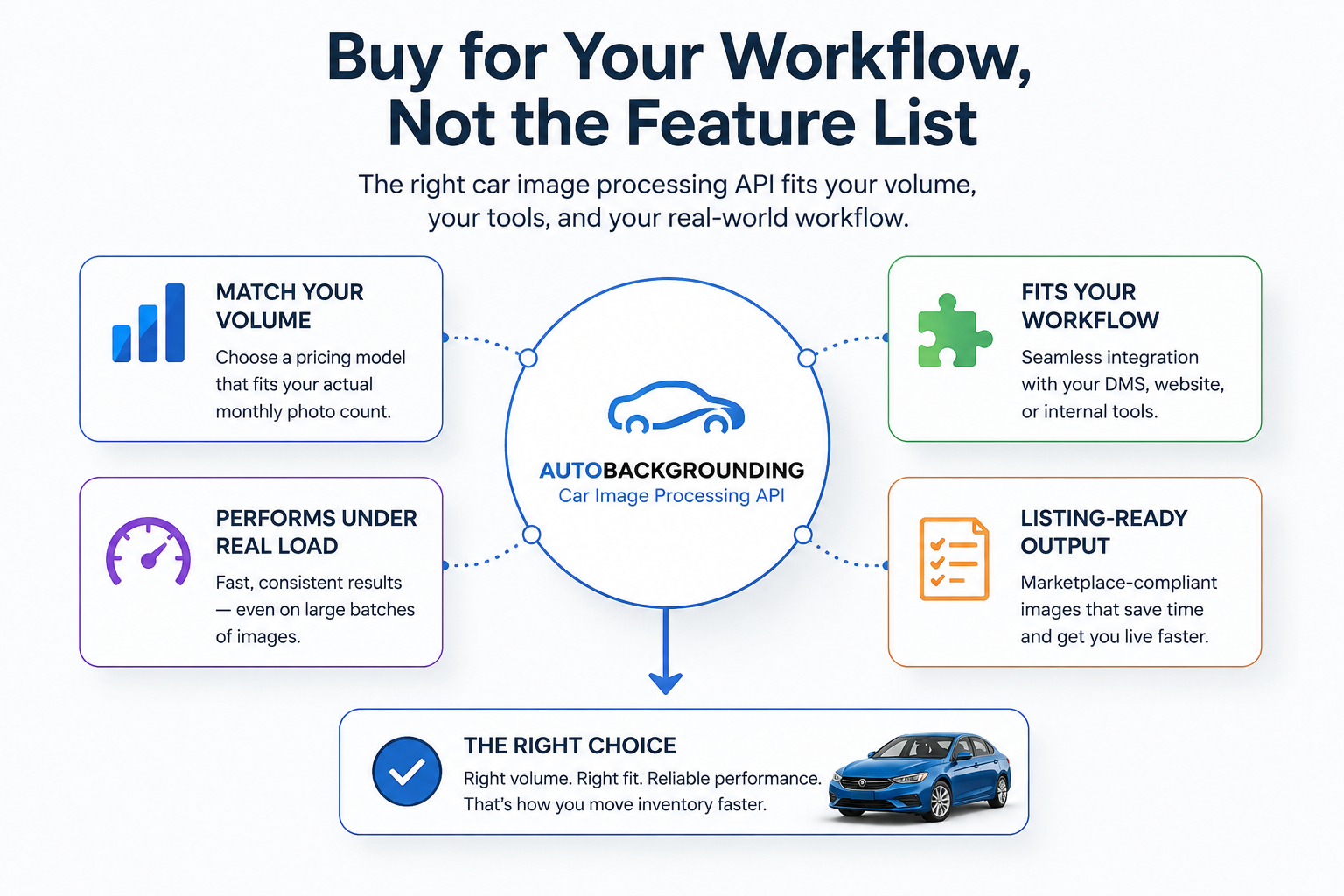
The right car image processing API isn't necessarily the one with the longest feature list — it's the one that matches your actual monthly volume, fits into your existing tools without a painful integration, and holds up under a real batch, not just a polished demo. Walk into any vendor conversation with your volume numbers and a handful of your own tricky test photos, and the right choice tends to become obvious fast.


Compact, ready to go anywhere
Interchangeable lens that’s upgradeable
Dual 1-inch sensors for improved clarity and low light performance
Dynamic range and 6K 360° capture
360° photo resolution at 21MP

8K 360° video recording for ultra-detailed visuals.
4K single-lens mode for traditional wide-angle shots.
Invisible selfie stick effect for drone-like perspectives.
2.5-inch touchscreen with Gorilla Glass protection.
Waterproof up to 33ft for underwater shooting.

360° photo resolution in 23MP
Slim design at 24 mm thick
Built-in image stabilization for smooth video capture.
Internal 19GB storage for photo and video storage.
Wireless connectivity for remote control and sharing.

60MP 360° still images for high-resolution photography.
5.7K 360° video recording at 30fps.
2.25-inch touchscreen for intuitive control.
USB Type-C port for fast charging and data transfer.
MicroSD card slot for expandable storage.
.png)

.png)

Try it free. No credit card required. Instant set-up.






.svg)


.svg)