


.png)


Not every listing has the footage for a traditional walkthrough video, and that's exactly where a real estate animation video maker earns its place. Instead of requiring video clips, these tools take your existing property photos and animate them — pans, zooms, and transitions that turn a still image into something that moves and holds attention.
In this guide, we'll cover what animation actually adds to a listing video, what to look for in an app, and which Android options are worth trying first.
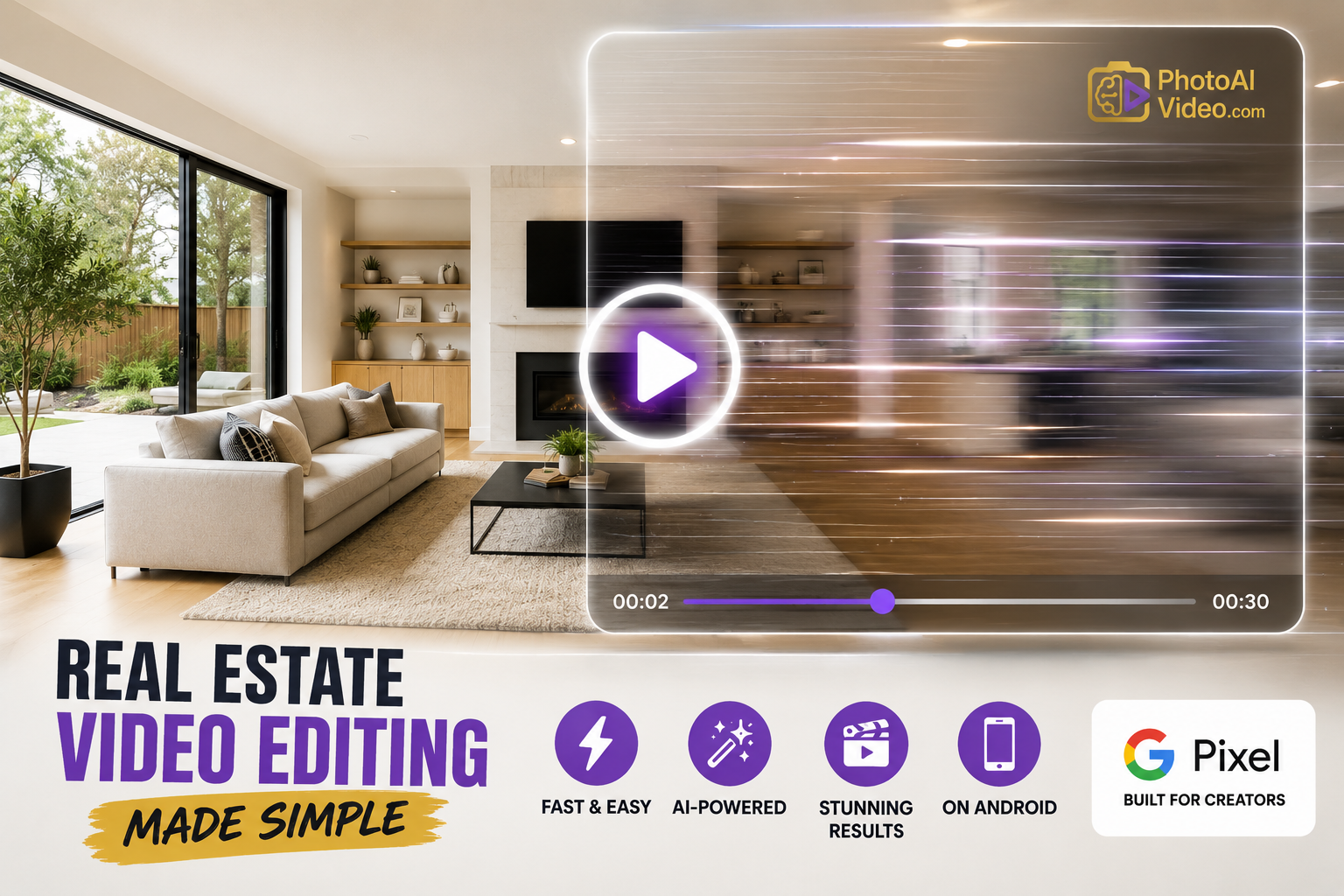
A real estate animation video maker converts static photos into a moving video, typically using pan-and-zoom effects, layered transitions, and motion graphics rather than requiring actual video footage. It's a different approach than filming a walkthrough — the source material is just photos, and the animation does the work of making them feel dynamic.
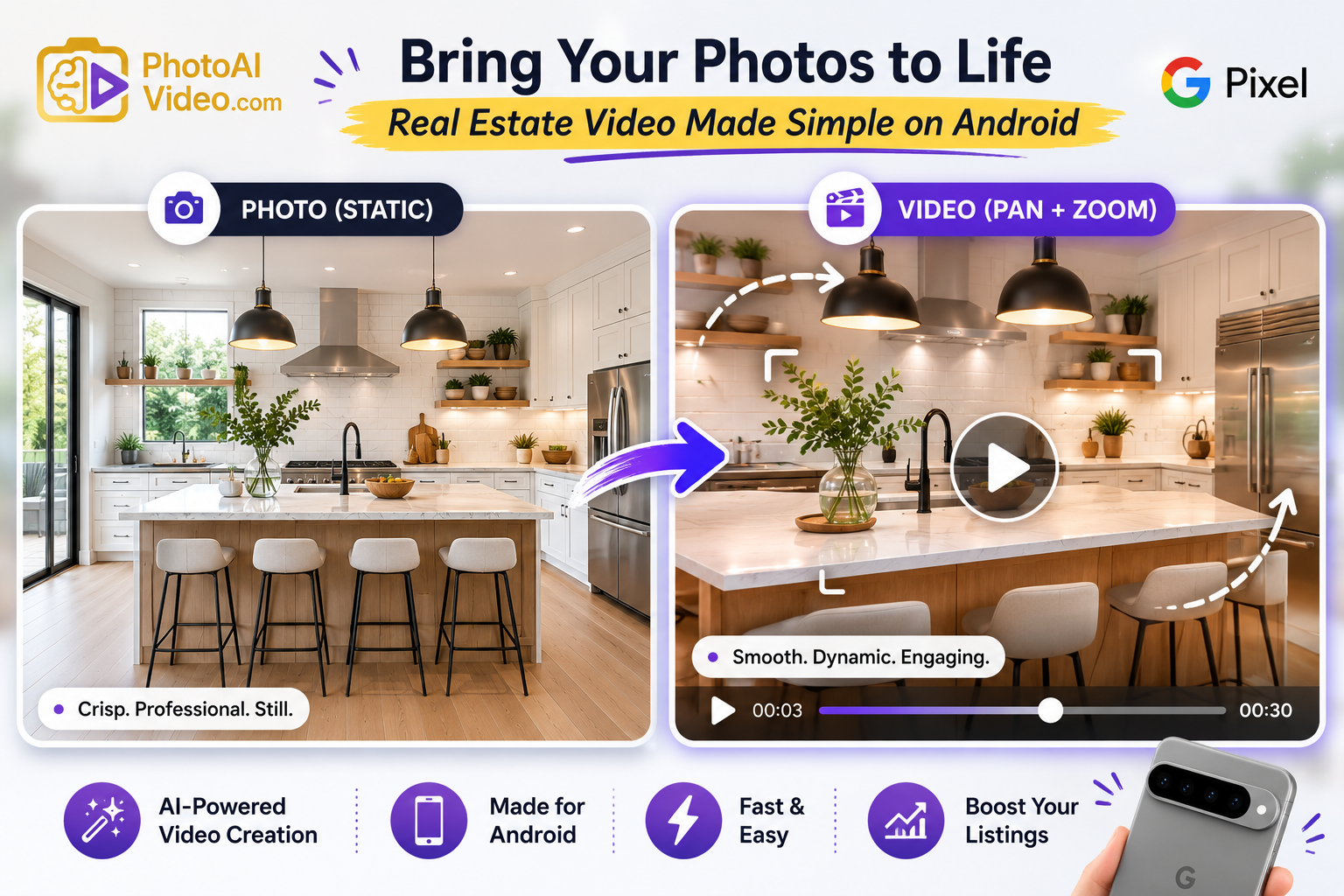
This distinction matters because most agents already have a full set of professional photos for every listing, but far fewer have video footage. An animation-based tool lets you build a compelling real estate listing video from material you already have, without needing to reshoot anything.
A well-animated photo sequence can feel surprisingly close to a filmed walkthrough. Subtle zooms draw attention to a room's best feature, pans simulate the sense of moving through a space, and transitions between rooms mimic the feeling of walking from one to the next. Buyers scrolling a feed often can't tell the difference at a glance — what they notice is that something is moving, which is enough to make them stop and watch.
Not all animation tools produce the same quality of motion. When comparing options, pay attention to:
1. Natural-feeling motion. Pans and zooms should feel deliberate, not jarring — a good app times each movement to match the photo's composition.
2. Real estate-specific templates. Generic animation templates often don't match the pacing buyers expect from a property tour.
3. Room-to-room transition quality. How smoothly the animation moves from one photo to the next matters as much as the individual animations themselves.
4. Branding options. A logo, agent name, and contact info should be easy to add and consistent across every video.
5. Fast rendering. Since these tools work from photos rather than video clips, rendering should be quick — often just a minute or two per listing.
A real estate video maker with animation built in typically checks all of these boxes without requiring you to manually adjust each transition — which is the entire point of using one instead of a traditional editor.
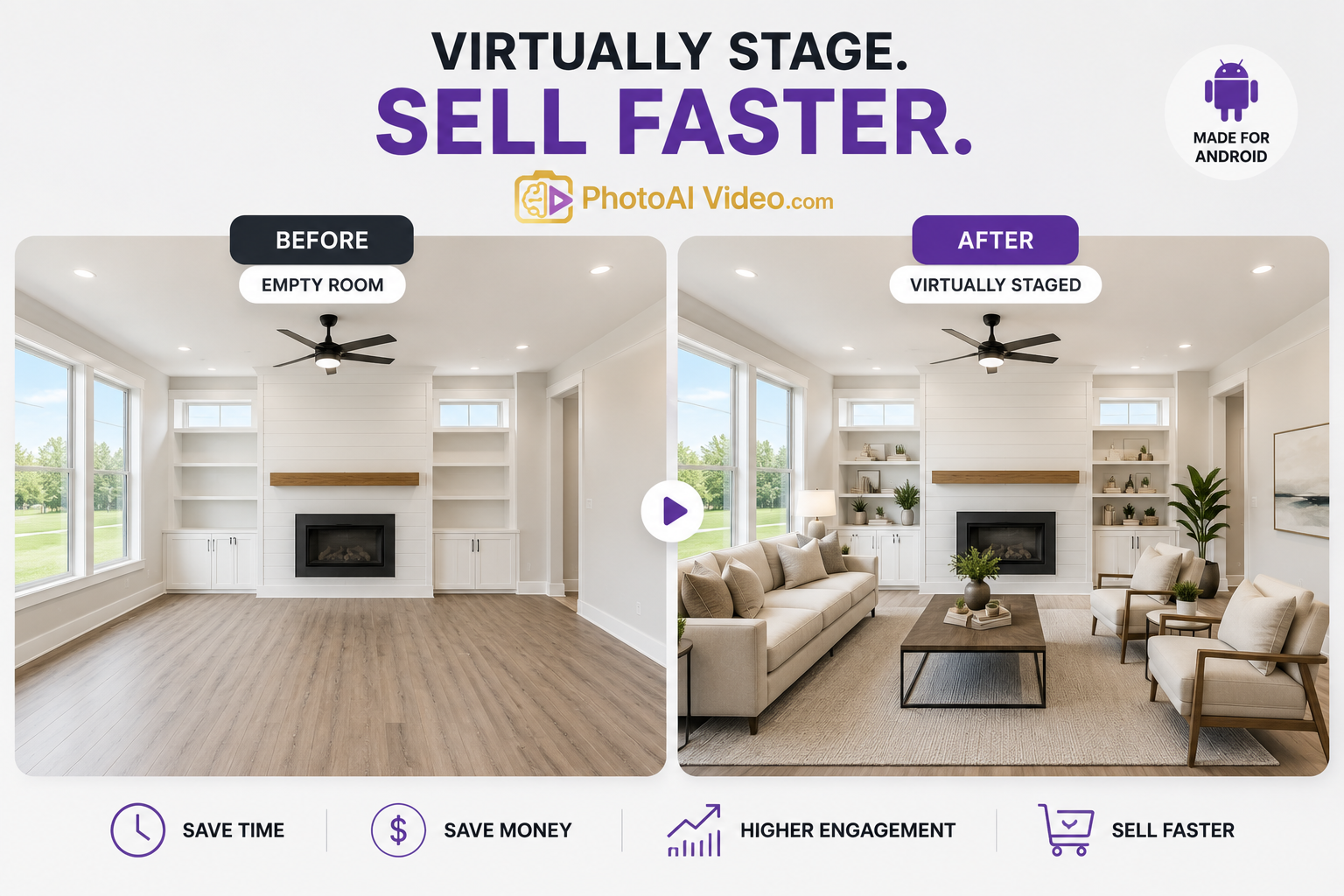
Animation works especially well for certain kinds of listings:
For these situations, a solid real estate video creator built around animation often produces a more polished result than a rushed, amateur video shoot would.
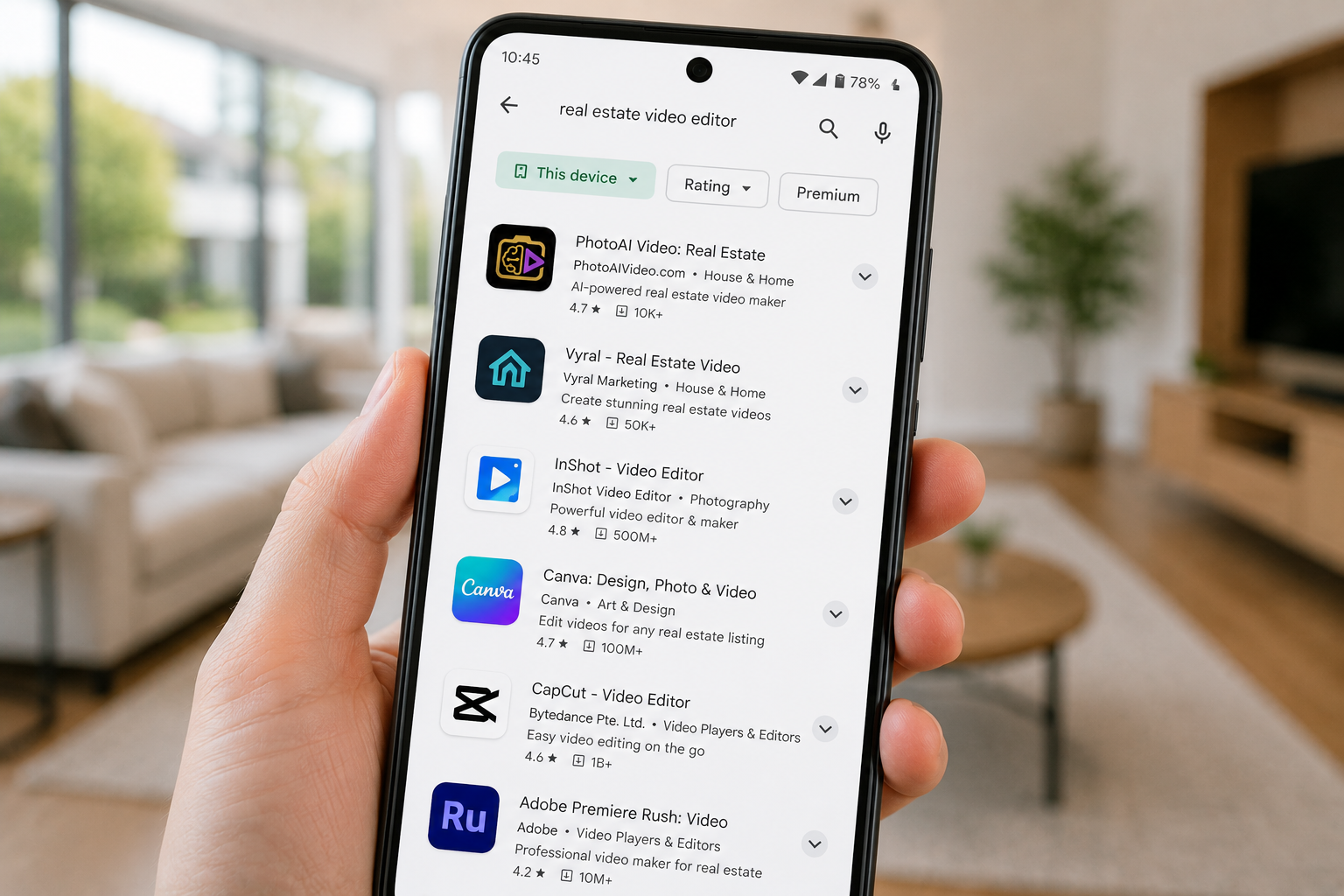
If you're searching Google Play for the right tool, here's what separates a genuinely useful app from a generic one:
A top-rated real estate video creator on Google Play built specifically for this use case will typically outperform a generic slideshow app, since the pacing and templates are already designed around how buyers actually watch listing videos.
If you're specifically looking for something that handles the animation step automatically, it's worth trying an AI app that animates your listing photos rather than manually adjusting pan-and-zoom settings yourself — the automated version usually gets the pacing right on the first try.
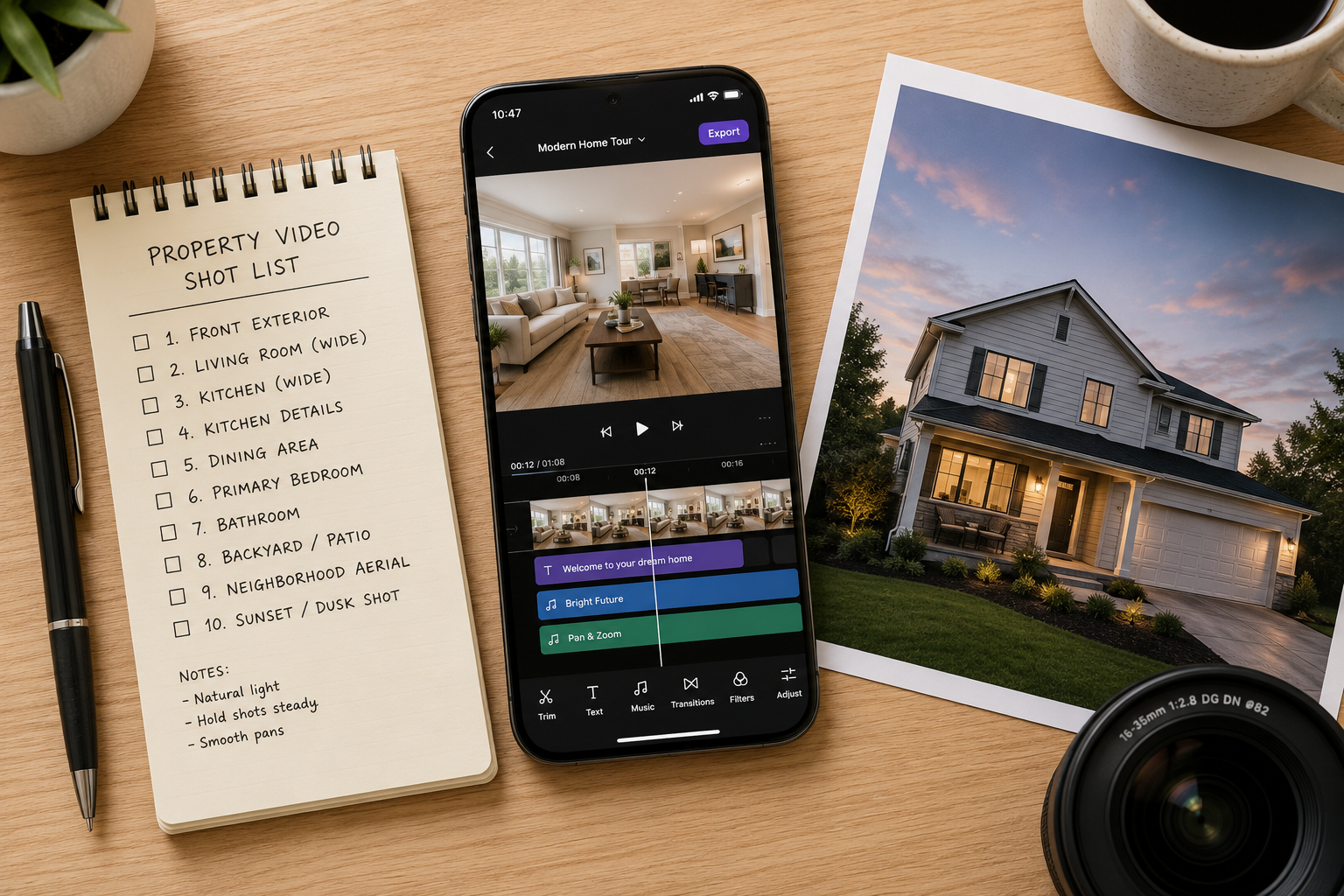
A few habits help animation-based videos look their best:
A real estate animation video maker solves a very specific problem: turning the photos you already have into something that moves, without needing to film a single second of video. For vacant properties, new construction, or any listing where a walkthrough shoot isn't realistic, it's often the fastest path to a real estate listing video that actually gets watched.
If you haven't tried an animation-based app yet, pick a listing with strong photos and see how it looks — it usually takes less time than expected to get a result worth posting.


Compact, ready to go anywhere
Interchangeable lens that’s upgradeable
Dual 1-inch sensors for improved clarity and low light performance
Dynamic range and 6K 360° capture
360° photo resolution at 21MP

8K 360° video recording for ultra-detailed visuals.
4K single-lens mode for traditional wide-angle shots.
Invisible selfie stick effect for drone-like perspectives.
2.5-inch touchscreen with Gorilla Glass protection.
Waterproof up to 33ft for underwater shooting.

360° photo resolution in 23MP
Slim design at 24 mm thick
Built-in image stabilization for smooth video capture.
Internal 19GB storage for photo and video storage.
Wireless connectivity for remote control and sharing.

60MP 360° still images for high-resolution photography.
5.7K 360° video recording at 30fps.
2.25-inch touchscreen for intuitive control.
USB Type-C port for fast charging and data transfer.
MicroSD card slot for expandable storage.
.png)

.png)

Try it free. No credit card required. Instant set-up.






.svg)


.svg)