


.png)


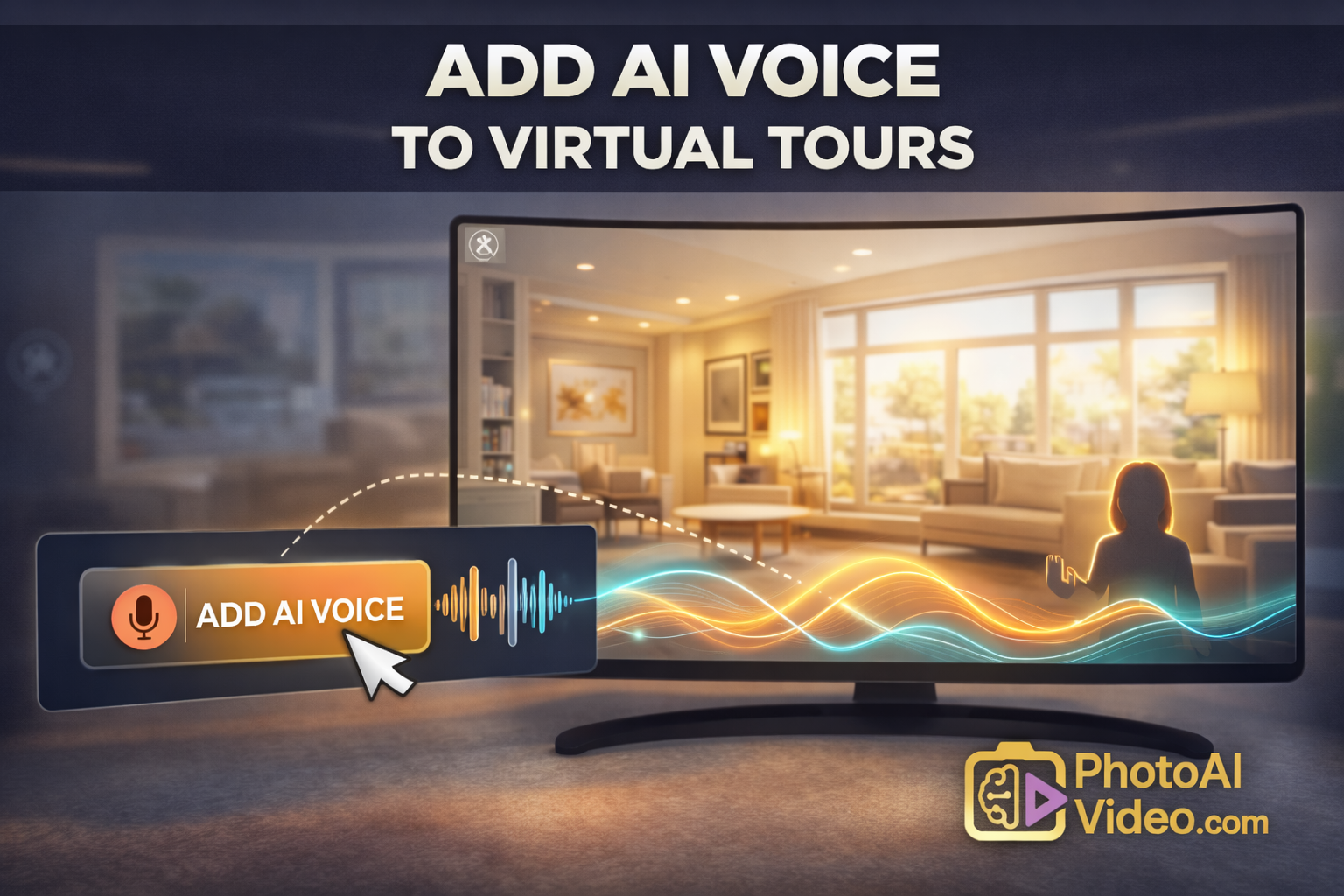
Virtual tours have completely transformed the way properties are marketed online. Instead of static photos, buyers can explore a property remotely, rotating through rooms and navigating spaces as if they were physically there.
But here’s the challenge many real estate professionals still face: most virtual tours are silent.
A viewer might see the kitchen, living room, or master suite, but they don’t hear the story behind the property. There’s no explanation of the upgrades, neighborhood highlights, or design features.
This is where AI voice narration changes everything.
By adding AI presenter voice narration to property virtual tours, real estate professionals can turn a simple walkthrough into a guided experience—just like having a real estate agent speaking to the viewer.
In this guide, you’ll learn how to add AI voice to property virtual tours, how the technology works, and how to use it to create engaging real estate marketing experiences.
Traditionally, property tours relied on text descriptions or agents manually recording voiceovers. While those approaches can work, they require time, equipment, and editing.
AI voice technology solves this problem by generating natural-sounding narration automatically.
Instead of recording audio yourself, you can:
• Write a short script describing the property
• Generate an AI presenter voice
• Attach the narration directly to your virtual tour
This creates a powerful experience where viewers can see the home while listening to guided commentary.
For example, instead of silently looking at a kitchen, the viewer hears:
"Welcome to the chef’s kitchen featuring quartz countertops, stainless steel appliances, and custom cabinetry."
This approach dramatically improves engagement and retention during property tours.
You can learn more about the evolution of AI voice technology here:
https://openai.com/blog/text-to-speech
And how AI voice is transforming media production:
https://www.adobe.com/products/premiere/ai-video-editing.html
An AI voice property virtual tour combines two technologies:
1️⃣ A 360-degree interactive tour
2️⃣ AI narration or presenter voice
The result is a tour that looks like a traditional virtual walkthrough but also includes spoken explanations for each scene.
Visitors can explore the property while hearing descriptions of features, upgrades, or selling points.
This approach creates what many marketers call a “guided digital showing.”
It works especially well for:
• Real estate listings
• Airbnb properties
• luxury home marketing
• commercial real estate
• property management tours
Many real estate professionals are now using AI narration to replicate the experience of a real showing even when buyers are browsing online.
Modern AI voice tools use text-to-speech technology combined with video generation or embedded players.
The process usually works like this:
First, write a short description for the scene.
Example:
"This spacious living room features floor-to-ceiling windows that fill the space with natural light."
Next, upload the script into an AI presenter or narration tool.
The system converts the text into natural-sounding voice narration.
Many platforms allow you to select:
• male or female voices
• different accents
• voice speed and tone
Some tools also generate AI avatar presenters that speak the narration visually.
Instead of only hearing the voice, viewers can see a digital presenter explaining the property.
This makes the experience feel more personal and engaging.
Learn more about the growth of AI avatars here:
https://www.mckinsey.com/capabilities/mckinsey-digital/our-insights/the-rise-of-ai-generated-media
Once the AI narration or avatar video is created, you can embed it directly into your virtual tour.
Many virtual tour platforms allow custom scripts or embedded media, enabling AI presenters or voice narration to appear inside the tour interface.
When the viewer opens the tour, the AI presenter can automatically begin explaining the property.
Here’s the simplified process used by many real estate marketers.
First, create a 360-degree property tour using a virtual tour platform.
A 360 tour allows viewers to navigate rooms, rotate the camera, and move through the property.
These tours simulate a real-world walkthrough experience.
Next, generate the AI voice narration using an AI presenter or video generator.
During this step you can:
• upload a headshot to create an AI avatar
• use a stock presenter
• add text or audio narration
• customize the presentation style
The AI system will generate a short video or voice clip explaining the property.
Most AI presenter platforms now provide hosted embed code.
This allows the AI voice or avatar to be placed anywhere on a website or application.
Simply copy the code provided by the platform.
Inside your virtual tour editor, locate the custom code or embed section.
Paste the hosted AI voice code into this field.
Once the tour is published, the AI presenter will appear automatically.
In many cases, the presenter appears in a corner of the screen and begins narrating the property.
Adding AI narration to property tours offers several major advantages.
Instead of silent tours, buyers receive clear explanations of the property features.
This mimics the experience of having an agent present.
Tours with narration keep viewers engaged longer.
Buyers are more likely to explore multiple rooms when the tour actively explains what they’re seeing.
AI narration allows agents to highlight the most important features:
• luxury upgrades
• smart home technology
• neighborhood benefits
• renovation details
Storytelling is critical in real estate marketing, and AI voice helps deliver that narrative effectively.
Recording custom narration for every listing takes time.
AI presenter voice technology allows agents to scale this process easily.
You can generate narration for dozens of listings in minutes.
If you want your AI narration listing video to feel professional, follow these simple guidelines.
Aim for one or two sentences per scene.
Short narration keeps the tour moving smoothly.
Focus on what makes the property stand out.
Examples include:
• luxury appliances
• custom architecture
• outdoor entertaining areas
• proximity to amenities
Write scripts the same way a real estate agent would speak during a showing.
Example:
"Step into this beautifully renovated kitchen designed for both cooking and entertaining."
Luxury homes benefit from calm, professional narration.
Family homes may sound better with friendly conversational voice styles.
AI narration technology is evolving rapidly.
In the near future, we’ll likely see:
• fully interactive AI presenters answering buyer questions
• multilingual tour narration
• voice-controlled property tours
• personalized AI-guided property recommendations
These tools will make online property exploration feel closer to a real-world showing experience.
Adding AI voice to property virtual tours is one of the most powerful upgrades real estate marketers can make today.
Instead of silent walkthroughs, buyers receive a guided storytelling experience that highlights the most important features of the home.
With tools that generate AI narration real estate videos, avatar presenters, and automated voice tours, it’s now possible to create engaging property experiences in just minutes.
If you're creating virtual tours, adding AI presenter voice narration can dramatically improve how buyers interact with your listings.
The future of real estate marketing is interactive, intelligent, and voice-driven.
Start experimenting with AI voice virtual tours, and you’ll quickly see how much more engaging your property presentations can become. 🚀🏡


Compact, ready to go anywhere
Interchangeable lens that’s upgradeable
Dual 1-inch sensors for improved clarity and low light performance
Dynamic range and 6K 360° capture
360° photo resolution at 21MP

8K 360° video recording for ultra-detailed visuals.
4K single-lens mode for traditional wide-angle shots.
Invisible selfie stick effect for drone-like perspectives.
2.5-inch touchscreen with Gorilla Glass protection.
Waterproof up to 33ft for underwater shooting.

360° photo resolution in 23MP
Slim design at 24 mm thick
Built-in image stabilization for smooth video capture.
Internal 19GB storage for photo and video storage.
Wireless connectivity for remote control and sharing.

60MP 360° still images for high-resolution photography.
5.7K 360° video recording at 30fps.
2.25-inch touchscreen for intuitive control.
USB Type-C port for fast charging and data transfer.
MicroSD card slot for expandable storage.
.png)

.png)

Try it free. No credit card required. Instant set-up.







.svg)


.svg)