


.png)


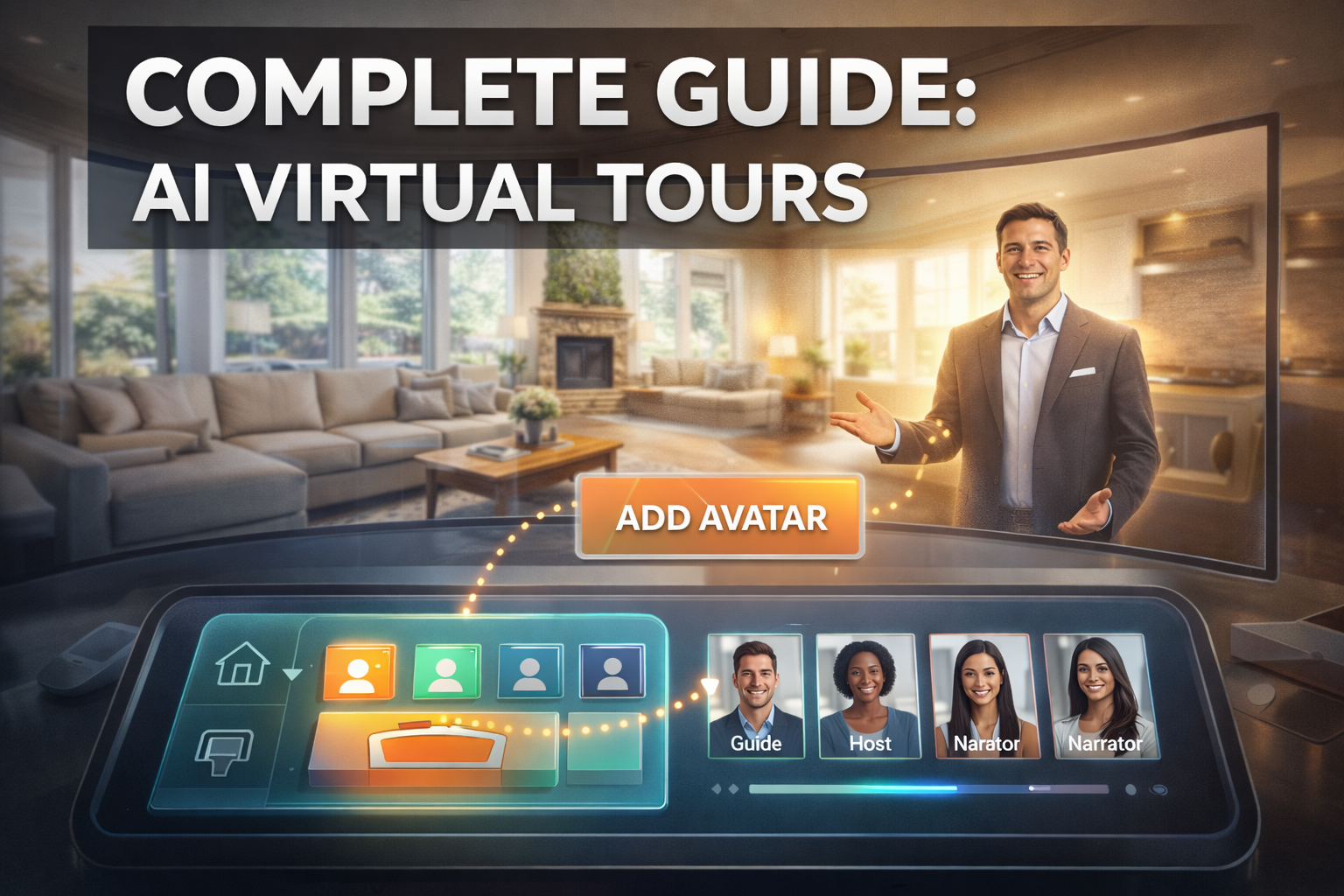
Virtual tours have already transformed how properties are marketed online. Buyers can explore homes remotely, rotate through rooms in 360°, and get a better feel for a property without visiting in person. But what if you could add a human-like guide to the tour—someone who explains features, highlights upgrades, and tells the story of the home?
That’s exactly what AI avatars in virtual tours make possible.
Today, real estate professionals are combining AI avatars, 360 virtual tours, and automated video technology to create more engaging listing experiences. In this guide, you’ll learn how to add an AI avatar virtual tour presenter, how the technology works, and why it’s quickly becoming one of the most powerful tools in real estate marketing.
Whether you're a real estate agent, photographer, or virtual tour creator, this step-by-step guide will show you how to implement AI avatars in virtual tours and start delivering more immersive listing experiences.
An AI avatar virtual tour presenter is a digital character that appears inside a 360 tour and narrates the property walkthrough.
Instead of a static tour where viewers click around rooms, an AI avatar can:
This creates a virtual property host, similar to having a real estate agent guiding a showing.
The result is a more engaging and interactive experience for buyers.
AI avatars are increasingly being used in digital media because they combine video, voice, and automation in a scalable way. According to research from MIT Technology Review, AI-generated media is rapidly transforming digital marketing and communication.
https://www.technologyreview.com
Real estate marketing has evolved from simple photos to videos, virtual tours, and interactive experiences. AI avatars take this evolution one step further.
Here are a few key benefits.
An avatar can explain features like:
This turns a passive tour into a guided presentation.
Video content tends to hold attention longer than static visuals. When a virtual tour AI avatar speaks, visitors are more likely to stay longer and explore the property.
According to the National Association of Realtors, buyers increasingly rely on digital tours during the home search process.
https://www.nar.realtor
Agents can create one avatar presentation and reuse it across:
This allows for consistent branding and messaging.
Instead of filming new videos for every listing, AI avatars allow you to generate automated video walkthroughs quickly and affordably.
Before learning how to add an AI avatar to a 360 tour, it's important to understand how virtual tours work.
A 360 virtual tour allows viewers to look around a space interactively by dragging or tapping the screen. These tours are created using panoramic images stitched together to form an immersive experience.
Common uses include:
Platforms like CloudPano allow creators to build and publish virtual tours easily.
https://cloudpano.com
Virtual tours already give buyers the ability to explore properties remotely, but adding AI avatars introduces narration and storytelling.
Adding a virtual tour AI avatar typically involves two tools:
1️⃣ A platform to generate the AI avatar video
2️⃣ A virtual tour platform that allows embedded media overlays
The process works like this:
Once embedded, the avatar appears in the tour and automatically plays narration.
Let’s break down the process step by step.
First, you need to generate your AI avatar presenter.
Tools like Photo AI Video allow users to:
When creating the avatar:
This produces a talking presenter video that can be embedded into your tour.
Next, open your tour editor inside your virtual tour platform.
In CloudPano, for example:
Many platforms allow custom overlays, including JavaScript embeds.
After generating your AI avatar video, the system typically provides a hosted video embed code.
This code contains the link that will display the avatar inside your tour.
Steps:
Now you simply add the code into the tour editor.
Inside the Custom JavaScript section, paste the embed code.
Then:
Once published, the AI avatar appears automatically inside the virtual tour interface.
The avatar can speak, guide visitors, and enhance the viewing experience.
AI avatars can be used in many creative ways in real estate marketing.
An avatar explains each room as the viewer navigates the property.
An avatar can introduce the surrounding community, schools, and amenities.
Agents can showcase upgrades like:
Property managers can create self-guided walkthrough presentations for prospective tenants.
Here are a few best practices when adding AI avatars to virtual tours.
Each avatar message should focus on one key feature of the home.
A conversational tone feels more authentic than overly formal narration.
Focus on features buyers care about most:
You can use:
Consistency helps build trust with viewers.
AI avatars are part of a larger trend toward AI-powered media production.
In the future we’ll likely see:
These technologies will make digital property experiences more interactive and personalized.
According to Deloitte's research on AI in marketing, AI-driven content experiences will continue to reshape how businesses communicate with customers.
https://www2.deloitte.com
Real estate marketing is just beginning to explore what’s possible.
Virtual tours already allow buyers to explore homes remotely. Adding AI presenters turns those tours into guided experiences.
By learning how to add an AI avatar to a virtual tour, you can:
✔ Create engaging listing walkthroughs
✔ Deliver guided property storytelling
✔ Stand out from traditional listings
✔ Offer premium marketing services to clients
The process is surprisingly simple:
With the right tools, real estate professionals can create immersive AI-powered property experiences in minutes.
If you’re looking to upgrade your real estate marketing strategy, AI avatars in virtual tours may be one of the most powerful tools available today.


Compact, ready to go anywhere
Interchangeable lens that’s upgradeable
Dual 1-inch sensors for improved clarity and low light performance
Dynamic range and 6K 360° capture
360° photo resolution at 21MP

8K 360° video recording for ultra-detailed visuals.
4K single-lens mode for traditional wide-angle shots.
Invisible selfie stick effect for drone-like perspectives.
2.5-inch touchscreen with Gorilla Glass protection.
Waterproof up to 33ft for underwater shooting.

360° photo resolution in 23MP
Slim design at 24 mm thick
Built-in image stabilization for smooth video capture.
Internal 19GB storage for photo and video storage.
Wireless connectivity for remote control and sharing.

60MP 360° still images for high-resolution photography.
5.7K 360° video recording at 30fps.
2.25-inch touchscreen for intuitive control.
USB Type-C port for fast charging and data transfer.
MicroSD card slot for expandable storage.
.png)

.png)

Try it free. No credit card required. Instant set-up.







.svg)


.svg)