How 360 Virtual Tours Enhance Emergency Response Training

Cloudpano
July 23, 2025
5 min read
Share this post

🚨 How 360° Virtual Tours Enhance Emergency Response Training in Oil & Gas

In the high-risk world of oil and gas, emergency preparedness isn’t just a safety checklist — it’s a survival strategy. From fire hazards to chemical leaks, oilfield and refinery teams must be trained to act fast, think clearly, and navigate complex environments in seconds.

That’s where 360° virtual tours come in. 🧠👷‍♂️

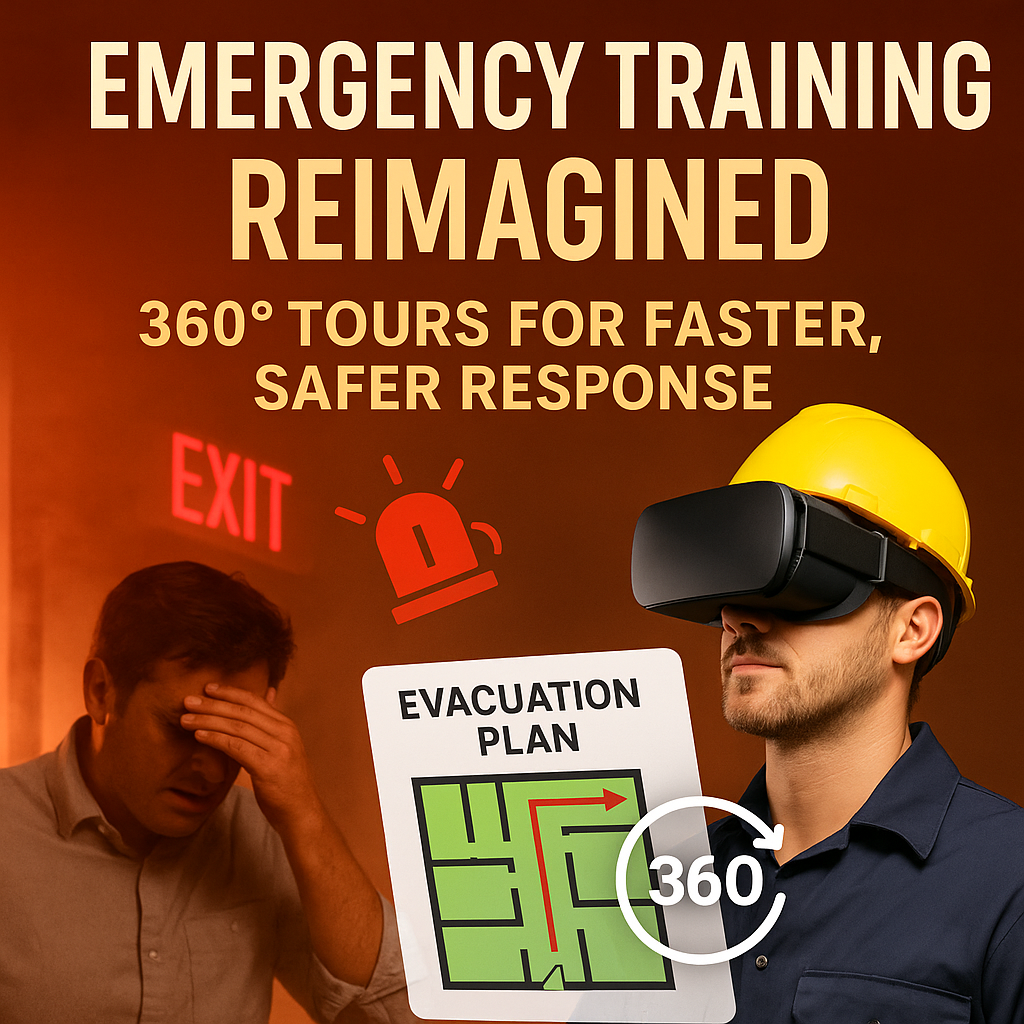
In this post, we’ll show you how immersive 360° technology transforms emergency response training — making it more visual, realistic, and effective. You’ll also discover how leading companies are already integrating 📸 virtual tours into safety training and why it’s quickly becoming the new standard in industrial preparedness.

🛢️ The Stakes Are High in Oil & Gas

Oil rigs, refineries, and processing facilities are complex, often dangerous environments. In an emergency, seconds matter and situational awareness can save lives.

Hazards include:

  • 🧯 Fires and explosions
  • ☣️ Chemical spills
  • 🌬️ Toxic gas leaks
  • 💥 Equipment failure or blowouts
  • 🔌 Electrical hazards and confined spaces

But many training methods still rely on:

  • PowerPoint slides 😴
  • 2D maps
  • Paper safety protocols
  • Infrequent or delayed drills

⚠️ These outdated approaches don’t reflect real-world pressure — or help staff learn where to go and what to do when every second counts.

🎥 What Are 360° Virtual Tours?

A 360° virtual tour is a fully navigable, panoramic walkthrough of your facility, created using a 360 camera and virtual tour software like CloudPano. Think Google Street View — but for your oil rig, tank farm, or processing unit.

Trainees can virtually move through the facility on desktop, mobile, or even in VR goggles. 📱🖥️

✅ Each room or location can be annotated with:

  • Evacuation procedures
  • Fire extinguisher and first aid locations
  • Assembly points
  • Exit paths
  • Video pop-ups or scenario drills

🚨 Why It Works: Emergency Response Is About Location

Imagine you’re new to a refinery. You hear a gas alarm. Do you:

  • Know the closest emergency exit?
  • Recognize which door is locked or dangerous?
  • Know the assembly point or fire extinguisher station?

If you’ve only seen the layout in a binder or slide deck, probably not. But if you’ve already walked through the facility virtually, you’ll recall it instantly.

🔗 See how this plays out in Virtual Refinery Worker Onboarding: A Visual Approach

💡 How 360° Tours Enhance Emergency Training

Here’s how virtual tours improve oilfield and refinery preparedness:

1. Visual Familiarity

Trainees see real routes and safety points, rather than just memorizing exit plans.

🔗 Next-Level Refinery Onboarding with CloudPano Virtual Tours

2. Scenario-Based Drills

Add interactive elements like “Gas leak detected — what’s your route?” to test knowledge in realistic simulations.

3. Repeatable Anytime

Drills can be revisited on-demand without disrupting live operations or needing physical walkthroughs.

4. Faster Upskilling for Contractors

External crews can view your safety orientation virtually before setting foot on site.

🔗 Oil Rig Onboarding Simplified With Interactive Virtual Tours

🧠 The Psychology of Immersive Training

Research shows that visual and immersive experiences boost memory retention by up to 75% compared to text-based instruction.

🧠 Our brains are wired to remember places we see and interact with — not just read about.

That’s why immersive emergency training with 360° views helps:

  • Reduce panic during real events
  • Build muscle memory of response plans
  • Increase safety protocol adoption

🔗 Top Benefits of VR Safety Induction for Offshore Oil and Gas Workers

🔧 How to Build a 360° Emergency Response Tour

Creating one is easier than you think:

You’ll Need:

  • A 360° camera (like Ricoh Theta, Insta360)
  • CloudPano or similar tour builder
  • A facility walkthrough checklist
  • Training overlays (text, video, PDFs)

Steps:

  1. Capture 360° images of key areas
  2. Upload to your virtual tour platform
  3. Add safety zones, exit markers, and pop-up info
  4. Share via secure links or embed in LMS

🎥 Optional: Record video scenarios (e.g., smoke in hallway) and insert them as part of the tour.

🔍 Use Cases Beyond Training

360° virtual tours also improve:

  • Emergency planning reviews
  • Audits & compliance prep
  • Remote safety briefings
  • Cross-site standardized training

🔗 Check out Virtual Tour Technology in 360° VR: Changing Offshore Safety Induction

🚀 Real-World Examples

👷 A North American refinery used CloudPano to create a site-wide emergency exit tour. Now, every worker — including contractors — completes a 10-minute virtual walk before starting work.

🌍 An offshore rig used 360° scenarios to train for helicopter crash and fire response, improving team reaction time by over 30%.

🔗 Explore more in Virtual Reality for Oilfield Safety Training

🧯 Ready to Upgrade Emergency Response Training?

If your emergency response plan still lives in a binder, it’s time to bring it into the real world.

✅ Visual
✅ Consistent
✅ Memorable
✅ Repeatable
✅ Safer

Share this post
Cloudpano

Choose The Right 360° Camera

Insta360 ONE RS 1-Inch 360 Edition

  • Compact, ready to go anywhere

  • Interchangeable lens that’s upgradeable

  • Dual 1-inch sensors for improved clarity and low light performance

  • Dynamic range and 6K 360° capture

  • 360° photo resolution at 21MP

Learn More

Insta360 X4

  • 8K 360° video recording for ultra-detailed visuals.

  • 4K single-lens mode for traditional wide-angle shots.

  • Invisible selfie stick effect for drone-like perspectives.

  • 2.5-inch touchscreen with Gorilla Glass protection.

  • Waterproof up to 33ft for underwater shooting.

Learn More

Ricoh Theta Z1

  • 360° photo resolution in 23MP

  • Slim design at 24 mm thick

  • Built-in image stabilization for smooth video capture.

  • Internal 19GB storage for photo and video storage.

  • Wireless connectivity for remote control and sharing.

Learn More

Ricoh Theta X

  • 60MP 360° still images for high-resolution photography.

  • 5.7K 360° video recording at 30fps.

  • 2.25-inch touchscreen for intuitive control.

  • USB Type-C port for fast charging and data transfer.

  • MicroSD card slot for expandable storage.

Learn More
Property Marketing
Allows potential buyers to explore properties in detail from anywhere, enhancing the real estate marketing process.
Automotive Spins
Create an interactive virtual showroom and engage affluent digital buyers with live 360º video calls, all through the CloudPano mobile app for a complete automotive sales solution.
Interactive Floor Plans
Create 2D and 3D floor plans with measurements in 4 minutes or less, all from your phone. Download the Floor Plan Scanner app and get your first scan free.

360 Virtual Tours With CloudPano.com. Get Started Today.

Try it free. No credit card required. Instant set-up.

Try it free
Latest posts

See our other posts

Interviews, tips, guides, industry best practices, and news.

Using Your AI Voice Clone Across Listing Videos and Social Media

AI voice cloning is quickly becoming a powerful tool for real estate professionals who want to scale their marketing while maintaining a personal brand. By creating a digital version of their voice, agents can generate narrated listing videos, virtual tours, and social media content without needing to record new audio every time. This approach allows agents to produce consistent, engaging video content across multiple platforms while saving significant time. This article explains how AI voice clone marketing works and how agents can use it to create professional property walkthroughs, listing videos, and social media clips. By combining AI-generated motion videos with voice narration, real estate professionals can transform simple property photos into dynamic presentations that feel personal and informative. The guide also explores how real estate AI avatar branding helps agents maintain a recognizable voice across their marketing channels. When the same voice appears in listing videos, social media posts, and virtual tours, it creates a cohesive brand identity that builds trust with buyers. Finally, the article highlights how AI voice social media real estate strategies allow agents to produce content faster and reach larger audiences. With AI voice cloning technology, real estate professionals can generate multiple videos from a single listing, maintain consistent branding, and create high-quality marketing content at scale.
Read post

How to Record the Perfect Voice Sample for AI Voice Cloning

Recording a high-quality voice sample is the most important step when training an AI voice clone. In real estate marketing, voice cloning allows agents to create automated listing videos, AI avatar walkthroughs, and narrated virtual tours that sound exactly like them. However, the quality of the final AI voice depends heavily on how the original recording is captured. This article explains how to record voice samples for AI voice cloning, including the ideal recording environment, microphone recommendations, and best speaking practices. Readers learn how AI voice models analyze tone, pacing, and pronunciation to replicate a natural voice. By following simple voice sample recording tips, agents can dramatically improve the quality of their AI-generated narration. The guide also explores how AI voice clone training works and how voice samples can be used to produce scalable real estate marketing content. Once a voice model is created, agents can generate property walkthroughs, social media videos, and virtual tour narration without needing to record new audio for every listing. Ultimately, this technology enables real estate professionals to create consistent, engaging content while saving time. With the right voice recording process, agents can build a realistic AI voice clone that powers modern marketing tools and helps deliver property presentations at scale.
Read post

Best AI Voice Cloning Tools for Real Estate Marketing

AI voice cloning technology is rapidly transforming the way real estate professionals create marketing content. Instead of recording new narration for every listing, agents can now use advanced AI voice cloning tools to generate natural-sounding property walkthroughs, AI avatar videos, and voice-guided virtual tours. These tools allow real estate agents to maintain their personal voice and branding while dramatically speeding up the video production process. This article explores the best AI voice cloning tools for real estate marketing and explains how these technologies work. By combining AI avatars, voice cloning, and automated video generation, agents can turn simple property photos into dynamic marketing videos. After uploading listing images and recording a short voice memo, the AI can generate a professional video presentation with synchronized narration that sounds just like the agent. The guide also highlights how AI voice software for real estate can enhance listing videos, social media marketing, and interactive virtual tours. With voice narration, buyers can experience a guided property walkthrough that explains key features, layouts, and amenities, making listings more engaging and informative. Finally, the article explains how these real estate AI marketing tools help agents scale their marketing efforts by producing consistent, high-quality content quickly. As voice cloning technology continues to improve, it is becoming an essential tool for real estate professionals who want to create modern, engaging property presentations and stay competitive in the digital real estate market.
Read post



