


.png)


Real estate photographers spend more time inside a listing than almost anyone else involved in marketing the property — photographing rooms, chasing the best light, and capturing spaces in a way that helps buyers imagine living there. That access has always provided the raw material for more than a photo gallery.
With AI real estate video, photographers can turn the same listing photos they already deliver into a polished video without scheduling a separate video shoot, investing in additional filming equipment, or learning a traditional video-editing workflow.
For photographers considering whether to expand their service menu, this creates an opportunity to offer agents another valuable marketing asset using content that's already being produced during the standard photography workflow.
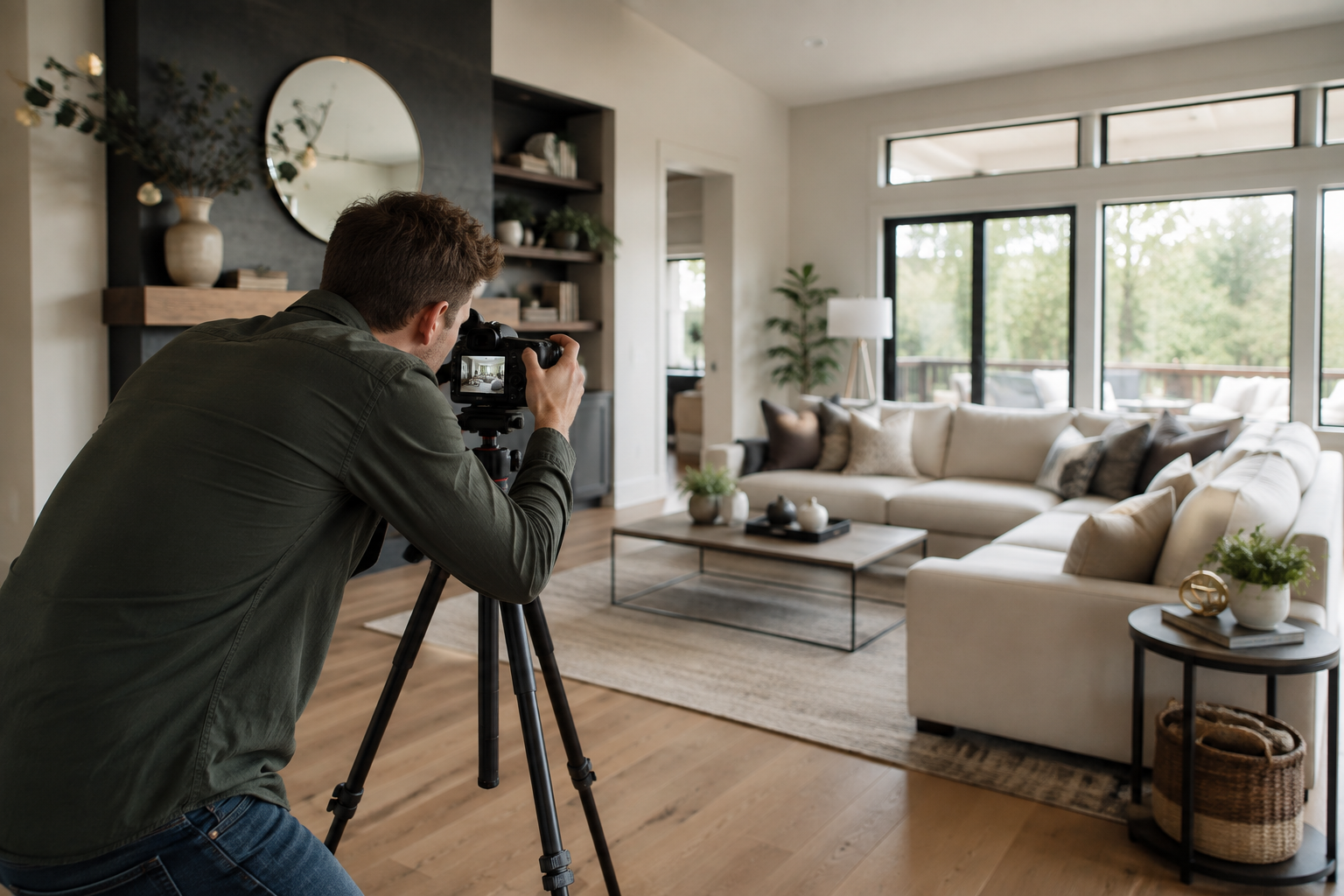
Traditional real estate videography can introduce additional costs and logistics: another on-site shoot, additional equipment, more editing, and potentially another vendor.
AI real estate video offers a different approach because the existing photography can become the source material for the video.
A photographer walking through a listing is already capturing many of the visuals needed to build a property video: wide establishing shots of rooms, detail shots of finishes, exterior angles, and images that can be arranged to follow the natural sequence of a home tour.
Those photographs can then become the source material for an AI-generated real estate video. Instead of capturing separate motion footage, the software uses the existing still images to create a moving presentation.
That means one photography session can potentially produce two client deliverables: the traditional photo gallery and a property video.
Learning professional video editing takes time, particularly when you're working with keyframes, transitions, stabilization, color grading, and other tools photographers may not normally use in their day-to-day workflow.
AI real estate video simplifies much of that process by applying camera movements such as pans, zooms, tilts, dolly-style movements, and orbits to still images automatically.
The photographer's existing skill — creating strong compositions and visually appealing property images — remains important because those photographs form the foundation of the finished video.
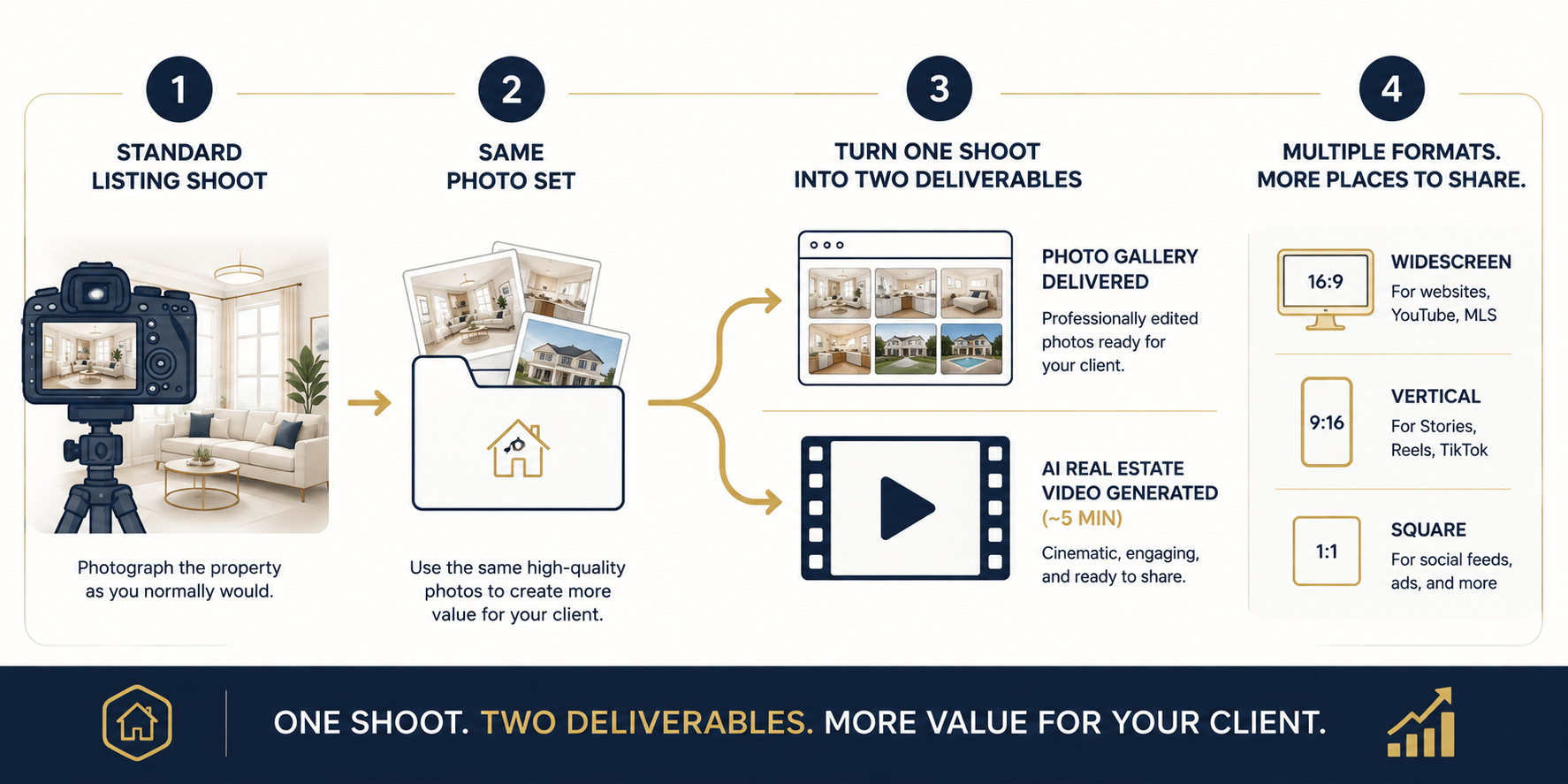
The workflow can fit naturally into an existing photography process: photograph the listing normally, prepare the photo gallery, and use those same images to create the accompanying video.
PhotoAIVideo's walkthrough demonstrates how listing photos can be transformed into a finished property video without requiring traditional clip-by-clip video editing.
This can make video easier to incorporate into a photographer's existing turnaround schedule because it doesn't require coordinating another on-site appointment.
Reviewing the platform's before-and-after examples can also help photographers understand how still listing images translate into a moving property presentation.
Real estate marketing now happens across multiple channels — brokerage websites, listing pages, YouTube, Instagram, and direct sharing with potential buyers.
Different platforms favor different video orientations. Widescreen 16:9 is commonly used for websites and YouTube, while vertical 9:16 works well for Reels and other short-form mobile content. Square formats can also be useful for certain social feeds.
If your AI video platform supports multiple export formats, photographers can turn one set of listing photos into video assets designed for several marketing channels.
That's an appealing selling point: the agent isn't simply purchasing "a video," but potentially receiving content that can be adapted to different parts of their marketing strategy.
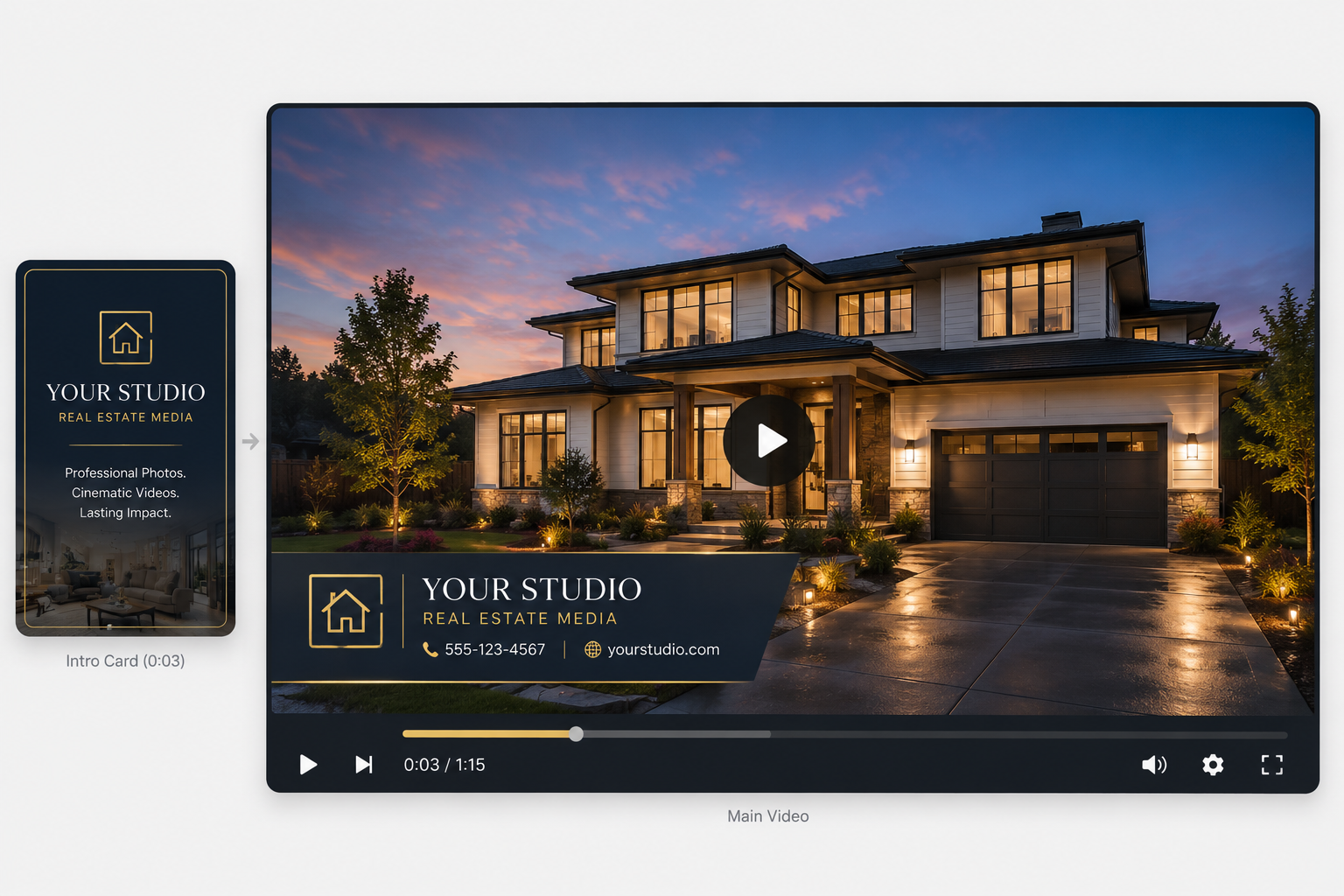
For a professional photography business, branding matters.
An agent who hires a photographer expects the finished work to represent that photographer or studio — not look like an unrelated third-party product. The same principle applies when adding video to your services.
If your AI real estate video platform supports white-label or custom-branding options, you may be able to incorporate your own logo, color palette, contact information, and branded intro or outro elements into the finished video.
That helps the video feel like a natural extension of your existing photography service rather than something outsourced to an unrelated vendor.
From a business perspective, consistent branding can also strengthen the photographer-agent relationship. Instead of sending clients elsewhere whenever they need video, the photographer can potentially provide both photography and video within the same service relationship.
One of the simplest ways to introduce AI real estate video is as an add-on to an existing photography package rather than positioning it as an entirely separate service.
A few approaches are worth considering:
Before deciding what to charge, compare the cost of the platform you're using with the amount of hands-on work required for each project. PhotoAIVideo's current pricing page can help you evaluate the available options before setting your own client-facing prices.
More importantly, price the value of the finished deliverable, not simply the number of minutes it takes the software to generate it.
Your client is paying for your photography, your visual judgment, your service, your branding, and an additional marketing asset they can use to promote their listing. The production method doesn't eliminate that value.
Not every photographer wants another piece of software in their workflow, while others prefer having direct control over every deliverable.
If your platform provides both self-service and managed-production options, it's worth considering which model fits your business better.
For photographers who want more control over turnaround time and production, a self-service workflow can fit naturally alongside existing image editing and delivery.
Upload the listing photographs, arrange the sequence, apply your preferred branding and style, generate the video, review the result, and deliver it alongside the photo gallery.
Once you've established a repeatable process, video can become another step in your existing post-production workflow rather than an entirely separate service.
If a managed or Done-For-You option is available, photographers who don't want to handle video production themselves may be able to outsource that portion of the process while still offering video to their clients.
This approach may also be useful for photographers who want to test client demand before investing time in establishing their own production workflow.
Neither option is inherently better. The right choice depends on your volume, margins, preferred level of control, and how much of the production process you want to manage personally.
Do I need video equipment or filming skills to offer AI real estate video?
Not necessarily. If you're using a platform designed to generate video from still listing photographs, your existing property images provide the source material. You don't need to capture separate motion footage simply to create this type of AI-generated video.
Will the video look like it came from a third-party app instead of my studio?
That depends on the platform and plan you're using. If white-label or custom-branding options are available, you may be able to incorporate your own logo, colors, contact information, and other branded elements so the video feels consistent with your studio's existing deliverables.
How should I price AI real estate video if I've never offered video before?
A flat add-on fee or higher-tier photography-and-video package is a straightforward place to start. Consider your software costs, the amount of time you spend preparing and reviewing each video, the value of the finished deliverable, and what your local clients are willing to pay.
What if I don't want to learn new software?
If your chosen platform offers a managed or Done-For-You production service, that can provide another way to offer video without handling the complete production workflow yourself.
Adding AI real estate video to an existing photography business doesn't necessarily require changing what happens at the property.
You can continue capturing the listing photography your clients already expect and use those same images as the foundation for an additional video deliverable.
For photographers looking to increase the value of each shoot, expand their service menu, and give agents more marketing content without becoming traditional videographers, that's the real appeal of AI real estate video.


Compact, ready to go anywhere
Interchangeable lens that’s upgradeable
Dual 1-inch sensors for improved clarity and low light performance
Dynamic range and 6K 360° capture
360° photo resolution at 21MP

8K 360° video recording for ultra-detailed visuals.
4K single-lens mode for traditional wide-angle shots.
Invisible selfie stick effect for drone-like perspectives.
2.5-inch touchscreen with Gorilla Glass protection.
Waterproof up to 33ft for underwater shooting.

360° photo resolution in 23MP
Slim design at 24 mm thick
Built-in image stabilization for smooth video capture.
Internal 19GB storage for photo and video storage.
Wireless connectivity for remote control and sharing.

60MP 360° still images for high-resolution photography.
5.7K 360° video recording at 30fps.
2.25-inch touchscreen for intuitive control.
USB Type-C port for fast charging and data transfer.
MicroSD card slot for expandable storage.
.png)

.png)

Try it free. No credit card required. Instant set-up.







.svg)


.svg)