


.png)


A marketing director at a mid-size brokerage in Denver had eleven months left on an annual contract with her current video tool when she started quietly demoing alternatives. Not because the tool was broken — because it had started to feel slow, the support team had gone unresponsive, and a competitor's rep kept sliding into her inbox with a better price. Three weeks into evaluating alternatives, she realized the harder question wasn't which tool looked better in a sales call. It was what she'd actually lose — templates, saved brand kits, a trained team — if she switched mid-contract.
That's the part most searches for AI listing video software alternatives skip past. People compare feature lists side by side and forget that switching software isn't free, even when the new subscription costs less. There's a migration cost hiding behind every "switch and save" pitch, and it's worth pricing out before you sign anything.
Evaluating an alternative isn't the same as comparing two products on a spec sheet. It means answering a narrower, more practical question: what would it actually take to move your current workflow — your brand assets, your team's habits, your existing content library — to a new platform without losing momentum on active listings.
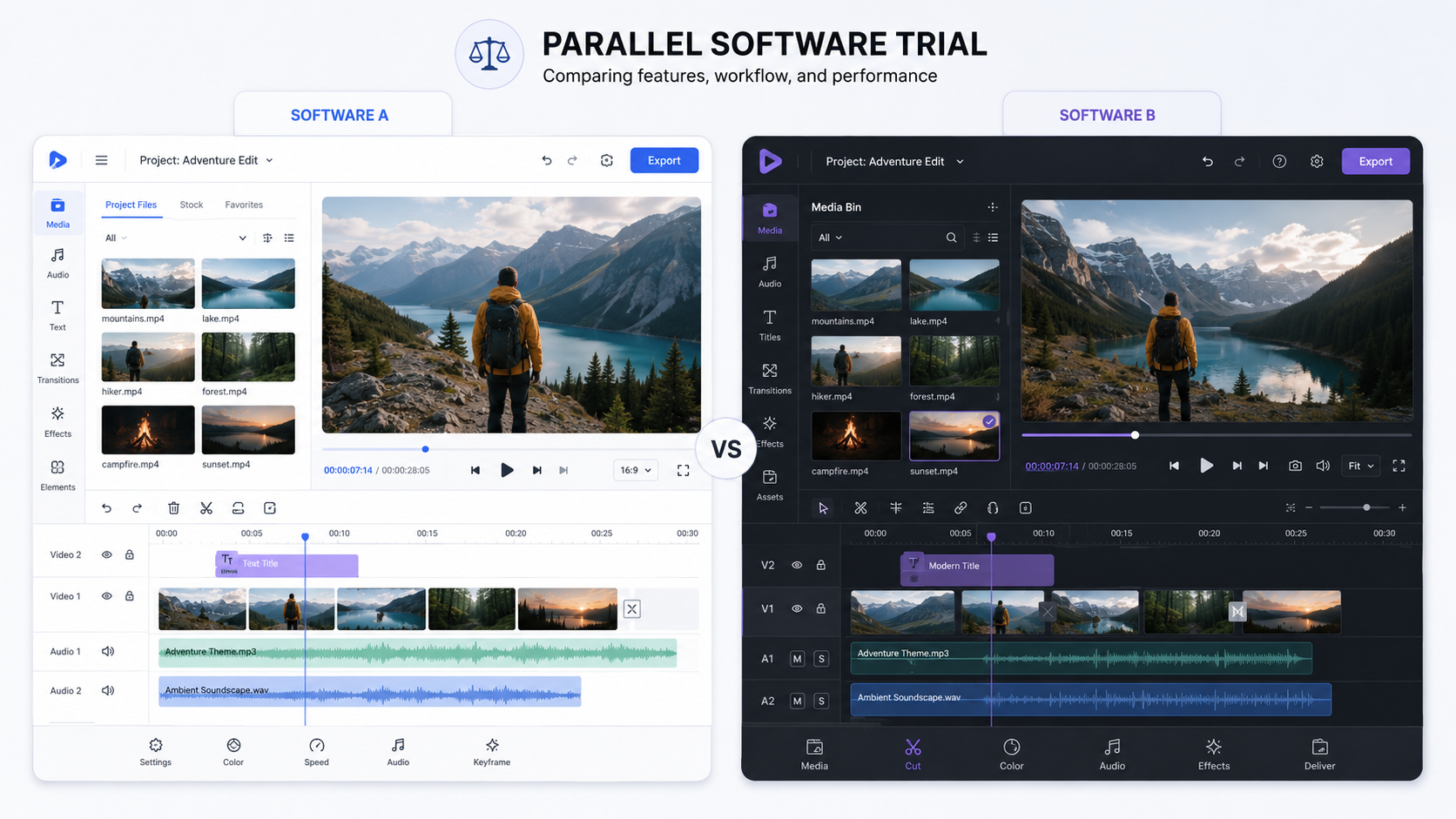
Two brokerages can look at the exact same competing tool and reach opposite conclusions, because the real variable isn't the software. It's how much is already built up inside the one they're using — saved templates, trained staff, integrations with their CRM or MLS feed. A solo agent switching tools might lose an afternoon. A 40-agent brokerage might lose a month of inconsistent branding while everyone relearns a new interface.
The obvious math in a switch is subscription cost versus subscription cost. The real math is almost always somewhere else. Every hour a marketing coordinator spends rebuilding brand kits, retraining agents, or fixing videos that came out looking off-brand during a transition is an hour not spent actually marketing listings. NAR's ongoing research on brokerage technology adoption has noted that tool fatigue — frequent platform switching — is one of the more common, and more avoidable, drains on marketing team productivity, since the National Association of Realtors' technology survey work consistently shows agents citing "too many tools" as a top frustration, not too few.
There's also a quieter risk: momentum loss on active listings. If your team is mid-switch when three new listings come in, videos either go out looking inconsistent or don't go out on time. Buyers don't know you're migrating software. They just see a slower, less polished brokerage than the one down the street.
Here's the pattern that plays out again and again, and it rarely has anything to do with the new software being bad:
A team decides to switch because the current tool feels outdated or a competitor's demo looked sharper. They sign up, migrate a handful of test listings, and it goes fine. Then the whole team switches over at once, mid-month, while live listings are still in the pipeline. Brand kits that took months to dial in on the old platform have to be rebuilt from scratch. Agents who'd finally gotten comfortable with the old workflow are frustrated relearning a new one during a busy week. Meanwhile, nobody canceled the old subscription yet because there's a lingering fear something will go wrong — so for a month, the brokerage is paying for two tools and getting full value from neither.
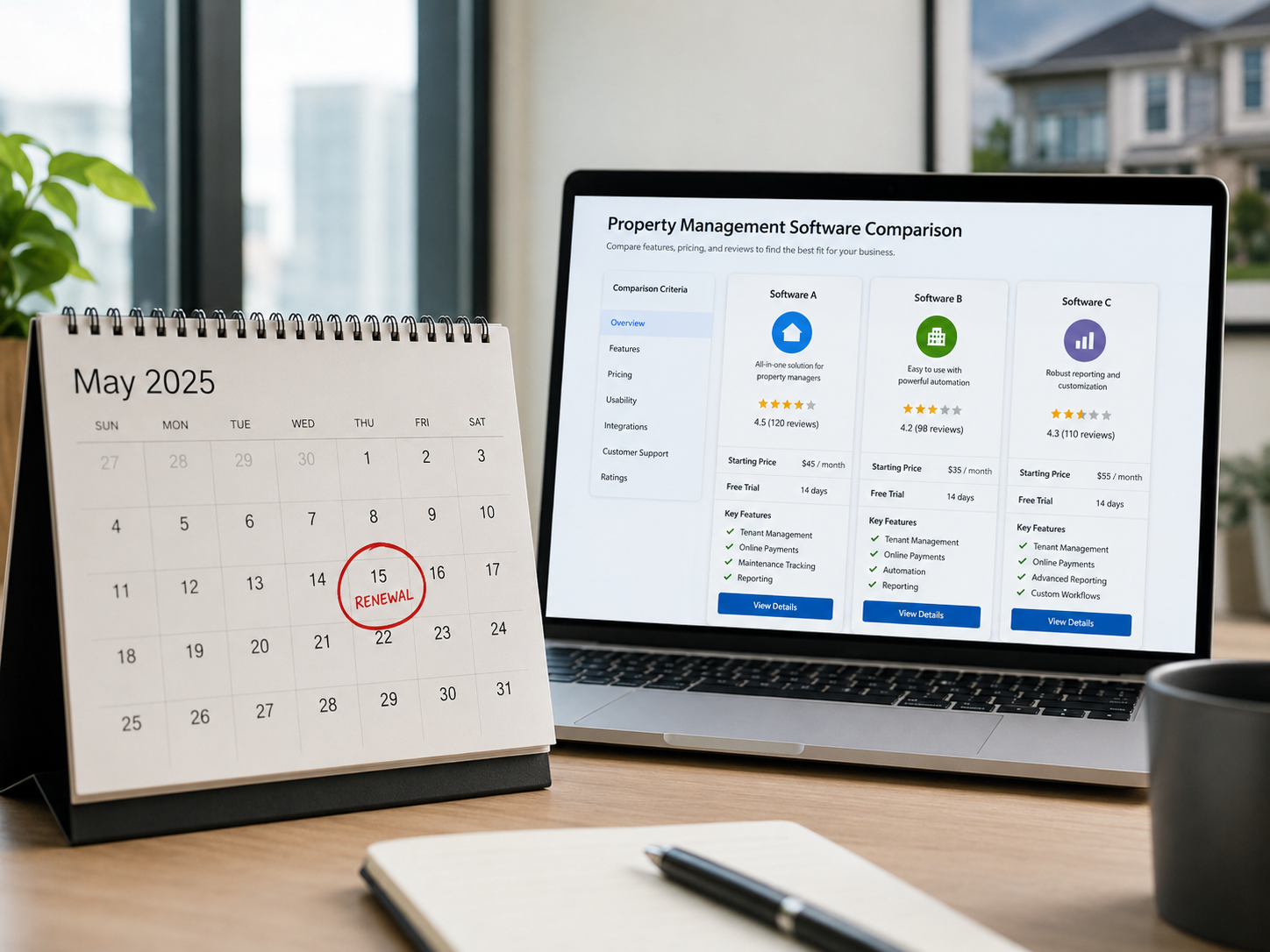
This is usually the moment someone starts searching for a real estate video AI software comparison that actually accounts for migration friction, not just which tool renders faster or looks nicer in a demo.
PhotoAIVideo was built with the assumption that most teams evaluating it are coming from somewhere else, not starting from zero. Brand kit setup — logo, brokerage colors, agent contact cards — is a one-time process per agent or office, designed to be fast enough that a full team migration doesn't eat a week of a coordinator's time. Because exports handle vertical, square, and horizontal formats from a single render, teams don't need to relearn a different export process for each social channel they were already posting to.
The more practical point, though, is about how to evaluate the switch itself. Rather than migrating an entire brokerage at once, most successful transitions run a small number of live listings through PhotoAIVideo alongside the existing tool for two to three weeks — a real side-by-side, not a demo sandbox — before making a full commitment. That overlap period costs a little in double subscriptions, but it's far cheaper than migrating forty agents onto a workflow nobody has stress-tested yet.

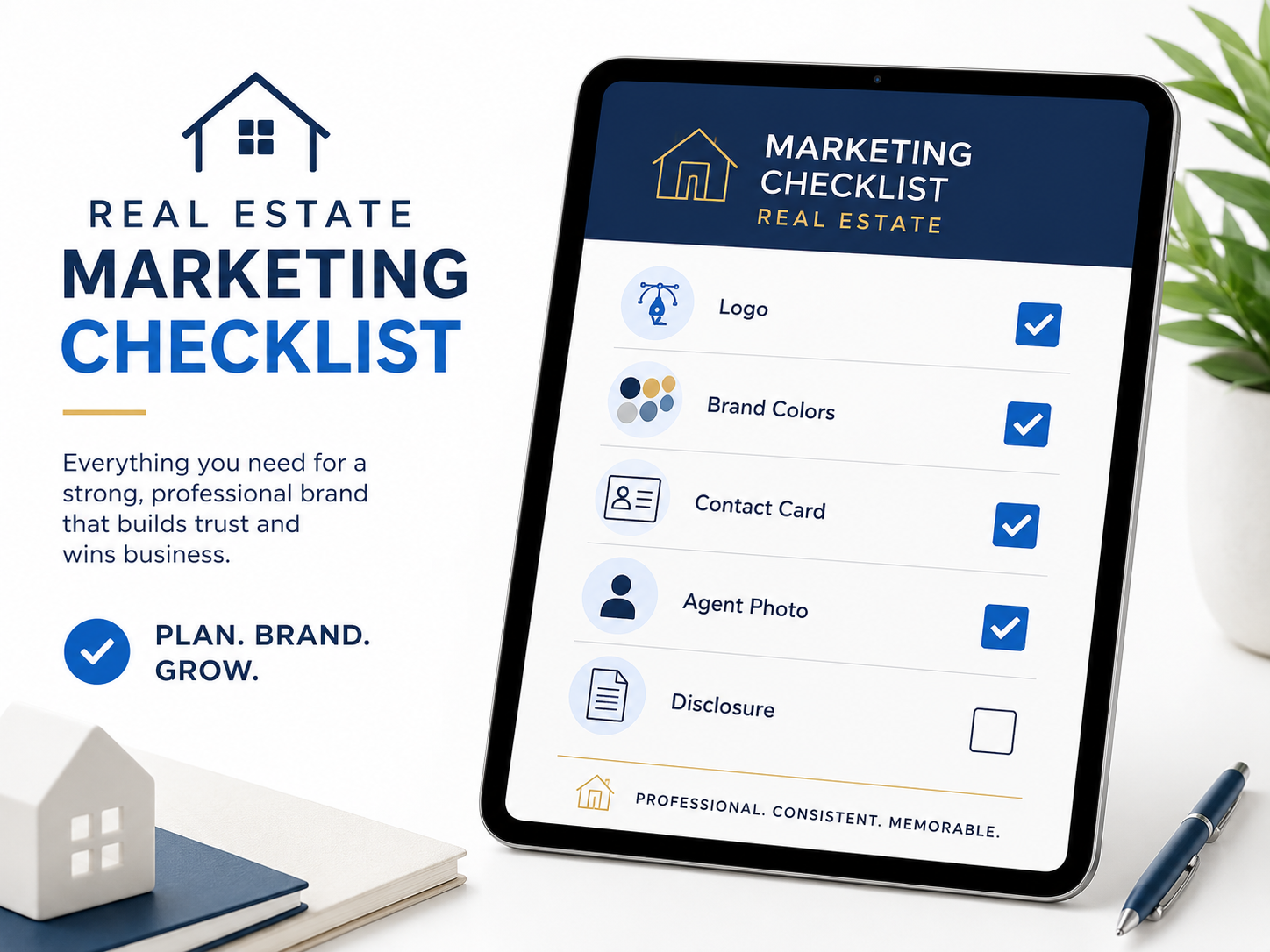
Step 3 is the one teams skip most, usually because a double subscription for a few weeks feels wasteful. It's the cheapest insurance available against a full-team migration going wrong.
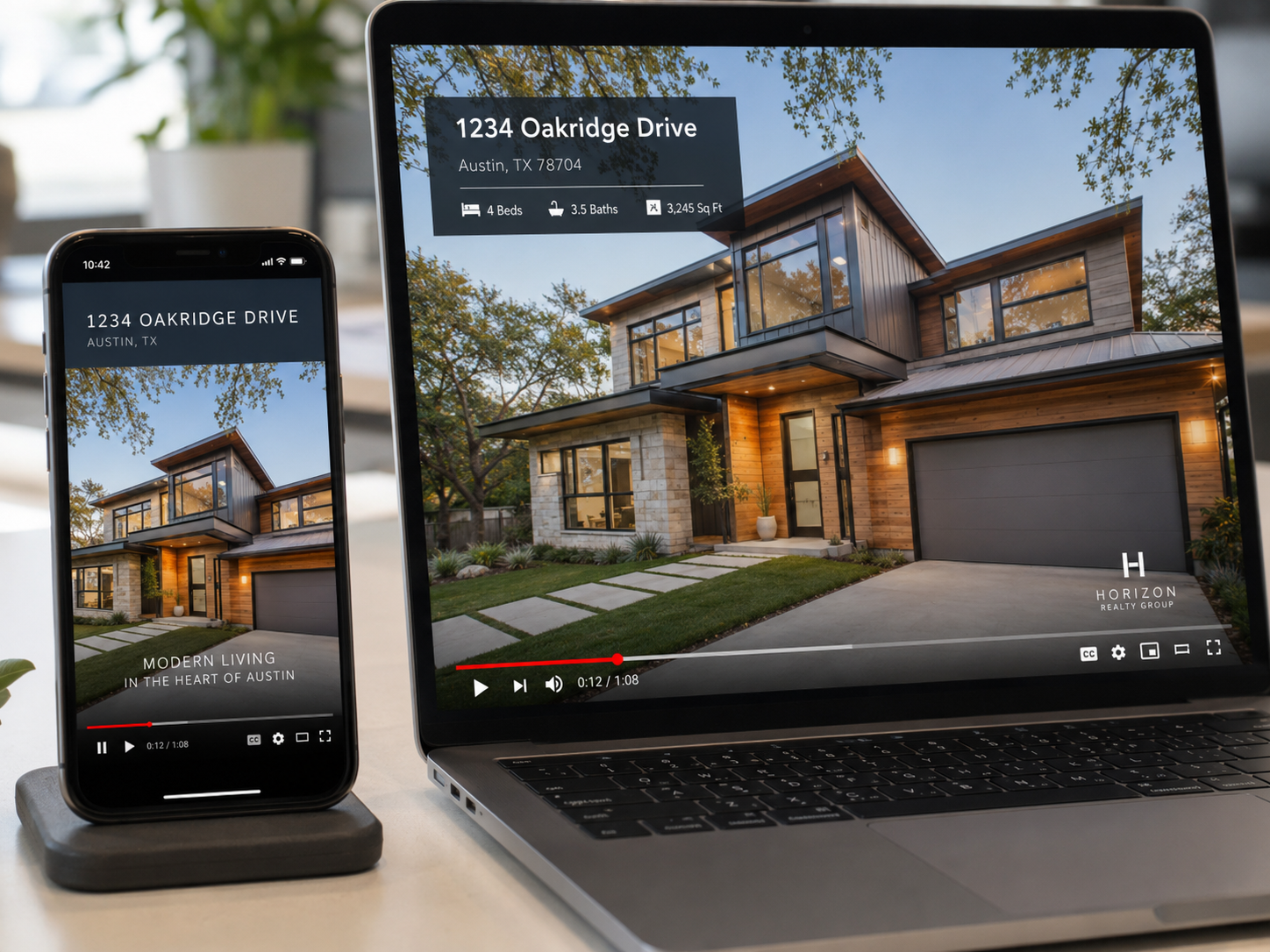
If you're weighing an AI real estate video software comparison purely on price or template count, you're likely missing the column that actually predicts whether the switch goes smoothly.
A brokerage locked into a contract with six months left. The smart move usually isn't waiting out the full term in frustration — it's running a quiet parallel trial now, so the transition is ready to go the day the old contract actually lapses.
A solo agent who's outgrown a basic slideshow tool. With no team to retrain, the switch itself is low-risk — the main cost is simply the time to rebuild one brand kit, which is usually worth doing sooner rather than later.
A photography studio serving multiple brokerage clients. Switching tools here means retraining not just internal staff but potentially briefing clients on a new delivery format — worth flagging to clients in advance rather than surprising them with new file types.
A property management company mid-lease-season. Timing matters enormously here — a switch attempted during peak leasing volume compounds the migration cost, so waiting for a seasonal lull is often the more practical call.
A marketing coordinator managing fifteen agents solo. For this person, the real question isn't which tool is better — it's which tool she can roll out to fifteen different personalities without spending a month fielding "how do I..." messages.
Switching the whole team at once. A staggered rollout, or at minimum a parallel test period, catches problems while they're still small and fixable.
Canceling the old subscription too early. Keep the old tool active until the new one has proven itself on real listings, not just a sandbox demo.
Ignoring contract cancellation windows. Some platforms require 30 or 60 days' notice — missing that window can mean paying for a tool you've already stopped using.
Assuming a cheaper subscription means a cheaper switch. The sticker price rarely accounts for retraining hours, rebuilt brand assets, or temporary drops in output consistency — the true cost of switching is almost always higher than the price difference between subscriptions.
Letting one bad month with your current tool trigger the decision. A rough week — a support delay, a rendering bug — is a reason to investigate alternatives, not necessarily a reason to sign a new contract immediately. Give it a real evaluation period before committing either way.
How do I know if it's actually worth switching real estate video software?
If your current tool is costing you time every week — through slow renders, manual rebranding, or export hassles — that ongoing time cost usually outweighs the short-term disruption of switching, as long as you migrate in stages rather than all at once.
What's the biggest hidden cost when switching AI listing video software?
Team retraining time and rebuilding brand assets, not the subscription price difference — these are the two costs that rarely show up in a vendor's pricing page comparison.
Should I switch my whole brokerage at once or migrate gradually?
Gradually, almost always. Migrating one agent or a handful of listings first lets you catch workflow issues before they affect your entire team's output.
How long should a parallel trial of a new tool run before fully switching?
Two to three weeks with real, live listings is usually enough to see genuine differences in speed, quality, and team comfort — a single test render tells you very little.
Does switching video software affect my current listings' marketing consistency?
It can, if timed poorly — a mid-switch inconsistency in branding or turnaround time is exactly why running tools in parallel during a transition matters.
What should I check before signing a new contract for real estate video automation software?
Your current contract's cancellation window and renewal date — timing a switch around those dates avoids paying for two subscriptions longer than necessary.
Are cheaper AI video tools for real estate marketing actually a better deal?
Not always — a lower monthly price can be offset by a harder migration, a steeper learning curve for your team, or missing export formats you already rely on.


Compact, ready to go anywhere
Interchangeable lens that’s upgradeable
Dual 1-inch sensors for improved clarity and low light performance
Dynamic range and 6K 360° capture
360° photo resolution at 21MP

8K 360° video recording for ultra-detailed visuals.
4K single-lens mode for traditional wide-angle shots.
Invisible selfie stick effect for drone-like perspectives.
2.5-inch touchscreen with Gorilla Glass protection.
Waterproof up to 33ft for underwater shooting.

360° photo resolution in 23MP
Slim design at 24 mm thick
Built-in image stabilization for smooth video capture.
Internal 19GB storage for photo and video storage.
Wireless connectivity for remote control and sharing.

60MP 360° still images for high-resolution photography.
5.7K 360° video recording at 30fps.
2.25-inch touchscreen for intuitive control.
USB Type-C port for fast charging and data transfer.
MicroSD card slot for expandable storage.
.png)

.png)

Try it free. No credit card required. Instant set-up.







.svg)


.svg)