


.png)


A broker in Austin once told me she'd tried four different video tools in six months. Not because any of them were "bad." Because each one solved one problem and quietly created another — one made gorgeous videos that took two days to render, another rendered instantly but the branding looked like a template from before. By the time she found something that worked for her whole team, she'd burned through a quarter's worth of trial subscriptions and a lot of patience.
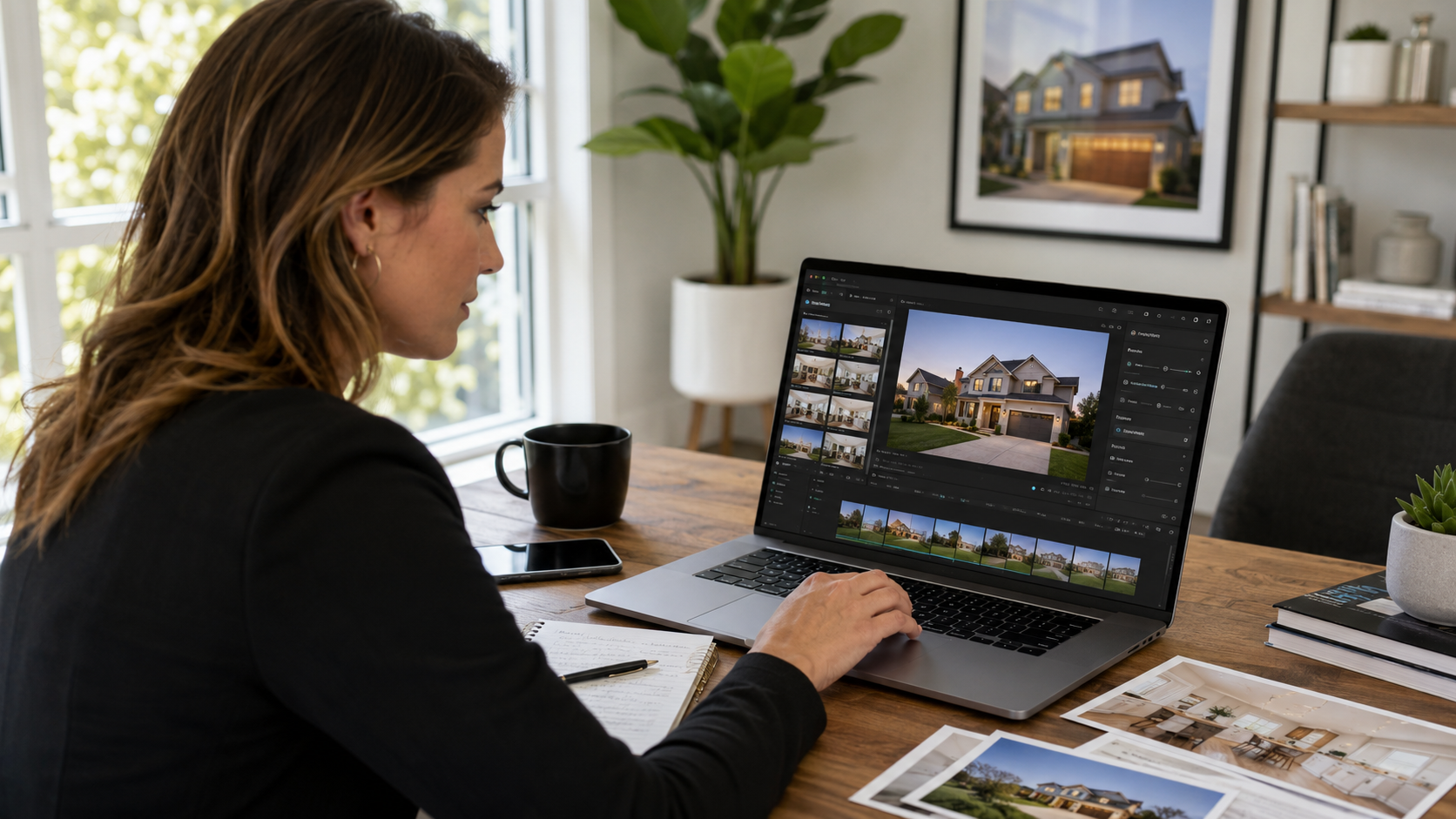
That's the part nobody puts in the marketing copy. Every tool in this category claims to be fast, professional, and MLS-safe. Almost none of them are all three at once. If you're evaluating a real estate video generator software comparison the right way, you need to know which tradeoffs are hiding behind the demo video.
The category has gotten muddy. Some products are glorified slideshow makers with music beds. Others are AI-driven platforms that analyze your listing photos, generate camera movement, insert branded overlays, and export in formats built for Instagram, YouTube, and MLS syndication simultaneously. A handful even use generative AI to create voiceover scripts from your listing description.

For the purpose of this comparison, "real estate video software" means any tool that turns static listing photos (with or without floor plans or drone shots) into a finished, shareable video — automatically or semi-automatically, without hiring a videographer for every listing.
Listings with video get more engagement, and the data backs this up consistently across multiple NAR studies on buyer behavior. The National Association of Realtors' member research has repeatedly shown that video and virtual tour content is among the top three factors buyers say influences their decision to request a showing. That's not a nice-to-have anymore — it's baseline expectation from buyers who've been trained by Zillow and Instagram to expect motion, not just stills.
But here's the business impact people miss: it's not just about getting more views. It's about time cost per listing. If your video tool takes 45 minutes of manual editing per property, you will stop using it by week three, no matter how good the output looks. The tools that survive in a real workflow are the ones that get out of your way.
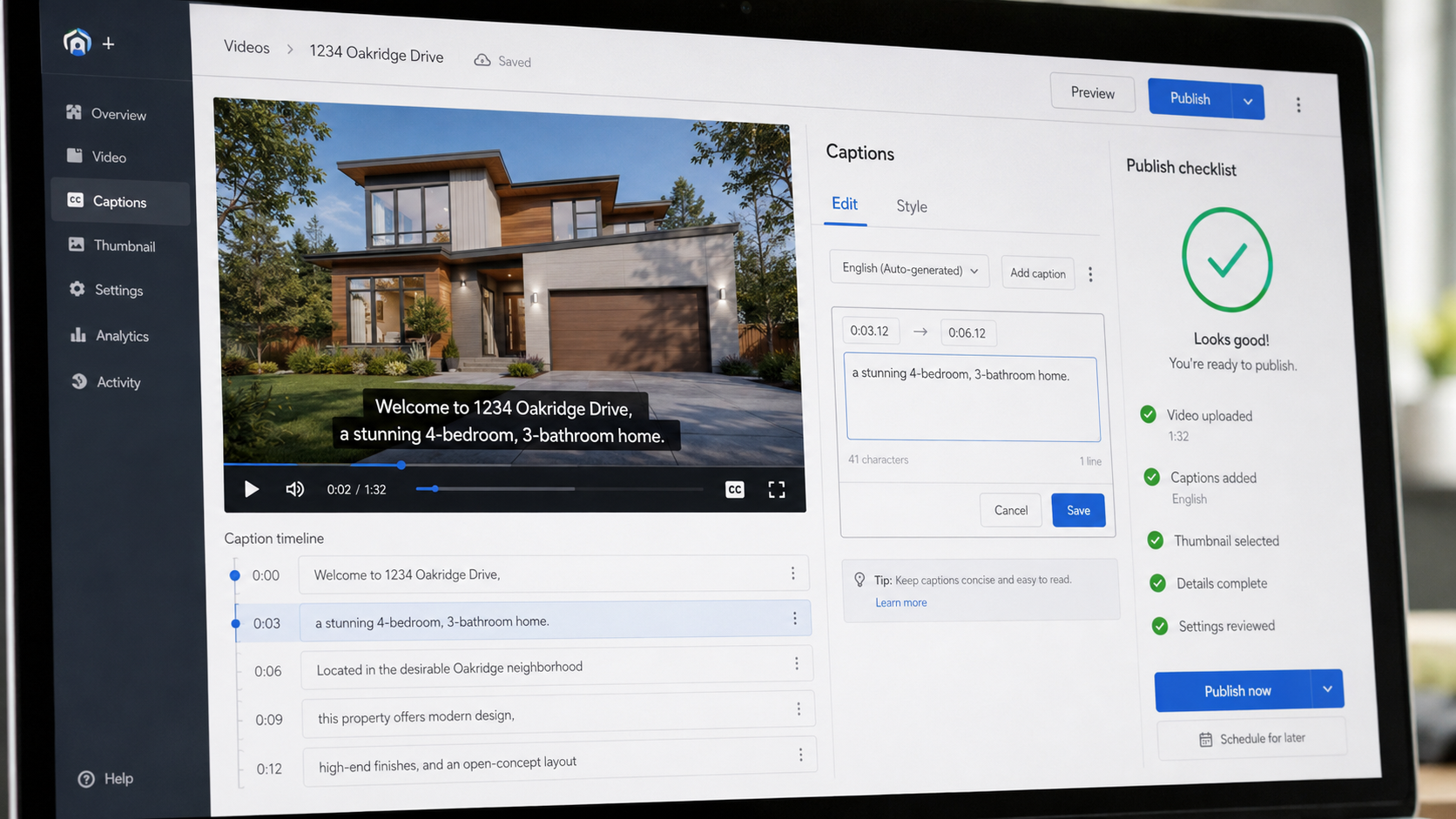
Here's what actually happens inside most brokerages and photography businesses:
An agent uploads 25–40 listing photos. They want a video posted to social media within an hour, because the listing just went live and momentum matters in the first 24 hours. The photographer or in-house marketing person opens whatever tool they've settled on, and depending on which one it is, they hit one of three walls:
This is the actual reason AI real estate video software reviews online are so inconsistent — reviewers are usually testing the tool once, with clean sample photos, not running it through a real Tuesday with 12 listings due.
PhotoAIVideo was built around the assumption that most listings need a video the same day photos come back from the shoot — not a project scheduled for later in the week. The platform ingests your existing listing photos and floor plans, applies your saved brand kit automatically (logo placement, brokerage colors, agent contact card), and renders a finished vertical and horizontal export in the same pass.
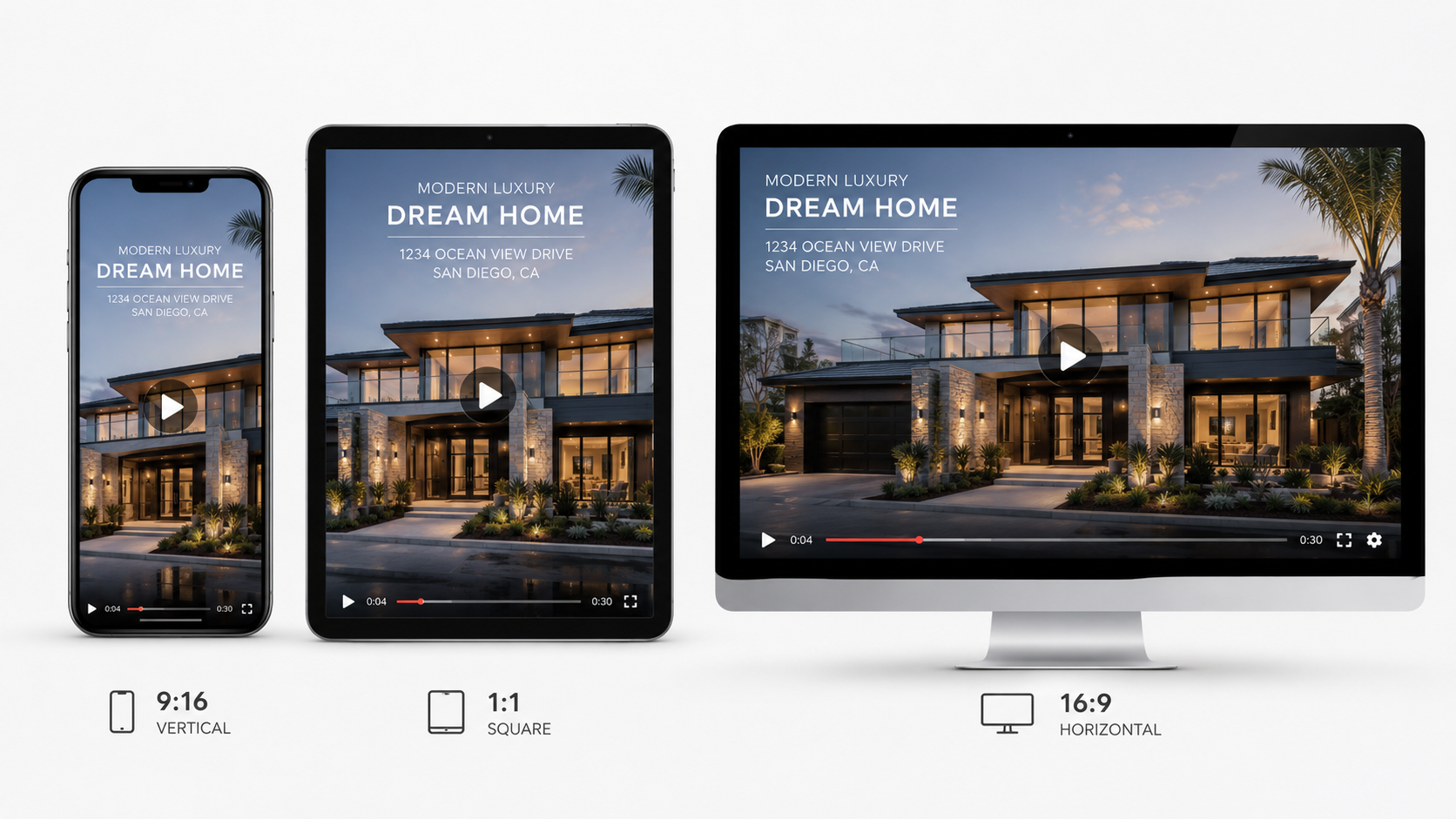
The practical difference shows up in two places. First, brand settings are saved per agent or per office, so a fifteen-agent brokerage doesn't have fifteen people manually re-uploading the same logo file every week. Second, the platform's templates are built with MLS advertising guidelines in mind by default — meaning the auto-generated on-screen text avoids language patterns that commonly trigger compliance flags, like implied guarantees or unverifiable claims about neighborhood value.
If your team has been treating video as a "when we have time" task, this is usually the point where that changes — because the time cost per listing drops from an afternoon to about the length of a coffee break.
Here's the process as it actually runs, not as a feature list:
The step people skip — and shouldn't — is step 4. Reviewing generated text takes ninety seconds and prevents the kind of compliance headache that costs a lot more than ninety seconds to fix later.
If you're comparing an AI listing video software alternative against your current tool, run all six of these against a real listing — not the demo listing the vendor gives you.
A solo agent working weekends. She shoots her own listing photos on a good phone camera, needs a video posted before an open house Saturday morning, and doesn't have time for manual editing. Speed and saved brand settings matter more than advanced customization.
A photography studio delivering to 20 agents a week. Consistency across dozens of videos matters more than any single video looking unique — clients expect their brand, not creative flourishes, in every delivery.
A property management company listing 40 units a month. Leasing speed is the metric that matters here, not aesthetics. A video that gets a rental filled three days faster is worth more than one that wins a design award.
A brokerage standardizing across 30 agents. The pain point isn't the video quality — it's getting 30 different personalities to use the same branding consistently. This is where saved templates and admin-level brand control actually save a marketing director's sanity.
A luxury listing team. Here, render quality and camera-movement realism matter more than speed, because the video is often embedded on a dedicated property website rather than posted quickly to social.

Skipping the compliance review. Auto-generated captions can occasionally use phrasing that reads as a guarantee ("won't last long," "best deal in the neighborhood") — language that's fine in casual conversation but can be a problem in advertising copy depending on your local MLS compliant real estate software comparison criteria and board rules.
Treating every listing the same. A studio condo and a five-bedroom luxury home shouldn't use identical pacing or music — but a lot of agents just hit "generate" on the same default template every time, and the videos start to feel interchangeable.
Ignoring vertical format until the last minute. If your video is exported horizontally only, you'll spend extra time cropping and re-exporting for Reels and Stories — better to generate all formats up front.
Forgetting to update brand kits after a rebrand. Old logos and phone numbers linger in saved templates longer than people expect, especially across a multi-agent office.
Choosing based on the demo, not a real listing. The single biggest mistake in evaluating real estate video editing software for agents is testing with the vendor's sample photos instead of your own messiest, most typical shoot.
What's the real difference between AI real estate video software and basic slideshow makers?
Slideshow tools apply transitions to static images. True AI video tools analyze the photo composition and generate simulated camera movement — pans, zooms, and depth — so the result feels like footage rather than a photo carousel.
Is AI-generated real estate video actually MLS compliant?
It depends on the platform's templates, not the technology itself. Look specifically for tools that default to compliance-aware caption and text generation rather than assuming you'll manually rewrite every overlay.
How long should a listing video actually be?
Most social-first listing videos perform best between 30–60 seconds. Longer format videos (2–3 minutes) work better embedded directly on a dedicated listing page, where the viewer has already opted in to more detail.
Can property managers use the same video tools as real estate agents?
Yes, though the priority shifts — property managers generally care more about leasing speed and volume (many units, fast turnaround) than about cinematic polish.
Do I need a videographer if I use AI video software?
Not for most listings. Photographers who already shoot stills can add video generation to their existing photo delivery without additional equipment, which is one of the biggest workflow shifts in the past two years, echoed in ongoing Zillow Research on how buyers consume listing media.
What should I actually test before switching real estate video automation software?
Run your own most recent listing through the tool — not a demo listing — and time how long it takes from upload to a finished, multi-format export you'd actually post.
Does Google actually rank listings or pages higher because they include video?
Video itself isn't a direct ranking factor, but engagement signals it drives — time on page, shares, embeds — align with what Google's own search guidance identifies as indicators of a satisfying user experience, which correlates with better performance over time.


Compact, ready to go anywhere
Interchangeable lens that’s upgradeable
Dual 1-inch sensors for improved clarity and low light performance
Dynamic range and 6K 360° capture
360° photo resolution at 21MP

8K 360° video recording for ultra-detailed visuals.
4K single-lens mode for traditional wide-angle shots.
Invisible selfie stick effect for drone-like perspectives.
2.5-inch touchscreen with Gorilla Glass protection.
Waterproof up to 33ft for underwater shooting.

360° photo resolution in 23MP
Slim design at 24 mm thick
Built-in image stabilization for smooth video capture.
Internal 19GB storage for photo and video storage.
Wireless connectivity for remote control and sharing.

60MP 360° still images for high-resolution photography.
5.7K 360° video recording at 30fps.
2.25-inch touchscreen for intuitive control.
USB Type-C port for fast charging and data transfer.
MicroSD card slot for expandable storage.
.png)

.png)

Try it free. No credit card required. Instant set-up.







.svg)


.svg)