


.png)


A marketing coordinator at a mid-sized brokerage automated everything. Photo upload triggered a video render, the render triggered a social post, the social post triggered a follow-up email — a fully hands-off pipeline she was proud of. Then a listing photo set accidentally included a shot of the agent's parked car with a personalized license plate, and the automation posted it to four channels before anyone noticed. Nothing catastrophic, just embarrassing — and it made her rethink which parts of the workflow actually deserved to run unsupervised.
That's the real question with AI video tools for real estate marketing: not whether to automate, but which specific steps benefit from automation and which ones still need a human glance before they go live.
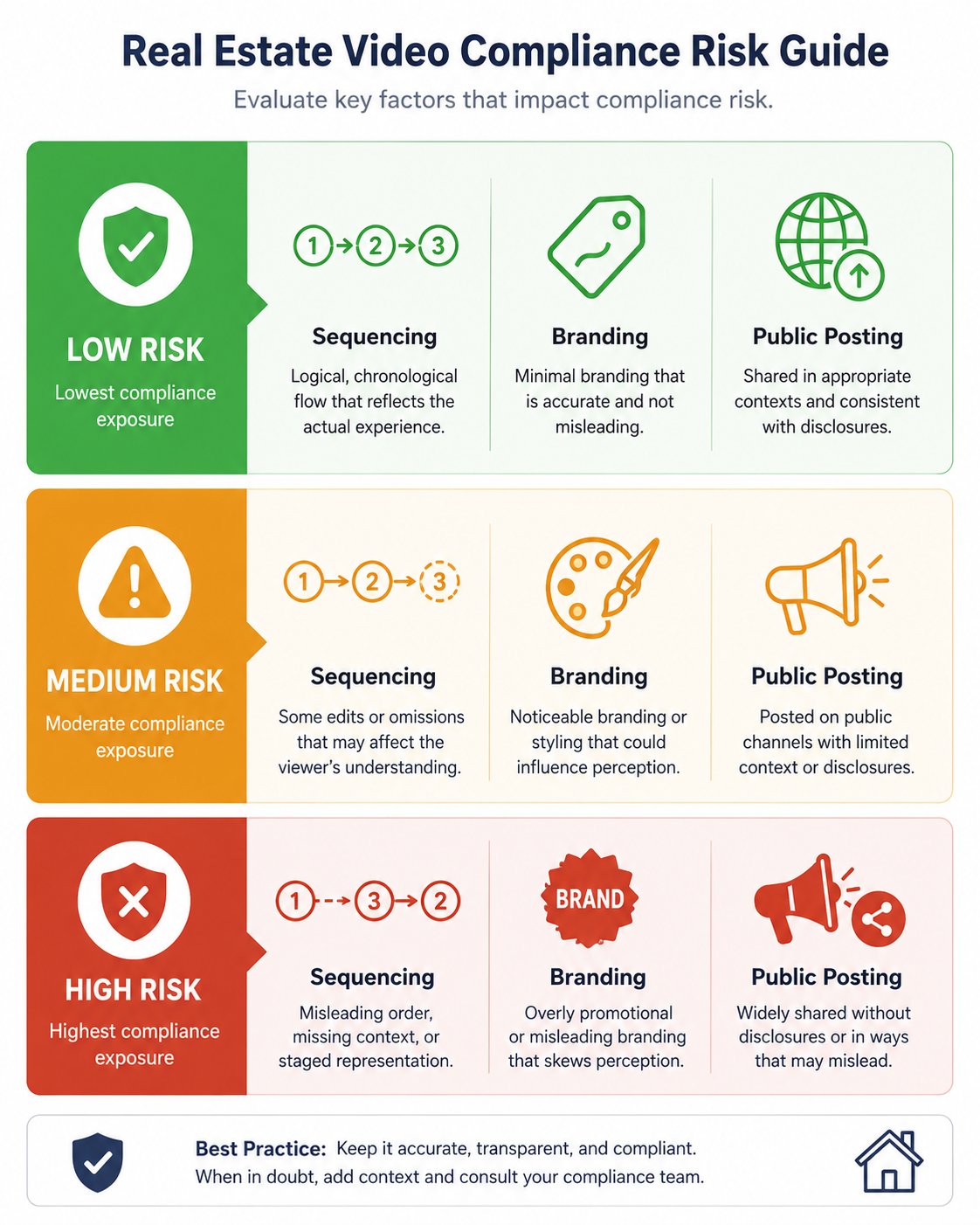
Real estate video automation software typically handles a chain of steps: converting photos into a video sequence, applying templates and transitions, adding branding overlays, and — in more advanced setups — auto-posting to social channels or triggering follow-up marketing. Each of those steps carries a different level of risk if left fully unsupervised.
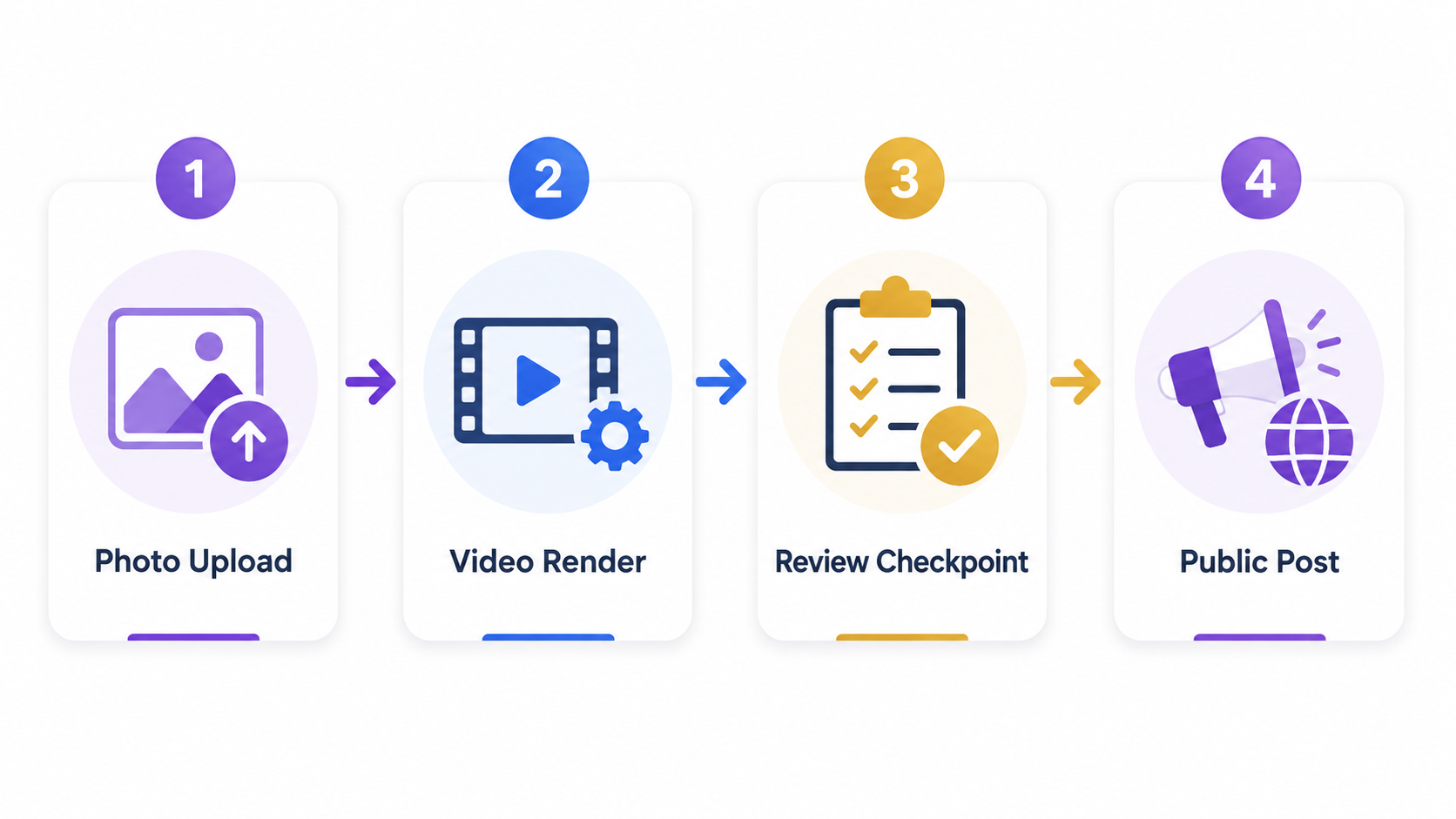
Sequencing and template application are low-risk to automate — the downside of a slightly off transition is minor. Branding and compliance overlays are medium-risk, since an error there can create the compliance issues discussed elsewhere in listing marketing. Auto-posting to public channels is the highest-risk step, because once it's live, it's live — there's no quiet undo the way there is with a draft render sitting in a queue.
Real estate marketing moves fast, but it's also public-facing and reputation-sensitive in a way a lot of other industries aren't. Realtor.com has highlighted how quickly buyer attention shifts to new listings, which creates real pressure to automate for speed — but a brokerage's public feed is also a professional storefront, and a single bad automated post does more reputational damage than a slow one ever would.
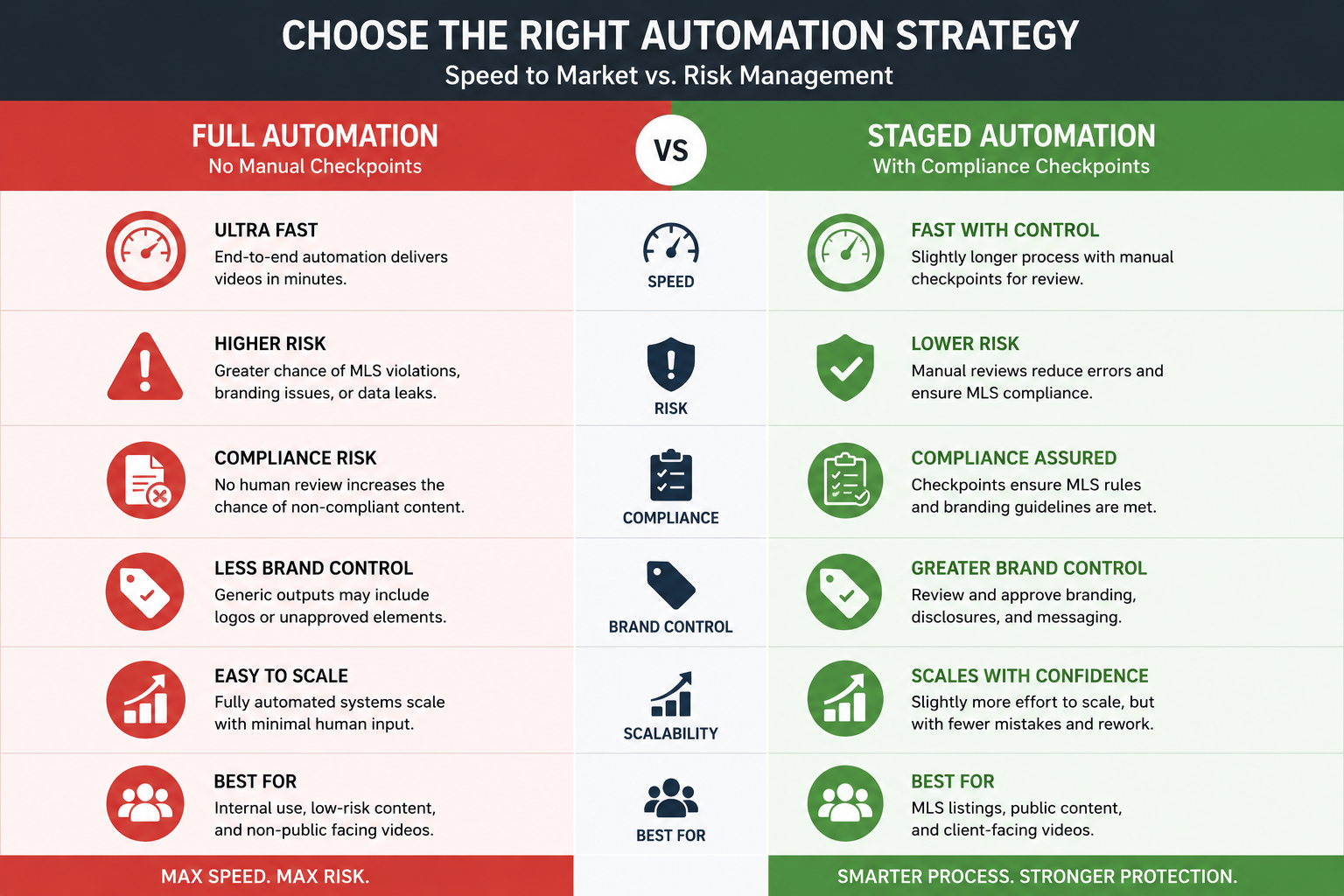
This is where a lot of "more automation is always better" advice breaks down for this industry specifically. The efficiency gain from full automation is real, but the failure cost is asymmetric — a slow manual process wastes time; a fast automated mistake is public and harder to walk back.
The mistake I see most often isn't automating too little — it's automating the entire pipeline in one step, the way the marketing coordinator above did, without a review checkpoint anywhere in the chain. Teams get excited about a fully hands-off workflow, build it end to end, and only discover the gaps once something slips through: a wrong branding overlay, an unapproved caption, a photo that shouldn't have made the cut.
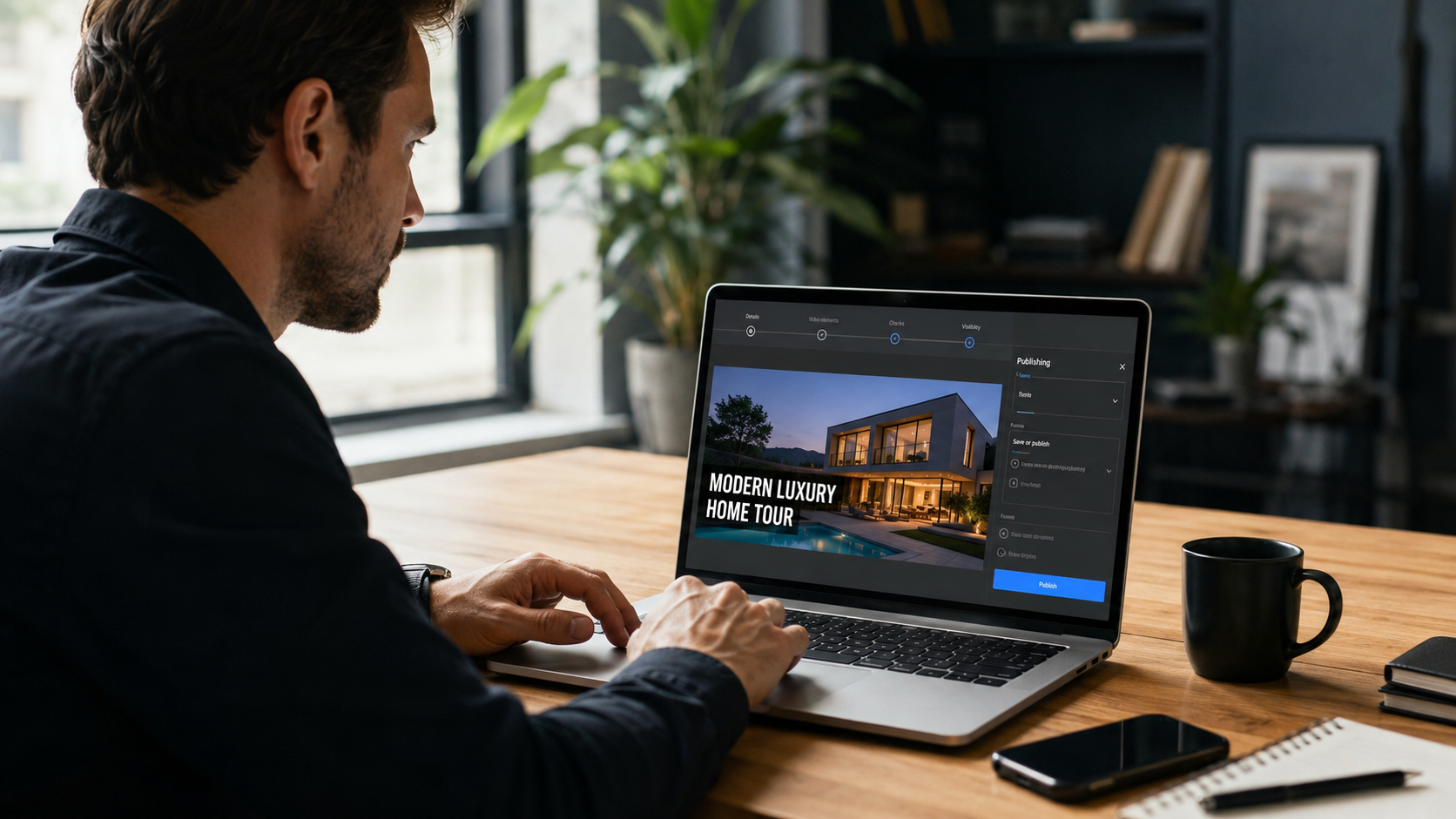
The better approach is staged automation — automate the parts with low failure cost fully, and keep a lightweight human checkpoint at the one or two steps where a mistake would actually matter publicly.
PhotoAIVideo.com is built so the render and templating steps run automatically — upload photos, get a finished video — without requiring manual editing for every listing. But rather than forcing a single all-or-nothing automation setting, the features page shows where branding and compliance checks fit into the process, so teams can decide for themselves where a quick review step belongs before content goes public.
If you're comparing real estate video editing software for agents specifically for how much manual control they preserve versus how much they automate away entirely, that configurability — not just raw automation speed — is often the more important differentiator for teams that plan to scale past a single user.

Should real estate marketing be fully automated end to end?
Not usually — while low-risk steps like video rendering and templating are safe to automate fully, public-facing steps like social posting benefit from a quick human review checkpoint.
What's the biggest risk of over-automating real estate video marketing?
A mistake that would normally be caught in a manual review goes public before anyone notices, since fully automated pipelines have no natural pause point.
Is real estate video automation software worth it for a solo agent?
Yes, especially for the rendering and templating steps — the review-checkpoint concern matters more for teams and brokerages posting across multiple agents and channels.
How do I know which steps in my workflow are safe to automate?
Rate each step by what happens if it's wrong — low-cost mistakes (a slightly off transition) are safe to automate, while high-cost, public mistakes need a review step.
Can AI video tools for real estate marketing catch compliance errors automatically?
Some can flag common issues, but a brief human review before public posting still catches things automated checks miss, particularly for board-specific rules.
What's the difference between real estate video editing software for agents and full marketing automation platforms?
Editing software typically focuses on producing the video itself, while automation platforms extend the pipeline to include distribution steps like social posting — each carries different risk considerations.
How often should a brokerage review its automation pipeline?
At least quarterly, and always after a meaningful increase in listing volume, since checkpoints built for a lower volume can break down as more content moves through the pipeline.


Compact, ready to go anywhere
Interchangeable lens that’s upgradeable
Dual 1-inch sensors for improved clarity and low light performance
Dynamic range and 6K 360° capture
360° photo resolution at 21MP

8K 360° video recording for ultra-detailed visuals.
4K single-lens mode for traditional wide-angle shots.
Invisible selfie stick effect for drone-like perspectives.
2.5-inch touchscreen with Gorilla Glass protection.
Waterproof up to 33ft for underwater shooting.

360° photo resolution in 23MP
Slim design at 24 mm thick
Built-in image stabilization for smooth video capture.
Internal 19GB storage for photo and video storage.
Wireless connectivity for remote control and sharing.

60MP 360° still images for high-resolution photography.
5.7K 360° video recording at 30fps.
2.25-inch touchscreen for intuitive control.
USB Type-C port for fast charging and data transfer.
MicroSD card slot for expandable storage.
.png)

.png)

Try it free. No credit card required. Instant set-up.





.svg)


.svg)