


.png)


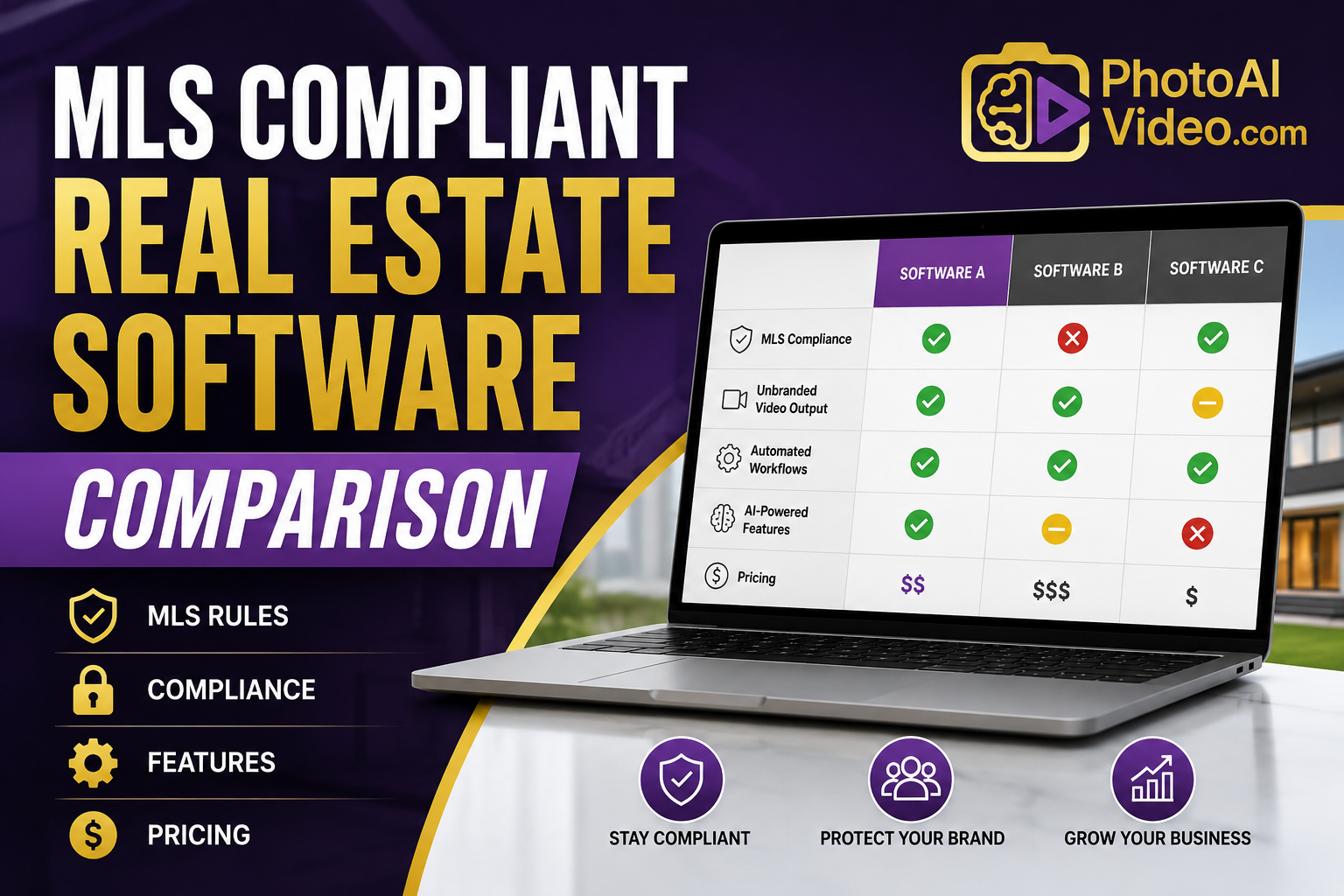
A compliance officer at a regional brokerage found out the hard way that "MLS compliant" printed on a vendor's homepage didn't mean much. Her office operated across two MLS boards. The video tool they'd standardized on was compliant with one board's disclosure rules and quietly violated the other's contact-overlay restriction — because the tool's "compliance mode" had been built around a single reference board, not the specific rules of every board a customer might operate in. Nobody noticed until a board audit flagged a batch of listing videos six weeks later.
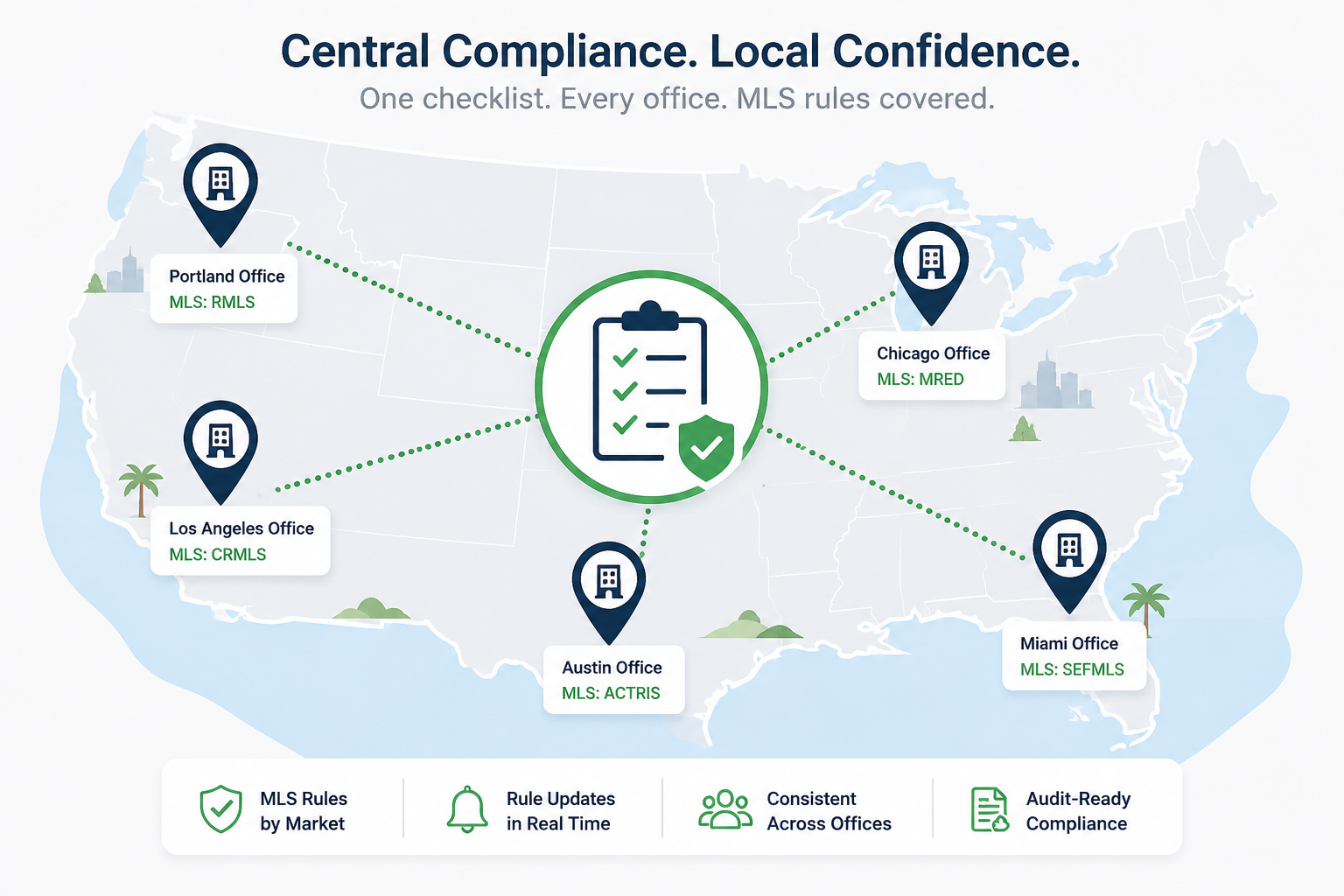
That's the part most comparison content in this space skips entirely. "MLS compliant" isn't one standard. It's a patchwork of rules that differ board to board, and a tool that's genuinely compliant for one brokerage can create real exposure for another operating across multiple boards.
A proper MLS compliant real estate software comparison has to start from an uncomfortable fact: there is no single national MLS compliance standard for listing video. Rules around agent branding placement, contact information overlays, disclosure text, and even watermark restrictions are set at the board level, and they vary meaningfully. A tool advertising blanket "MLS compliance" is usually describing compliance with a common subset of rules, not a guarantee that covers every board a brokerage might touch.
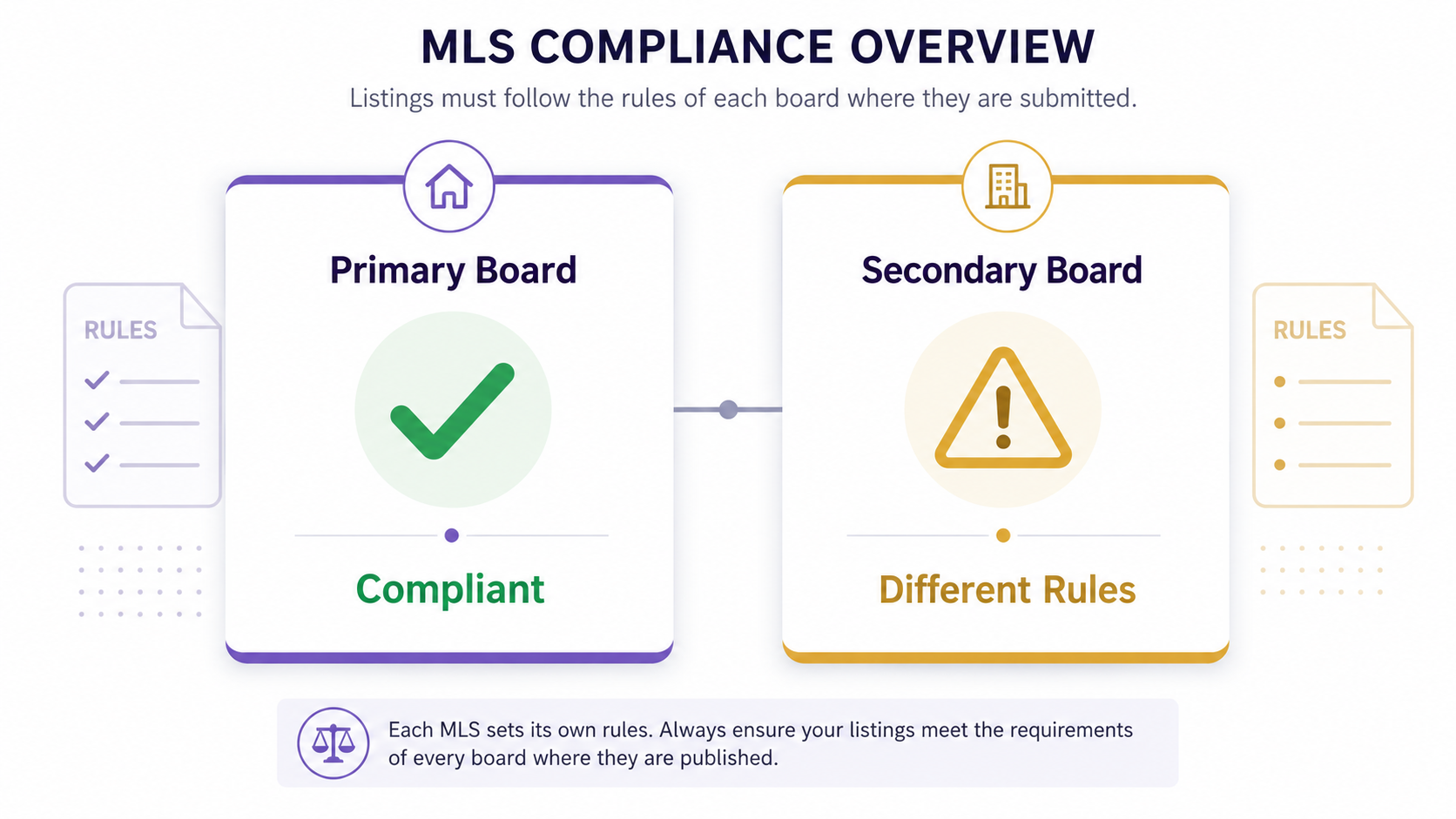
This matters most for brokerages operating across board lines, franchises with offices in multiple regions, and any team that's grown beyond a single local market. A tool that looked perfectly compliant during a single-market pilot can develop real gaps the moment a second board enters the picture.
MLS boards can and do enforce their rules, and violations create real consequences — from required listing takedowns to formal complaints against the responsible agent or brokerage. The National Association of Realtors has long emphasized that MLS participation comes with binding rules around listing content, which means compliance isn't a nice-to-have feature; it's closer to a licensing condition. A brokerage that treats "MLS compliant" as marketing language rather than something to verify board-by-board is accepting risk it probably hasn't fully quantified.
There's a reputational cost too. An agent whose video gets flagged for a compliance issue isn't just dealing with a takedown — they're dealing with a visible mark against their professionalism in a small, relationship-driven industry. That cost doesn't show up on any vendor's pricing page, but it's real.
Here's what typically happens: a brokerage tests a video tool in its primary market, confirms the output looks compliant, and rolls it out company-wide — including to offices in other MLS jurisdictions — without re-checking board-specific rules for those offices. The tool isn't lying about being compliant; it's compliant with the rules it was tested against. Nobody re-verified it against the second or third board's specific requirements.
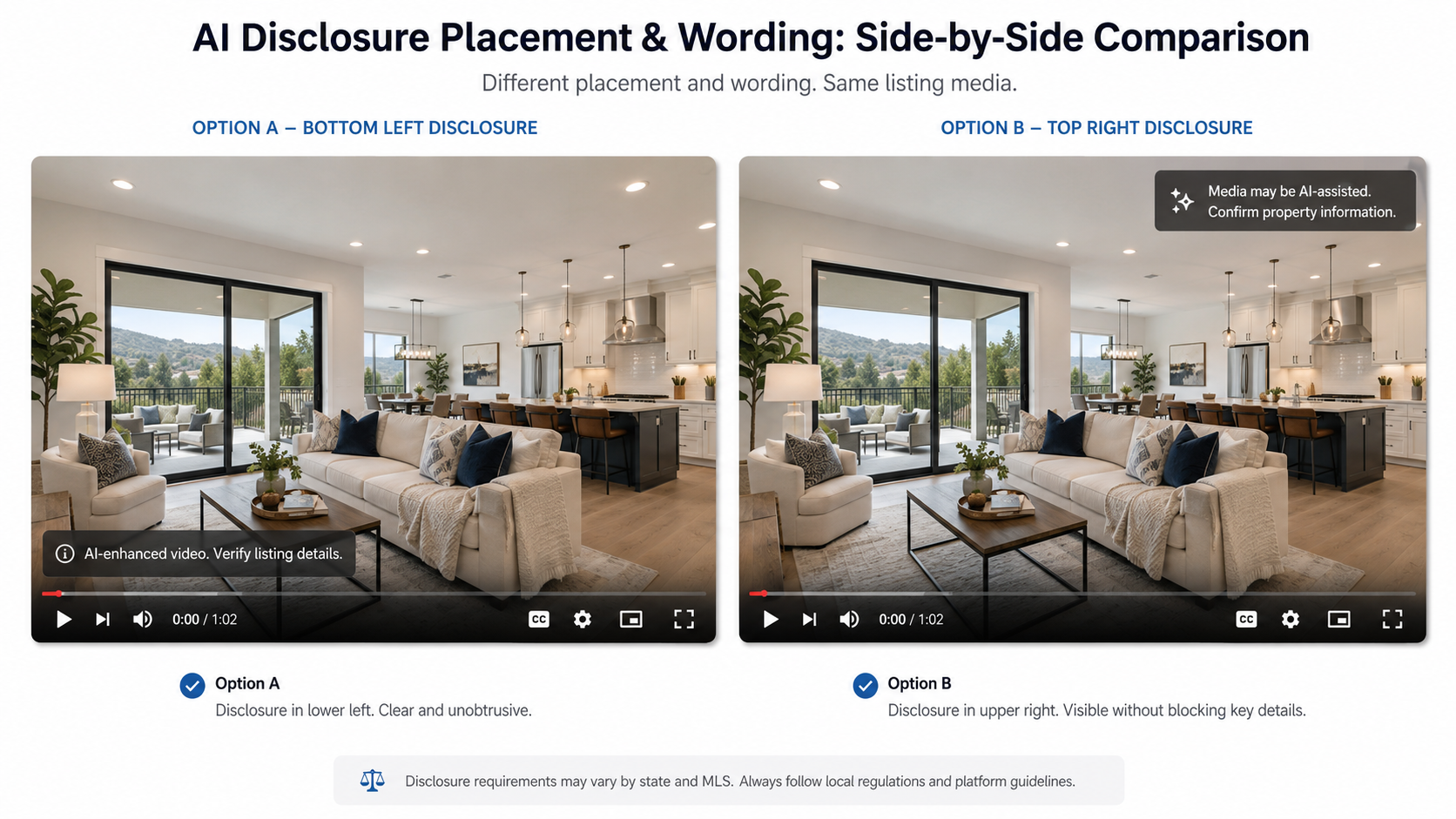
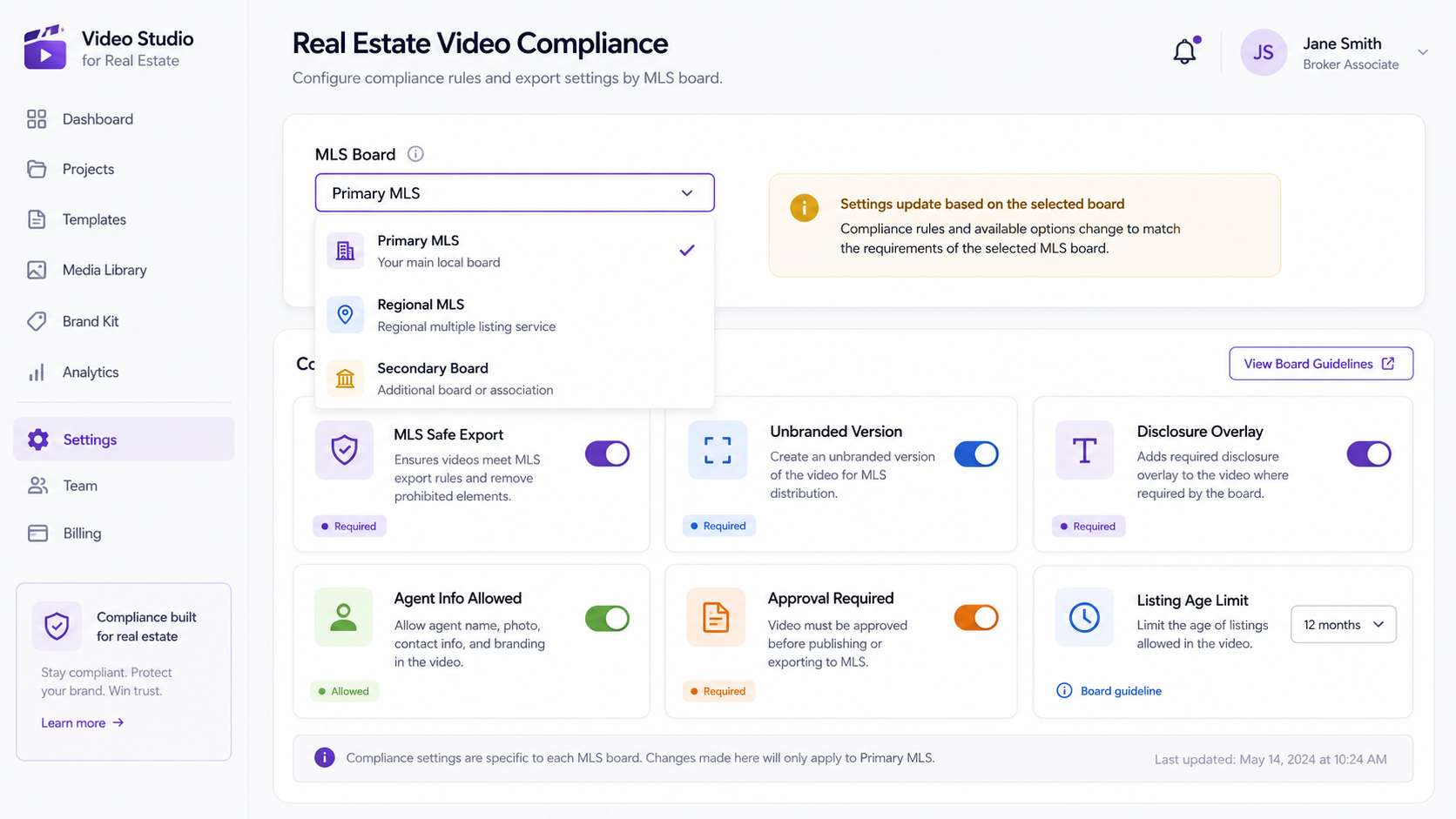
This is compounded by the fact that compliance settings inside these tools sometimes live in a general "MLS mode" toggle rather than board-specific presets. Flipping that toggle on doesn't guarantee the output matches every board's individual disclosure and branding rules — it guarantees a reasonable default that may or may not fully match your specific board.
PhotoAIVideo.com treats compliance as something that needs board-level verification, not a single universal toggle. The features page breaks down which branding and disclosure controls are configurable, so a compliance officer or team lead can check settings against their specific board's rules rather than trusting a generic "compliant" label. For brokerages evaluating this as part of a broader AI listing video software alternatives search — often triggered by exactly the kind of gap described above — that level of configurability tends to matter more than template variety or render speed.
If your team is producing video across multiple boards, it's worth walking through the demo with your actual compliance requirements in hand, board by board, rather than testing against a single reference market.
Does "MLS compliant" mean the same thing across every board?
No — branding, disclosure, and overlay rules are set at the board level and can vary meaningfully, so a tool compliant with one board isn't automatically compliant with all of them.
How often should compliance settings be re-verified?
After every software update and whenever a brokerage adds a new office or MLS board, since settings that worked previously can shift or need adjustment.
What's the biggest compliance mistake multi-board brokerages make?
Testing a tool once in the primary market and assuming that verification covers every other board the company operates under.
Should every brokerage have a dedicated compliance owner for listing video?
For any brokerage operating across more than one MLS board, yes — informal, undocumented compliance checks are the most common source of unnoticed gaps.
Are AI listing video software alternatives worth exploring if my current tool has compliance gaps?
If a tool's compliance settings are fixed globally rather than configurable per board, exploring alternatives with more granular controls is generally worthwhile for multi-board operations.
Can real estate video editing software for agents cause compliance issues if used incorrectly?
Yes — even a compliant tool can produce non-compliant output if branding or overlay settings are adjusted manually without checking the specific board's rules.
What should a compliance audit for listing video actually check?
Sample videos from every board the brokerage operates under, not just headquarters, and verify disclosure text, branding placement, and contact overlay rules against each board's specific requirements.


Compact, ready to go anywhere
Interchangeable lens that’s upgradeable
Dual 1-inch sensors for improved clarity and low light performance
Dynamic range and 6K 360° capture
360° photo resolution at 21MP

8K 360° video recording for ultra-detailed visuals.
4K single-lens mode for traditional wide-angle shots.
Invisible selfie stick effect for drone-like perspectives.
2.5-inch touchscreen with Gorilla Glass protection.
Waterproof up to 33ft for underwater shooting.

360° photo resolution in 23MP
Slim design at 24 mm thick
Built-in image stabilization for smooth video capture.
Internal 19GB storage for photo and video storage.
Wireless connectivity for remote control and sharing.

60MP 360° still images for high-resolution photography.
5.7K 360° video recording at 30fps.
2.25-inch touchscreen for intuitive control.
USB Type-C port for fast charging and data transfer.
MicroSD card slot for expandable storage.
.png)

.png)

Try it free. No credit card required. Instant set-up.






.svg)


.svg)