


.png)


If you're trying to make your virtual tour more accessible, you'll eventually encounter two approaches: use an ADA widget that provides built-in accessibility features, or manually modify your tour's code and structure to address accessibility requirements from the ground up.
Both approaches have advantages and trade-offs. This article breaks down the key differences so you can decide which option makes the most sense for your situation.
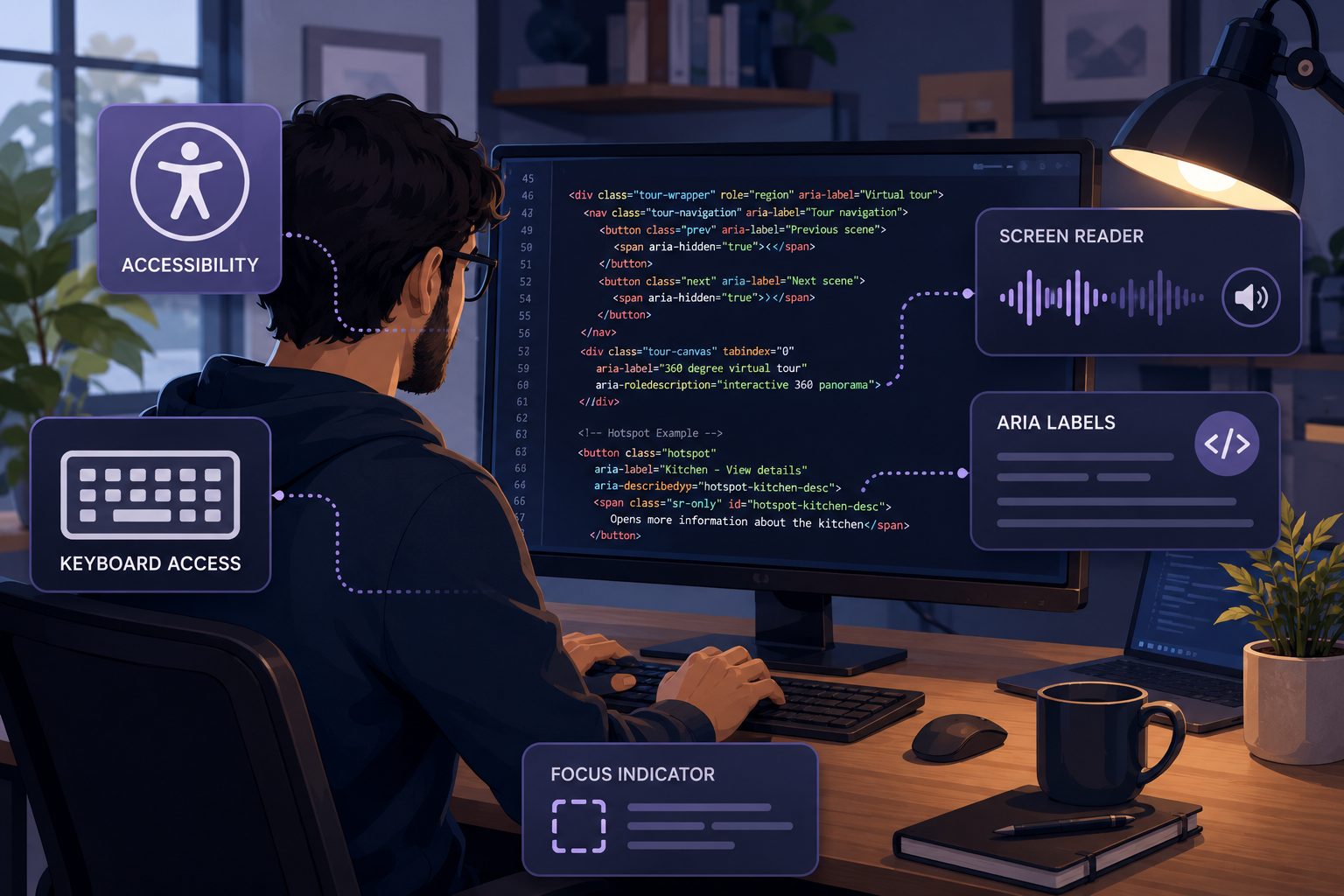
Manual accessibility fixes involve modifying your tour's underlying code — or working with a developer who can — to address accessibility issues directly. Depending on the platform and tour, this may include:
This approach can be guided directly by the W3C's WCAG guidelines rather than relying primarily on an additional accessibility tool. When implemented and tested carefully, custom development can provide a highly tailored accessibility experience.
An ADA widget takes a different approach. Rather than requiring you to manually develop every accessibility feature, it provides accessibility functionality through your existing virtual tour platform.
A solution such as CloudPano's ADA compliance widget is designed to make accessibility features available within the virtual tour experience without requiring users to build those features from scratch.
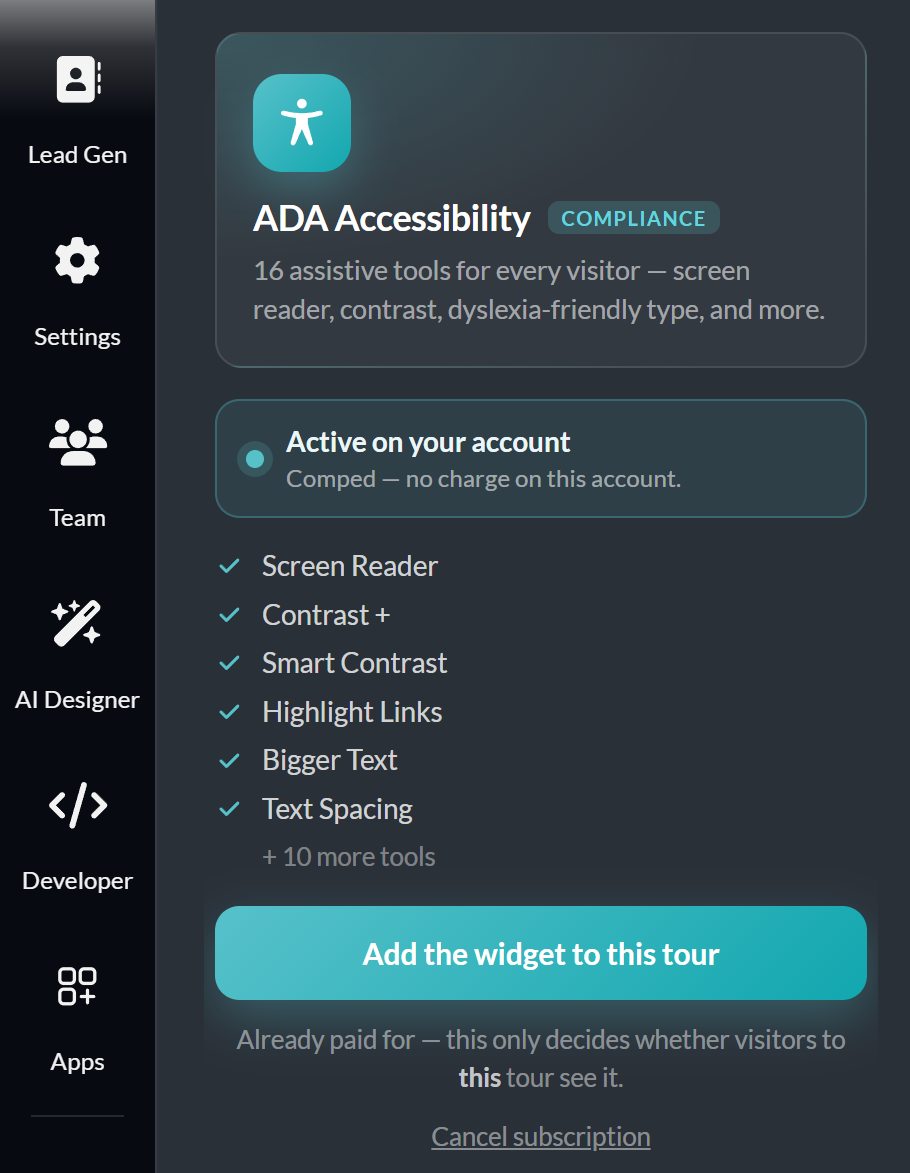
This is an important distinction from generic accessibility overlays designed primarily for traditional webpages. Virtual tours contain specialized interactive elements — including scenes, hotspots, navigation controls, and 360° environments — so accessibility solutions designed with virtual tours in mind may be better suited to addressing those interactions.
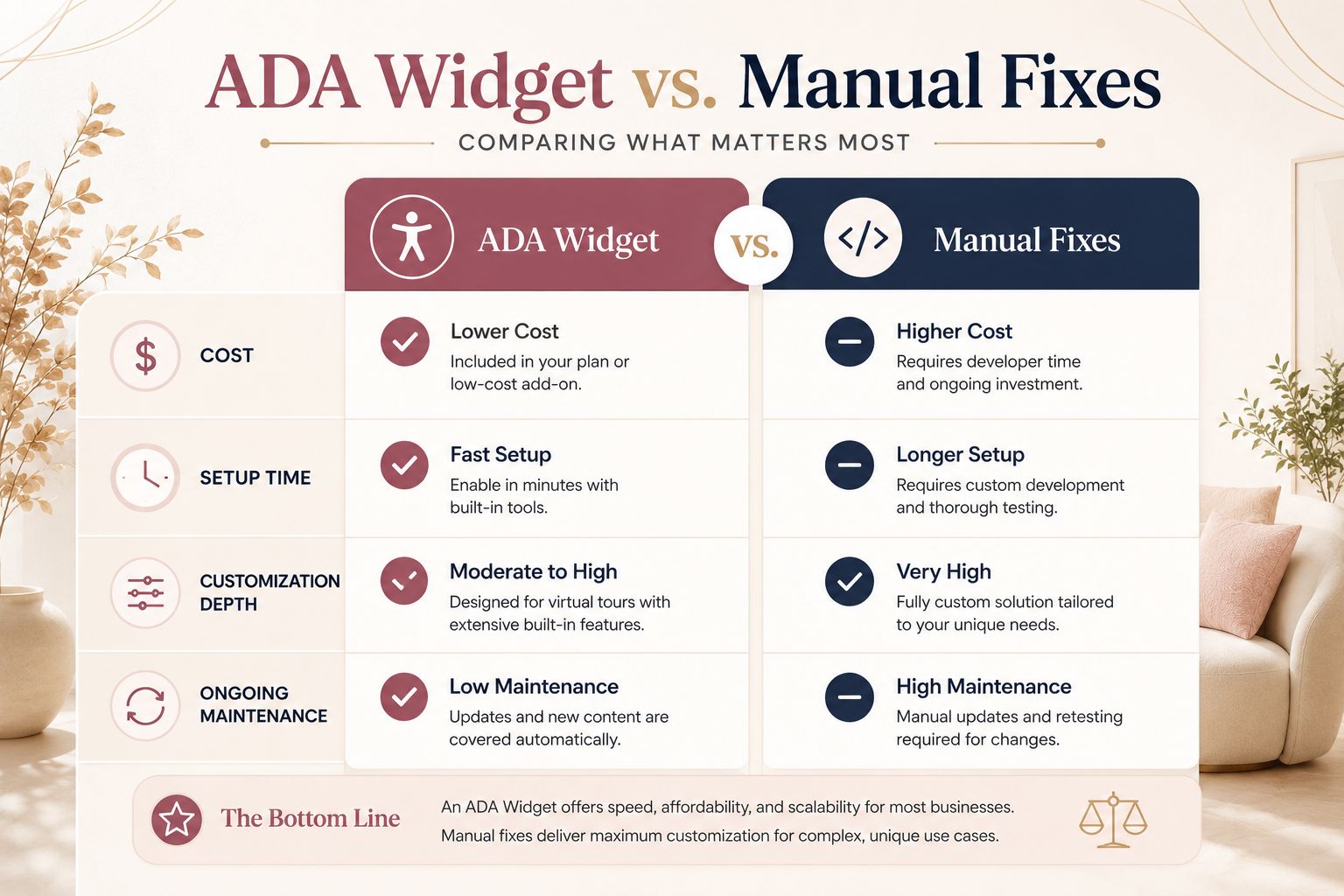
Manual accessibility work requires development and testing time. For a complex 360° virtual tour, that can involve significant effort, particularly if accessibility wasn't considered when the tour platform was originally developed.
There may also be ongoing costs. Changes to navigation, interactive elements, or other functionality may require additional accessibility testing and development.
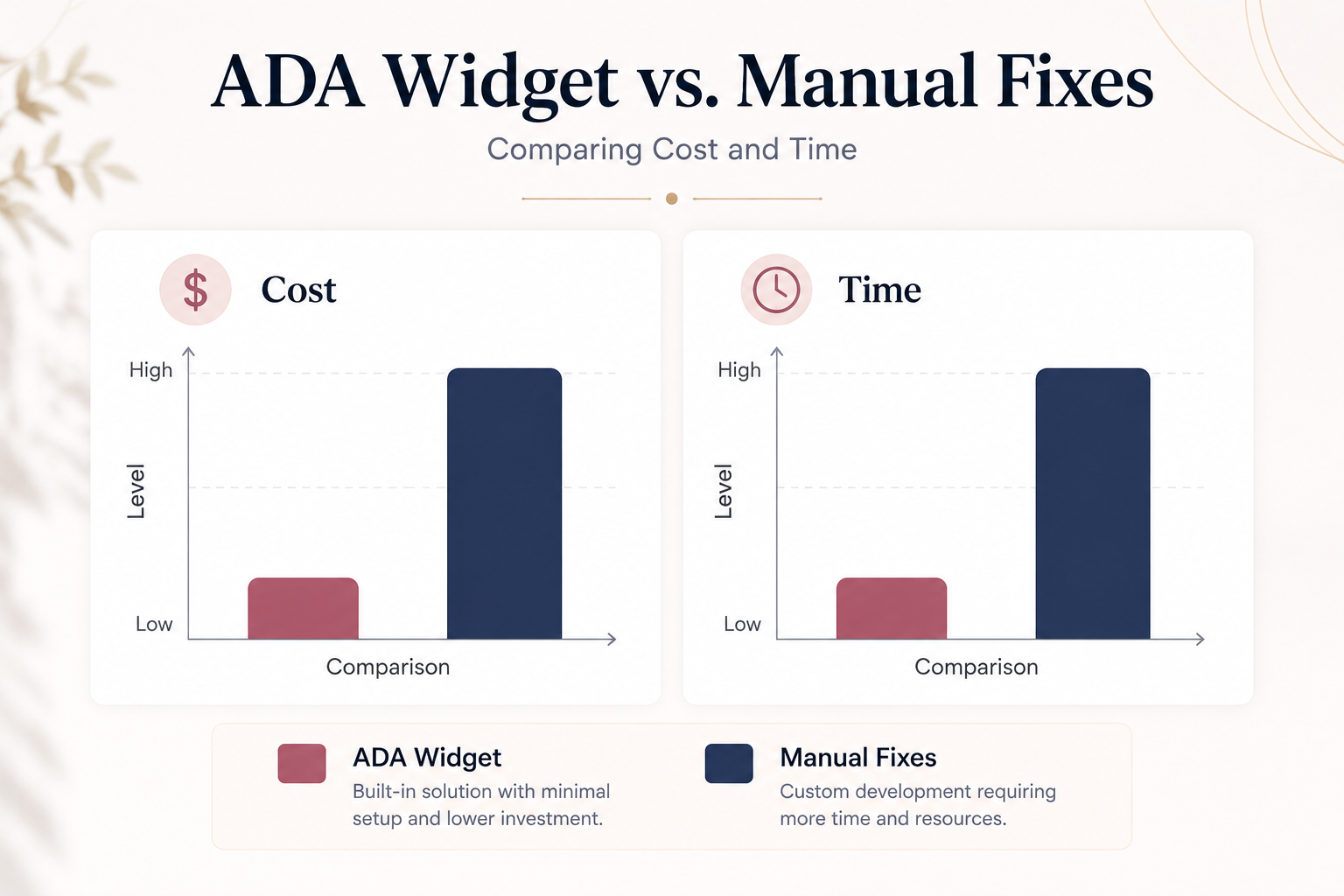
An ADA widget can significantly simplify the initial setup when accessibility functionality is already integrated into the virtual tour platform. Instead of developing those features independently, users can take advantage of the accessibility tools provided by the platform.
For small and mid-sized businesses without dedicated development teams, this can make a platform-level accessibility solution a much more practical option.
This is where manual development can have a genuine advantage.
A fully custom accessibility implementation can be tailored to the exact structure and functionality of a virtual tour. If your tour includes unusual navigation patterns, custom interfaces, or specialized interactive elements, developers can address those elements individually.
However, a purpose-built accessibility solution can reduce the amount of custom work required for more typical virtual tours.
The key distinction is whether the accessibility solution is designed specifically for the virtual tour environment or is simply a generic tool added to an existing webpage.
For businesses using standardized virtual tour functionality, a platform-level solution may provide a more practical starting point, while custom development can address additional requirements or unique use cases.
Maintenance is one of the most important factors to consider.
Manual accessibility fixes address the tour and functionality that exist at the time they're implemented. When you add new scenes, hotspots, media, navigation elements, or custom functionality, those additions may need to be reviewed and tested for accessibility as well.
A platform-level ADA widget can simplify this process because accessibility functionality is integrated into the system rather than added through separate custom code.
However, that doesn't mean accessibility becomes completely automatic. New content should still be reviewed for issues such as descriptive labels, logical navigation, and compatibility with assistive technologies.
In other words, a widget can reduce the technical maintenance burden, but ongoing accessibility review remains important.
For many businesses — particularly those without a dedicated development or accessibility team — an ADA widget can offer a practical balance of cost, speed, and ongoing maintenance.
Manual accessibility development may make more sense for organizations with highly customized virtual tours, specialized accessibility requirements, dedicated development resources, or unique interactive functionality that can't be adequately addressed through built-in tools alone.
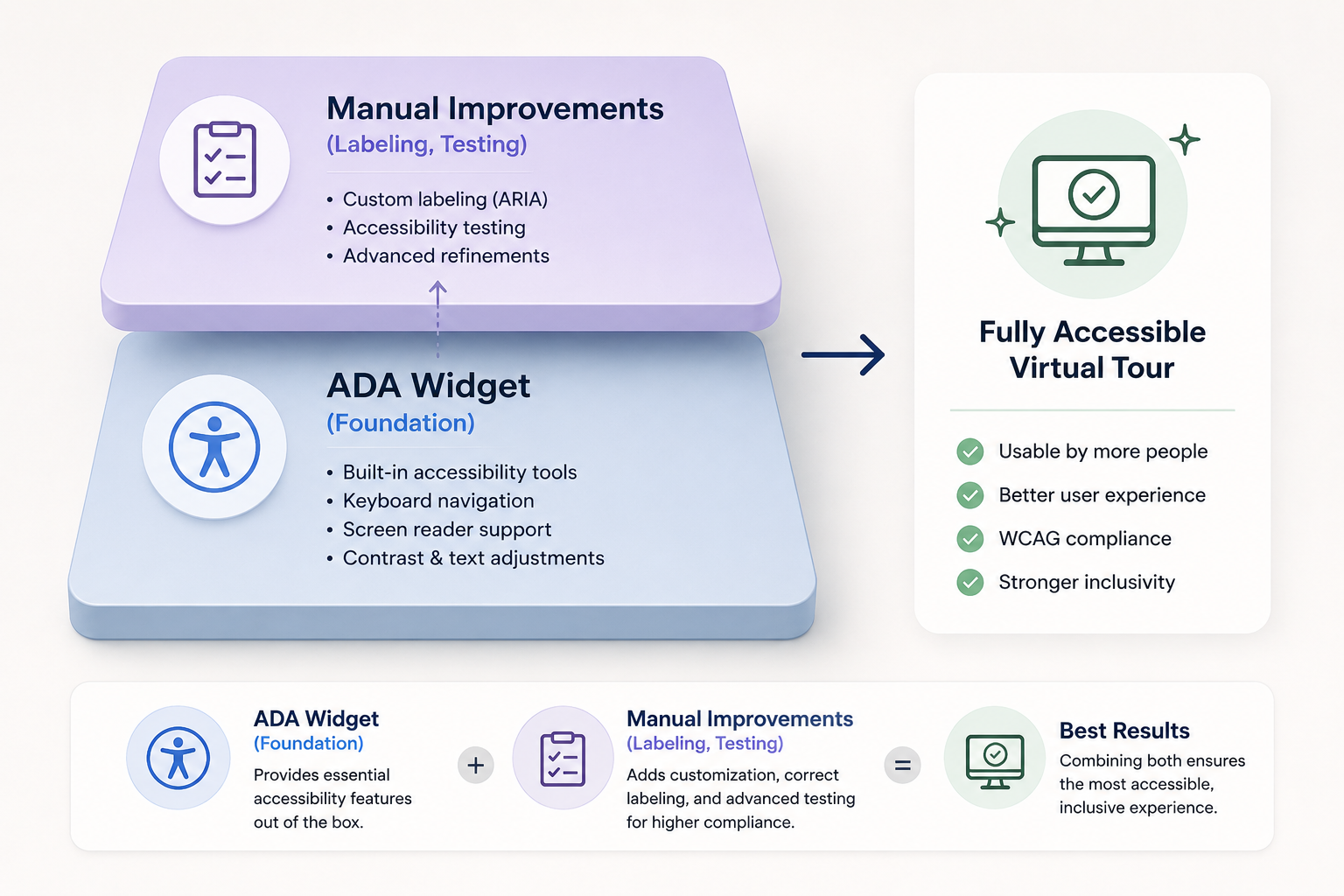
In practice, the strongest approach may combine the two.
A platform-level ADA widget can provide a foundation for accessibility, while manual improvements — such as descriptive labeling, content review, keyboard testing, and screen reader testing — can address areas that require additional attention.
For organizations subject to federal accessibility requirements, Section508.gov provides additional guidance and resources related to accessible information and communications technology.
If you're deciding which approach is right for your virtual tour, start by evaluating the accessibility functionality already available within your platform. Determine which features are built in, identify any remaining accessibility barriers, and then decide whether additional manual development or testing is necessary.
CloudPano's ADA compliance page provides more information about the accessibility functionality available for CloudPano virtual tours, giving you a useful starting point when evaluating your options.
You can also explore the broader CloudPano feature set to see how accessibility fits alongside the platform's virtual tour creation and hosting tools.


Compact, ready to go anywhere
Interchangeable lens that’s upgradeable
Dual 1-inch sensors for improved clarity and low light performance
Dynamic range and 6K 360° capture
360° photo resolution at 21MP

8K 360° video recording for ultra-detailed visuals.
4K single-lens mode for traditional wide-angle shots.
Invisible selfie stick effect for drone-like perspectives.
2.5-inch touchscreen with Gorilla Glass protection.
Waterproof up to 33ft for underwater shooting.

360° photo resolution in 23MP
Slim design at 24 mm thick
Built-in image stabilization for smooth video capture.
Internal 19GB storage for photo and video storage.
Wireless connectivity for remote control and sharing.

60MP 360° still images for high-resolution photography.
5.7K 360° video recording at 30fps.
2.25-inch touchscreen for intuitive control.
USB Type-C port for fast charging and data transfer.
MicroSD card slot for expandable storage.
.png)

.png)

Try it free. No credit card required. Instant set-up.







.svg)


.svg)