


.png)


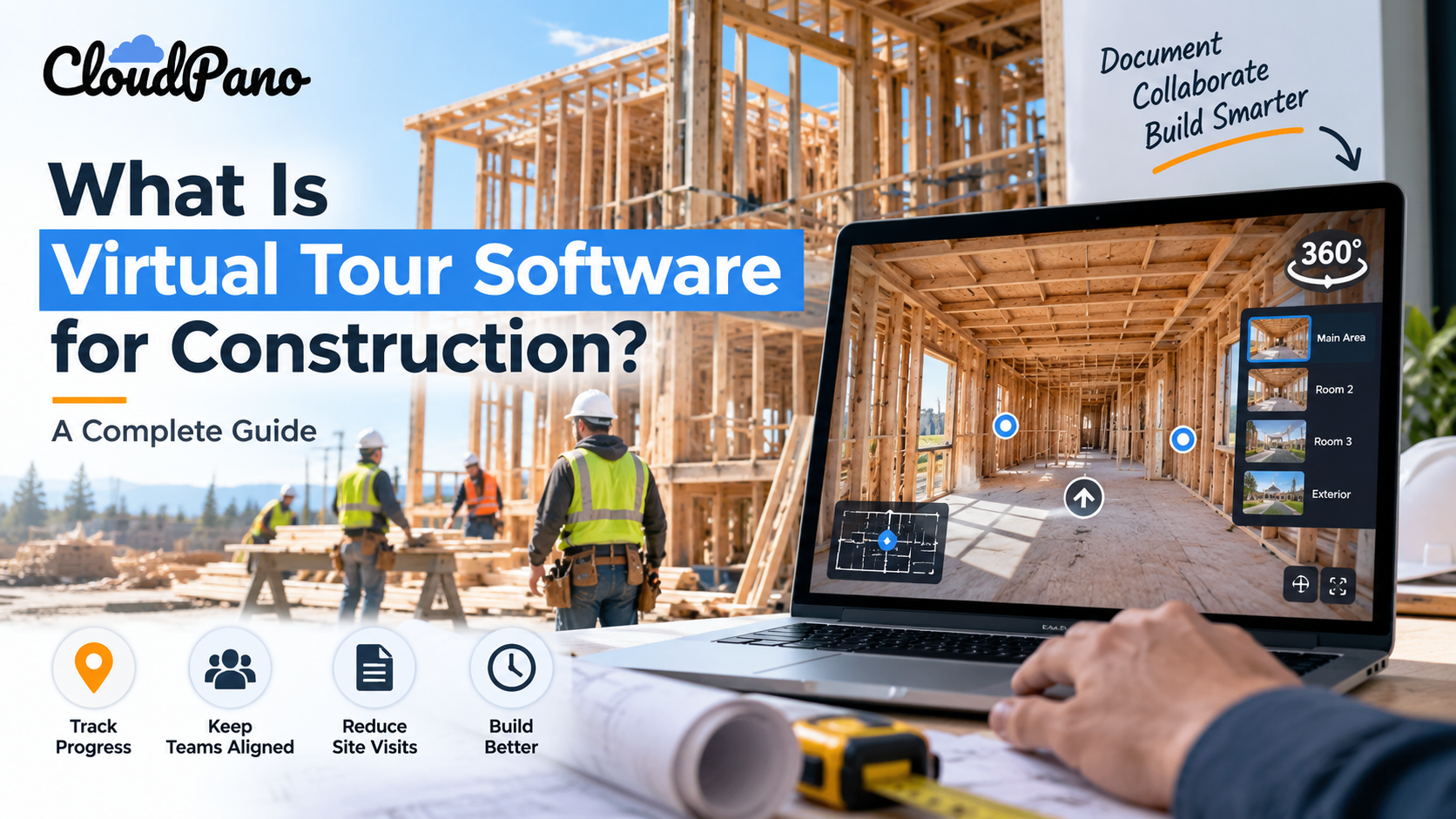
Virtual tour software for construction turns 360° jobsite imagery into a connected, navigable digital walkthrough. Construction teams can use it to document project stages, monitor progress, give remote stakeholders visual access, coordinate with subcontractors, and preserve site conditions for later reference while complementing drawings, BIM models, inspections, and other project records.
Construction projects generate an enormous amount of visual information over their lifespan—foundation pours, framing stages, MEP rough-ins, punch lists, final walkthroughs, and everything in between. Yet much of that information still lives in scattered folders of flat photos that can be difficult to search and easy to lose context around.
Virtual tour software for construction offers another approach by turning 360° site photos into a connected, navigable digital record that stakeholders can explore remotely. Instead of flipping through hundreds of disconnected images, project teams, owners, and subcontractors can move through a space much like they would during an in-person walkthrough.
This guide explains what construction virtual tour software is, how it differs from a basic photo gallery, and why contractors may want to incorporate it into their documentation and communication workflows.
At its core, virtual tour software takes a series of 360° photographs—or, depending on the platform, other forms of spatial imagery—captured at different points on a jobsite and connects them into an interactive experience.
A user opens the tour in a browser or compatible device, looks around a full 360-degree view from each capture point, and moves between scenes to progress through a hallway, floor, room, or entire building.
For construction teams, this means a general contractor can capture a floor of a project at regular intervals or important milestones and create a visual record of how that space looked at a particular point in time.
Anyone with appropriate access—an owner in another state, an architect reviewing progress, an insurance professional, or another project stakeholder—can explore the documented site remotely without needing to be physically present.
This is the foundation of what platforms mean when they refer to virtual tour software for construction: a way to document, organize, and share the physical state of a project as it evolves.
It's a fair question: why not simply upload progress photos to a shared drive or gallery?
The distinction comes down largely to context and navigation.
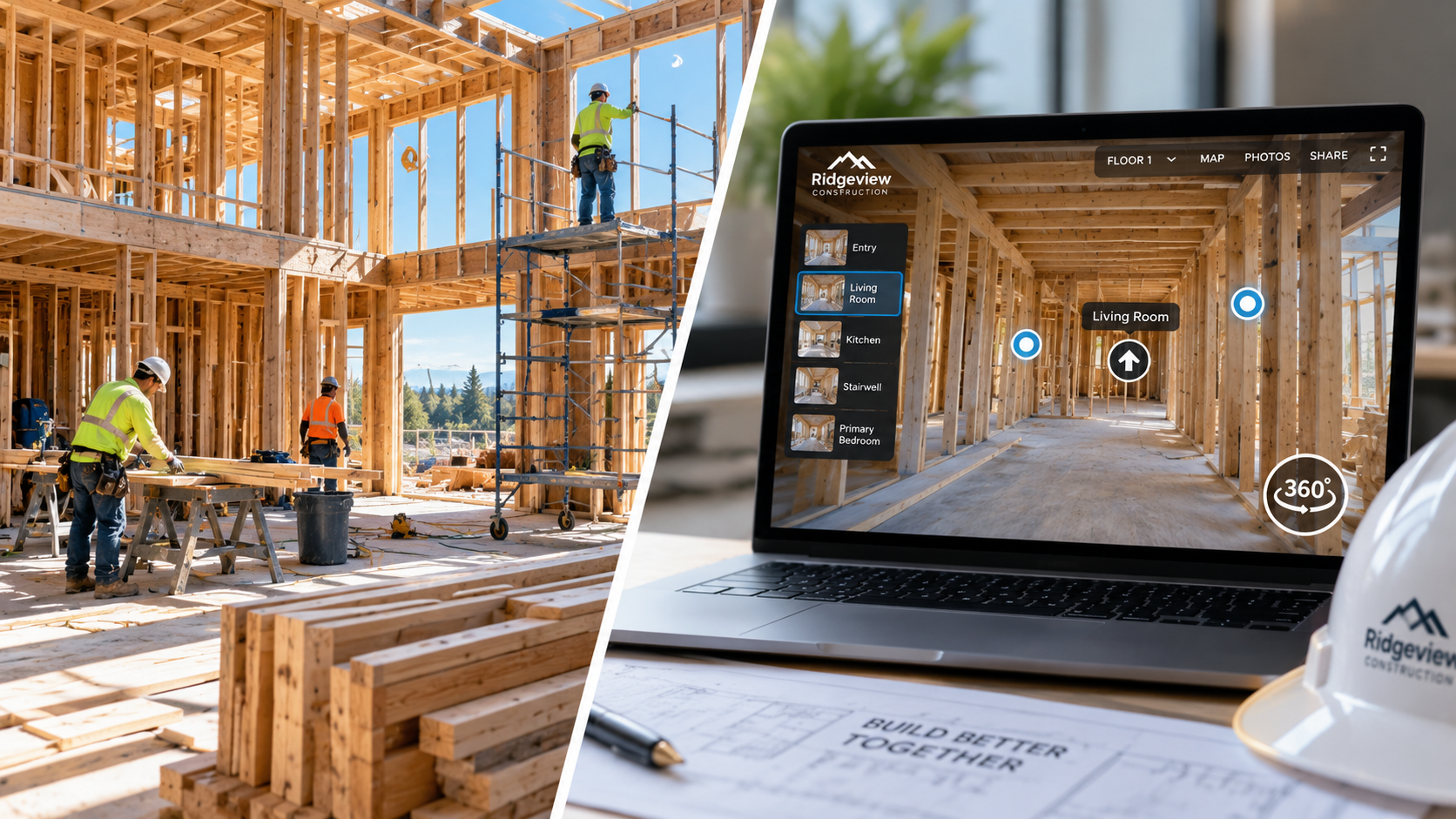
A photo gallery is typically a collection of individual images. It's useful for quickly reviewing photos, but those images may not clearly communicate where each photo was taken in relation to the rest of the space.
Virtual tour software, by contrast, can preserve more of that spatial context. Because 360° scenes can be connected to nearby locations, a viewer can move from the lobby to a corridor and then into a specific room or unit in a logical sequence.
This spatial continuity can be particularly valuable in construction, where understanding physical layout, sightlines, and the relationship between different building systems may be important.
A gallery shows what something looked like. A well-organized virtual tour can also help show where it was and how that area relates to the surrounding space.
That additional context can be useful during project reviews, subcontractor coordination, inspections, and other situations where understanding the physical environment matters.
Construction is a sequence of stages in which important components are eventually covered or concealed. Framing gets enclosed by drywall, wiring disappears behind finishes, and mechanical systems may become difficult to inspect once later phases are complete.
Capturing 360° imagery at important milestones can create a visual archive of conditions before they're covered.
That archive can provide useful context for warranty questions, future renovations, maintenance planning, project reviews, or confirming what was visible at a particular stage of construction.
When documentation needs to be reviewed months or even years later, having an organized visual record can be much easier to navigate than searching through hundreds of unrelated photographs.
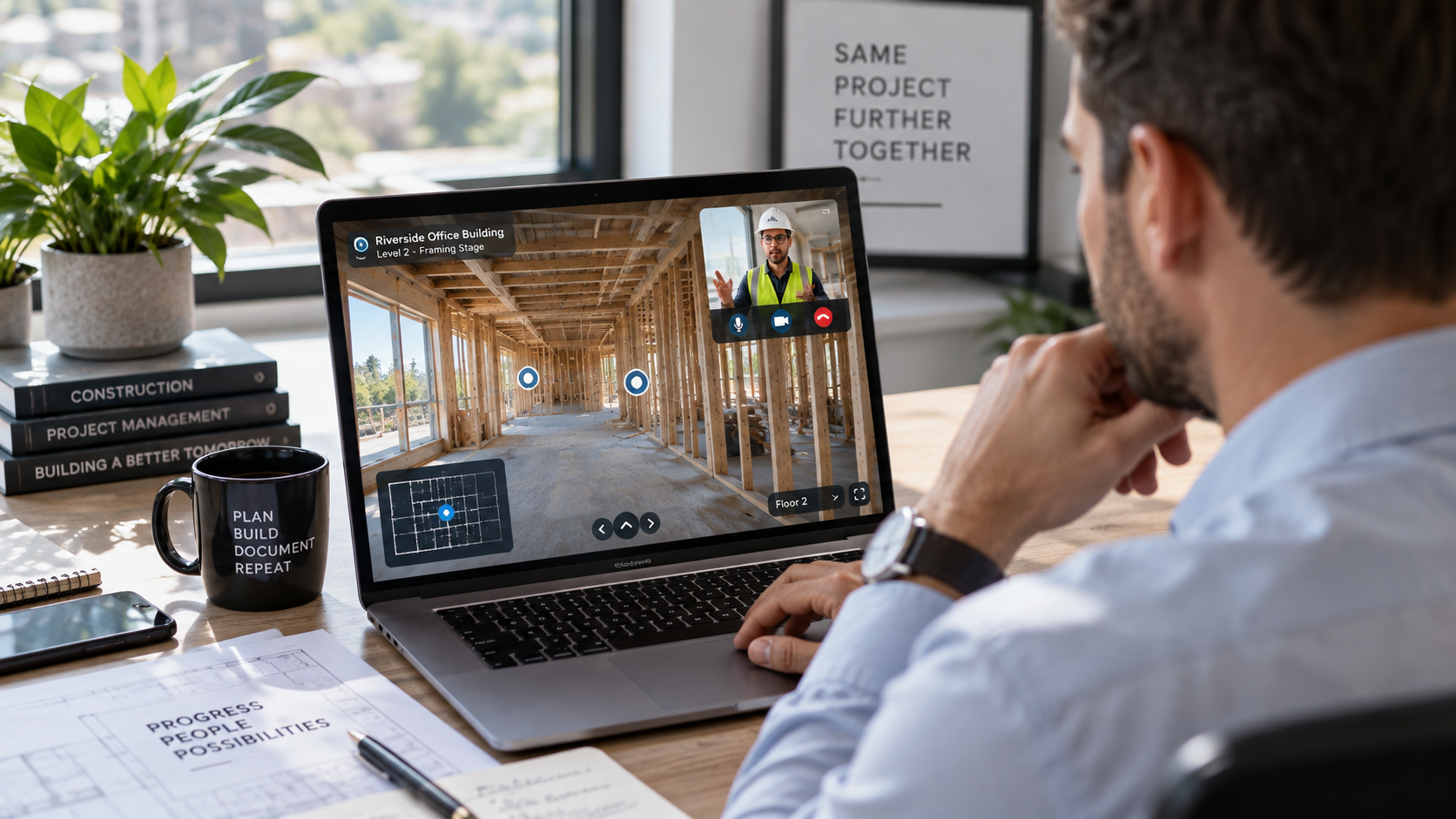
Owners, investors, consultants, and design teams may not be able to visit a jobsite as often as they would like, particularly when projects are spread across multiple regions.
A virtual tour allows these stakeholders to review documented progress remotely and on their own schedule, potentially reducing the need to coordinate some routine site visits, travel arrangements, and on-site walkthroughs.
This can be especially useful for out-of-town developers and organizations managing multiple properties or projects at the same time.
When questions arise about site conditions or work completed during a particular construction phase, organized visual documentation can provide valuable additional context.
A dated 360° record can make it easier to revisit what was visible in a particular area at the time it was captured rather than relying solely on individual photographs.
Construction sites also involve significant safety and documentation requirements. The OSHA construction industry resources provide guidance and information related to construction safety requirements and workplace practices.
A virtual tour should not be treated as a substitute for required safety, inspection, insurance, or compliance documentation. Instead, it can serve as a supplementary visual record that helps project teams organize and reference site conditions.
Multi-trade construction projects require careful coordination.
Plumbers, electricians, HVAC technicians, drywall crews, and other trades may need to work in overlapping areas or understand existing site conditions before beginning their portion of the project.
Sharing a current virtual tour can give subcontractors an additional visual reference before they arrive on-site, helping them better understand the condition and layout of a particular area.
It doesn't replace drawings, BIM models, specifications, or direct coordination between trades, but it can provide useful visual context alongside those resources.
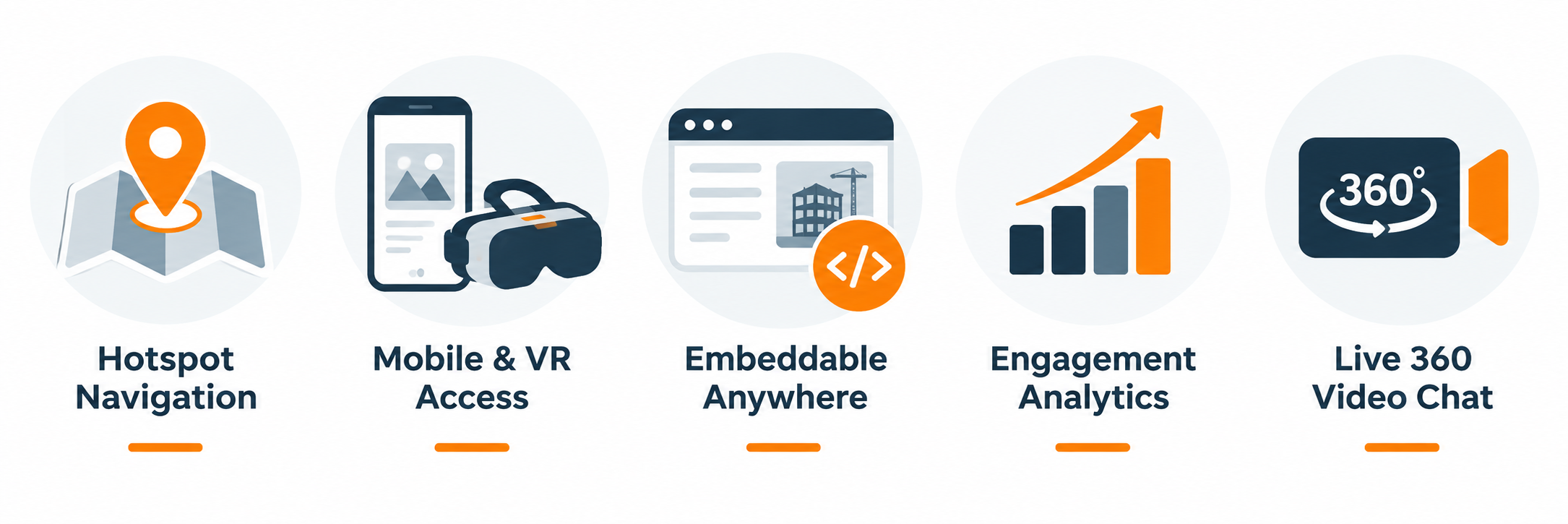
Not all virtual tour platforms offer the same features, and construction use cases can benefit from several specific capabilities.
Hotspot navigation between areas and floors. A useful construction tour platform should make it easy to connect 360° scenes through clickable hotspots. Viewers can then move between rooms, corridors, floors, and other areas in a logical sequence rather than opening each image separately.
For a multi-story project, this could mean navigating from the ground-floor lobby through different areas and levels in a way that reflects the building's actual layout.
Mobile and VR access. Field teams and remote stakeholders don't all use the same devices. Browser and mobile compatibility can make tours easier to access from phones, tablets, laptops, and desktop computers. Platforms that support VR viewing can provide an additional immersive option when compatible equipment is available.
Website embedding. The ability to embed a virtual tour directly into a webpage can be useful for project updates, client portals, company websites, model-unit presentations, and marketing pages.
Rather than directing viewers through multiple systems, an embedded tour can keep the experience within the webpage they're already viewing.
Analytics and engagement tracking. Some virtual tour platforms offer analytics directly or through integrations with analytics tools. Depending on the implementation, these tools can help teams understand how visitors interact with a tour.
Analytics should be interpreted carefully, however. High engagement with a particular scene doesn't necessarily mean that stakeholders have a concern about that area—it simply provides another signal that project or marketing teams can evaluate alongside other information.
Live 360° communication. Some platforms may also offer live 360° communication or guided viewing features. These can be useful when someone on-site needs to show a remote stakeholder an area in real time while discussing specific questions or conditions.
For time-sensitive reviews or remote collaboration, this can supplement self-guided virtual tours and traditional video calls.
Together, capabilities like these can make virtual tour software for construction useful for more than marketing alone, extending its role into documentation, communication, and remote project visibility.
The use of digital documentation tools reflects a broader shift toward technology-enabled construction workflows.
Organizations such as the Associated General Contractors of America provide resources and industry information covering construction technology, workforce development, safety, project delivery, and other issues affecting contractors.
Industry publications such as Engineering News-Record also regularly cover developments in construction technology and digital project delivery.
Virtual tours fit within this broader movement toward more accessible and organized digital project information. They provide teams with another way to document physical spaces and communicate visual progress without requiring every stakeholder to visit the site personally.
The exact value will depend on the project, capture frequency, platform, and how effectively the tours are integrated into the team's existing documentation workflow.
One of the practical advantages of many modern virtual tour platforms is that creating a basic tour doesn't necessarily require coding knowledge.
A typical workflow may involve capturing 360° photos with a compatible camera, uploading the images to a tour builder, arranging the scenes, and connecting them using hotspots through a visual interface.
Depending on the platform, additional features may include floor plans, information hotspots, branding, analytics, website embedding, or lead-generation forms.
Lead forms can be particularly useful when a construction company is using a tour for marketing purposes—for example, allowing prospective clients to explore a model unit, completed development, or portfolio project before submitting an inquiry.
For straightforward projects, these tools can allow project coordinators, documentation teams, or marketing staff to create and maintain tours internally rather than outsourcing every update.
Virtual tour software gives construction teams something that a traditional folder of photos can struggle to provide: a connected visual record that preserves more of the spatial context of a project.
From helping remote stakeholders understand site progress to supporting project documentation and subcontractor coordination, 360° tours can provide useful visual context throughout multiple phases of a build.
They can also serve a marketing role when used for completed projects, model units, or client-facing presentations.
Virtual tours don't replace formal drawings, inspections, BIM models, safety documentation, or other established construction records. Instead, they can complement those resources by making visual site information easier to navigate, share, and revisit.
For teams evaluating their options, exploring a purpose-built virtual tour software for construction platform is a practical next step toward making jobsite documentation easier to capture, easier to share, and more useful throughout the project's lifecycle.
You'll typically need a compatible 360° camera if you want to capture full panoramic scenes.The exact equipment requirements depend on the virtual tour platform and the type of documentation you're creating, so it's worth checking compatibility before purchasing hardware.
Virtual tours can be used during multiple stages of construction, including framing, rough-ins, finishes, final walkthroughs, and completed-project presentations.For construction teams, their value isn't limited to showcasing the finished property. They can also provide an ongoing visual record throughout the build.
This depends on the platform and the privacy settings selected by the tour creator.Many virtual tour platforms allow tours to be shared through a direct link or embedded into a webpage, but teams should verify the platform's access controls—particularly when tours contain sensitive jobsite or project information.
There's no universal schedule.Some teams may capture at major milestones such as foundation, framing, rough-in, drywall, finishes, and completion. Others may document the site weekly or according to specific project requirements.The best schedule is one that captures important conditions before they're concealed or significantly changed while remaining practical for the project team to maintain.


Compact, ready to go anywhere
Interchangeable lens that’s upgradeable
Dual 1-inch sensors for improved clarity and low light performance
Dynamic range and 6K 360° capture
360° photo resolution at 21MP

8K 360° video recording for ultra-detailed visuals.
4K single-lens mode for traditional wide-angle shots.
Invisible selfie stick effect for drone-like perspectives.
2.5-inch touchscreen with Gorilla Glass protection.
Waterproof up to 33ft for underwater shooting.

360° photo resolution in 23MP
Slim design at 24 mm thick
Built-in image stabilization for smooth video capture.
Internal 19GB storage for photo and video storage.
Wireless connectivity for remote control and sharing.

60MP 360° still images for high-resolution photography.
5.7K 360° video recording at 30fps.
2.25-inch touchscreen for intuitive control.
USB Type-C port for fast charging and data transfer.
MicroSD card slot for expandable storage.
.png)

.png)

Try it free. No credit card required. Instant set-up.







.svg)


.svg)