


.png)


Universities should avoid treating virtual tours as one-time marketing projects. A successful virtual tour platform designed for university admissions should be kept current, easy to access across devices, strategically placed throughout admissions pages, supported by quality 360° imagery, measured with appropriate analytics, and developed with input from admissions staff and prospective-student needs
A 360° virtual tour can be a valuable part of the admissions toolkit, sitting alongside campus visits, viewbooks, and information sessions as another way to help prospective students picture themselves on campus before they apply.
But simply building a tour isn't the same as building one that actively supports recruitment. Admissions offices may launch a virtual tour as a one-time project, only to find months later that it isn't generating the engagement or inquiries they expected.
In many cases, the problem isn't necessarily the platform itself but how the tour is planned, maintained, and promoted. Choosing the right virtual tour software built for higher education is only the first step. What happens after launch — how the tour is updated, where it's embedded, whether engagement is tracked, and how it's presented to different audiences — can determine whether it becomes a useful recruitment asset or simply another link buried on a webpage.
Below are some of the most common mistakes enrollment marketing teams can make with virtual tours, along with practical ways to address them.
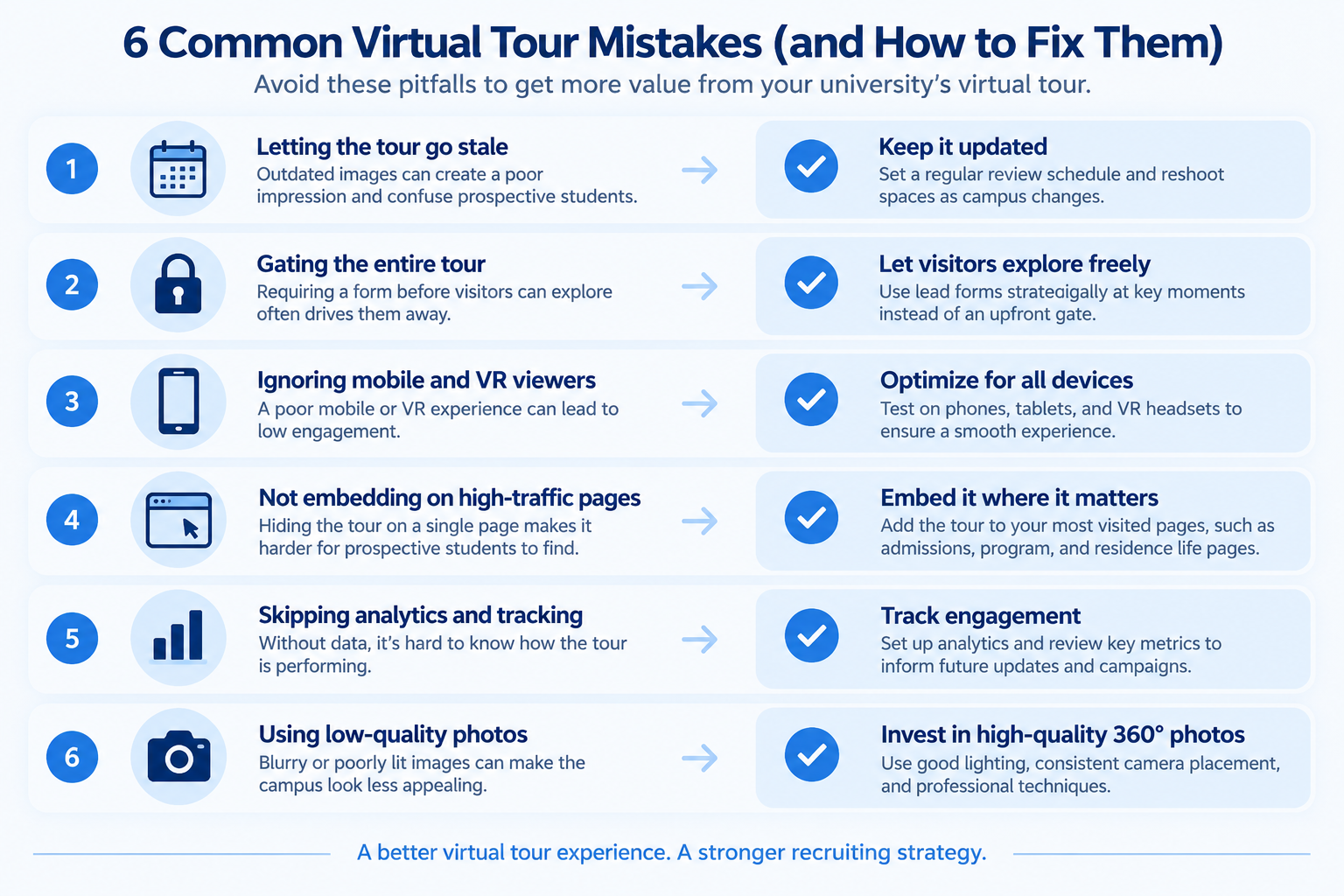
Campuses change constantly. New residence halls open, dining facilities are renovated, academic buildings are repurposed, and landscaping changes from season to season.
A virtual tour that still shows a construction fence around a building that opened two years ago can create the impression that the institution's digital content isn't being maintained. For prospective students and families relying on the tour to understand the campus remotely, outdated imagery can also be confusing.

The fix:
It's tempting to require a name and email address before a visitor can see a single scene. After all, capturing contact information is valuable to admissions teams.
But asking for personal information before prospective students have had a chance to experience the campus can add unnecessary friction, particularly for visitors who are still casually researching their options.
The fix: Let visitors explore freely and use lead-generation forms strategically rather than making them an immediate requirement.
For example, a form could appear after a visitor has explored several scenes or be connected to a specific action, such as requesting information about an academic program, downloading an admissions guide, or scheduling a campus visit.
A live 360° video chat option can also give highly interested prospects another way to ask questions in real time without requiring every visitor to follow the same conversion path.
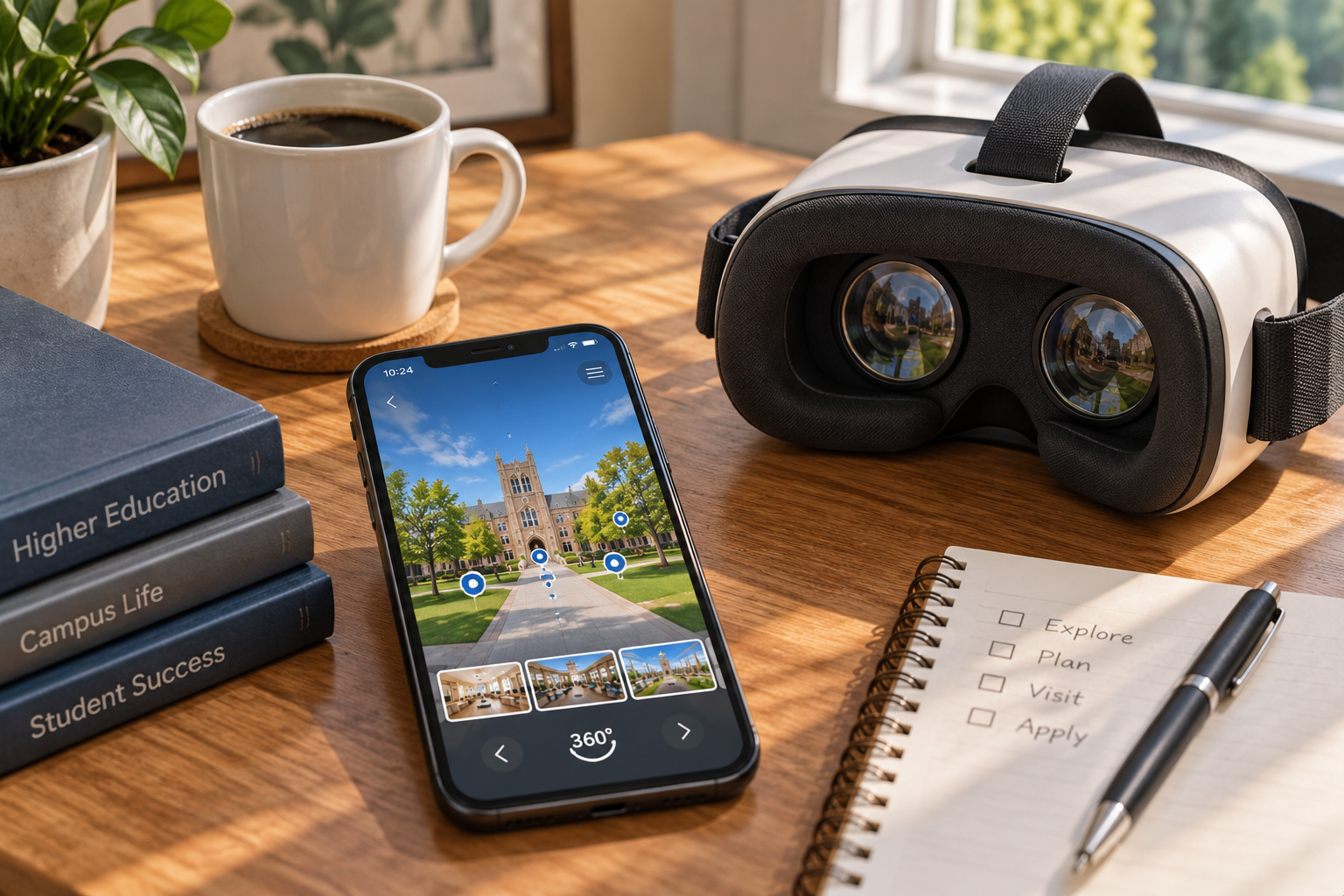
Prospective students and their families may encounter a virtual tour on a variety of devices, including smartphones and tablets. If the experience is slow to load, difficult to navigate using touch controls, or poorly formatted on smaller screens, visitors may leave before exploring much of the campus.
VR compatibility can also provide an additional immersive option, particularly for institutions that want to incorporate headsets into open houses, admissions events, or campus visit centers.
The fix:
A university can build an impressive virtual tour and still struggle to generate engagement if the experience is difficult to find.
For example, placing the tour exclusively on a dedicated “Virtual Tour” page means prospective students have to intentionally search for it. Meanwhile, pages they already visit — such as admissions, academic programs, residence life, and recruitment campaign landing pages — may never introduce them to the experience.
The fix: Embed the tour directly on relevant pages prospective students already visit using embeddable virtual tour software built for higher education.
Depending on your website and recruitment strategy, that could include the admissions homepage, academic program pages, residence life pages, international admissions pages, and landing pages used for paid advertising or email campaigns.
Because a virtual tour can be embedded across multiple relevant webpages, it doesn't need to be limited to a single destination.
Without tracking, admissions teams have limited visibility into how prospective students interact with their virtual tour.
Are visitors entering the tour and leaving immediately? Are certain campus spaces attracting more attention? Are visitors interacting with calls to action or lead forms?
These are useful questions when evaluating whether the tour is contributing to a broader recruitment strategy.
The fix:
Be careful not to assume that every virtual tour platform or Google Analytics configuration automatically provides scene-level dwell time or building-specific engagement data. The exact metrics available will depend on the platform and tracking implementation.
A virtual tour may be one of a prospective student's first detailed visual experiences of campus. Blurry, poorly lit, distorted, or badly stitched 360° photography can make the experience less convincing, particularly in spaces designed to communicate campus life, such as residence halls, student centers, classrooms, and dining facilities.
The fix: Plan your photography around consistent, flattering lighting conditions. Avoid extreme differences between bright windows and dark interiors where possible, and use a tripod at a consistent height across scenes so the experience feels cohesive rather than assembled from mismatched perspectives.
Pay attention to stitching quality, exposure, camera placement, and anything that could distract from the space itself.
If your institution doesn't have staff experienced with 360° photography, working with a photographer familiar with the format for the initial capture may reduce the amount of correction and reshooting required later.
Some institutions may treat a virtual tour primarily as a marketing or communications project without sufficiently involving admissions counselors.
That's a missed opportunity.
Admissions counselors and student ambassadors regularly hear the questions prospective students and families actually ask. They know which residence halls generate questions, which facilities applicants want to see, which academic spaces matter to particular programs, and which parts of campus can be difficult to understand remotely.
The fix: Involve admissions counselors and student ambassadors early in the planning process rather than waiting until launch.
Ask them which buildings, rooms, and campus experiences come up most frequently in conversations with prospective students. Use that feedback to prioritize scenes, write hotspot descriptions, and identify areas that may benefit from additional explanation.
Counselors can also help determine where a live 360° video conversation may add value beyond a self-guided experience.
Most of these mistakes share the same underlying issue: treating a virtual tour as a one-time deliverable instead of an ongoing part of the university's recruitment strategy.
Keeping imagery current, making the experience easy to discover, testing it across devices, reviewing engagement data, and involving admissions staff in its development can help turn a virtual tour into a more useful resource for prospective students and families.
Investing in the right virtual tour platform designed for university admissions provides the foundation. Maintaining and integrating that experience thoughtfully is what helps the institution get more value from the investment.
There isn't one schedule that works for every institution. A quarterly review can be a practical starting point, with additional updates following major renovations, new building openings, significant rebranding, or other changes that make existing imagery inaccurate.The important thing is to establish clear ownership and a regular review process rather than waiting until someone happens to notice outdated content.
Not necessarily. Allowing visitors to begin exploring without immediately providing personal information can create a lower-friction experience.Lead forms can instead be introduced at relevant points — for example, when a visitor requests more information, schedules a visit, asks about a program, or takes another action that indicates stronger interest.
Ideally, wherever it adds useful context to the prospective student's journey.That could include the admissions homepage, program-specific pages, residence life pages, international admissions pages, and campaign landing pages. An embedded experience can often be more discoverable than relying exclusively on a link to a dedicated virtual-tour page.
No. A self-guided virtual tour can function perfectly well on its own.Live video functionality provides an additional option for institutions that want admissions counselors to answer questions or guide prospective students through specific campus spaces in real time. The two experiences can complement each other rather than one being required for the other.
Universities should consider 360° image quality, mobile usability, accessibility, hotspot navigation, embedding, analytics, lead capture, branding, privacy controls, and ease of updating content. The right platform should also fit the institution's existing admissions workflow rather than creating another isolated marketing system.


Compact, ready to go anywhere
Interchangeable lens that’s upgradeable
Dual 1-inch sensors for improved clarity and low light performance
Dynamic range and 6K 360° capture
360° photo resolution at 21MP

8K 360° video recording for ultra-detailed visuals.
4K single-lens mode for traditional wide-angle shots.
Invisible selfie stick effect for drone-like perspectives.
2.5-inch touchscreen with Gorilla Glass protection.
Waterproof up to 33ft for underwater shooting.

360° photo resolution in 23MP
Slim design at 24 mm thick
Built-in image stabilization for smooth video capture.
Internal 19GB storage for photo and video storage.
Wireless connectivity for remote control and sharing.

60MP 360° still images for high-resolution photography.
5.7K 360° video recording at 30fps.
2.25-inch touchscreen for intuitive control.
USB Type-C port for fast charging and data transfer.
MicroSD card slot for expandable storage.
.png)

.png)

Try it free. No credit card required. Instant set-up.







.svg)


.svg)