


.png)


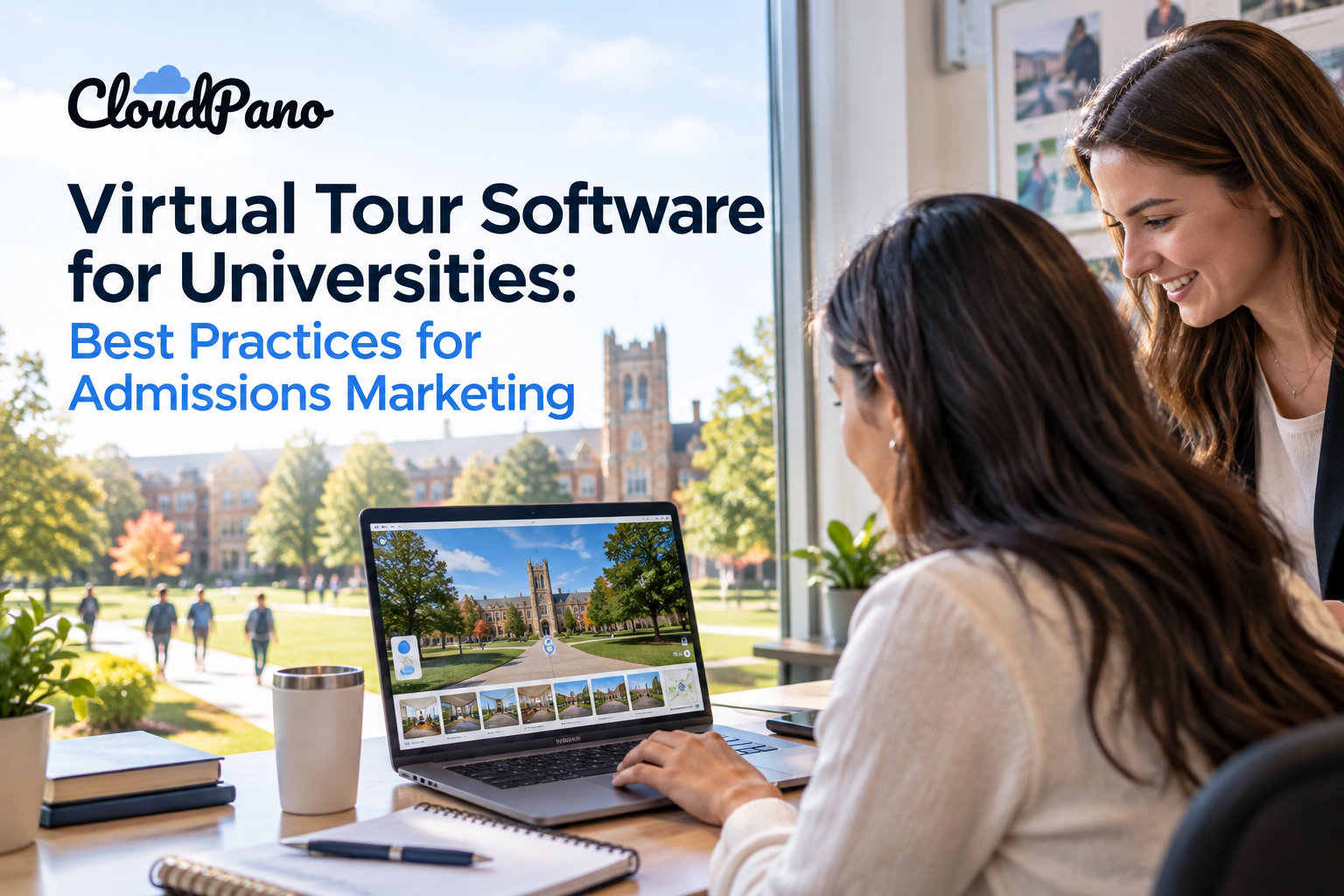
Universities can get more value from the right virtual tour platform for higher education by promoting tours across admissions channels, keeping campus imagery current, optimizing the experience for mobile and accessibility, using lead forms strategically, tracking meaningful engagement, and combining self-guided tours with opportunities for personalized admissions interaction.
Prospective students and their families often do much of their college research online, long before they ever set foot on a campus. For admissions offices and enrollment marketing teams, this shift has made virtual tours an increasingly valuable recruitment tool. A well-built 360° virtual tour allows students to explore residence halls, science buildings, student unions, and other campus spaces from a phone or laptop, at any time and from almost anywhere.
Simply publishing a tour isn't enough, though. Institutions can get more value from their investment by treating the tour as an ongoing marketing asset rather than a one-time project. Choosing the right virtual tour platform for higher education is the first step, but how the tool is used throughout the enrollment funnel can determine how effectively it supports recruitment goals.
Below are practical best practices for making a university virtual tour more visible, useful, and engaging throughout the admissions journey.
Virtual experiences have become one component of higher-education outreach. EducationUSA, a U.S. Department of State network, offers virtual campus visits alongside in-person campus hosting opportunities, illustrating how remote campus experiences can complement traditional outreach.
A virtual tour can extend the reach of an admissions office beyond students who can physically visit campus, giving out-of-state, international, transfer, and adult learners another way to explore the institution. It can also help students preview buildings before an official visit or revisit spaces afterward.
Used strategically, a virtual tour can become an ongoing recruitment channel that remains accessible outside regular tour schedules and office hours.
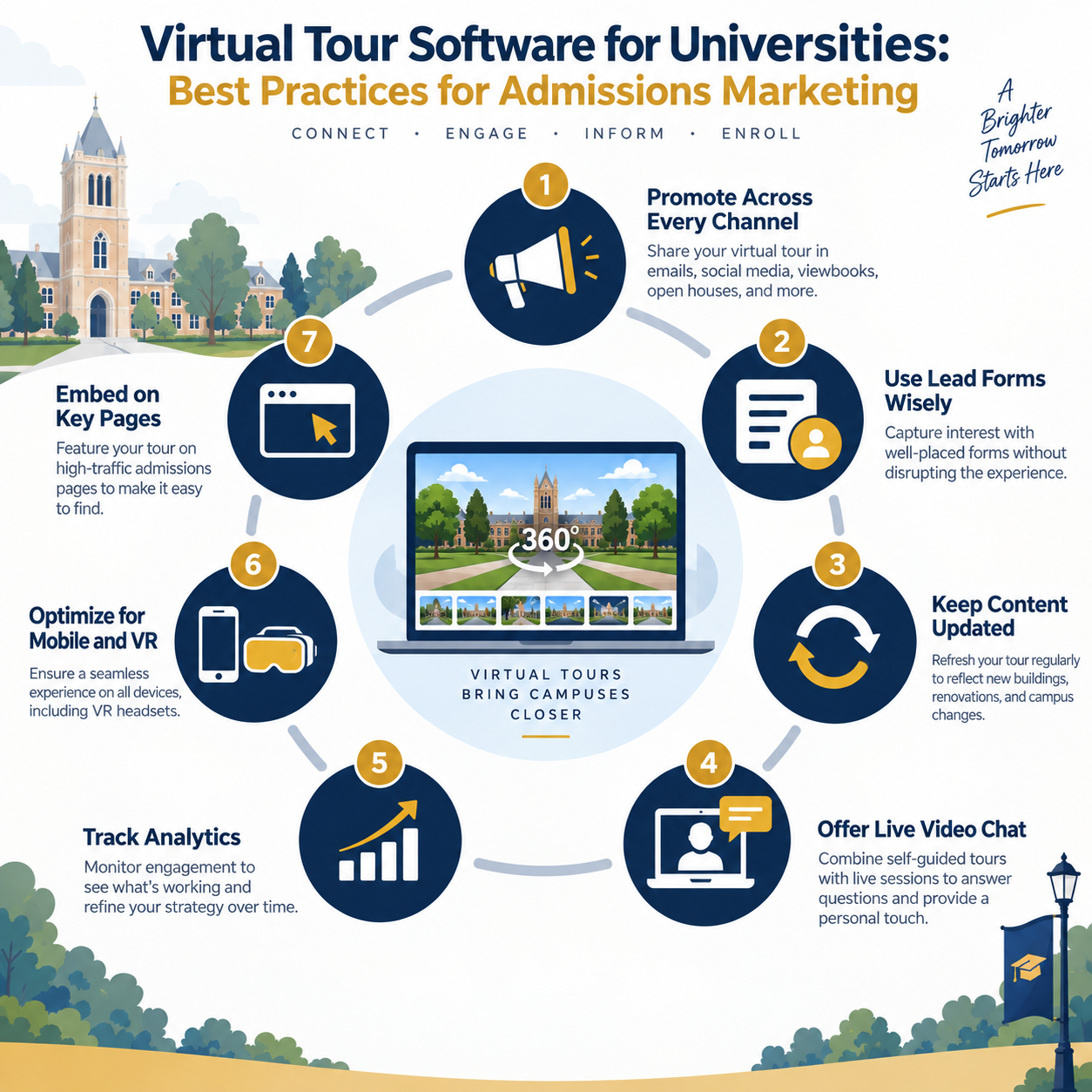
A virtual tour can only deliver value if prospective students can easily find it. Rather than linking to it solely from a "Visit Us" page, admissions marketing teams can incorporate the tour into the channels they already use, including recruitment emails, social media posts, digital viewbooks, open-house follow-ups, and print materials through QR codes.
For example, a QR code on a mailed brochure or a banner at a college fair can direct prospective students to an immersive walkthrough of a residence hall, laboratory, or other campus space.
Treat the virtual tour as a recurring call to action throughout the admissions communication plan rather than a link that is promoted once and then forgotten.
Built-in lead-generation forms can allow visitors to request more information, sign up for an information session, or connect with an admissions counselor directly from the tour.
However, gating too much of the experience behind a form can interrupt exploration. A more visitor-friendly approach is to allow prospective students to explore freely and place forms at natural decision points — such as after viewing a residence hall or near the end of the full tour.
This makes the call to action feel like a logical next step rather than a requirement for accessing the experience.
Enrollment organizations such as EAB have emphasized the importance of meeting prospective students at the appropriate stage of their decision journey, and that same principle can help guide how lead-capture forms are incorporated into a virtual tour.
Campuses aren't static. New buildings open, renovations are completed, dining halls are redesigned, and facilities change over time. An outdated virtual tour can create a disconnect between what prospective students see online and what they encounter on campus.
Admissions marketing teams should consider incorporating virtual-tour maintenance into their content calendar, reviewing scenes periodically and updating them whenever significant campus changes occur.
With a no-code platform, marketing teams may also be able to update scenes, hotspots, and embedded information directly without relying on developers for routine changes.
A self-guided 360° tour can introduce students to many parts of campus, but it can't necessarily answer individual questions about scholarships, academic programs, housing, or admissions requirements.
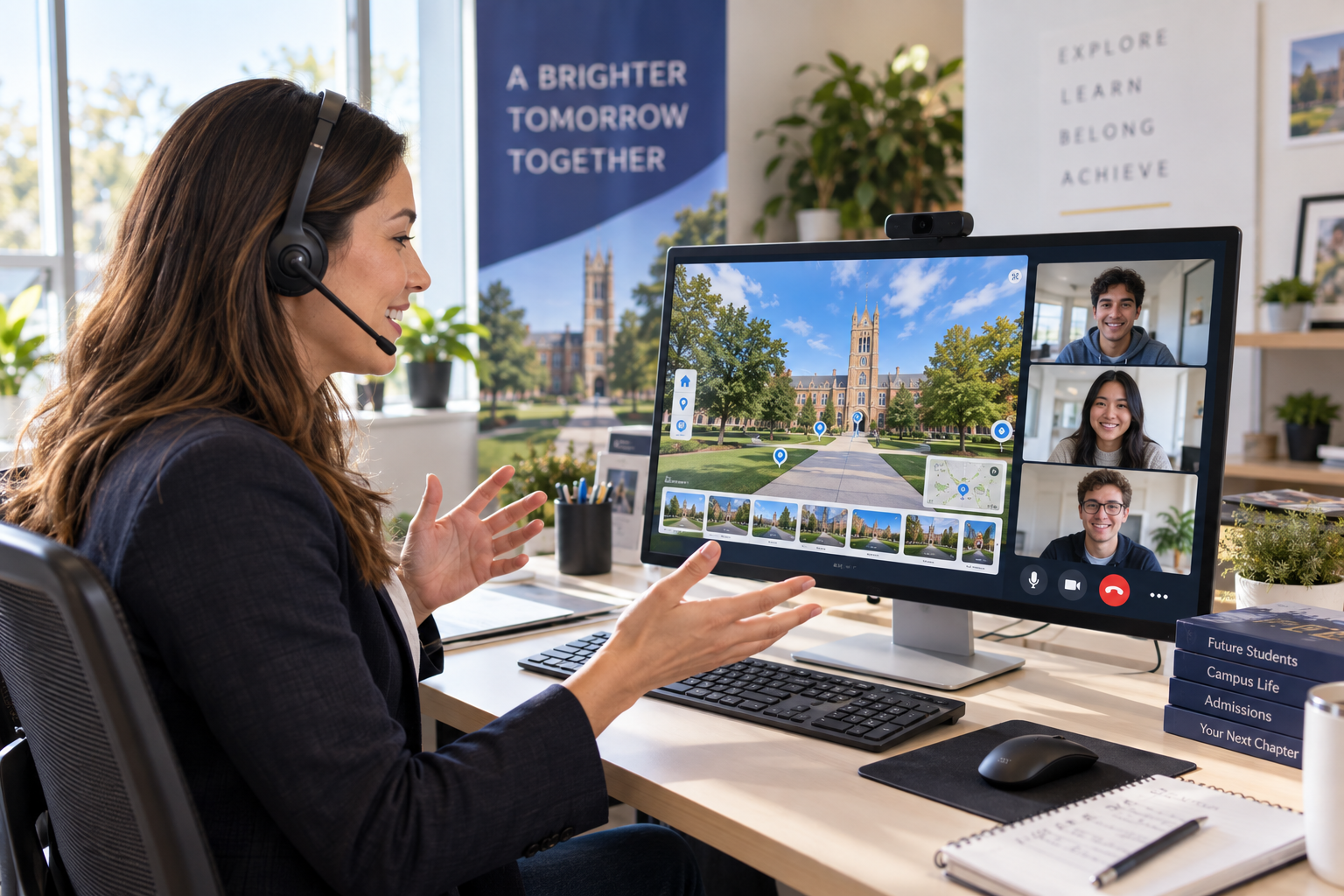
Pairing a virtual tour with live video or virtual information sessions can give admissions counselors an opportunity to answer questions while helping prospective students explore relevant campus spaces.
This can be especially useful for out-of-state and international applicants who may not be able to visit campus before making an enrollment decision.
Offering both an always-available self-guided tour and scheduled live sessions gives prospective students and families different ways to explore the institution based on their needs and availability.
Connecting your virtual tour with available analytics tools can help turn it into a source of useful marketing data.
Depending on the platform and analytics configuration, admissions teams may be able to track metrics such as tour visits, scene views, hotspot interactions, and other engagement signals. These insights can help teams understand which parts of the campus experience attract the most attention and where visitors may be leaving the tour.
Define the interactions that actually matter to your admissions strategy, such as tour starts, CTA clicks, information requests, or completed lead forms. Google Analytics supports event-based measurement, but the events available from a virtual tour will depend on the platform and tracking implementation.
That information can then inform decisions about which spaces to feature in recruitment campaigns or which scenes may need updated imagery or stronger calls to action.
Organizations such as Ruffalo Noel Levitz have discussed the growing role of data in enrollment strategy, and virtual-tour engagement data can contribute another source of first-party insight.
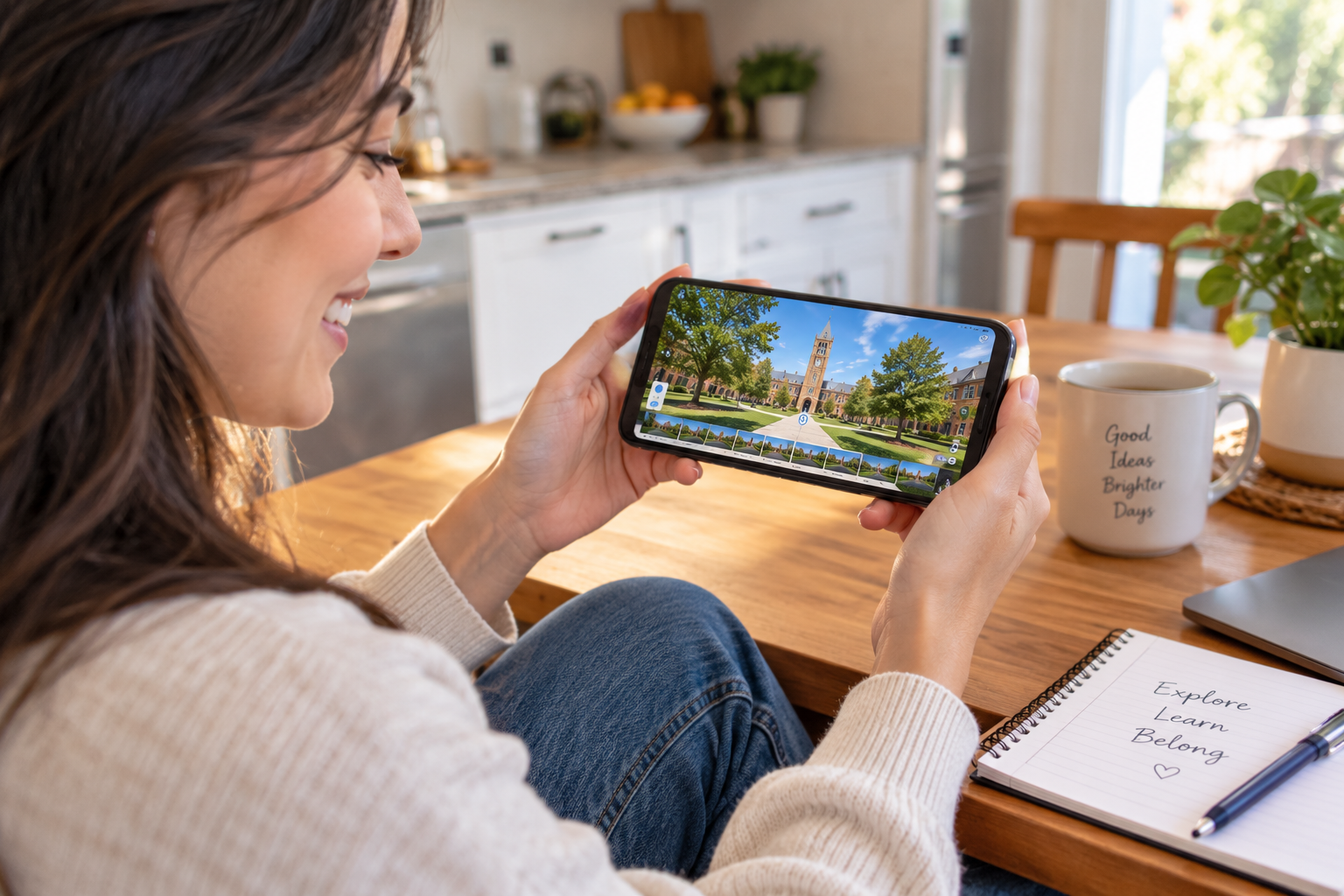
Prospective students may access a virtual tour from many different devices, including smartphones, tablets, and desktop computers. Optimizing the experience for mobile navigation helps ensure that hotspots are easy to tap, text remains readable, and scenes load smoothly on smaller screens.
If the platform supports VR headsets, admissions teams can also use the tour to create more immersive experiences at open houses, college fairs, high school visits, and other recruitment events.
Supporting both convenient mobile browsing and immersive viewing options gives prospective students more flexibility in how they experience the campus.
Admissions teams should also evaluate accessibility when testing the tour. Navigation controls, hotspots, text, forms, and other interactive elements should be usable across different devices and input methods. W3C accessibility guidance specifically addresses mobile considerations such as small screens, touchscreen interaction, and appropriately sized controls. W3C
Even an impressive virtual tour can underperform if it's buried several clicks deep within the university website.
Consider embedding or prominently linking the tour from high-visibility pages such as the main admissions landing page, "Visit Campus" page, housing pages, and relevant academic program pages.
If your virtual tour platform supports publishing to Google Street View, appropriate campus imagery may also provide an additional discovery path for people exploring the institution through Google Maps.
A well-built campus tour should be easy to discover rather than hidden within the website. White-label and custom-domain options can also help maintain a consistent branded experience wherever the tour is embedded or shared.
A virtual tour is most effective when there's a clear strategy behind it. Promoting it across admissions touchpoints, using lead forms thoughtfully, keeping scenes current, combining self-guided exploration with opportunities for live interaction, monitoring available analytics, and making the experience easy to find can turn the tour into a valuable recruitment asset.
Admissions marketing teams evaluating their options should look closely at virtual tour software designed for university admissions and consider whether the platform supports the features and workflows they'll need as their virtual campus experience evolves.
No, and they don't need to.A virtual tour is best viewed as a complement to an in-person visit rather than a substitute. It gives students who can't easily travel to campus an opportunity to explore remotely, while students planning an in-person visit can use the tour to familiarize themselves with the campus beforehand.It can also help students revisit spaces after their trip as they continue evaluating their options.
There's no universal schedule that works for every institution, but reviewing the tour at least annually is a sensible starting point. Updates should also be considered whenever significant campus changes occur, such as the opening of a new building, a major renovation, or a redesigned common space.With no-code virtual tour software, routine updates may be handled directly by marketing staff rather than requiring developer involvement.
No. Requiring visitors to complete forms throughout the experience can disrupt exploration.Instead, consider placing forms at a few relevant points — such as after a residence hall walkthrough or at the end of the tour — so prospective students can explore before deciding whether they want to provide their contact information.
Yes. The two experiences can complement each other.A self-guided tour allows prospective students to explore campus on their own schedule, while live virtual sessions give counselors an opportunity to answer individual questions and provide additional context.Using both can give prospective students flexibility while still providing opportunities for personalized interaction.
Universities should consider ease of use, mobile accessibility, 360° navigation, embedding options, branding, analytics, lead capture, content updates, and support for existing admissions workflows. The right virtual tour platform for higher education should make the campus experience easy for prospective students to explore while remaining practical for admissions and marketing teams to maintain.


Compact, ready to go anywhere
Interchangeable lens that’s upgradeable
Dual 1-inch sensors for improved clarity and low light performance
Dynamic range and 6K 360° capture
360° photo resolution at 21MP

8K 360° video recording for ultra-detailed visuals.
4K single-lens mode for traditional wide-angle shots.
Invisible selfie stick effect for drone-like perspectives.
2.5-inch touchscreen with Gorilla Glass protection.
Waterproof up to 33ft for underwater shooting.

360° photo resolution in 23MP
Slim design at 24 mm thick
Built-in image stabilization for smooth video capture.
Internal 19GB storage for photo and video storage.
Wireless connectivity for remote control and sharing.

60MP 360° still images for high-resolution photography.
5.7K 360° video recording at 30fps.
2.25-inch touchscreen for intuitive control.
USB Type-C port for fast charging and data transfer.
MicroSD card slot for expandable storage.
.png)

.png)

Try it free. No credit card required. Instant set-up.







.svg)


.svg)