


.png)


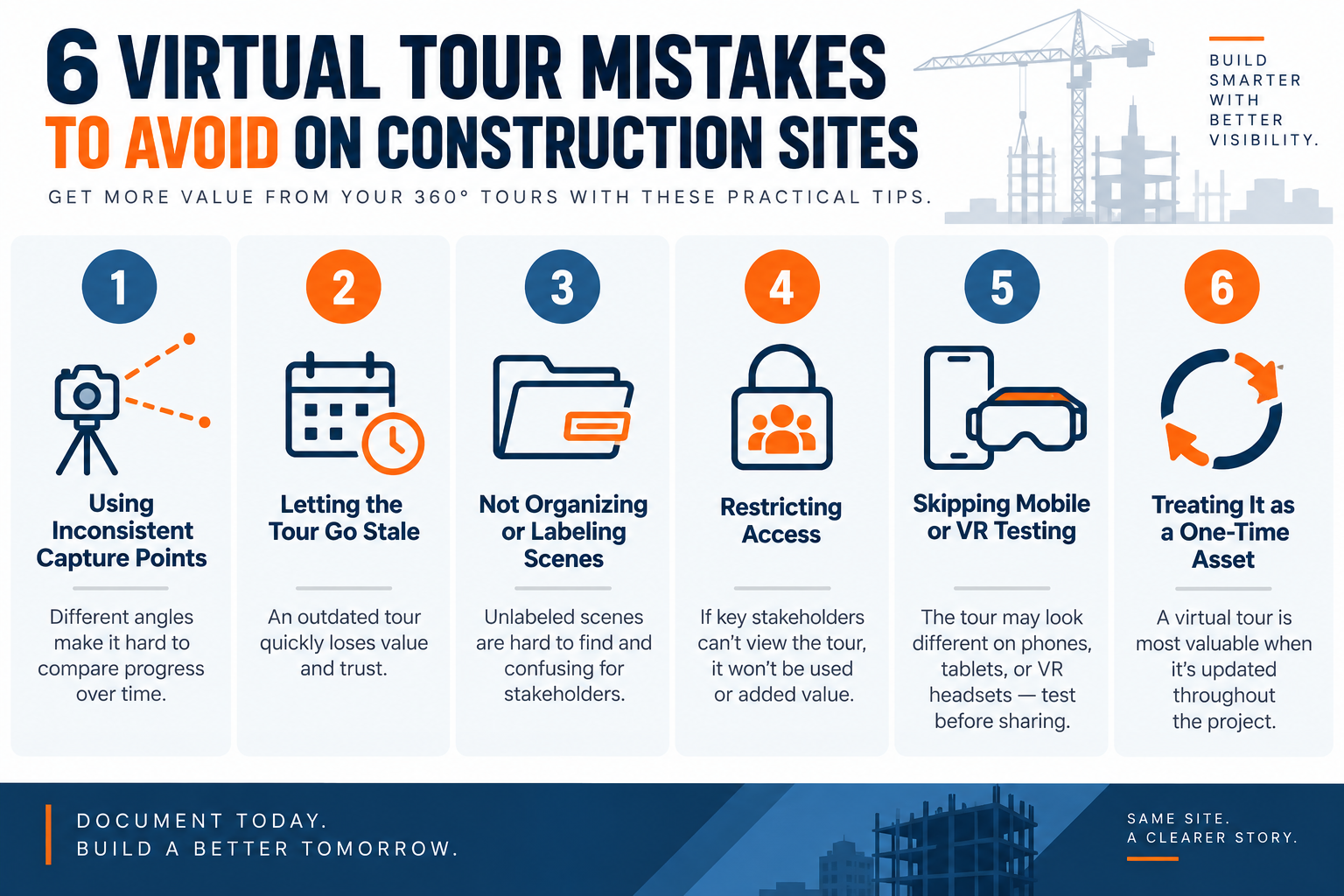
The most common mistakes include using inconsistent capture points, failing to update tours regularly, poorly labeling scenes, restricting stakeholder access, skipping mobile or VR testing, and treating the virtual tour as a one-time asset instead of ongoing project documentation. A consistent capture, organization, and update process helps construction teams maintain a more useful visual record throughout the project.
More construction teams are turning to virtual tour software for construction projects to document progress, coordinate remote stakeholders, and reduce unnecessary site visits.
But running a 360° tour program on an active job site is different from using one on a finished property. The space changes constantly, multiple trades move through it, and the tour needs to remain useful throughout the build — not just at handover.
A handful of avoidable habits can quietly undermine the value of the technology, turning what should be an organized visual record into outdated documentation that stakeholders no longer rely on.
Below are six common mistakes project managers and site teams should watch for, along with practical ways to avoid them.
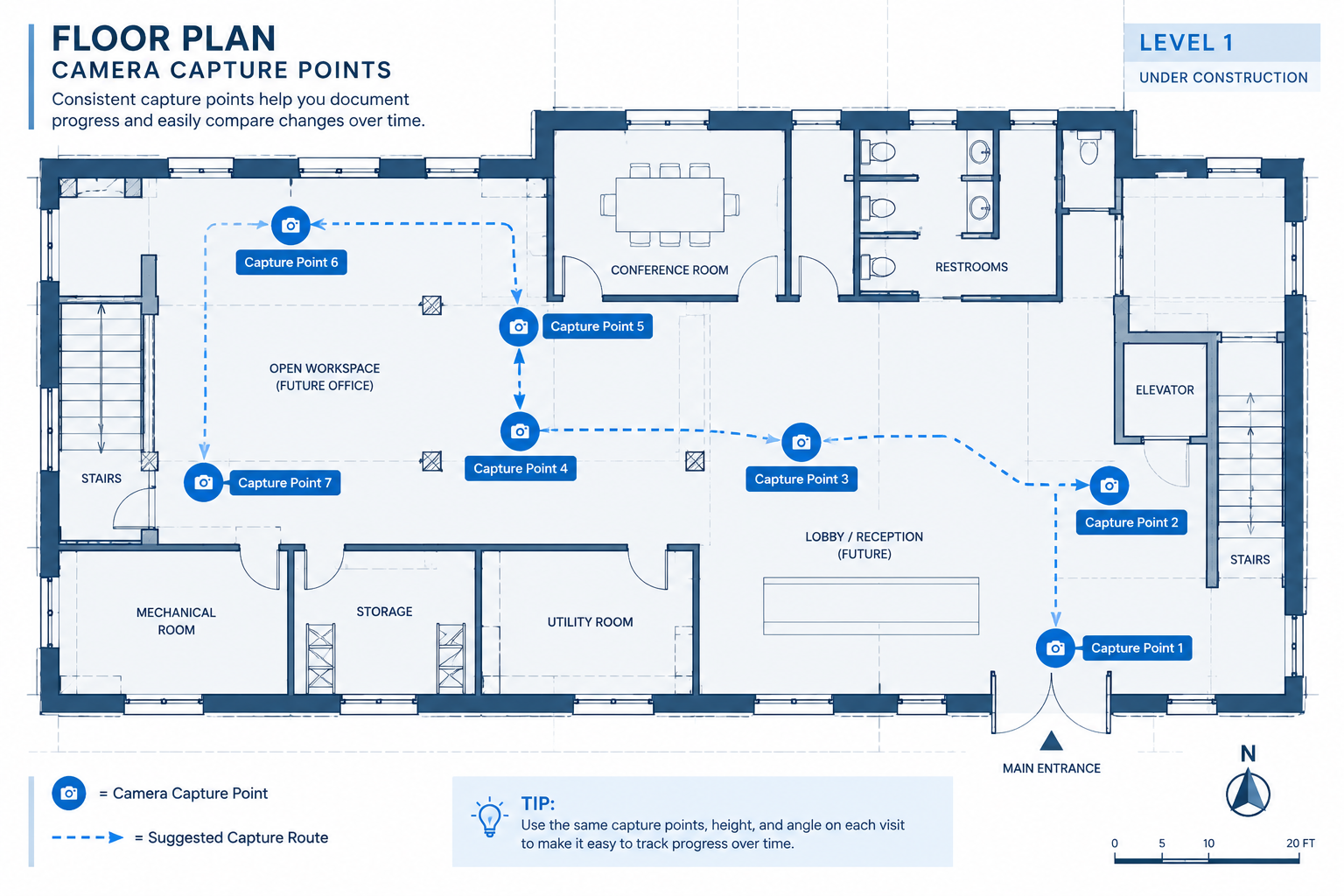
When different team members capture scenes from different locations on each visit — or skip areas that were documented previously — comparing progress over time becomes difficult.
A viewer looking through weekly or monthly updates may struggle to determine what actually changed if the camera doesn't return to approximately the same position, height, and orientation.
This inconsistency is more than a cosmetic problem. When a tour is being used as a record of site conditions, consistency makes it easier for stakeholders to understand what was present at a particular point in the project.
This can be particularly important when visual documentation is referenced during a safety-related conversation or compliance review. A virtual tour should not replace required safety inspections or compliance documentation, but maintaining consistent captures can make it a more useful supplementary visual record.
The fix:
It's common for a team to capture a detailed tour after a major milestone — foundation work, completed framing, or rough-in — and then gradually stop updating it.
The tour may accurately represent the site when it's created, but as construction progresses, those scenes quickly become outdated. Stakeholders who return to the tour need to know whether what they're seeing still represents current conditions.
If a virtual tour regularly lags behind the actual site, people may become less likely to rely on it as a current visual reference.
The fix: Treat tour updates like any other recurring site documentation task rather than something that happens only after major milestones.
Choose a cadence that makes sense for the pace of the project. For a fast-moving build, that might mean weekly updates; for other projects, biweekly or milestone-based captures may be sufficient.
Add the task to an existing project schedule and assign clear ownership so updates don't depend on someone remembering to do them when the site gets busy. Tying the capture to an established routine — such as a progress meeting or scheduled documentation day — can make consistency easier to maintain.
A tour with dozens of unlabeled scenes named “Scene 1,” “Scene 2,” and so on can quickly become difficult to use, even when the capture quality is excellent.
Without clear labeling by phase, floor, date, zone, or trade, team members may spend unnecessary time searching for the view they need. New stakeholders joining the project may have an even harder time understanding where each scene fits into the overall build.
This becomes especially important on projects involving multiple subcontractors, consultants, and owner representatives who all need to reference the same documentation but may not have been present when it was captured.
Clear and consistent organization is therefore just as important as the quality of the 360° images themselves.
The fix:
A construction team can build an excellent virtual tour and still get little value from it if the people who need the information can't easily access it.
Owners, architects, consultants, subcontractors, insurers, or lenders may benefit from remote visual access depending on the project. If viewing the tour requires repeated manual requests or unnecessary steps, stakeholders may simply stop using it.
At the same time, construction documentation can contain sensitive project information, so making access easier shouldn't mean making every tour publicly available.
The fix: Decide early which stakeholders need ongoing access and choose the appropriate permissions for each project.
For example, an owner's representative, key subcontractors, or consultants conducting periodic reviews may benefit from standing access rather than requesting the link each time.
When appropriate, a tour can also be embedded in a project webpage or client portal so stakeholders can access it alongside other information they already review.
For public-facing project tours intended for marketing or business development, features such as embedded contact forms may also help turn interested viewers into potential leads.
Choosing virtual tour software for construction that offers straightforward sharing and access options can make this process easier to manage.
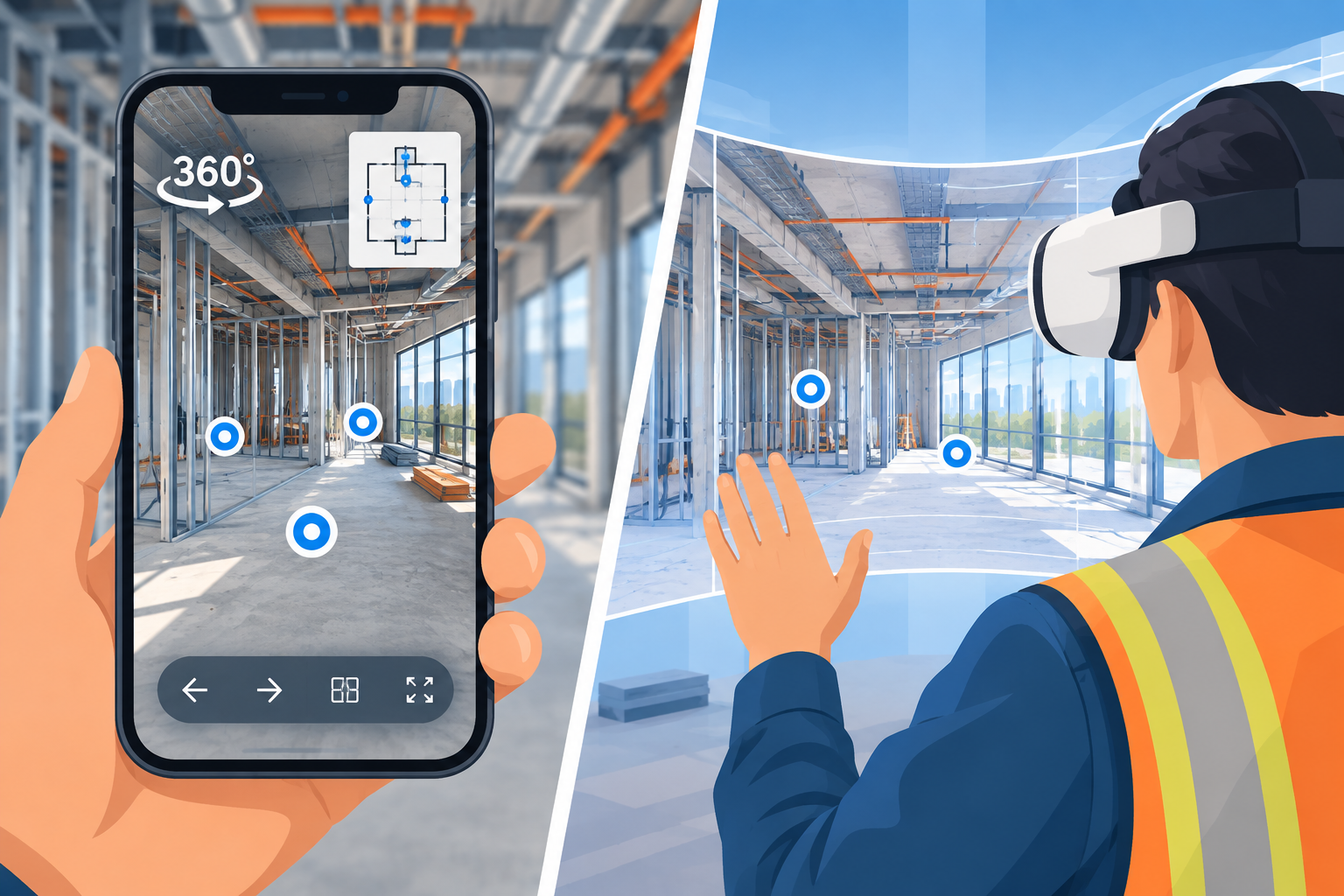
A tour that works perfectly on a desktop monitor in the site office may provide a different experience on the devices stakeholders actually use.
A client may open it on a phone. A project manager may review it on a tablet. A remote stakeholder might use a VR headset for a more immersive walkthrough.
Differences in screen size, connection speed, and navigation method can affect how easy the tour is to use.
Testing before sharing helps catch problems such as slow-loading scenes, difficult hotspot placement, or confusing navigation before those issues reach a client or stakeholder.
The fix:
Some construction companies first adopt virtual tours for a single purpose — showcasing a completed project, helping market units, impressing a prospective client, or documenting a major milestone.
Those are all valid uses, but stopping there leaves much of the technology's potential unused.
When incorporated throughout the project, a virtual tour can become a visual record that helps stakeholders understand how spaces change from one phase to another.
The fix: Define the role of the virtual tour from the beginning.
If progress documentation is one of the goals, incorporate captures into the same general workflow as other recurring project records rather than treating the tour as a one-time deliverable.
When analytics are available, teams can also review overall tour engagement to better understand how stakeholders are interacting with the content. Depending on the analytics capabilities provided, that information may help teams determine which areas or updates attract the most attention.
The goal is to make the tour part of a repeatable documentation process rather than a technology that gets used once and forgotten.
How often should a construction site update its virtual tour?
There's no single schedule that works for every construction project. The right cadence depends on how quickly site conditions are changing and why the tour is being maintained.
Fast-moving projects may benefit from weekly updates, while biweekly or milestone-based captures may be sufficient for others. What matters most is establishing a predictable schedule so stakeholders understand how current the visual record is.
Who should be responsible for capturing scenes on-site?
It's usually helpful to assign responsibility to a specific person or role, such as a site superintendent or project engineer, rather than leaving the task to whoever happens to be available.
Consistent ownership can help keep capture points, camera height, angles, labeling, and update schedules more uniform across visits.
Does a virtual tour replace in-person site walks?
No. A virtual tour is a complement to in-person visits and inspections, not a replacement for them.
It can be useful for remote stakeholders, progress reviews, quick reference, and historical comparisons, but hands-on inspections, measurements, safety procedures, and other activities requiring physical presence still need to happen on-site.
Is special equipment or training needed to keep a tour updated?
The exact requirements depend on the platform and capture workflow being used.
A 360° camera and a documented capture routine may be sufficient for many no-code virtual tour platforms. Teams should still familiarize themselves with the camera, upload process, scene organization, hotspot setup, and sharing controls before making the tour part of their regular documentation workflow.
Virtual tours are only as useful as the processes built around them.
Consistent capture points, regular updates, clear organization, appropriate stakeholder access, cross-device testing, and an ongoing documentation mindset can all help turn a 360° tour into a more useful project resource.
Avoiding these six mistakes is largely a matter of establishing a repeatable workflow rather than adding more technology.
For project managers looking to get more consistent, long-term value from visual site documentation, choosing virtual tour software for construction that supports easy updates, flexible sharing, hotspot navigation, and compatibility across the devices your stakeholders actually use can make those habits much easier to maintain throughout the project.
There is no single update schedule for every project. Fast-moving construction projects may benefit from weekly updates, while biweekly or milestone-based captures may be sufficient for others. The most important factor is maintaining a predictable schedule so stakeholders know how current the visual documentation is.
Consistent capture points make it easier to compare site conditions across different dates and project phases. Teams should try to maintain similar camera locations, heights, and orientations during recurring captures.
Scenes should follow a consistent naming system using information such as the construction phase, floor, zone, location, or capture date. Clear organization helps stakeholders locate relevant areas without searching through dozens of generic scene names.
No. Virtual tours can support remote reviews, progress documentation, historical comparisons, and stakeholder communication, but they do not replace required inspections, measurements, safety procedures, or other activities requiring physical presence.
At minimum, teams should test tours on desktop computers, smartphones, and tablets. If VR viewing is offered to stakeholders, the tour should also be tested on the intended VR hardware before it is shared.


Compact, ready to go anywhere
Interchangeable lens that’s upgradeable
Dual 1-inch sensors for improved clarity and low light performance
Dynamic range and 6K 360° capture
360° photo resolution at 21MP

8K 360° video recording for ultra-detailed visuals.
4K single-lens mode for traditional wide-angle shots.
Invisible selfie stick effect for drone-like perspectives.
2.5-inch touchscreen with Gorilla Glass protection.
Waterproof up to 33ft for underwater shooting.

360° photo resolution in 23MP
Slim design at 24 mm thick
Built-in image stabilization for smooth video capture.
Internal 19GB storage for photo and video storage.
Wireless connectivity for remote control and sharing.

60MP 360° still images for high-resolution photography.
5.7K 360° video recording at 30fps.
2.25-inch touchscreen for intuitive control.
USB Type-C port for fast charging and data transfer.
MicroSD card slot for expandable storage.
.png)

.png)

Try it free. No credit card required. Instant set-up.





.svg)


.svg)