


.png)


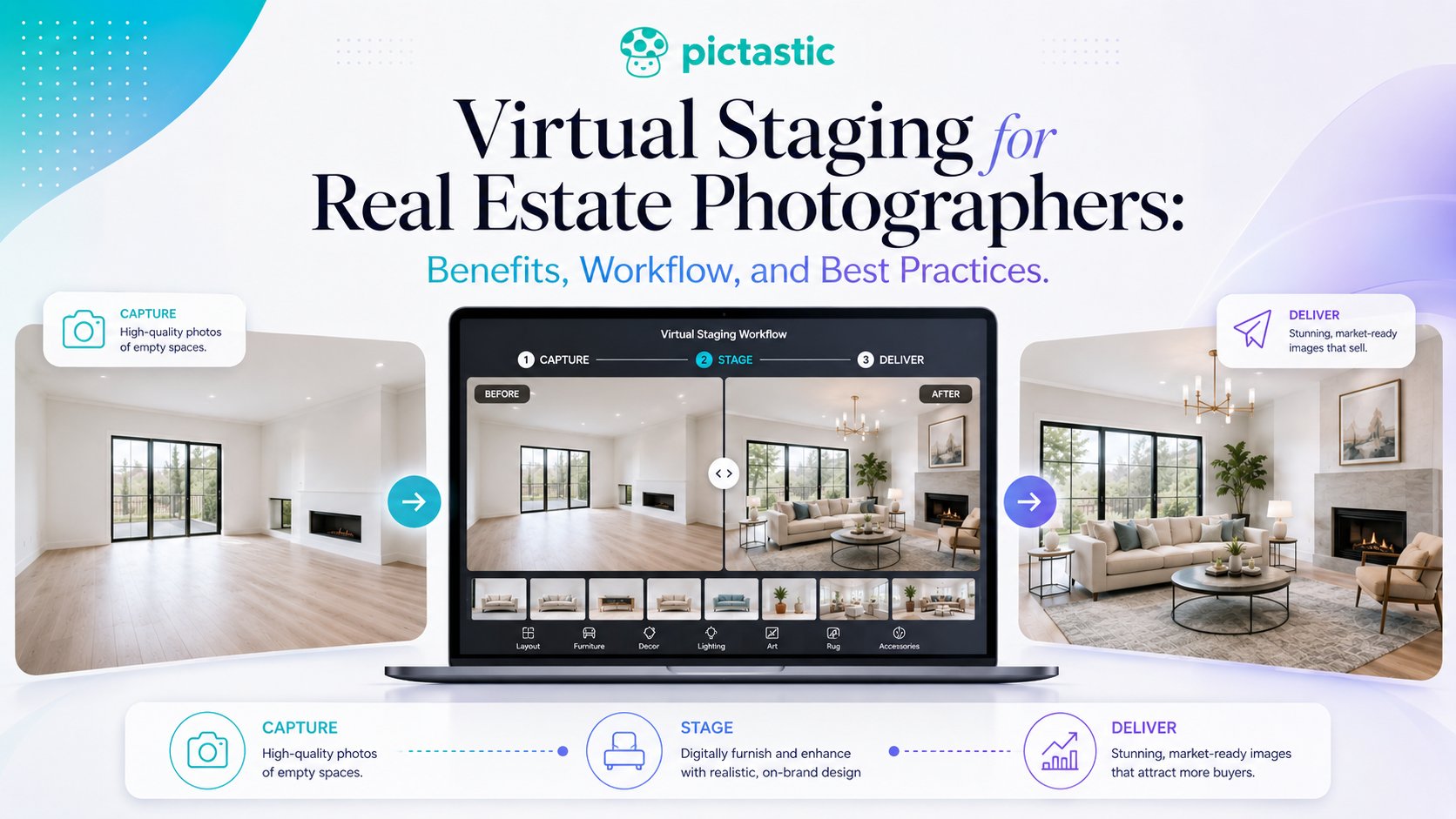
Virtual staging for real estate photographer workflows lets photographers digitally furnish vacant or sparsely furnished rooms without physically staging the property. When used carefully, it can create additional client deliverables, help buyers visualize spaces, and provide an add-on service—as long as staged images remain realistic, accurately represent the property, and are clearly disclosed when required.
Real estate photographers are increasingly expected to deliver more than a collection of well-exposed listing photos. Agents and property marketers often need visual assets that help buyers understand a space, especially when a home is vacant or minimally furnished.
That is where virtual staging can become a valuable addition to a photography business.
Instead of physically furnishing an empty property, virtual staging adds realistic furniture and décor to an existing photograph. When used carefully, it can help buyers visualize how a room might function while giving photographers another service they can offer alongside photography, floor plans, virtual tours, and property websites.
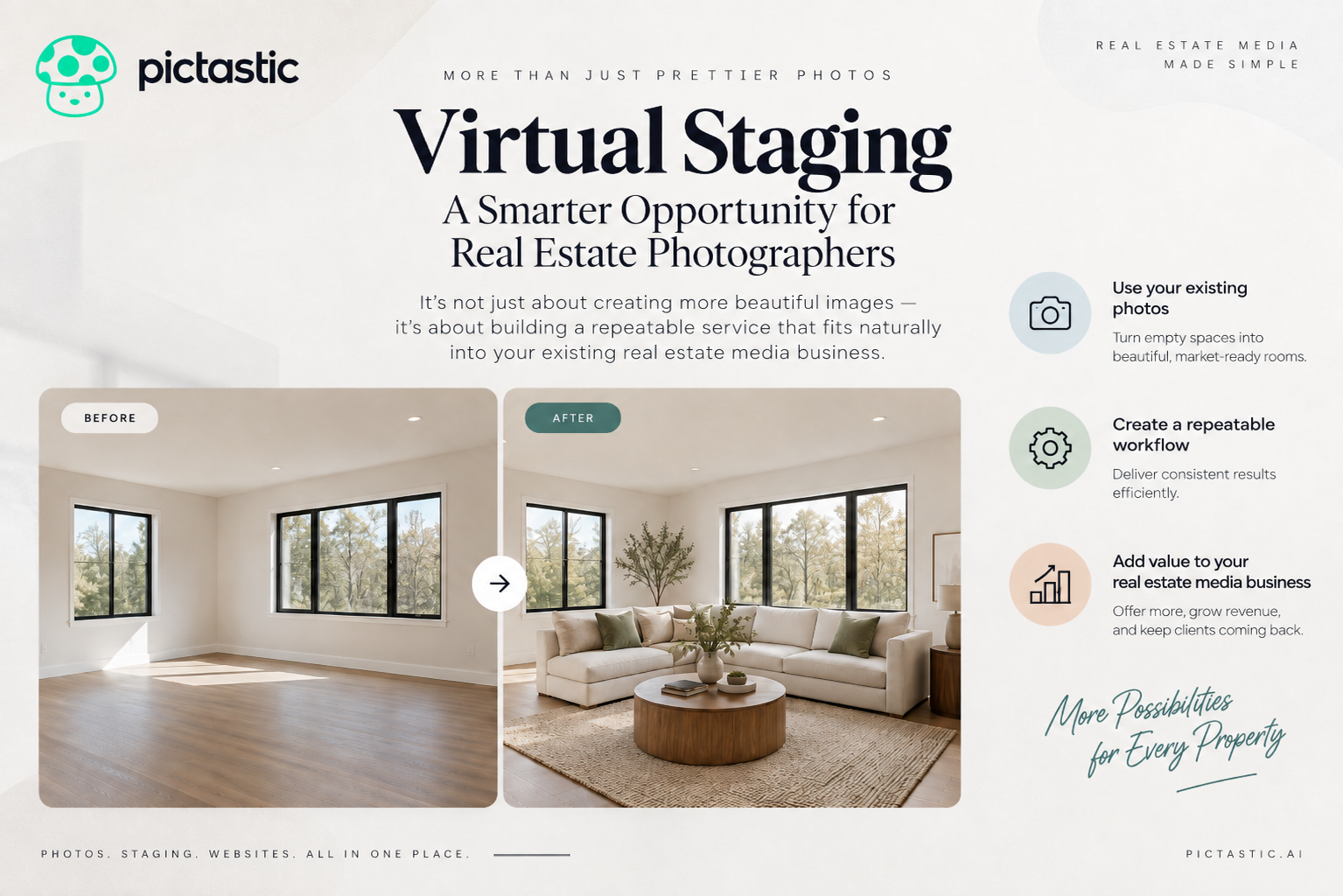
For professionals researching virtual staging for real estate photographer workflows, the opportunity is not simply about creating prettier images. It is about building a repeatable service that fits naturally into an existing real estate media business.
Virtual staging is the process of digitally furnishing or decorating a photograph of an empty or sparsely furnished room.
A living room, for example, may originally contain nothing more than walls, flooring, windows, and light fixtures. A virtually staged version can add a sofa, chairs, tables, rugs, artwork, and other décor to demonstrate how the room could potentially look when furnished.
Unlike physical staging, no furniture needs to be transported to the property.
The photographer captures the original room, processes the image, and creates a staged version afterward.
Modern AI-assisted tools have made this process significantly more accessible to photographers because a staged image can often be produced without manually placing every individual object.
Real estate photographers already control one of the most important parts of the staging process: the source image.
That makes virtual staging a logical extension of the photography workflow.
Instead of referring the client to another company after the shoot, the photographer can potentially provide both the original photograph and a marketing-ready staged version.
This creates several advantages.
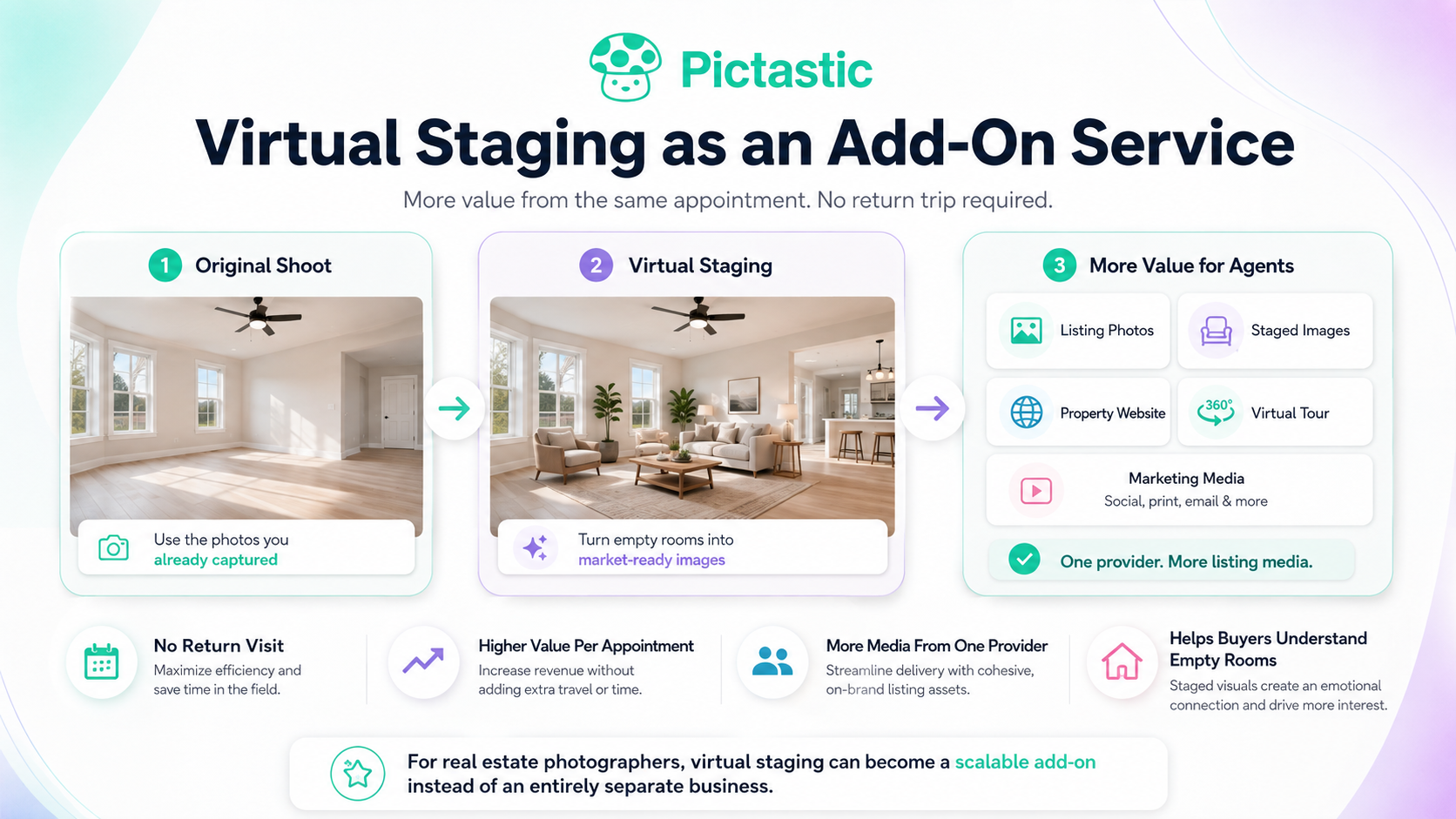
Photographers can increase the value of an existing appointment without returning to the property. Agents can receive more of their listing media from one provider. Empty rooms can become easier for prospective buyers to understand.
For photographers, virtual staging for real estate photographer workflows can become a practical add-on service rather than an entirely separate business.
Growing a photography business does not always require booking more appointments.
Increasing the value of each appointment can be just as important.
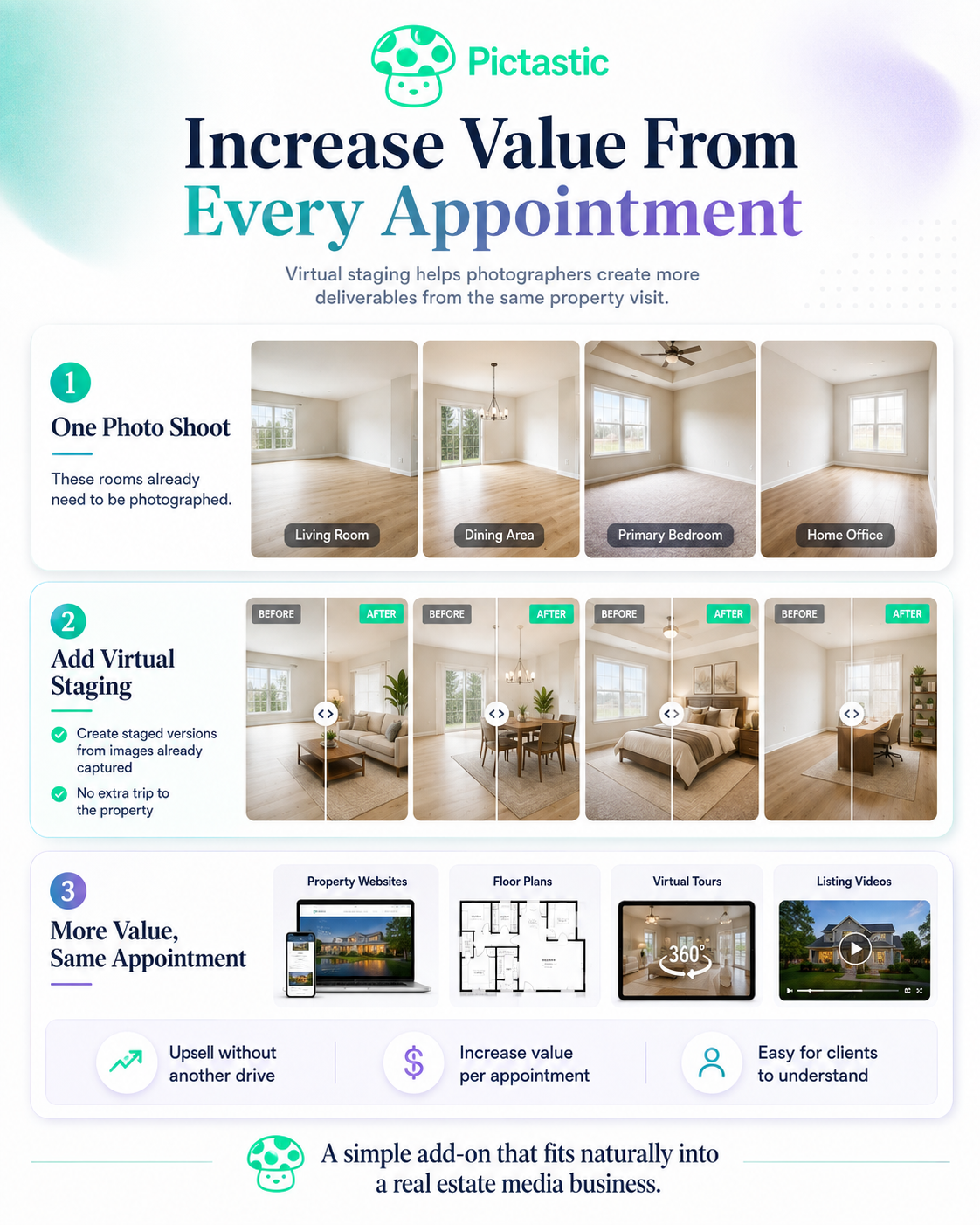
Imagine photographing a vacant property containing a living room, dining area, primary bedroom, and home office.
Those rooms already need to be photographed.
If the client also wants staged versions, the photographer can create an additional deliverable from images that were already captured.
That can create an upsell opportunity without adding another drive to the property.
Virtual staging may also fit naturally into photography packages alongside:
The key is making the service simple for the client to understand and easy for the photographer to deliver.
Virtual staging works best when the source image is strong.
The room should be photographed in a way that clearly communicates its dimensions, layout, and architectural features.
Keep the camera level whenever possible and avoid extreme wide-angle distortion. The photograph should show enough of the floor and walls for furniture to be placed naturally.
Lighting also matters.
Rooms with balanced exposure, visible window detail, and clean color tend to provide a better foundation than dark or heavily distorted images.
Before staging an image, make sure the photograph itself would already meet your normal professional standards.
Virtual staging should enhance a strong image rather than attempt to rescue a poor one.
One of the most important best practices is protecting the actual structure of the property.
Virtual staging should not create a misleading version of the home.
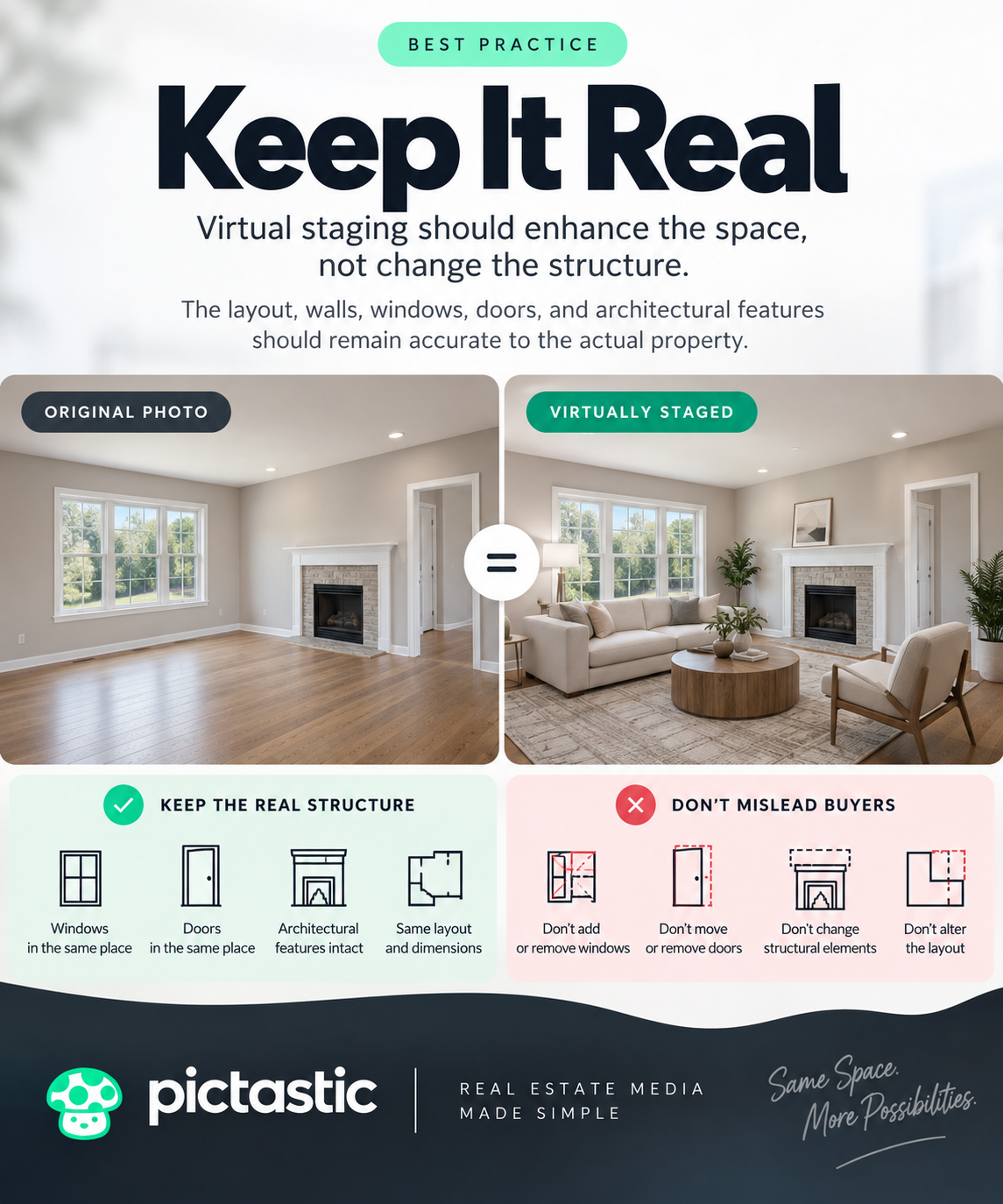
Doors should remain doors. Windows should remain where they actually exist. Built-in cabinetry, fireplaces, walls, flooring, and major architectural features should not be casually changed just to make the room appear more attractive.
The goal is visualization.
A buyer should be able to look at the staged image and understand how the real room could potentially be furnished.
That distinction is especially important when using AI-powered staging tools. Every generated image should be reviewed before it is delivered to a client.
Virtual staging should demonstrate how an existing space could be furnished—not create permanent features that aren't actually present. NAR advises real estate professionals to avoid AI alterations that misrepresent a property's condition or features, and its Code of Ethics requires REALTORS® to avoid misrepresentation of pertinent property facts.
Furniture should look proportional to the available space.
An oversized sectional can make a room appear larger than it actually is if the scale is unrealistic. Furniture that is too small can create the opposite problem.
Look at visual clues such as doors, windows, ceiling height, flooring patterns, and permanent fixtures when evaluating scale.
The style should also make sense for the property.
A modern luxury condominium may benefit from a contemporary interior, while a traditional suburban home might look more natural with transitional furniture.
Consistency matters when multiple rooms are staged for the same property.
The home should feel like one cohesive listing rather than a collection of unrelated design styles.
Do not replace the original photograph with the staged image.
Keep both.
This gives the client flexibility and creates a clearer representation of the property.
The original photograph documents the room as it was captured. The staged version demonstrates one possible furniture arrangement.
A professional virtual staging for real estate photographer workflow should make it easy to organize both versions inside the same property project.
Clear naming can also help.
For example, a photographer might label files as:
Living-Room-Original.jpg
and
Living-Room-Virtual-Staged.jpg
Simple organization becomes increasingly important when dozens of properties are being processed each month.
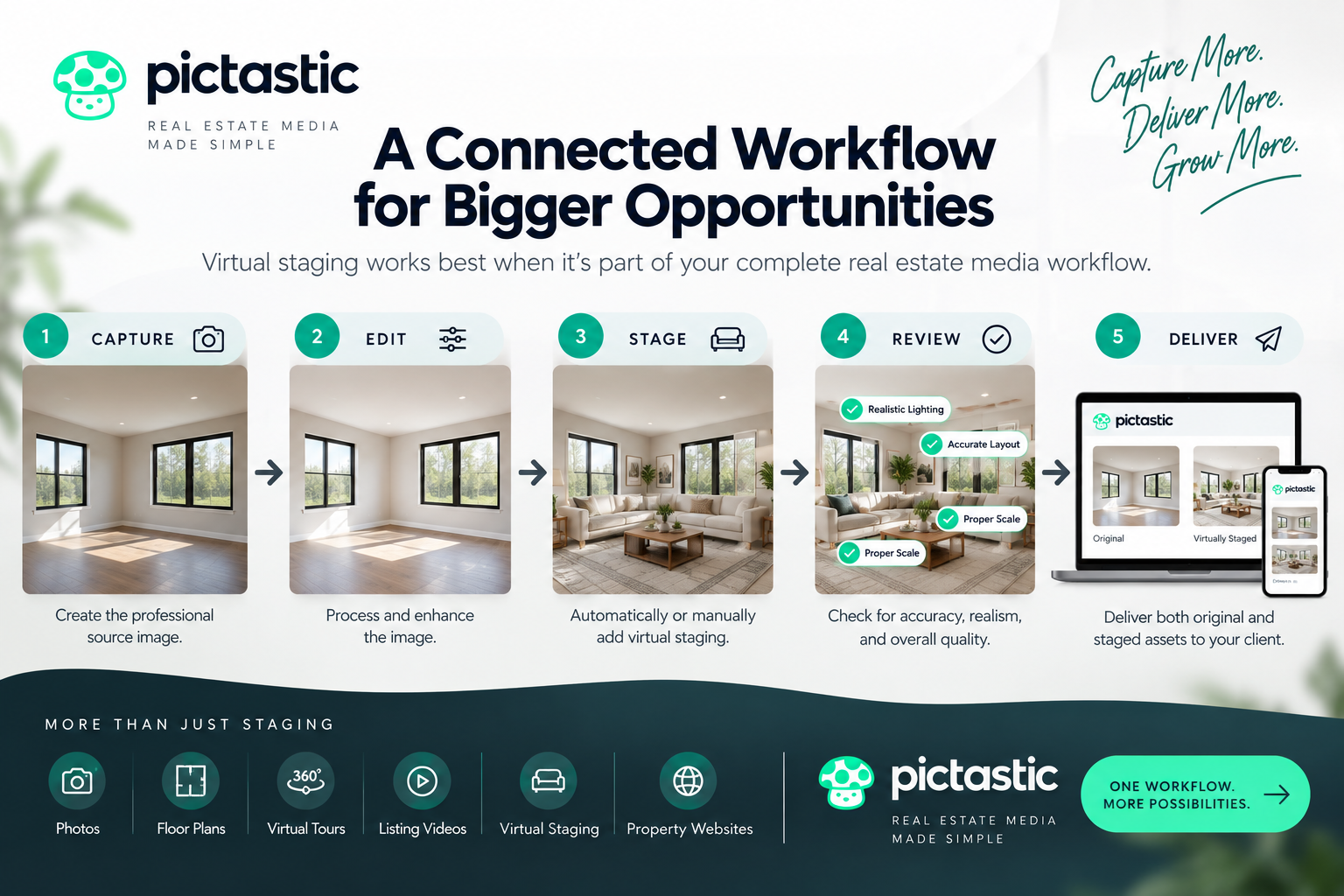
Virtual staging becomes much easier to scale when it is connected to the rest of the real estate media workflow.
A straightforward process can look like this:
Capture → Edit → Stage → Review → Deliver
The photographer first creates the professional source image. The image is then processed and virtually staged. Before delivery, the staged version should be reviewed for furniture placement, architectural accuracy, strange artifacts, lighting consistency, and overall realism.
Once approved, both the original and staged assets can be delivered to the client.
Platforms such as Pictastic can help bring virtual staging and property media delivery into a more connected workflow, reducing the need to move the same images between multiple disconnected tools.
Automation can make virtual staging faster, but quality control remains important.
Before sending an image to a client, look carefully at furniture edges, reflections, windows, doorways, flooring, shadows, wall lines, and other architectural details.
Also check whether the generated furniture physically makes sense.
A chair should not block a doorway. A sofa should not float above the floor. Dining tables should fit naturally within the available space.
Small visual errors can quickly make an otherwise attractive staged photograph feel artificial.
The photographer's professional judgment remains an important part of the process.
Virtual staging should be presented as a marketing visualization rather than a photograph of the property's current furnished condition.
Depending on where the image is being published, disclosure requirements or marketplace rules may apply.
Photographers and agents should check the requirements of the MLS, advertising platform, or marketplace where the images will appear.
Clear disclosure also helps maintain buyer trust.
A simple virtual-staging label can make it clear that the furniture shown in the image was digitally added.
The strongest virtual staging for real estate photographer strategy is one that can be repeated across many properties.
Define which rooms are good candidates for staging, establish preferred design styles, create a quality-control process, and decide how original and staged images will be delivered.
Pricing should also be easy for clients to understand.
Photographers might offer staging per image, as a package of several rooms, or as an add-on to a larger property media package.
The workflow does not need to be complicated.
The objective is to make virtual staging feel like a natural extension of the photography service rather than an entirely separate production process.
For photographers already delivering listing photos, property websites, virtual tours, or floor plans, virtual staging can add another valuable layer to the same property project.
Explore Pictastic to see how virtual staging, photo delivery, and property websites can fit into a more connected real estate photography workflow.
Virtual staging digitally adds furniture and décor to photos of empty or sparsely furnished rooms. It helps potential buyers visualize how a space could be used without requiring physical furniture to be brought into the property.
Yes, virtual staging can be a useful add-on service, especially for photographers who regularly shoot vacant properties. It allows photographers to create additional deliverables from photos they already captured without scheduling another visit to the property.
Yes, clearly identifying virtually staged images is a good transparency practice. Specific requirements can vary by MLS, marketplace, and location, so photographers and agents should check the applicable rules before publishing digitally altered listing photos.
Keeping both versions is recommended. The original photo shows the property's actual condition, while the staged version demonstrates a possible furniture arrangement. Providing both also gives agents greater flexibility when preparing their listing marketing.
Review furniture scale and placement, shadows, reflections, flooring, windows, doors, walls, and permanent architectural features. Make sure furniture does not block entrances, float above floors, or distort the room. The final image should look realistic without misrepresenting the property.


Compact, ready to go anywhere
Interchangeable lens that’s upgradeable
Dual 1-inch sensors for improved clarity and low light performance
Dynamic range and 6K 360° capture
360° photo resolution at 21MP

8K 360° video recording for ultra-detailed visuals.
4K single-lens mode for traditional wide-angle shots.
Invisible selfie stick effect for drone-like perspectives.
2.5-inch touchscreen with Gorilla Glass protection.
Waterproof up to 33ft for underwater shooting.

360° photo resolution in 23MP
Slim design at 24 mm thick
Built-in image stabilization for smooth video capture.
Internal 19GB storage for photo and video storage.
Wireless connectivity for remote control and sharing.

60MP 360° still images for high-resolution photography.
5.7K 360° video recording at 30fps.
2.25-inch touchscreen for intuitive control.
USB Type-C port for fast charging and data transfer.
MicroSD card slot for expandable storage.
.png)

.png)

Try it free. No credit card required. Instant set-up.







.svg)


.svg)