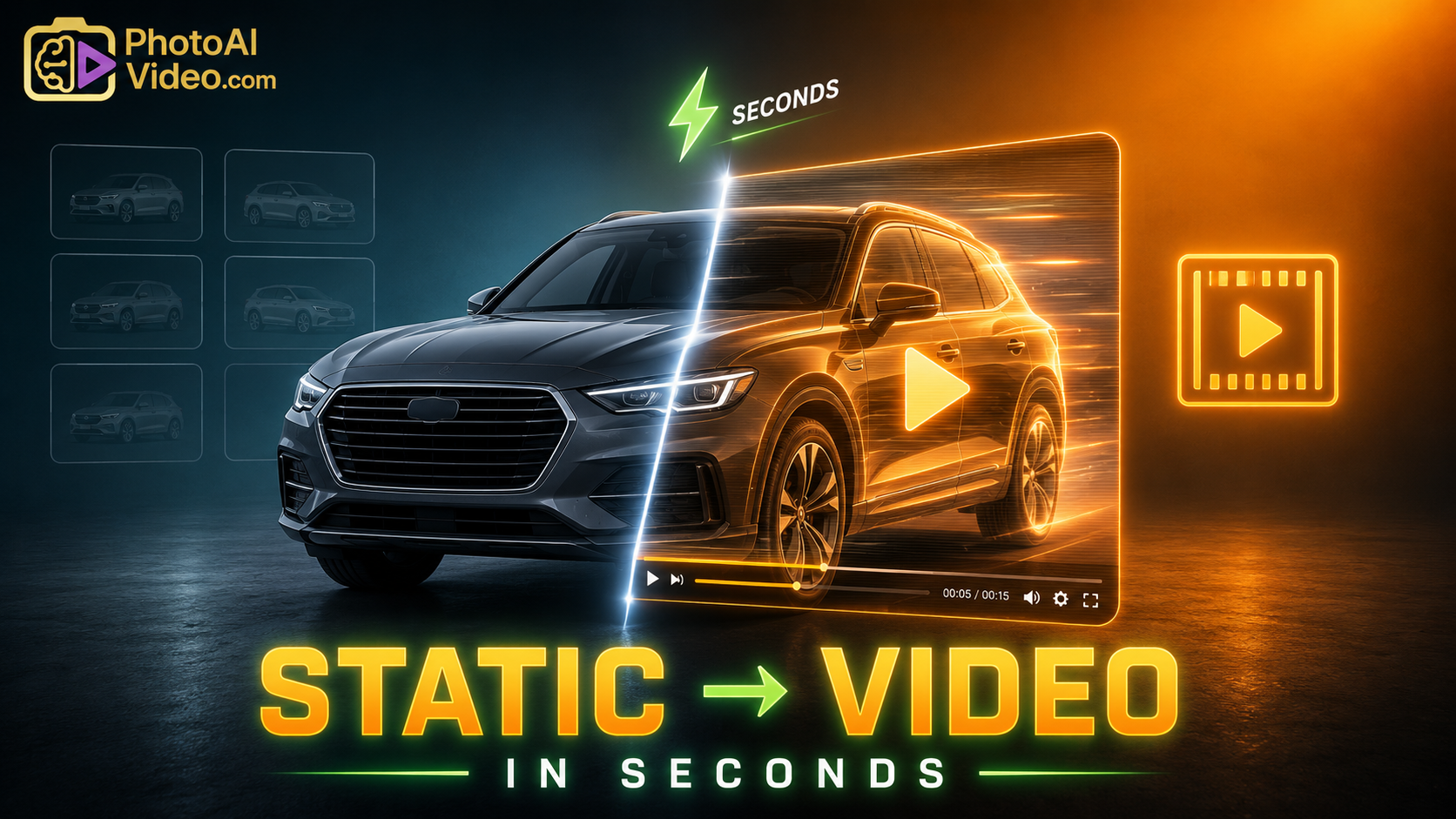
Transforming Static Inventories: Software to Turn Car Listings into Video in Seconds

Cloudpano
May 6, 2026
5 min read
Share this post

Transforming Static Inventories: Software to Turn Car Listings into Video in Seconds

The automotive industry is currently navigating a "velocity crisis." As consumer attention spans compress, the traditional 20-photo gallery is no longer a competitive differentiator—it is a baseline. Today, the "Digital Front Door" of a dealership isn't just about having an inventory online; it is about how that inventory moves, breathes, and communicates value in the first three seconds of a user's scroll.

For high-volume dealer groups, the manual production of video—filming, editing, and uploading—is an operational impossibility. To bridge this gap, a new category of software to turn car listings into video has emerged. By leveraging AI-driven synthesis, dealerships can now create car video ads from photos automatically, satisfying the modern buyer's demand for immersive content without the overhead of a production crew.

4.8x CTR vs. Static Ads
71% VDP Dwell Time Increase
32% Reduction in CPL

1. The Strategy: The Psychology of Visual Saliency

The human brain is biologically hardwired to prioritize motion. In neuro-marketing, this is referred to as "orienting response." When a car shopper sees a video ad in their social feed or on a third-party marketplace, their brain processes the spatial dimensions, depth, and condition of the vehicle more effectively than through a 2D gallery.

According to a McKinsey report on the future of automotive retail, the decision journey is increasingly compressed. Buyers spend less time visiting physical showrooms and more time vetting inventory through digital "surrogate experiences." Video serves as this surrogate, providing the transparency required to build trust before a single email is sent.

The Information Gain Advantage

Google’s search algorithms now explicitly reward "Information Gain"—content that provides unique value beyond what exists on other pages. Most dealerships use the same stock descriptions and photos provided by their data feeds. By using software to turn car listings into video, you are creating a unique, rich-media asset that search engines perceive as high-value, helping your VDPs (Vehicle Detail Pages) rank higher than competitors using static scrapers.

2. Technical Execution: The "No-Filming" Walkaround

Many dealership principals ask how to create car walkaround videos without filming. The answer lies in "Dynamic Asset Synthesis." This process doesn't rely on a camera; it relies on your Inventory Management System (IMS).

The Automated Workflow:

  1. DMS/IMS Sync: The software pulls high-resolution photos, MSRP, and feature data from your raw feed.
  2. Cinematic Processing: AI identifies the "Hero" shots (exterior, cockpit, rims) and applies "Ken Burns" pan-and-zoom effects to create the illusion of a moving camera.
  3. Neural Voiceover: Text-to-speech technology generates a professional narration highlighting specific VIN features (e.g., "This 2024 SUV features heated leather seats and a panoramic sunroof").
  4. Brand Overlay: Dealership logos, current financing offers, and contact information are dynamically layered onto the video.
1
Data Ingest

IMS feed pulls 100% of your current VIN inventory.

2
AI Render

Photos are converted to cinematic 4K walkarounds.

3
Omni-Publish

Instantly pushed to YouTube, FB, IG, and your VDPs.

3. Real-World Use Cases: Beyond the VDP

When you create car video ads from photos automatically, you aren't just improving your website; you are fueling your entire marketing ecosystem.

  • Dynamic Retargeting: Instead of showing a static image of a car a user viewed yesterday, show them a 15-second cinematic walkaround of that exact car in their Facebook feed.
  • "Just Arrived" Social Reels: Automate your Instagram presence. Every time a car is stocked in, a "New Arrival" reel is generated and posted without human intervention.
  • Lead Response Video: When a BDC agent replies to an inquiry, they can include a link to the automated walkaround. This shows a level of professionalism that a text-heavy email cannot match.

According to the Harvard Business Review on digital transformation, businesses that automate their visual content see a 30% higher operational efficiency. In a dealership, this means your sales team spends more time talking to buyers and less time filming cars in the rain.

Operational Metric Traditional Filming AI Software
Creation Time 20-30 Mins / Car < 60 Seconds
Inventory Coverage Selected Units (~15%) Full Inventory (100%)
Content Consistency Varies by Staff Fixed Brand Standards
Cost per Video $25 - $50 (Labor) < $1.00

4. Mistakes to Avoid: The Pitfalls of "Lazy" Video

While software to turn car listings into video is a powerhouse, it must be deployed with strategic oversight.

  • Low-Resolution Source Assets: If your lot photographer takes blurry photos, the AI cannot "invent" detail. Ensure your source data is crisp.
  • Robotic Audio: Avoid "GPS-style" voices. Modern AI video tools offer neural-net voices that sound empathetic and professional.
  • Ignoring the Mobile UX: Over 70% of car shoppers are on mobile devices. Your automated videos must be optimized for vertical (9:16) or square (1:1) formats to maximize social impact.

Research from the Journal of Marketing Research indicates that while volume is important, "perceived quality" is what drives brand trust. Automated doesn't have to mean robotic.

Conversion Rate Lift (%)

1.2%
Static Posts
5.8%
AI Video Ads

5. Summary: The Future of the Virtual Lot

The transition from static photography to automated video is not a "future trend"—it is a current defensive necessity. As third-party marketplaces and social algorithms continue to prioritize native video content, dealerships that remain tethered to static galleries will find their reach diminishing.

By leveraging software to turn car listings into video, you are doing more than just saving time; you are building a resilient, high-conversion visual sales engine that works 24/7.

Ready to Own the Algorithm?

Stop filming and start selling. Turn your entire inventory into a high-octane video engine in under 60 seconds.

Book Your Demo Now

🚀 Your All-In-One Virtual Experience Stack Starts Here

Share this post
Cloudpano

Choose The Right 360° Camera

Insta360 ONE RS 1-Inch 360 Edition

  • Compact, ready to go anywhere

  • Interchangeable lens that’s upgradeable

  • Dual 1-inch sensors for improved clarity and low light performance

  • Dynamic range and 6K 360° capture

  • 360° photo resolution at 21MP

Learn More

Insta360 X4

  • 8K 360° video recording for ultra-detailed visuals.

  • 4K single-lens mode for traditional wide-angle shots.

  • Invisible selfie stick effect for drone-like perspectives.

  • 2.5-inch touchscreen with Gorilla Glass protection.

  • Waterproof up to 33ft for underwater shooting.

Learn More

Ricoh Theta Z1

  • 360° photo resolution in 23MP

  • Slim design at 24 mm thick

  • Built-in image stabilization for smooth video capture.

  • Internal 19GB storage for photo and video storage.

  • Wireless connectivity for remote control and sharing.

Learn More

Ricoh Theta X

  • 60MP 360° still images for high-resolution photography.

  • 5.7K 360° video recording at 30fps.

  • 2.25-inch touchscreen for intuitive control.

  • USB Type-C port for fast charging and data transfer.

  • MicroSD card slot for expandable storage.

Learn More
Property Marketing
Allows potential buyers to explore properties in detail from anywhere, enhancing the real estate marketing process.
Automotive Spins
Create an interactive virtual showroom and engage affluent digital buyers with live 360º video calls, all through the CloudPano mobile app for a complete automotive sales solution.
Interactive Floor Plans
Create 2D and 3D floor plans with measurements in 4 minutes or less, all from your phone. Download the Floor Plan Scanner app and get your first scan free.

360 Virtual Tours With CloudPano.com. Get Started Today.

Try it free. No credit card required. Instant set-up.

Try it free
Latest posts

See our other posts

Interviews, tips, guides, industry best practices, and news.

Property Manager Video Hub: Scaling Rental Visibility with AI Photo-to-Video Workflows

This article explains how property managers can use PhotoAIVideo to build a property manager video hub: a repeatable system for turning rental photos, amenity images, floor plans, exterior shots, and neighborhood visuals into reusable rental marketing videos. The main idea is that property managers do not just need more listing exposure. They need clearer visual answers that help renters decide whether to schedule a tour. PhotoAIVideo is positioned as a practical tool for creating: Unit availability videos Amenity highlight videos Neighborhood videos Tour reminder clips Leasing follow-up videos Owner marketing proof videos Social media rental teasers Application or availability reminder videos Key takeaways: Property managers already have the media they need; the challenge is organizing it and turning it into reusable video assets. A video hub helps teams create consistent videos across units, floor plans, amenities, communities, and owner updates. Rental videos can reduce friction by answering renter questions about layout, condition, amenities, parking, pet features, and community feel. One rental photo set can become multiple video outputs for listings, social media, email, text follow-up, tour reminders, and owner reporting. Photographers can sell AI rental video packages to property managers as an upsell. Brokerages with property management divisions can use the same workflow to standardize leasing content. The article ends with a step-by-step process, video hub framework, mistakes to avoid, visual recommendations, FAQs, and a CTA encouraging readers to use PhotoAIVideo to turn rental photos into a scalable video system for rental visibility.
Read post

YouTube Shorts Listing Teasers: The 3-Scene Structure for Higher Property Clicks

This article explains how real estate agents, photographers, brokerages, and property managers can use YouTube Shorts listing teasers to drive more property clicks and showing requests. The main idea is that a YouTube Short should not try to show the entire house. Instead, it should use a simple 3-scene structure: Scene 1: Hook — stop the scroll with the strongest property feature. Scene 2: Proof — show the visuals that support the hook. Scene 3: Click Path — tell the viewer what to do next. The article positions PhotoAIVideo as a practical tool for turning listing photos into short vertical videos for YouTube Shorts, Reels, open house promotion, and listing campaigns. Key takeaways: YouTube Shorts should create curiosity, not replace the full listing video. The strongest property feature should appear first, not necessarily the front exterior. Agents should build each Short around one click reason, such as backyard, kitchen, layout, neighborhood, open house, or price point. One listing can become multiple Shorts instead of one generic video. Photographers can offer YouTube Shorts teaser packs as a video upsell. Brokerages can standardize the 3-scene structure across agents. Property managers can use the same structure to promote rentals and tours. The article ends with practical scripts, visual recommendations, FAQs, a visual placement guide, and a CTA encouraging readers to use PhotoAIVideo to create YouTube Shorts listing teasers from property photos.
Read post

Video Retargeting for Listings: Turning Photo-Based AI Videos into Appointment Follow-Up

This article explains how Realtors, photographers, brokerages, and property managers can use photo-based AI videos as follow-up assets after someone shows interest in a listing. The main idea is that most real estate marketing focuses on getting the first click, but many buyers and sellers need multiple touchpoints before booking a showing or appointment. Video retargeting helps agents re-engage people who already clicked a listing, watched a Reel, opened an email, attended an open house, asked about a property, or went quiet after showing interest. PhotoAIVideo is positioned as a practical tool for turning listing photos into short follow-up videos, including: Feature reminder videos Layout explainer videos Neighborhood fit videos Open house recap videos Price update videos Seller proof videos Showing request videos Rental tour recovery videos Key takeaways: A first-touch listing video introduces the property, while a retargeting video answers the next likely question. Follow-up videos should be short, usually 10–30 seconds, and focused on one action. Agents should send different videos based on behavior, such as email clicks, open house attendance, listing views, or showing interest. A good video follow-up feels helpful, not pushy. Photographers can package retargeting video clips as an upsell. Brokerages can standardize video retargeting workflows across agents. Property managers can use the same strategy to recover rental leads and book tours. The article ends with a simple retargeting sequence, visual recommendations, FAQs, and a CTA encouraging readers to use PhotoAIVideo to turn listing photos into appointment-driving follow-up videos.
Read post


