


.png)


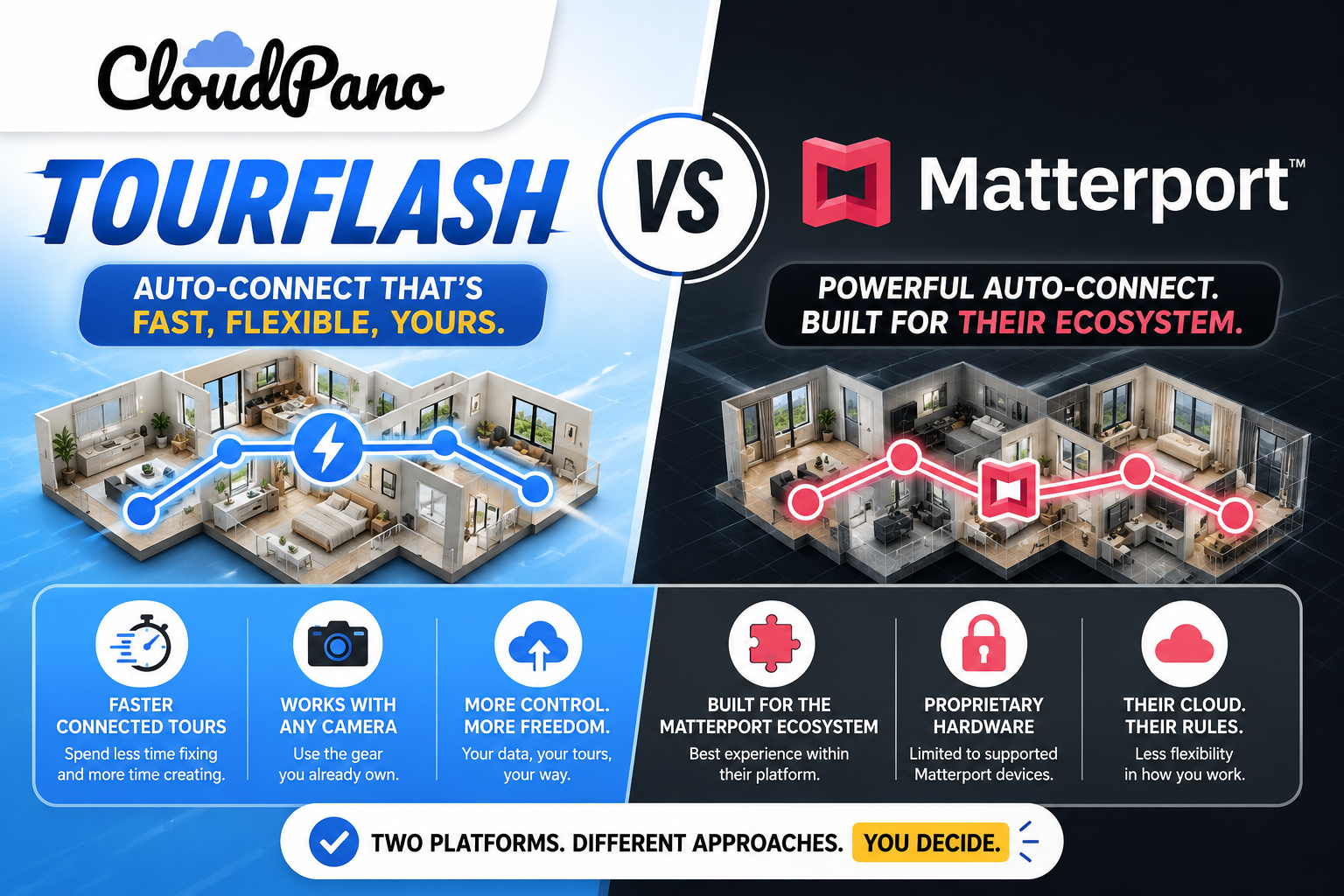
If you're shopping for virtual tour software, two very different models will keep coming up: buy into a dedicated hardware-and-platform ecosystem like Matterport, or use the 360 camera you already own and let auto-connect software like TourFlash handle the linking. Both produce polished, navigable virtual tours. They just get there through fundamentally different workflows, cost structures, and hardware commitments.
This isn't a "which one is objectively better" comparison — it's a look at how each one actually works, so you can figure out which fits your business.
Matterport built its reputation around a proprietary capture-and-processing ecosystem. Historically, that's meant using Matterport-compatible scanning hardware (their own cameras, or specific third-party devices built to work with their platform) to capture a space, which is then processed through Matterport's cloud pipeline into a 3D dollhouse view and a walkable tour. The system handles a lot of the spatial mapping and stitching automatically as part of that pipeline, which is part of what makes their 3D dollhouse feature possible.

TourFlash takes a different starting point. It's built as a feature inside CloudPano, designed to work with 360 panoramas you capture on whatever 360 camera you already use. Rather than doing 3D spatial scanning, it focuses specifically on the connection problem: once you upload your panoramas, it detects line-of-sight relationships between them and auto-builds the navigation links, the way TourFlash detects connections between adjacent capture points based on visual line of sight.
The practical difference is this: Matterport's workflow is built around its own capture ecosystem end-to-end, including the 3D modeling layer. TourFlash's workflow assumes you're already capturing standard 360 panoramas and is focused narrowly on removing the manual linking step from that process. If you want a 3D dollhouse view and integrated spatial measurements, that's Matterport's core value proposition. If you want your existing 360 photos turned into a connected tour without hand-linking every hotspot, that's what TourFlash is built to solve.
Pricing is where the two models diverge most clearly.
Matterport's pricing has historically combined a subscription component (tiered based on usage, number of active spaces, and feature access) with a hardware investment if you're using their dedicated camera. That combination means your ongoing cost isn't just about how many tours you shoot — it also includes what plan tier you're on and, potentially, the upfront or ongoing cost of proprietary capture equipment. Since Matterport updates its plans periodically, Matterport's official pricing page is the best source for current tier details and costs.
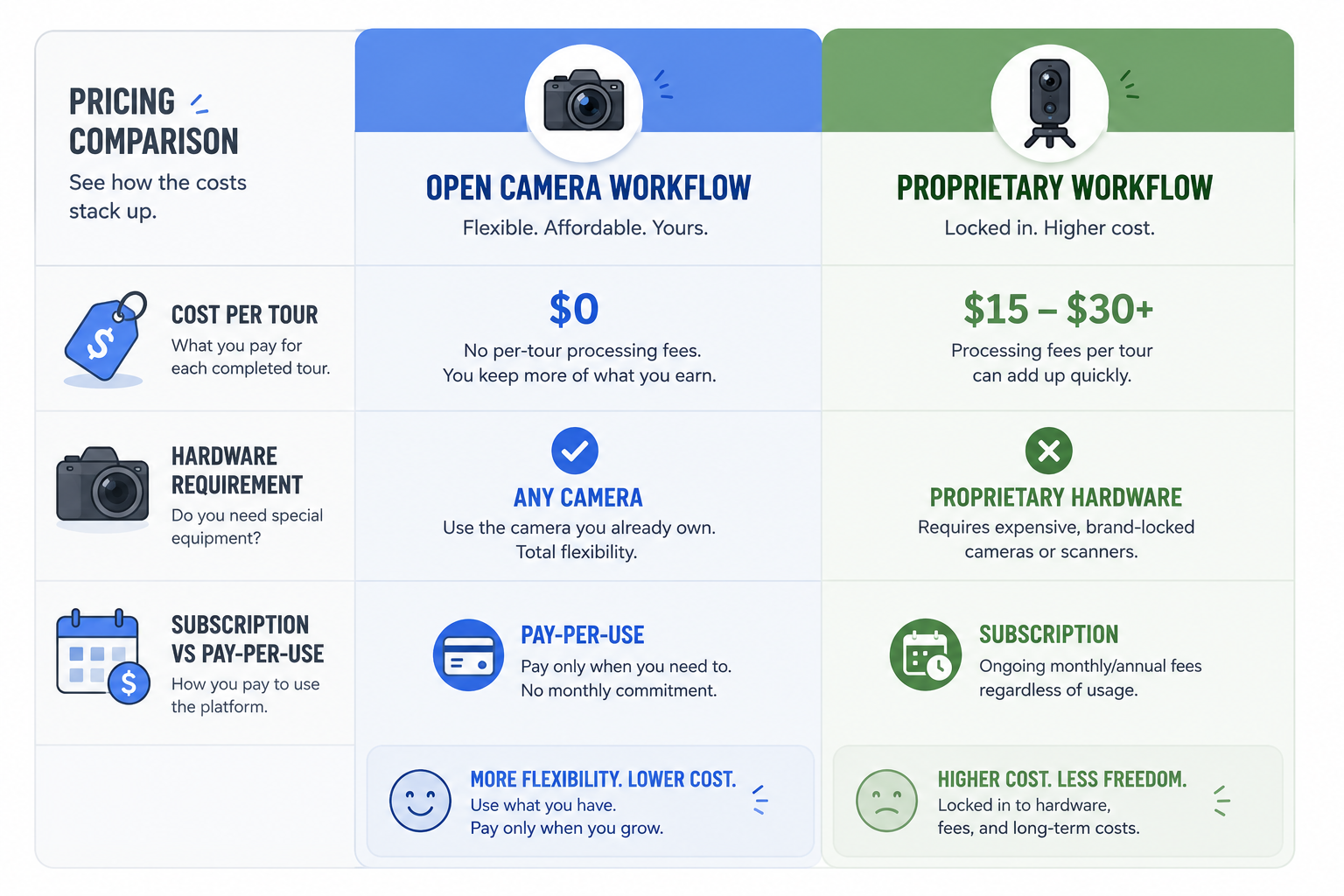
Cloudpano TourFlash, by contrast, runs on a straightforward per-run credit model. One run covers one full tour, regardless of how many panoramas are in it, and bundle pricing brings the per-run rate down further as you buy larger packs. As an illustrative example, a starter bundle has worked out to around $4.85 per tour, though exact bundle pricing is worth checking directly since rates and tier sizes can change — you can see TourFlash's per-tour cost for current numbers.
If you want a broader sense of how TourFlash pricing compares to other software in the category generally, independent software review sites like Capterra are a useful place to see user-reported pricing and feature comparisons across multiple virtual tour platforms, not just these two.
This is one of the more consequential differences for photographers deciding between the two.
Matterport's ecosystem has traditionally worked best with cameras built for or certified compatible with their platform. That can mean an upfront hardware investment beyond just a subscription, and it can limit your camera options if you already own a different 360 setup you'd rather keep using.
TourFlash takes the opposite approach on hardware: it doesn't require a specific camera at all. Because it works from standard 360 panoramas rather than a proprietary scanning process, you can use any 360 camera with TourFlash as long as your capture follows the line-of-sight rule the auto-connect process depends on. If you've already invested in a 360 camera — whatever brand or model — there's no need to replace it to use TourFlash.
For photographers who already own capture equipment and don't want to layer on additional hardware costs, this is often the more immediately practical option. For photographers starting from zero who want an integrated, single-vendor capture-to-tour pipeline (including 3D spatial features), Matterport's all-in-one approach may be worth the equipment investment.
Matterport tends to fit well when:
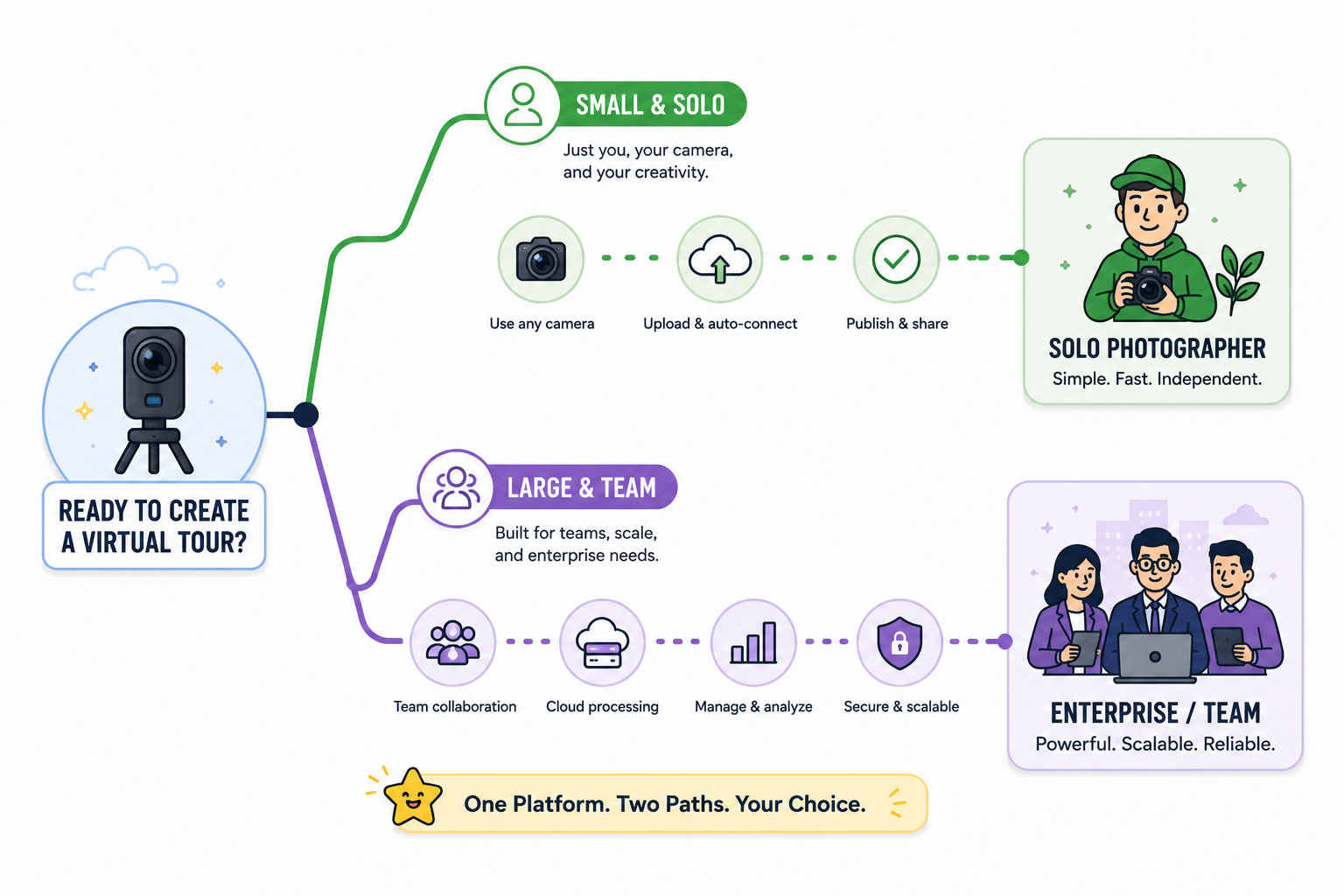
TourFlash tends to fit well when:
Neither use case is universally "better" — they reflect different priorities around hardware ownership, feature depth, and how predictable you want your software costs to be.
If you're just starting out and don't yet own any 360 capture equipment, Matterport's all-in-one approach removes some early decision-making — hardware and software come as a package, and the 3D features are built in from day one. That convenience comes with a higher combined cost of entry, particularly once you factor in the camera investment alongside a subscription.
If you already own a 360 camera and are mainly looking to speed up the tour-building process itself, TourFlash's model is generally the lower-friction option. You're not replacing equipment, and your ongoing cost tracks directly with how many tours you actually shoot rather than a flat monthly fee.
Volume matters too. High-volume shooters producing many tours a month may find a subscription's flat cost easier to justify once usage is consistently high. Photographers with more irregular volume — busy some months, quiet in others — often find a credit-based, pay-per-tour model easier to manage financially, since you're not paying for capacity you're not using in slower stretches.
Matterport and TourFlash are solving somewhat different problems dressed up as the same category. Matterport is a more complete, hardware-integrated ecosystem with 3D spatial features built in, at the cost of a bigger up-front commitment. TourFlash is a narrower, camera-agnostic tool focused specifically on removing the manual linking step from tours you're already capturing, priced in a way that scales with actual usage rather than a flat subscription.
If you already have a 360 camera and want a simpler, more predictable way to connect your existing capture workflow into finished tours, TourFlash is worth testing. If integrated 3D modeling is a core part of what you're selling clients, Matterport's ecosystem is built specifically for that. Either way, it's worth matching the choice to the gear you already own and the kind of deliverable your clients actually expect.


Compact, ready to go anywhere
Interchangeable lens that’s upgradeable
Dual 1-inch sensors for improved clarity and low light performance
Dynamic range and 6K 360° capture
360° photo resolution at 21MP

8K 360° video recording for ultra-detailed visuals.
4K single-lens mode for traditional wide-angle shots.
Invisible selfie stick effect for drone-like perspectives.
2.5-inch touchscreen with Gorilla Glass protection.
Waterproof up to 33ft for underwater shooting.

360° photo resolution in 23MP
Slim design at 24 mm thick
Built-in image stabilization for smooth video capture.
Internal 19GB storage for photo and video storage.
Wireless connectivity for remote control and sharing.

60MP 360° still images for high-resolution photography.
5.7K 360° video recording at 30fps.
2.25-inch touchscreen for intuitive control.
USB Type-C port for fast charging and data transfer.
MicroSD card slot for expandable storage.
.png)

.png)

Try it free. No credit card required. Instant set-up.







.svg)


.svg)