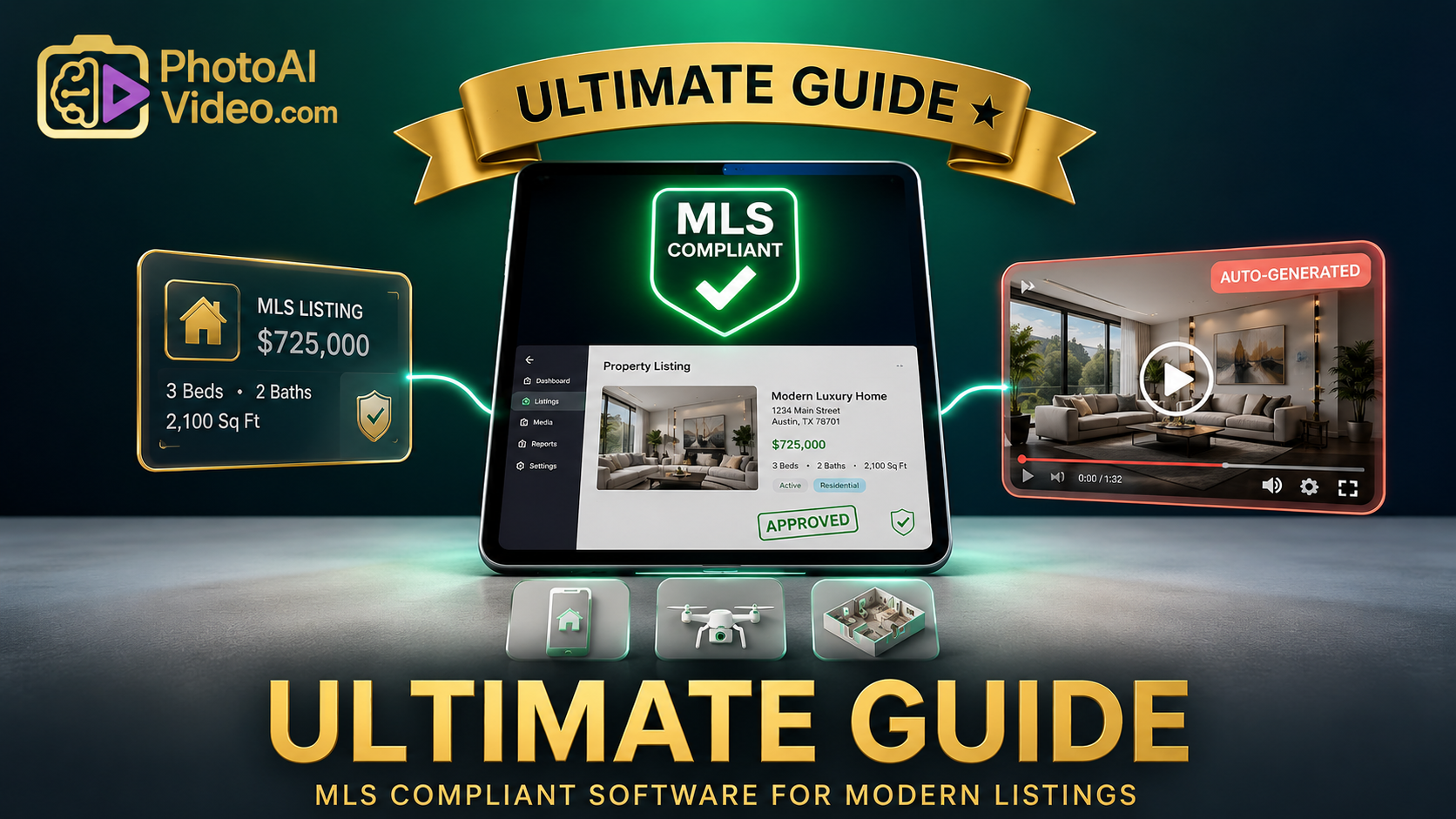
The Ultimate Guide to Using MLS Compliant Real Estate Marketing Software for Modern Listings

Cloudpano
May 18, 2026
5 min read
Share this post

The Ultimate Guide to Using MLS Compliant Real Estate Marketing Software for Modern Listings

Every real estate professional knows the frustration of receiving an automated compliance flag from their local Multiple Listing Service (MLS). You spend hours coordinating a photographer, staging a luxury property, and building a narrative around a home, only to have the listing suspended because a logo, phone number, or agent watermark slipped into your virtual tour or property video.

MLS boards across North America maintain strict rules regarding public-facing media. The National Association of Realtors (NAR) establishes foundational guidelines, but individual regional boards enforce precise limitations on listing visibility. The primary rule is straightforward: public MLS feeds must remain strictly unbranded to preserve marketplace neutrality for cooperating brokers. Yet, executing this requirement across dozens of active listings introduces severe production friction.

Managing this balance manually consumes valuable administrative hours. To scale operations without incurring compliance penalties, modern teams are moving toward automated infrastructure. Implementing the right MLS compliant real estate marketing software solves this core workflow challenge, ensuring every video asset satisfies regional guidelines before it reaches the syndication pipeline.

The Root of the Media Compliance Problem

The modern property search journey begins online. According to recent search behavior studies by Google Search Central, consumer demand for rich media like immersive video walkarounds and interactive floor plans has reached an all-time high. To satisfy this demand, agents must publish highly engaging visual content on platforms like Zillow, Realtor.com, and local brokerage portals.

However, the destination determines the formatting. When an asset is uploaded directly to your public social media channels or a proprietary landing page, prominent branding serves as an essential lead generation tool. Conversely, when that same asset enters the MLS ecosystem, that branding becomes an immediate compliance violation.

⚖️ Compliance Comparison Matrix

Ensuring your social media assets meet MLS guidelines
Asset Component Non‑Compliant Media MLS Safe Media
Agent/Broker Logos ⚠️ Visible overlay/intro ✅ Completely stripped
Contact Info ⚠️ Phone, email, website ✅ Removed entirely
Audio Track ⚠️ Promotional voiceover ✅ Ambient or music only
External Links ⚠️ Directs to agent site ✅ Directs to raw asset
Watermarks ⚠️ Discretely placed names ✅ Forbidden

The penalties for violating these guidelines extend far beyond minor warnings. Regional boards frequently impose immediate financial assessments, strip syndication privileges, or temporarily suspend listings from the active feed. When a hot property loses data-feed visibility during its crucial first 48 hours on the market, the financial impact on the seller and the broker's reputation can be severe.

Current Media Workflow Bottlenecks

For many real estate teams, creating compliance-ready assets is an exhausting, fragmented process. Traditional video editing workflows require a specialized editor to manually slice raw video files, generate a branded marketing variant, and then manually clean the timeline to produce an unbranded duplicate.

This duplicate production framework creates severe operational bottlenecks:

  • Redundant Export Cycles: Editors waste hours rendering multiple versions of the exact same asset.
  • Storage Inefficiencies: Local drives become cluttered with bloated, duplicate high-definition files.
  • Manual Verification Risks: Busy marketing coordinators frequently mix up files during the upload phase, accidentally pushing a branded video into the unbranded MLS slot.

These systemic delays stall your listing velocity. In highly competitive residential markets, a delay of even a single day while waiting for media compliance checks directly translates to longer days on market (DOM) and slower transaction turnarounds.

Transitioning to Automated, MLS-Safe Video Workflows

To eliminate these human errors and speed up turnaround times, high-volume teams rely on automated media pipelines. A robust MLS compliant listing media software handles compliance at the code level, systematically decoupling your brand identity from the underlying structural property data.

📸 AI Video Compliance Pipeline
RAW IMAGE / PHOTO SOURCE FILES
🤖 AI MOTION ENGINE & PARALLAX PROCESSING
⚙️ AUTOMATED COMPLIANCE FILTER
🏷️ BRANDED MARKETING VARIANT
Social media ads, direct outreach, websites, and promotional campaigns.
Includes logos, contact info, call‑to‑action
📄 UNBRANDED COMPLIANT VARIANT
Direct MLS feed export – safe for syndication without compliance flags.
No watermarks, no agent branding, ambient audio

When visual content enters an automated system, the software processes the imagery through distinct, isolated rendering tracks. The core media asset—the physical representation of the home, rooms, and acreage—remains untouched. The software then applies a dynamic branding layer exclusively to the marketing export track. The compliance export track bypasses this overlay entirely, yielding pristine, unbranded media that easily clears automated validation checks.

Step-by-Step Architecture of an Automated Media System

Transitioning from static real estate photography to an integrated video strategy requires an organized, repeatable production framework. By utilizing an automated MLS compliant real estate video generator, a single marketer can process a brand-new listing from raw photography to published compliance in less than ten minutes.

⚡ Production Timeline Flow
[00:02 Min]
Upload Assets
(JPG / PNG)
[00:05 Min]
AI Motion
Generation
[00:07 Min]
Dual‑Track
Rendering
[00:09 Min]
Compliance
Automation
[00:10 Min]
Direct
Publishing

Step 1: Secure Asset Ingestion

The process begins by dragging and dropping standard high-resolution listing photos into your media dashboard. The system organizes assets by room taxonomy, ensuring the virtual layout aligns with the physical flow of the home.

Step 2: Intelligent Motion Application

An advanced motion engine applies dynamic camera movements, subtle panning, and multi-layered parallax adjustments to your flat imagery. This technique turns static photos into smooth, high-definition cinematic walkarounds without requiring expensive on-site video shoots.

Step 3: Dual-Track Content Configuration

The user designates the text parameters, music selection, and necessary brand identifiers. The engine instantly forks this data into two separate render paths.

Step 4: Programmatic Compliance Scrubbing

The automated engine runs a final verification check on the unbranded track, confirming that no text fields, metadata blocks, or contact points are present in the final export file.

Step 5: Direct Syndication and Publishing

The compliance-grade unbranded video link is copied directly into your MLS dashboard's media field, while the branded version is scheduled for immediate distribution across your active social channels.

Scaling Operations Across Teams and Brokerages

For managing brokers and large teams, compliance issues multiply with every active listing. A single independent contractor using a non-compliant template can trigger warnings that impact the entire brokerage's local standing. For this reason, operations managers need centralized administrative control over all media production.

📊 Brokerage Operations Media Dashboard
42
Active Listings
3
Pending Compliance
$4,500
Fines Avoided
Listing Address Producer Status Compliance Track
742 Evergreen Terrace A. Simpson ✔ Approved [UNBRANDED] ✔
112 Ocean Drive M. Vance ⏳ Processing [PENDING] ⏳
894 Aspen Ridge Blvd J. Miller Action Req. [BRANDED-ERR] ✘

An enterprise SaaS framework allows managers to set global compliance rules for every user on the team account. By lock-configuring the unbranded export pipeline, leadership guarantees that every single agent asset remains compliant, regardless of their individual technical experience.

Quantifying the Business Value of Compliant Automation

Investing in programmatic compliance infrastructure is an operational strategy that drives efficiency and protects your bottom line. Business data from top-tier real estate groups highlights a clear financial and time-saving benefit when moving away from traditional manual media production.

According to residential sales metrics published by HubSpot and Forbes, homes featuring high-quality video walkthroughs generate significantly higher online engagement than listings using static photography alone. However, if those videos are delayed due to compliance issues, your momentum is lost.

📈 MLS Workflow Funnel Efficiency
📸 Raw Photos Generated 100%
100%
✂️ Manual Video Editing 55%
55%
⏱️ Time Drag
⚠️ Compliance Rejections 25%
25%
💰 Profit Loss
🤖 Automated Retrieval 95%
95%
🚀 Net Result: 4.5x improvement in listing‑to‑live velocity metrics.
🛡️ Risk Reduction: Complete elimination of administrative local board fines.

By cutting down the edit-and-review cycle from days to minutes, teams significantly increase their overall listing velocity. Administrative staff are freed up from tedious video tracking to focus on high-impact client management and closing deals, accelerating business growth.

Critical Compliance Mistakes to Avoid

Even experienced marketers occasionally fall into common compliance traps when uploading property media. Review your workflows against this checklist to safeguard your listings from sudden board rejections:

  • Audio Promos: Ensure background music tracks do not include voice tags, producer callouts, or audio advertisements for your brokerage.
  • Reflective Brand Displays: Check listing photos and videos for visible agent yard signs, open house banners, or branded lockboxes captured in the frame.
  • Metadata Violations: Inspect file names before uploading them. Titles like JohnDoe_Brokerage_MainWalkthrough.mp4 can trigger automated meta-scrapers and result in a flag.
  • Overlooked Hosting Elements: Avoid using unbranded video players embedded on pages that include sidebar contact forms or live chat widgets. The video landing page itself must remain completely neutral.

A Unified Path Forward for Modern Listing Management

The real estate market favors speed, efficiency, and flawless presentation. Relying on manual editing processes to balance your marketing goals with local board guidelines introduces unnecessary compliance risks and slows down your growth.

🎬 PHOTOAIVIDEO.COM MARKETING ENGINE
Transform static photography assets into rich, cinematic property walkarounds instantly.
Built‑In Unbranded File Rendering
Advanced Multi‑Layer Motion Application
Streamlined Compliance Risk Prevention
Tailored Specifically for Modern Real Estate Teams
🚀 Deploy Your First Compliance‑Ready Property Video Today →

By integrating MLS compliant video tours directly into your production engine, you protect your business from costly compliance fines and give your team a highly repeatable blueprint for marketing success.

Deploying an advanced tool like PhotoAIVideo.com gives your business access to a specialized, MLS-friendly AI listing media software purpose-built for the demands of modern real estate. The platform converts standard property photos into beautiful, high-definition videos with natural motion, while its unbranded export workflow automatically handles the separation of your marketing and compliance assets.

Adopt an automation-first approach to your digital assets. Keep your media production smooth, secure, and fully compliant, allowing your team to focus on what matters most: closing more deals.

🚀 Your All-In-One Virtual Experience Stack Starts Here

Share this post
Cloudpano

Choose The Right 360° Camera

Insta360 ONE RS 1-Inch 360 Edition

  • Compact, ready to go anywhere

  • Interchangeable lens that’s upgradeable

  • Dual 1-inch sensors for improved clarity and low light performance

  • Dynamic range and 6K 360° capture

  • 360° photo resolution at 21MP

Learn More

Insta360 X4

  • 8K 360° video recording for ultra-detailed visuals.

  • 4K single-lens mode for traditional wide-angle shots.

  • Invisible selfie stick effect for drone-like perspectives.

  • 2.5-inch touchscreen with Gorilla Glass protection.

  • Waterproof up to 33ft for underwater shooting.

Learn More

Ricoh Theta Z1

  • 360° photo resolution in 23MP

  • Slim design at 24 mm thick

  • Built-in image stabilization for smooth video capture.

  • Internal 19GB storage for photo and video storage.

  • Wireless connectivity for remote control and sharing.

Learn More

Ricoh Theta X

  • 60MP 360° still images for high-resolution photography.

  • 5.7K 360° video recording at 30fps.

  • 2.25-inch touchscreen for intuitive control.

  • USB Type-C port for fast charging and data transfer.

  • MicroSD card slot for expandable storage.

Learn More
Property Marketing
Allows potential buyers to explore properties in detail from anywhere, enhancing the real estate marketing process.
Automotive Spins
Create an interactive virtual showroom and engage affluent digital buyers with live 360º video calls, all through the CloudPano mobile app for a complete automotive sales solution.
Interactive Floor Plans
Create 2D and 3D floor plans with measurements in 4 minutes or less, all from your phone. Download the Floor Plan Scanner app and get your first scan free.

360 Virtual Tours With CloudPano.com. Get Started Today.

Try it free. No credit card required. Instant set-up.

Try it free
Latest posts

See our other posts

Interviews, tips, guides, industry best practices, and news.

Property Manager Video Hub: Scaling Rental Visibility with AI Photo-to-Video Workflows

This article explains how property managers can use PhotoAIVideo to build a property manager video hub: a repeatable system for turning rental photos, amenity images, floor plans, exterior shots, and neighborhood visuals into reusable rental marketing videos. The main idea is that property managers do not just need more listing exposure. They need clearer visual answers that help renters decide whether to schedule a tour. PhotoAIVideo is positioned as a practical tool for creating: Unit availability videos Amenity highlight videos Neighborhood videos Tour reminder clips Leasing follow-up videos Owner marketing proof videos Social media rental teasers Application or availability reminder videos Key takeaways: Property managers already have the media they need; the challenge is organizing it and turning it into reusable video assets. A video hub helps teams create consistent videos across units, floor plans, amenities, communities, and owner updates. Rental videos can reduce friction by answering renter questions about layout, condition, amenities, parking, pet features, and community feel. One rental photo set can become multiple video outputs for listings, social media, email, text follow-up, tour reminders, and owner reporting. Photographers can sell AI rental video packages to property managers as an upsell. Brokerages with property management divisions can use the same workflow to standardize leasing content. The article ends with a step-by-step process, video hub framework, mistakes to avoid, visual recommendations, FAQs, and a CTA encouraging readers to use PhotoAIVideo to turn rental photos into a scalable video system for rental visibility.
Read post

YouTube Shorts Listing Teasers: The 3-Scene Structure for Higher Property Clicks

This article explains how real estate agents, photographers, brokerages, and property managers can use YouTube Shorts listing teasers to drive more property clicks and showing requests. The main idea is that a YouTube Short should not try to show the entire house. Instead, it should use a simple 3-scene structure: Scene 1: Hook — stop the scroll with the strongest property feature. Scene 2: Proof — show the visuals that support the hook. Scene 3: Click Path — tell the viewer what to do next. The article positions PhotoAIVideo as a practical tool for turning listing photos into short vertical videos for YouTube Shorts, Reels, open house promotion, and listing campaigns. Key takeaways: YouTube Shorts should create curiosity, not replace the full listing video. The strongest property feature should appear first, not necessarily the front exterior. Agents should build each Short around one click reason, such as backyard, kitchen, layout, neighborhood, open house, or price point. One listing can become multiple Shorts instead of one generic video. Photographers can offer YouTube Shorts teaser packs as a video upsell. Brokerages can standardize the 3-scene structure across agents. Property managers can use the same structure to promote rentals and tours. The article ends with practical scripts, visual recommendations, FAQs, a visual placement guide, and a CTA encouraging readers to use PhotoAIVideo to create YouTube Shorts listing teasers from property photos.
Read post

Video Retargeting for Listings: Turning Photo-Based AI Videos into Appointment Follow-Up

This article explains how Realtors, photographers, brokerages, and property managers can use photo-based AI videos as follow-up assets after someone shows interest in a listing. The main idea is that most real estate marketing focuses on getting the first click, but many buyers and sellers need multiple touchpoints before booking a showing or appointment. Video retargeting helps agents re-engage people who already clicked a listing, watched a Reel, opened an email, attended an open house, asked about a property, or went quiet after showing interest. PhotoAIVideo is positioned as a practical tool for turning listing photos into short follow-up videos, including: Feature reminder videos Layout explainer videos Neighborhood fit videos Open house recap videos Price update videos Seller proof videos Showing request videos Rental tour recovery videos Key takeaways: A first-touch listing video introduces the property, while a retargeting video answers the next likely question. Follow-up videos should be short, usually 10–30 seconds, and focused on one action. Agents should send different videos based on behavior, such as email clicks, open house attendance, listing views, or showing interest. A good video follow-up feels helpful, not pushy. Photographers can package retargeting video clips as an upsell. Brokerages can standardize video retargeting workflows across agents. Property managers can use the same strategy to recover rental leads and book tours. The article ends with a simple retargeting sequence, visual recommendations, FAQs, and a CTA encouraging readers to use PhotoAIVideo to turn listing photos into appointment-driving follow-up videos.
Read post



