


.png)


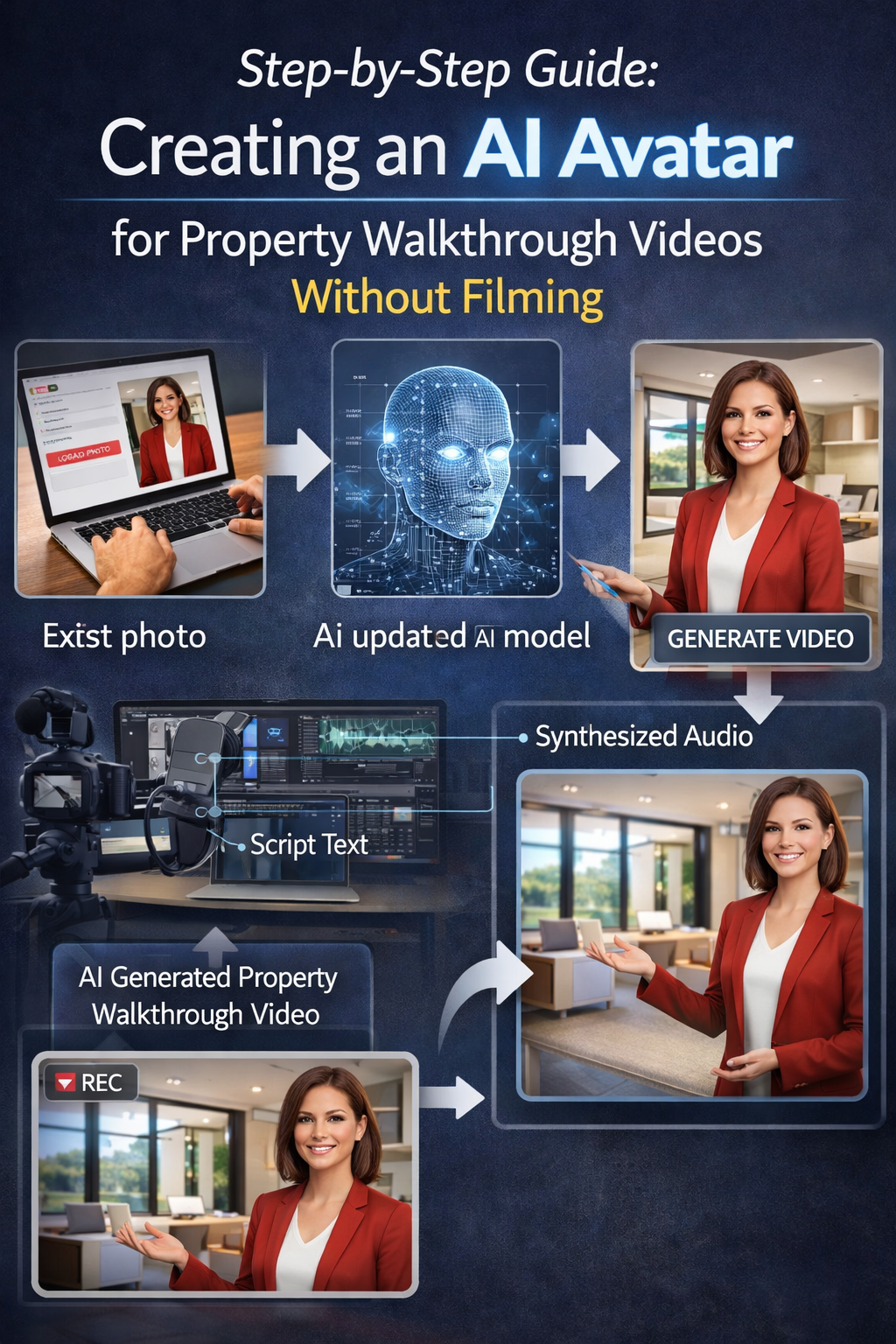
Real estate marketing has entered a new era. Buyers no longer rely solely on photos—they expect immersive, engaging experiences that help them understand a property before scheduling a showing. Video has quickly become the gold standard.
But here’s the challenge: traditional video walkthroughs require time, equipment, editing skills, and confidence on camera.
That’s exactly why the AI avatar for property walkthrough videos trend is exploding right now. 🤖🏡
With AI-powered tools like PhotoAIVideo, real estate professionals can create high-quality walkthrough videos using just photos—no filming required.
In this guide, you’ll learn exactly how to create an AI avatar for property walkthrough videos step-by-step, along with the benefits, strategy, and future potential of this powerful technology.
Before we dive into the process, let’s understand why agents are rapidly adopting this approach.
Traditional video production often includes:
• setting up cameras
• recording multiple takes
• editing footage
• adding voiceovers
• managing lighting and audio
That’s a lot of friction—especially when you’re managing multiple listings.
Using an AI avatar for property walkthrough videos, you can:
• skip filming entirely
• generate videos in minutes
• maintain a consistent presentation style
• scale your marketing effortlessly
This allows agents to focus on what matters most—closing deals and serving clients.
An AI avatar property walkthrough video is a digital presentation where a virtual host guides viewers through a home.
Instead of appearing on camera, the AI avatar:
• introduces the property
• narrates key features
• walks viewers through each room
• delivers a professional, consistent message
These avatars are paired with listing photos or video clips to create a seamless viewing experience.
To the buyer, it feels like a guided tour—without requiring the agent to film anything.
Using an AI avatar for property walkthrough videos offers major advantages for real estate professionals.
Video naturally captures attention better than static images.
When combined with narration, buyers are more likely to stay longer, understand the property, and take action.
AI avatars keep viewers engaged by guiding them through the experience.
Creating traditional listing videos can take hours—or even days.
With AI tools like PhotoAIVideo, you can generate a full walkthrough video in minutes using photos you already have.
This is one of the biggest advantages.
You don’t need:
• cameras
• microphones
• lighting setups
• video editing software
The AI avatar handles everything.
Every listing can have the same polished presentation style.
This consistency builds trust and strengthens your personal brand.
If you manage multiple listings, AI allows you to create videos for all of them without increasing your workload.
That’s a massive competitive advantage.
Let’s break down exactly how to create your own AI avatar for property walkthrough videos without filming.
Start with your listing photos.
These will form the foundation of your walkthrough video.
Make sure you include:
• exterior shots
• living room
• kitchen
• bedrooms
• bathrooms
• outdoor spaces
• unique features
The better your photos, the better your final video will look.
Next, create a script for your AI avatar.
Think of this as a guided tour.
Example structure:
Introduction
“Welcome to this beautiful home located in a quiet neighborhood.”
Living Room
“This spacious living area features natural light and an open layout.”
Kitchen
“The modern kitchen includes updated appliances and a large island.”
Bedrooms
“The primary bedroom offers comfort and privacy.”
Closing
“Contact us today to schedule a private showing.”
Keep it conversational and easy to follow.
Now upload your images into PhotoAIVideo.
This platform automatically turns your photos into dynamic video scenes.
Arrange them in a natural flow:
Exterior → Entry → Living → Kitchen → Bedrooms → Outdoor
This creates a smooth walkthrough experience.
Next, select your AI avatar.
The avatar becomes the host of your property video.
Paste your script into the system, and the AI will generate a voice narration automatically.
No recording needed.
Once everything is set, generate the video.
The system combines:
• your images
• transitions
• avatar narration
The result is a professional walkthrough video ready to share.
Download your video and use it across your marketing channels:
• MLS listings
• YouTube
• social media
• email campaigns
• property websites
Video content dramatically increases visibility and engagement.
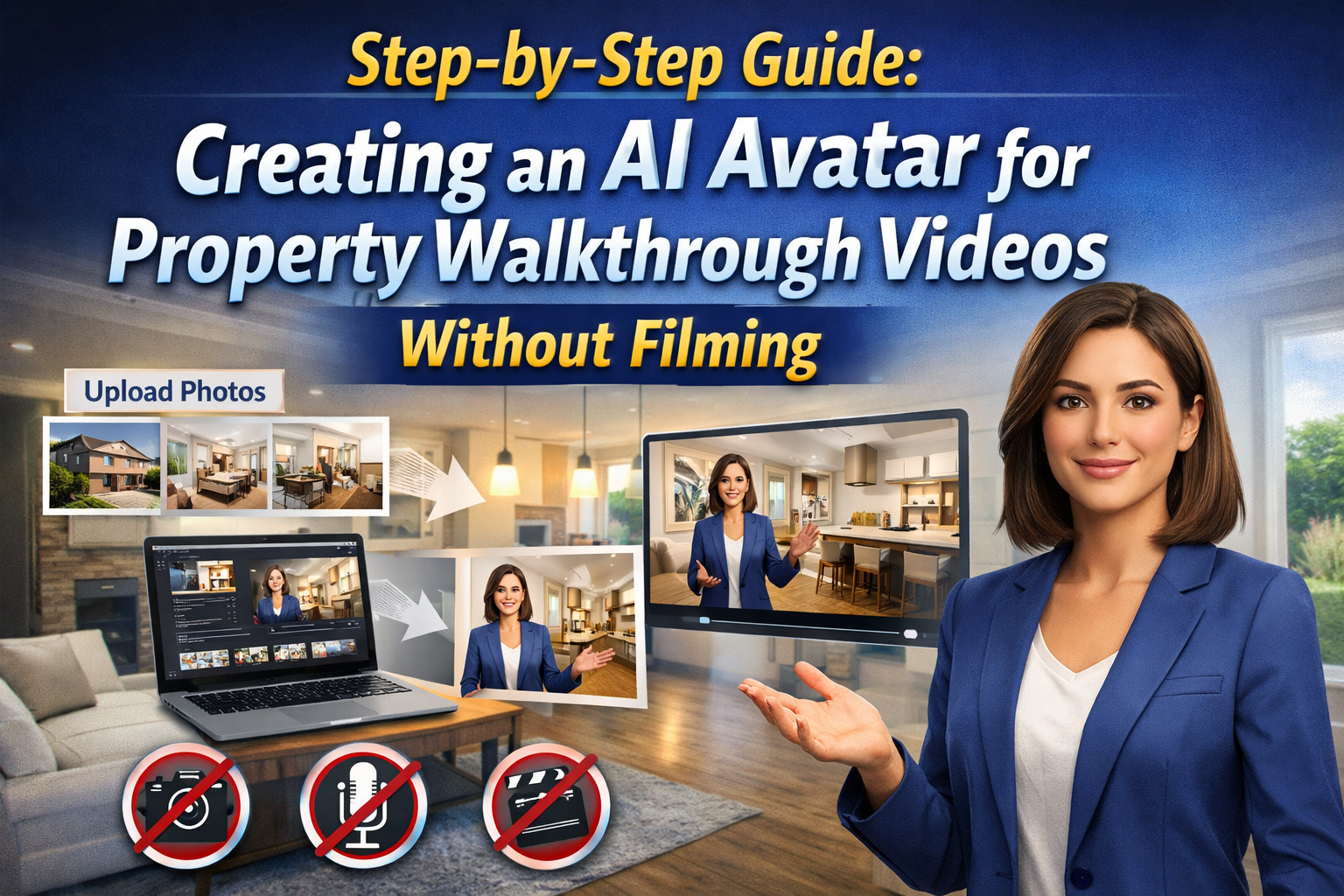
PhotoAIVideo makes creating an AI avatar for property walkthrough videos incredibly simple.
Here’s why agents love it.
Upload images and instantly turn them into cinematic videos.
Create a virtual host that presents your property professionally.
You don’t need editing experience or video production knowledge.
Faster marketing means faster exposure—and potentially faster deals.
Video performs better than static posts.
AI walkthrough videos help you stand out in crowded feeds.
One common myth is that AI avatar videos feel robotic or unnatural.
In reality, modern AI avatars have improved dramatically.
They now offer:
• natural voice tones
• realistic expressions
• smooth delivery
When paired with a strong script and quality visuals, AI avatar walkthroughs feel professional and engaging—not robotic.
AI is transforming how properties are marketed.
As tools continue to improve, agents who adopt early will gain a competitive edge.
Buyers are already responding positively to video-first listings.
Adding an AI avatar for property walkthrough videos enhances that experience even further.
This technology allows agents to:
• produce more content
• maintain consistency
• increase engagement
• save time
All while delivering a better experience to buyers.
Creating an AI avatar for property walkthrough videos is one of the simplest ways to upgrade your real estate marketing strategy.
You no longer need to film, edit, or spend hours producing video content.
With tools like PhotoAIVideo, you can:
• turn photos into engaging videos
• add a professional AI host
• create consistent marketing content
• scale your listings effortlessly
In today’s competitive real estate market, attention is everything.
AI avatar walkthrough videos help you capture that attention—and turn it into action. 🏡🚀🤖


Compact, ready to go anywhere
Interchangeable lens that’s upgradeable
Dual 1-inch sensors for improved clarity and low light performance
Dynamic range and 6K 360° capture
360° photo resolution at 21MP

8K 360° video recording for ultra-detailed visuals.
4K single-lens mode for traditional wide-angle shots.
Invisible selfie stick effect for drone-like perspectives.
2.5-inch touchscreen with Gorilla Glass protection.
Waterproof up to 33ft for underwater shooting.

360° photo resolution in 23MP
Slim design at 24 mm thick
Built-in image stabilization for smooth video capture.
Internal 19GB storage for photo and video storage.
Wireless connectivity for remote control and sharing.

60MP 360° still images for high-resolution photography.
5.7K 360° video recording at 30fps.
2.25-inch touchscreen for intuitive control.
USB Type-C port for fast charging and data transfer.
MicroSD card slot for expandable storage.
.png)

.png)

Try it free. No credit card required. Instant set-up.







.svg)


.svg)