


.png)


Shopping for a real estate video maker can feel like comparing apples to oranges. Some tools promise cinematic, drone-style footage from a handful of still photos, while others focus on slideshow-style social clips, and still others are essentially editing suites in disguise.
For a busy agent, the wrong choice can mean wasted hours, inconsistent branding, and video content that never gets used. The right real estate video maker, however, can become a repeatable part of your listing workflow — something you use for every property, not just the occasional "hero" listing.
This guide breaks down the features that matter when evaluating a real estate video maker, regardless of which platform you ultimately choose. We'll use PhotoAIVideo as a concrete example throughout because it's built specifically for this use case, but the checklist below applies whether you're comparing five tools or fifty.
Home buyers now conduct much of their property research online, with resources from the National Association of Realtors' research and statistics and Zillow's housing research documenting the continued importance of online and mobile home search. As video becomes an increasingly familiar part of digital marketing, it makes sense for agents to consider carefully which video features will actually support their listing workflow.
One of the biggest differences between real estate video makers is how much time and skill they require.
Traditional video editing software can involve a substantial learning curve, with users needing to understand timelines, keyframes, color grading, export settings, and other editing concepts. Most real estate agents don't have time to become professional video editors — and they shouldn't need to.
A genuinely useful real estate video maker should make it easy to upload a batch of listing photos and turn them into a polished, ready-to-share video without spending hours manually editing every scene.
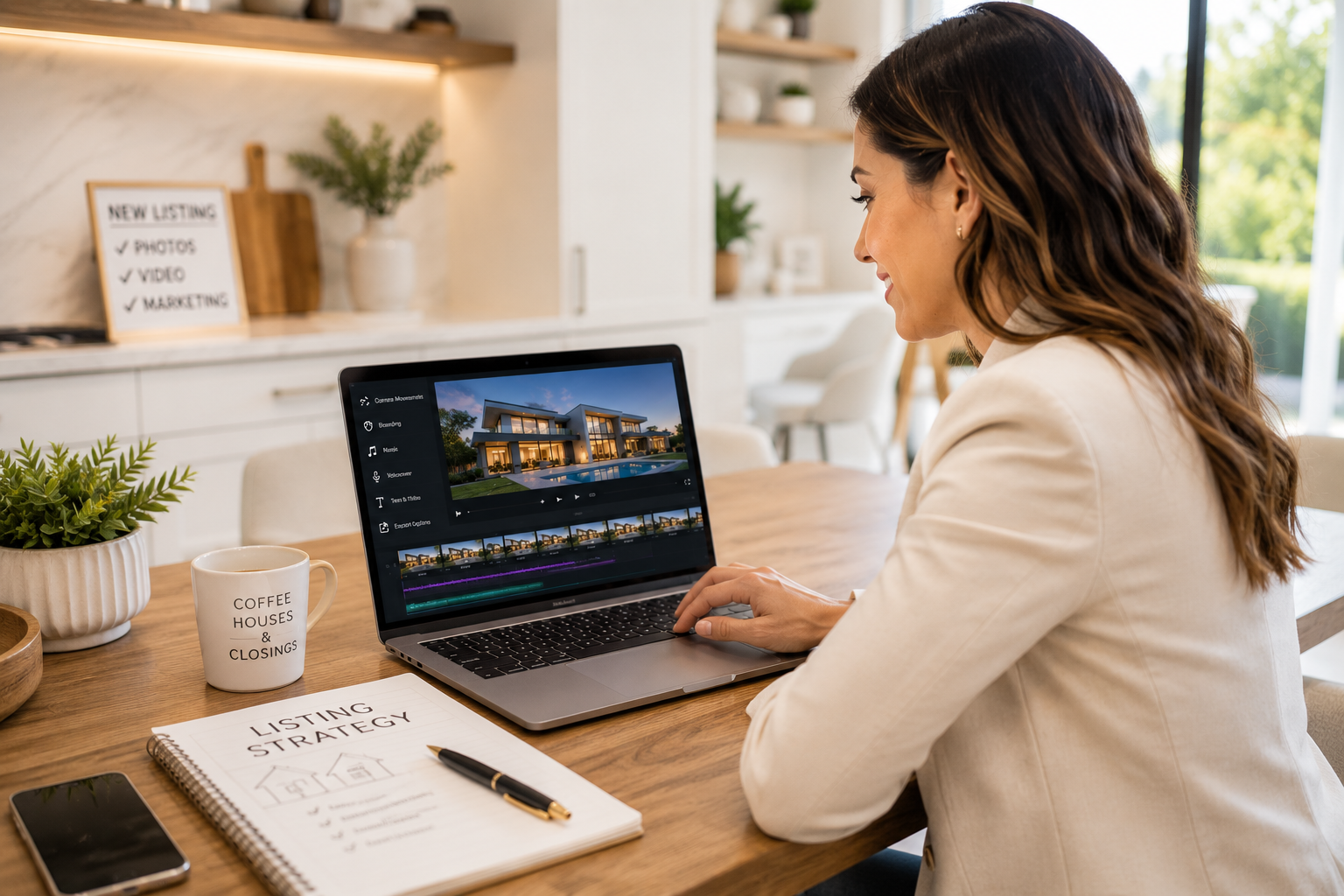
Tools built around AI automation can handle tasks such as pacing, transitions, sequencing, and camera movements automatically, significantly reducing the amount of manual editing required.
This is where AI-assisted platforms distinguish themselves from traditional editors. PhotoAIVideo, for example, can convert a folder of listing photos into a cinematic property video without requiring filming or traditional editing skills. You can see the process through its automated walkthrough video creation feature.
When evaluating any tool, ask yourself a simple question: How many steps stand between "photos on my phone" and "video ready to post"?
The fewer manual trimming, arranging, and editing tasks required afterward, the easier it will be to incorporate video into your regular listing workflow.
Static photo slideshows were common for years, but modern video tools can create a much more dynamic presentation from the same listing photos.
A strong real estate video maker should offer a variety of simulated camera movements — including pans, zooms, tilts, dolly-ins, orbits, and reveals — so each room and angle can be presented differently instead of repeating the same effect throughout the entire video.
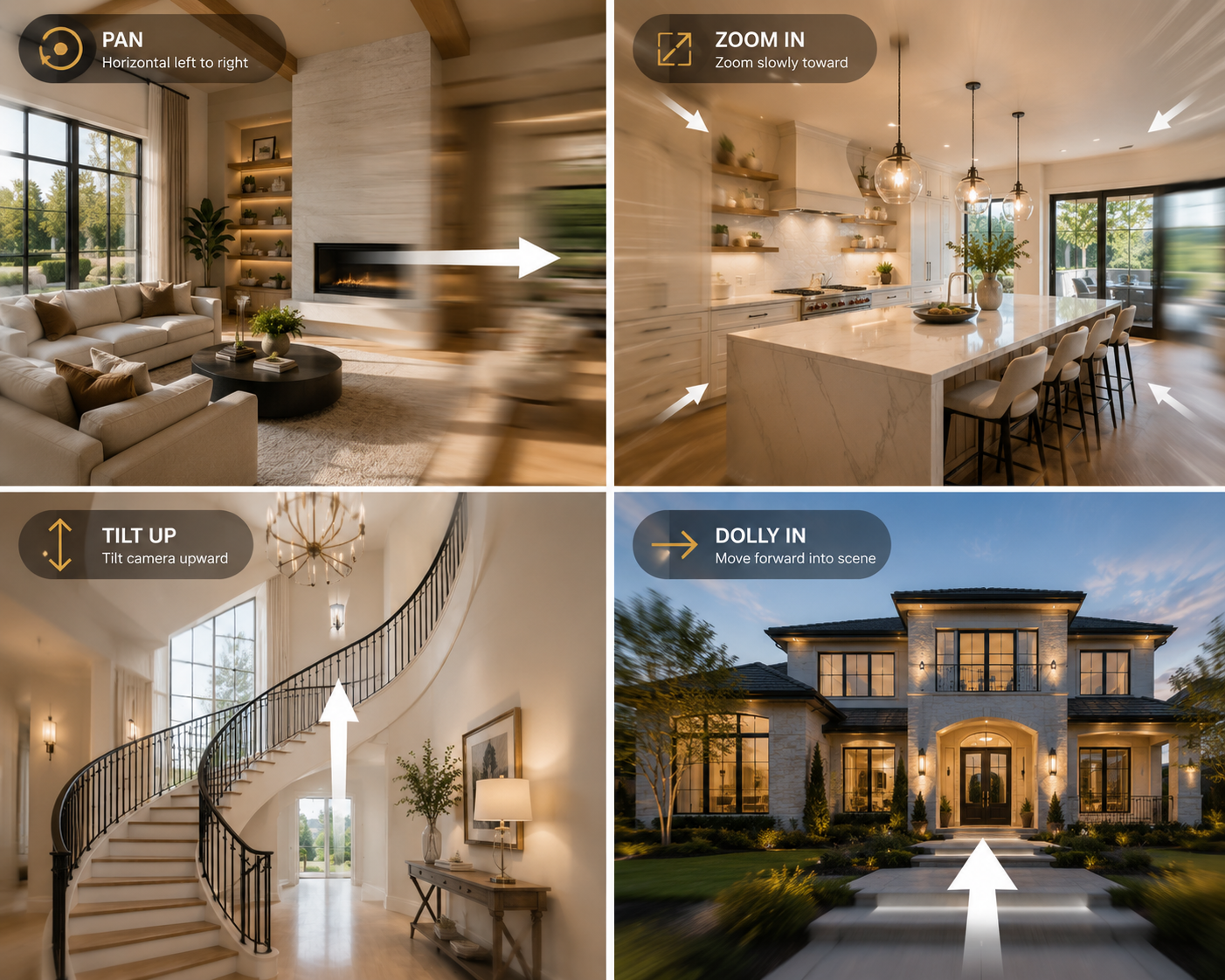
Variety matters because excessive repetition can quickly make a video feel templated. A living room that slowly zooms in exactly the same way as the kitchen, bedroom, and backyard can become predictable, even when the underlying photography is excellent.
Look for a video maker with a broad selection of camera movement styles. PhotoAIVideo, for example, offers more than 12 options.
Ideally, the platform should also provide enough flexibility to match different movements to different scenes — perhaps a slow dolly for a great room, an orbit around a statement staircase, or a rising tilt for an exterior shot emphasizing curb appeal.
This is another area where AI can reduce manual work. Instead of assigning an effect to every image individually, an AI-powered video generator can vary and sequence movements automatically while still allowing the finished video to feel intentionally produced.
A property video isn't only an opportunity to showcase the home. It can also reinforce your personal or company brand.
Every video you publish — whether on social media, your website, or in an email campaign — can put your name, logo, contact information, and visual identity in front of prospective clients.
Look for the ability to add a custom logo, consistent brand colors, and contact information, either through an intro and outro or as an overlay within the video.
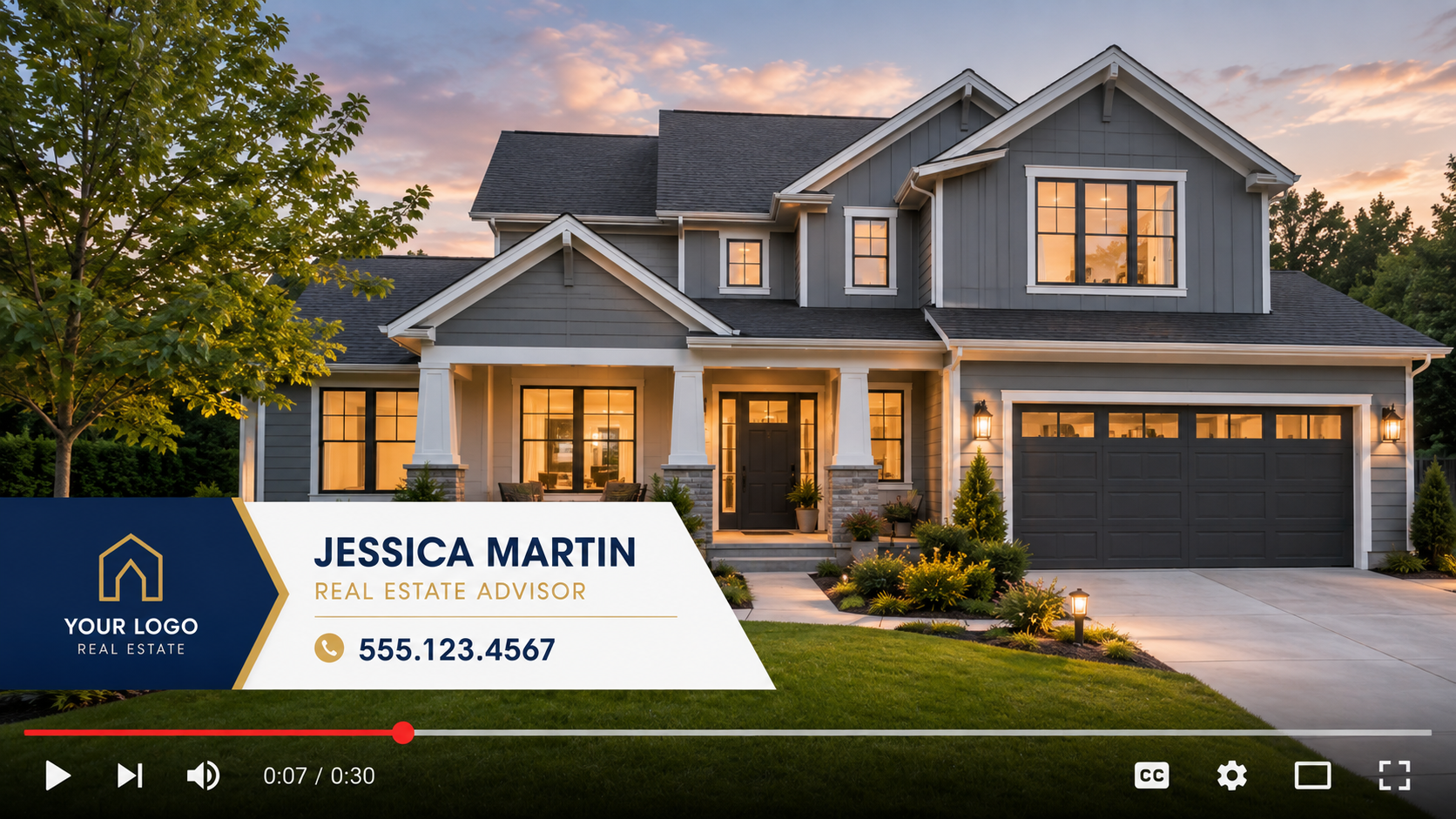
Consistent branding also helps viewers recognize your marketing across different listings and platforms.
For agencies and teams, branding requirements may go even further. You might want standardized intros across every agent's listings or white-label functionality for photographers producing videos on behalf of their clients.
PhotoAIVideo supports custom branding as well as white-label options for these types of workflows.
Sound is easy to overlook when comparing real estate video makers, but it can have a significant effect on the finished presentation.
A suitable music track can complement the mood and pacing of a property video. At minimum, look for a platform with a built-in library of music that is appropriately licensed for its intended use. This reduces the need to find tracks elsewhere and helps avoid potential copyright issues when publishing videos online.
Beyond background music, voiceover can add another layer to a listing video.
An AI voiceover feature can narrate key selling points — such as square footage, renovations, property features, or neighborhood highlights — without requiring the agent to record each narration manually.
Some platforms also offer AI avatar tools that can create presenter-style introductions. This can be particularly useful for agents who want a consistent personal presence across their videos without filming a new introduction for every listing.
PhotoAIVideo includes both AI voiceover and AI avatar features for this type of content.
A video is only useful if you can publish it where your audience actually spends time.
Your real estate video maker should support the formats and aspect ratios required by the platforms you use. That may include vertical video for Instagram Reels and TikTok, square formats for certain social placements, horizontal video for YouTube, and web-friendly formats for your website or other supported property-marketing channels.
If a tool only produces one fixed format, you may end up spending additional time cropping or re-exporting videos elsewhere — undermining some of the convenience of using an automated video maker in the first place.
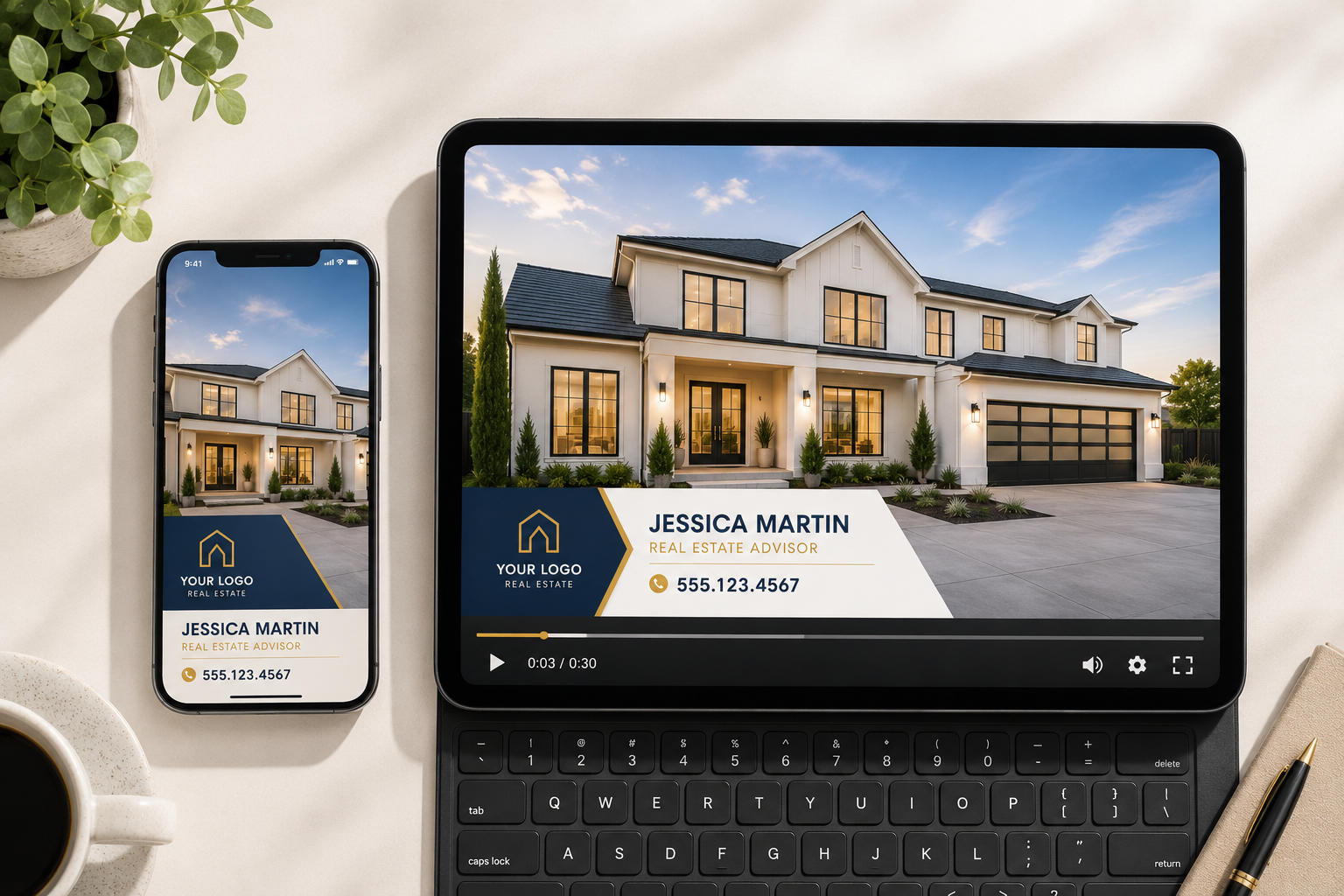
Mobile usability matters on the input side, too.
Agents often work away from their desks, so a video maker that makes it easy to upload photos, preview projects, and manage content from a mobile device can fit more naturally into a real estate workflow.
It's also worth considering where video fits into your broader marketing strategy rather than treating each video as a one-off asset. Think with Google's guidance on video marketing strategies provides useful context on creating video for different audiences, platforms, and viewing environments.
Cost structure can determine whether a video maker makes sense for your business, especially when your listing volume changes from month to month.
Look for clear pricing that allows you to understand what you're paying for and what each plan includes before committing.
A free plan or trial can also be valuable because it lets you test the platform using one of your own listings instead of judging the product solely from demos or marketing examples.
Beyond the starting price, consider how pricing scales as your business grows.
A solo agent producing a handful of listings each month has very different requirements from a high-volume team or agency managing content for multiple agents.
A flexible platform may offer an entry-level option for occasional users, a mid-tier plan for regular producers, and higher-volume or enterprise options for larger organizations.
PhotoAIVideo, for instance, offers scalable plans that include a free option, alongside Creator, Pro, and custom Enterprise options.
When comparing platforms, calculate the cost based on your realistic monthly production needs rather than looking only at the advertised starting price.
If you run a real estate team, lead an agency, or produce listing content professionally for multiple agents, a tool designed exclusively for individual users can quickly become limiting.
Look for features such as multi-user access, shared branding, reusable templates, and the ability to organize output across several agents or clients without constantly switching between separate accounts.
For real estate photographers, white-label functionality can be particularly valuable. It allows photographers to provide finished videos using their clients' branding, making video an additional service that can complement an existing photography package.
Whether a platform is used directly by individual agents or as part of a done-for-you service, it should support the workflow you need without unnecessarily complicating production.
Customer support is easy to overlook when comparing features — until something goes wrong.
A video may fail to export correctly, a branding element may need adjustment, or you may have questions about your account or billing. Before committing to a platform, check what support options are available, such as chat, email, phone support, documentation, or a help center.
Support can be especially important for real estate professionals because listing marketing is often time-sensitive. If you're trying to launch a property campaign and encounter a technical problem, being able to get help quickly can make a meaningful difference.
PhotoAIVideo serves agents, agencies, and photographers and provides support for users working with its real estate video tools.
Not necessarily. AI-driven platforms are specifically designed to reduce the amount of manual video editing required.
Depending on the tool, an agent may be able to upload listing photos, choose a style or settings, and allow the software to handle tasks such as pacing, transitions, sequencing, and camera movements automatically.
With an AI-assisted real estate video maker, the process can often be completed much faster than traditional manual editing.
Exact rendering and production times will vary depending on the platform, project length, selected features, and processing demand, so it's worth testing the workflow yourself before choosing a tool.
That depends on the platform and the requirements of the destination where you intend to publish the video.
Check whether your video maker supports the aspect ratios and file formats you need for social media, YouTube, websites, email marketing, and any MLS or listing platform you use. MLS rules and supported media can vary, so always check the requirements of your specific MLS before publishing.
It can be, but it depends on your workflow, budget, and how frequently you plan to use video.
If you only produce a few listing videos each month, look for a free plan, trial, pay-as-you-go option, or lower-cost tier rather than paying for capacity you don't need. As your listing volume grows, you can then evaluate whether moving to a higher tier makes financial sense.
There's no single "best" real estate video maker for every agent. The right choice depends on your listing volume, whether you work independently or as part of a team, how much automation you want, and how much manual creative control you prefer.
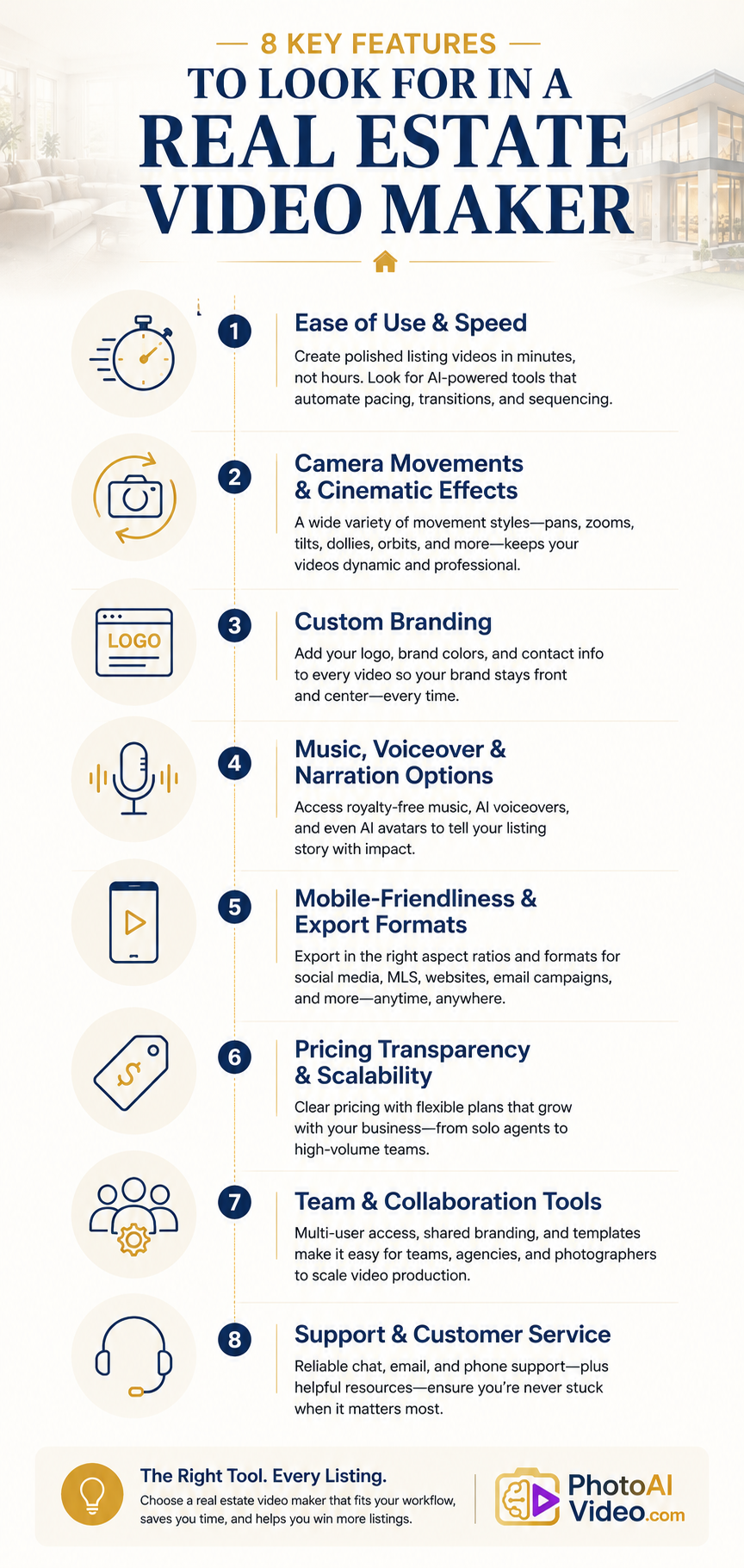
But there is a useful checklist to keep in mind: ease of use, fast production, a good variety of camera movements, strong branding controls, flexible music and voiceover options, mobile-friendly and multi-format output, transparent pricing, collaboration features where needed, and responsive customer support.
PhotoAIVideo is one example of a platform designed around many of these requirements, combining AI-powered video creation, 12+ camera movements, custom branding, and both DIY and done-for-you options in one platform.
Whatever tool you're considering, test it with one of your actual listings rather than relying exclusively on a demo property. That's one of the simplest ways to determine whether the platform fits your workflow, produces the quality you expect, and saves enough time to become a tool you'll actually use.


Compact, ready to go anywhere
Interchangeable lens that’s upgradeable
Dual 1-inch sensors for improved clarity and low light performance
Dynamic range and 6K 360° capture
360° photo resolution at 21MP

8K 360° video recording for ultra-detailed visuals.
4K single-lens mode for traditional wide-angle shots.
Invisible selfie stick effect for drone-like perspectives.
2.5-inch touchscreen with Gorilla Glass protection.
Waterproof up to 33ft for underwater shooting.

360° photo resolution in 23MP
Slim design at 24 mm thick
Built-in image stabilization for smooth video capture.
Internal 19GB storage for photo and video storage.
Wireless connectivity for remote control and sharing.

60MP 360° still images for high-resolution photography.
5.7K 360° video recording at 30fps.
2.25-inch touchscreen for intuitive control.
USB Type-C port for fast charging and data transfer.
MicroSD card slot for expandable storage.
.png)

.png)

Try it free. No credit card required. Instant set-up.







.svg)


.svg)