


.png)


The first few days after a listing goes live can be some of the most important for attracting buyer attention. Buyer alerts go out, agents scroll through new inventory, and sellers start watching their listing activity closely. During that window, a static photo gallery is competing against every other new listing that hit the market the same day—and increasingly, it’s competing against listings with video.
This is exactly why more agents are turning to a real estate video creator instead of trying to book and coordinate a videographer every time a new sign goes in the yard. When the tool can turn your existing listing photos into a polished, moving property tour in minutes, waiting days for a listing video becomes much less practical.
Buyer attention isn’t necessarily distributed evenly throughout a listing’s time on the market. The days immediately following a “just listed” announcement and the run-up to an open house can be particularly important opportunities to capture interest and turn online views into showing requests.
Industry resources from the National Association of Realtors regularly examine buyer behavior and housing-market activity, while Zillow Research provides insights into how factors such as pricing, timing, and presentation can influence the way homes perform once they’re listed.
That creates a challenge for the traditional video production timeline. Booking a videographer, waiting for a shoot slot, and then waiting again for editing and delivery can mean that the finished video isn’t available when you first want to promote the property.
This is precisely the mismatch a real estate video creator is designed to address: matching the speed of video production to the fast-moving nature of listing marketing rather than making your campaign wait for a production schedule.
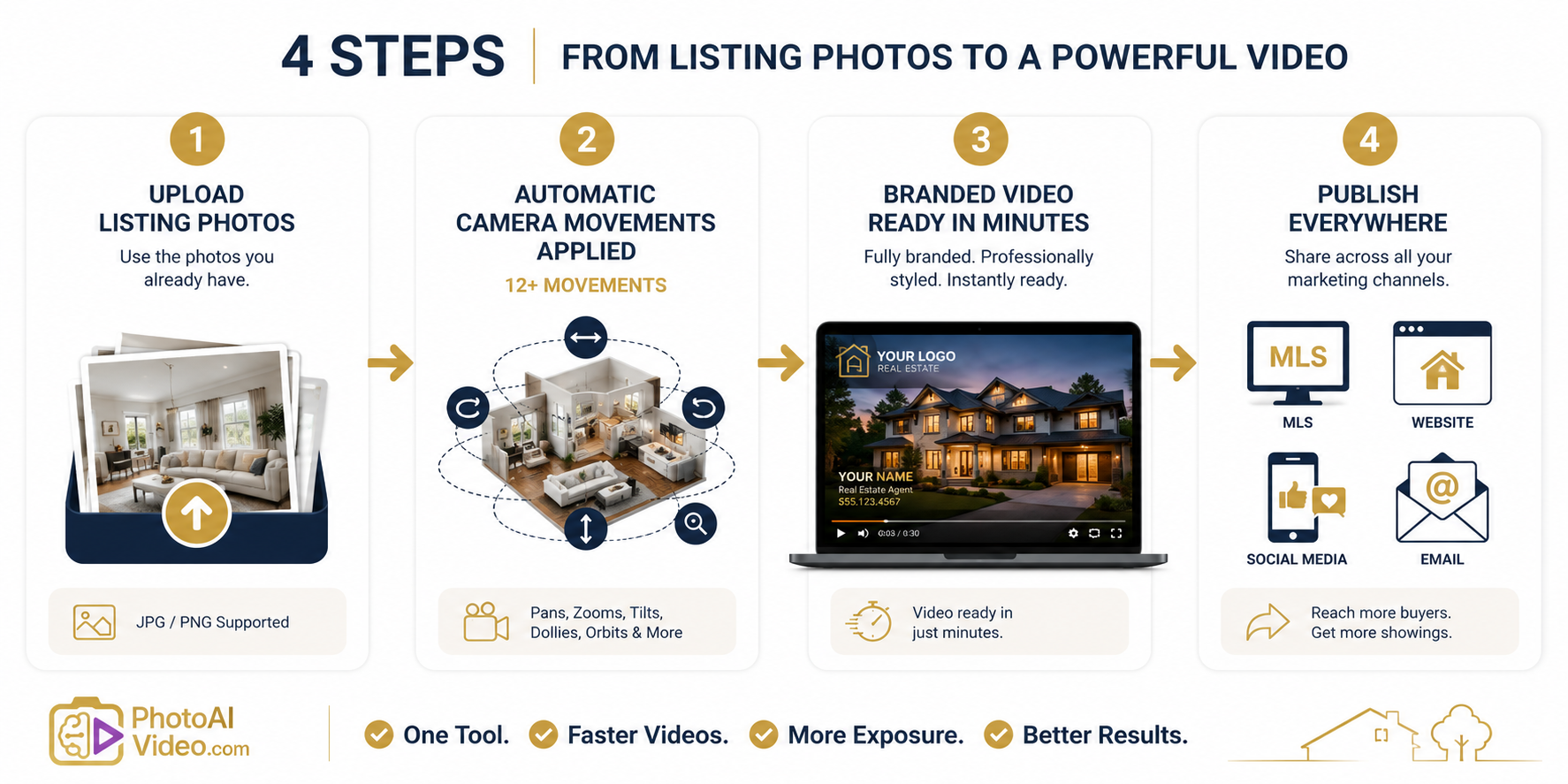
A real estate video creator is built to close that gap. Instead of scheduling a separate video shoot, PhotoAIVideo works from the listing photos you already have—the same type of images you may already be uploading to the MLS—and turns them into a cinematic property video automatically.
More than 12 professional camera movements, including pans, zooms, tilts, dolly-style pushes, orbits, and more, can be applied to your still images so the finished result feels more dynamic than a traditional slideshow. Because there’s no separate shoot to schedule or manual editing timeline to wait on, video generation can happen shortly after your photos are uploaded.
The platform also handles branding elements that would otherwise add more steps to production. You can apply your logo, brand colors, and contact information, along with a custom intro and outro, helping every video stay consistent with the rest of your marketing without rebuilding a template from scratch each time.
If you want a presenter-style introduction without appearing on camera yourself, the AI avatar clone feature can create an on-camera-style introduction to the property. An optional AI voiceover can also narrate the tour for agents who want a fuller presentation without recording their own audio.
For a step-by-step look at how photos become a finished video, the PhotoAIVideo walkthrough shows what happens between upload and export.
Because the platform is purpose-built around this workflow, it’s also worth exploring what’s built specifically for real estate agents, including export formats for MLS and social media.
Whether you’re producing a video for one listing this week or multiple listings each month, the pricing page breaks down the available plans, including options for individual users as well as brokerages and teams.
Not every agent wants to sit down and run the software themselves, especially in the middle of a busy launch week. A self-serve DIY app lets you upload photos and generate videos on your own schedule, while a Done-For-You service gives agents another option when they would rather hand off the production process.
The right choice comes down to how hands-on you want to be with each listing and how quickly you need the finished video.
Not every announcement video should look or sound the same. A “just listed” video is doing a different job from an open house invitation or a “just sold” recap.
A real estate video creator makes it practical to create different versions for each stage because you can reuse your existing property photos and branding rather than arranging a completely new video shoot whenever the message changes.
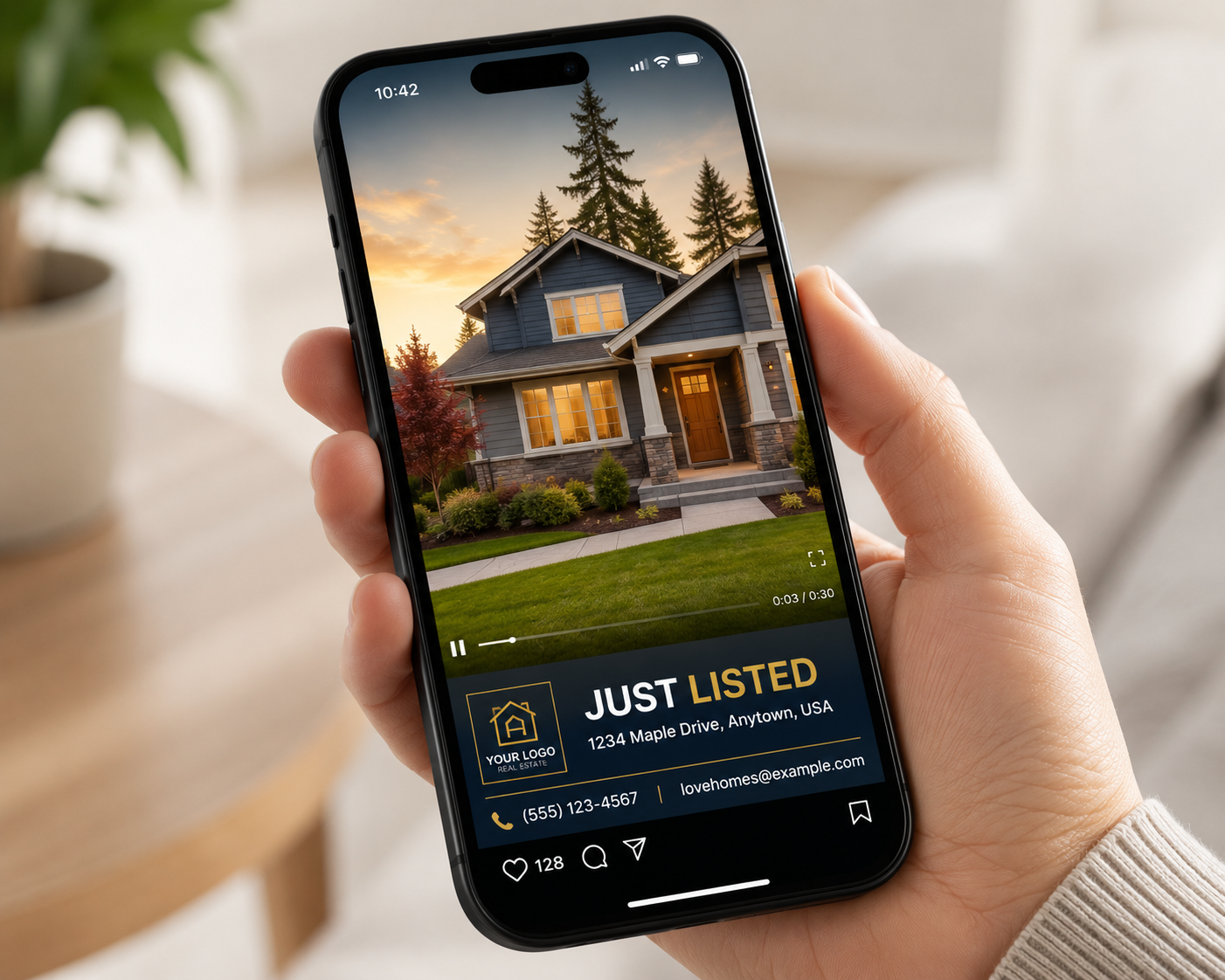
The goal here is momentum: introduce the property while it’s new to the market and give prospective buyers a compelling reason to learn more.
Lead with your strongest exterior and interior photos, keep the pacing engaging with varied camera movements, and make your branding and contact information easy to find in the intro or outro.
Because this type of video is most useful when it accompanies the listing launch, generating it directly from your existing listing photos can make same-day publishing much more practical.
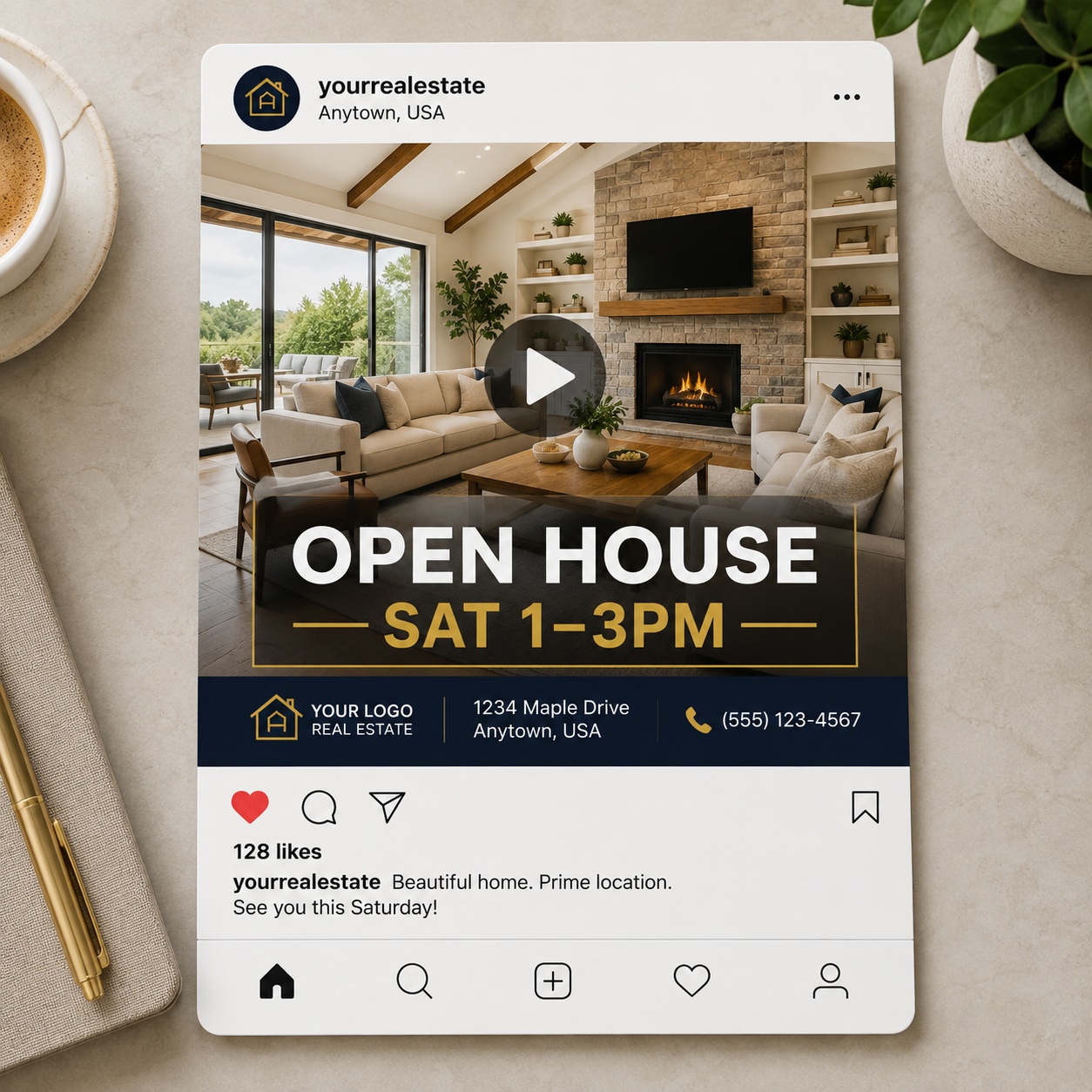
An open house video has one primary job: encourage people to attend on a specific date and time.
Keep it concise, feature the rooms and amenities that photograph best, and make sure the date, time, and address are easy to find, either through on-screen text or in the caption accompanying the video.
Because an open house has a fixed deadline, turnaround speed becomes particularly important. A promotional video is most useful when there’s still enough time for prospective buyers to see it and plan their visit.
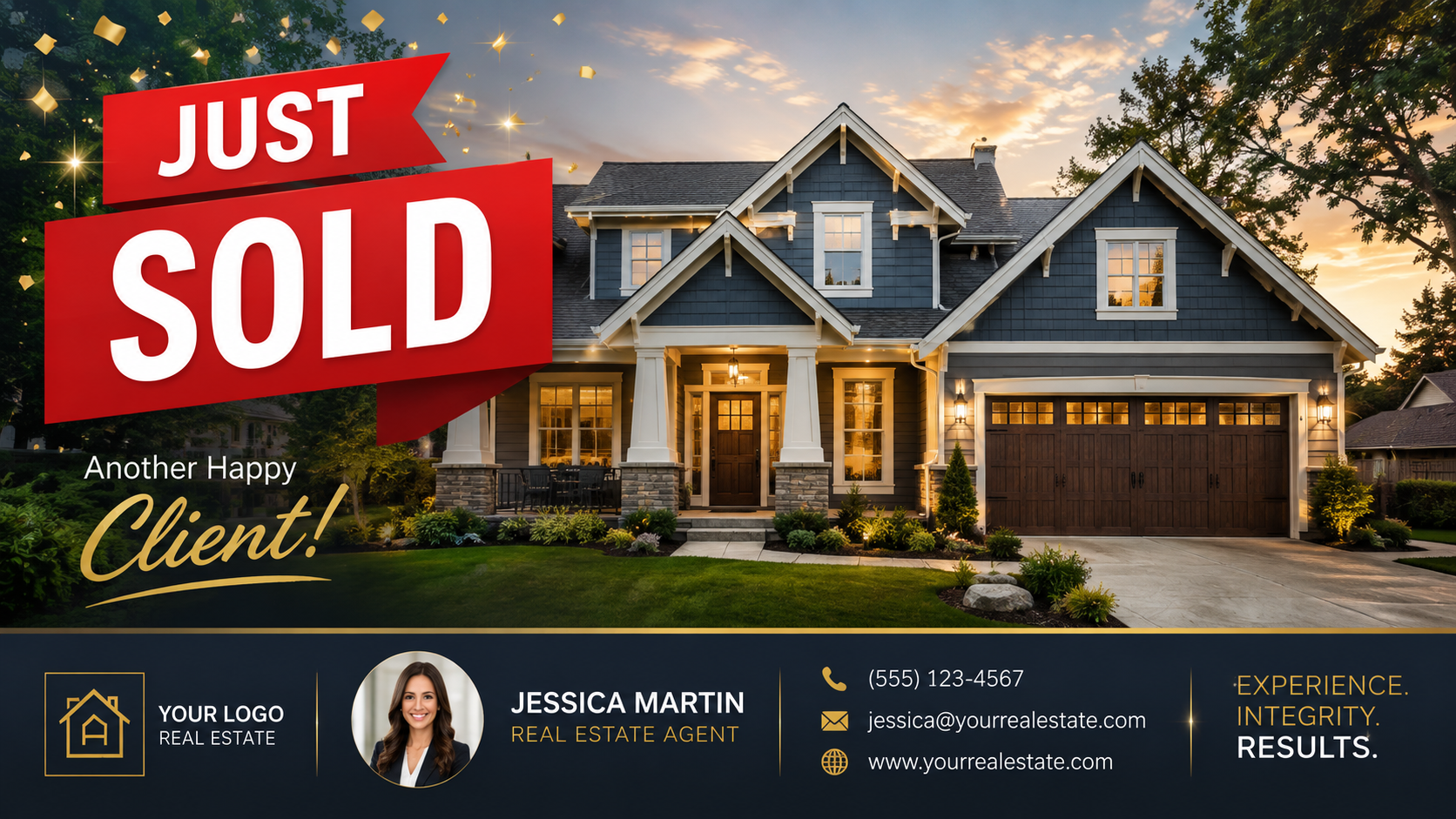
A “just sold” video serves a different purpose. Instead of encouraging showings, it can help reinforce your track record and keep your marketing active after the transaction.
Use it to thank the seller, showcase the property one more time, and remind your audience—including past clients and your sphere of influence—that you’re actively working in the market.
This is also a natural opportunity to reuse the same photo set and branding template from the original listing video, giving the entire campaign—just listed, open house, and just sold—a consistent visual identity.
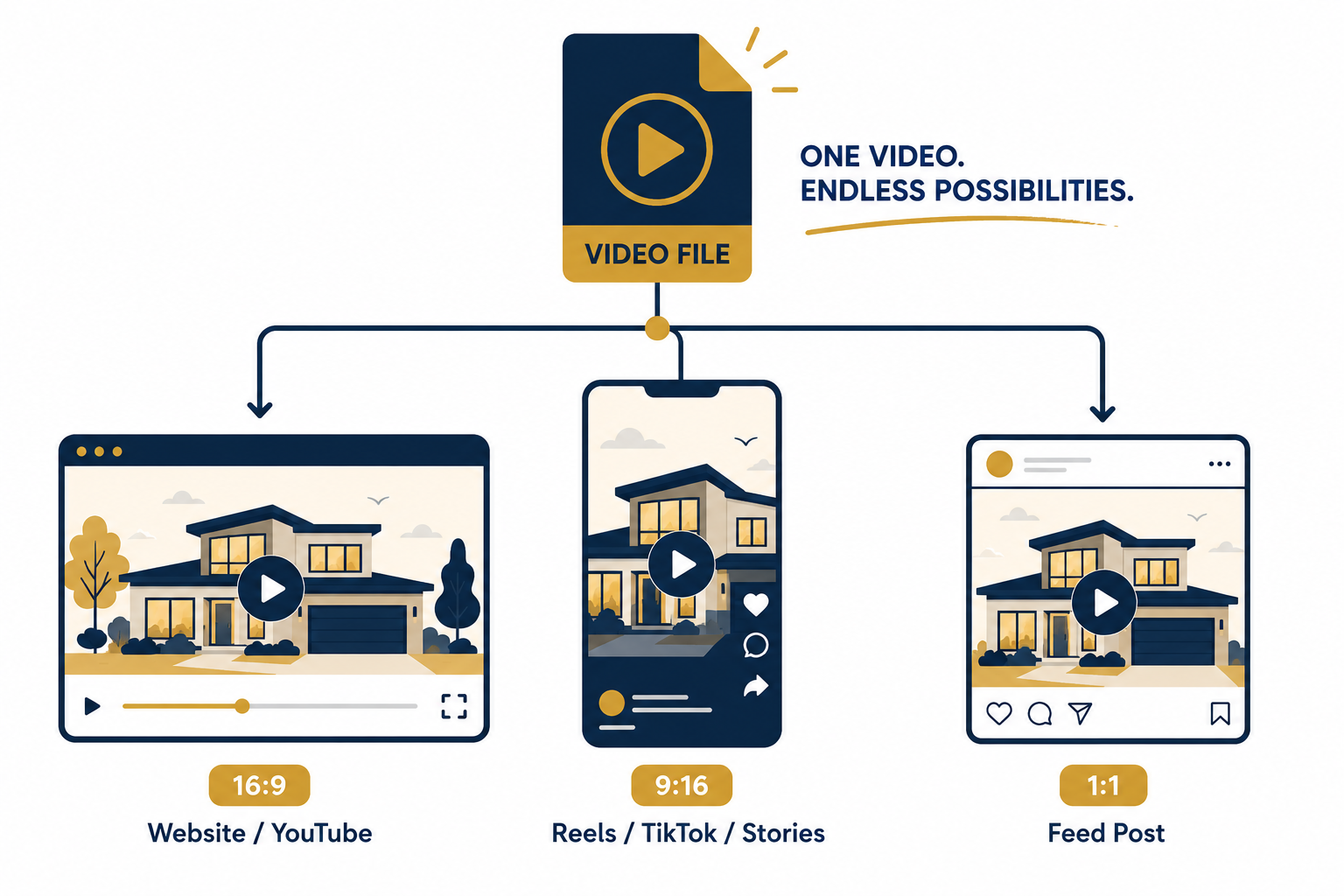
Producing the video quickly only helps if you distribute it effectively. Once your video is exported, consider sharing it across the channels where prospective buyers and other real estate professionals may encounter the property:
The common thread across all four channels is speed and flexibility. A real estate video creator that supports multiple export formats makes it easier to prepare content for several marketing channels without rebuilding the video from scratch.
Do I need professional video equipment or editing skills to use a real estate video creator?
No. PhotoAIVideo is designed to work from existing listing photos. You upload your images, use the platform to apply camera movements and other presentation elements, and then export the finished video without needing professional video equipment or traditional editing software.
How quickly can I get a video ready for an open house announcement?
Because the workflow starts with photos you already have and doesn’t require scheduling a separate video shoot, it can significantly shorten the production process. Actual generation time may vary depending on the project and processing conditions.
Can I use the same photos for a just listed video and a later just sold recap?
Yes. Reusing your original photo set with the same branding template can be an efficient way to maintain consistency throughout the listing’s marketing lifecycle without creating everything again from scratch.
What if I don’t want to appear on camera but still want a personal introduction to the listing?
PhotoAIVideo includes an AI avatar clone feature that can create a presenter-style introduction without requiring you to film a new introduction for every property. An optional AI voiceover can also be used if you prefer narration without recording your own audio.
Timing matters when marketing a new listing, particularly around the initial launch and an upcoming open house. Traditional video production can introduce scheduling and editing delays, while a real estate video creator offers a faster workflow by working directly from the property photos you already have.
From there, you can add camera movement, branding, narration, and platform-specific formatting to create videos for MLS listings, websites, social media, email campaigns, and other marketing channels.
Whether you’re producing a just listed announcement, an open house invitation, or a just sold recap, the biggest advantage is having a repeatable video workflow that can keep pace with your listing schedule.
Explore the pricing options, review the walkthrough, and see how PhotoAIVideo can fit into a real estate marketing workflow where getting content published quickly matters.


Compact, ready to go anywhere
Interchangeable lens that’s upgradeable
Dual 1-inch sensors for improved clarity and low light performance
Dynamic range and 6K 360° capture
360° photo resolution at 21MP

8K 360° video recording for ultra-detailed visuals.
4K single-lens mode for traditional wide-angle shots.
Invisible selfie stick effect for drone-like perspectives.
2.5-inch touchscreen with Gorilla Glass protection.
Waterproof up to 33ft for underwater shooting.

360° photo resolution in 23MP
Slim design at 24 mm thick
Built-in image stabilization for smooth video capture.
Internal 19GB storage for photo and video storage.
Wireless connectivity for remote control and sharing.

60MP 360° still images for high-resolution photography.
5.7K 360° video recording at 30fps.
2.25-inch touchscreen for intuitive control.
USB Type-C port for fast charging and data transfer.
MicroSD card slot for expandable storage.
.png)

.png)

Try it free. No credit card required. Instant set-up.







.svg)


.svg)