


.png)


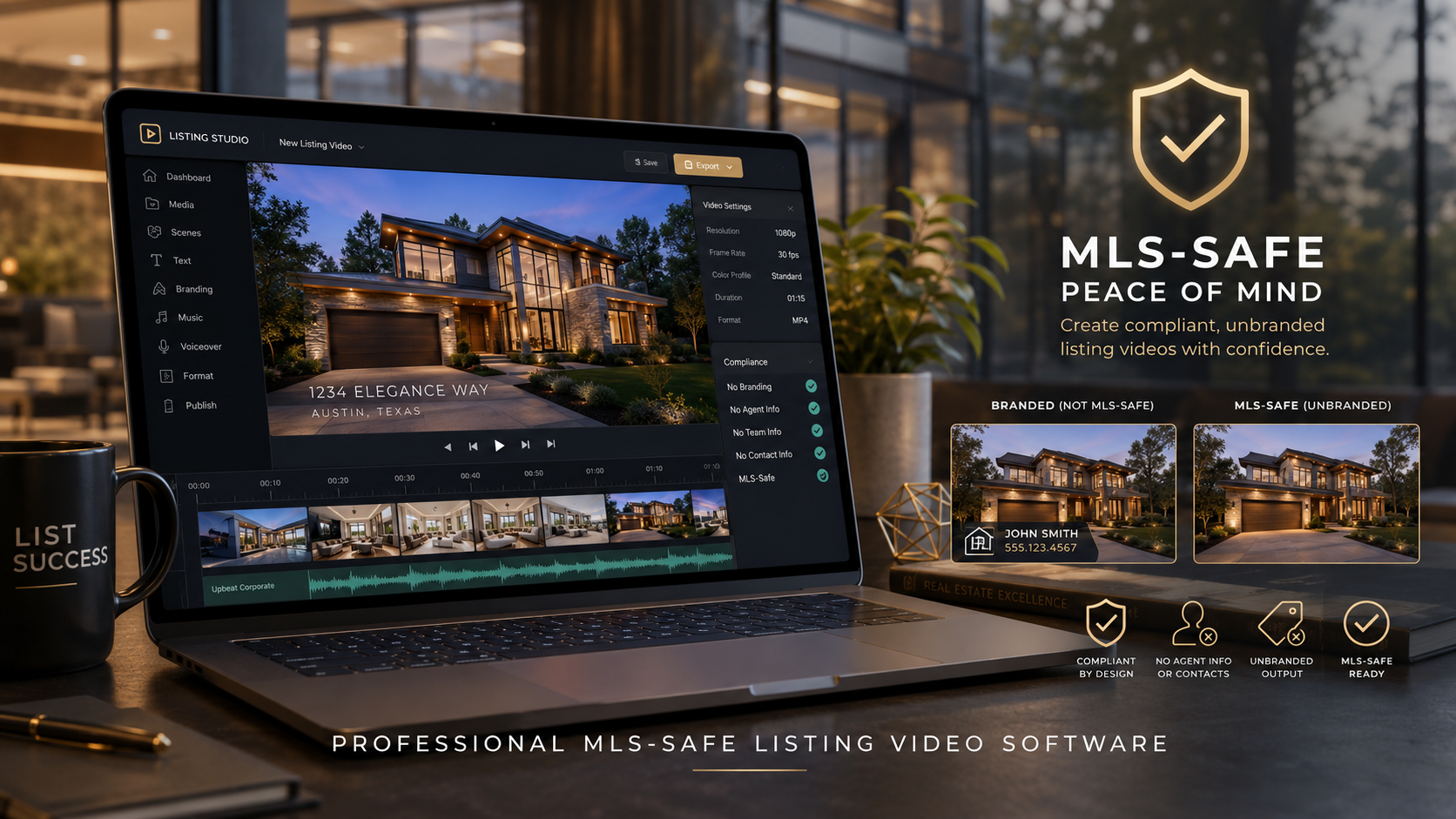
Real estate marketing has become increasingly visual. Buyers expect to see more than a collection of static listing photos, while agents need content that can be published across the MLS, social media, property websites, email campaigns, and digital advertisements.
Listing videos can help properties stand out, but creating multiple video versions for different platforms can become expensive and time-consuming. Agents may need one branded video for social media and another unbranded version that meets the requirements of their local multiple listing service.
Professional MLS compliant listing video software helps simplify this process. It allows real estate professionals to turn listing photos into polished property videos while maintaining control over branding, contact information, logos, music, text, and MLS presentation requirements.
In this guide, we will explain how MLS-safe video tools work, what features to look for, their advantages and disadvantages, and how to create better property videos without slowing down your listing workflow.
MLS safe real estate video software is designed to help agents, photographers, brokerages, and marketing teams create property videos that can be used in MLS listings without including prohibited branding or promotional information.
MLS rules can vary by region, but an MLS-safe version of a video commonly avoids elements such as:
A branded version may include these elements and can be used on platforms such as Facebook, Instagram, YouTube, property websites, landing pages, and email campaigns.
A strong MLS compliant property video maker should make it easy to produce both versions from the same listing photos. This prevents the agent or photographer from rebuilding the entire video twice.
Listing videos help buyers understand the layout, condition, atmosphere, and key features of a property before scheduling a showing.
Photos remain important, but a well-produced video creates movement and flow. It can guide viewers from the exterior into the living room, kitchen, bedrooms, backyard, and other important spaces.
Video can also support several parts of a real estate marketing campaign.
People often scroll quickly through social media feeds and property search results. Movement can capture attention more effectively than a static image alone.
A professional listing video can highlight the strongest photographs and present them in a logical sequence.
One property can generate content for several marketing platforms, including:
Using real estate listing video software allows professionals to create these assets without manually editing every frame.
Sellers want to know that their property is receiving professional marketing. Providing a property video can demonstrate that the agent is using modern tools to present the home effectively.
Even when the video is created from listing photos, it can add value to the overall listing presentation.
The exact workflow depends on the software, but most professional systems follow a similar process.
The user uploads professional real estate photographs of the property. These may include exterior images, main living spaces, bedrooms, bathrooms, amenities, and outdoor areas.
The quality of the source photos has a major impact on the finished video. Proper lighting, straight vertical lines, clean staging, and consistent image orientation help produce a more professional result.
The photos should be organized in an order that feels like a walkthrough.
A common sequence might include:
Some AI property video software can automatically analyze and arrange photos, but the user should still review the order before publishing.
The software applies motion effects, transitions, zooms, pans, and timing to the images.
These effects should be subtle. Excessive spinning, fast zooming, or dramatic transitions can distract viewers from the property.
The goal is to make the photographs feel dynamic without making the video difficult to watch.
A branded version may contain:
The MLS version should remove any information that could violate local MLS rules.
Professional MLS compliant listing video software should allow users to create both versions without starting over.
Different platforms may require different aspect ratios.
Common video sizes include:
A flexible property listing video maker should support several formats so one listing can be promoted across multiple channels.
Not every video creator is designed for real estate. Before choosing a platform, consider the following features.
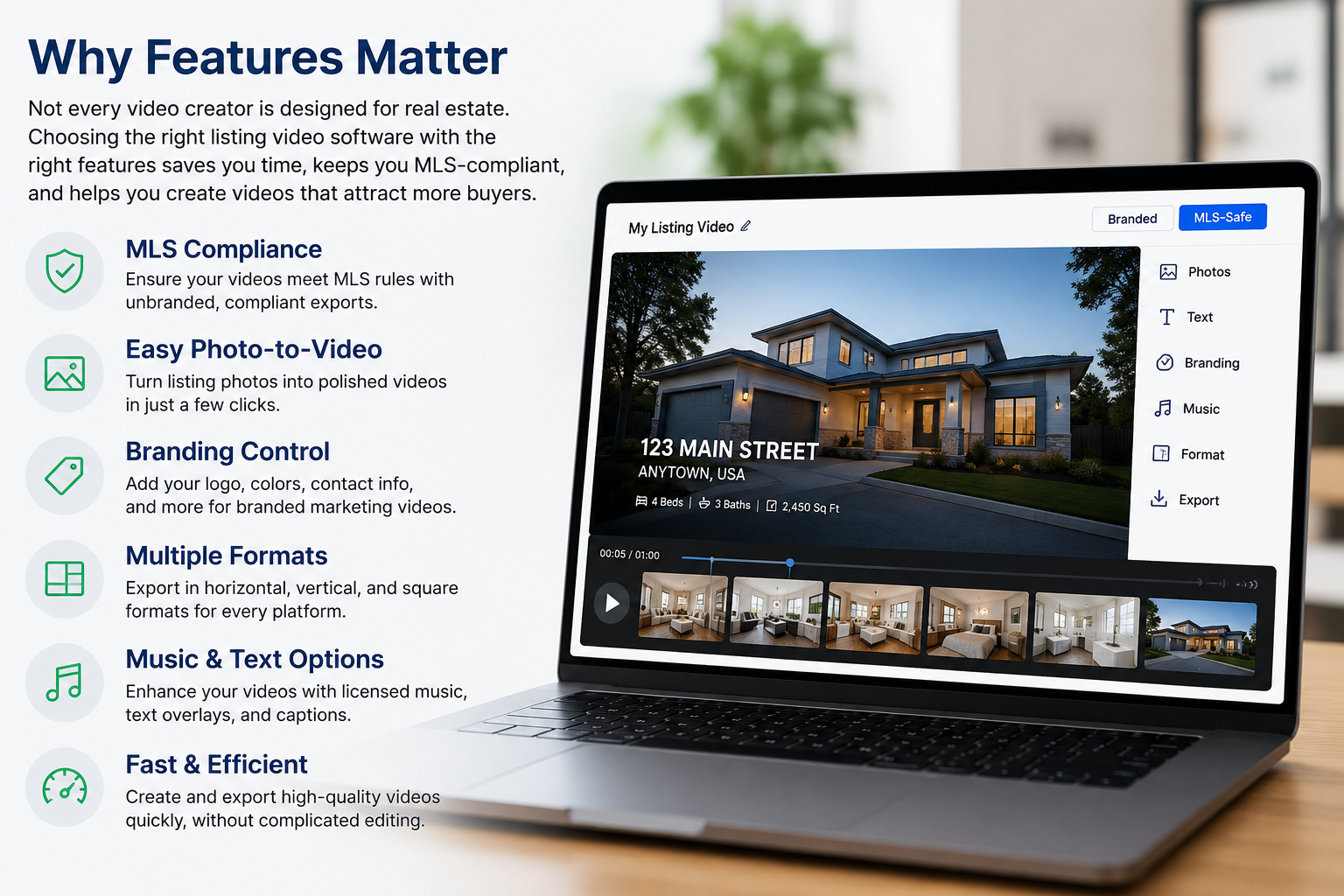
This is one of the most important features for real estate professionals.
The software should allow you to create a branded marketing video and a separate MLS-safe version. This helps reduce compliance risk and saves time.
A good real estate photo-to-video maker should allow users to upload photos, arrange them, choose a template, and generate a video without advanced editing experience.
The workflow should be simple enough for agents, assistants, photographers, and brokerage staff.
Look for the ability to add or remove:
These controls help maintain a consistent professional identity across every listing.
A reliable MLS safe real estate video software platform should provide templates specifically created for unbranded listing videos.
The template should focus on the property instead of the agent or brokerage.
Music can improve the presentation, but users should confirm they have the appropriate rights to use it.
Look for software that includes licensed or royalty-cleared music options. Some platforms may also support voiceovers, captions, or automated narration.
Agents should not need separate software for vertical, horizontal, and square videos.
The ability to export several aspect ratios makes it easier to build a complete listing marketing campaign.
Real estate marketing often happens under tight deadlines. The software should create videos quickly enough for same-day listing launches and marketing updates.
Traditional video editing can require hours of work. Automated software can create a polished video from listing photos much faster.
Hiring an editor for every property can become expensive. A MLS compliant property video maker provides a more scalable option for agents and photographers who handle multiple listings.
Templates, fonts, logos, colors, and contact details can remain consistent across every branded video.
One set of property photos can become an MLS video, social media Reel, YouTube video, website feature, and digital advertisement.
Agents do not need advanced video editing skills to create useful property content.
Producing separate branded and unbranded versions can reduce the chance of uploading promotional content to an MLS that does not allow it.
No software can guarantee compliance with every MLS organization. Rules may vary by market, association, and listing platform.
Always review the requirements of your specific MLS before uploading a video.
Poorly lit, blurry, crooked, or inconsistent photos will limit the quality of the finished video.
Using the same template for every listing can make content feel predictable. Changing the pacing, music, text, and photo sequence can help create variety.
Photo-based videos are useful, but they are different from professionally filmed walkthrough videos, drone footage, or cinematic property productions.
The right format depends on the listing, budget, market, and seller expectations.
Even when using AI-powered tools, users should review every video for spelling, photo order, branding, music, property details, and MLS compliance.
Your opening image should immediately show viewers the property. Choose a clean exterior photograph with good lighting and minimal distractions.
A listing video does not need to include every photograph. Choose the images that best communicate the property’s value.
For many listings, a concise video is more effective than a long presentation containing repetitive rooms or angles.
Arrange the video as though the viewer is touring the home. Avoid jumping randomly between exterior, interior, bedrooms, and amenities.
Text overlays can highlight important details such as:
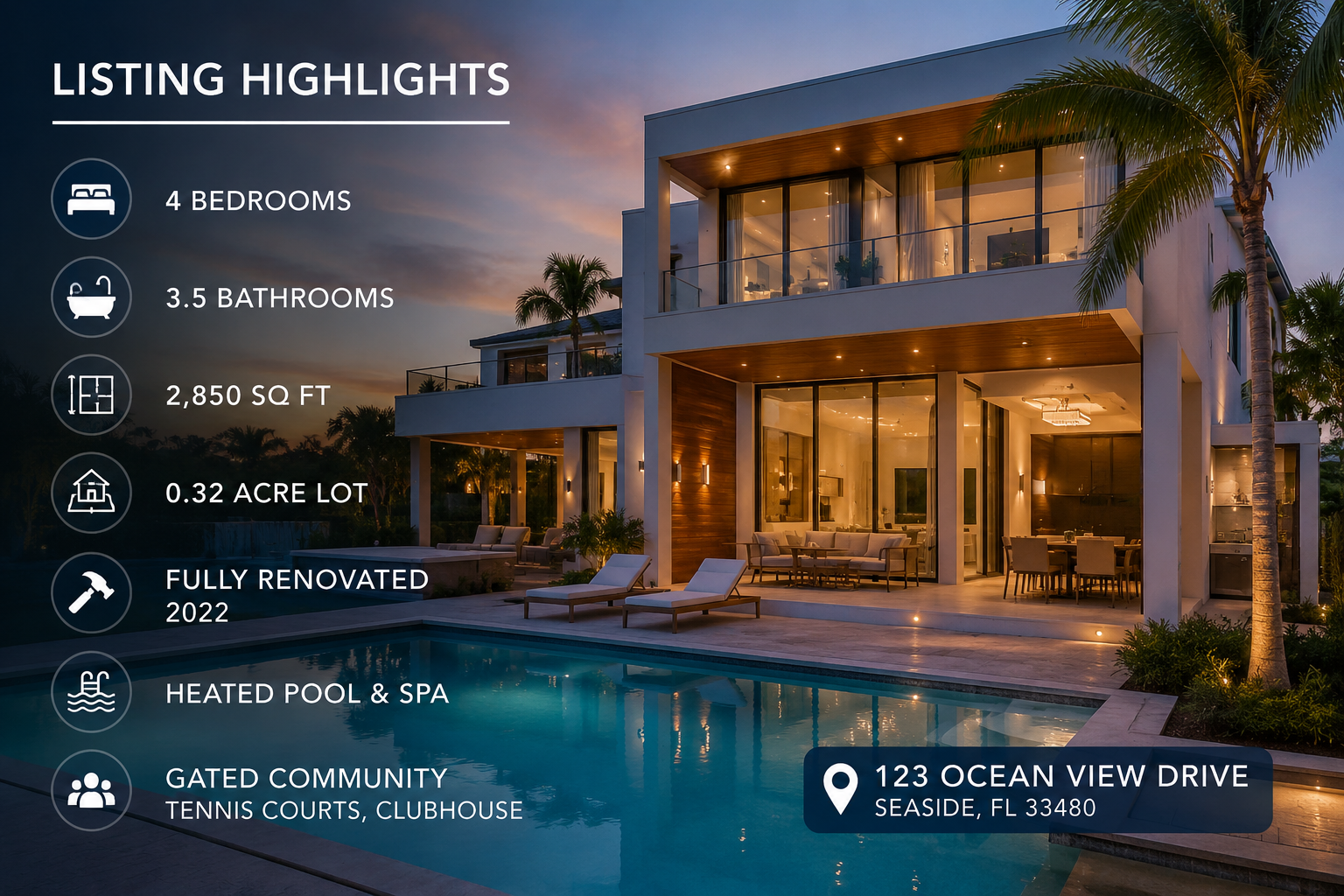
Avoid covering important parts of the photo with large text boxes.
Clean fades, gentle pans, and controlled zooms usually look more professional than dramatic effects.
Generate your MLS-safe and branded versions during the same editing session. This reduces the chance of accidentally uploading the wrong file.
Name each export clearly.
For example:
123-main-street-MLS-video.mp4123-main-street-branded-video.mp4123-main-street-instagram-reel.mp4Clear naming helps agents, assistants, photographers, and transaction coordinators avoid mistakes.
Before uploading, check:
Agents can create property videos quickly and use them in listing presentations, social campaigns, websites, and email marketing.
Photographers can offer listing videos as an additional service without adding a complicated manual editing workflow.
Brokerages can create standardized templates that keep agent marketing consistent while protecting the company’s brand.
Property managers can turn rental photos into videos for websites, rental portals, and social media promotions.
Marketing teams can create videos at scale for several agents, teams, offices, or markets.
An MLS-compliant video generally avoids promotional branding, agent contact details, brokerage logos, external links, and calls to action. However, rules vary, so always confirm requirements with your local MLS.
You may be able to, but it is often better to create two versions. Use an unbranded version for the MLS and a branded version for social media and advertising.
Yes. A MLS compliant listing video software platform can turn listing photos into a video using motion, transitions, text, and music.
Most modern tools are designed for users without professional editing experience. The software typically handles transitions, timing, formatting, and exports.
The use of AI is not necessarily the main compliance issue. The video still needs to follow the rules of the specific MLS, including branding, accuracy, content, and link requirements.
Video is no longer limited to luxury listings or large production budgets. With professional MLS safe real estate video software, agents and real estate marketers can transform existing listing photos into polished videos for the MLS, social media, property websites, email campaigns, and advertising.
The most effective platform should make it easy to create branded and unbranded versions, customize templates, control contact information, export multiple video formats, and review every detail before publishing.
A reliable MLS compliant property video maker can save time, reduce editing expenses, improve listing presentations, and help agents create more marketing content from every property photo shoot.
Ready to turn your listing photos into professional property videos?
Use PhotoAIVideo to create branded marketing videos and MLS-safe listing videos from your real estate photography. Upload your images, choose your presentation style, review your video, and export content designed for the platforms where you market properties.
Start creating professional real estate listing videos today.


Compact, ready to go anywhere
Interchangeable lens that’s upgradeable
Dual 1-inch sensors for improved clarity and low light performance
Dynamic range and 6K 360° capture
360° photo resolution at 21MP

8K 360° video recording for ultra-detailed visuals.
4K single-lens mode for traditional wide-angle shots.
Invisible selfie stick effect for drone-like perspectives.
2.5-inch touchscreen with Gorilla Glass protection.
Waterproof up to 33ft for underwater shooting.

360° photo resolution in 23MP
Slim design at 24 mm thick
Built-in image stabilization for smooth video capture.
Internal 19GB storage for photo and video storage.
Wireless connectivity for remote control and sharing.

60MP 360° still images for high-resolution photography.
5.7K 360° video recording at 30fps.
2.25-inch touchscreen for intuitive control.
USB Type-C port for fast charging and data transfer.
MicroSD card slot for expandable storage.
.png)

.png)

Try it free. No credit card required. Instant set-up.







.svg)


.svg)