


.png)


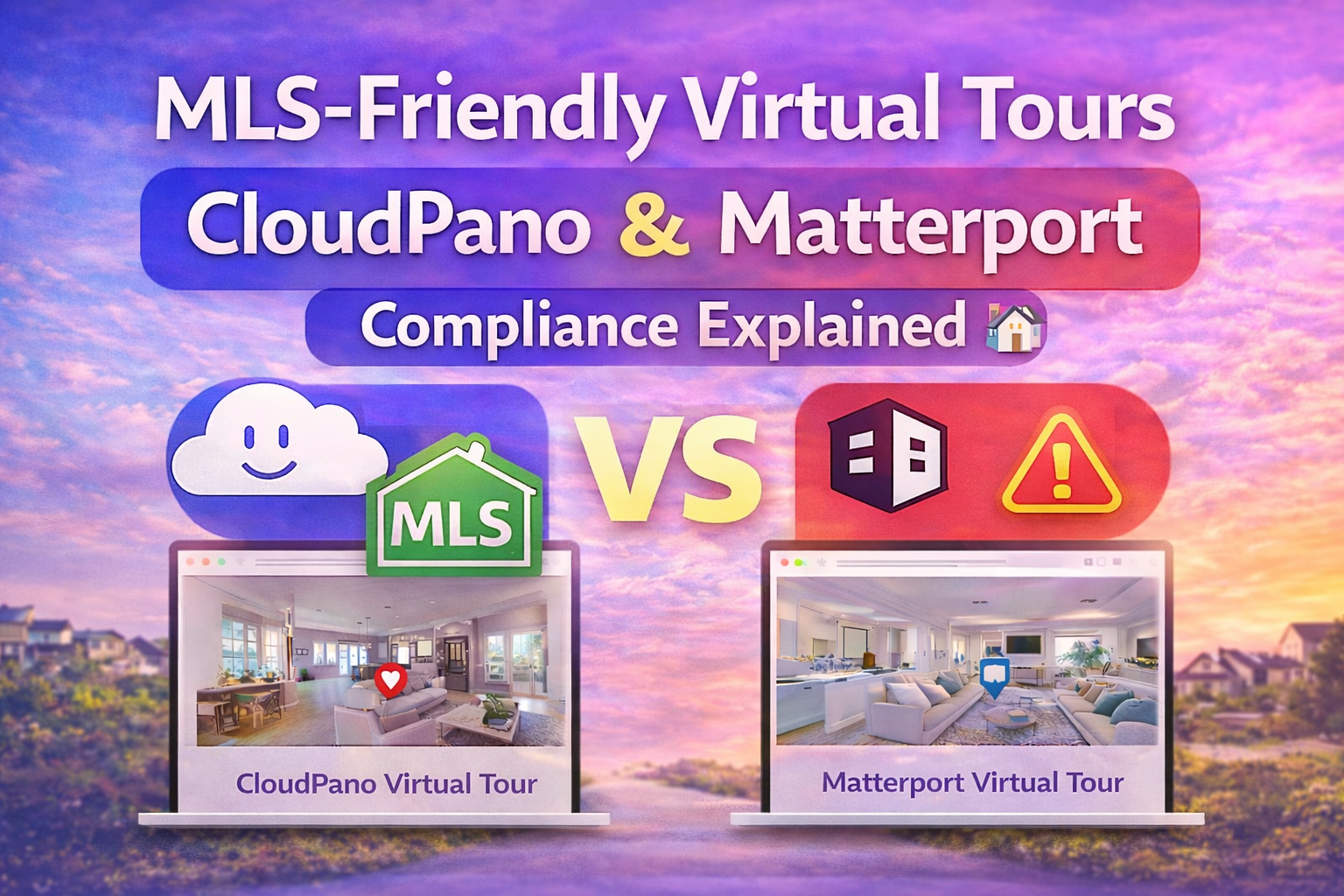
Virtual tours have become a core part of real estate marketing. Buyers expect to explore properties online before ever scheduling a showing. But when it comes to placing tours inside MLS systems, IDX feeds, and listing portals, there are important rules to follow.
Understanding how to create an MLS compliant virtual tour, when to use an unbranded virtual tour link, and how Matterport MLS rules compare with CloudPano MLS workflows can make a big difference in keeping your listings visible — and compliant.
In this guide, we’ll break down how MLS-friendly virtual tours work, what agents and photographers should know about IDX virtual tour placement and real estate syndication, and how recent industry news has made platform flexibility more important than ever.
An MLS compliant virtual tour is a tour that follows your local Multiple Listing Service’s media and branding rules. These rules are designed to keep listings fair and consistent when distributed across:
Most MLS systems require that tours placed in listing fields be unbranded — meaning they cannot promote the agent, brokerage, or service provider inside the tour itself.
That’s where the concept of an unbranded virtual tour link becomes critical.
MLS organizations focus on neutrality. When a tour appears in an MLS feed that gets distributed across platforms, it should represent the property — not advertise a vendor or agent inside the tour experience.
Typical MLS requirements include:
✔ No agent names inside the tour
✔ No brokerage logos embedded in the interface
✔ No contact information within the viewer
✔ No promotional banners or lead capture forms
Because of this, many platforms offer both branded and unbranded versions of the same tour. The unbranded version is what gets placed in MLS fields or IDX display areas.
Failing to follow Matterport MLS rules or your MLS’s branding requirements can result in listing violations or removal of tour links from the system.
In late 2025, the real estate tech world saw an unexpected shift: Zillow removed Matterport 3D tours from listings on Zillow and StreetEasy. Zillow said the removal was due to CoStar — Matterport’s parent company — declining to renew API agreements and updating licensing terms affecting third-party display.
Source: Zillow pulls Matterport tours from listings, blames CoStar
CoStar responded publicly, stating that Matterport users can still share tours broadly and that the licensing terms did not prohibit sharing tours on sites like Zillow.
Source: CoStar says integration/API dispute, not ownership issues
Regardless of where you land in that debate, one lesson became clear: platform integrations can change. When that happens, agents and photographers who rely solely on one method of displaying tours may be affected.
This is why understanding your listing platform virtual tour strategy — especially across MLS, IDX, and syndication — is so important.
To understand compliance, it helps to know where your tour link travels.
The MLS database is where agents input listing data, photos, and media links. The MLS often includes one or more “virtual tour” fields that accept an unbranded virtual tour link.
IDX (Internet Data Exchange) feeds pull MLS listings onto brokerage and agent websites. If the tour link is MLS-compliant, it will often appear on these sites automatically.
From the MLS, listings may be syndicated to portals and partner sites. How tours display on those sites can vary depending on agreements and platform capabilities.
Because the tour link flows through multiple systems, choosing a platform that makes it easy to produce a compliant link is essential.

Matterport is well known for immersive 3D “digital twin” tours. Many MLS systems accept Matterport tours when an unbranded version of the tour is used.
Here’s how it typically works:
✔ You create the tour in Matterport
✔ You generate a share link
✔ You ensure branding elements meet MLS rules
✔ You paste the link into the MLS virtual tour field
Matterport tours are hosted on Matterport’s platform, which means the display environment and controls are standardized. This works well in many MLS systems, but agents must always confirm that the version being shared is compliant with their MLS’s specific branding and display guidelines.
Because MLS policies vary by region, understanding local Matterport MLS rules is key.
CloudPano approaches virtual tours with flexibility in mind. It allows users to create both branded and unbranded experiences, which can be helpful when managing MLS requirements.
With CloudPano MLS workflows, users can:
✔ Generate a clean unbranded virtual tour link for MLS fields
✔ Maintain a branded version for marketing outside MLS
✔ Customize the interface while staying compliant
✔ Use the same tour across multiple distribution channels
This separation of branded and MLS-friendly versions helps professionals manage both compliance and marketing goals without rebuilding tours.
Even though MLS systems are structured databases, they still influence search visibility. Here’s how:
🔹 IDX websites pull listing content onto agent sites
🔹 Those pages can rank in Google search
🔹 Embedded tours improve engagement and time on page
🔹 Better engagement supports stronger search performance
If your listing platform virtual tour link is removed for compliance reasons, you lose a key engagement tool that helps listings stand out online.
To ensure your tours remain visible across MLS, IDX, and syndication channels, follow these evergreen best practices:
Keep branding and contact details out of the MLS link.
Use your branded tour for email campaigns, social media, and direct website promotion.
Rules can differ by association. Confirm whether interactive elements like floor plans or hotspots are allowed.
After uploading a tour, check how it appears on IDX and third-party sites.
As the Zillow–Matterport situation showed, display integrations can change. Keeping control over your distribution helps protect your marketing assets.
Read More:
CloudPano vs Matterport: Choosing a Virtual Tour Platform You Control
How to Embed Virtual Tours on Any Website: CloudPano vs Matterport
Both platforms can be used successfully within MLS systems when the correct version of the tour is shared. The difference comes down to workflow preferences and how much flexibility you want in branding and hosting.
Matterport offers an all-in-one environment that many agents value for its automated 3D capture and presentation. CloudPano emphasizes customization and control, which can make it easier to manage separate MLS and marketing versions of the same tour.
In both cases, the key is understanding:
The recent industry news about how tours appear on major portals serves as a reminder: your marketing strategy should not rely on a single display channel.
📎 Real Estate News and HousingWire both covered how the Zillow and Matterport integration situation unfolded.
By keeping MLS-compliant links ready and maintaining flexible hosting and sharing strategies, you reduce the risk of sudden changes affecting your visibility.
An MLS compliant virtual tour isn’t just a technical detail — it’s a critical part of listing visibility. Whether you’re using Matterport or CloudPano, understanding IDX virtual tour placement, real estate syndication, and the role of an unbranded virtual tour link ensures your tours stay online and compliant.
Both platforms can serve professionals well. The key is knowing the rules, staying adaptable, and keeping control over how your tours are shared across the evolving real estate landscape.


Compact, ready to go anywhere
Interchangeable lens that’s upgradeable
Dual 1-inch sensors for improved clarity and low light performance
Dynamic range and 6K 360° capture
360° photo resolution at 21MP

8K 360° video recording for ultra-detailed visuals.
4K single-lens mode for traditional wide-angle shots.
Invisible selfie stick effect for drone-like perspectives.
2.5-inch touchscreen with Gorilla Glass protection.
Waterproof up to 33ft for underwater shooting.

360° photo resolution in 23MP
Slim design at 24 mm thick
Built-in image stabilization for smooth video capture.
Internal 19GB storage for photo and video storage.
Wireless connectivity for remote control and sharing.

60MP 360° still images for high-resolution photography.
5.7K 360° video recording at 30fps.
2.25-inch touchscreen for intuitive control.
USB Type-C port for fast charging and data transfer.
MicroSD card slot for expandable storage.
.png)

.png)

Try it free. No credit card required. Instant set-up.







.svg)


.svg)