


.png)


In today’s real estate market, embedding virtual tours on your website is a powerful way to showcase property listings. Whether you're driving traffic to your own site or sharing tours across multiple marketing channels, the ability to embed virtual tours effectively can help you convert more leads and improve engagement.
Yet, recent industry shifts — including changes in how portal platforms handle Matterport tours — have made this topic more important than ever. In this guide, we’ll walk through everything you need to know about embed virtual tour on website, matterport embed restrictions, cloudpano website embed, virtual tour iframe, virtual tour hosting options, real estate website virtual tour, and property website tour embed — with practical advice you can use now and into the future.
Virtual tours increase online engagement dramatically. Listings with embedded tours tend to:
Investing in a solution that lets you embed your tour properly — across platforms, on your property pages, and within IDX/MLS fields — means your marketing isn’t held hostage by a single listing site or integration.
But before we dive into how to embed tours, let’s address a major shift that has impacted how Matterport tours are being treated on large portals like Zillow.
In October 2025, Zillow made a big announcement: it removed all Matterport 3D virtual tours from its Zillow and StreetEasy listings. Zillow said this was because CoStar — which owns Matterport after acquiring it earlier in 2024 — did not renew the API agreement that previously allowed Zillow to automatically show Matterport tours. Zillow also claimed that updated licensing terms now restrict the use of Matterport virtual tours on third-party listing platforms. Source: Zillow pulls Matterport tours from its listings
According to Zillow:
“Due to CoStar's decision to restrict its content, Zillow removed Matterport 3D virtual tours from listings on our sites.” Source
CoStar has countered this claim, saying that Matterport users can still share their virtual tours anywhere — including on Zillow — and that Zillow’s decision is a unilateral one made without changes to licensing that prohibit external usage. Source: CoStar Group sets the Record Straight on Matterport Spaces
Whether you agree with how this played out or not, the practical takeaway for marketers is this: relying on a single platform for virtual tours — especially one that may change integrations at any time — can put your property marketing at risk.
That’s why understanding your virtual tour hosting options and how to embed tours on your own property website — independent of any portal restrictions — is essential.
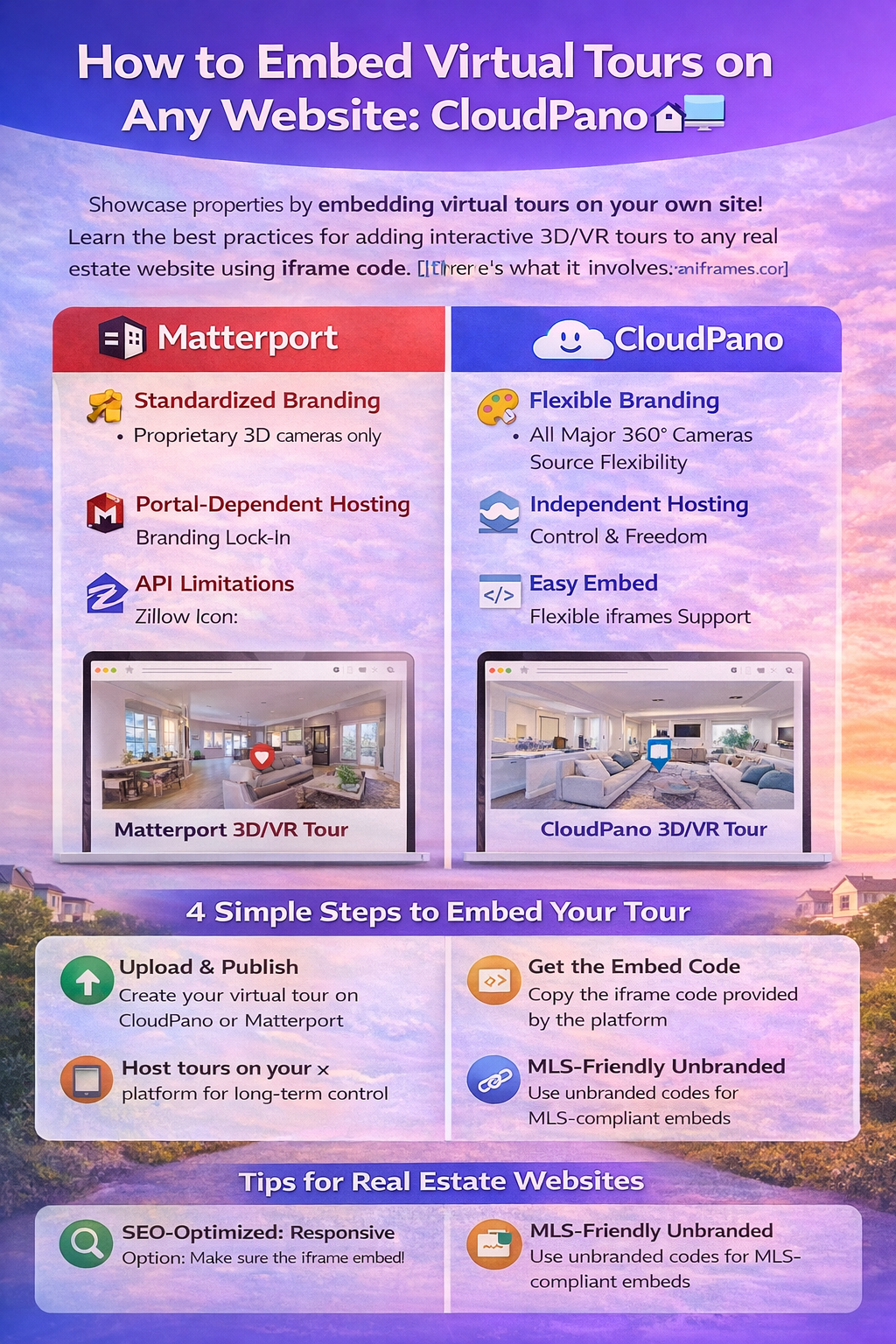
To embed virtual tours on your website, you are essentially placing an interactive viewer directly inside a webpage. This is typically done via an iframe — a small window inside your site that displays content hosted elsewhere.
Here’s what it involves:
This approach gives you control, improves SEO, and enhances the visitor experience.
There are many ways to generate and embed tours, but most real estate professionals compare two main approaches:
Matterport has been one of the most popular virtual tour platforms for real estate tours. Known for high-quality 3D walkthroughs and immersive experiences, Matterport has made it easy to produce polished tours.
How Matterport embeddable tours work:
However, there are some considerations around matterport embed restrictions — especially as portal platforms revise how those tours integrate. For example, Zillow’s removal of Matterport tours has caused many agents to rethink how they embed and host tours outside of third-party platforms.
Because Matterport tours are hosted on Matterport’s servers and tied to their platform ecosystem, embedding options come with branding and hosting dependencies that can affect user experience and control.
CloudPano is a platform designed from the ground up with flexible tour hosting and embed options. It supports a wide range of content sources — including 360° cameras and panoramic images — without locking you into proprietary hardware or workflows.
Why CloudPano is powerful for websites:
Because CloudPano is built for flexibility, it’s often considered a leading choice for professionals who want maximum control over how their tours appear — especially on real estate website virtual tour pages.
Below is a straightforward walkthrough you can use for most platforms that support embeddable tours:
Use your chosen platform (e.g., CloudPano or Matterport) to upload or generate the tour. Make sure it’s public or has the correct permissions to be shared.
Most virtual tour platforms will provide an iframe embed snippet. It will look something like this:
<iframe src="https://tour-platform.com/yourtourid" width="100%" height="600" frameborder="0" allowfullscreen></iframe>
Copy that code.
Open your property website’s HTML editor or CMS, and paste the iframe code where you want the tour to appear.
Save your changes, preview the page to ensure the tour loads correctly, and then publish.
This method works with almost all modern website platforms including WordPress, Squarespace, Webflow, Wix, and custom websites.
When choosing a platform to embed on your website, here are key elements to look for:
You need a platform that lets you paste simple iframe code without complex plugins or add-ons.
Some platforms let you remove external branding or adjust how the tour loads on mobile.
Your tour should load quickly and consistently for website visitors, without downtime.
Platforms that render tours cleanly help search engines crawl and index your pages more effectively.
CloudPano excels in many of these areas thanks to its open embed environment, while Matterport has strengths in immersive 3D visual quality and ecosystem support.
Here are best practices to ensure your embedded tours help your real estate website’s SEO:
Even though iframes don’t carry text, surrounding elements (like headings and captions) help search engines understand the content.
Embed the tour within the property description, not buried at the bottom of the page.
Make sure the tour adapts to mobile screens to improve engagement metrics like time on page.
Compress tour assets when possible, and avoid overly heavy embeds that slow your site.
Platforms like Zillow have shown that news about embed behaviors and tour integrations can change quickly, which underscores the importance of owning your marketing and hosting strategy.
By understanding virtual tour hosting options and how to embed virtual tour on website pages directly — whether you choose CloudPano or Matterport — you retain more control over how buyers experience your listings.
Read more: CloudPano vs Matterport: Choosing a Virtual Tour Platform You Control
Embedding tours on your own website puts you in control — not a third-party portal or API. Whether you prioritize:
✦ Flexibility and customization
✦ Ease of embed and site performance
✦ SEO visibility and engagement
…choosing a platform that makes it easy to embed tours directly will help you build better property pages and drive more traffic to your brand.
Platforms like CloudPano provide flexible cloudpano website embed capabilities and virtual tour iframe support that empower you to sell homes your way. Meanwhile, Matterport — even with some current embed restrictions on certain portals — continues to be a recognized leader in immersive 3D experiences.


Compact, ready to go anywhere
Interchangeable lens that’s upgradeable
Dual 1-inch sensors for improved clarity and low light performance
Dynamic range and 6K 360° capture
360° photo resolution at 21MP

8K 360° video recording for ultra-detailed visuals.
4K single-lens mode for traditional wide-angle shots.
Invisible selfie stick effect for drone-like perspectives.
2.5-inch touchscreen with Gorilla Glass protection.
Waterproof up to 33ft for underwater shooting.

360° photo resolution in 23MP
Slim design at 24 mm thick
Built-in image stabilization for smooth video capture.
Internal 19GB storage for photo and video storage.
Wireless connectivity for remote control and sharing.

60MP 360° still images for high-resolution photography.
5.7K 360° video recording at 30fps.
2.25-inch touchscreen for intuitive control.
USB Type-C port for fast charging and data transfer.
MicroSD card slot for expandable storage.
.png)

.png)

Try it free. No credit card required. Instant set-up.







.svg)


.svg)