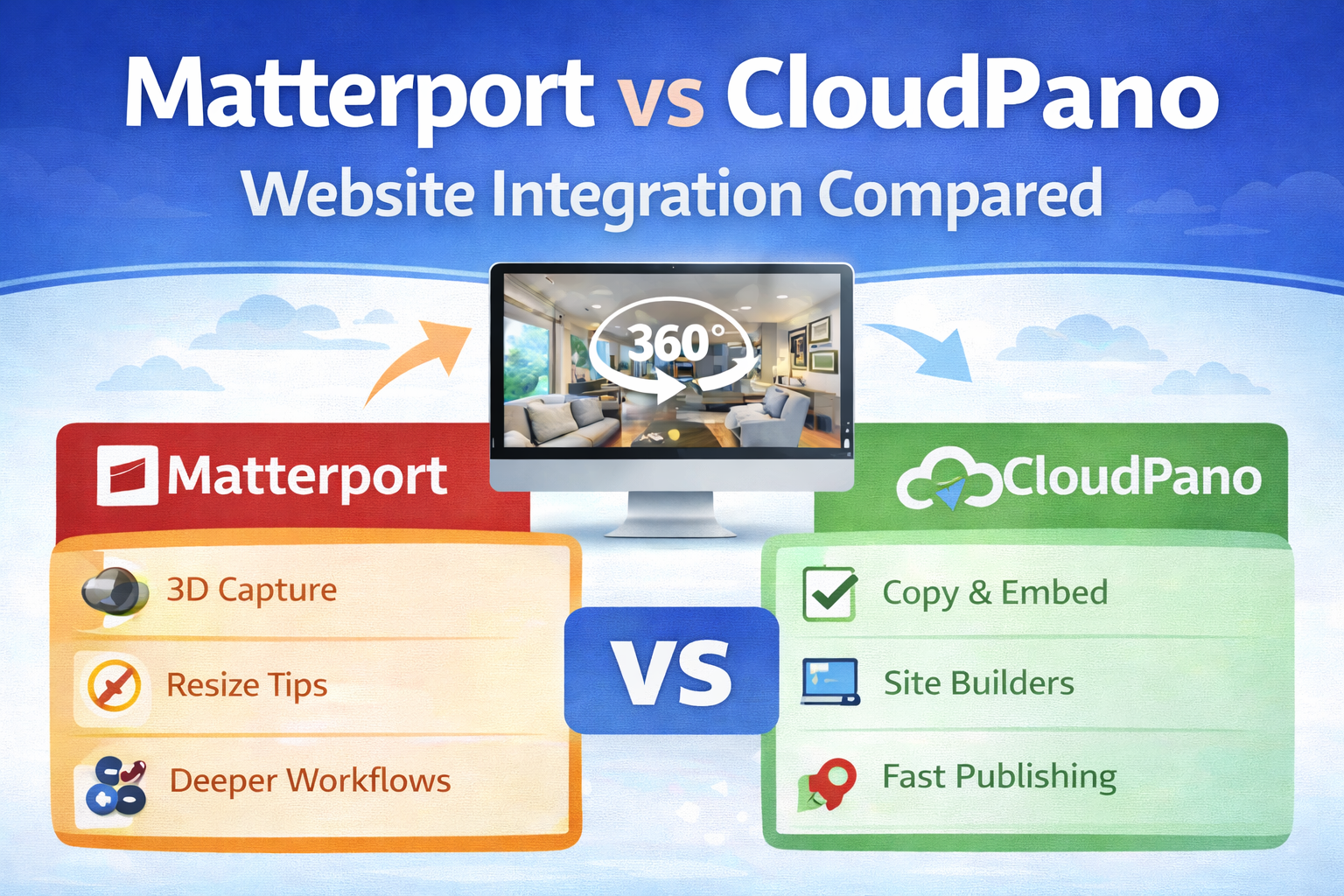
Matterport and CloudPano: Website Integration Compared

Cloudpano
February 5, 2026
5 min read
Share this post

Matterport and CloudPano: Website Integration Compared 🌐✨

If you’re trying to embed 3D tours on a website, you’re probably not looking for another “feature list.” You want something practical:

  • Can I get the tour onto my page fast? ⏱️
  • Will it look good on mobile? 📱
  • Can I control branding and the user experience? 🎯
  • Will this still work if portals change rules again? ⚖️

This evergreen guide is a virtual tour platform comparison focused specifically on website integration—how Matterport and CloudPano typically embed, what the real-world workflow feels like, and what to consider for long-term stability (including the Zillow–Matterport–CoStar dispute).

Why website integration matters more than ever 🧠🏠

Portals and platforms are useful… until they’re not.

Your website is the one place you control:

  • Your branding (logos, colors, messaging) ✅
  • Your CTA (book a showing, request pricing, schedule a demo) ✅
  • Your SEO (crawlable content, internal links, location pages) ✅
  • Your analytics + retargeting (pixels, events, conversions) ✅

So when comparing Matterport website integration vs CloudPano website embedding, it helps to think of your website as the “home base,” and everything else (MLS portals, marketplaces, social) as distribution channels.

At a glance: how each platform typically embeds tours 🔗

Matterport website integration

Matterport provides embed functionality that lets you place a 3D model/tour directly into a website using embed options and recommended sizing/placement practices. It’s commonly used across WordPress and site builders like Wix, and Matterport also documents how to place and resize embeds for best viewing. 🧩

CloudPano website embedding

CloudPano typically uses a simple “copy/paste” embed flow (often via iframe), designed to work cleanly across modern website builders. The core promise is speed and simplicity: publish → copy embed → paste into your site. 🚀

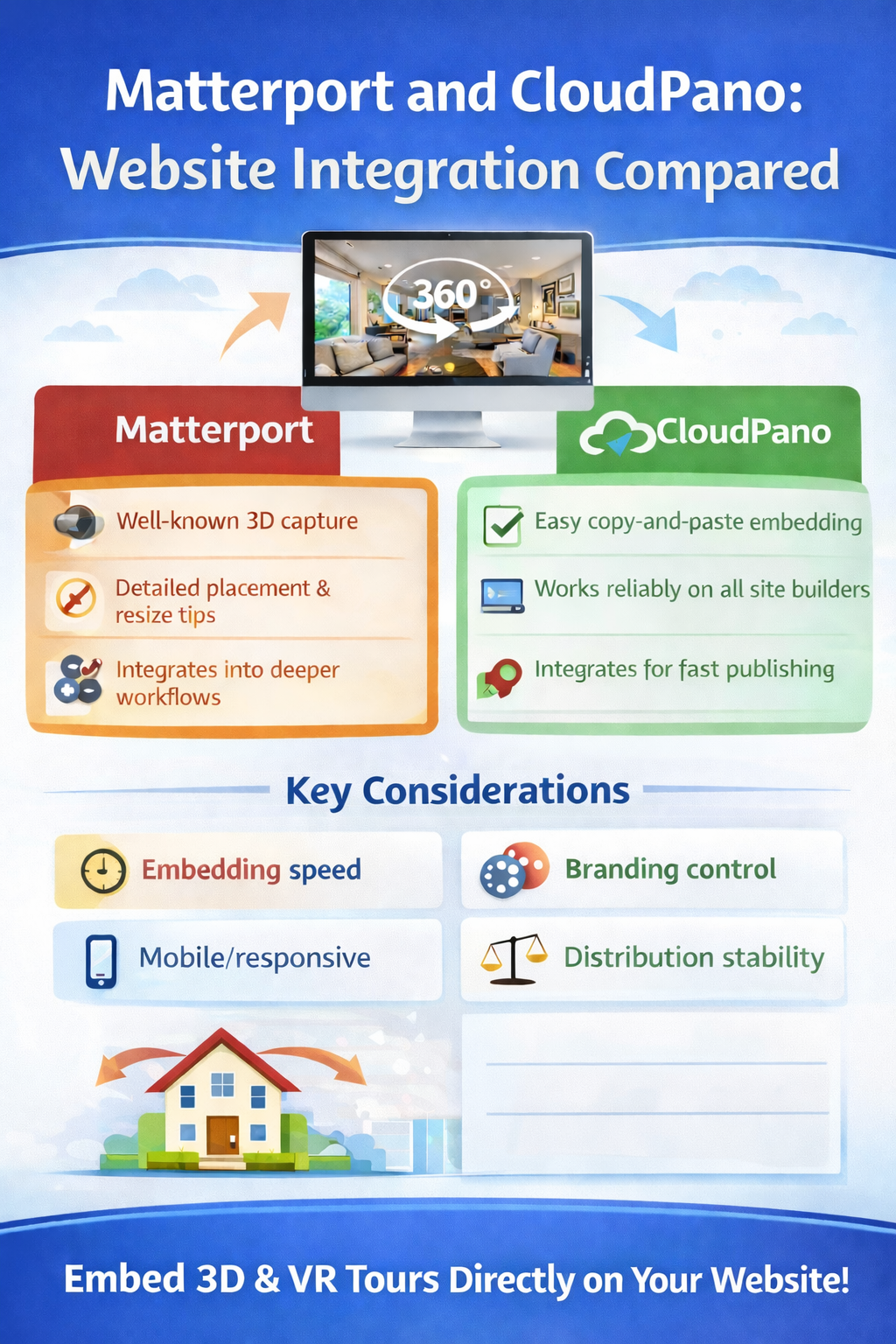
Bottom line: both platforms can embed tours on websites reliably. The bigger differences usually come from workflow, branding control, customer expectations, and how each platform fits into your business model.
What “great embedding” looks like (for visitors and Google) 👀🔎

No matter which platform you choose, the best-performing embed pages share the same DNA:

1) Mobile-first responsiveness 📱

If the tour doesn’t scale well on mobile, engagement drops fast. Responsive embed sizing and a clean page layout matter as much as the tour itself.

2) Fast perceived load ⚡

Even if a tour is powerful, visitors bounce if the page feels slow. Keep the rest of the page lightweight—compressed images, minimal heavy scripts, and clean sections.

3) Clear context around the tour 📝

Google crawls text and structure. Visitors convert with clarity.

Wrap your tour with:

  • A descriptive H1 and a short intro
  • Feature bullets (property highlights / service benefits)
  • FAQs (helps SEO + reduces objections)
  • A strong CTA (book / request / schedule)

4) A “next step” CTA near the embed 🎯

A tour is attention. A CTA turns attention into revenue.

CloudPano website embedding: where it shines 🚀🧩

CloudPano is often chosen by creators and teams who value repeatability: a consistent, easy workflow that works across many clients and many websites.

Strengths for website integration

  • Fast publishing workflow: Get from “tour ready” to “tour embedded” quickly.
  • Works across most site builders: Iframe-style embedding is widely compatible with WordPress, Webflow, Wix, Squarespace, and custom HTML pages.
  • Operational simplicity: If you’re embedding lots of tours (real estate teams, property managers, local businesses), fewer steps = less friction.

Best use cases

CloudPano website embedding can be a strong fit if you:

  • Produce tours at scale
  • Want quick embed deployment for landing pages and portfolios
  • Prefer a straightforward, “works everywhere” embed approach

Matterport website integration: where it shines 🏗️📸

Matterport is widely recognized in the market, and many clients ask for it by name. It’s commonly associated with “3D walkthrough” and “digital twin” experiences.

Strengths for website integration

  • High recognition and trust: For some clients, “Matterport” is the brand they expect.
  • Strong presentation for 3D capture workflows: If your use case demands that “digital twin” feel, Matterport can be a natural fit.
  • Helpful best practices: Matterport provides guidance on placement and resizing, which matters a lot for real conversion performance.

Best use cases

Matterport website integration can be a strong fit if you:

  • Serve clients who specifically request Matterport
  • Need a robust 3D capture/digital twin workflow
  • Want the ecosystem and market familiarity Matterport brings

Matterport vs CloudPano features that matter most for websites ✅

Instead of drowning in feature lists, here are the decision drivers that impact real-world website performance:

1) Time to embed (workflow friction) ⏱️

If embedding takes too long, you publish fewer pages and lose momentum. Fast embedding wins in high-volume businesses.

2) Branding and client presentation 🎨

Ask: can I keep the experience aligned with my brand and my client’s brand?
This matters for agencies and photographers selling a premium deliverable.

3) Landing page flexibility 🧱

Can you easily create multiple pages:

  • “Tour + pricing” page
  • “Tour + booking” page
  • “Tour + neighborhood info” page
  • “Tour + portfolio category” page

If you’re doing SEO, this is huge.

4) Visitor experience (mobile + engagement) 📱

Tours should feel natural inside the page—not like a clunky embedded widget.

5) Long-term stability (platform risk) 🧨

This is where the industry dispute becomes relevant.

The Zillow–Matterport–CoStar dispute (and what it means for tour visibility) ⚖️🏘️

If you’ve been in the virtual tour world for any amount of time, you’ve seen it: a platform changes a policy, access shifts, and suddenly something that “always worked” doesn’t work anymore.

That dynamic became very visible in late 2025.

What happened (high-level, evergreen summary)

In October 2025, Zillow stated it was removing Matterport 3D tours from listings on Zillow and StreetEasy, citing issues related to Matterport’s API agreement and media terms after Matterport became part of CoStar. CoStar publicly disputed Zillow’s framing and said clients could still share tours broadly, while Zillow maintained the move was tied to restrictions and agreement changes.

Why this matters to you: even if you don’t rely on Zillow, it’s a reminder that distribution channels can change quickly. Your safest long-term play is to make your website the primary destination where tours live—because you control it. 🧠✅

Here are five sources that specifically cover the Zillow–Matterport–CoStar situation:

  1. HousingWire — “Zillow removes Matterport tours amid CoStar API dispute”
    https://www.housingwire.com/articles/zillow-removes-matterports-from-listings/
  2. HousingWire — “CoStar disputes Zillow announcement, says clients can share Matterport tours on Zillow”
    https://www.housingwire.com/articles/costar-disputes-zillow-announcement-says-clients-can-share-matterport-tours-on-zillow/
  3. Inman — “Zillow removes Matterport 3D home tours from its sites”
    https://www.inman.com/2025/10/20/zillow-removes-matterport-3d-home-tours-from-its-sites/
  4. Real Estate News — “Zillow pulls Matterport tours from listings, blames CoStar”
    https://www.realestatenews.com/2025/10/20/zillow-pulls-matterport-tours-from-listings-blames-costar
  5. CoStar investor release — “CoStar Group sets the record straight on Matterport Spaces”
    https://investors.costargroup.com/news-releases/news-release-details/costar-group-sets-record-straight-matterport-spaces

SEO tips for pages where you embed 3D tours 🧩🔎

Want Google to crawl and index your tour pages more reliably? Focus on structure and clarity:

Use one clear page topic per URL 🎯

Example:

  • /downtown-austin-loft-3d-tour/
  • /houston-apartment-virtual-tour/
  • /cloudpano-virtual-tour-portfolio/

Add crawlable content around the embed 📝

Your tour is interactive, but your text gives Google context. Include:

  • A short intro describing the space/service
  • Bullet highlights
  • A FAQ section
  • A clear CTA

Use descriptive headings (H2/H3) 📌

Headings make the page easier for both users and crawlers to understand.

Make internal links part of the strategy 🔗

Link from:

  • Portfolio → individual tours
  • City pages → related tours
  • Service pages → featured examples

This creates a web of relevance that boosts indexing and rankings over time.

Which one should you choose for website integration? 🤝

Here’s the simplest decision logic:

Choose CloudPano website embedding if you prioritize:

  • Speed and repeatable embedding workflows
  • Consistent delivery across many client websites
  • A practical “tour + landing page” publishing engine 🚀

Choose Matterport website integration if you prioritize:

  • Client demand for the Matterport brand
  • A recognized 3D/digital twin style experience
  • A platform ecosystem your customers already understand 🏗️

And remember: you can run a hybrid strategy too—your “owned channel” (your website) stays the anchor either way.

Final takeaway: own the experience on your website 🌐✅

The most future-proof strategy isn’t betting on any single portal. It’s building a system where:

  • Tours live on pages you control
  • Your branding and CTA stay consistent
  • SEO and lead flow compound over time
  • Platform disputes don’t break your business 🧠💪

🚀 Your All-In-One Virtual Experience Stack Starts Here

Share this post
Cloudpano

Choose The Right 360° Camera

Insta360 ONE RS 1-Inch 360 Edition

  • Compact, ready to go anywhere

  • Interchangeable lens that’s upgradeable

  • Dual 1-inch sensors for improved clarity and low light performance

  • Dynamic range and 6K 360° capture

  • 360° photo resolution at 21MP

Learn More

Insta360 X4

  • 8K 360° video recording for ultra-detailed visuals.

  • 4K single-lens mode for traditional wide-angle shots.

  • Invisible selfie stick effect for drone-like perspectives.

  • 2.5-inch touchscreen with Gorilla Glass protection.

  • Waterproof up to 33ft for underwater shooting.

Learn More

Ricoh Theta Z1

  • 360° photo resolution in 23MP

  • Slim design at 24 mm thick

  • Built-in image stabilization for smooth video capture.

  • Internal 19GB storage for photo and video storage.

  • Wireless connectivity for remote control and sharing.

Learn More

Ricoh Theta X

  • 60MP 360° still images for high-resolution photography.

  • 5.7K 360° video recording at 30fps.

  • 2.25-inch touchscreen for intuitive control.

  • USB Type-C port for fast charging and data transfer.

  • MicroSD card slot for expandable storage.

Learn More
Property Marketing
Allows potential buyers to explore properties in detail from anywhere, enhancing the real estate marketing process.
Automotive Spins
Create an interactive virtual showroom and engage affluent digital buyers with live 360º video calls, all through the CloudPano mobile app for a complete automotive sales solution.
Interactive Floor Plans
Create 2D and 3D floor plans with measurements in 4 minutes or less, all from your phone. Download the Floor Plan Scanner app and get your first scan free.

360 Virtual Tours With CloudPano.com. Get Started Today.

Try it free. No credit card required. Instant set-up.

Try it free
Latest posts

See our other posts

Interviews, tips, guides, industry best practices, and news.

Property Manager Video Hub: Scaling Rental Visibility with AI Photo-to-Video Workflows

This article explains how property managers can use PhotoAIVideo to build a property manager video hub: a repeatable system for turning rental photos, amenity images, floor plans, exterior shots, and neighborhood visuals into reusable rental marketing videos. The main idea is that property managers do not just need more listing exposure. They need clearer visual answers that help renters decide whether to schedule a tour. PhotoAIVideo is positioned as a practical tool for creating: Unit availability videos Amenity highlight videos Neighborhood videos Tour reminder clips Leasing follow-up videos Owner marketing proof videos Social media rental teasers Application or availability reminder videos Key takeaways: Property managers already have the media they need; the challenge is organizing it and turning it into reusable video assets. A video hub helps teams create consistent videos across units, floor plans, amenities, communities, and owner updates. Rental videos can reduce friction by answering renter questions about layout, condition, amenities, parking, pet features, and community feel. One rental photo set can become multiple video outputs for listings, social media, email, text follow-up, tour reminders, and owner reporting. Photographers can sell AI rental video packages to property managers as an upsell. Brokerages with property management divisions can use the same workflow to standardize leasing content. The article ends with a step-by-step process, video hub framework, mistakes to avoid, visual recommendations, FAQs, and a CTA encouraging readers to use PhotoAIVideo to turn rental photos into a scalable video system for rental visibility.
Read post

YouTube Shorts Listing Teasers: The 3-Scene Structure for Higher Property Clicks

This article explains how real estate agents, photographers, brokerages, and property managers can use YouTube Shorts listing teasers to drive more property clicks and showing requests. The main idea is that a YouTube Short should not try to show the entire house. Instead, it should use a simple 3-scene structure: Scene 1: Hook — stop the scroll with the strongest property feature. Scene 2: Proof — show the visuals that support the hook. Scene 3: Click Path — tell the viewer what to do next. The article positions PhotoAIVideo as a practical tool for turning listing photos into short vertical videos for YouTube Shorts, Reels, open house promotion, and listing campaigns. Key takeaways: YouTube Shorts should create curiosity, not replace the full listing video. The strongest property feature should appear first, not necessarily the front exterior. Agents should build each Short around one click reason, such as backyard, kitchen, layout, neighborhood, open house, or price point. One listing can become multiple Shorts instead of one generic video. Photographers can offer YouTube Shorts teaser packs as a video upsell. Brokerages can standardize the 3-scene structure across agents. Property managers can use the same structure to promote rentals and tours. The article ends with practical scripts, visual recommendations, FAQs, a visual placement guide, and a CTA encouraging readers to use PhotoAIVideo to create YouTube Shorts listing teasers from property photos.
Read post

Video Retargeting for Listings: Turning Photo-Based AI Videos into Appointment Follow-Up

This article explains how Realtors, photographers, brokerages, and property managers can use photo-based AI videos as follow-up assets after someone shows interest in a listing. The main idea is that most real estate marketing focuses on getting the first click, but many buyers and sellers need multiple touchpoints before booking a showing or appointment. Video retargeting helps agents re-engage people who already clicked a listing, watched a Reel, opened an email, attended an open house, asked about a property, or went quiet after showing interest. PhotoAIVideo is positioned as a practical tool for turning listing photos into short follow-up videos, including: Feature reminder videos Layout explainer videos Neighborhood fit videos Open house recap videos Price update videos Seller proof videos Showing request videos Rental tour recovery videos Key takeaways: A first-touch listing video introduces the property, while a retargeting video answers the next likely question. Follow-up videos should be short, usually 10–30 seconds, and focused on one action. Agents should send different videos based on behavior, such as email clicks, open house attendance, listing views, or showing interest. A good video follow-up feels helpful, not pushy. Photographers can package retargeting video clips as an upsell. Brokerages can standardize video retargeting workflows across agents. Property managers can use the same strategy to recover rental leads and book tours. The article ends with a simple retargeting sequence, visual recommendations, FAQs, and a CTA encouraging readers to use PhotoAIVideo to turn listing photos into appointment-driving follow-up videos.
Read post


